
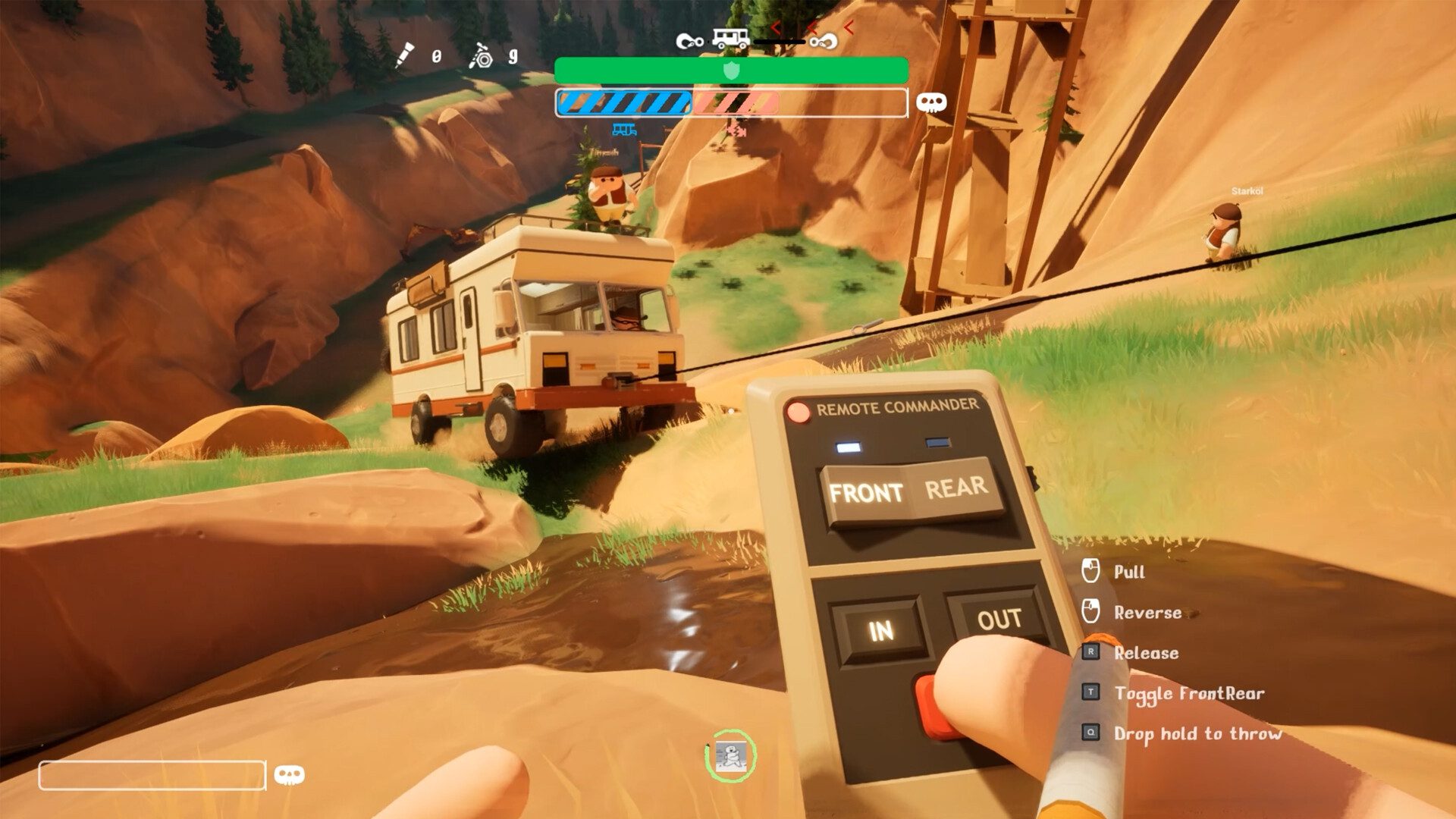
RV There Yet Crossplay Not Working after the October 29, 2026 update? The new multiplayer feature connects PS5, Nintendo Switch 2, Xbox Series X|S, Steam and Microsoft Store PC, so start by checking that everyone is running the current game build and using the same active lobby.
The October 29 update added join codes, IP joining and public lobby filters, as well as networking improvements. Begin with the session itself before changing router settings: most connection checks can be done inside the game or through the platform’s normal network test.
Check the October 29 crossplay update
Steam and Xbox received the crossplay patch, version 1.4.1, on October 29. Nuggets followed it with hotfix 1.4.1.21945 on October 30. Install the latest update available for your platform; the Switch 2 fix for floating items is due later.
RV There Yet Crossplay Not Working with a join code
RV There Yet Crossplay Not Working with a code can be caused by the wrong session or a lobby that has filled up. Ask the host to confirm the game is still open and that they have not created a replacement lobby since sending the code. Enter the code displayed by the current session, paying attention to every character.
The official player limit is four including the host. If there are already four people, the fifth will not get in through the same code. Have the host check who is connected before trying again. A session restart is a straightforward next step if the code still leads nowhere.
Public lobbies missing? Reset the filters
Patch 1.4.1 added filters for session length, number of players and open slots. A narrow search can hide games that would otherwise appear in the public browser. Clear or broaden those filters, then look for an active lobby with a free slot.
RV There Yet Crossplay Not Working on PS5 or Switch 2
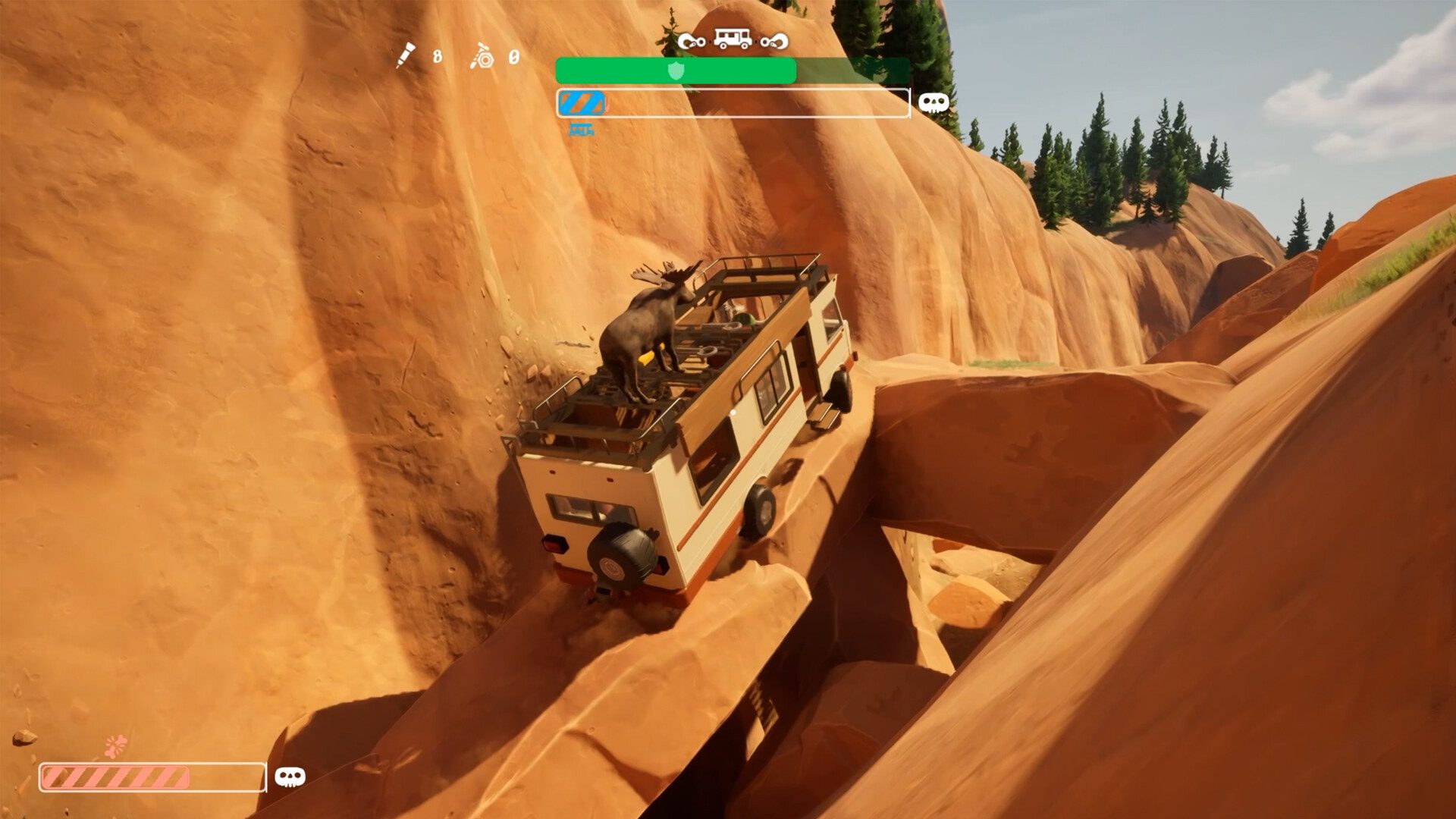
PlayStation lists PlayStation Plus as required for online multiplayer in RV There Yet?. The game itself is a separate purchase, with solo play available without an online session. If a PS5 player cannot join, confirm the account can use the platform’s online multiplayer service.
Nintendo’s Switch 2 listing says Nintendo Switch Online is required for online play. It supports one player on a single console and up to four online. Verify the membership and network access before treating a joining failure as a game defect. PC owners also need their store client and game running normally.
Check the host and platform services
RV There Yet Crossplay Not Working for everyone in a group points towards the host’s session or a service problem. Start with a normal connection test on each console or computer. Confirm that Steam, Xbox, PlayStation Network or Nintendo’s online service is available to the affected player.
If one friend is failing to join, have them restart the game and enter the code again. If everybody is rejected, have the host create a fresh lobby. Check Nuggets Entertainment’s developer notices and the platform network status when a problem affects several people at once.
Floating items in Switch 2-hosted sessions
A separate problem affects interactable objects in multiplayer, even after everyone has joined. Nuggets fixed floating items in hotfix 1.4.1.21945 on October 30, but the Switch 2 edition is scheduled to get that fix the following week. Until then, the developer says floating objects can still occur when a Switch 2 player hosts.
RV There Yet Crossplay Not Working: IP and network checks
If you are still searching for RV There Yet Crossplay Not Working fixes, note each person’s platform, game version, joining method and the error message. Include those details in a developer bug report. They are more useful than changing unrelated firewall or account settings.
Related Guides
Official source: Nuggets Entertainment crossplay and networking patch notes.





