
Pokémon Pokopia Pokédex: All Pokémon, Habitats and Specialties
Pokémon Pokopia Pokédex coverage on The Click brings the game’s residents into one searchable directory, with each Pokémon linking to a dedicated guide for its Habitat requirements, Specialty, time and weather conditions, and the method used to befriend it. Pokopia is a life-simulation game, so these guides focus on building the right environment and using each resident around your town rather than filling pages with battle information that does not answer Pokopia searches.
The standard Pokémon Pokopia Pokédex contains 300 numbered entries, while special events use a separate Event Pokédex. The Bubbly Basin expansion adds a 50-entry underwater Pokédex as part of the Expansion Pass. Some species can appear in more than one section, so The Click keeps one permanent Pokopia guide for each species and combines all of its confirmed methods on that page instead of creating duplicate articles.
Browse the Pokémon Pokopia Pokédex
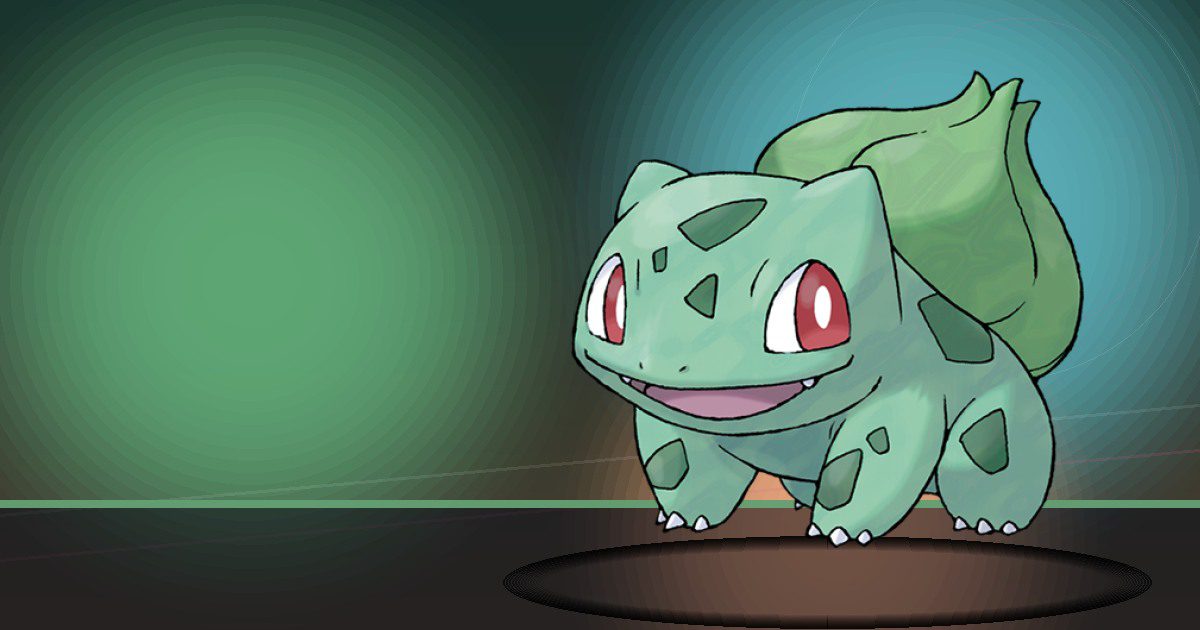
Bulbasaur
Grow
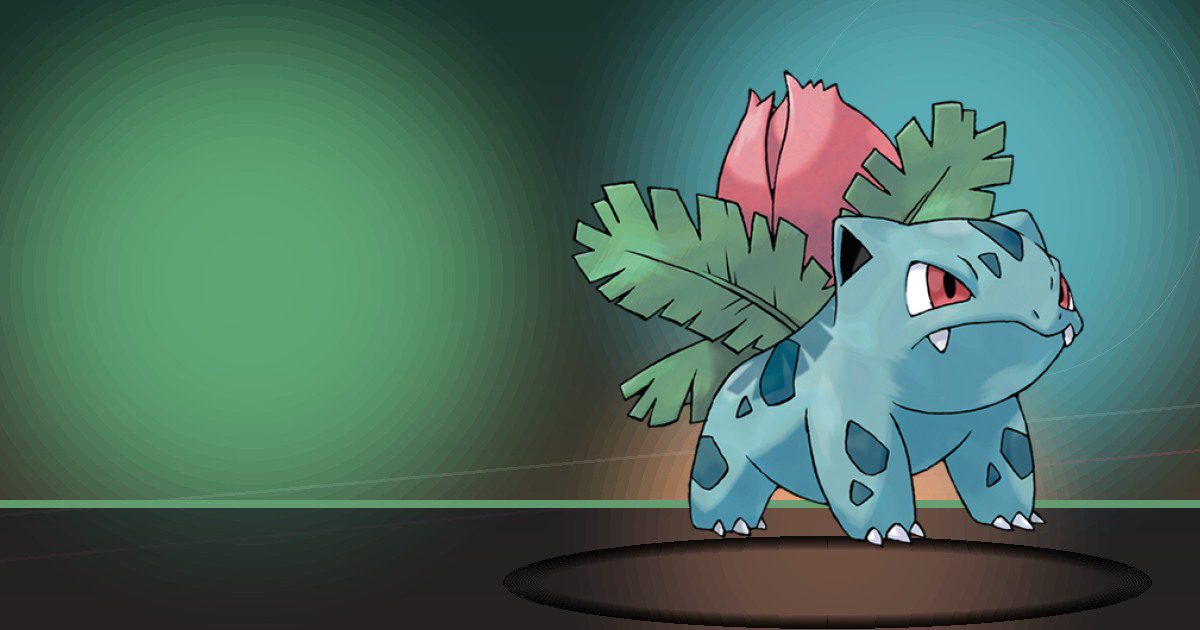
Ivysaur
Grow
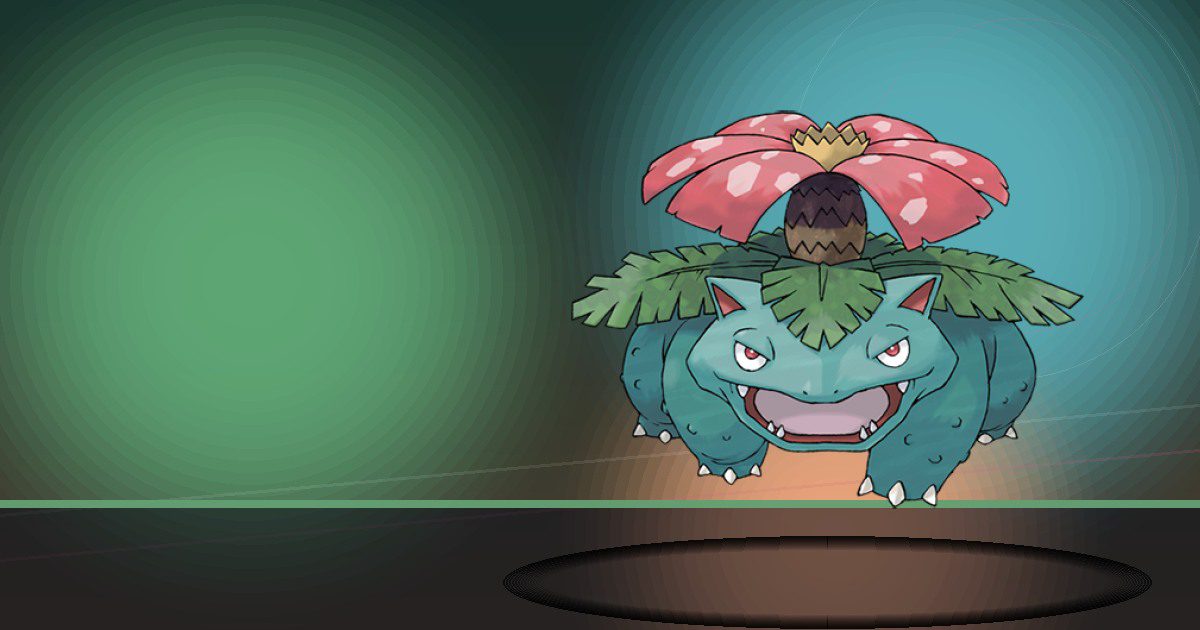
Venusaur Gmax
Grow and Litter

Charmander
Burn
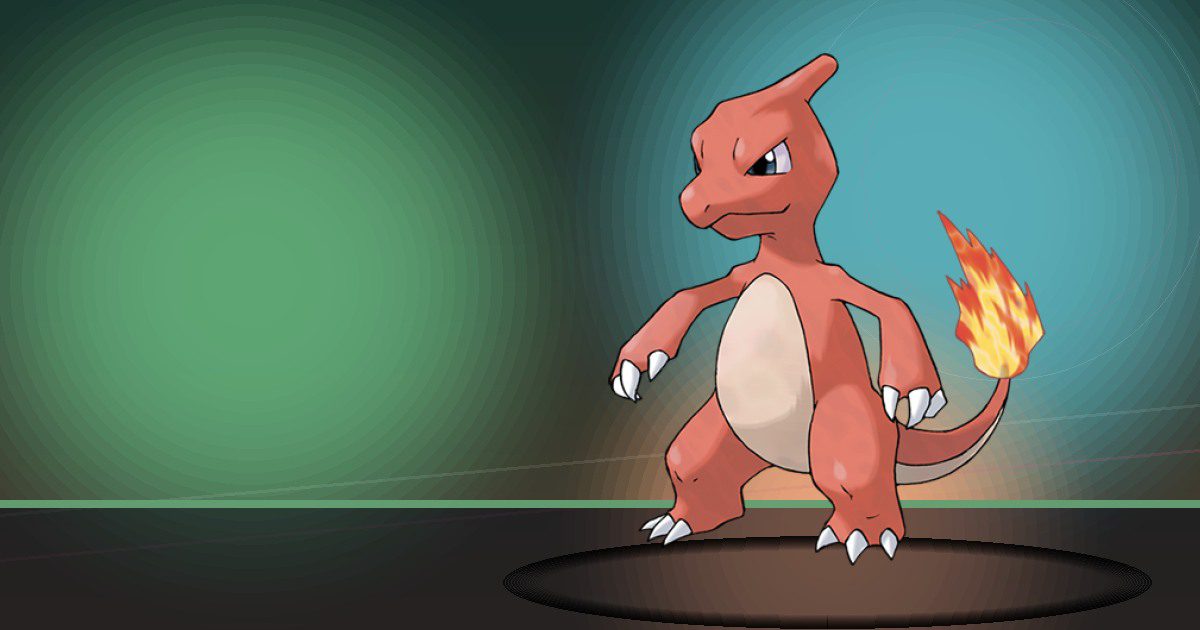
Charmeleon
Burn
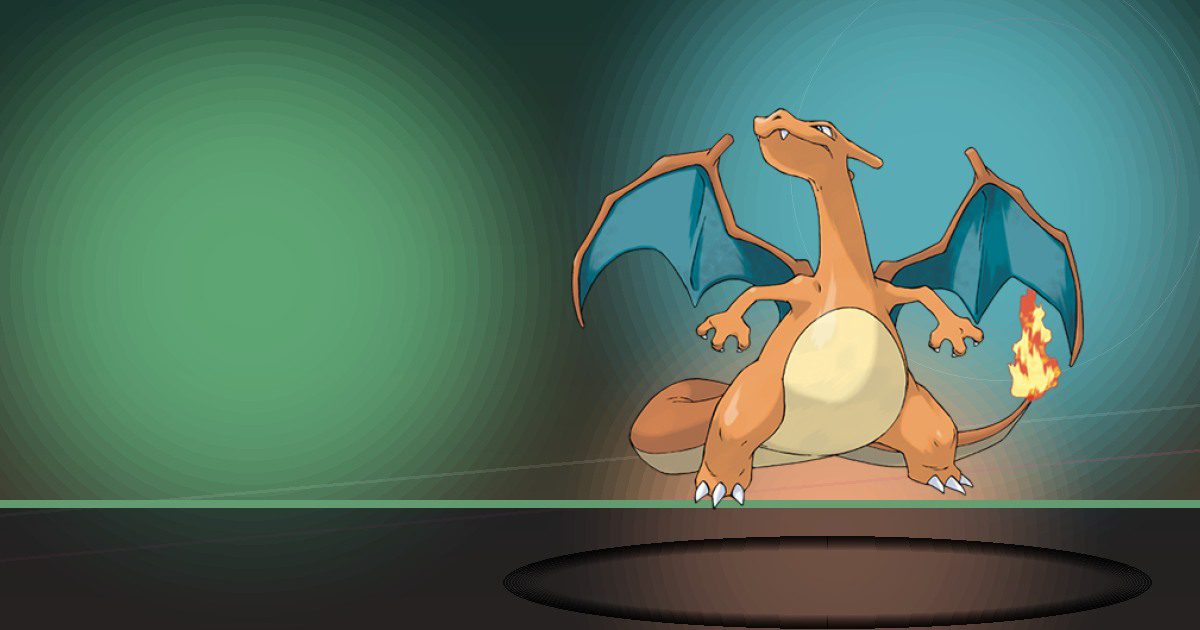
Charizard Gmax
Burn and Fly

Squirtle
Water
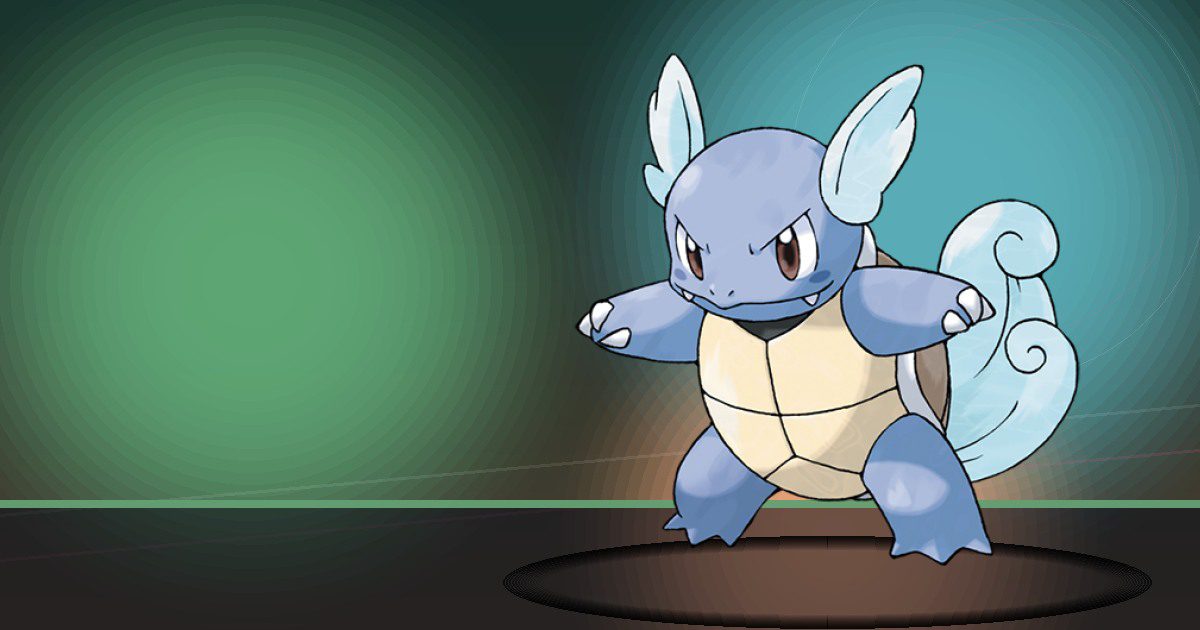
Wartortle
Water
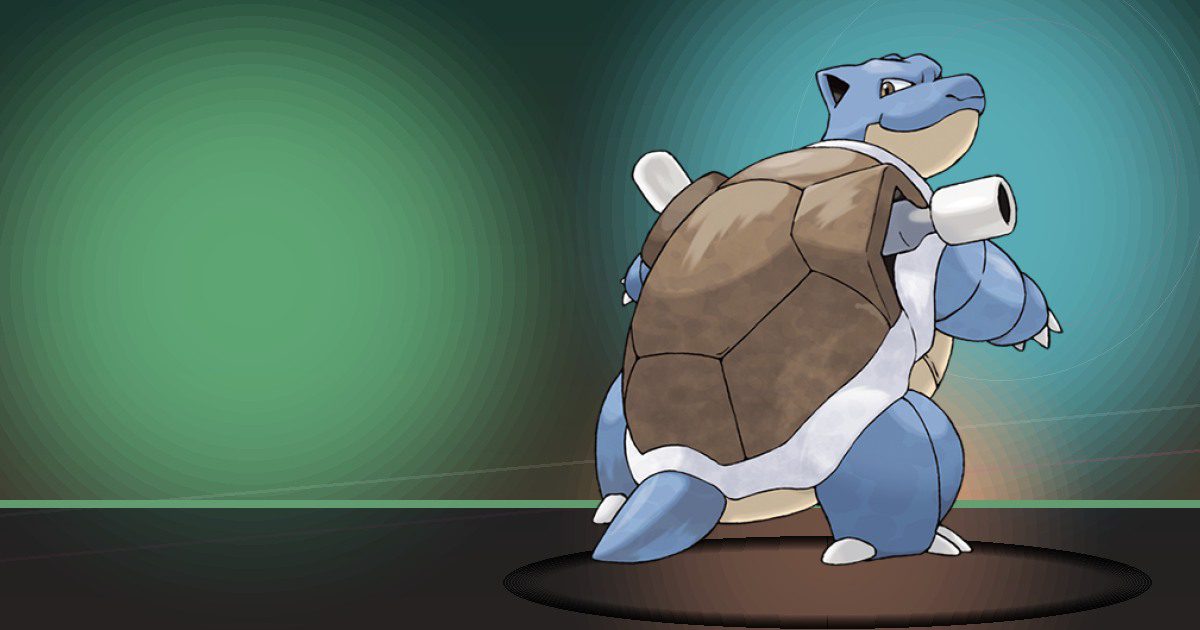
Blastoise Gmax
Water and Trade
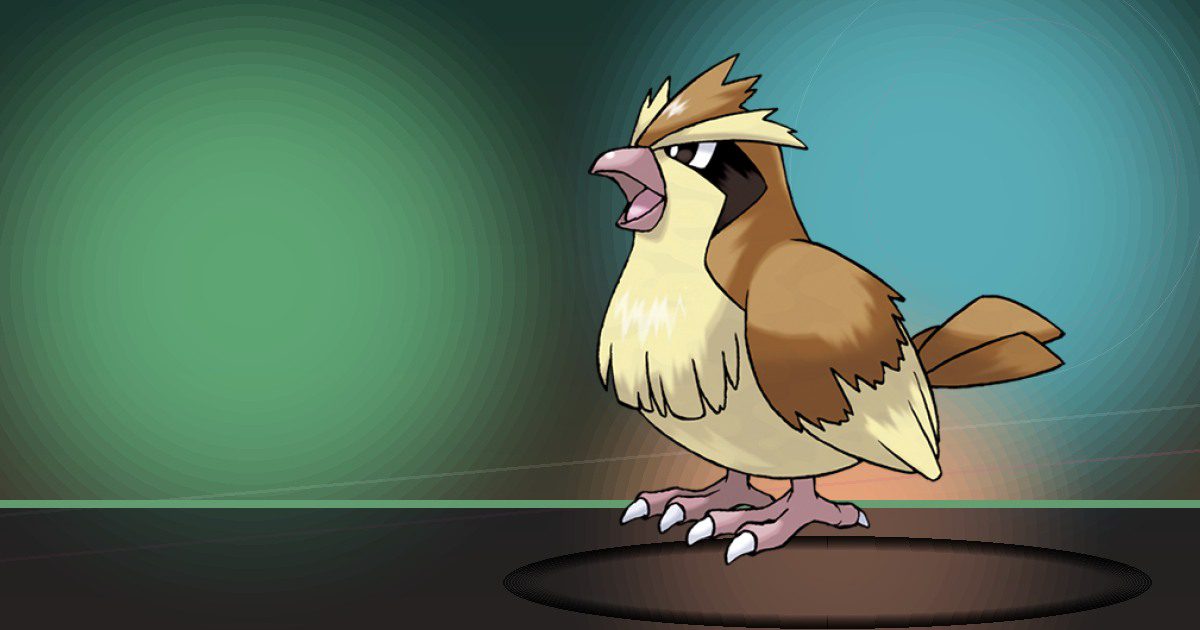
Pidgey
Fly and Search
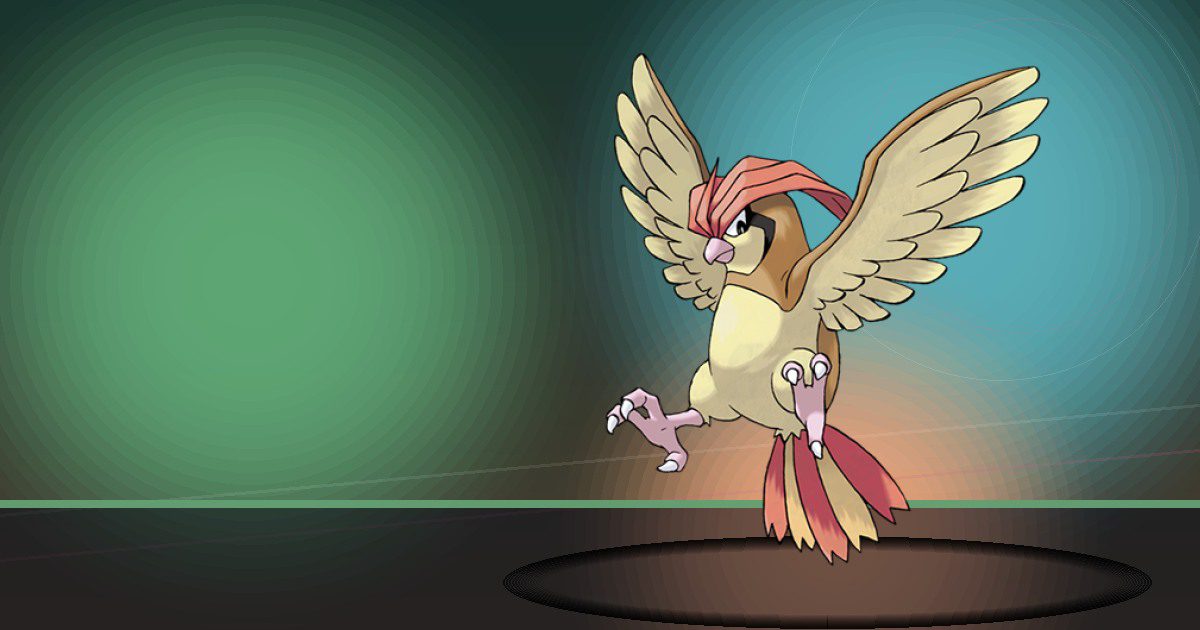
Pidgeotto
Fly and Search

Pidgeot ♂ega
Fly and Search
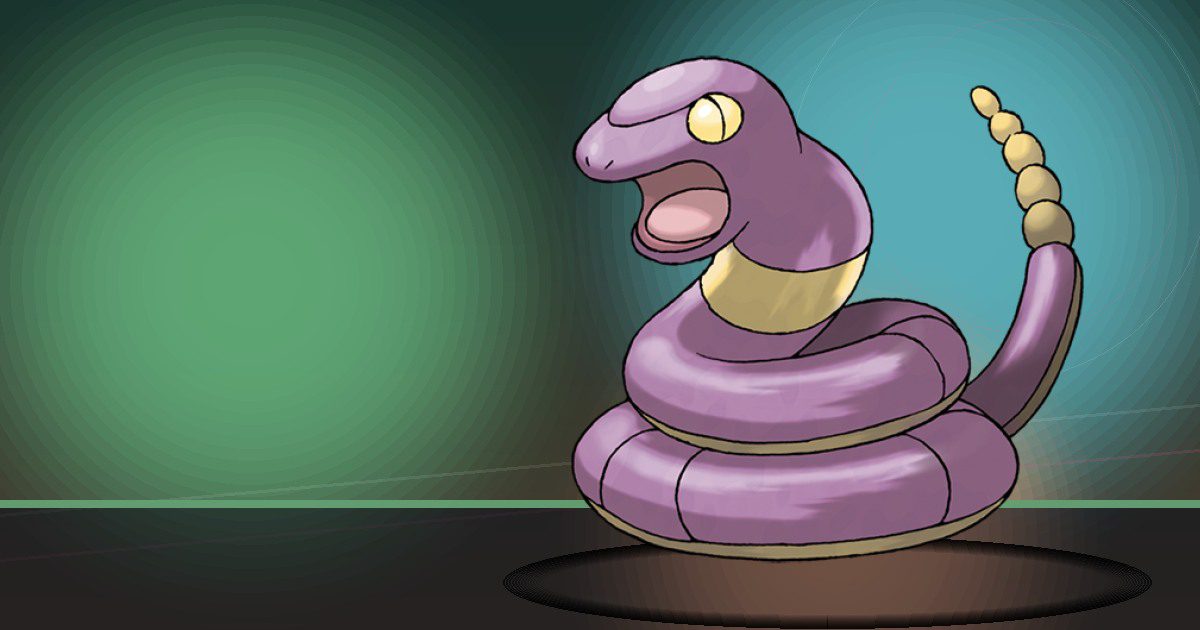
Ekans
Search
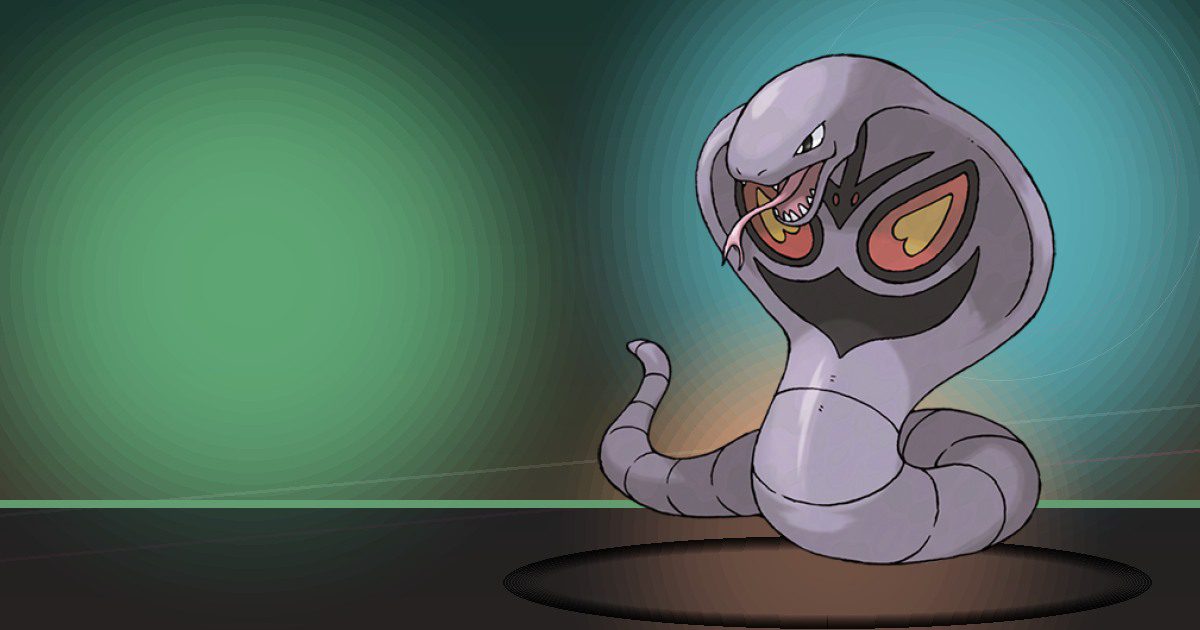
Arbok
Search

Pikachu Gmax
Generate

Raichu Alola
Generate and Hype

Clefairy
Hype
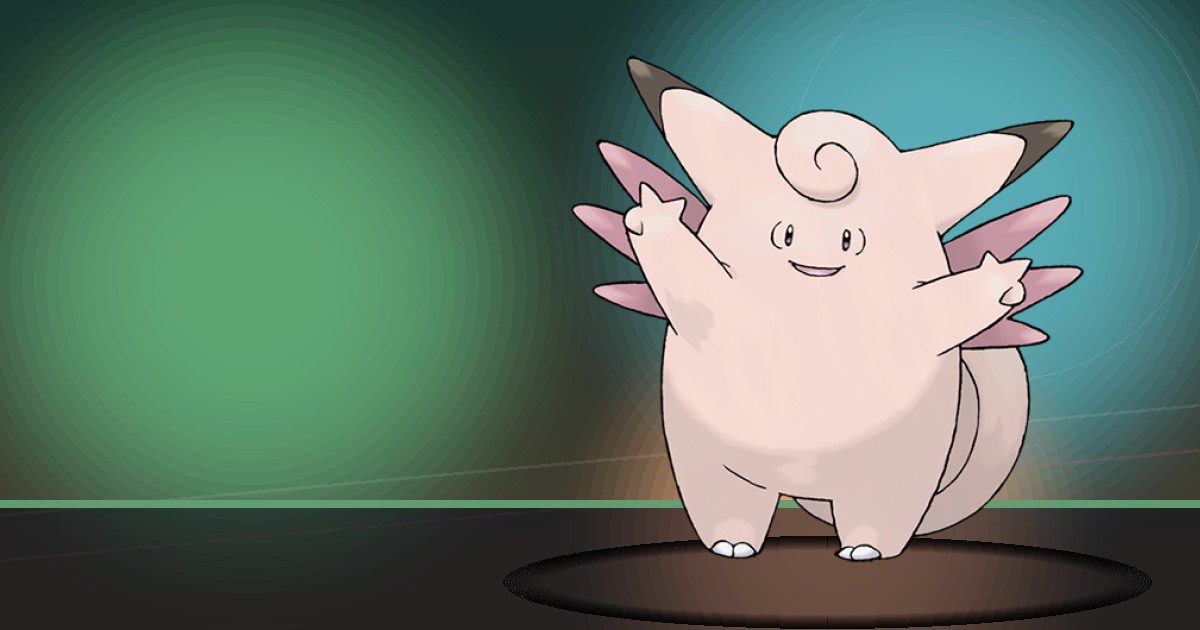
Clefable
Hype and Trade
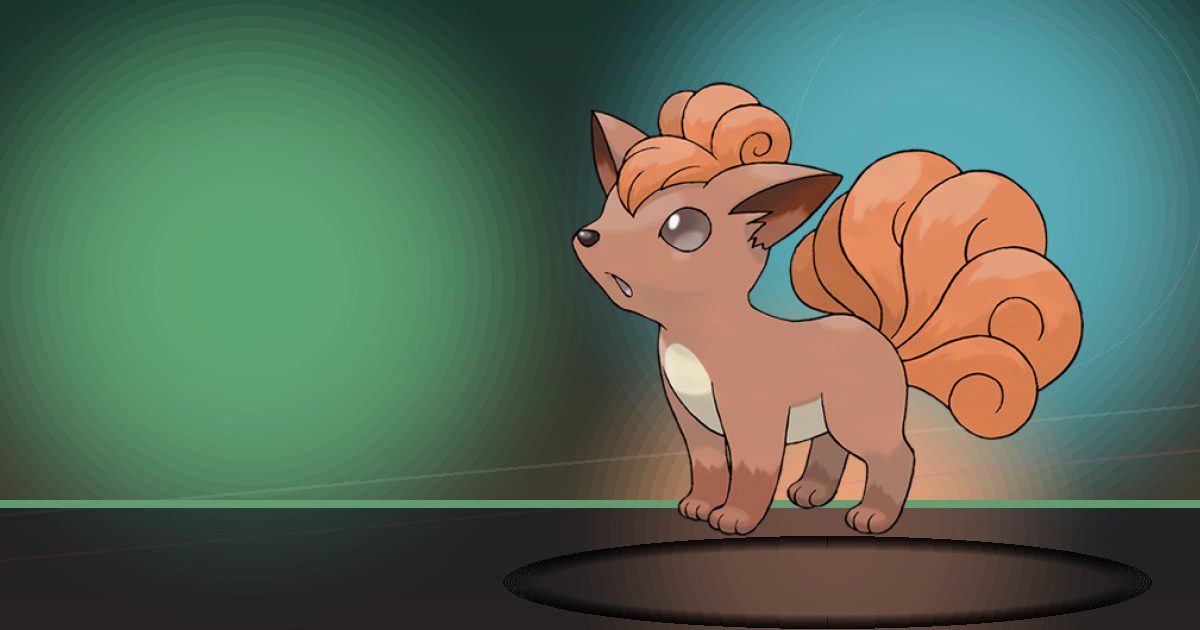
Vulpix Alola
Burn
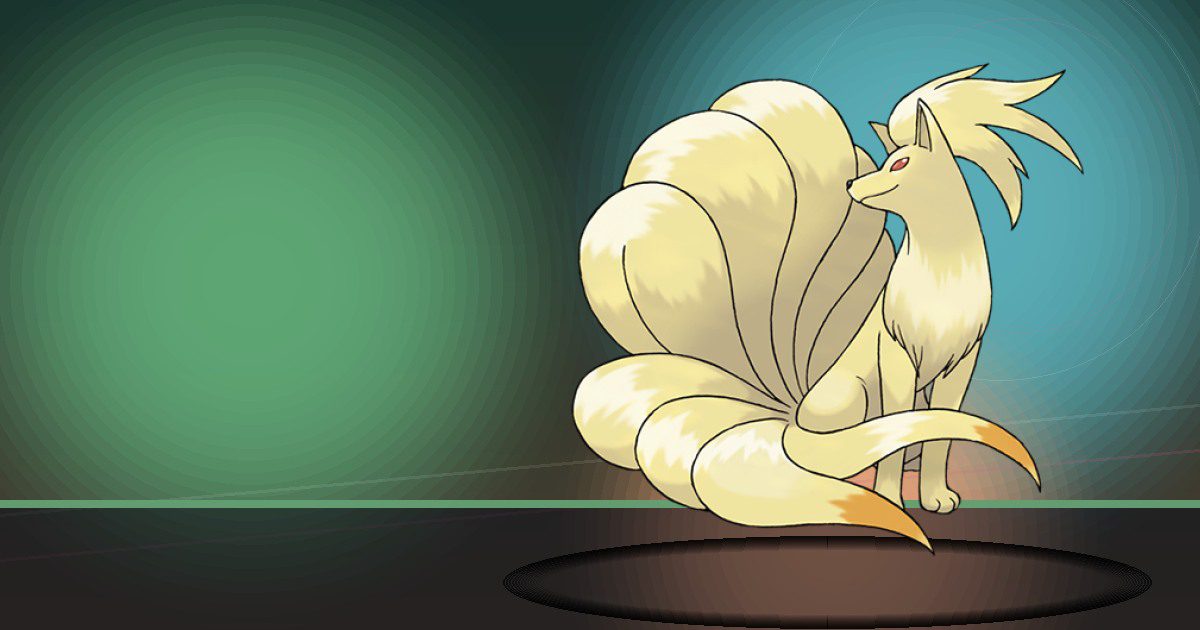
Ninetales Alola
Burn

Wigglytuff
Hype and Trade
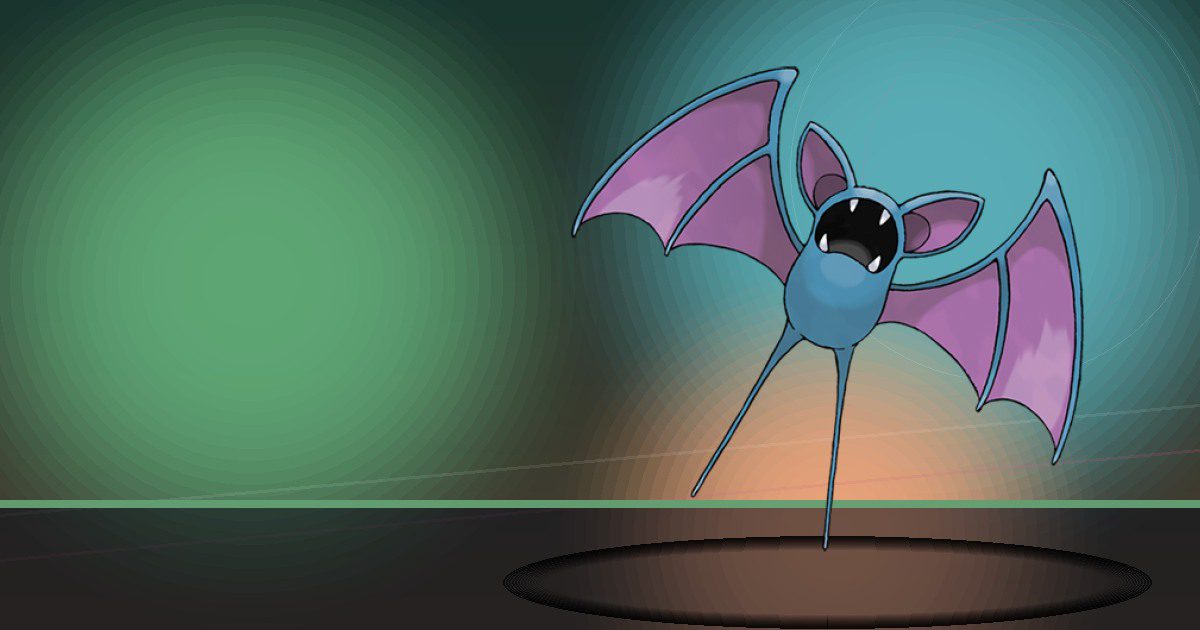
Zubat
Search
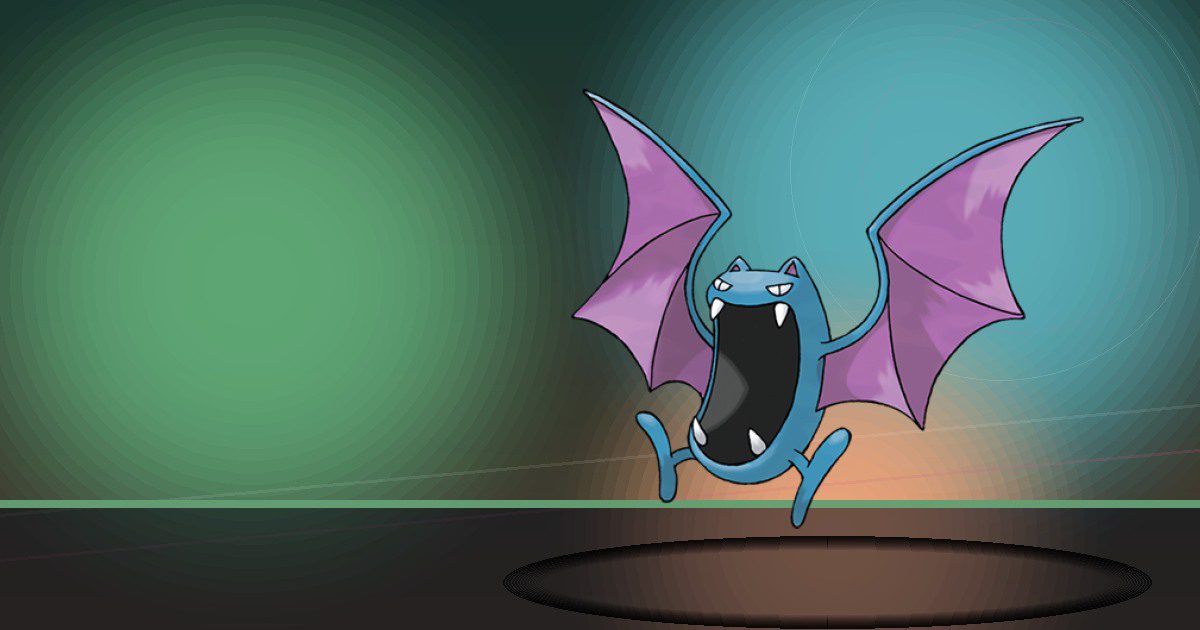
Golbat
Search
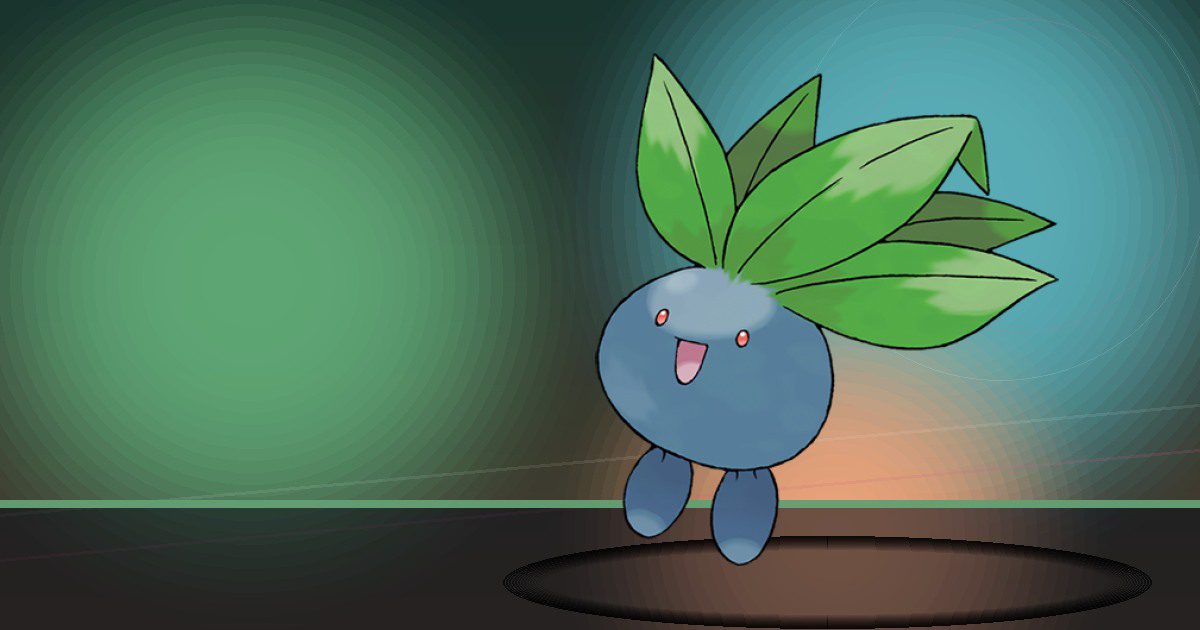
Oddish
Grow
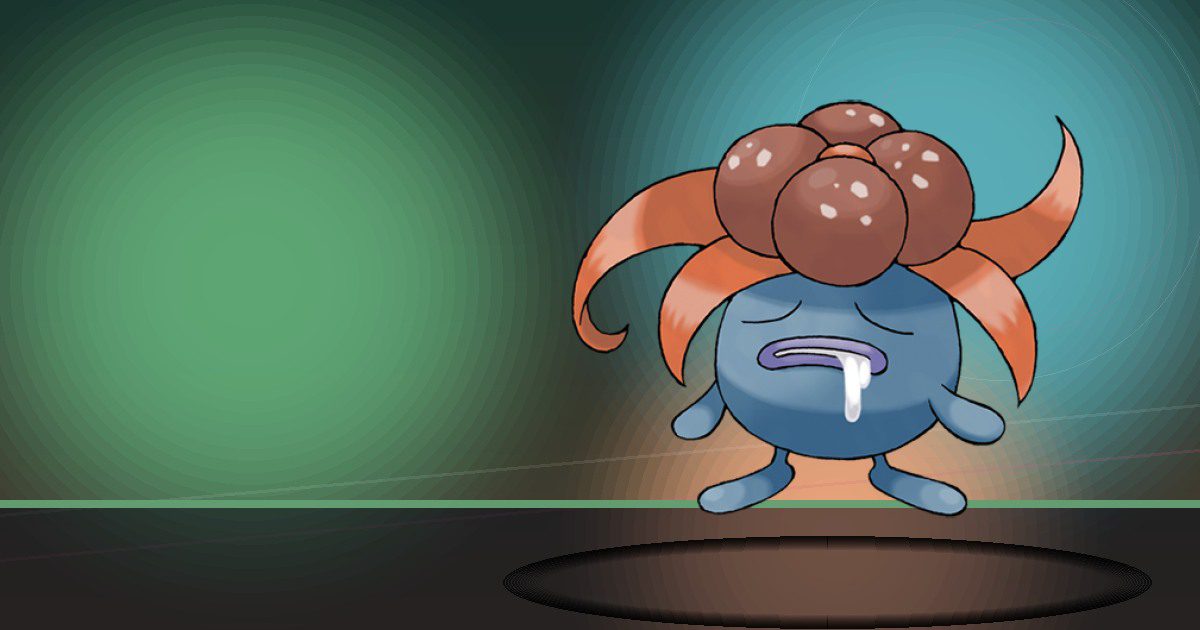
Gloom
Grow
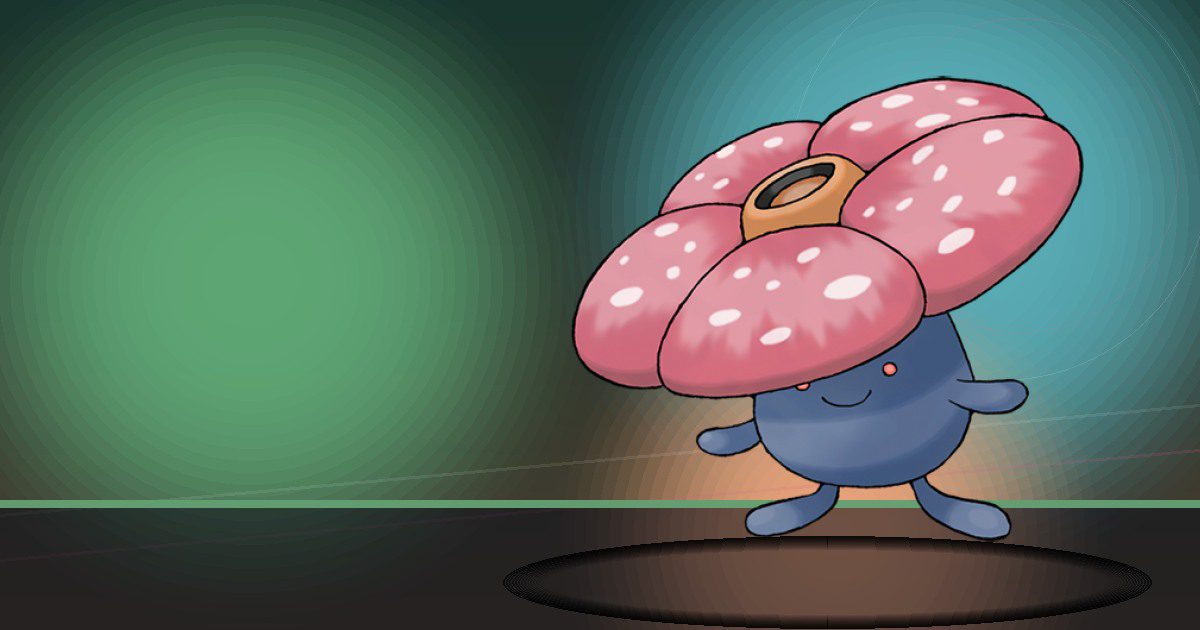
Vileplume
Grow and Litter
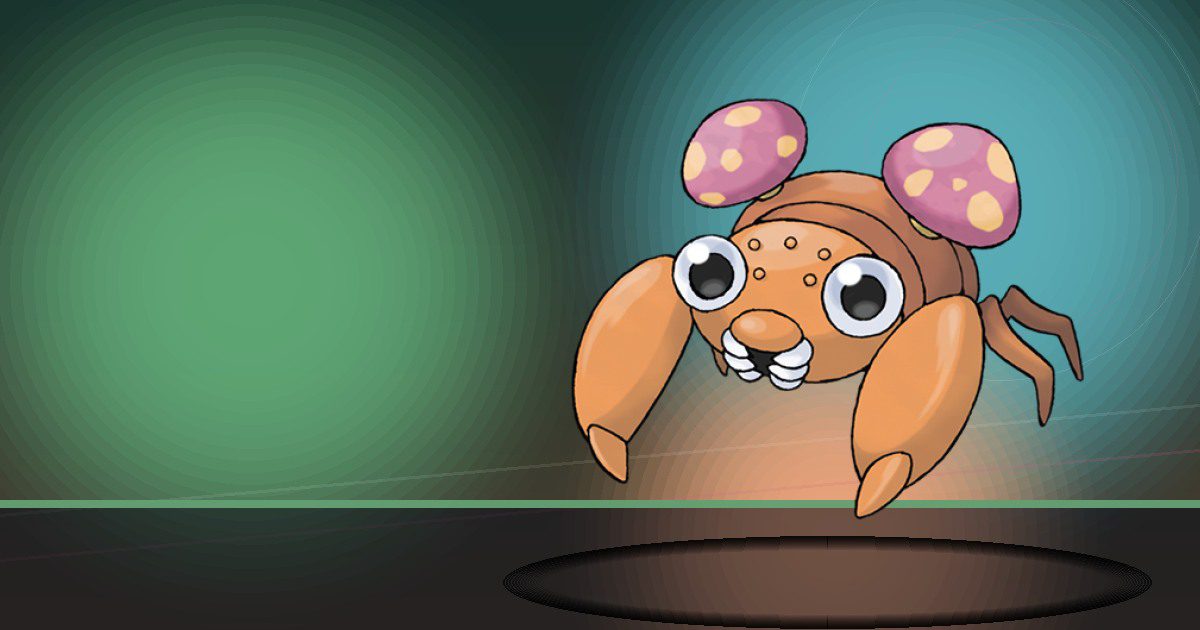
Paras
Search
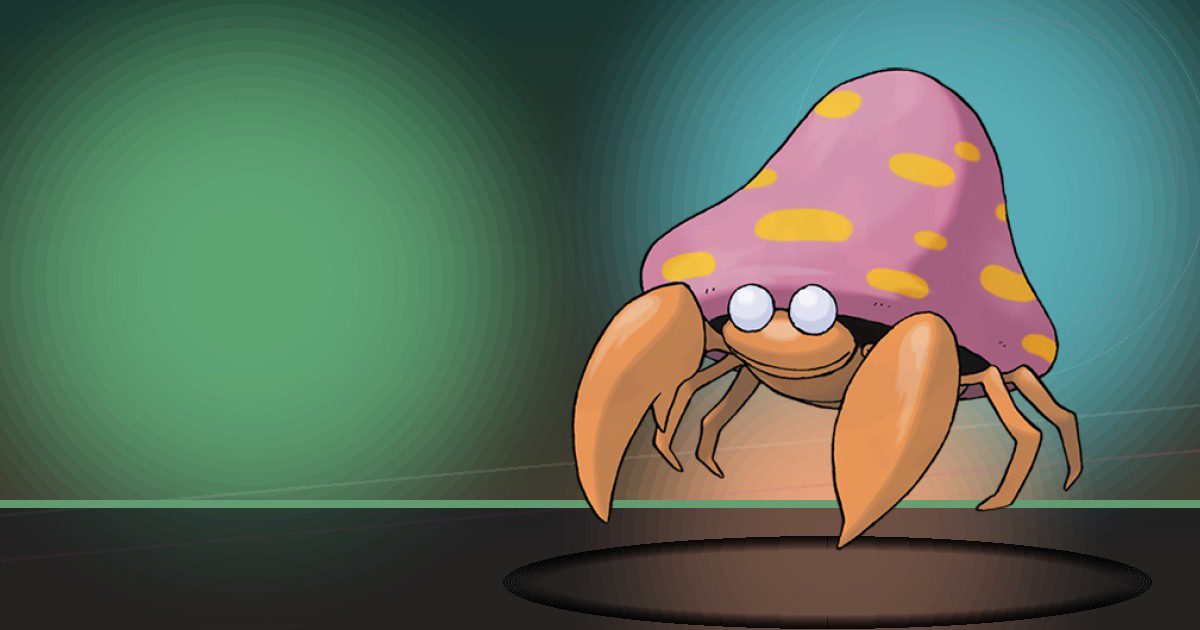
Parasect
Search
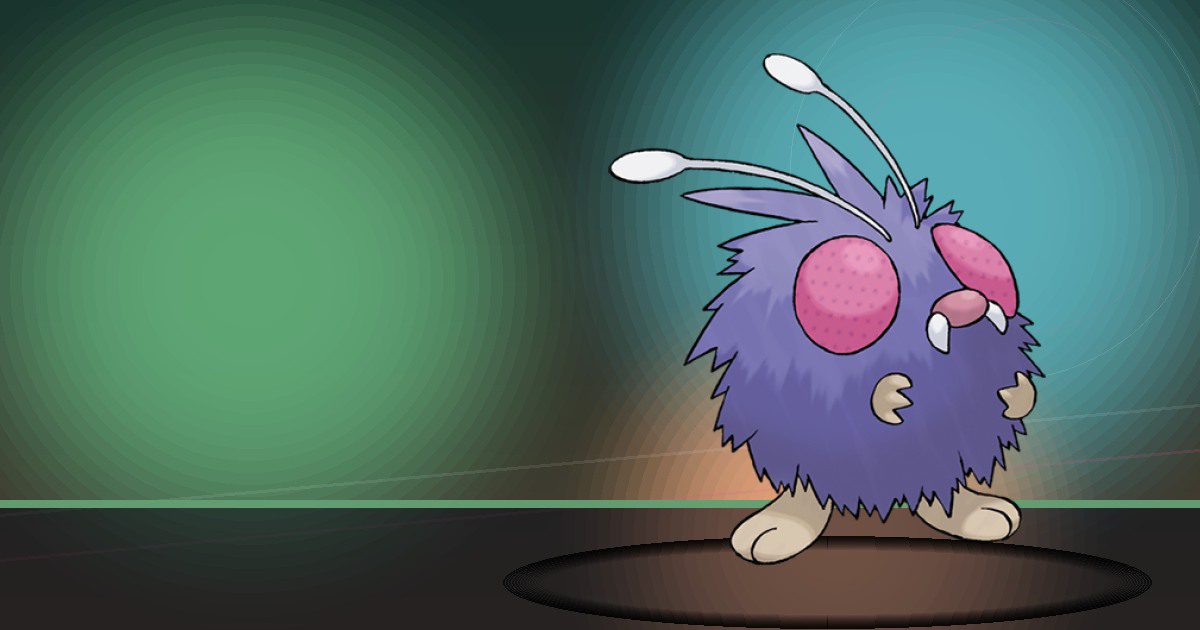
Venonat
Search
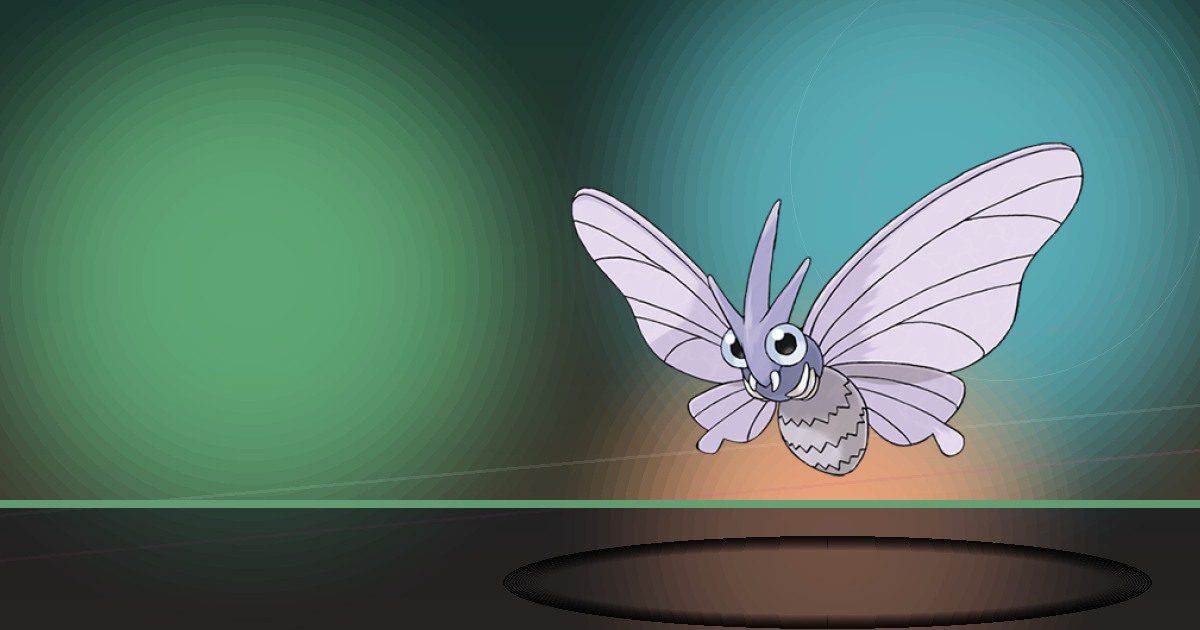
Venomoth
Search
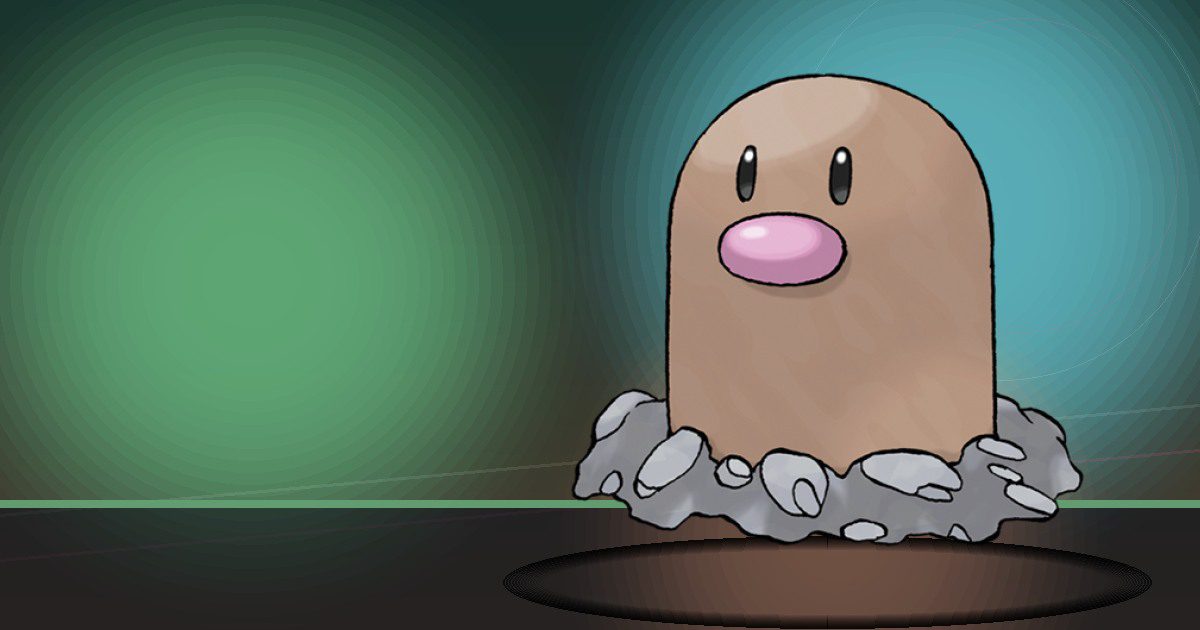
Diglett Alola
Hype
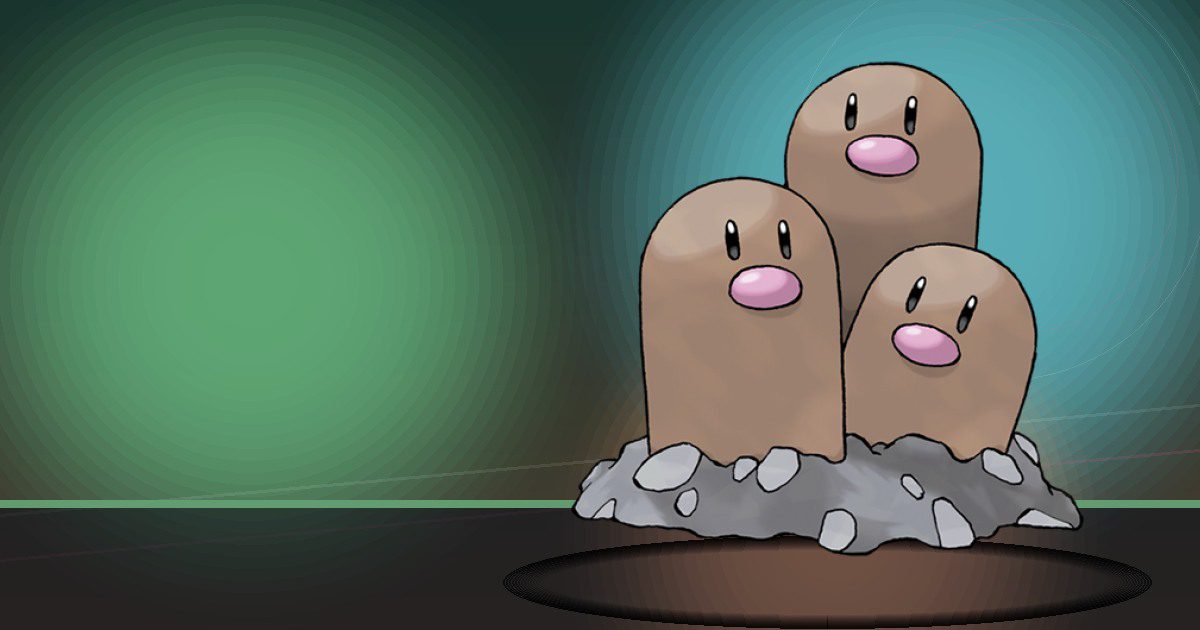
Dugtrio Alola
Hype and Crush

Meowth Gmax
Trade

Persian Alola
Trade and Search

Psyduck
Search
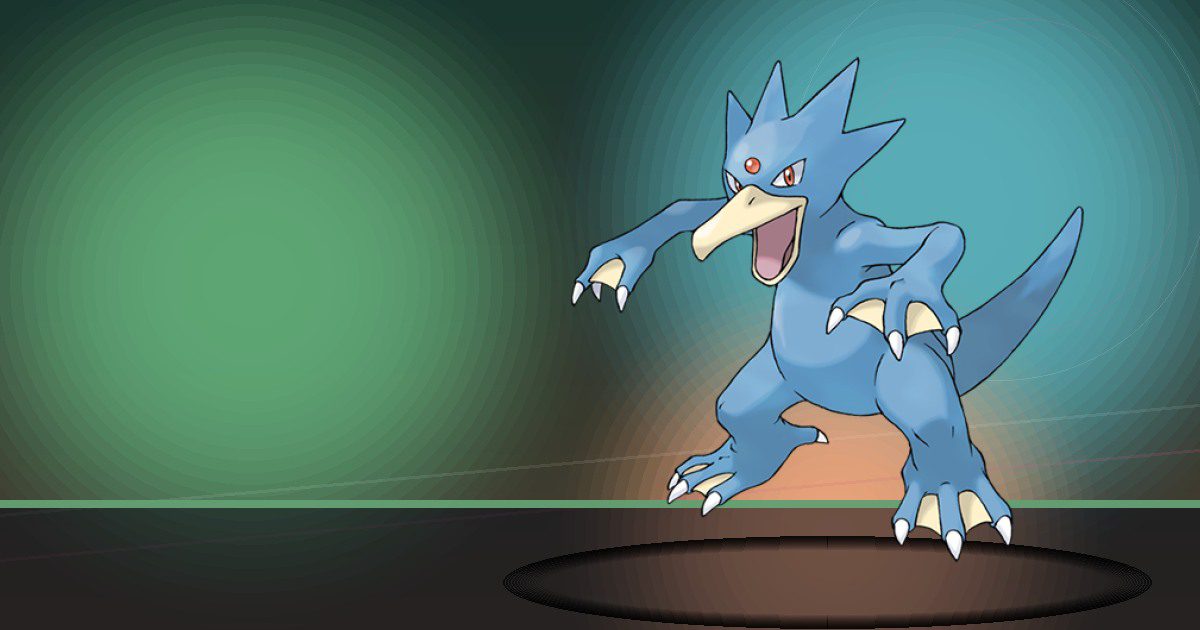
Golduck
Search
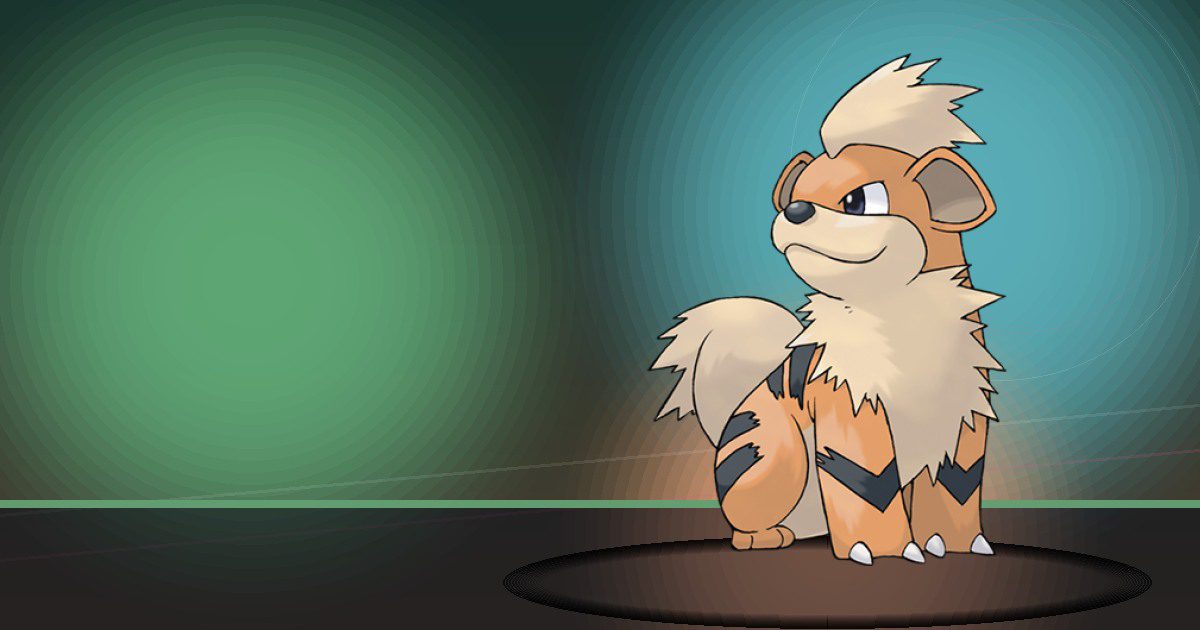
Growlithe
Burn and Search
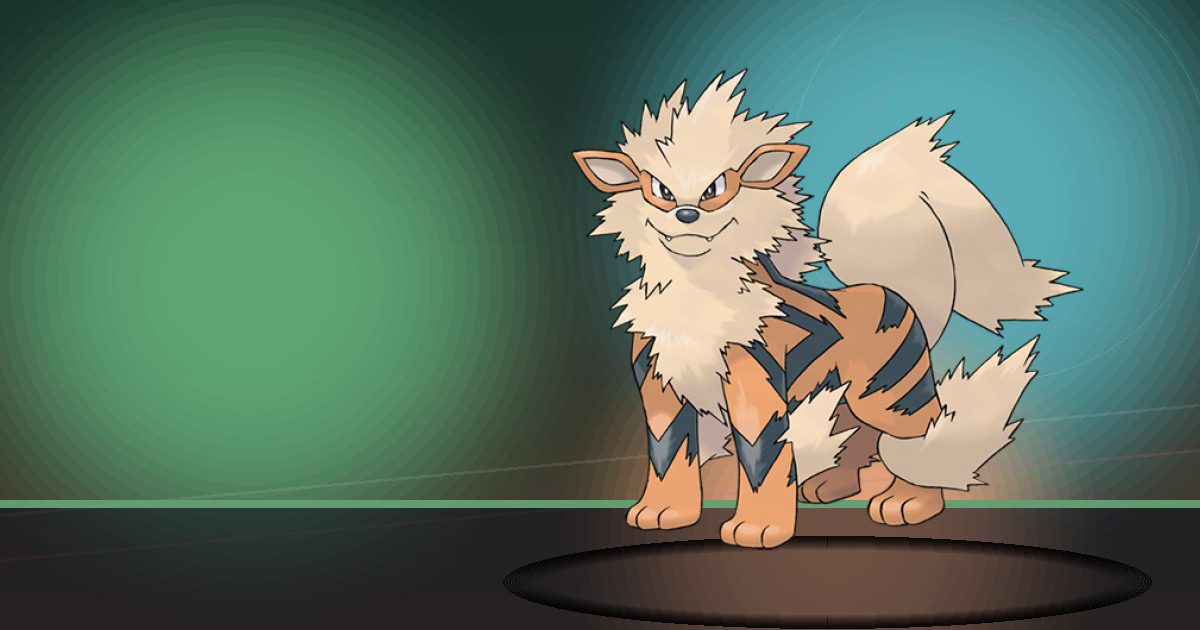
Arcanine
Burn and Search

Poliwag
Water
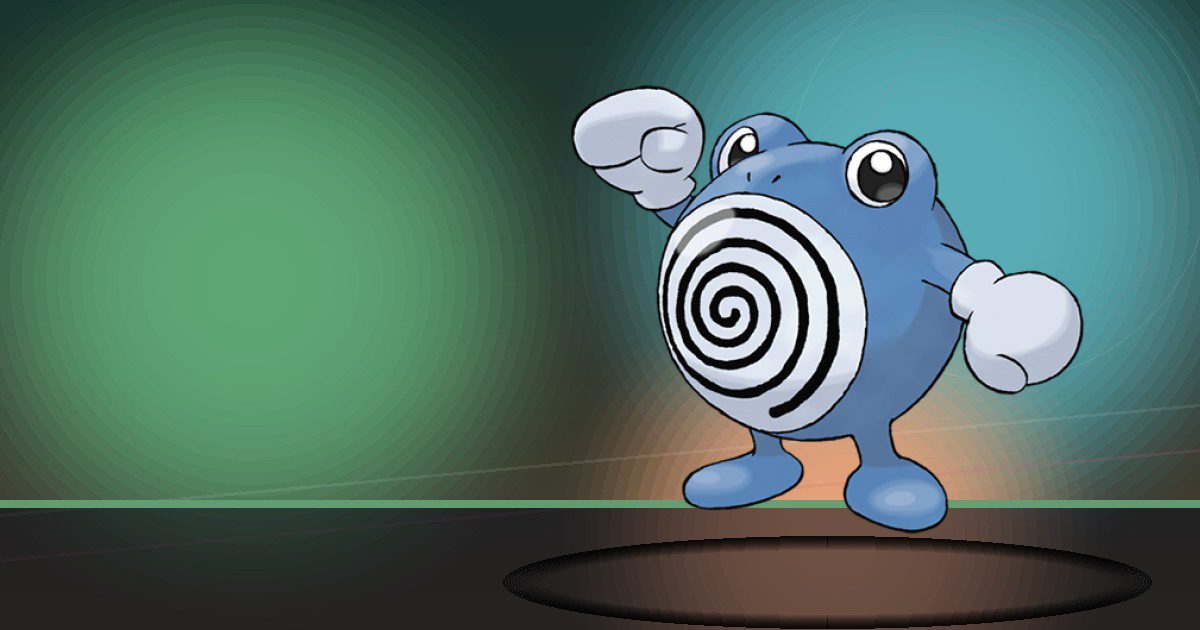
Poliwhirl
Water
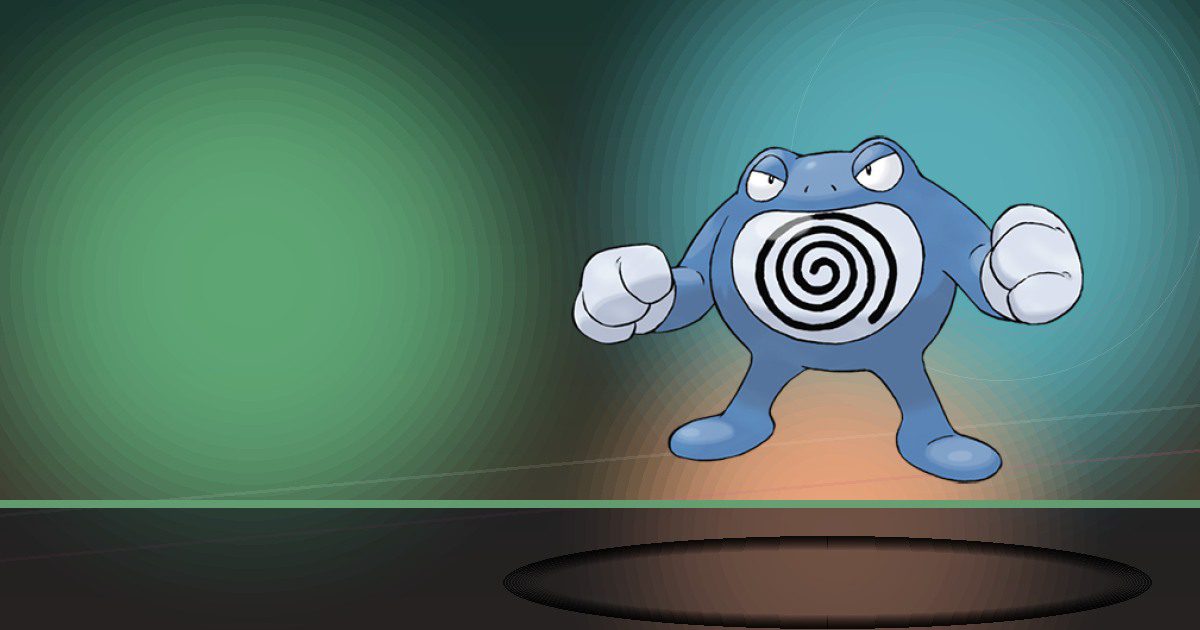
Poliwrath
Water and Build
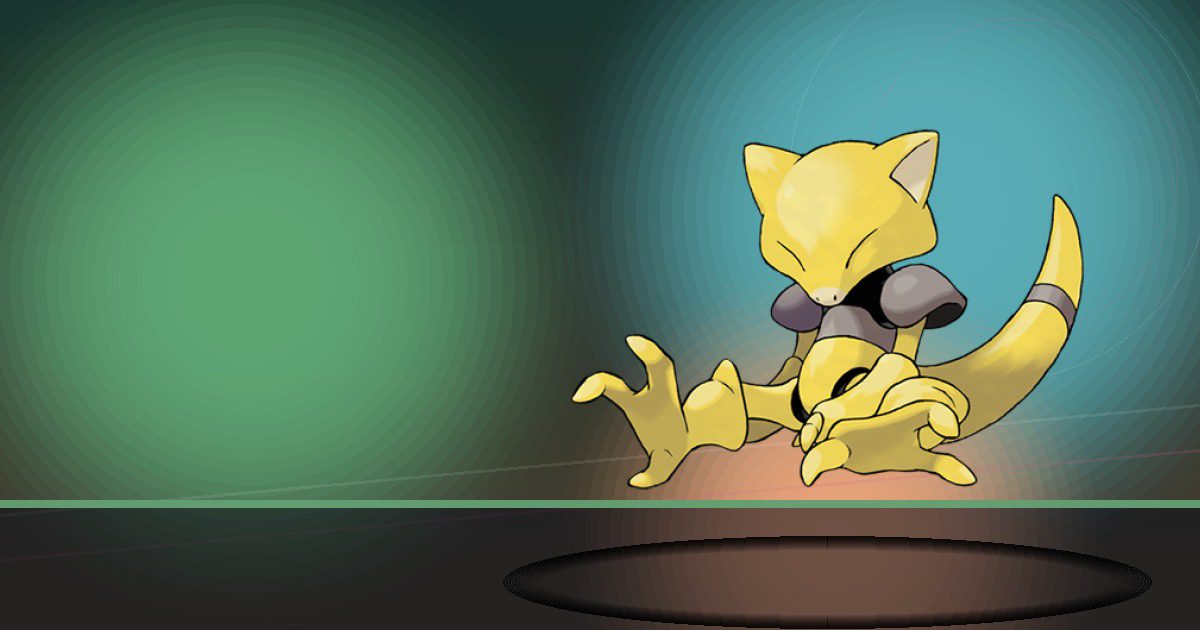
Abra
Teleport
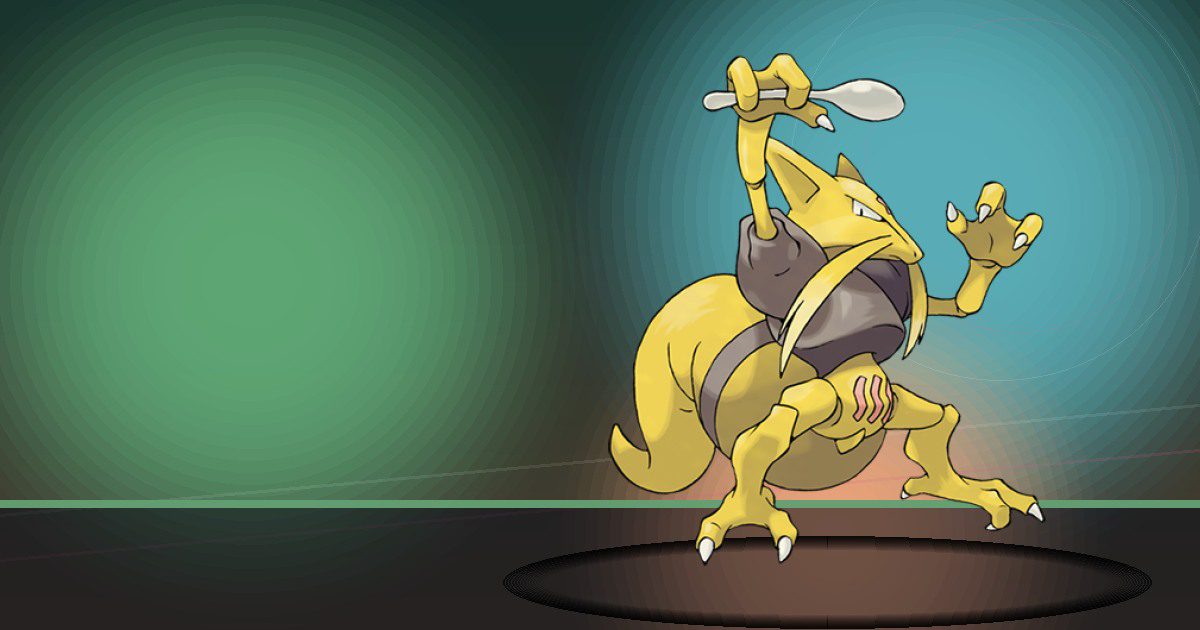
Kadabra
Teleport
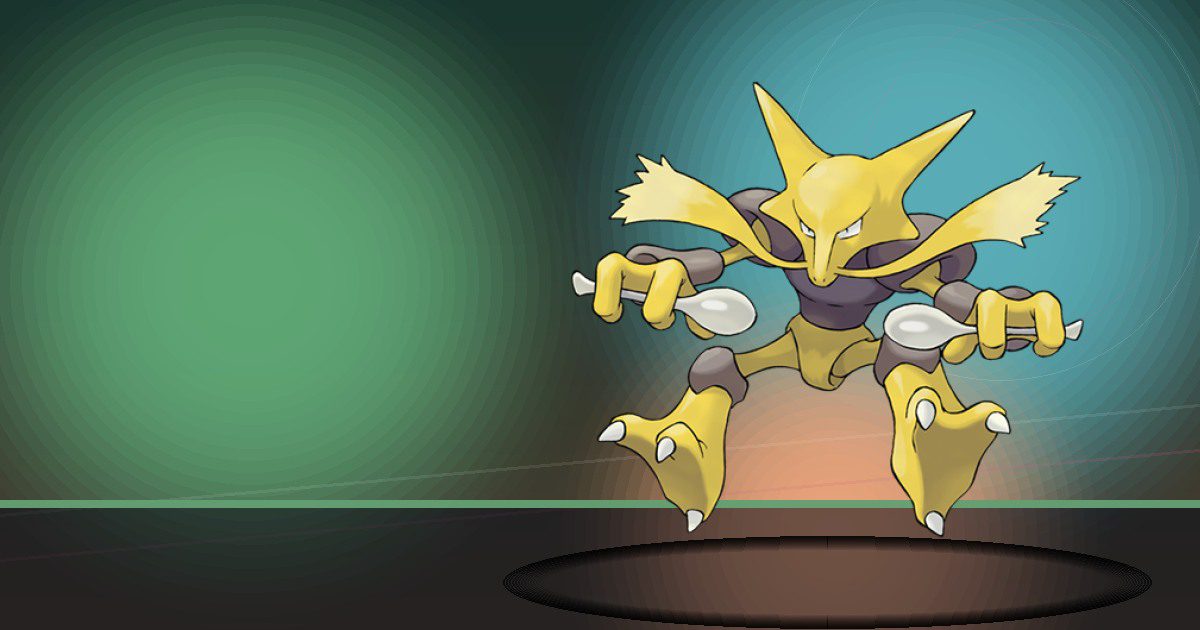
Alakazam
Teleport and Trade

Machop
Build and Gather
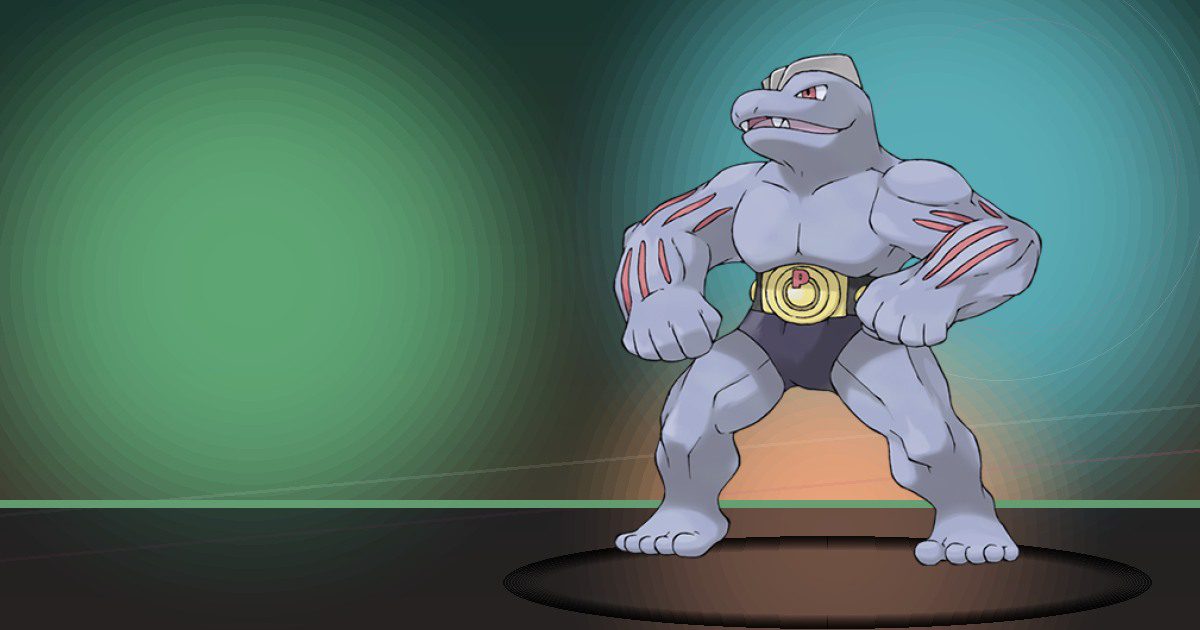
Machoke
Build and Gather
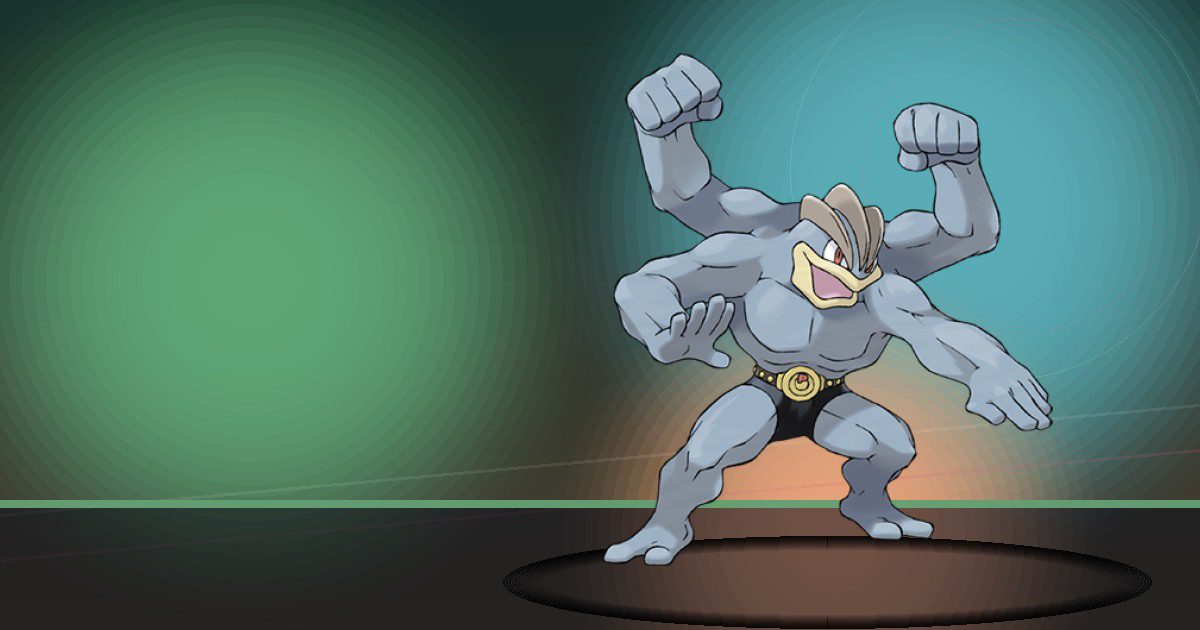
Machamp Gmax
Build and Gather
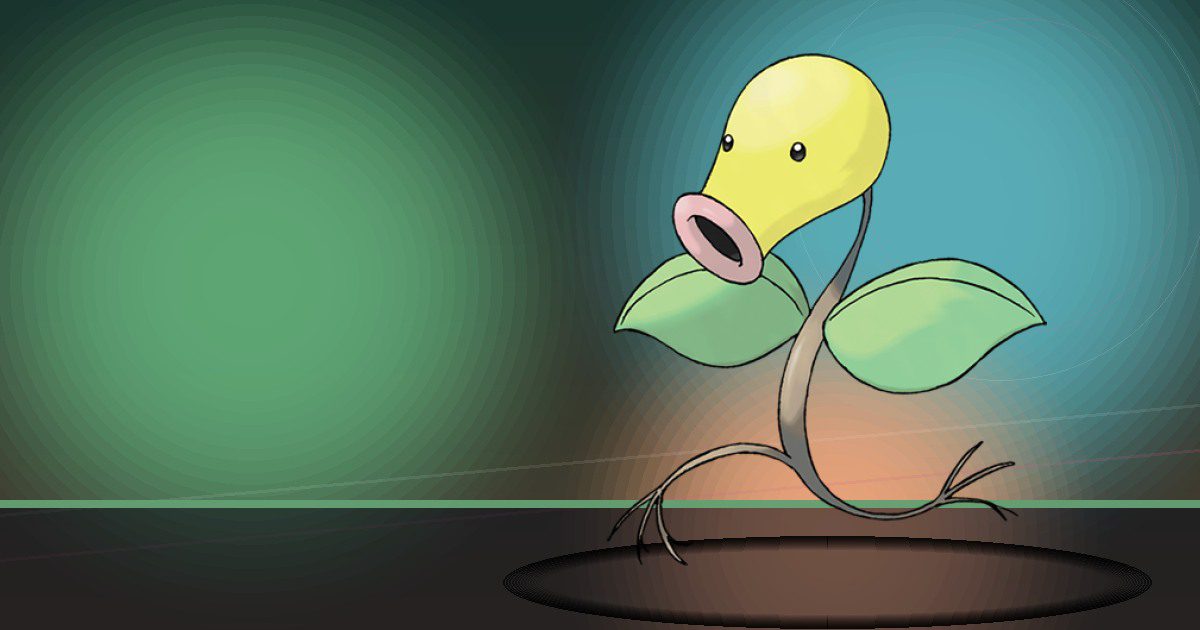
Bellsprout
Grow and Litter
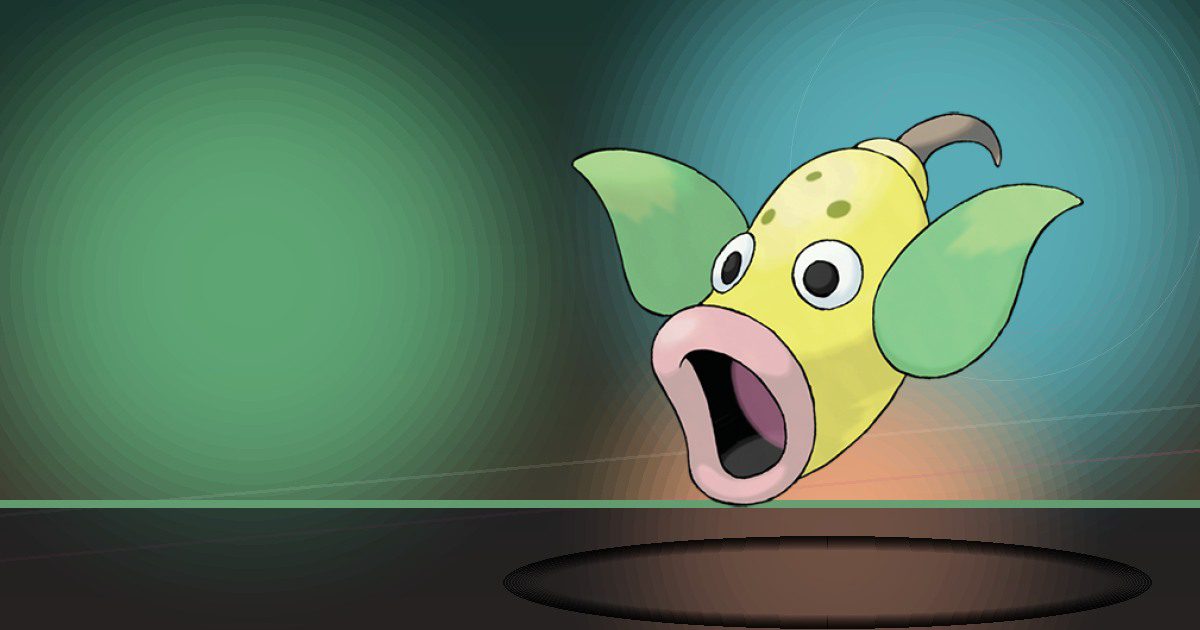
Weepinbell
Grow and Litter
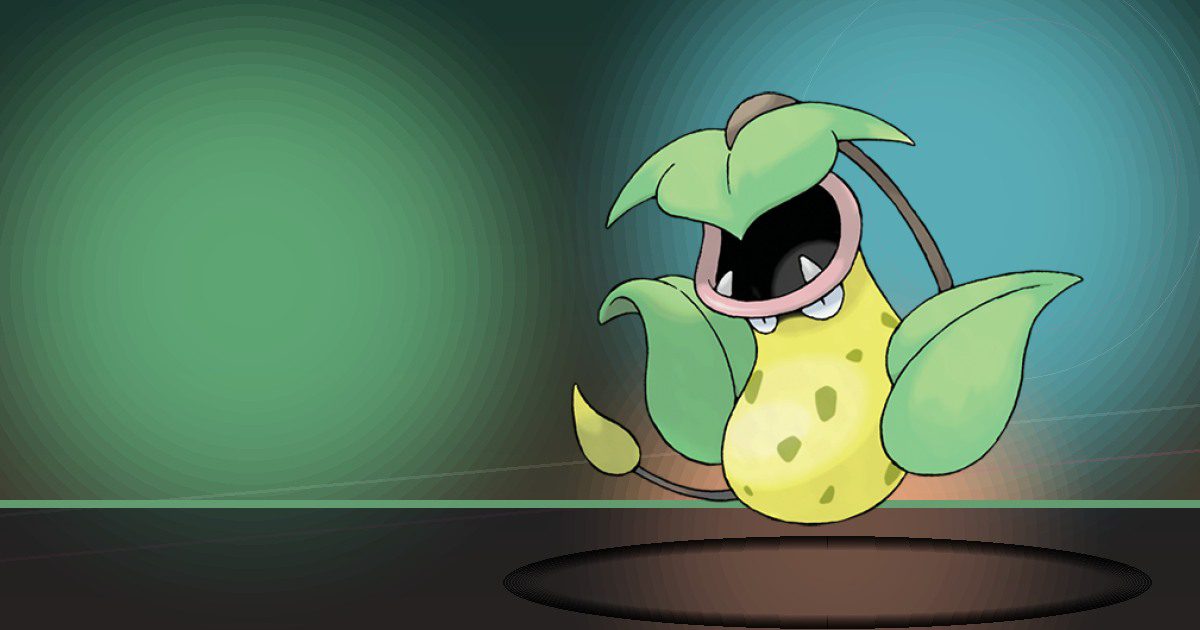
Victreebel
Grow and Chop
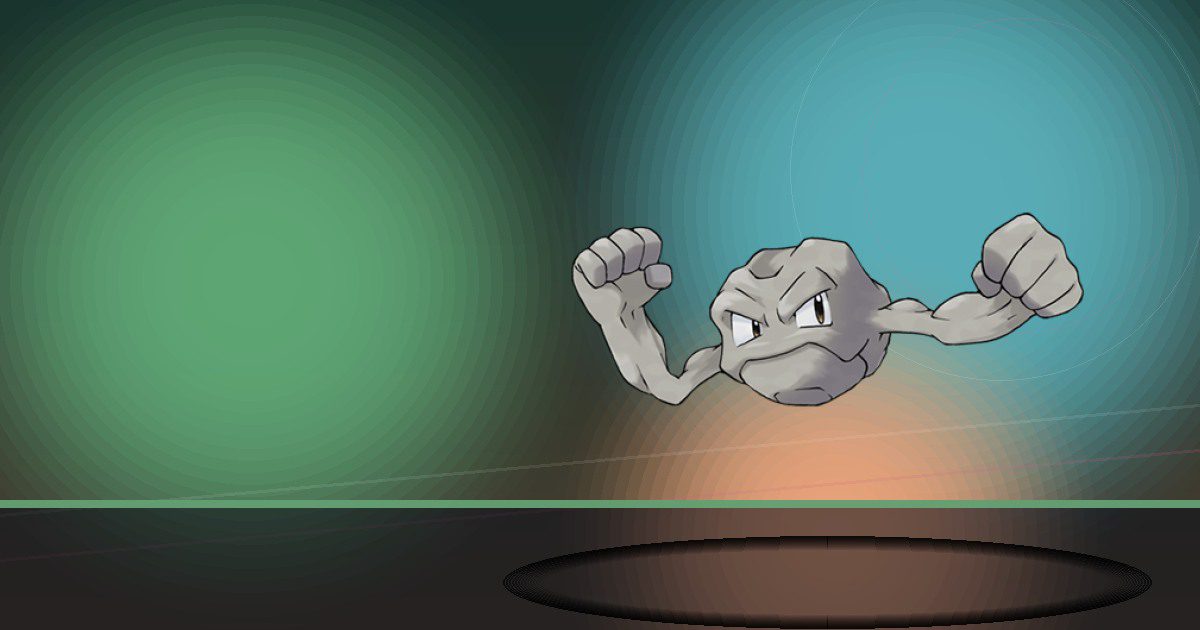
Geodude Alola
Crush
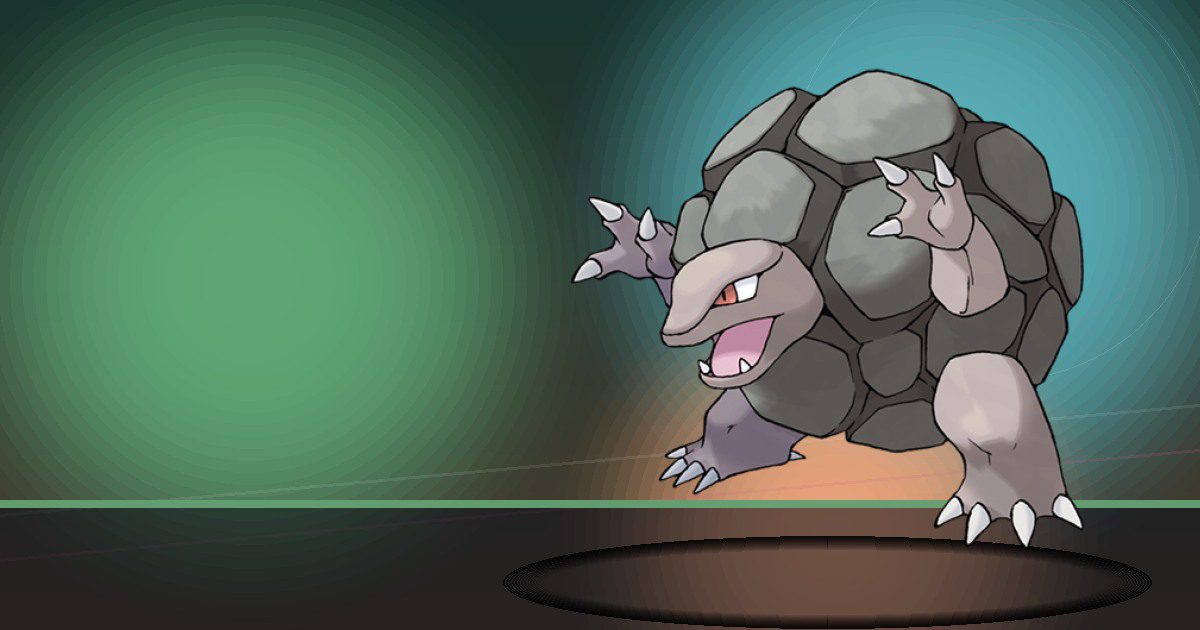
Golem Alola
Crush and Trade

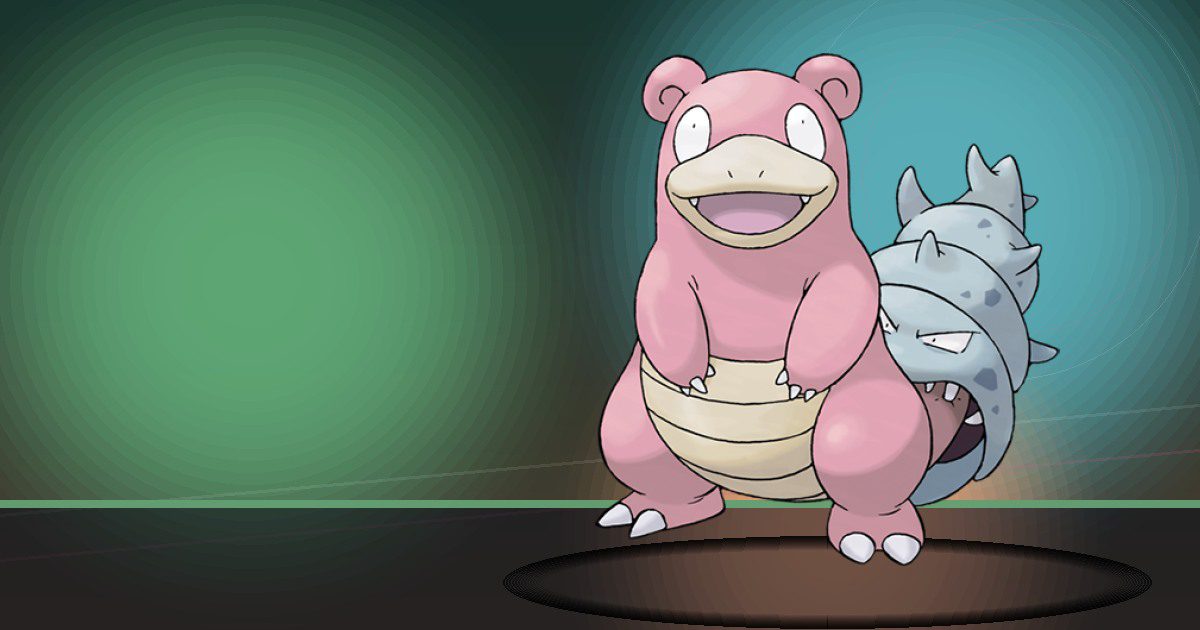
Slowpoke Galar
Water and Yawn
Slowbro Galar
Water and Trade
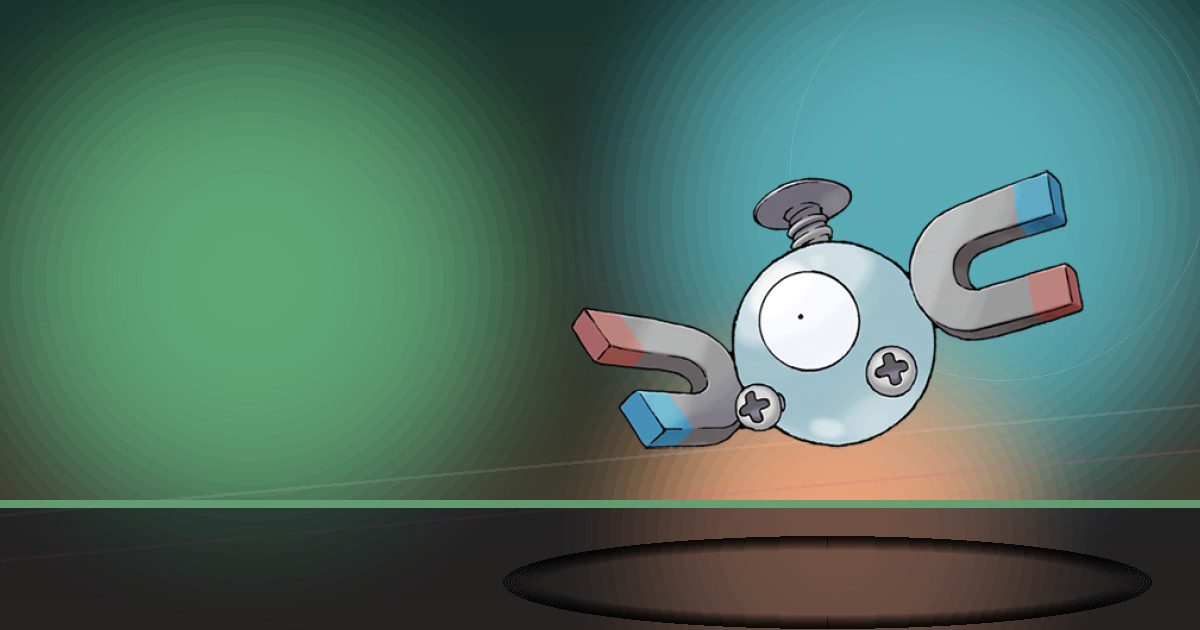
Magnemite
Generate
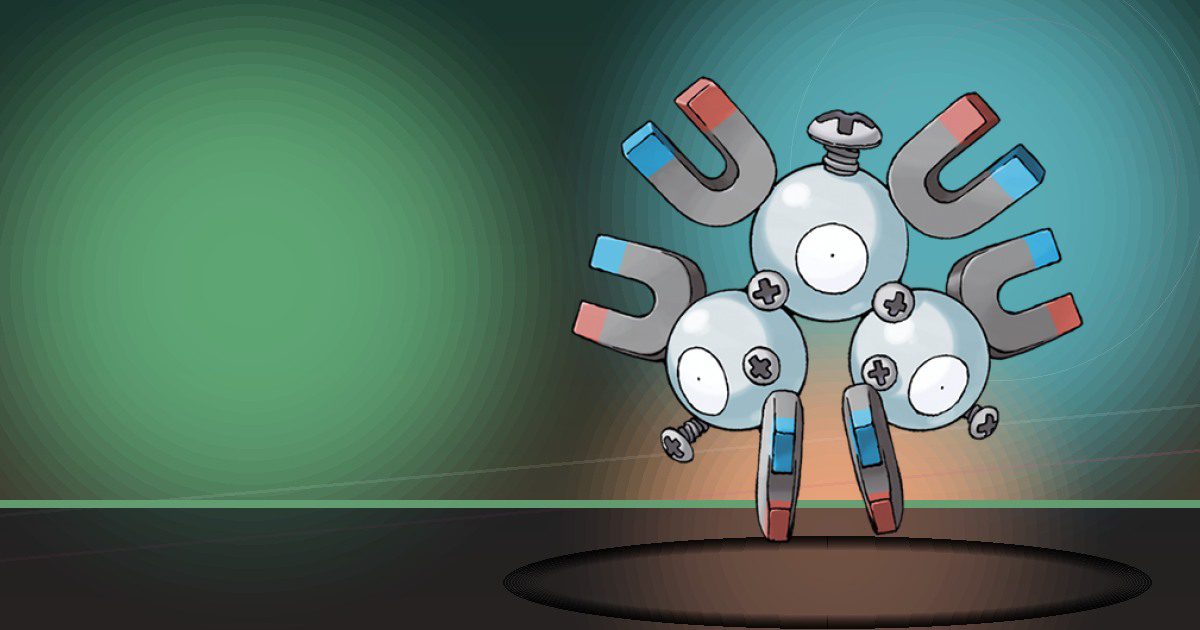
Magneton
Generate
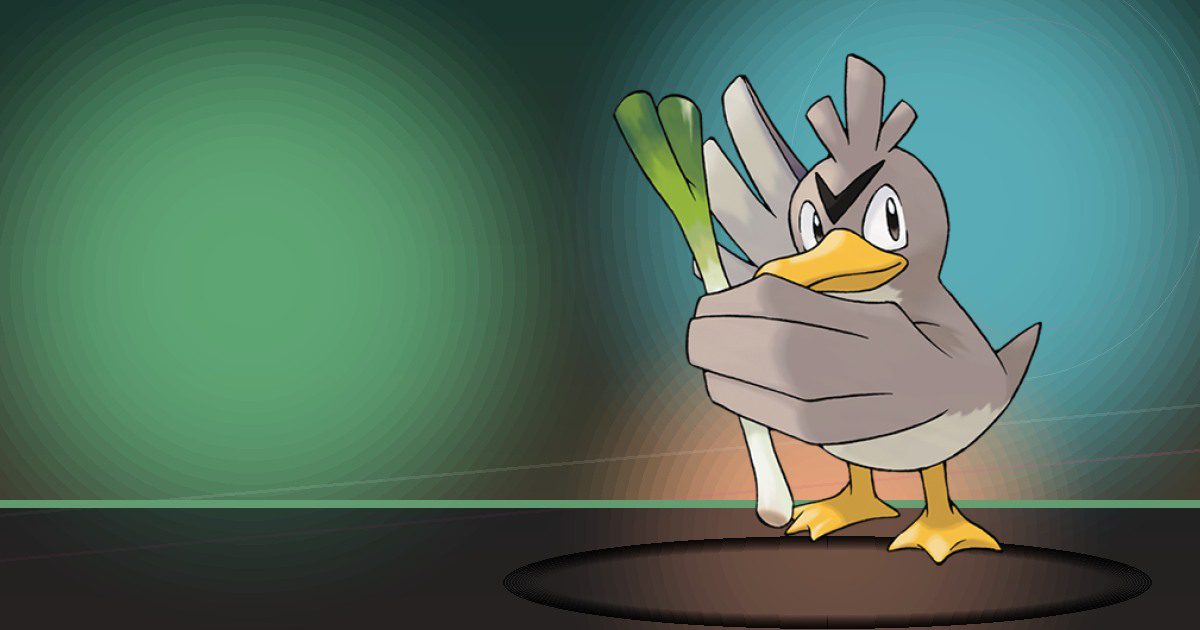
Farfetchd Galar
Chop and Build
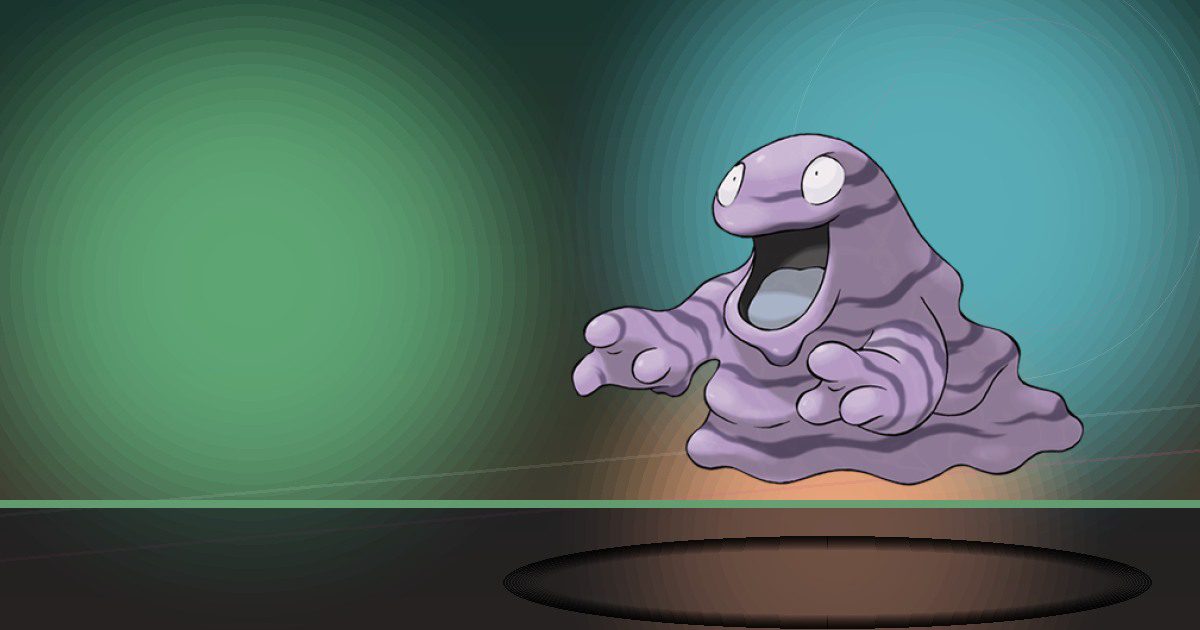
Grimer Alola
Litter
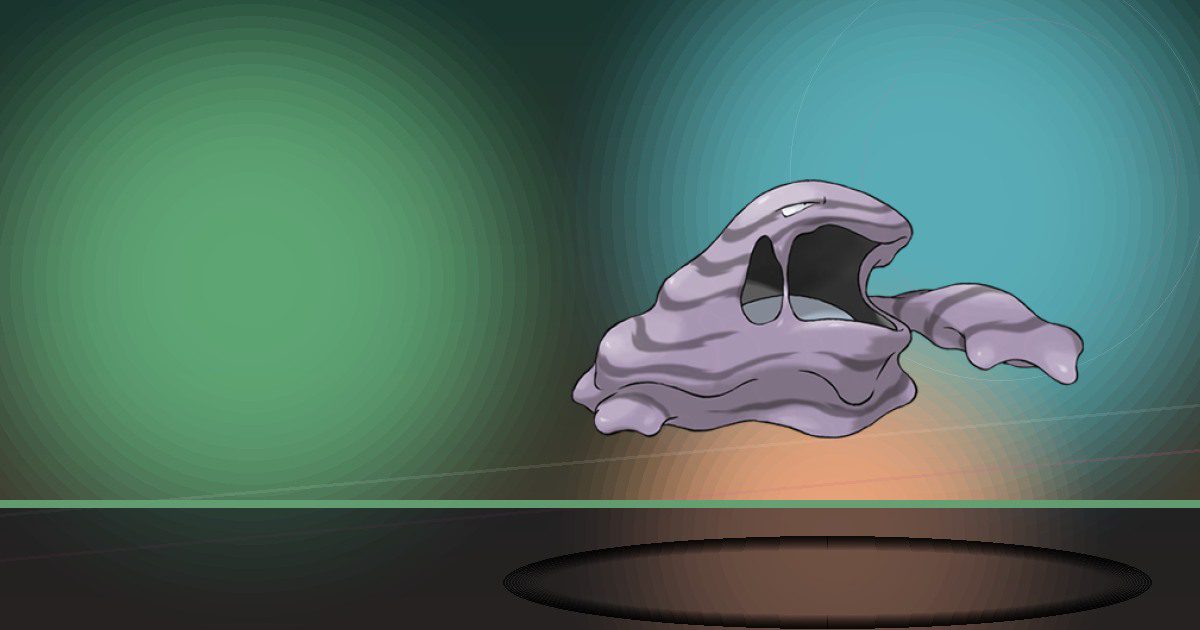
Muk Alola
Litter
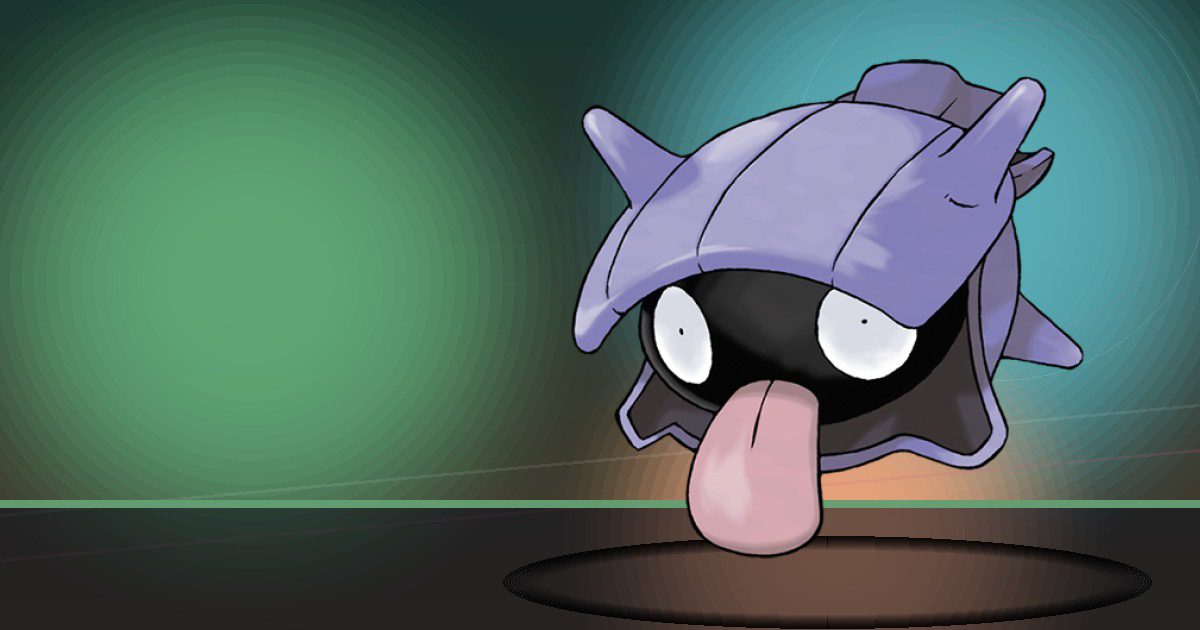
Shellder
Scrub and Litter
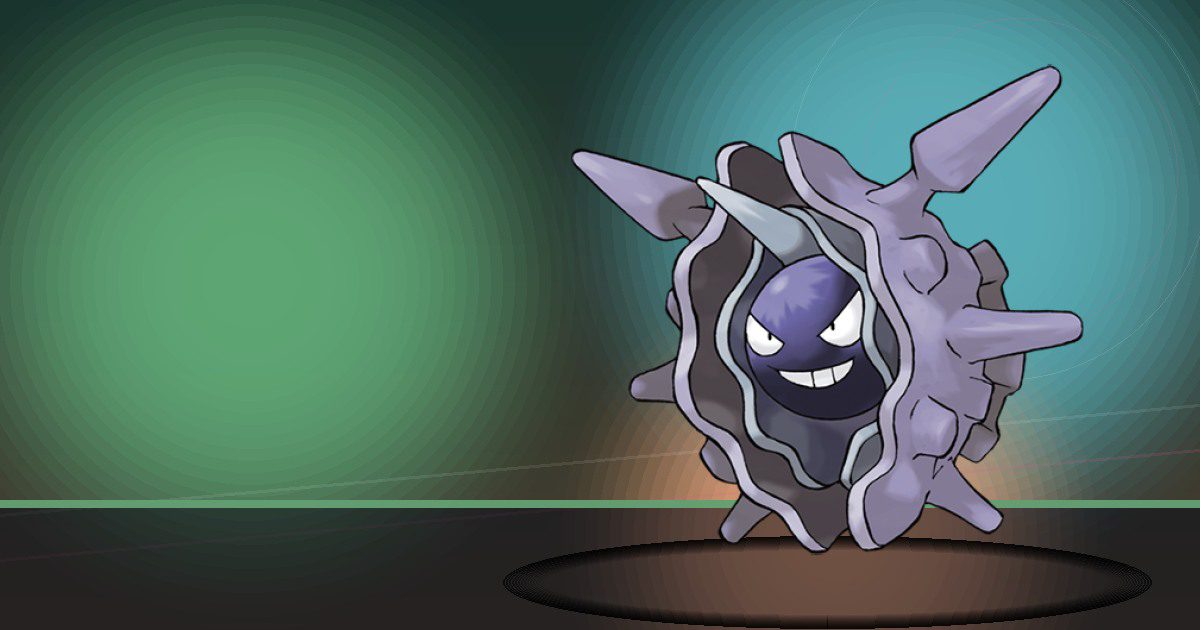
Cloyster
Scrub and Litter
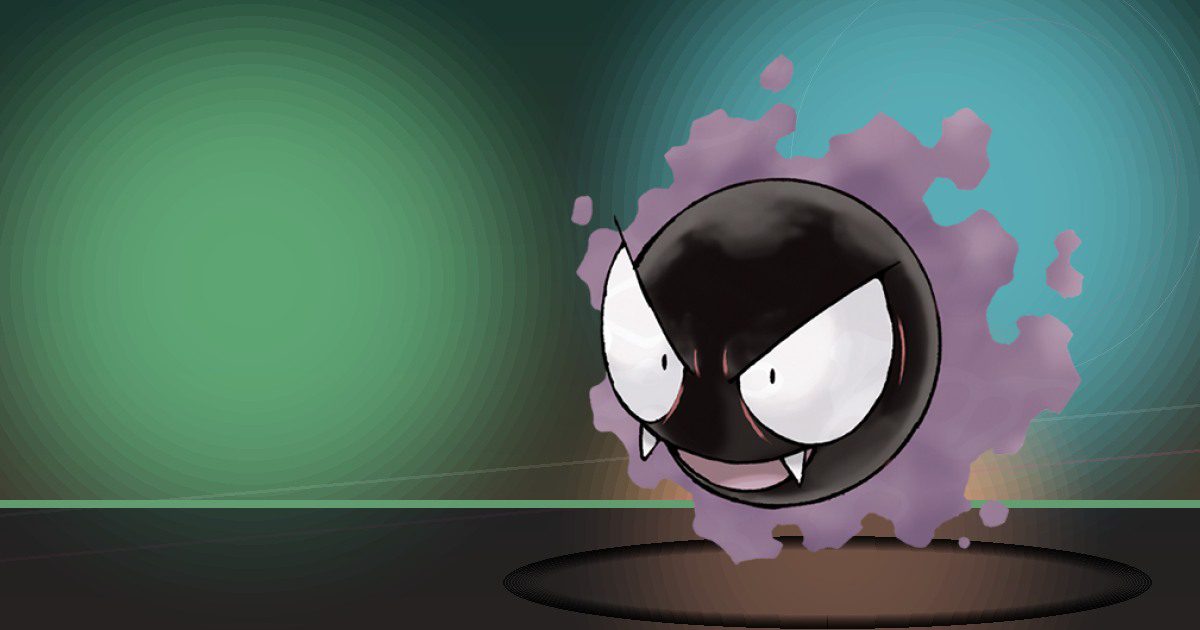
Gastly
Gather and Trade
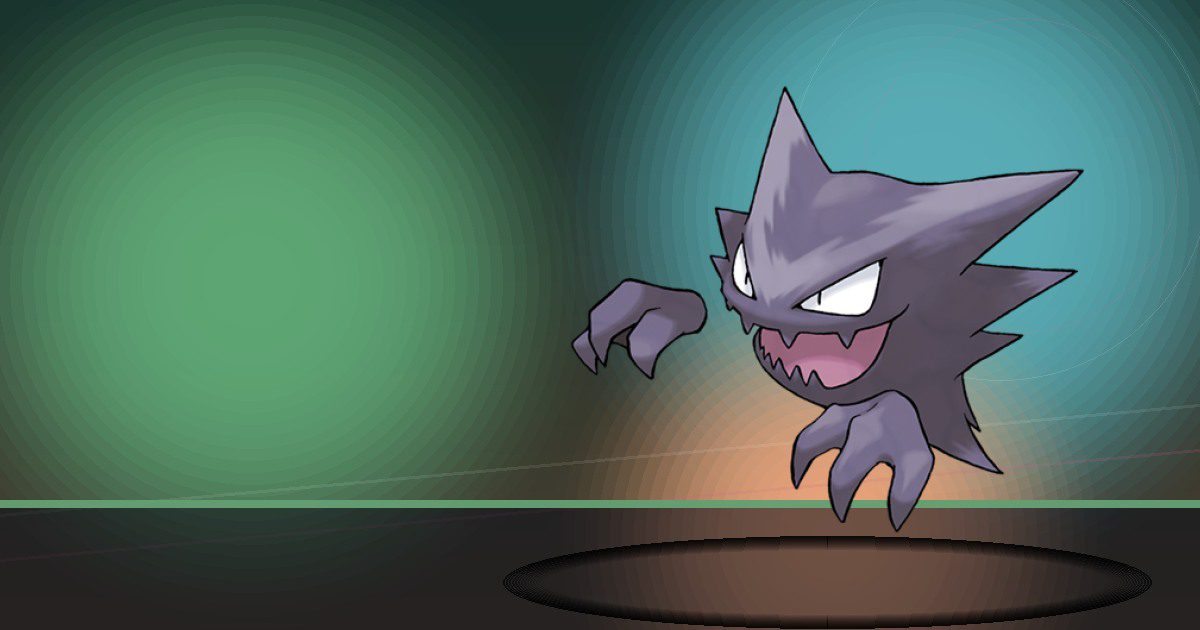
Haunter
Gather and Trade
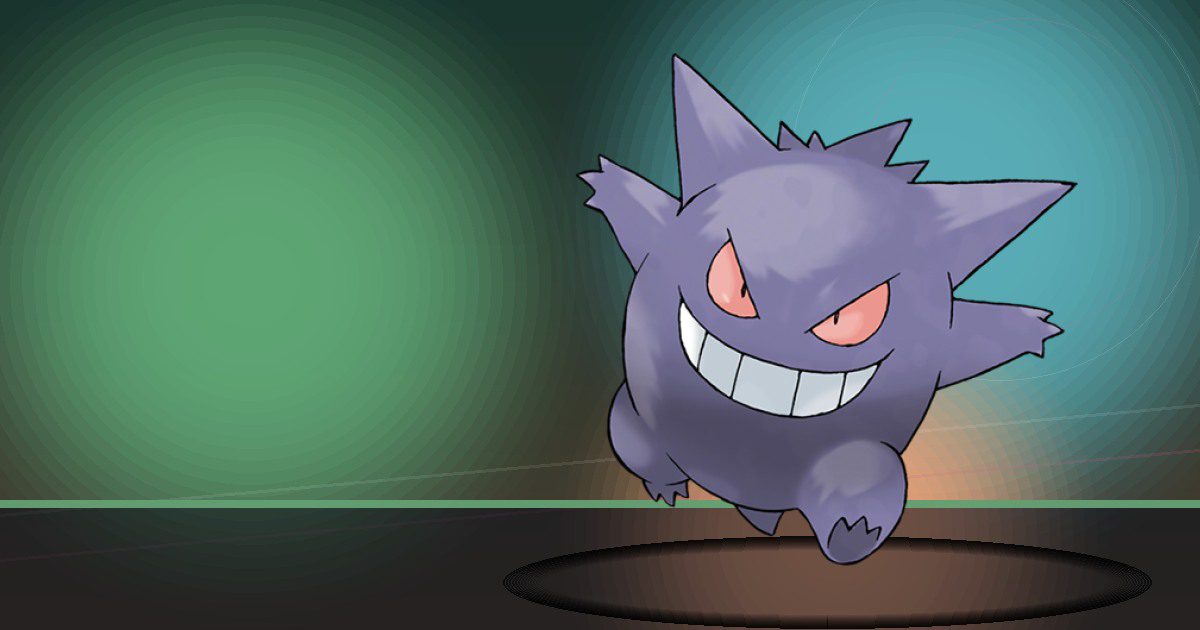
Gengar Gmax
Gather and Trade
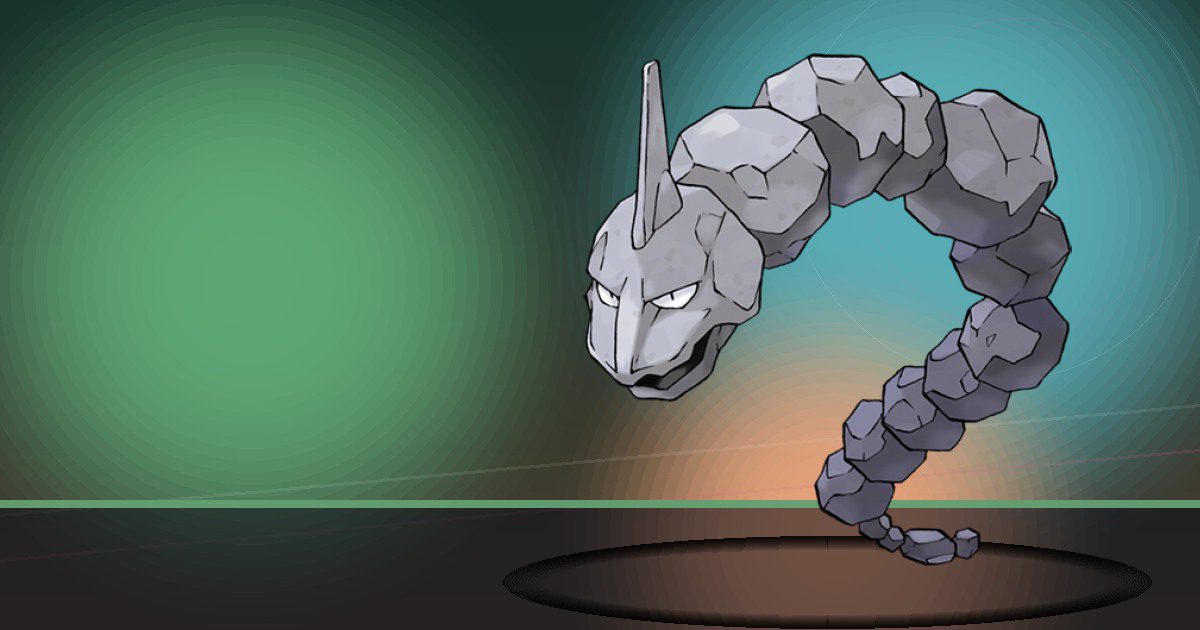
Onix
Crush and Bulldoze
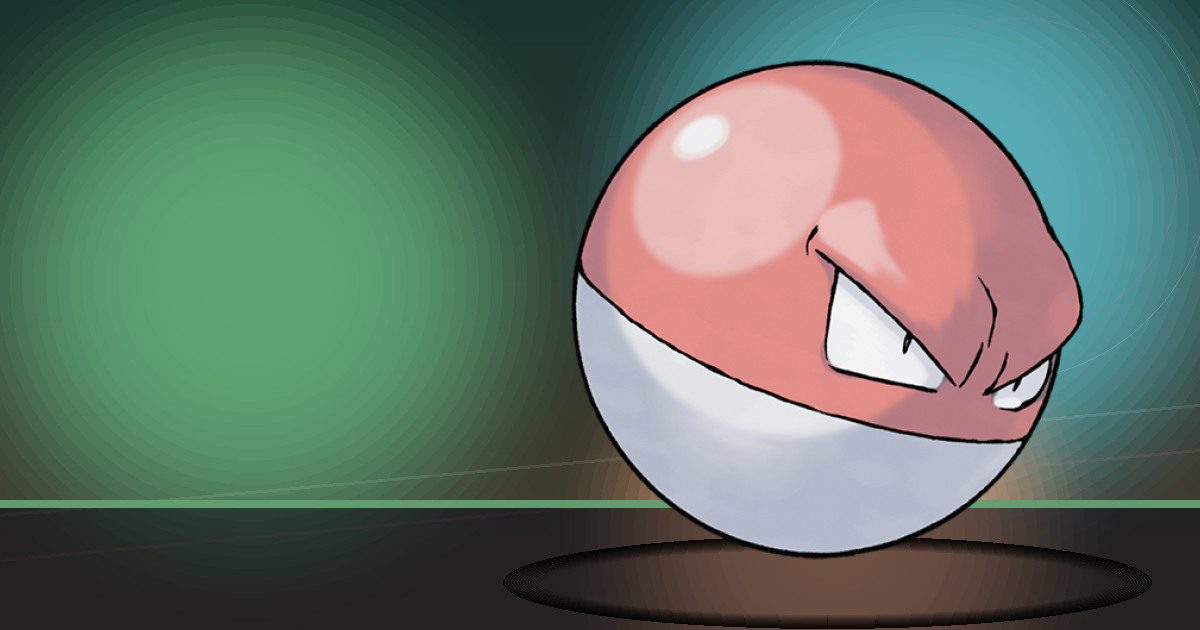
Voltorb
Generate and Explode

Electrode
Generate and Explode
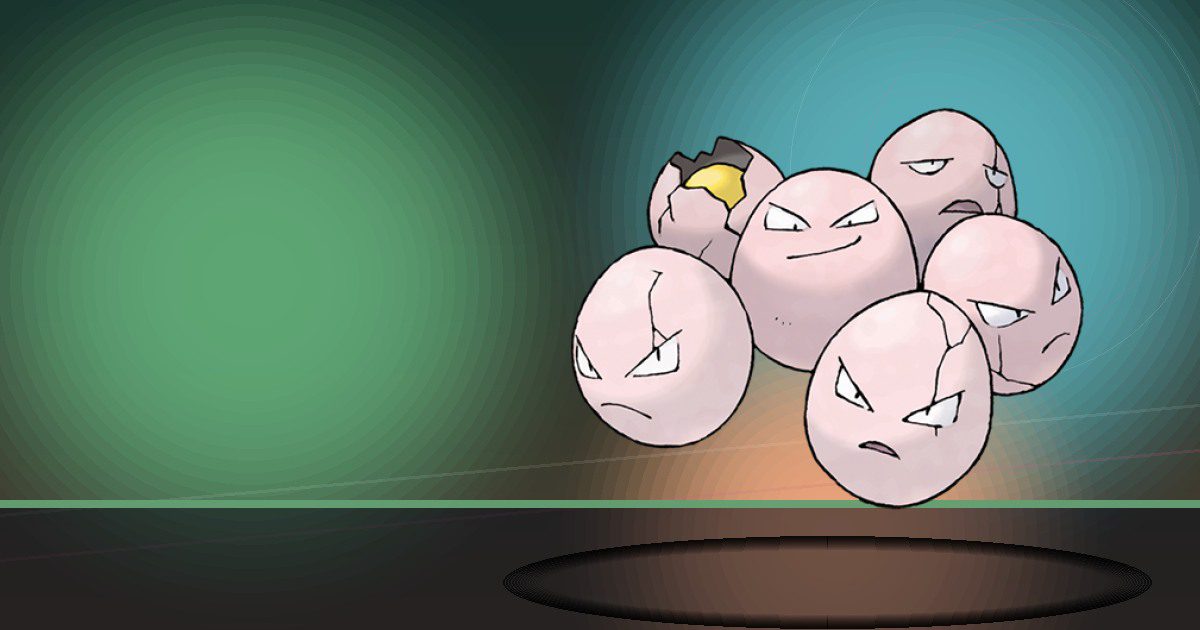
Exeggcute
Grow and Teleport
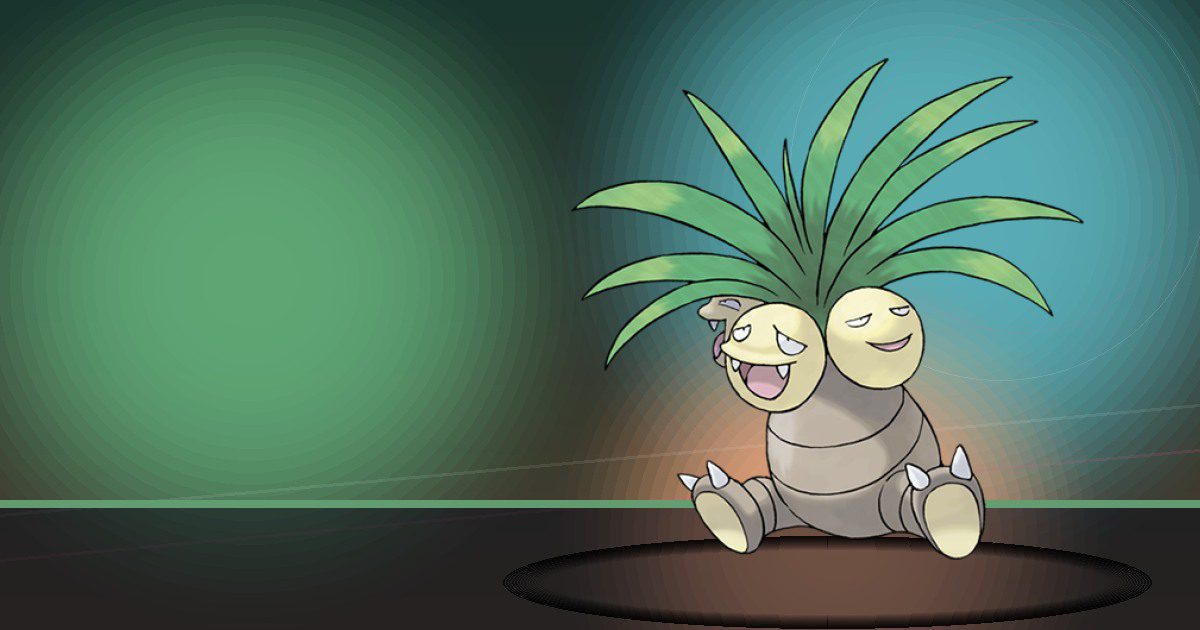
Exeggutor Alola
Grow and Teleport
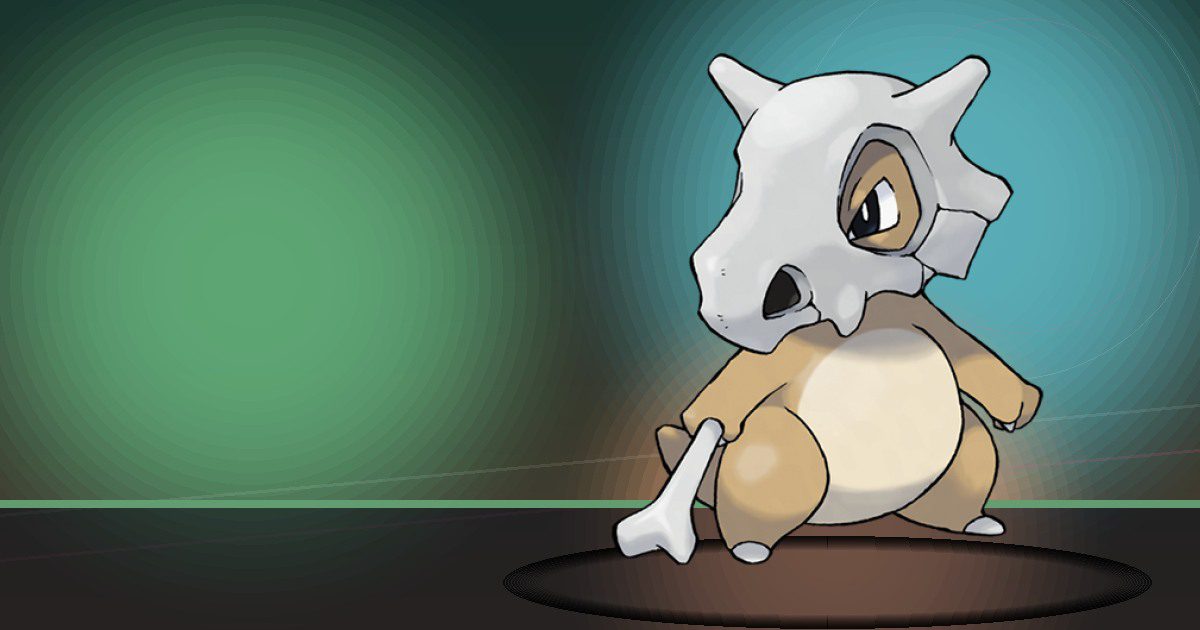
Cubone
Build
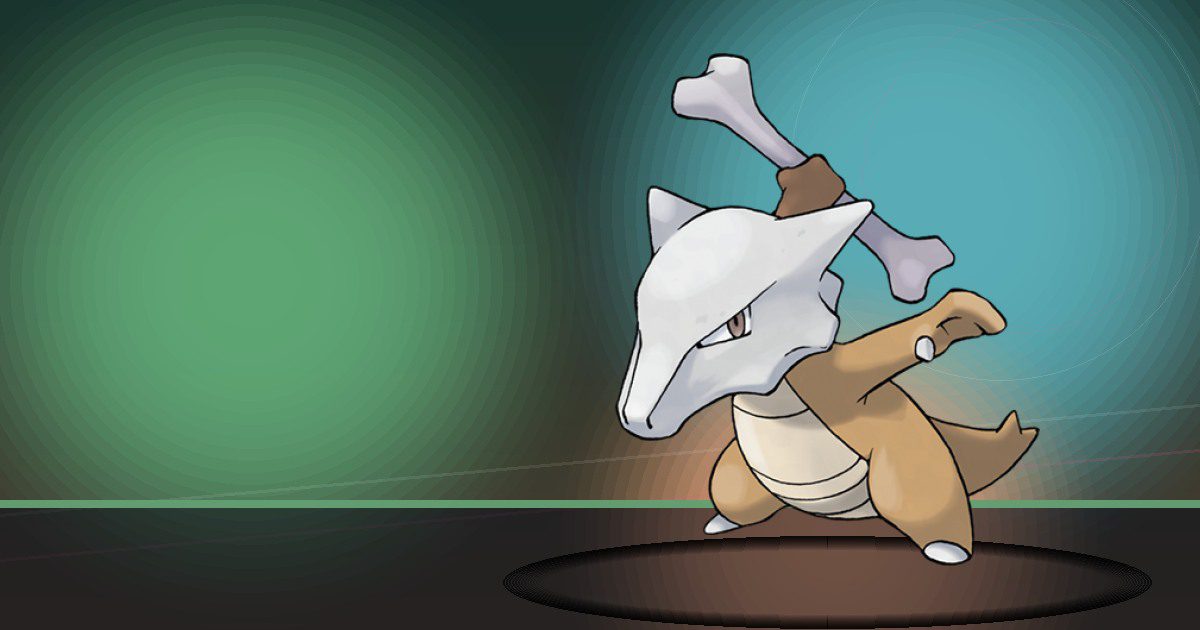
Marowak Totem
Build
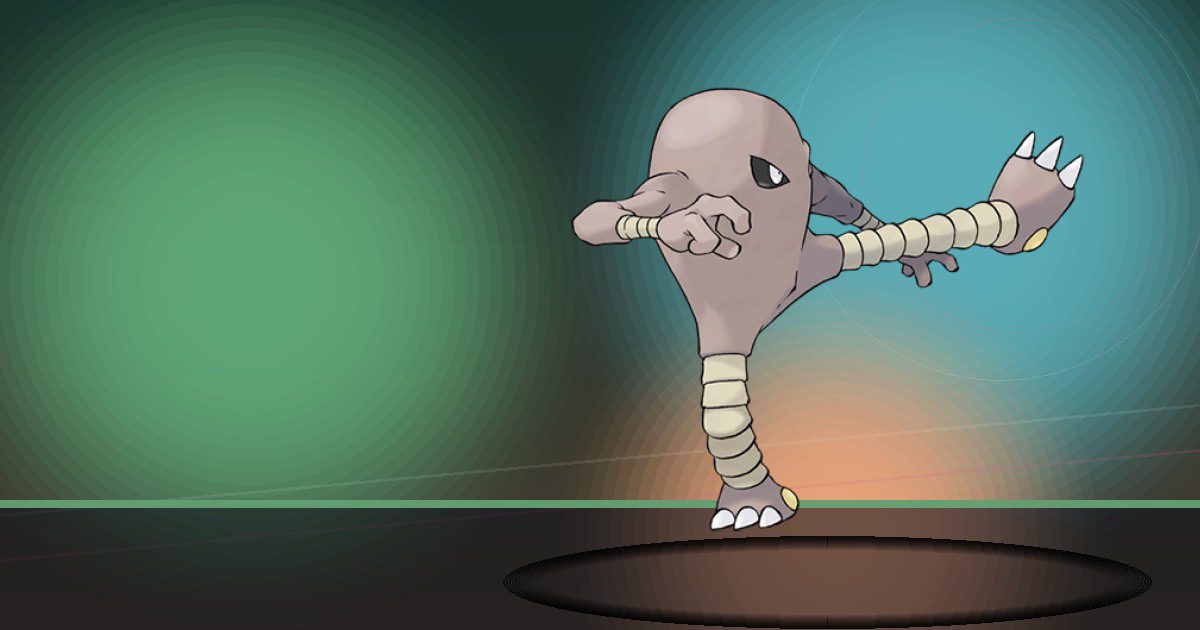
Hitmonlee
Trade

Hitmonchan
Trade
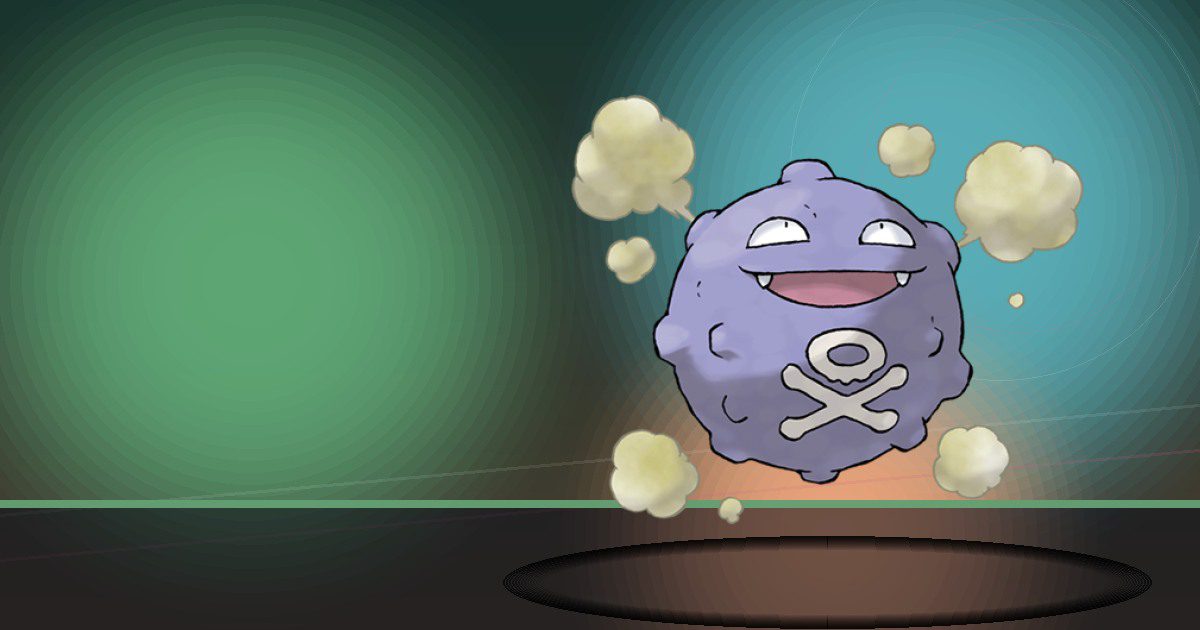
Koffing
Recycle
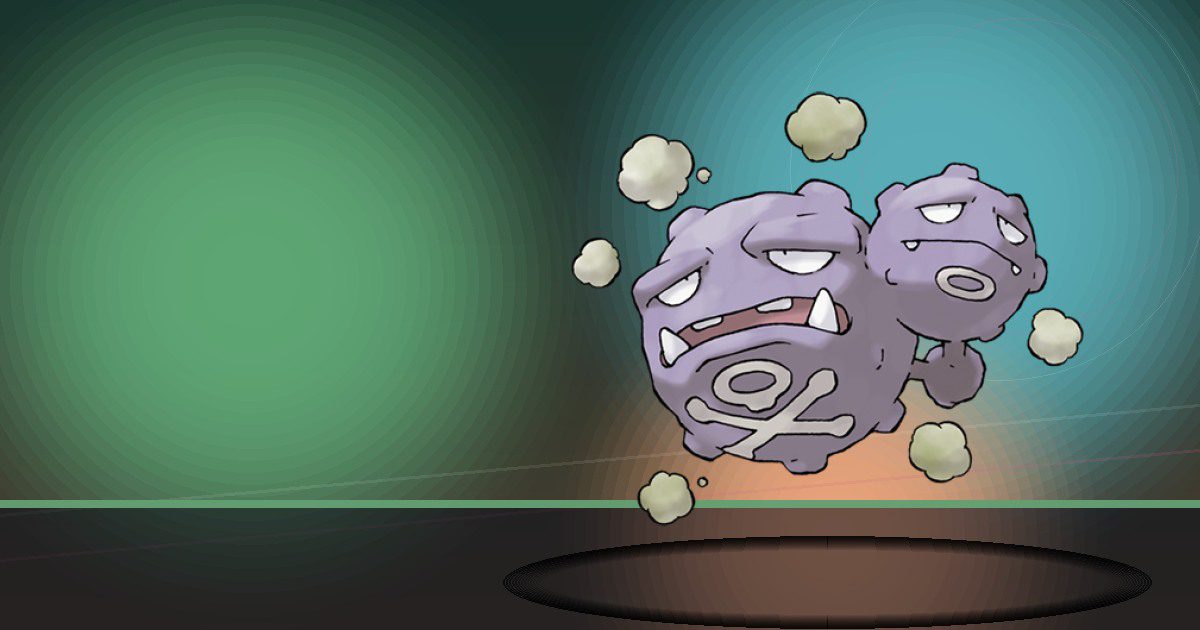
Weezing Galar
Recycle
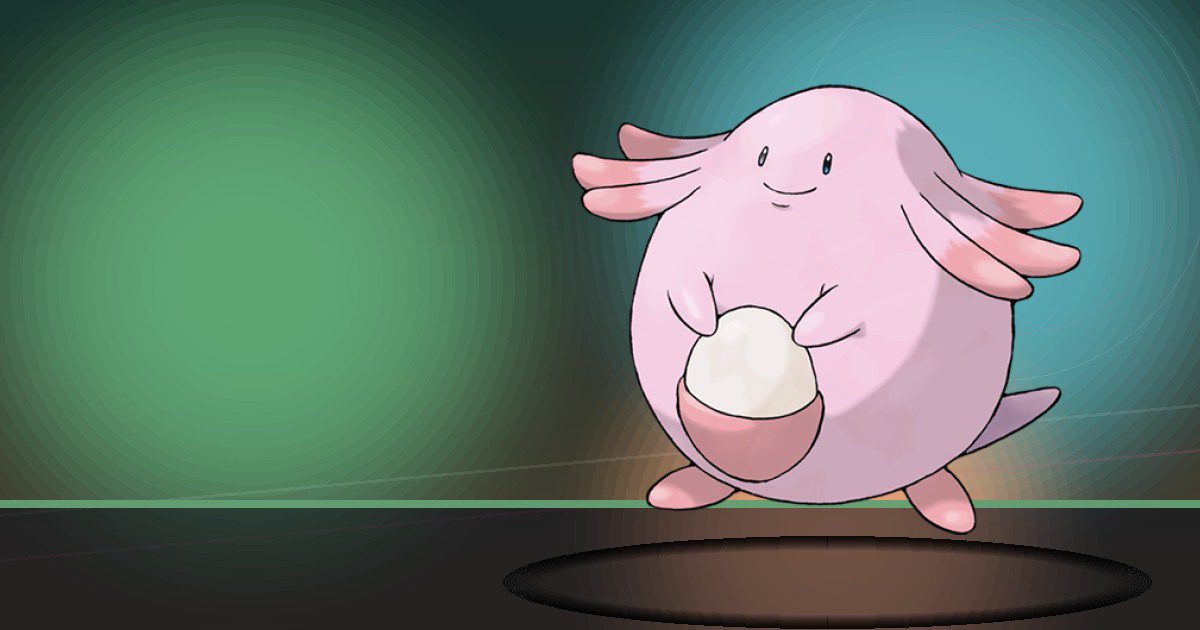
Chansey
Trade
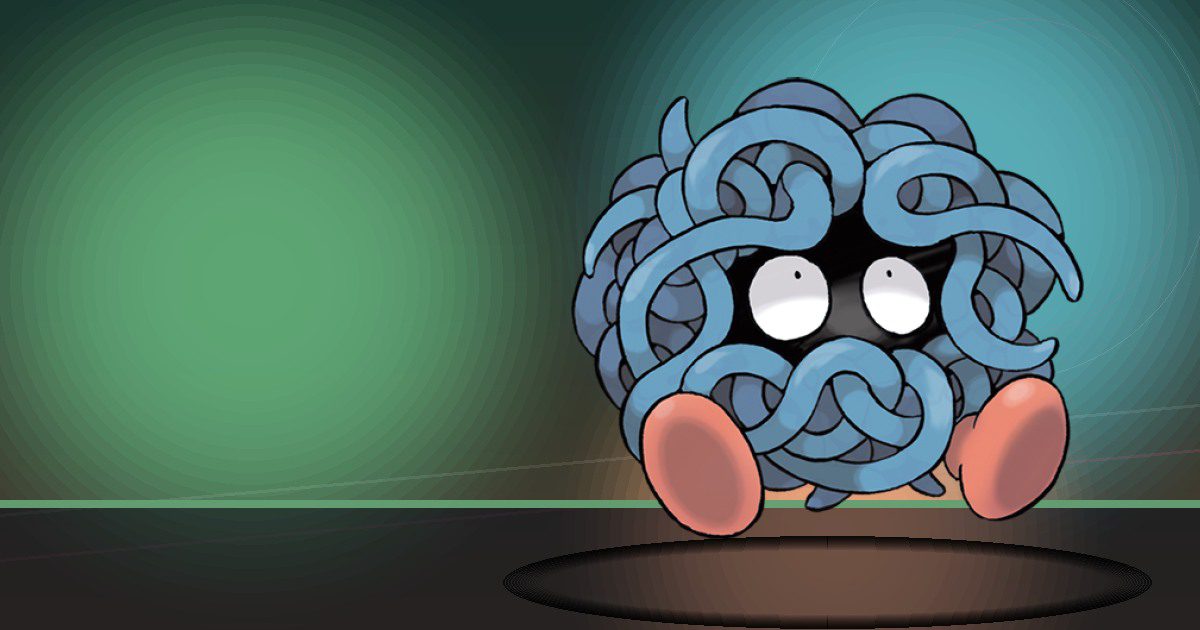
Tangela
Grow and Litter
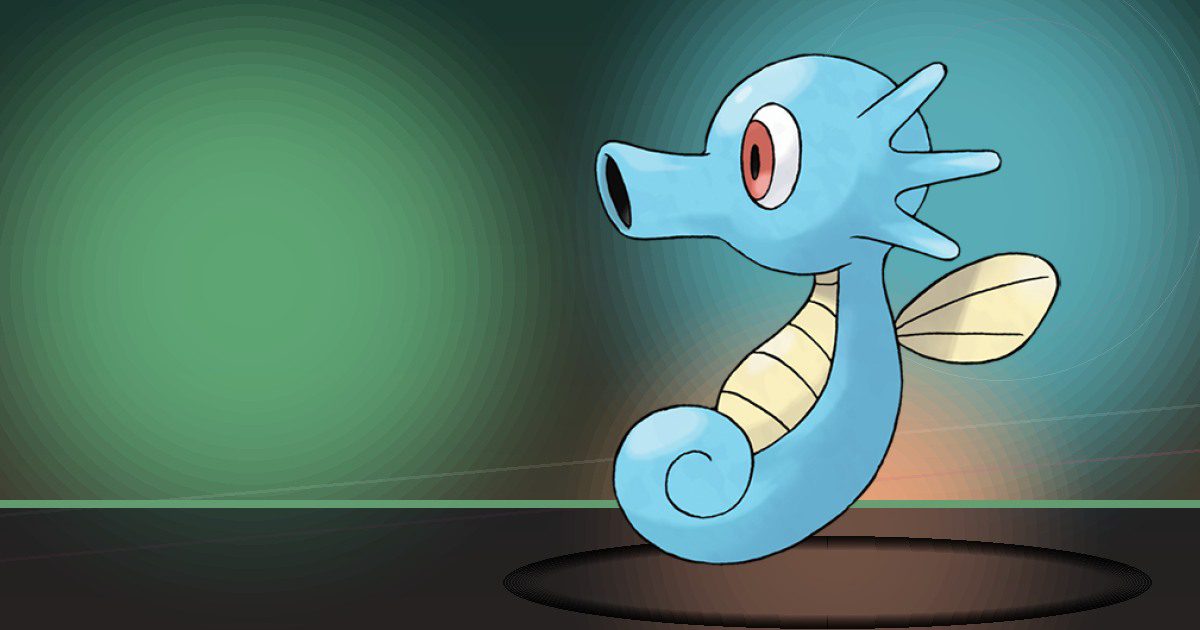
Horsea
Water
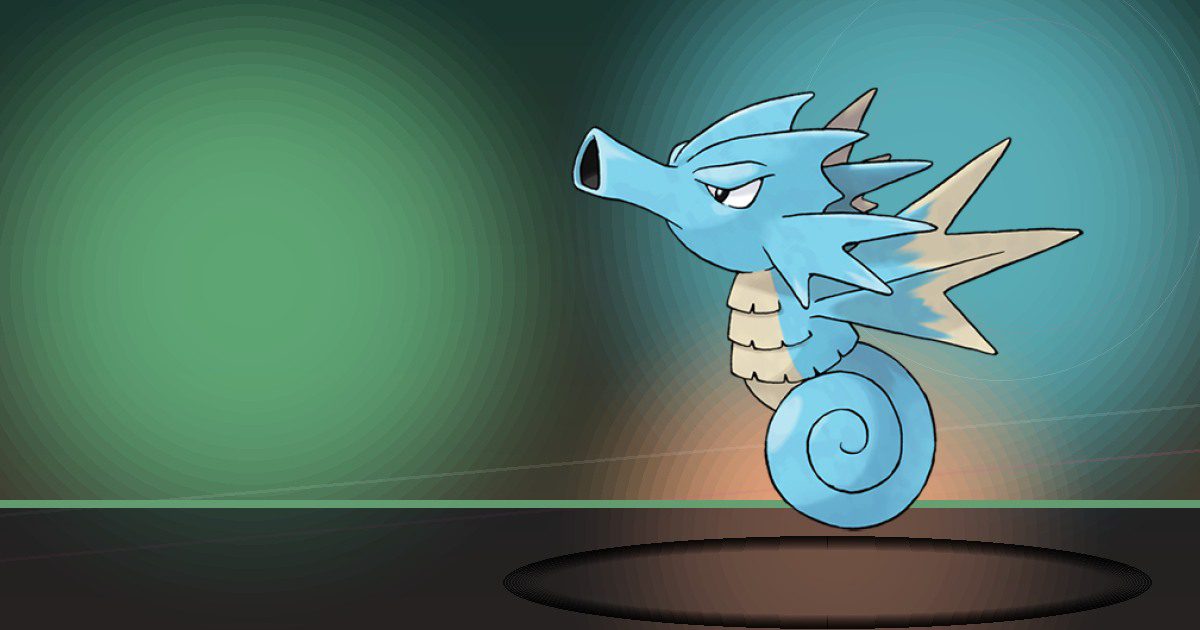
Seadra
Water and Litter
Staryu
Teleport
Starmie
Teleport and Gather

Mr ♂ime Galar
Gather and Build
Scyther
Chop
Electabuzz
Generate
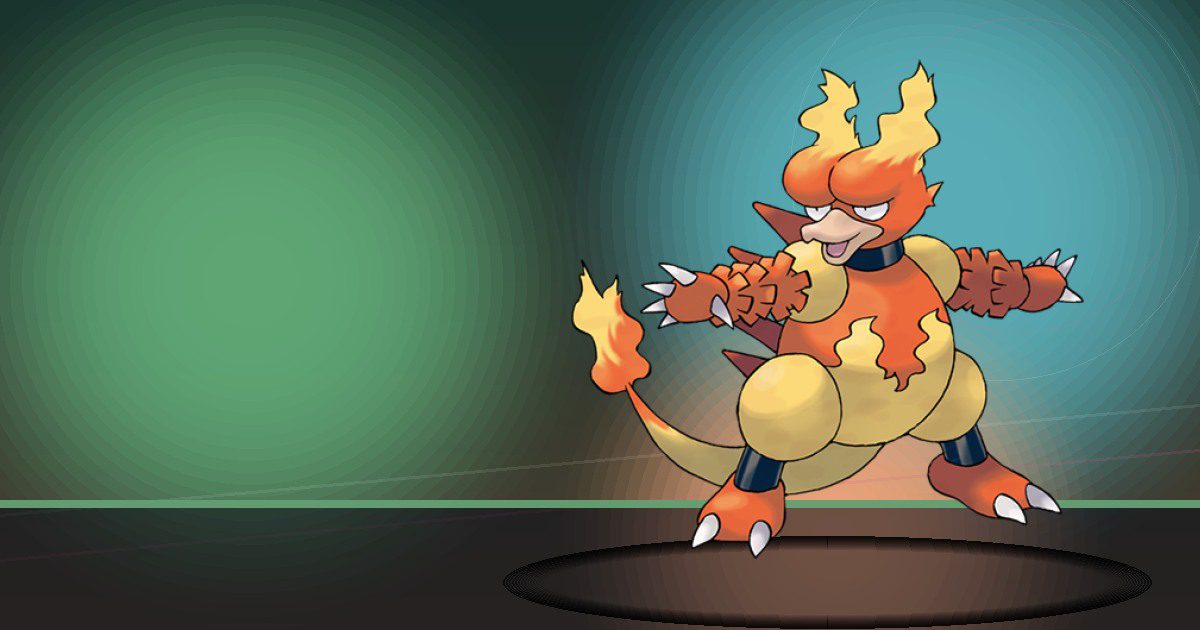
Magmar
Burn
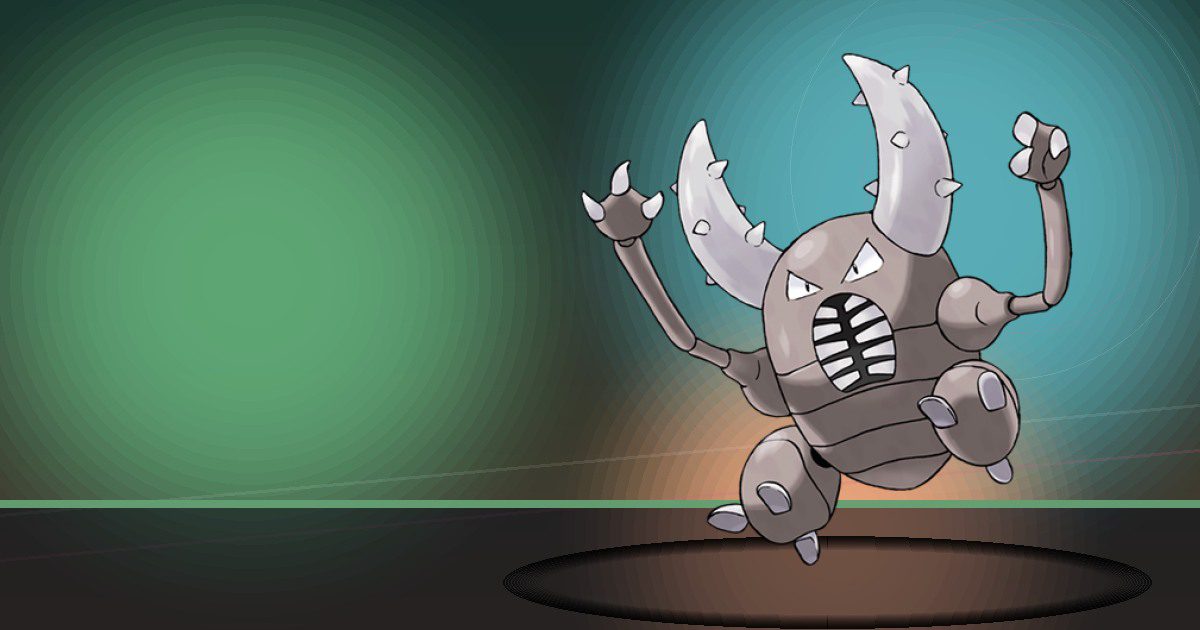
Pinsir
Chop and Build
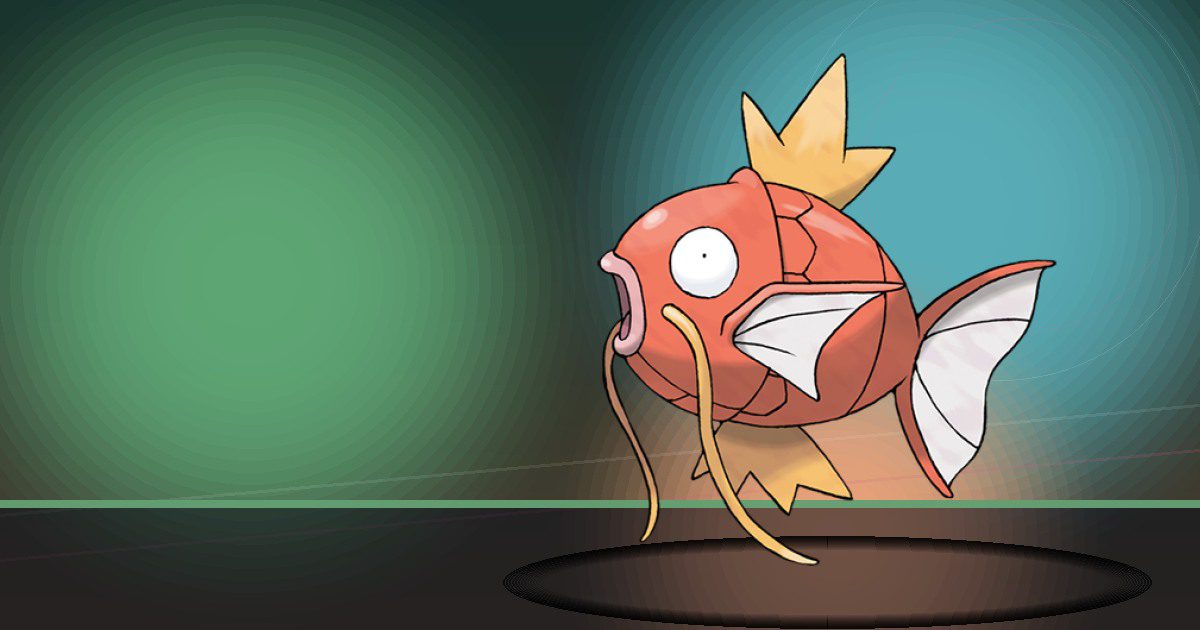
Magikarp
Special Pokopia resident
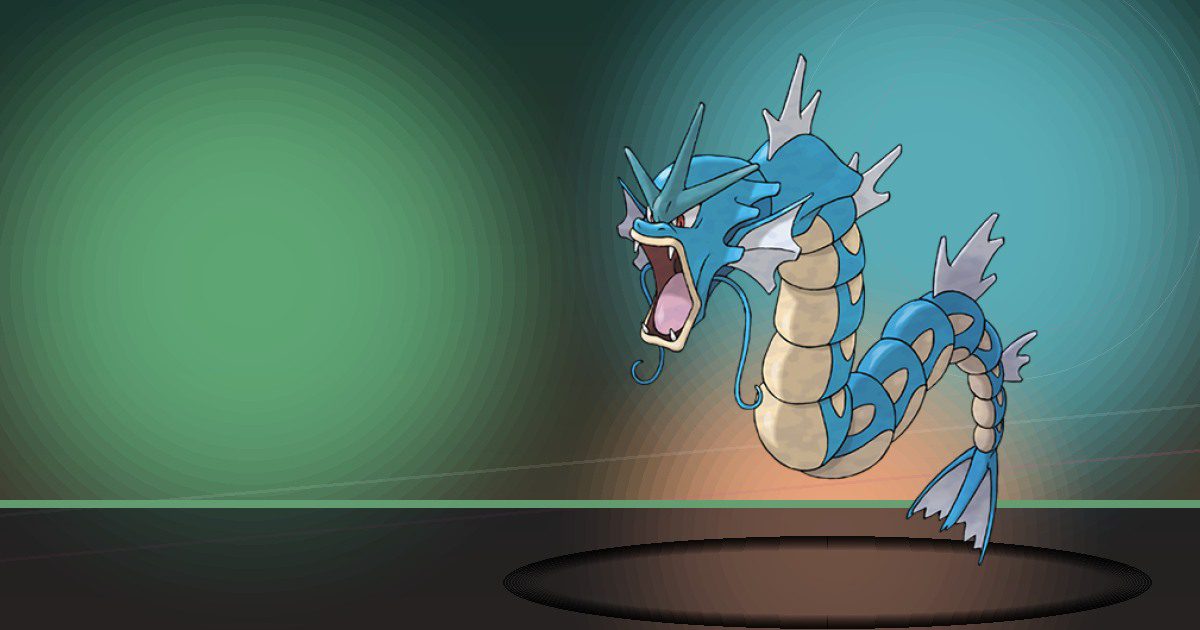
Gyarados
Water
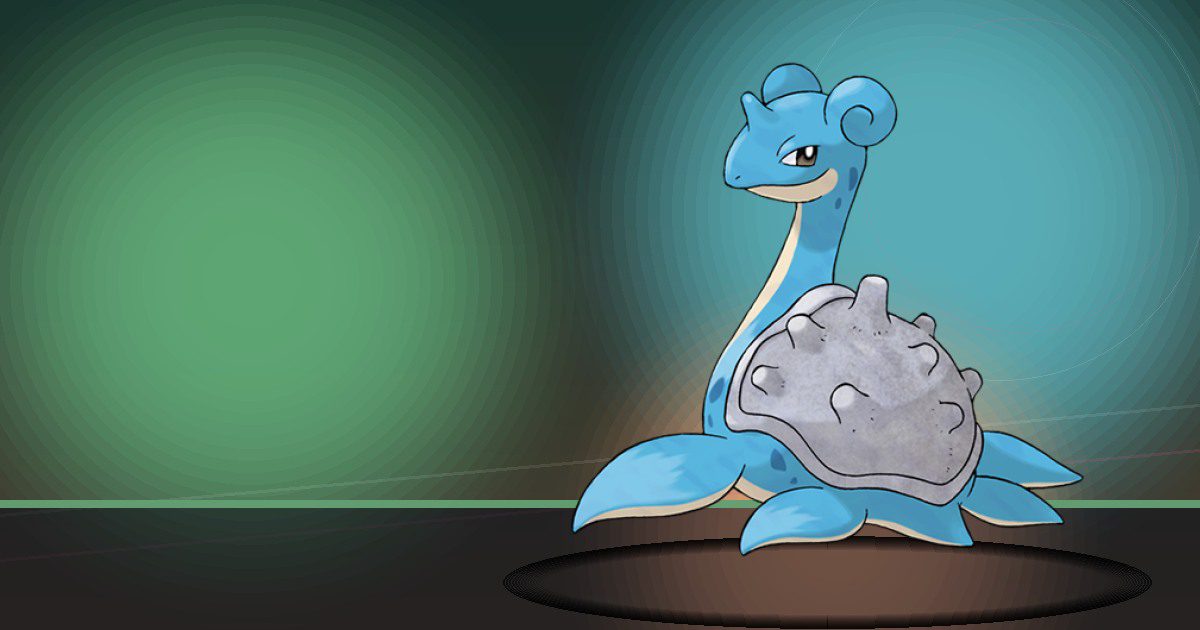
Lapras
Water
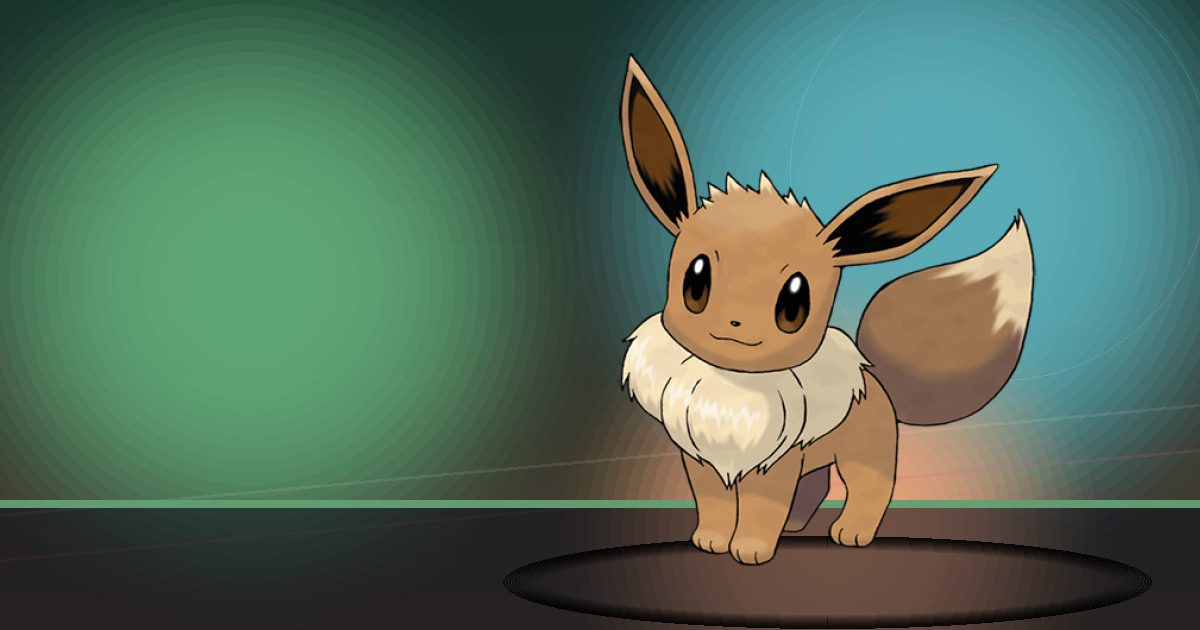
Eevee Starter
Trade
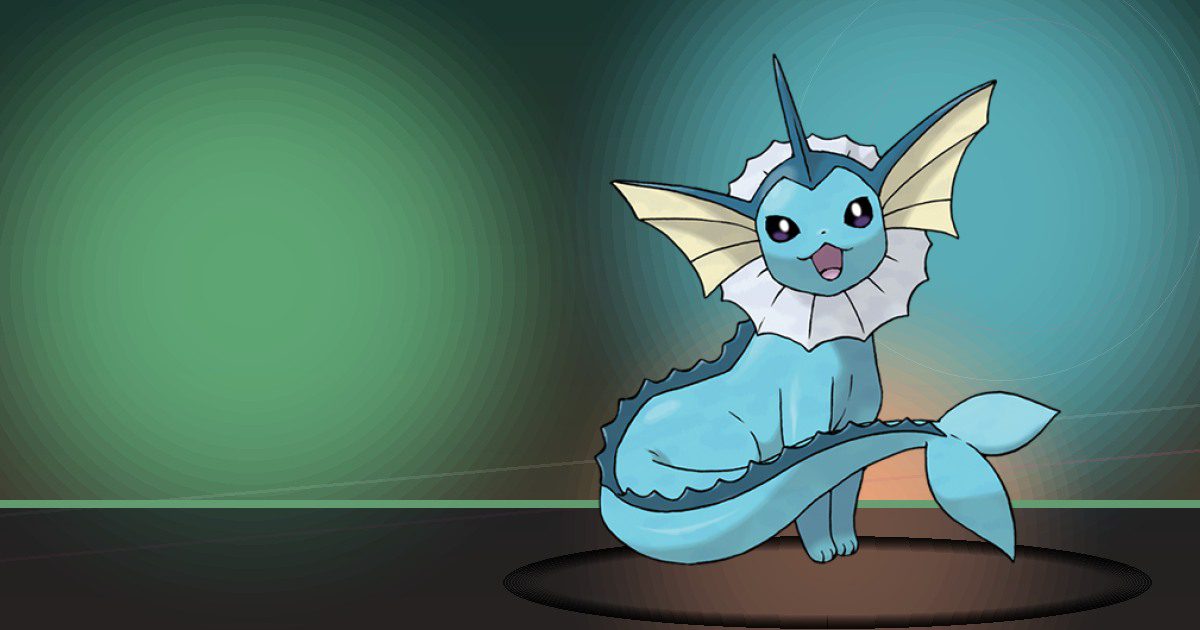
Vaporeon
Water
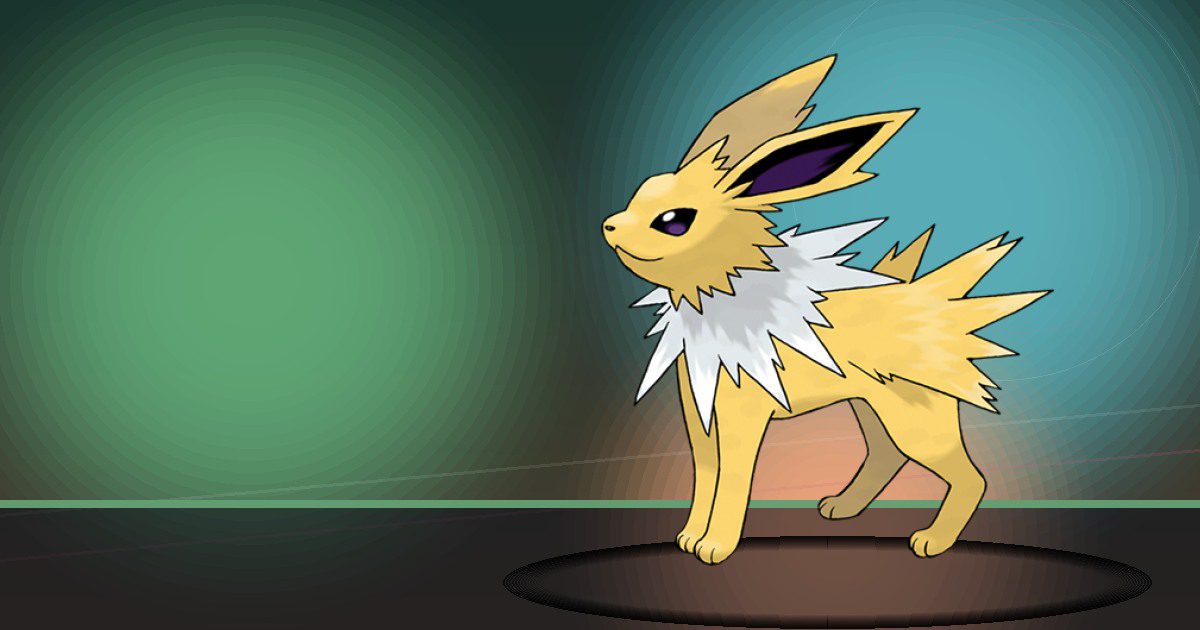
Jolteon
Generate
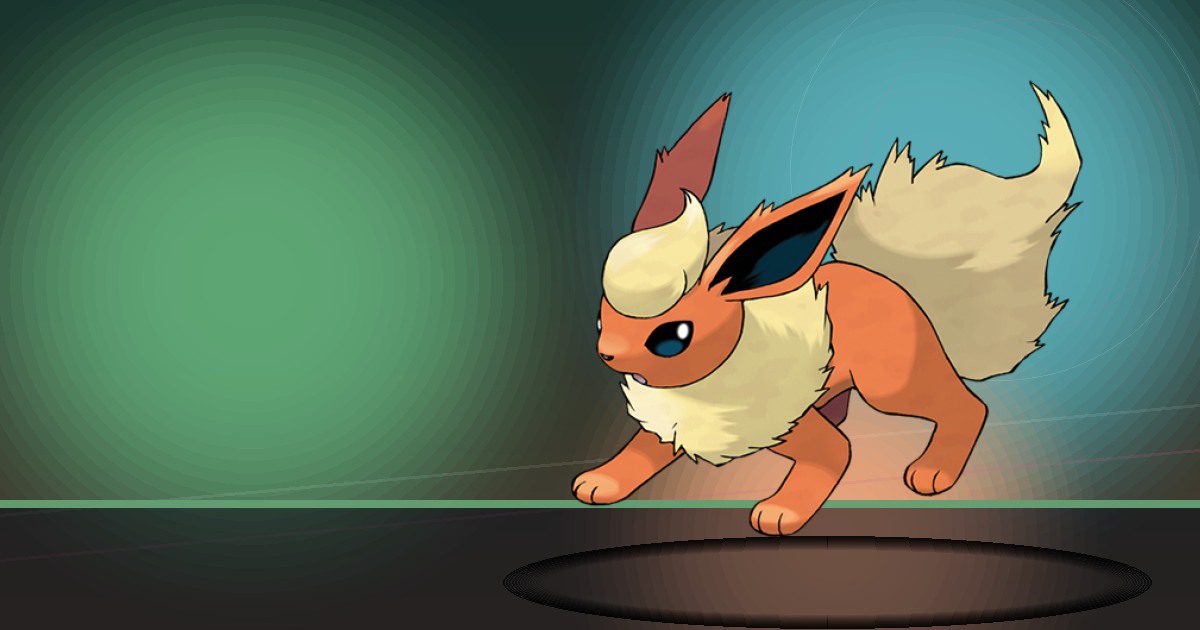
Flareon
Burn
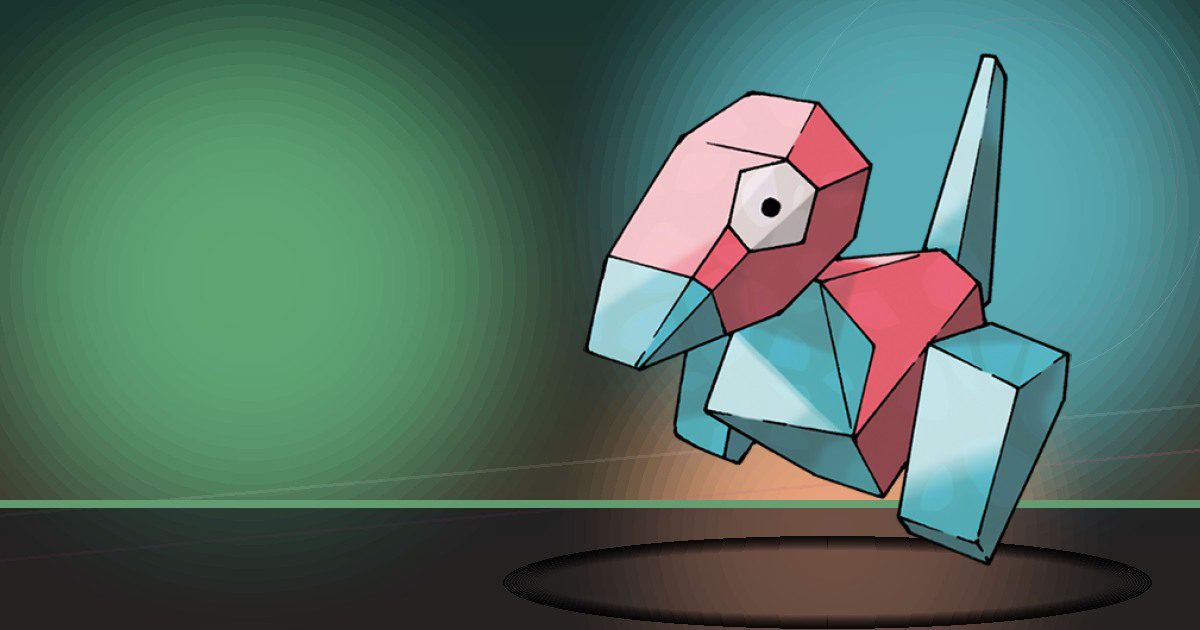
Porygon
Recycle
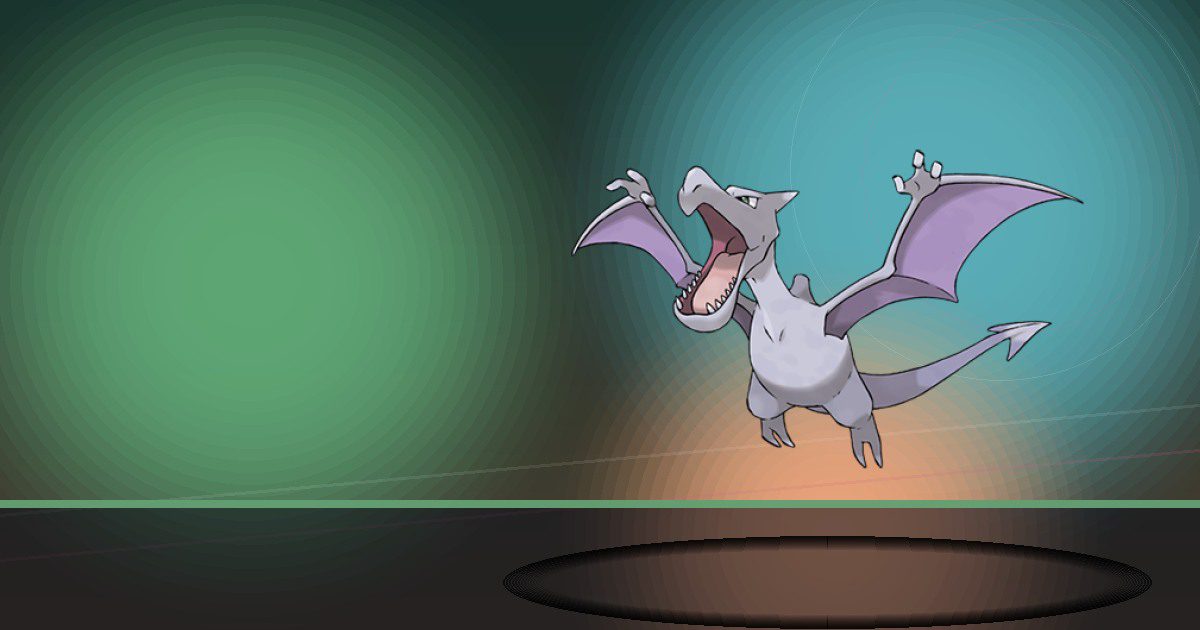
Aerodactyl
Fly
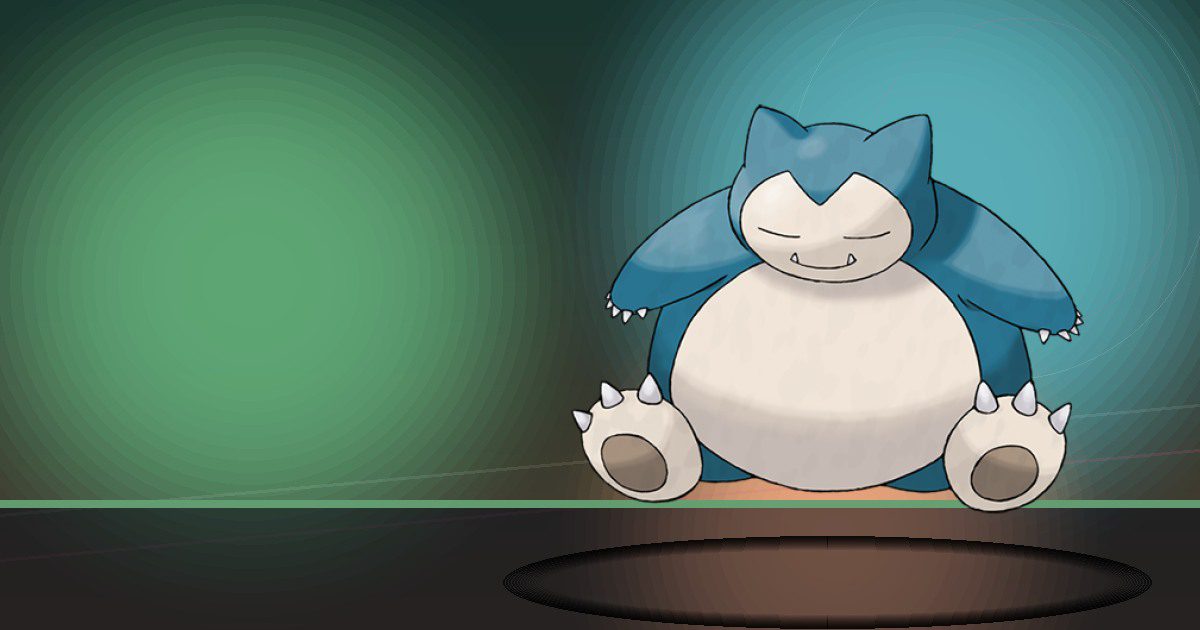
Snorlax
Trade and Bulldoze

Articuno Galar
Fly
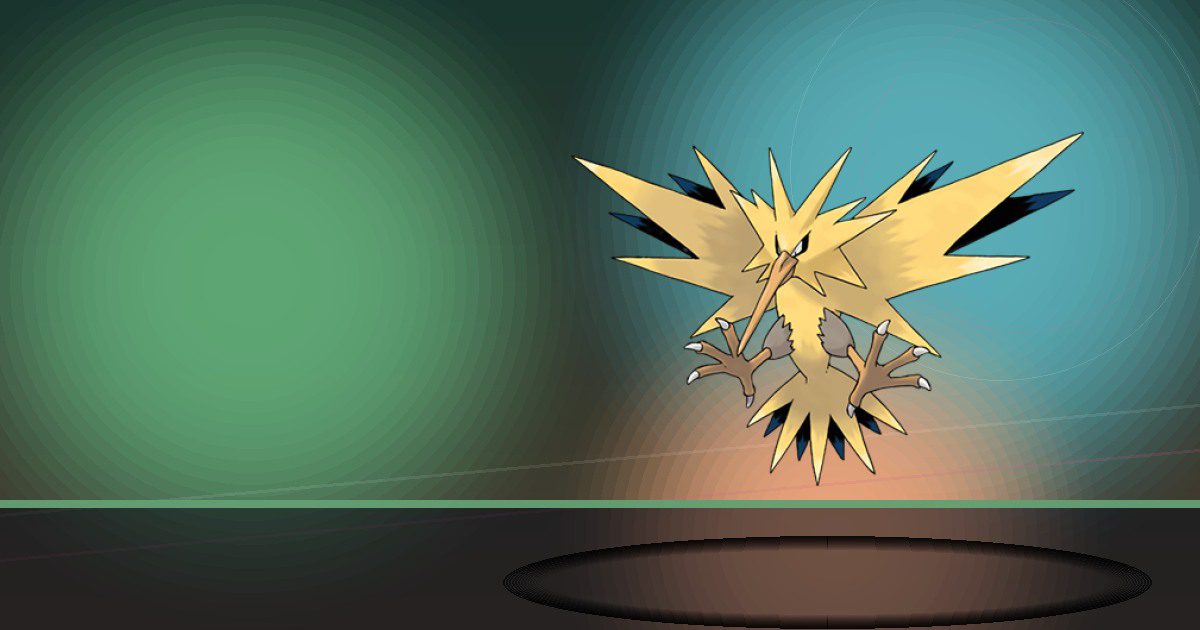
Zapdos Galar
Fly
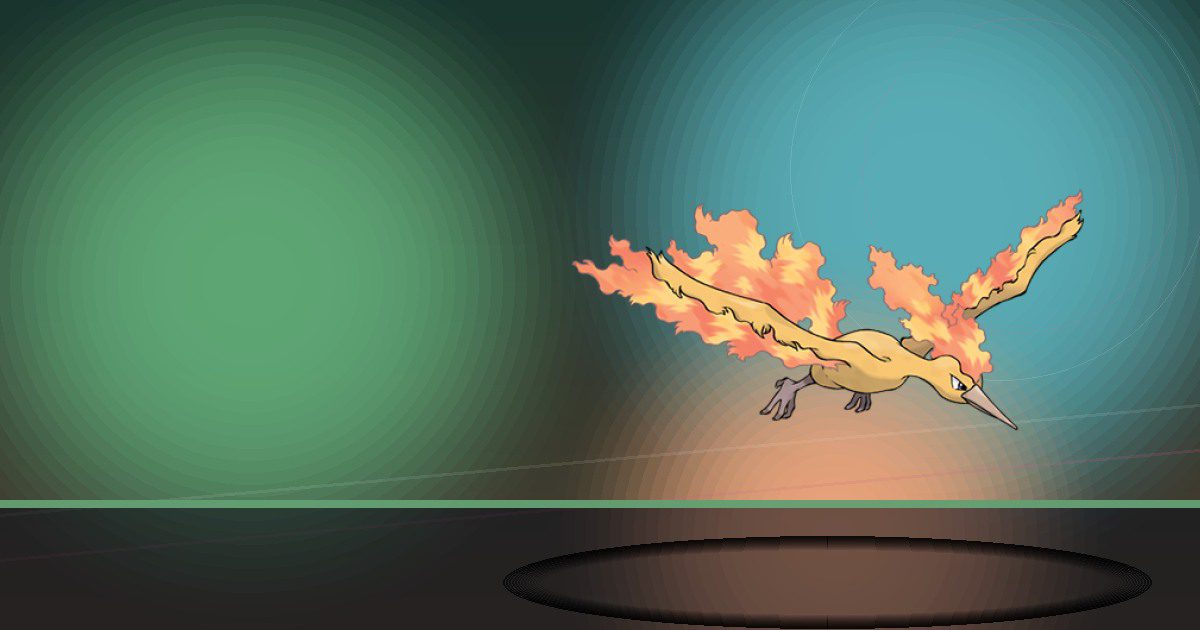
Moltres Galar
Fly

Dratini
Water

Dragonair
Water
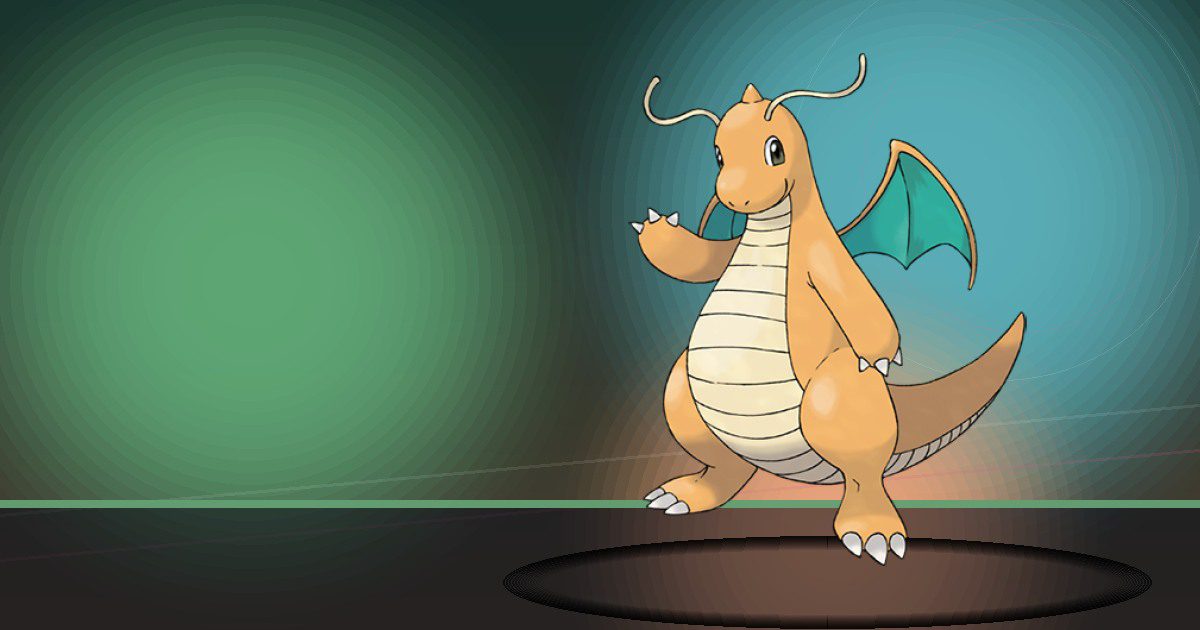
Dragonite
Water and Fly

Mewtwo
Teleport

Mew
Teleport
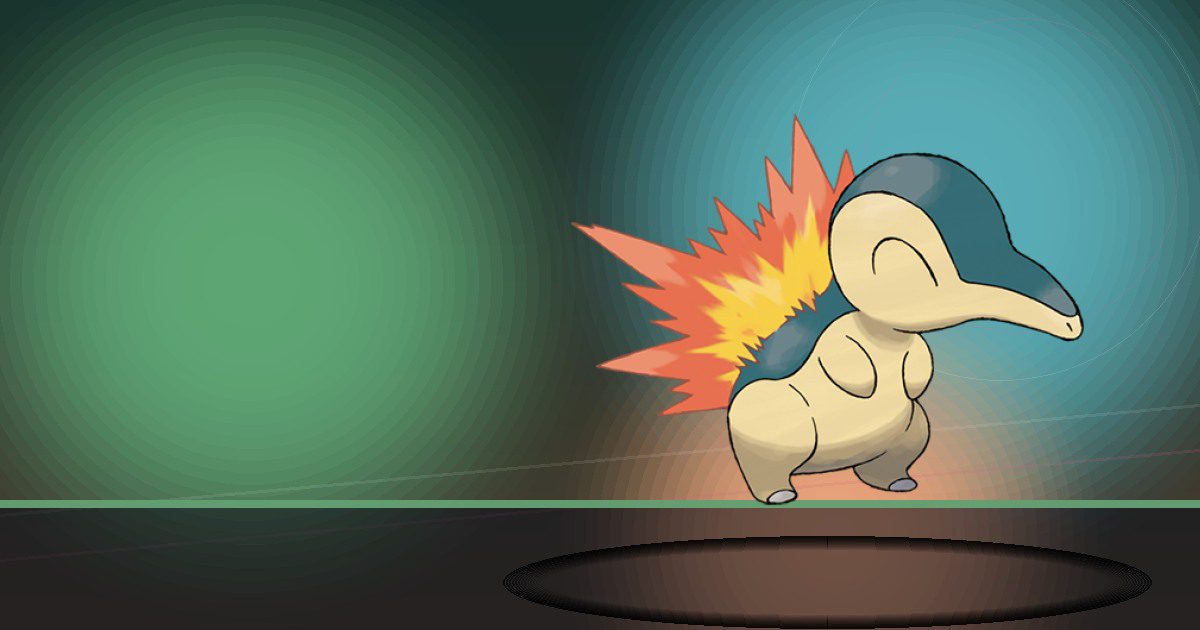
Cyndaquil
Burn
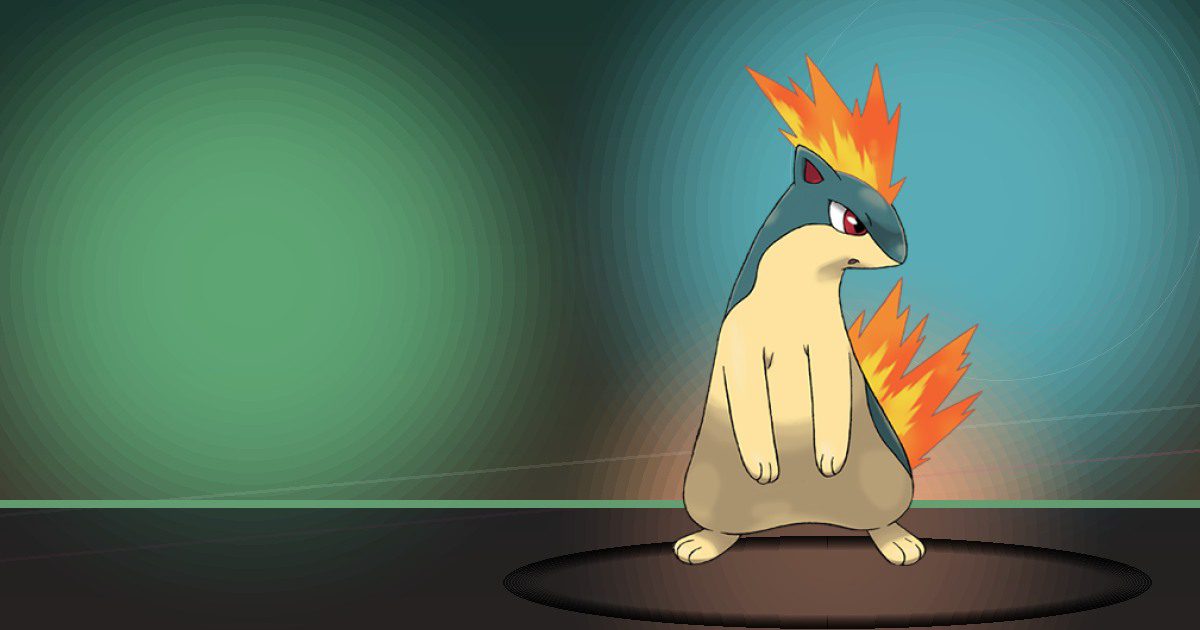
Quilava
Burn

Typhlosion
Burn and Trade

Totodile
Chop
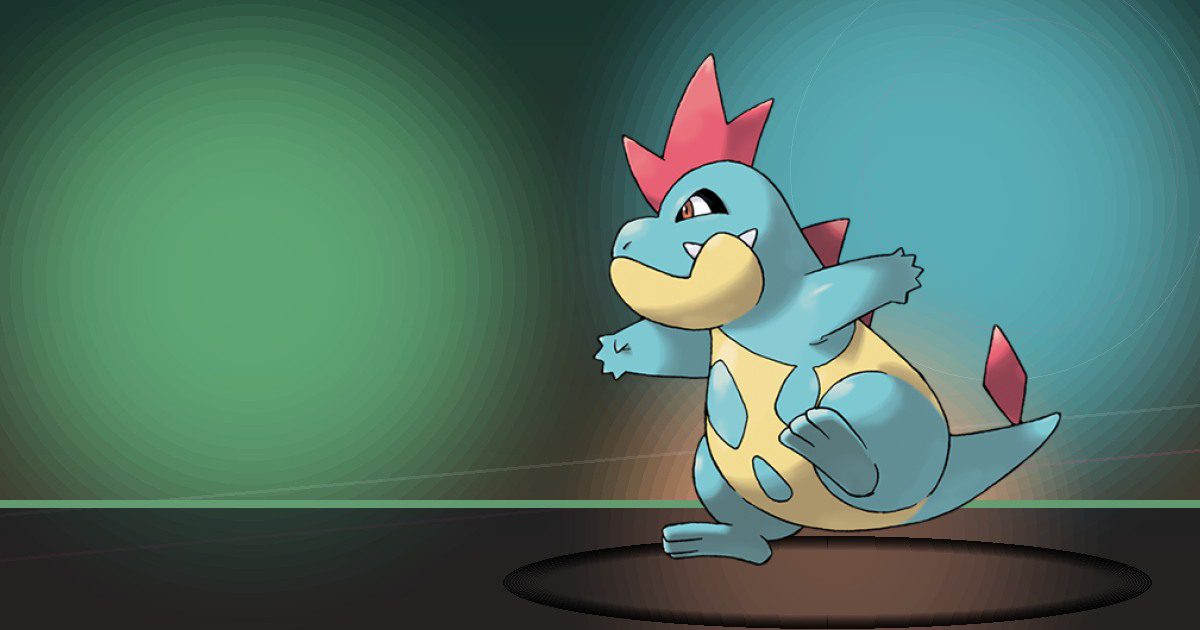
Croconaw
Chop and Crush
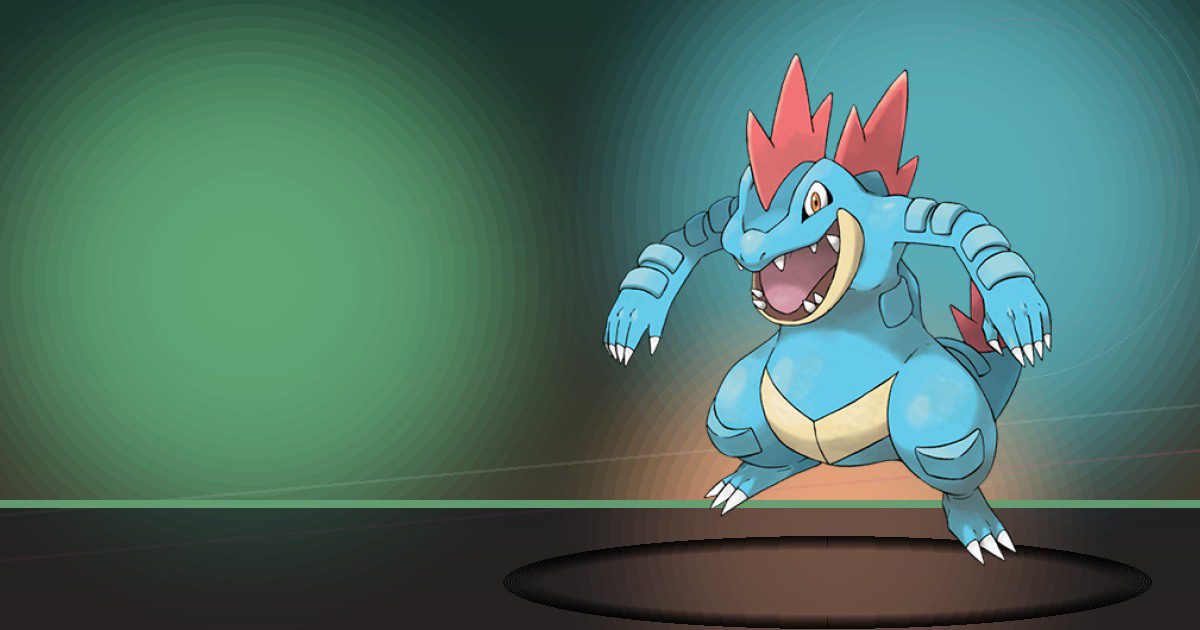
Feraligatr
Chop and Crush
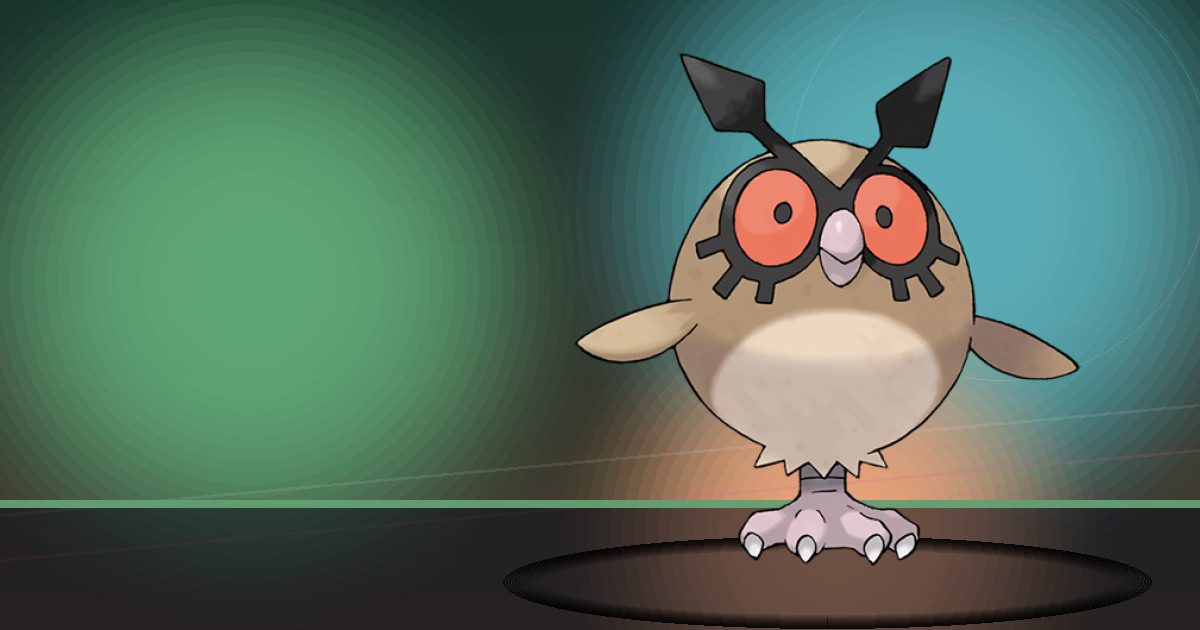
Hoothoot
Trade and Fly

Noctowl
Trade and Fly
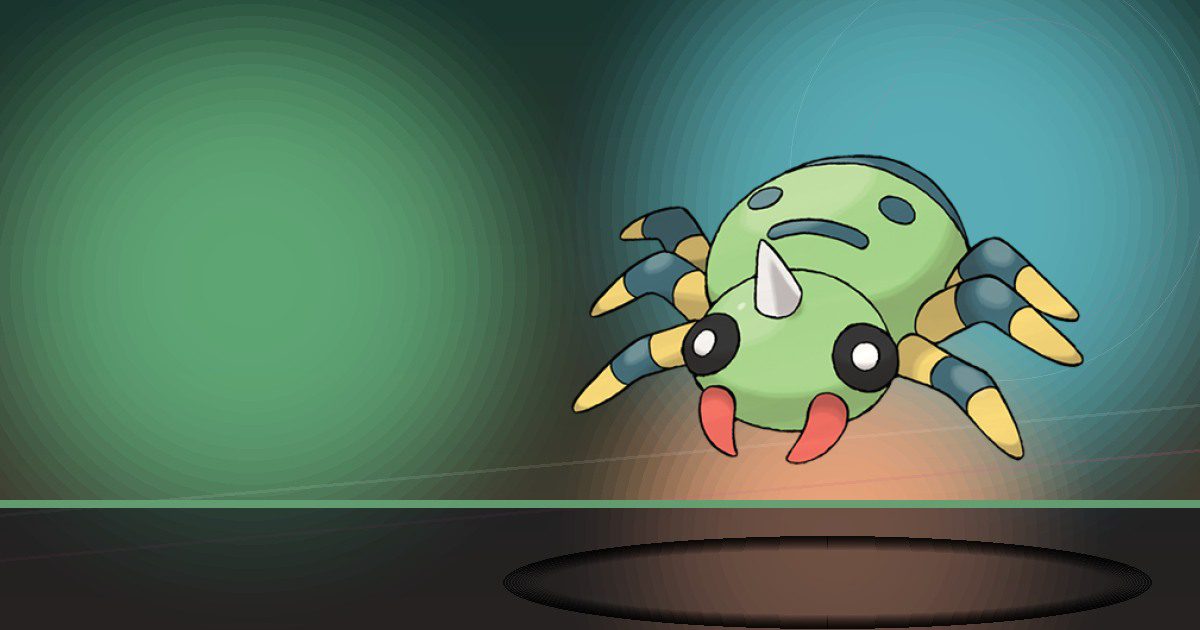
Spinarak
Litter
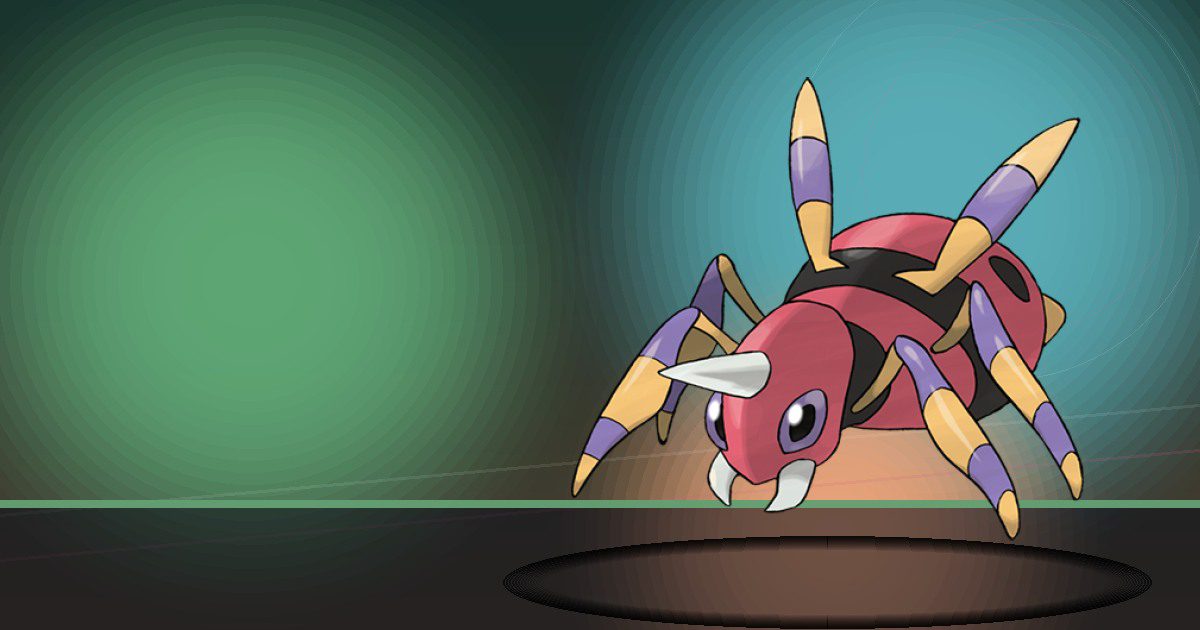
Ariados
Litter
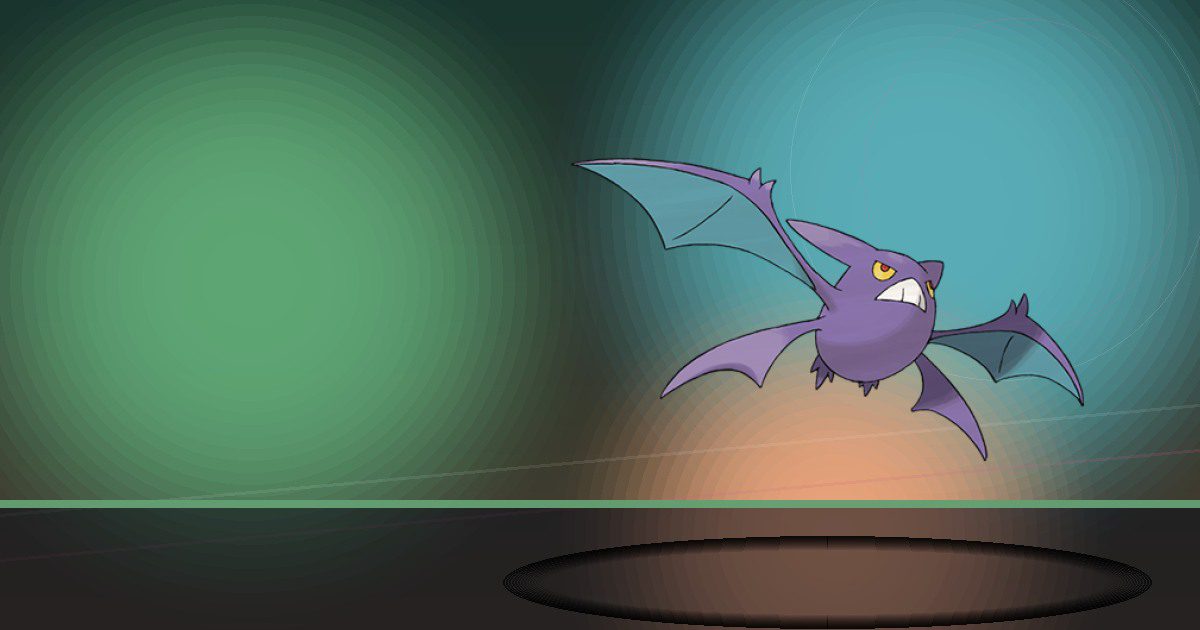
Crobat
Search and Chop
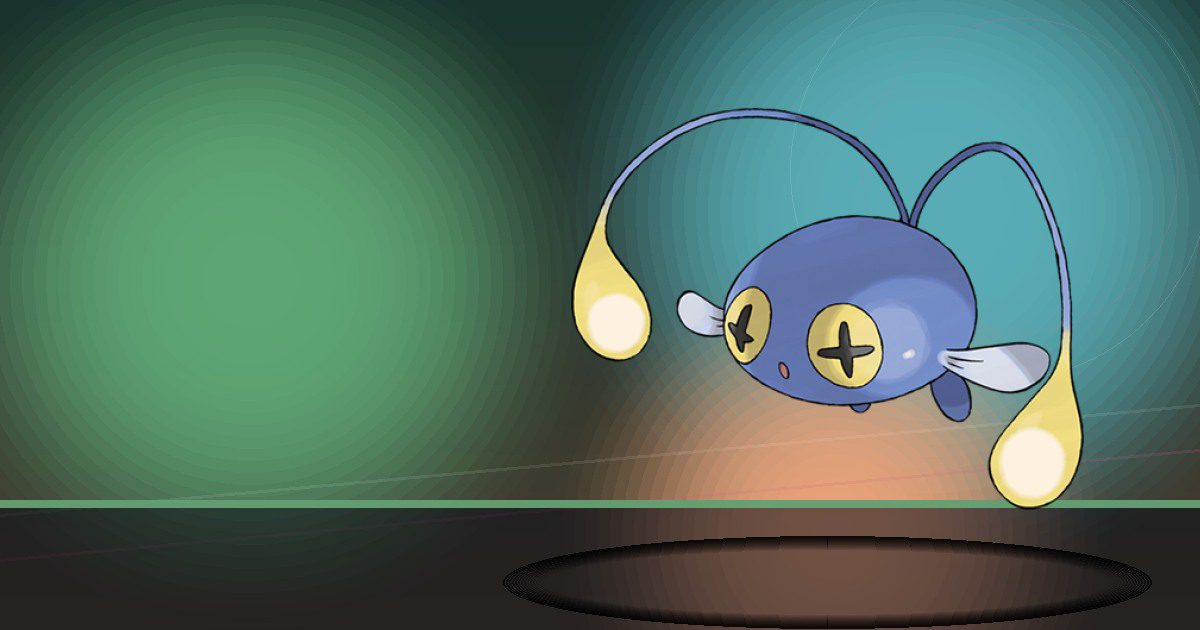
Chinchou
Generate
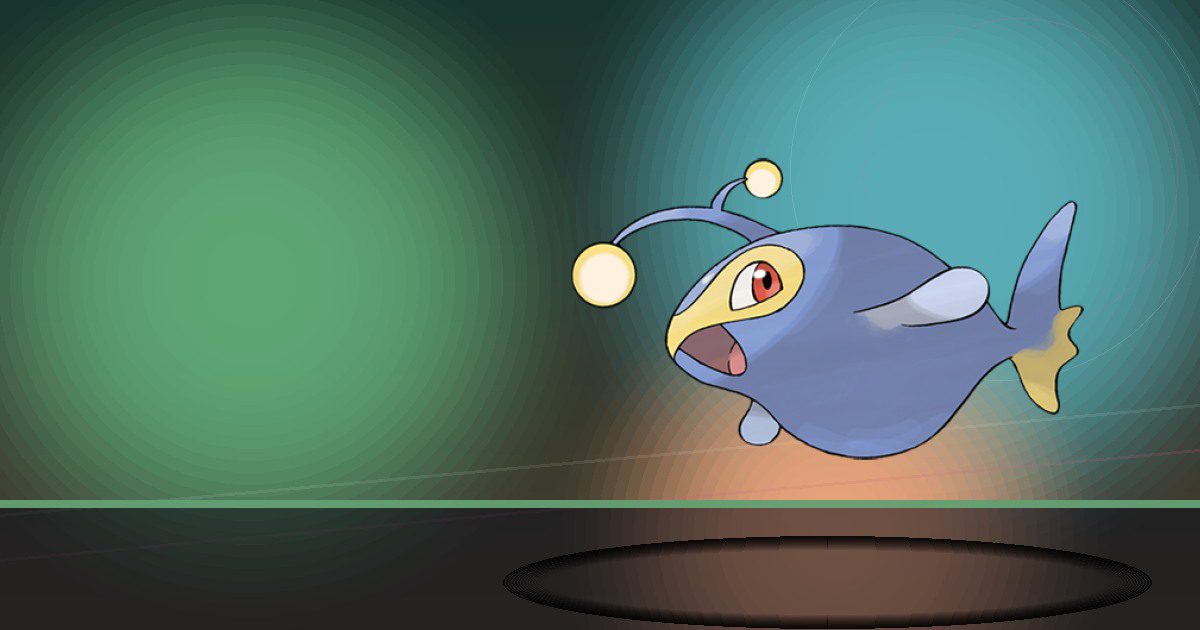
Lanturn
Generate and Water

Pichu
Generate
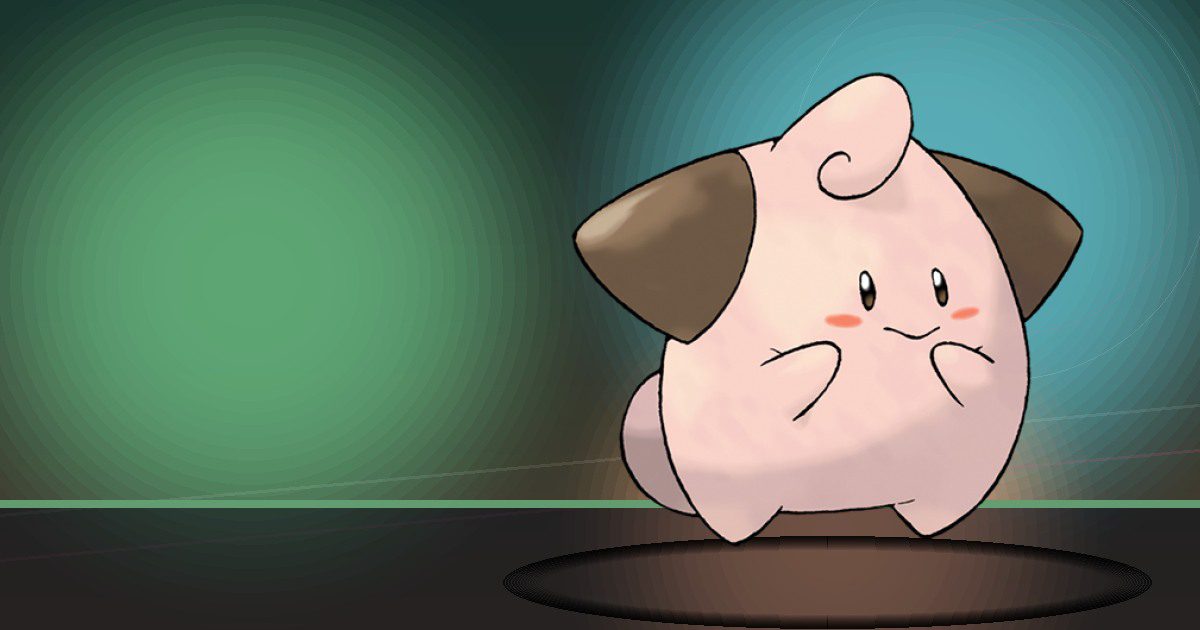
Cleffa
Hype

Igglybuff
Hype
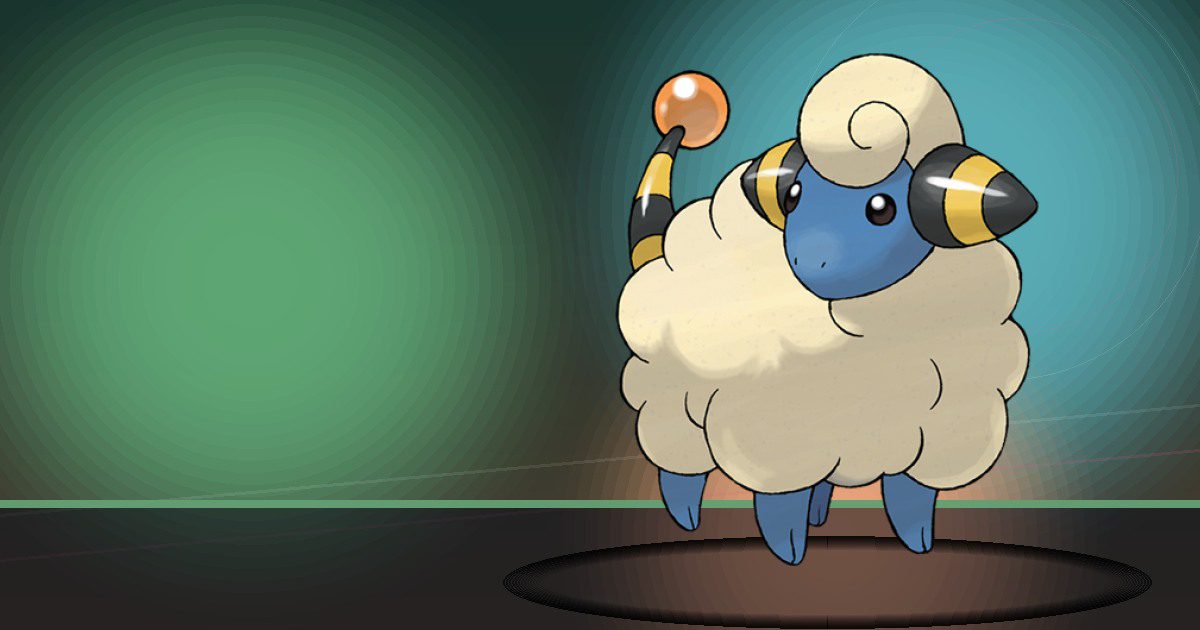
Mareep
Generate and Litter

Flaaffy
Generate and Litter

Ampharos
Generate and Trade
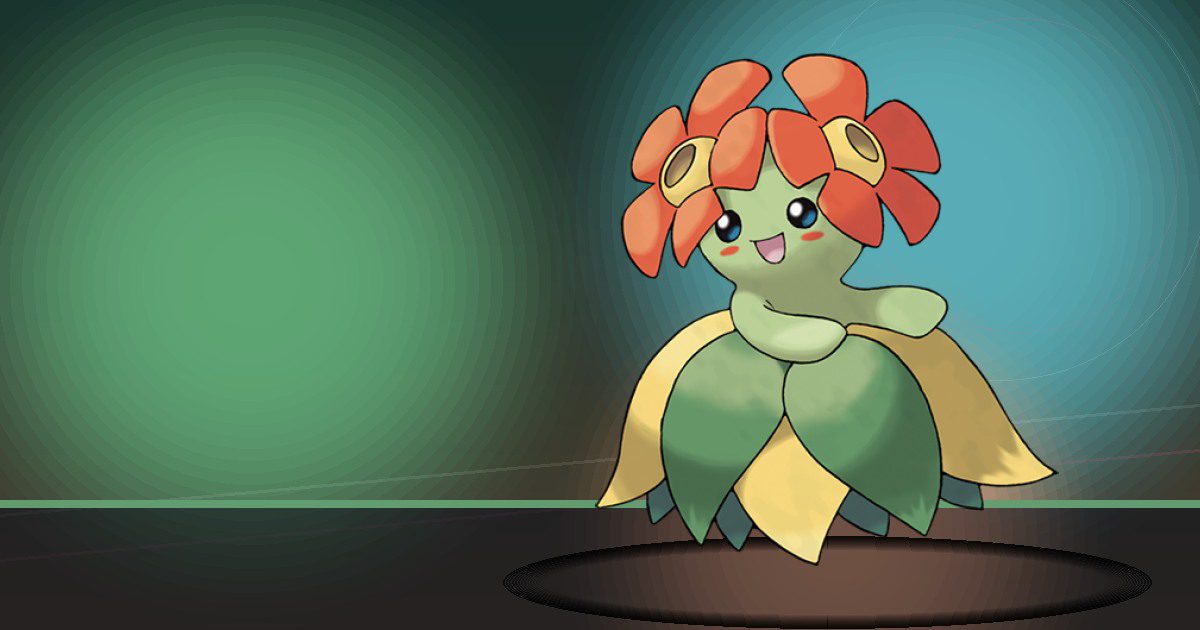
Bellossom
Grow and Hype

Marill
Water and Hype
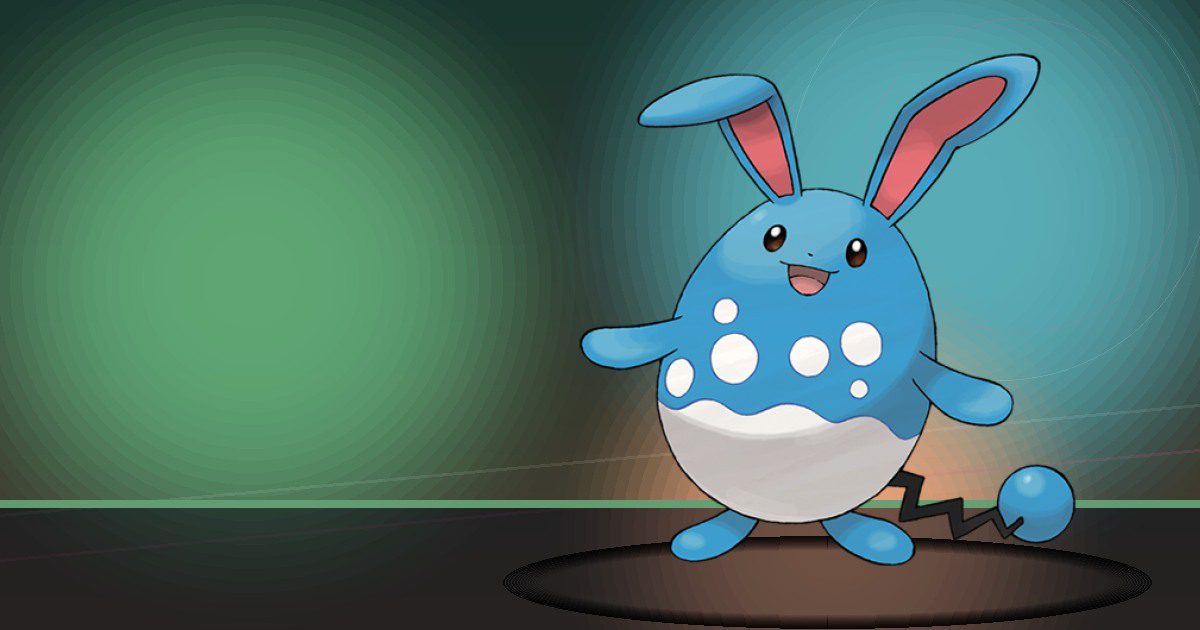
Azumarill
Water and Build
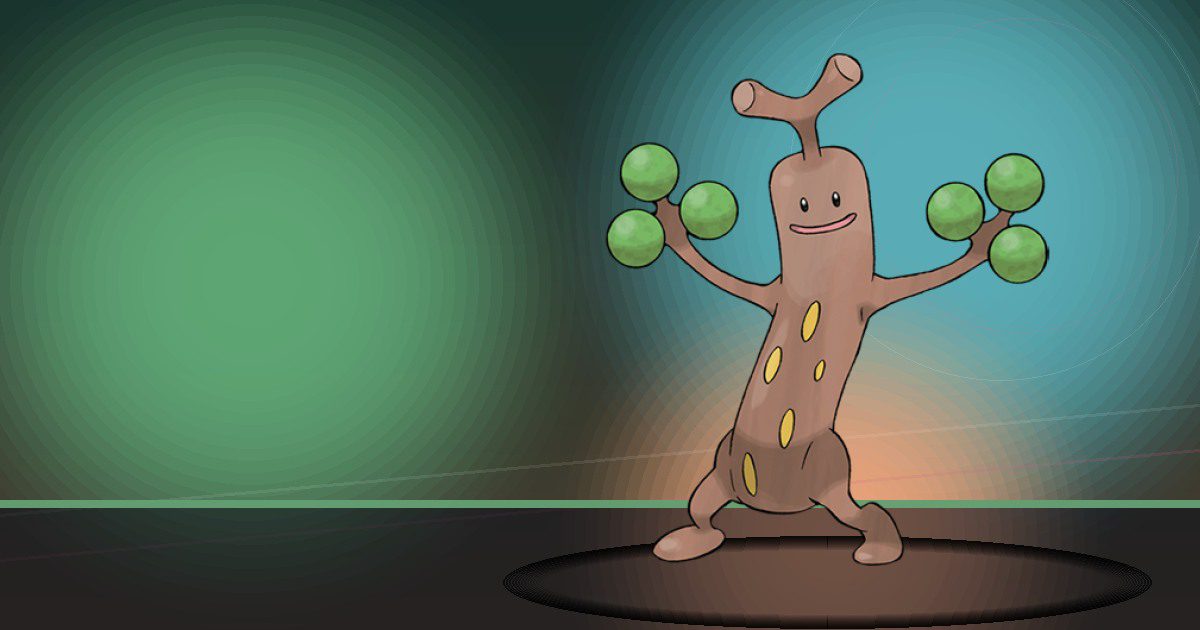
Sudowoodo
Trade

Politoed
Water and Hype
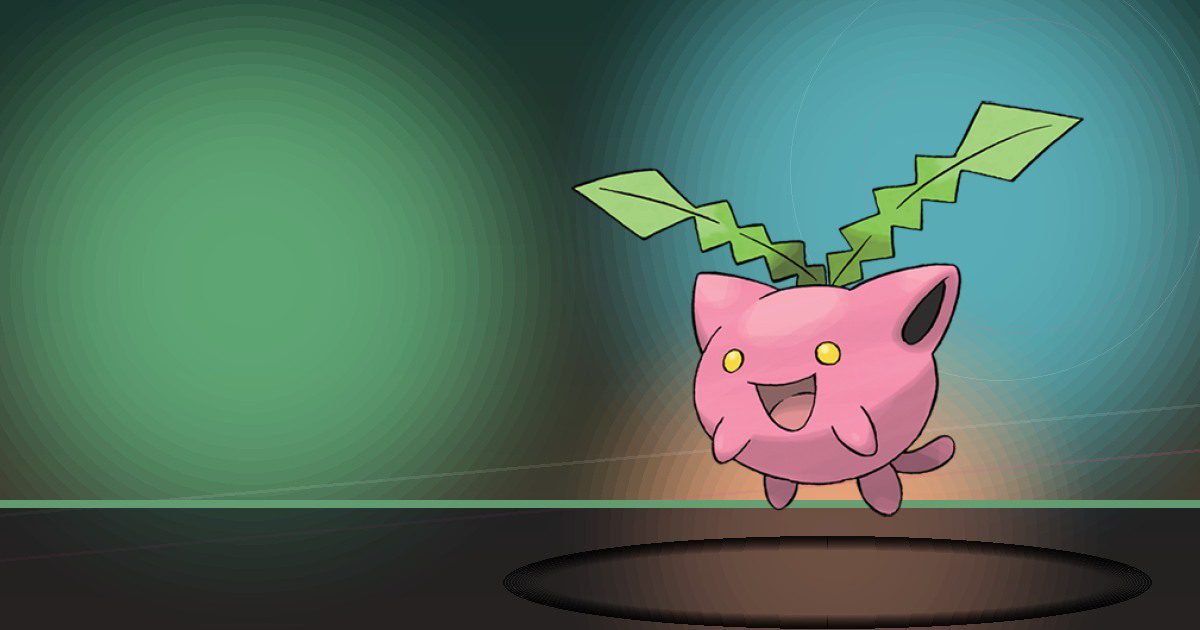
Hoppip
Grow
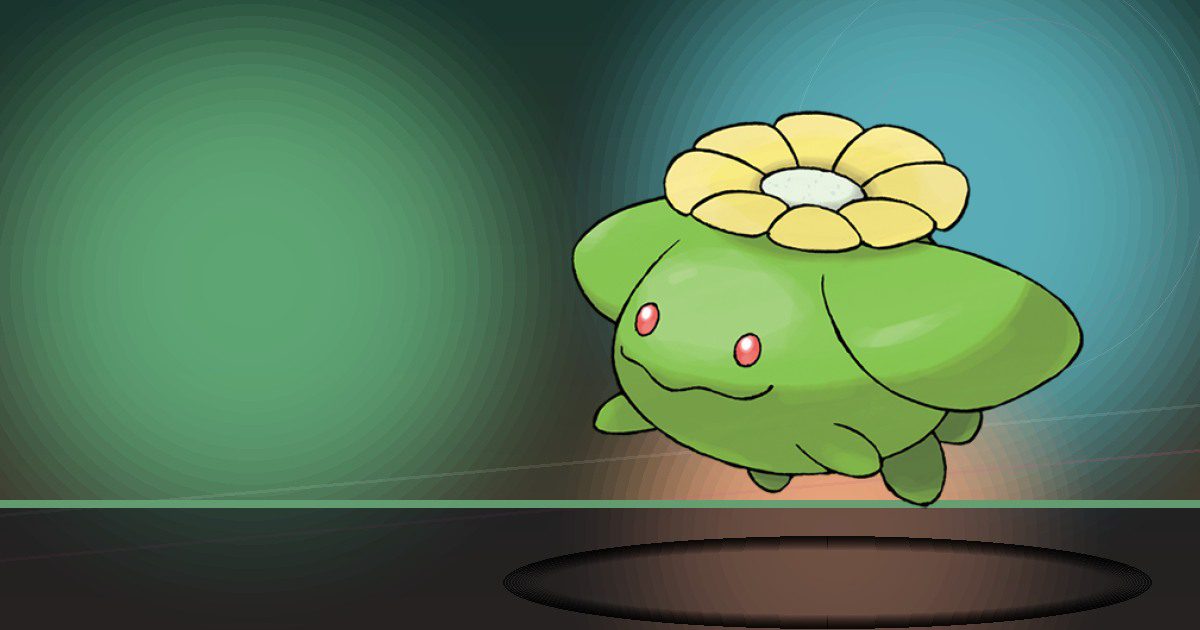
Skiploom
Grow

Jumpluff
Grow
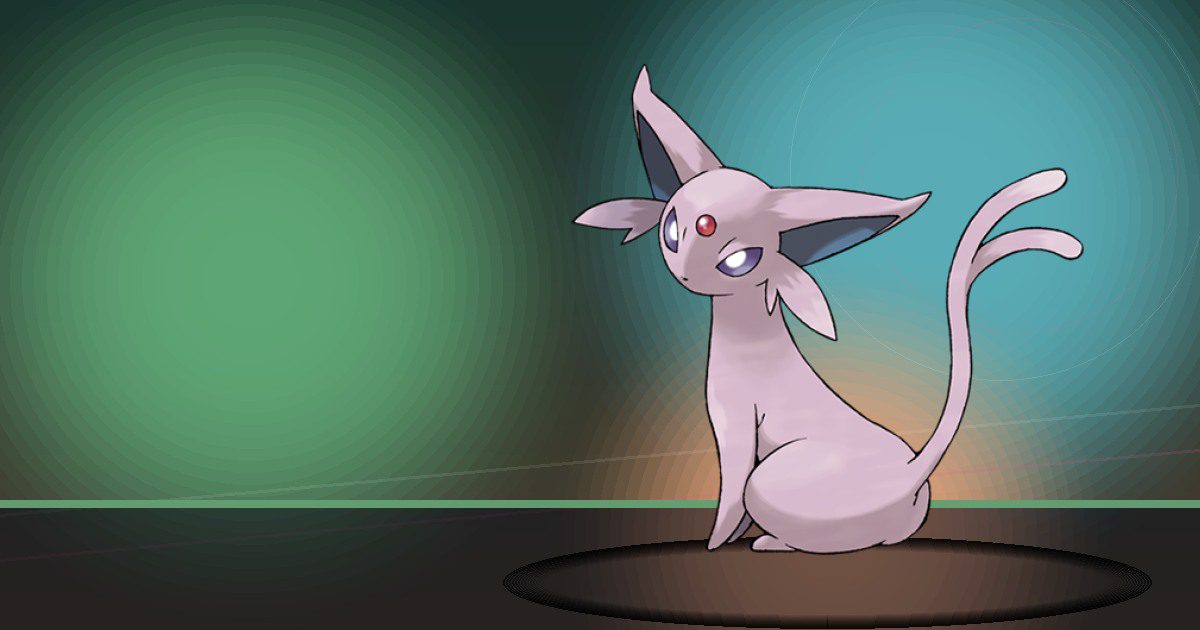
Espeon
Gather
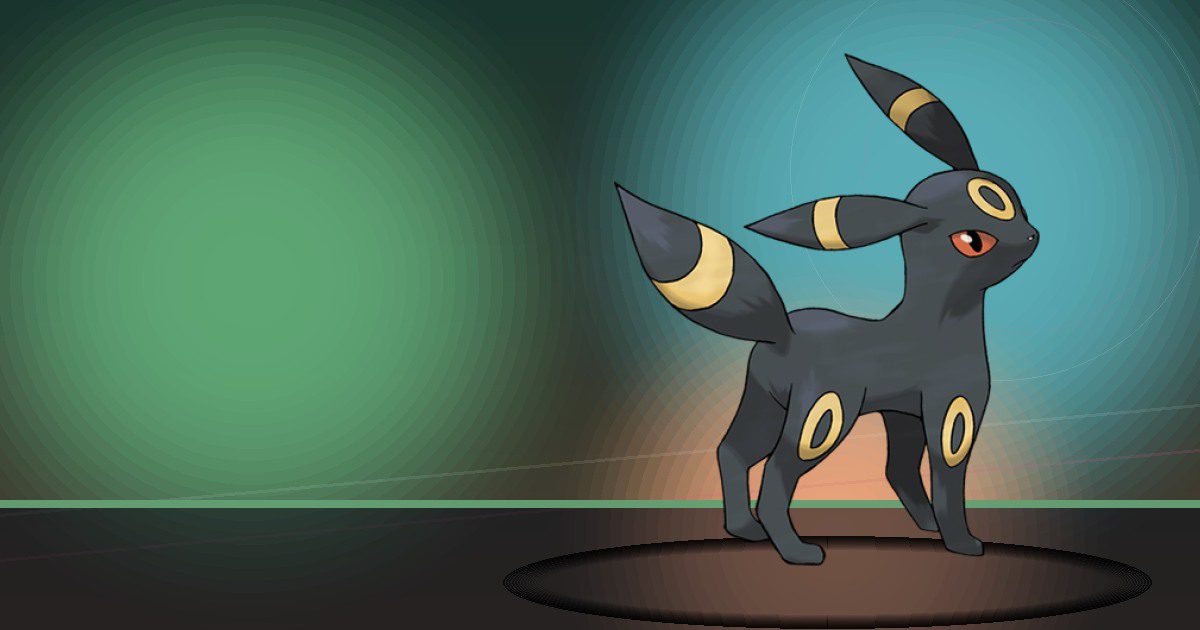
Umbreon
Search
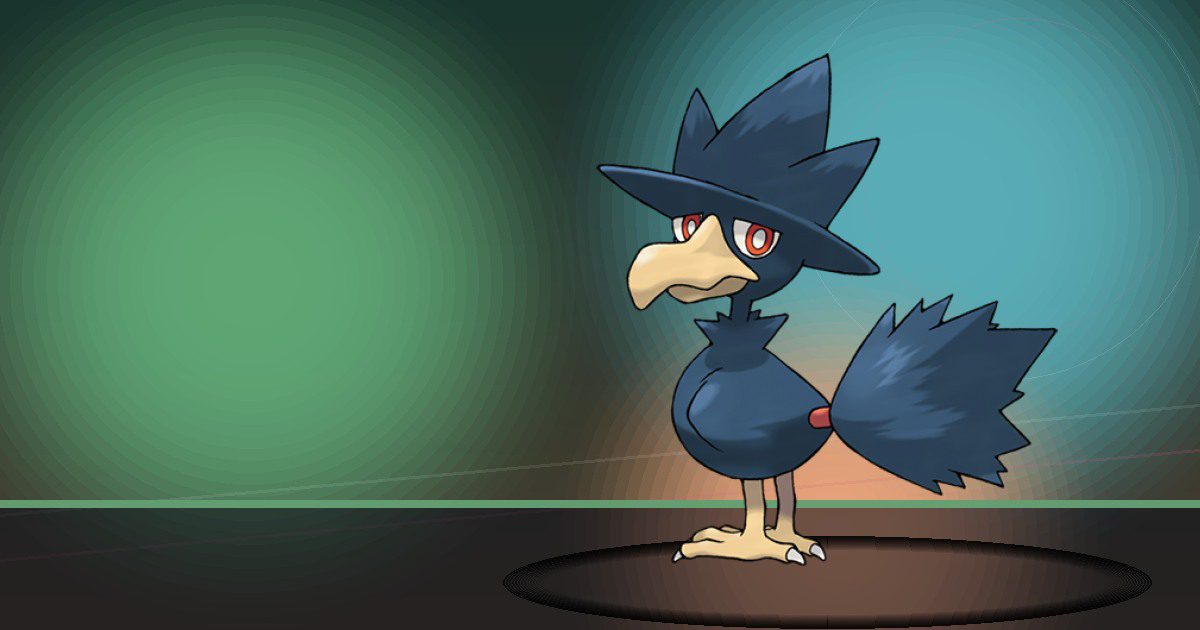
Murkrow
Trade and Fly
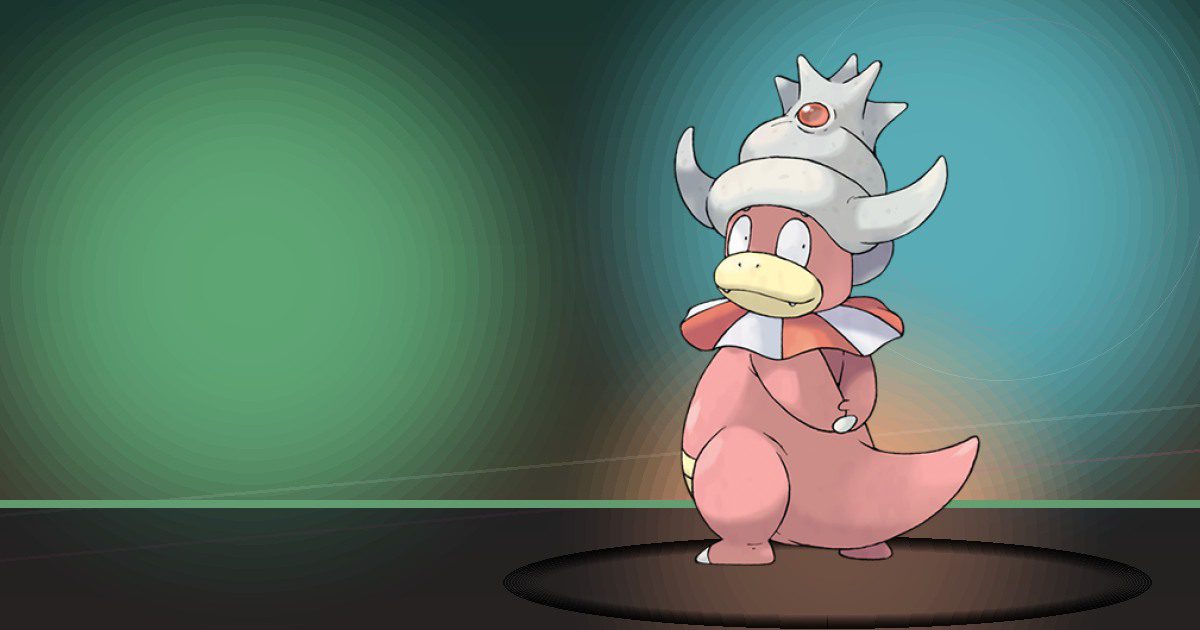
Slowking
Water and Teleport
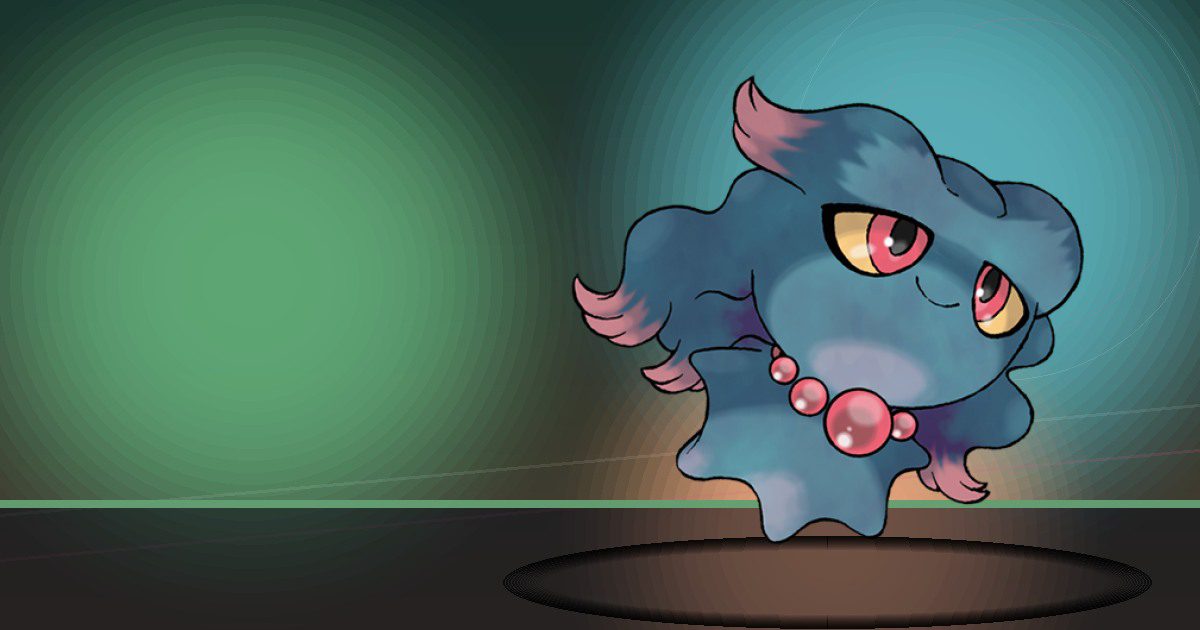
Misdreavus
Trade

Girafarig
Gather
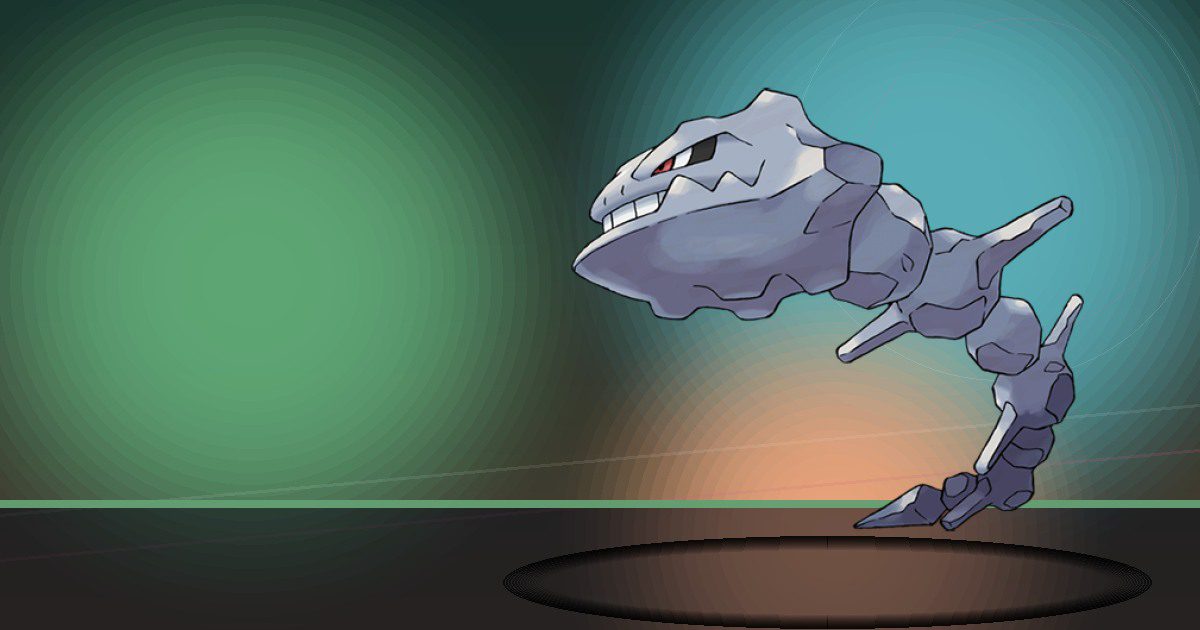
Steelix
Crush and Bulldoze
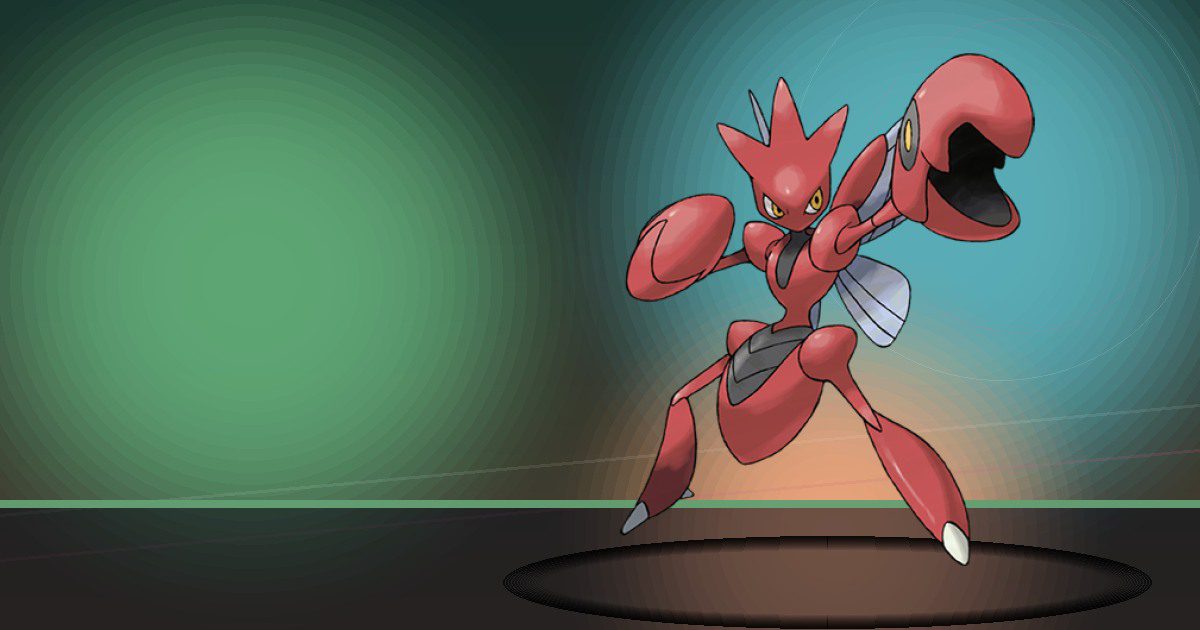
Scizor
Chop
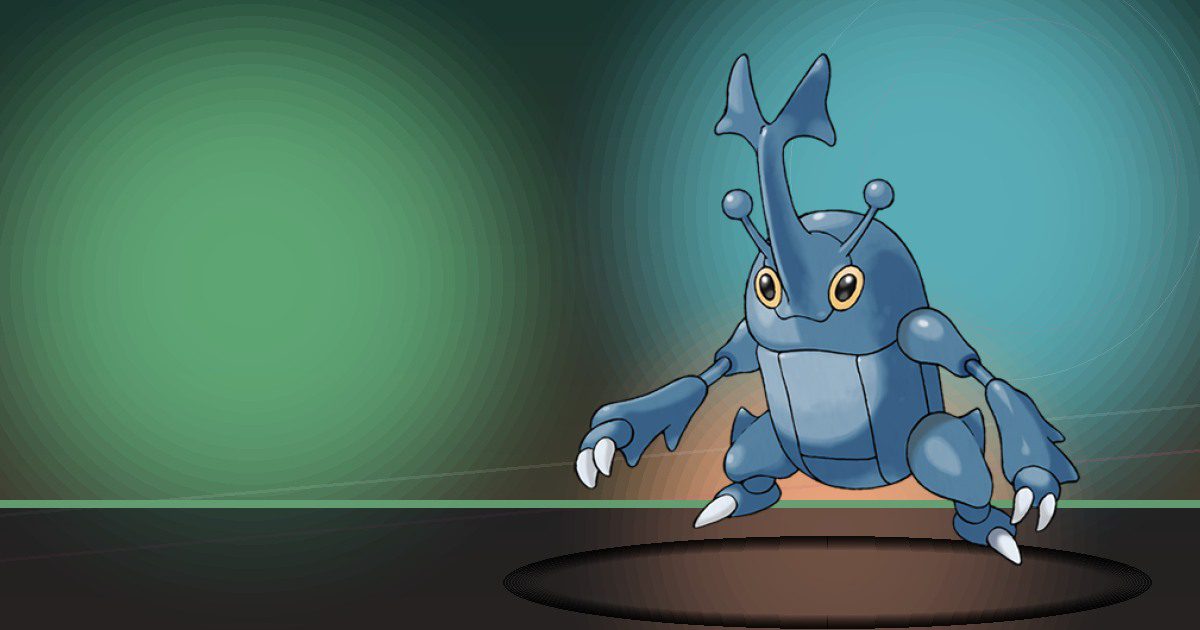
Heracross
Chop and Build
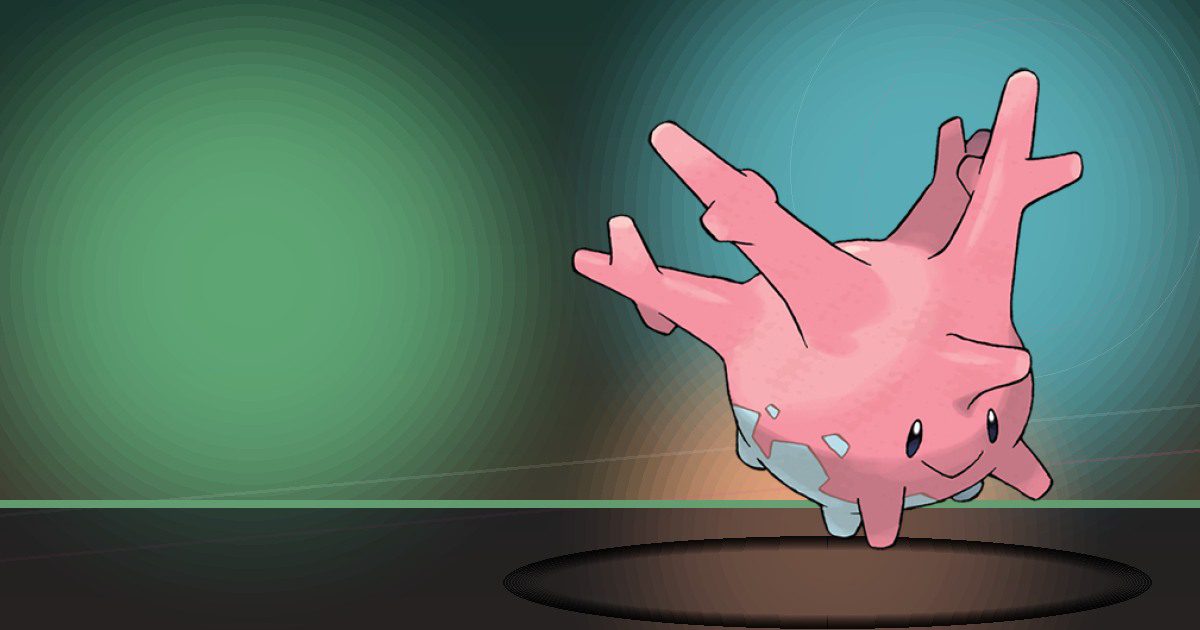
Corsola
Grow
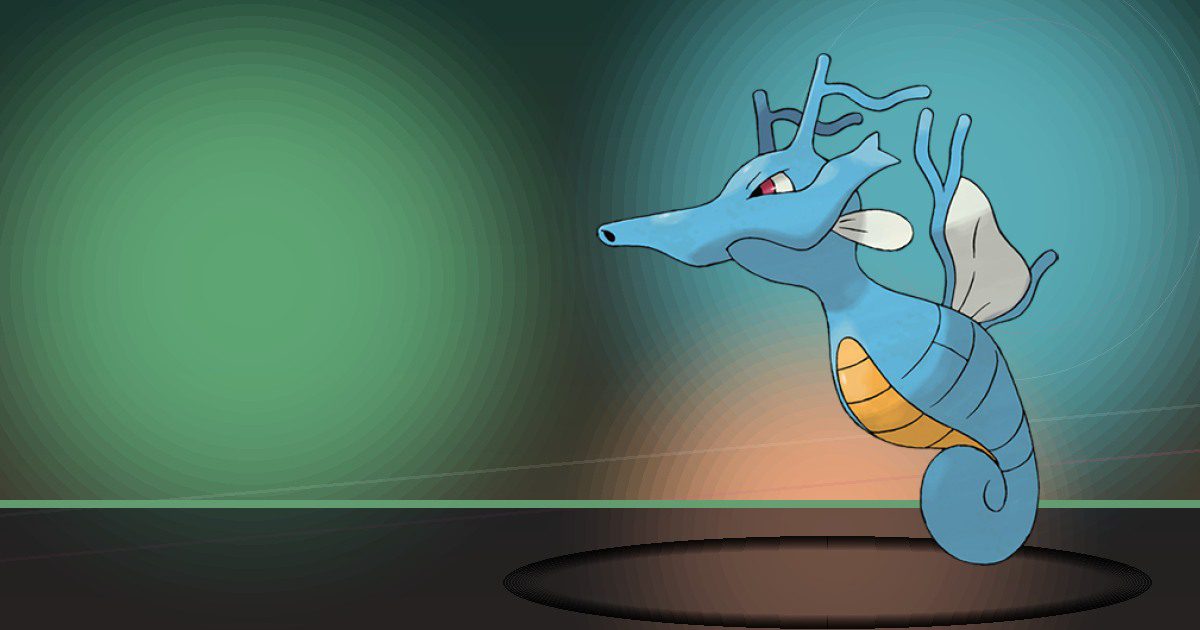
Kingdra
Water and Litter

Porygon2
Recycle
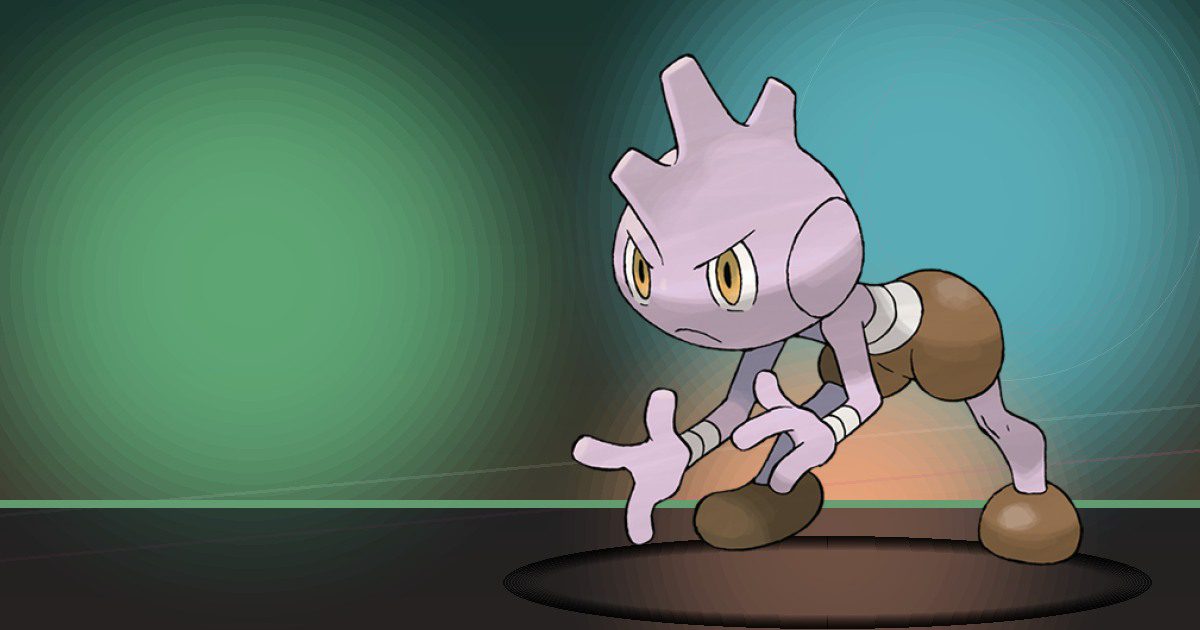
Tyrogue
Trade
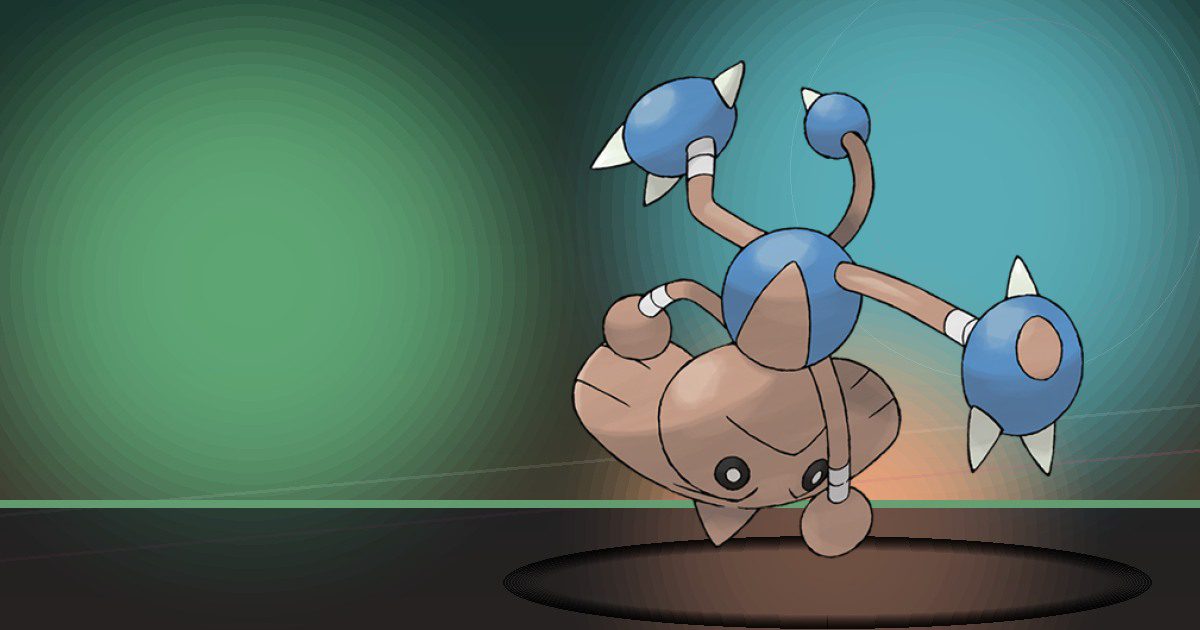
Hitmontop
Trade
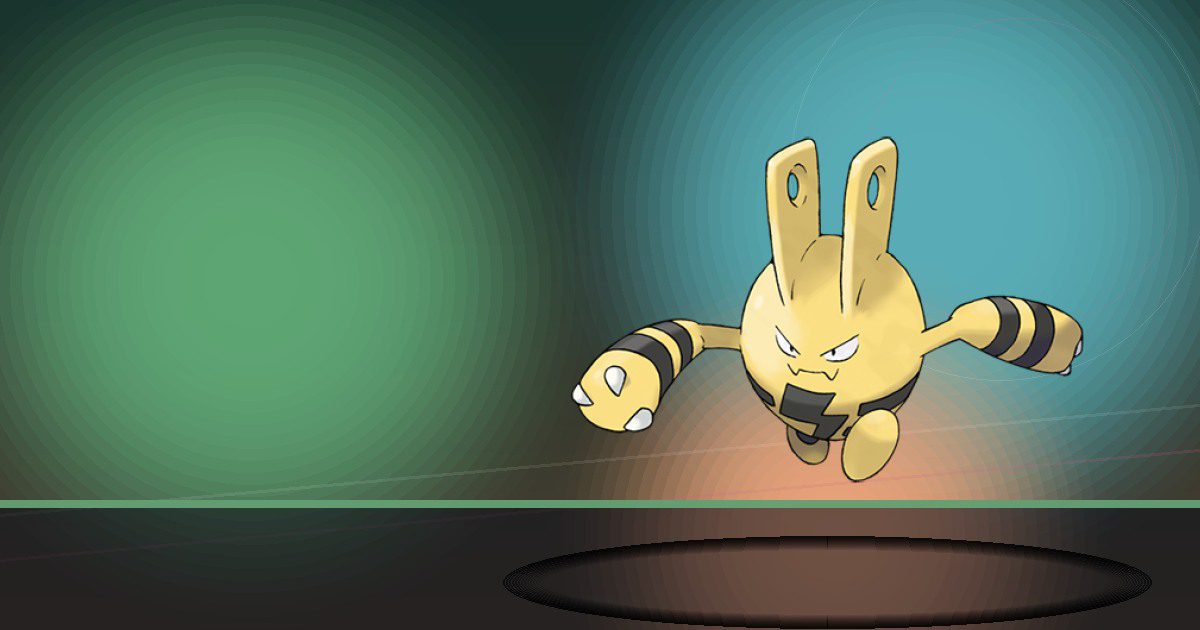
Elekid
Generate
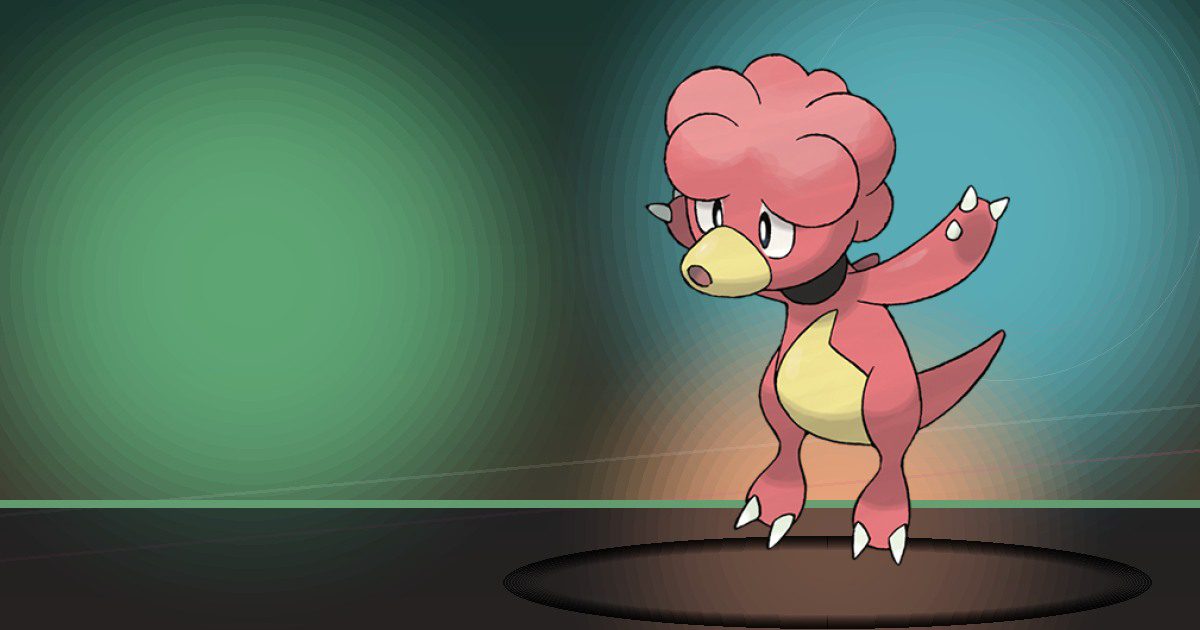
Magby
Burn
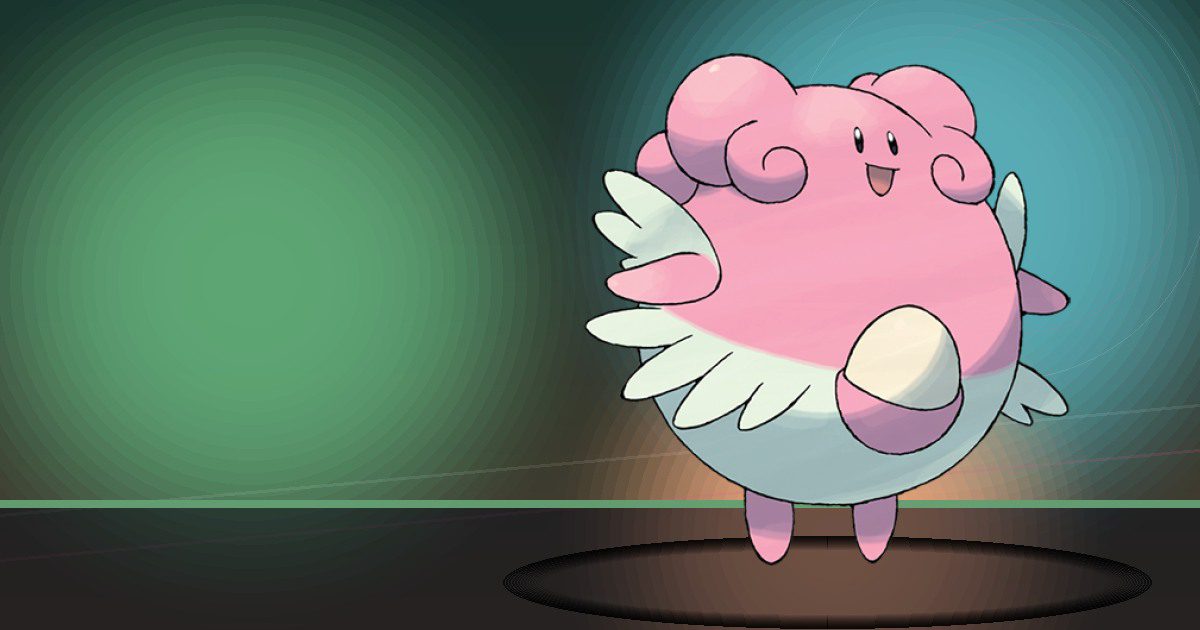
Blissey
Trade and Litter
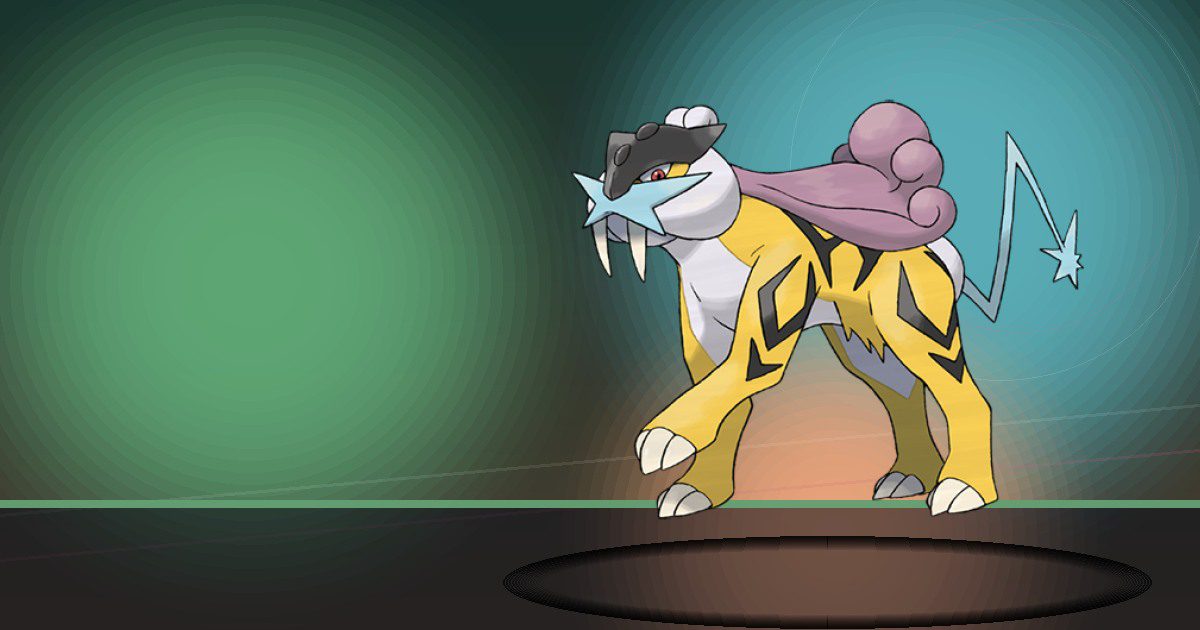
Raikou
Generate
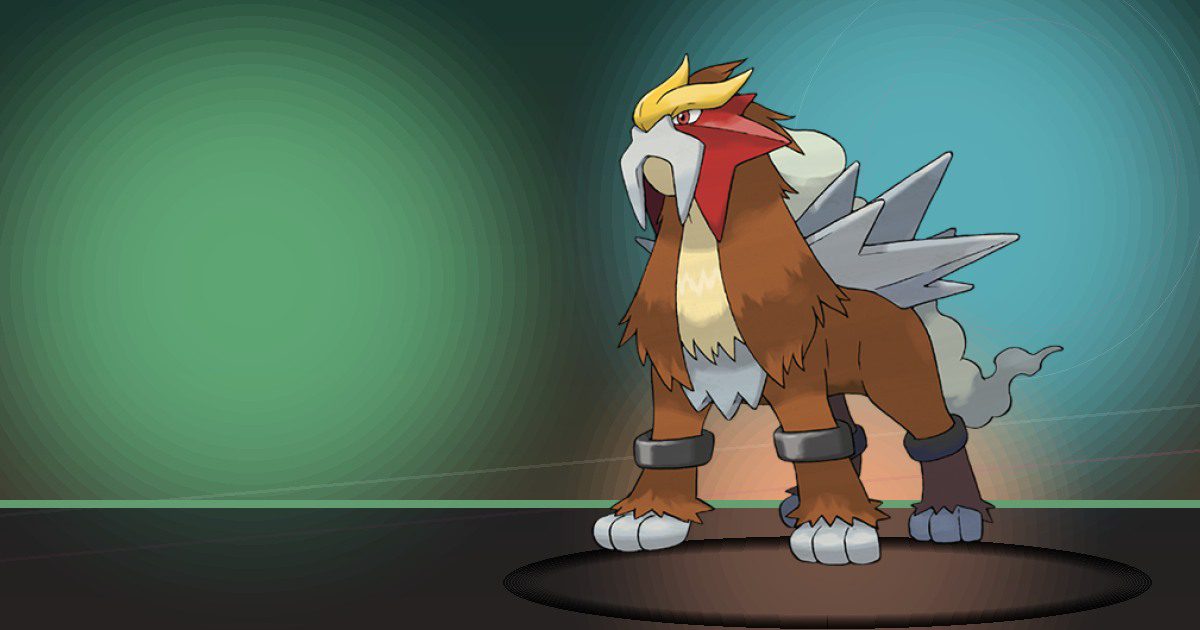
Entei
Burn
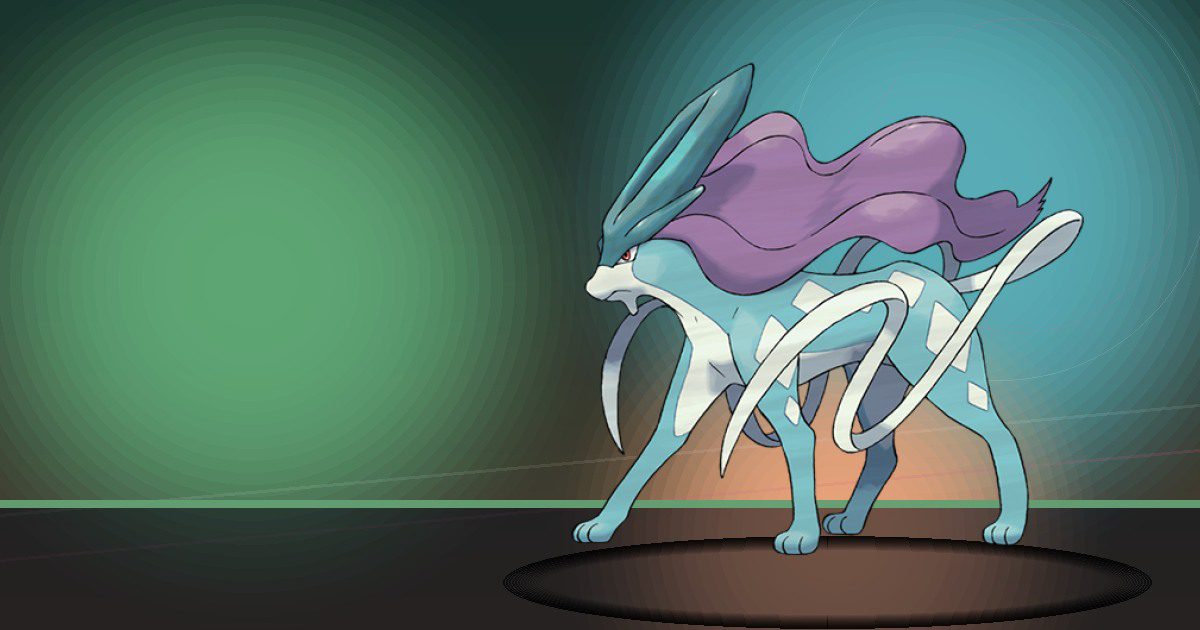
Suicune
Water
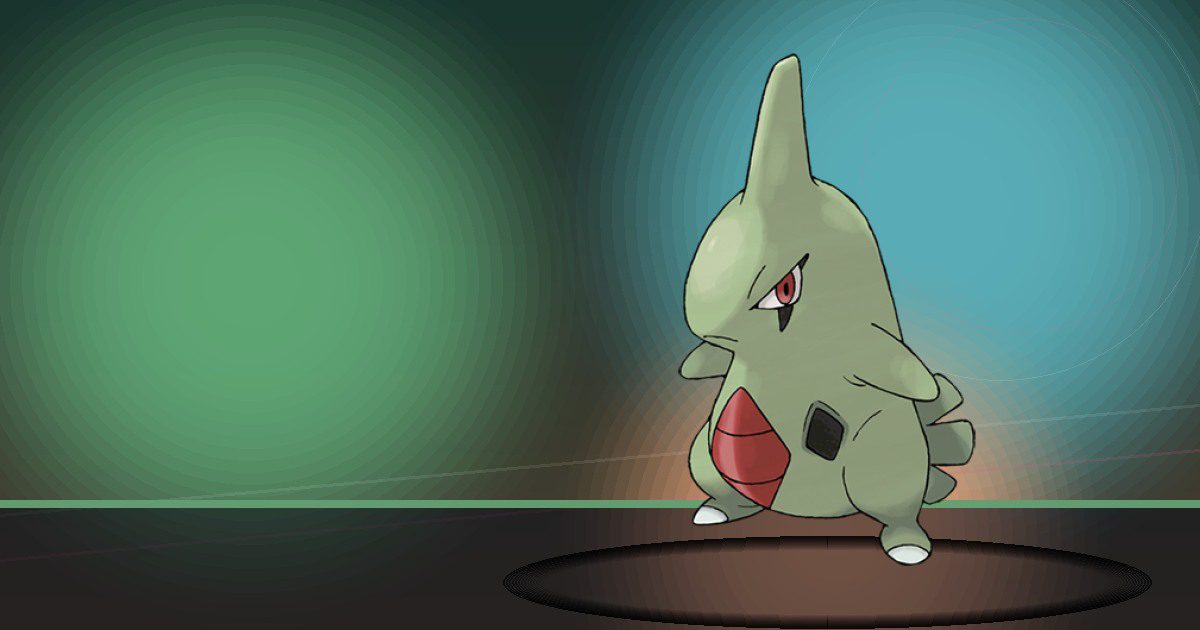
Larvitar
Crush and Bulldoze
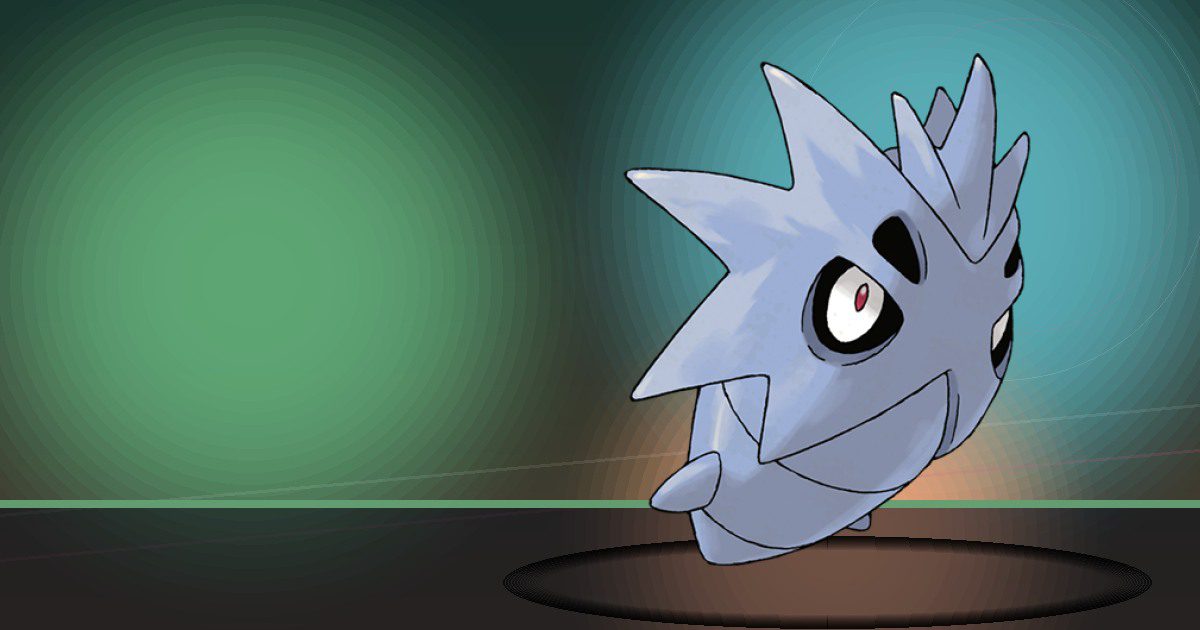
Pupitar
Crush and Bulldoze
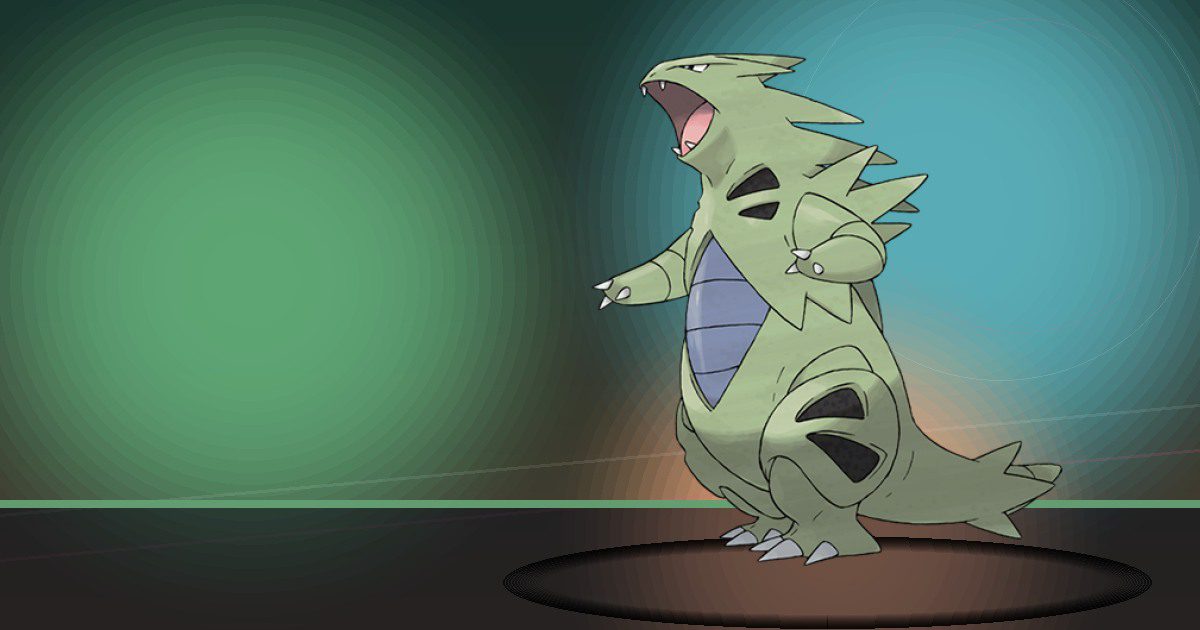
Tyranitar
Crush and Bulldoze
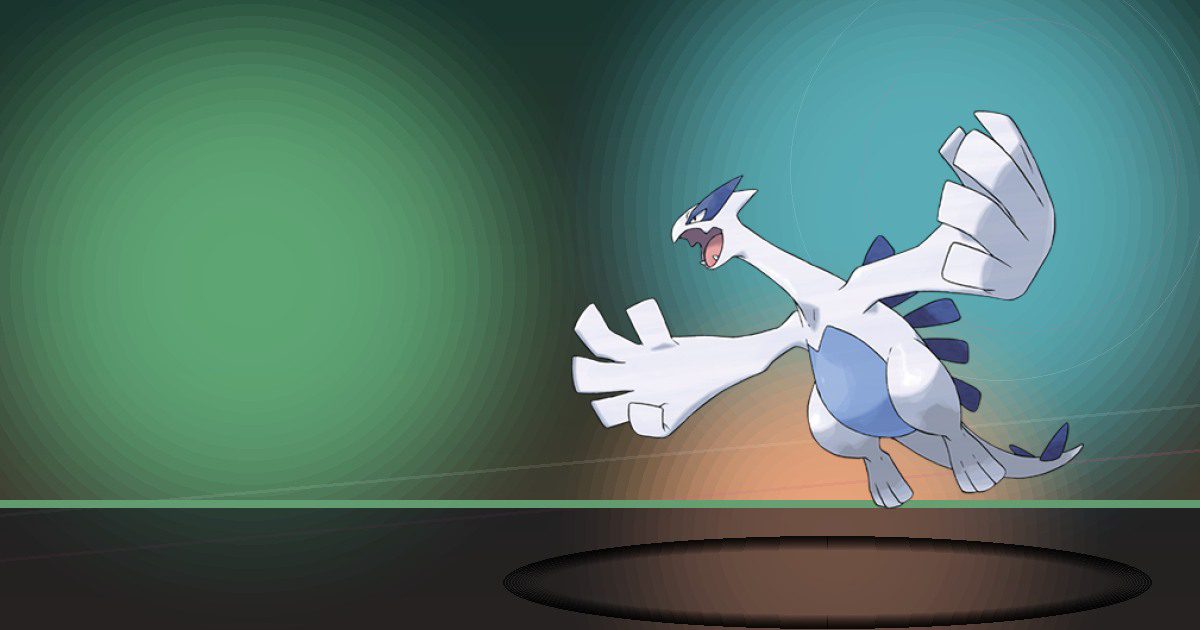
Lugia
Special Pokopia resident

Ho Oh
Special Pokopia resident

Torchic
Burn
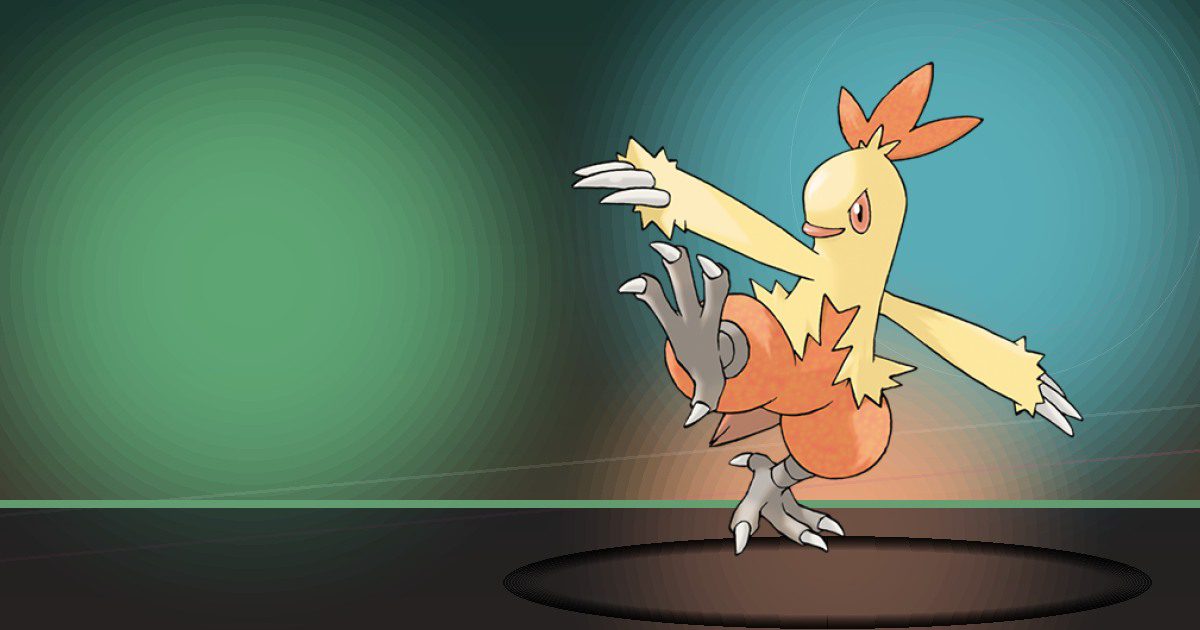
Combusken
Burn and Build

Blaziken ♂ega
Burn and Build
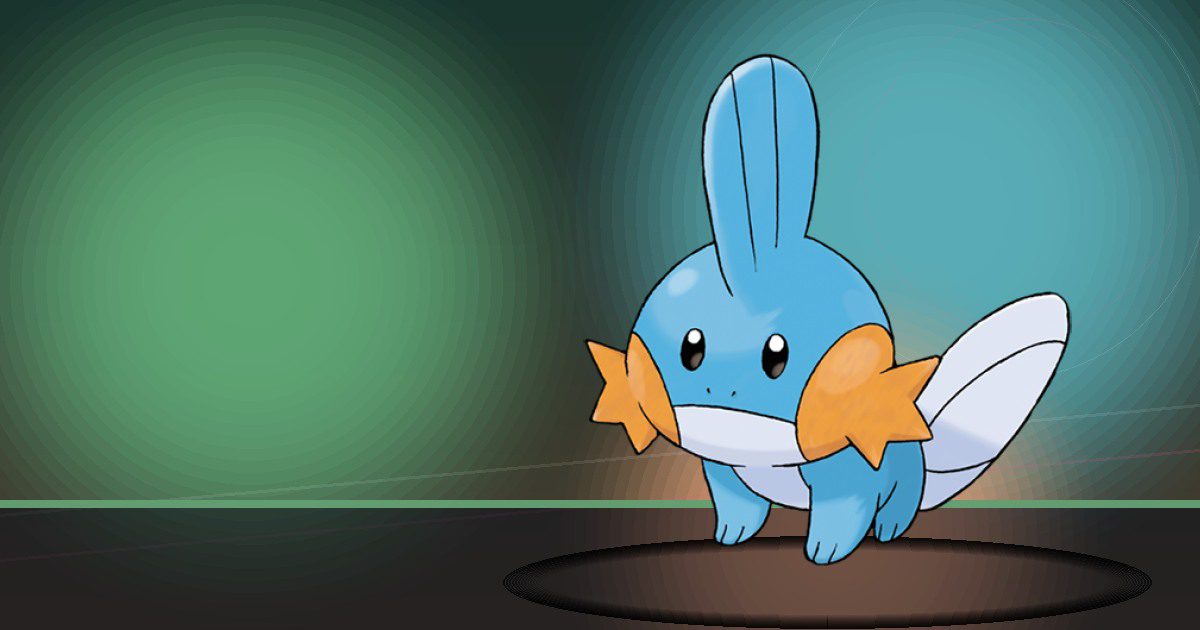
Mudkip
Water

Marshtomp
Water and Build

Swampert ♂ega
Build and Bulldoze
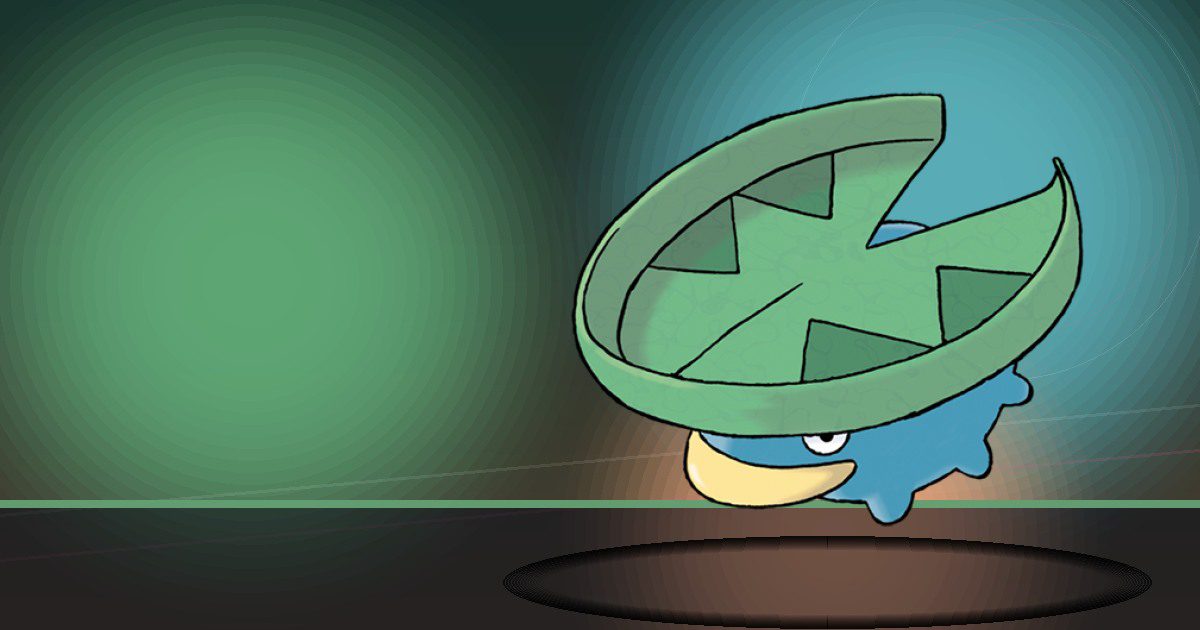
Lotad
Water
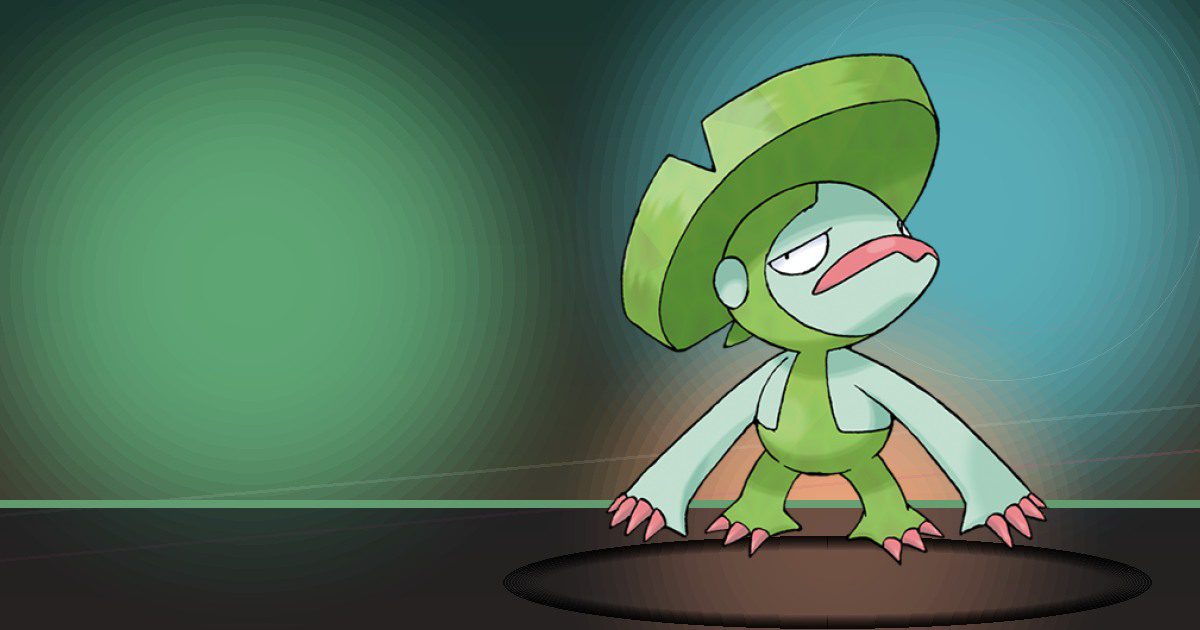
Lombre
Water
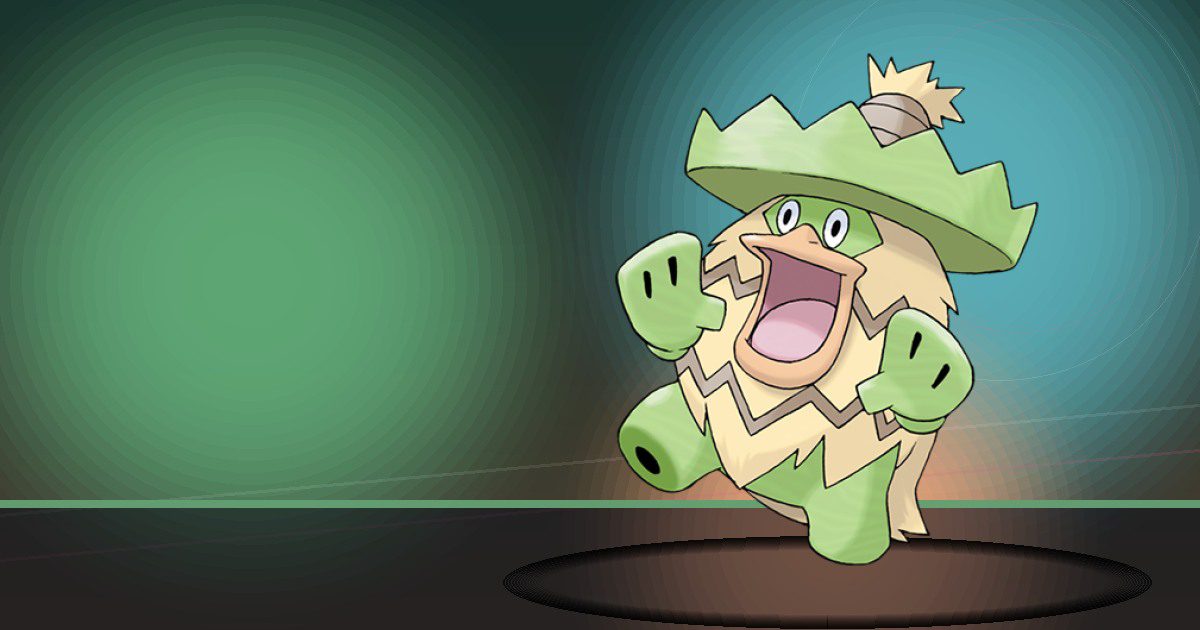
Ludicolo
Water and Hype

Wingull
Water and Fly

Pelipper
Water and Fly
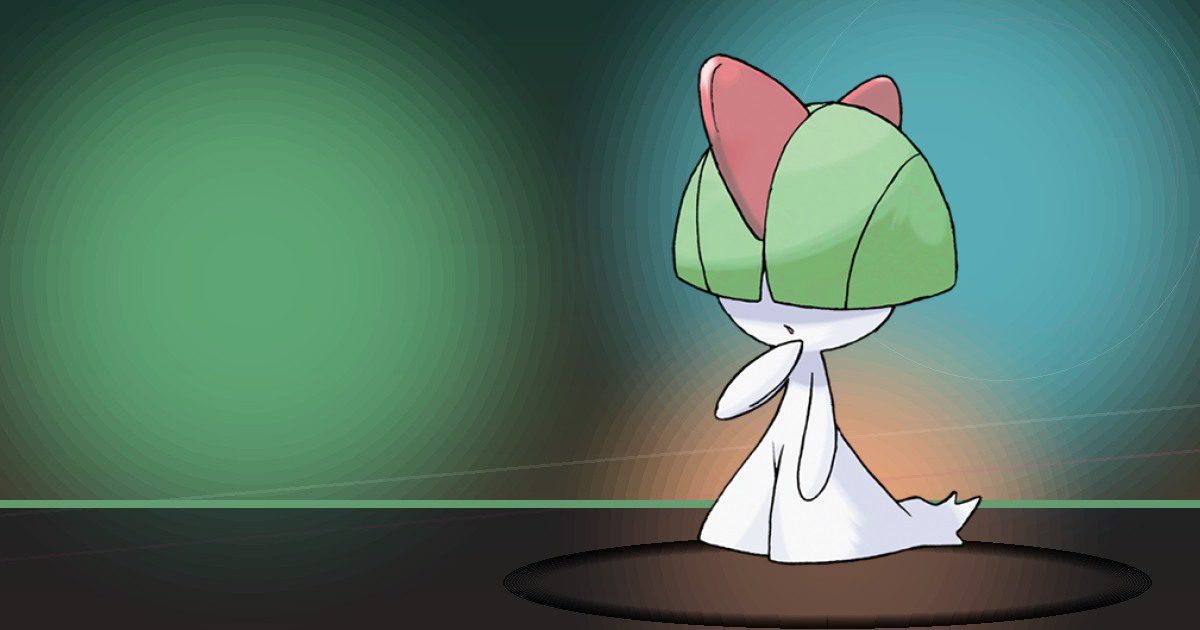
Ralts
Teleport
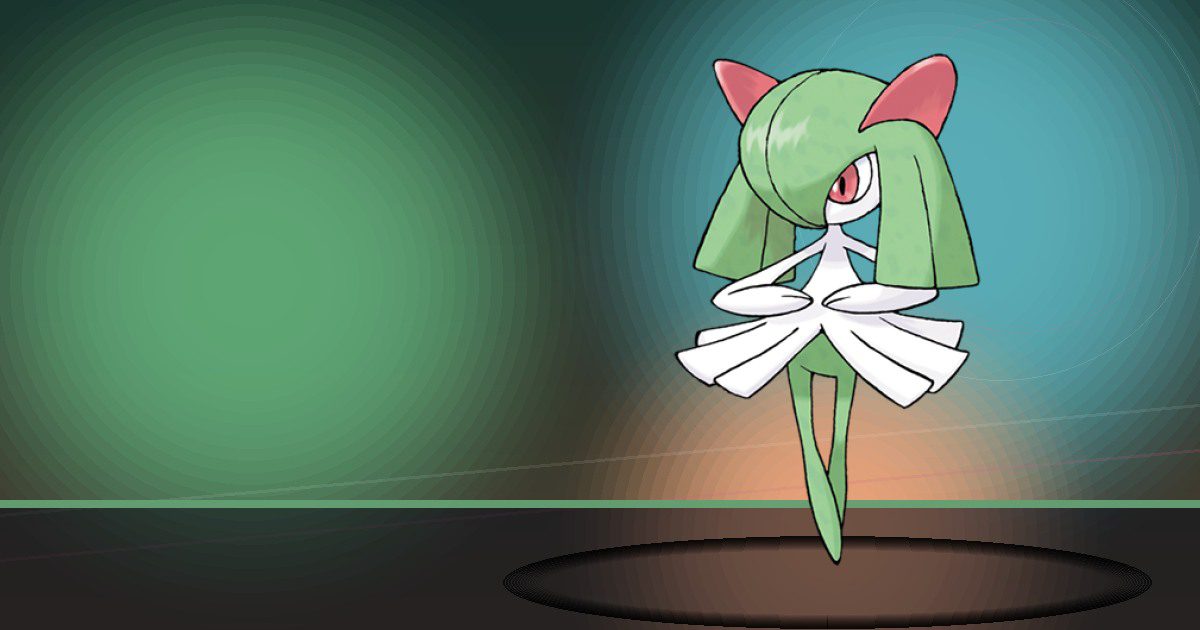
Kirlia
Teleport

Gardevoir ♂ega
Teleport and Trade

Makuhita
Build and Bulldoze
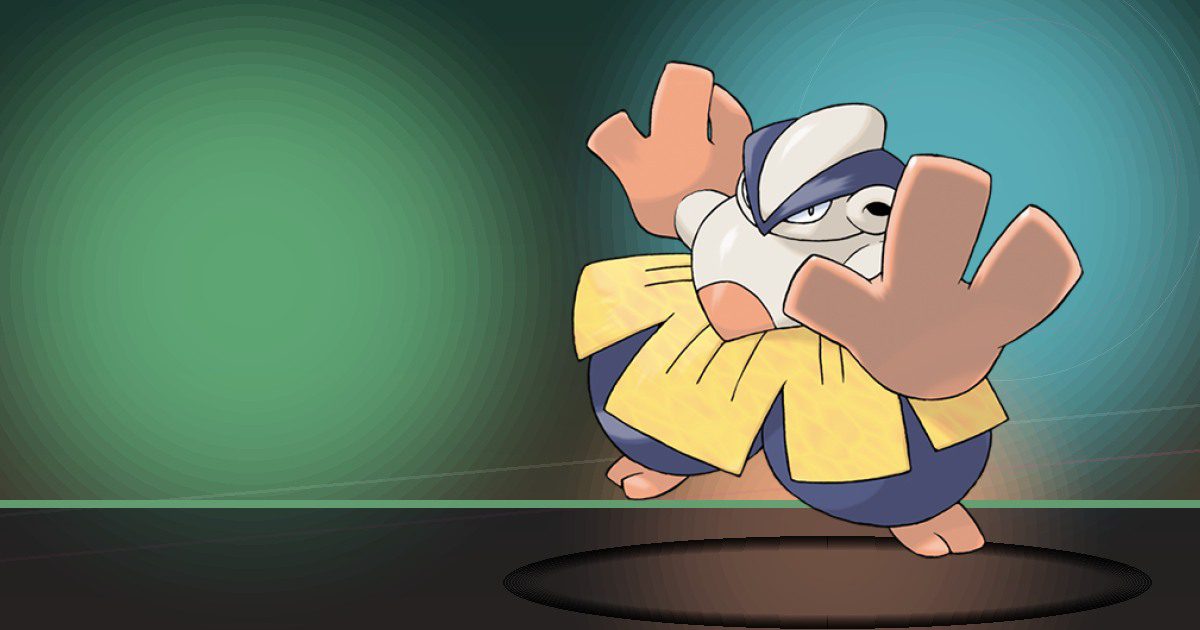
Hariyama
Build and Bulldoze
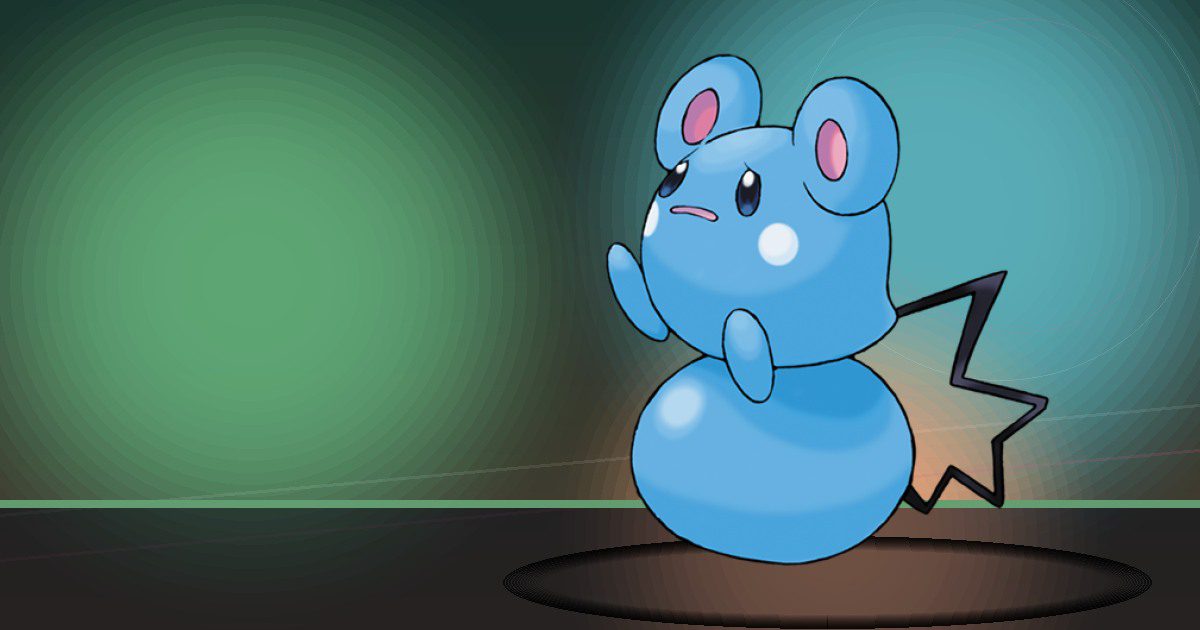
Azurill
Water and Hype

Sableye ♂ega
Hype

Mawile ♂ega
Trade and Build

Plusle
Generate

Minun
Generate
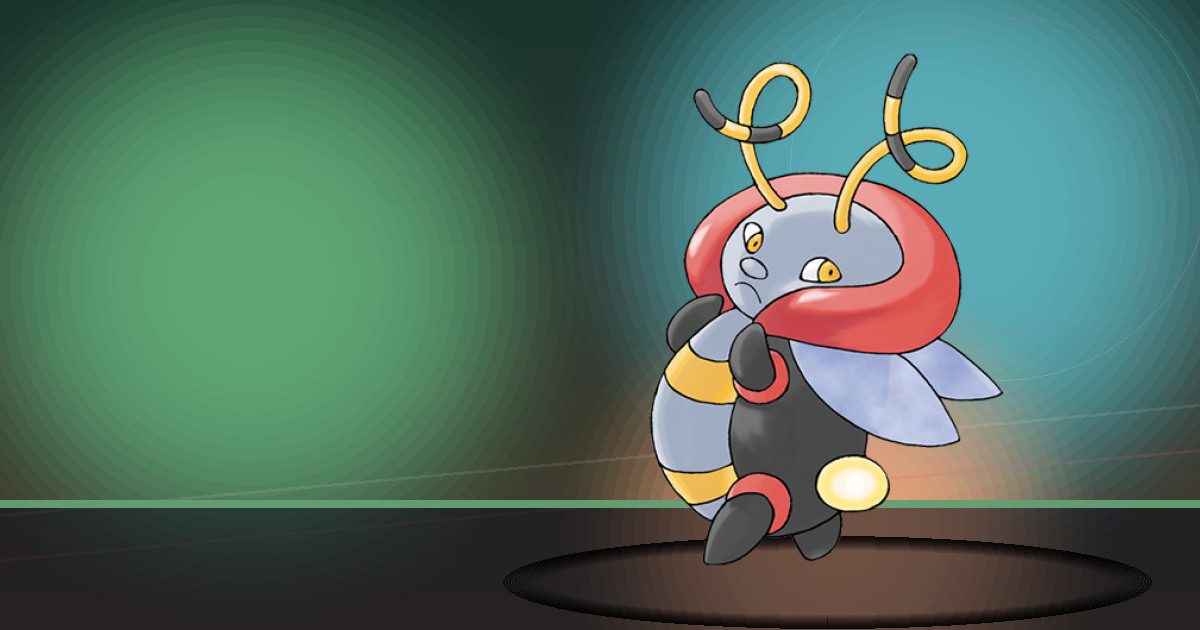
Volbeat
Volbeat
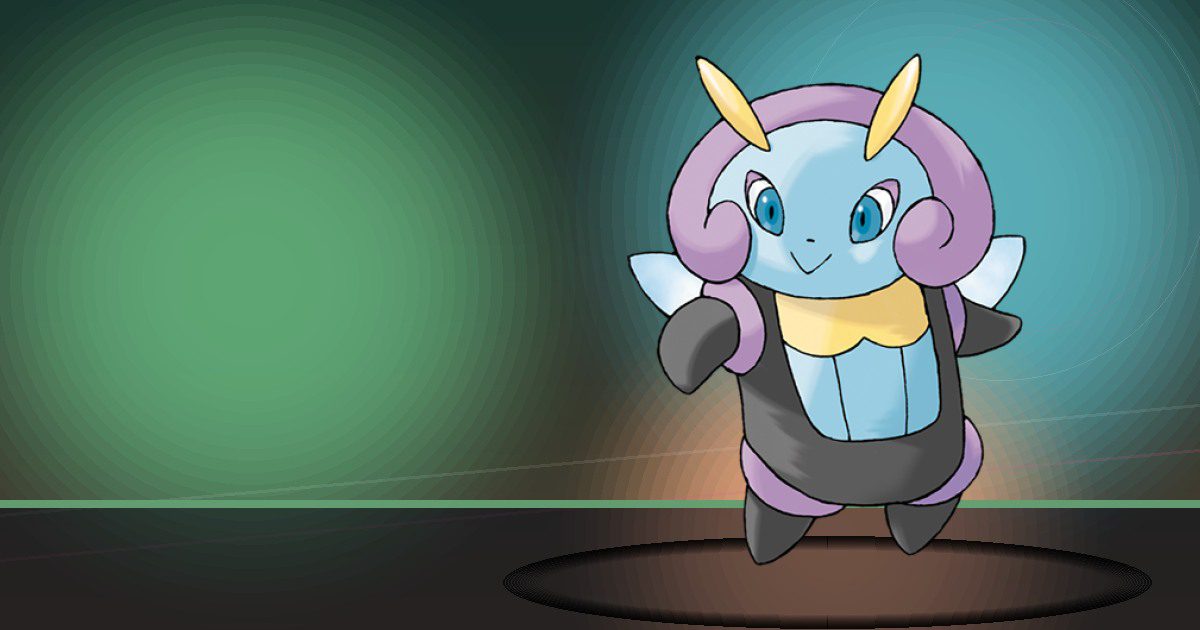
Illumise
Hype
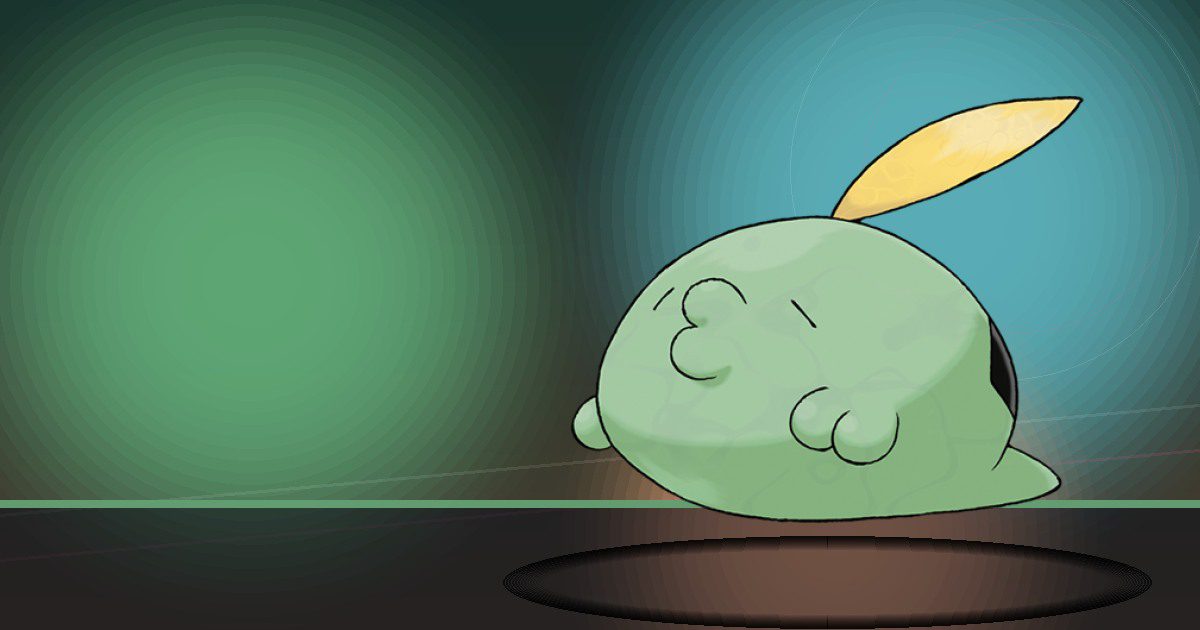
Gulpin
Storage
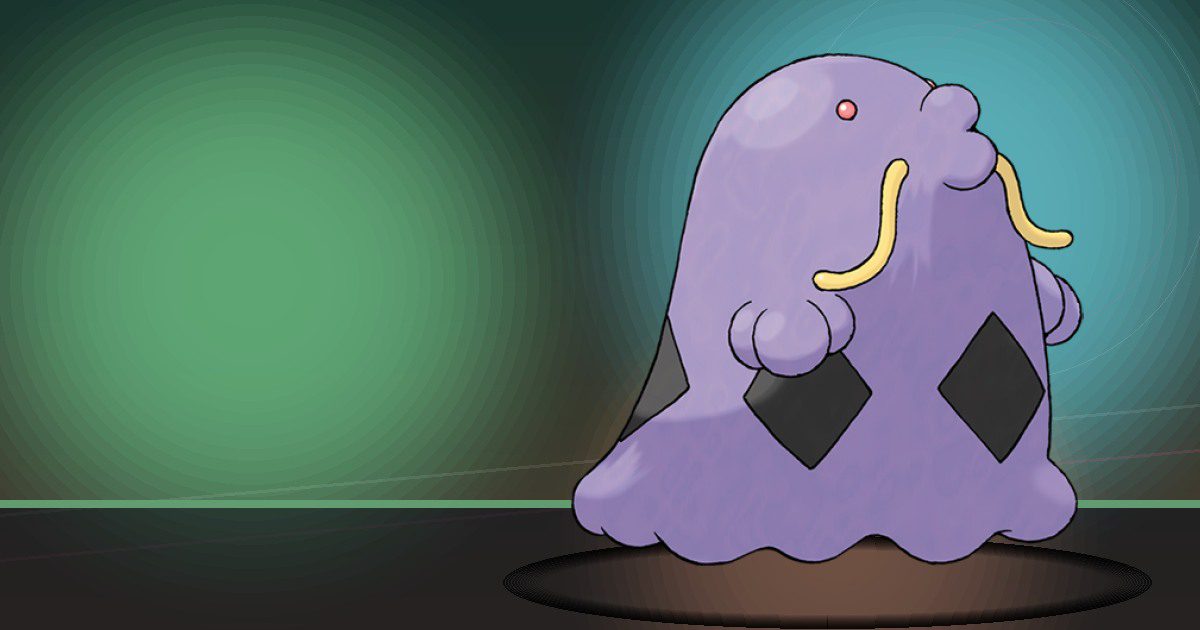
Swalot
Storage
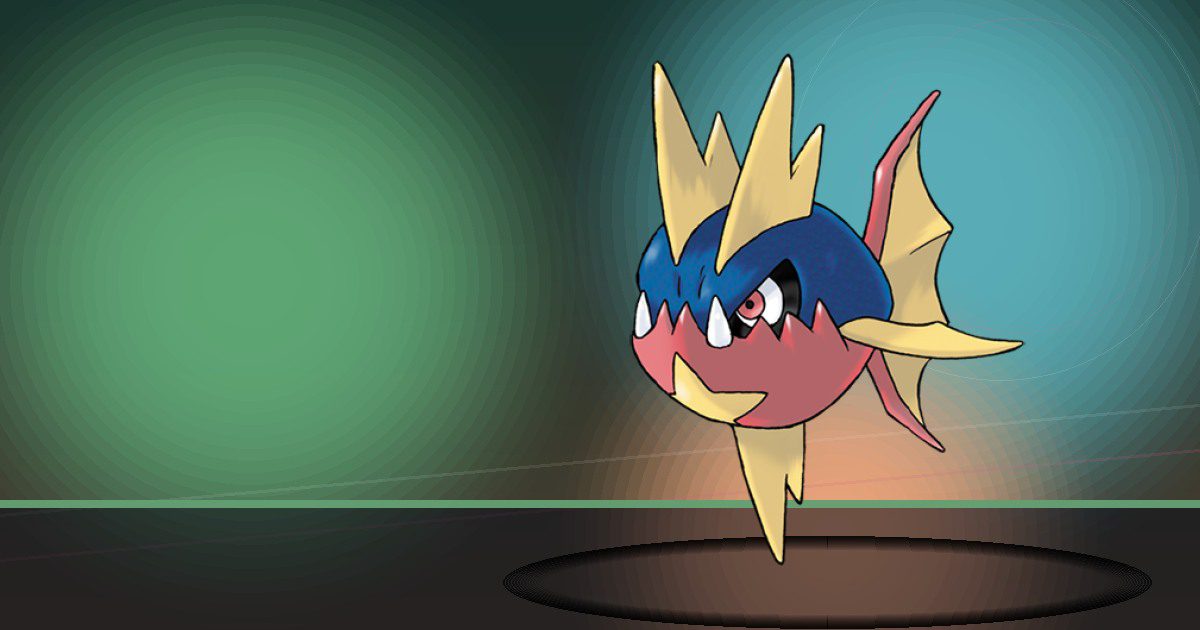
Carvanha
Chop

Sharpedo ♂ega
Crush and Scrub
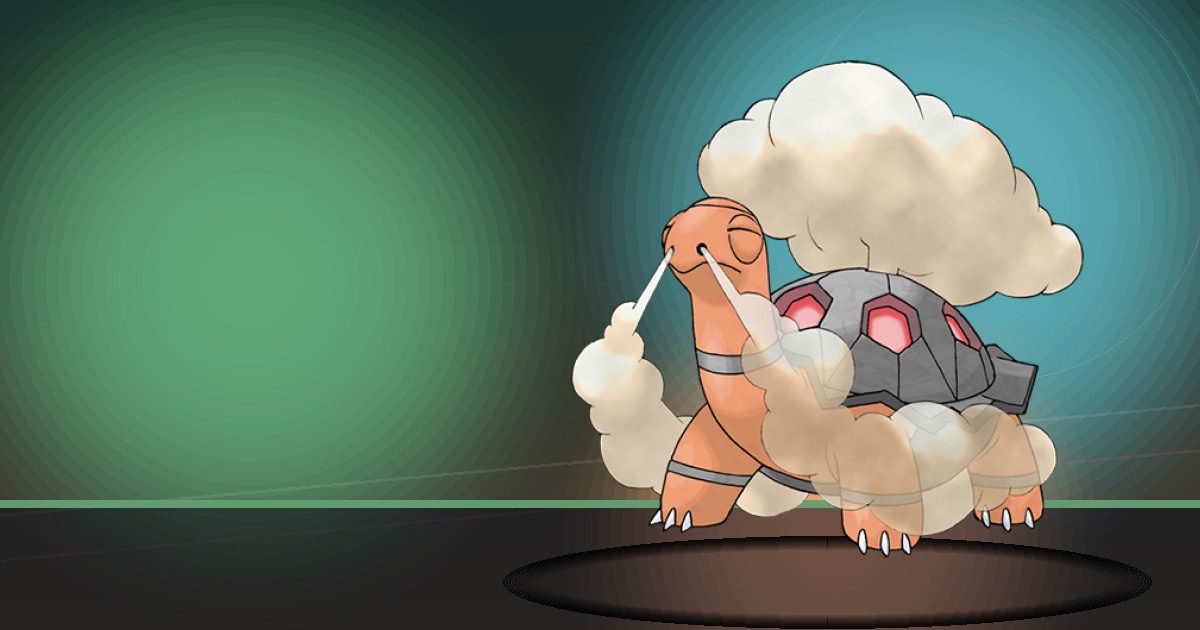
Torkoal
Burn
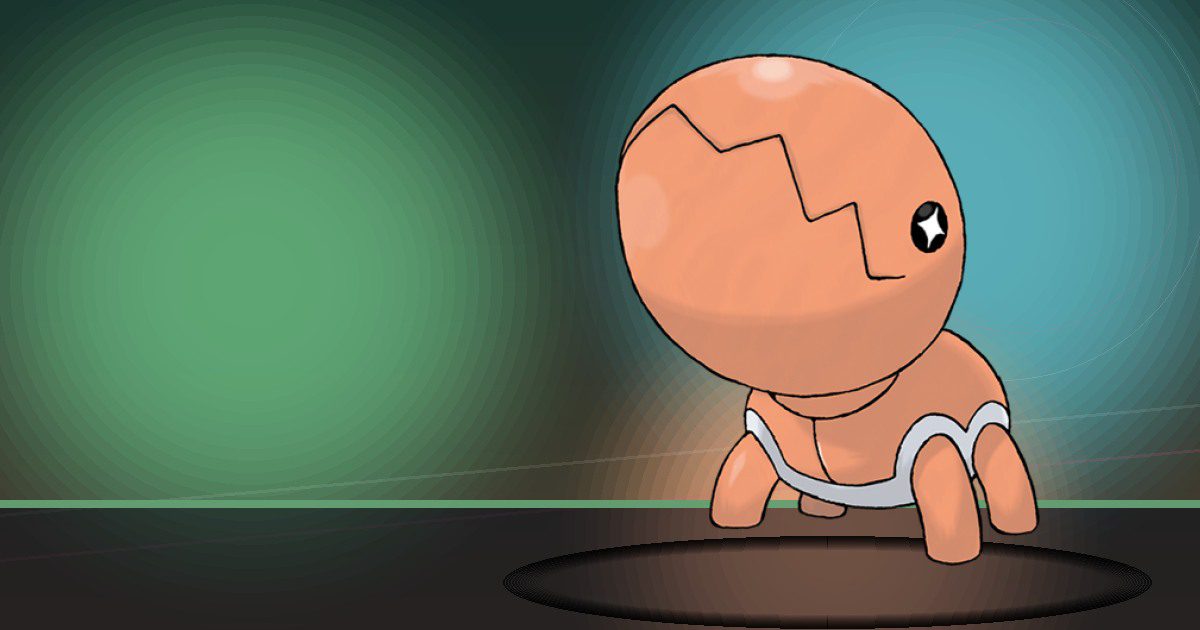
Trapinch
Bulldoze and Litter
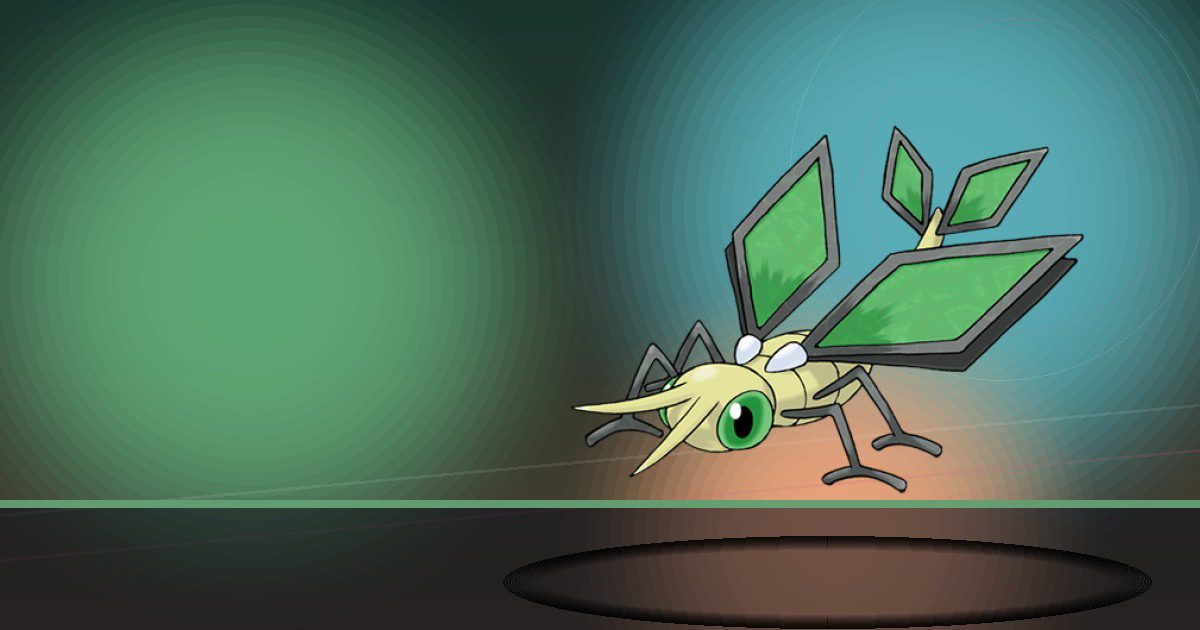
Vibrava
Bulldoze and Fly
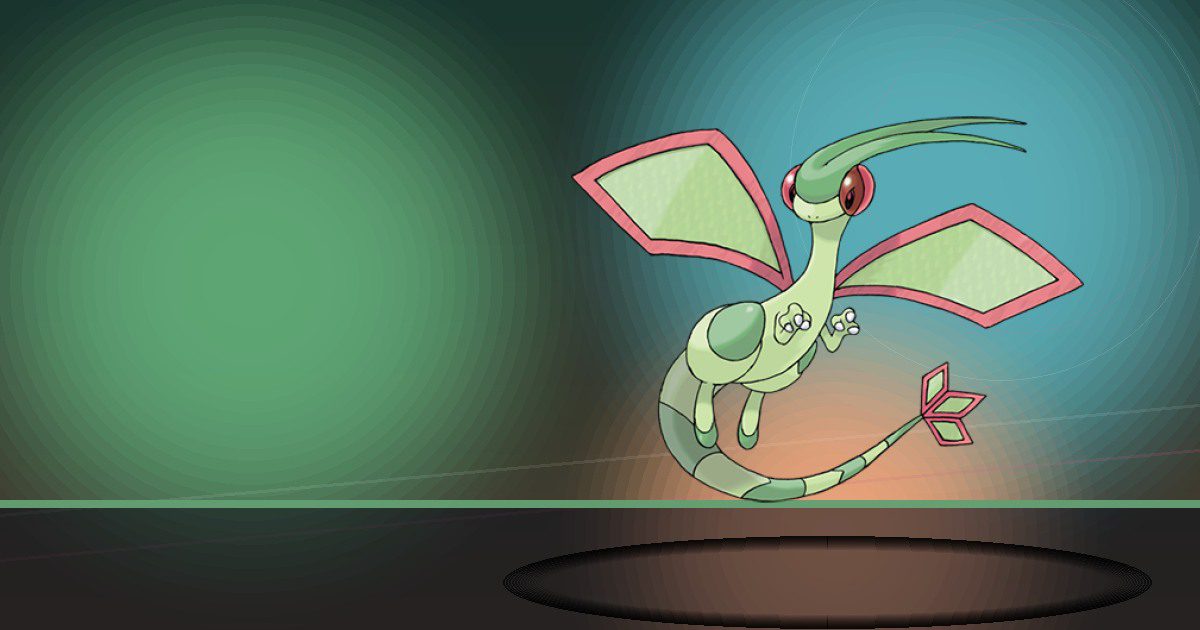
Flygon
Bulldoze and Fly
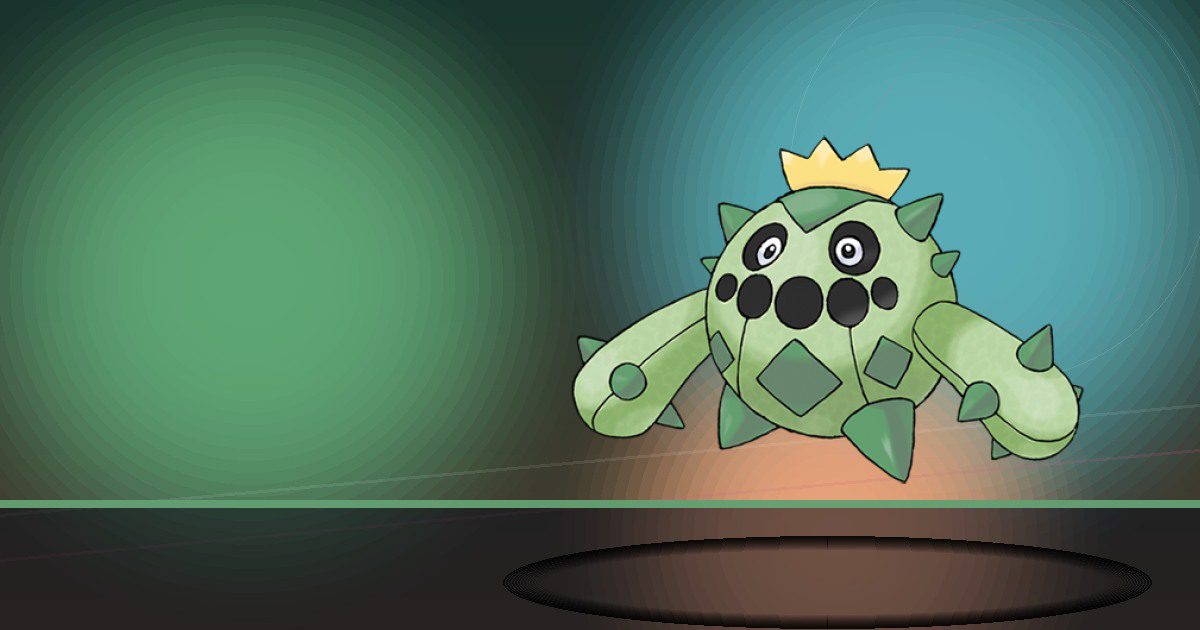
Cacnea
Grow

Cacturne
Grow and Litter

Swablu
Litter

Altaria ♂ega
Litter and Fly
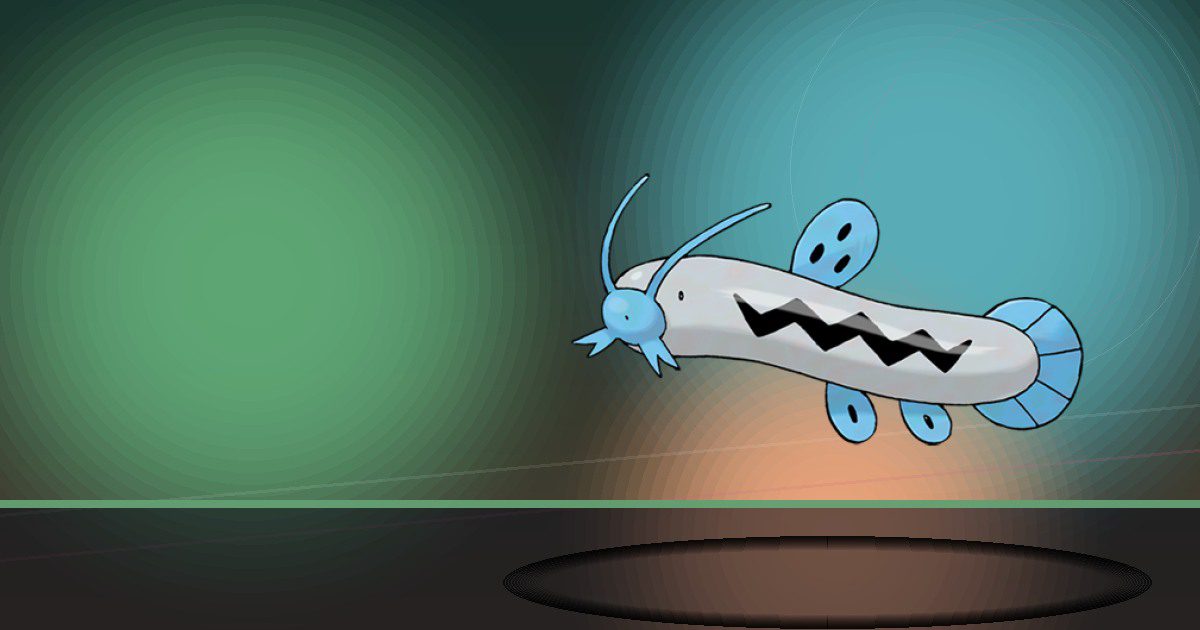
Barboach
Search

Whiscash
Search and Bulldoze
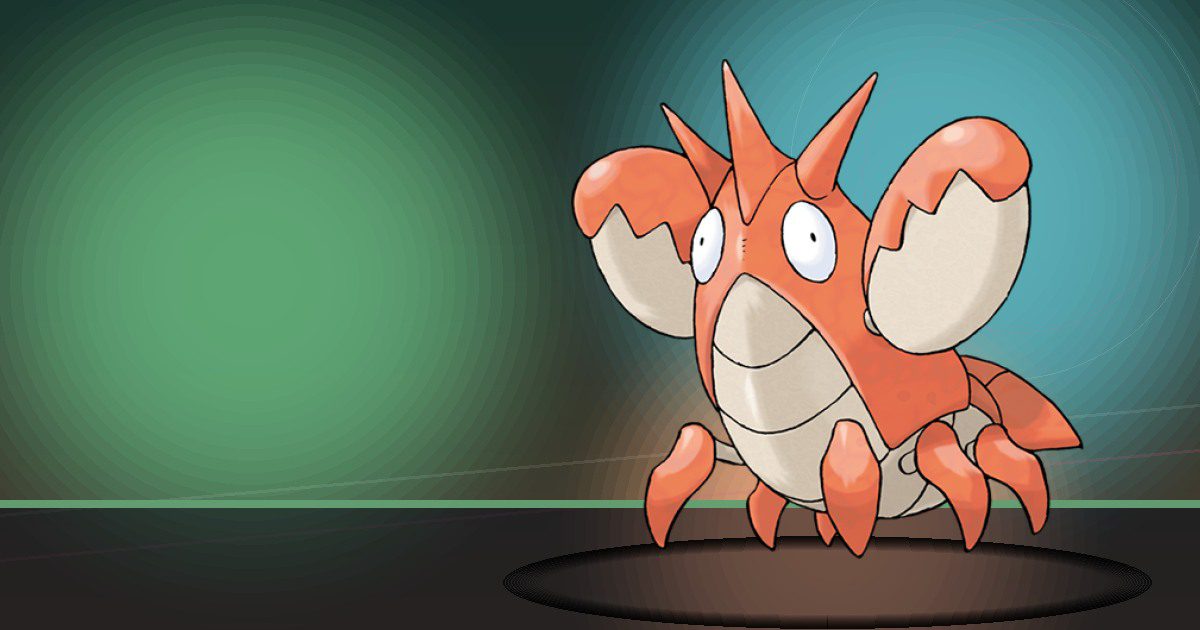
Corphish
Build
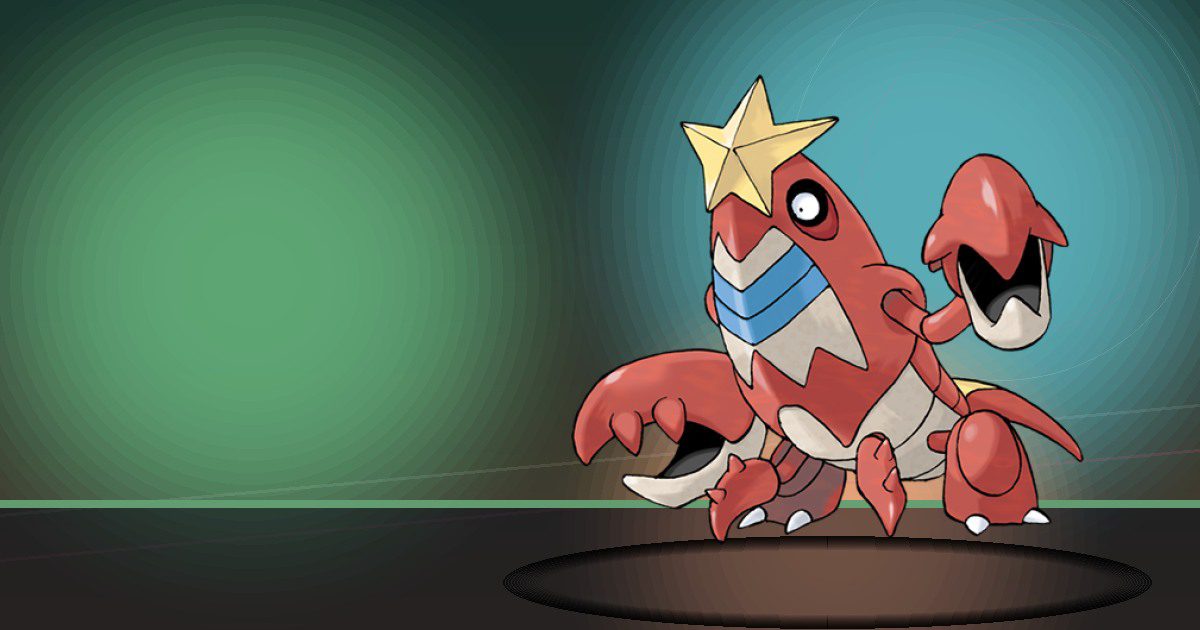
Crawdaunt
Build and Crush
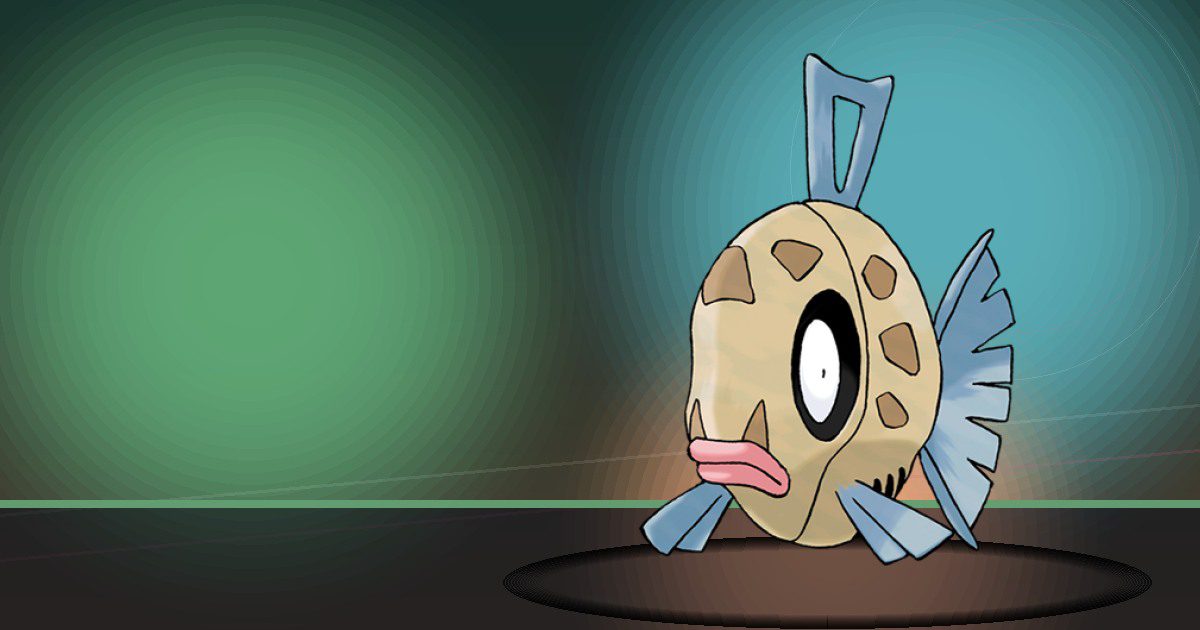
Feebas
Water
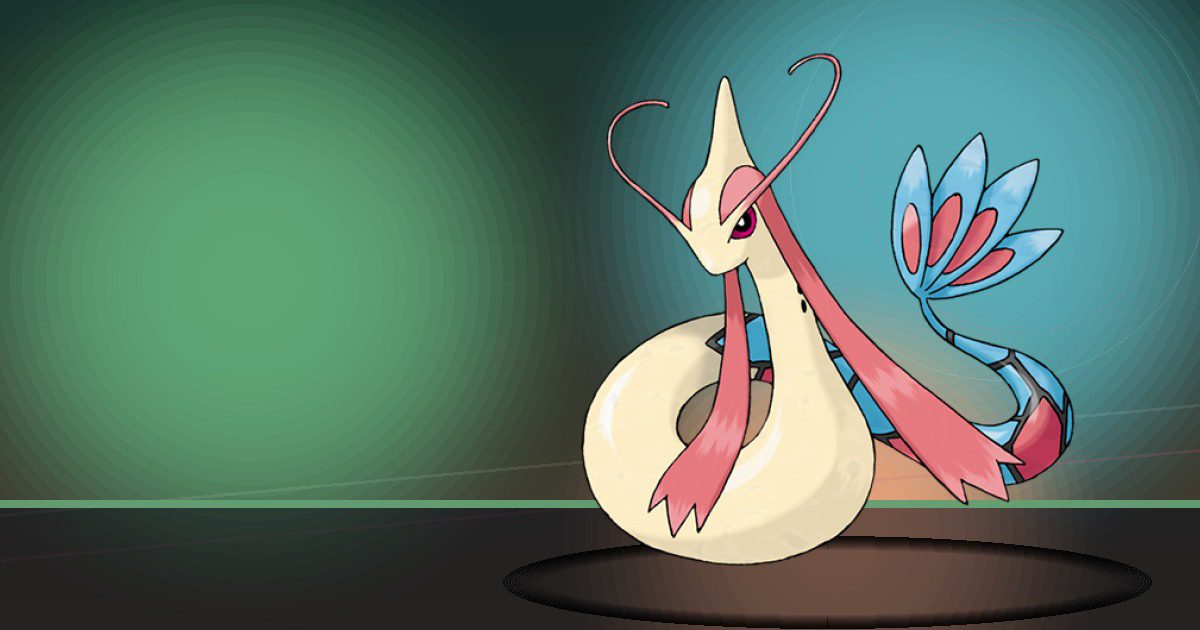
Milotic
Water and Hype
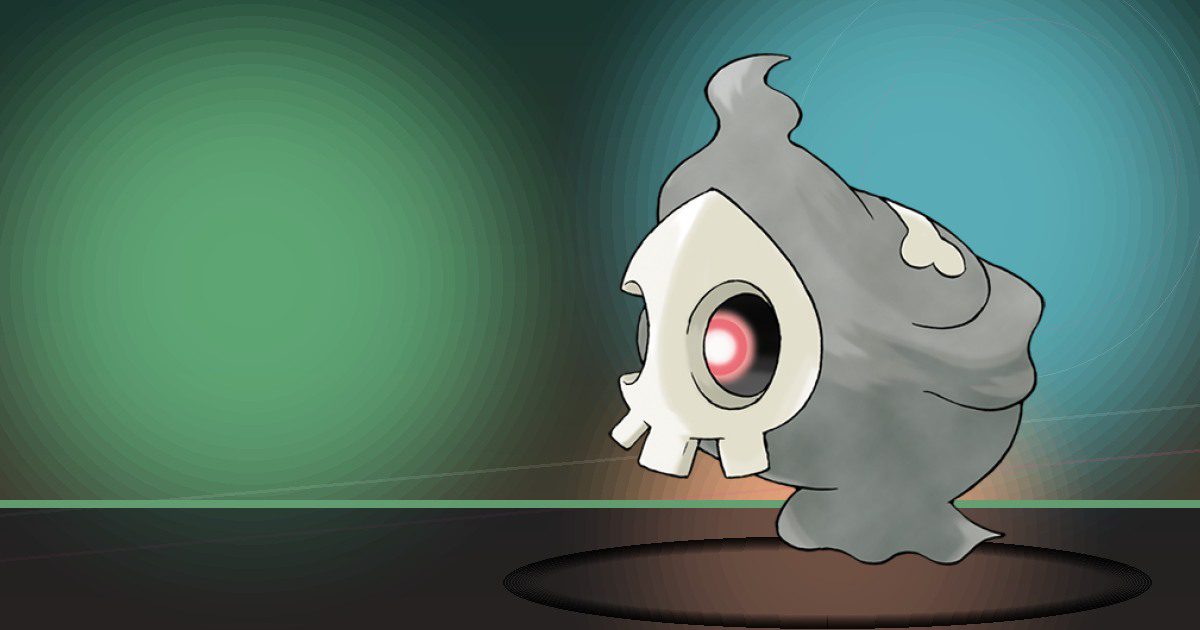
Duskull
Gather
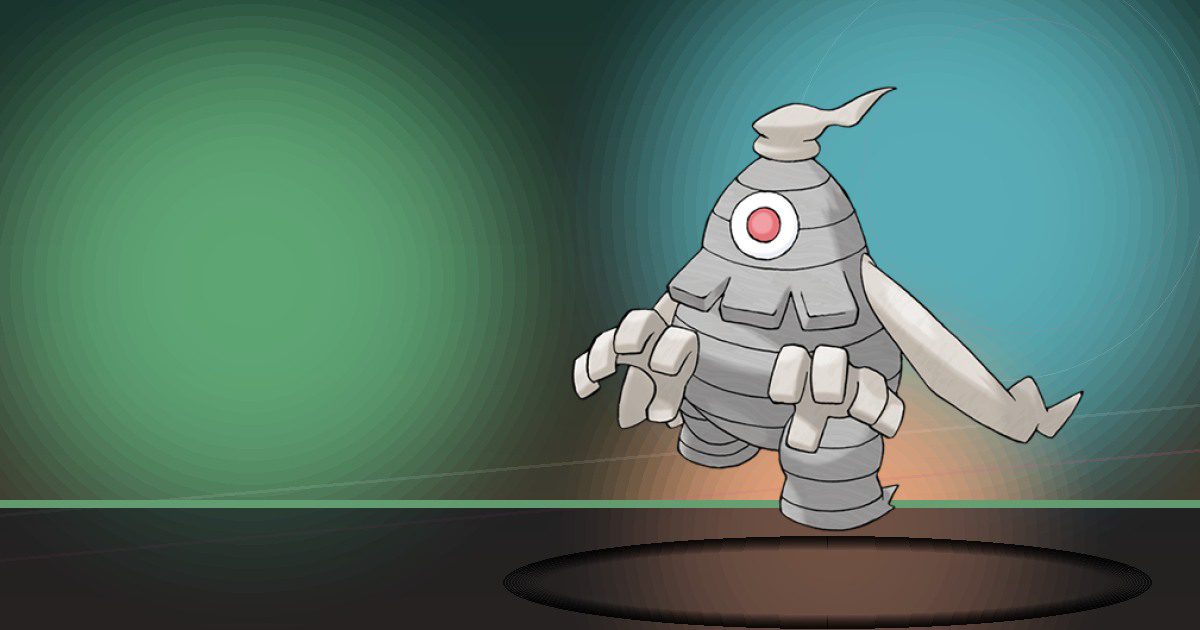
Dusclops
Gather
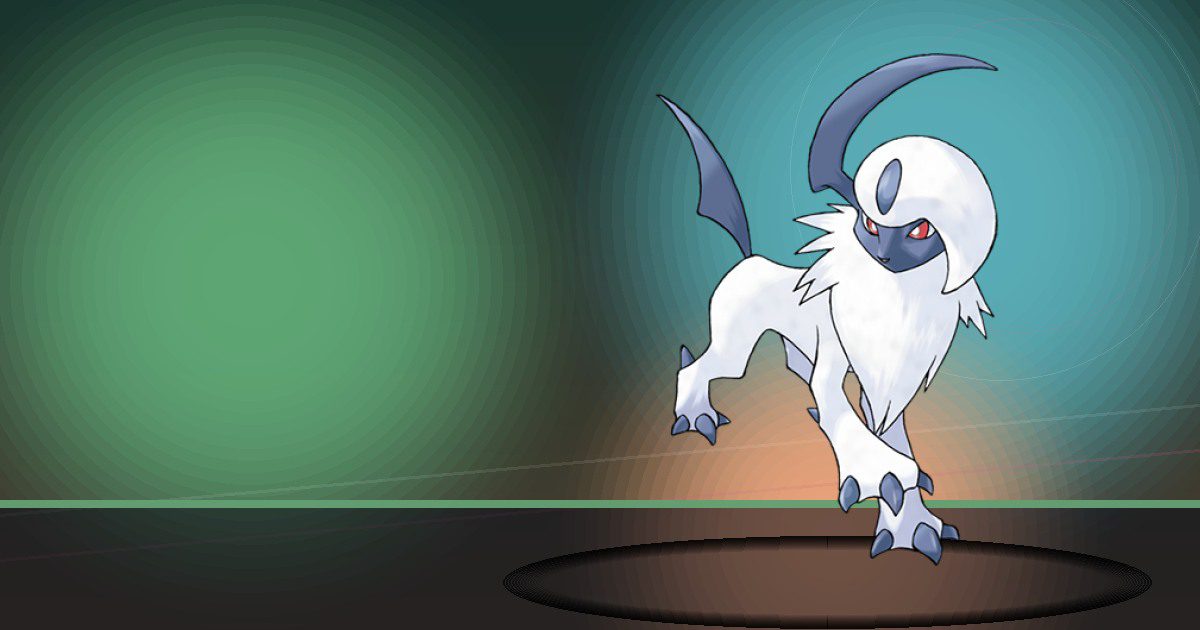
Absol
Chop
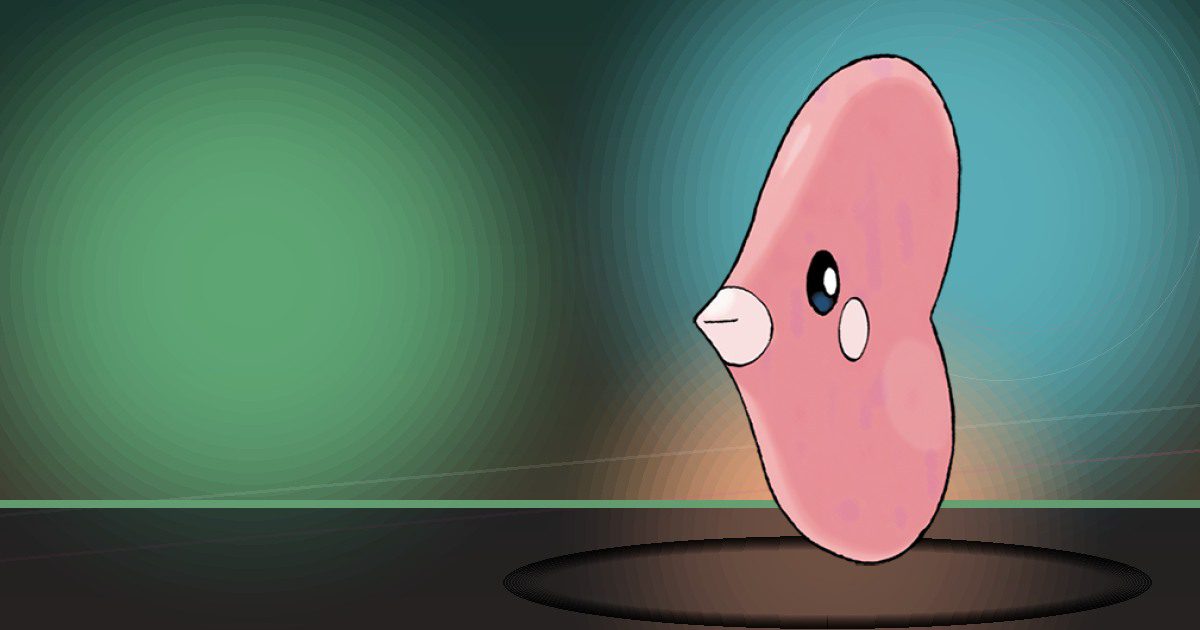
Luvdisc
Hype
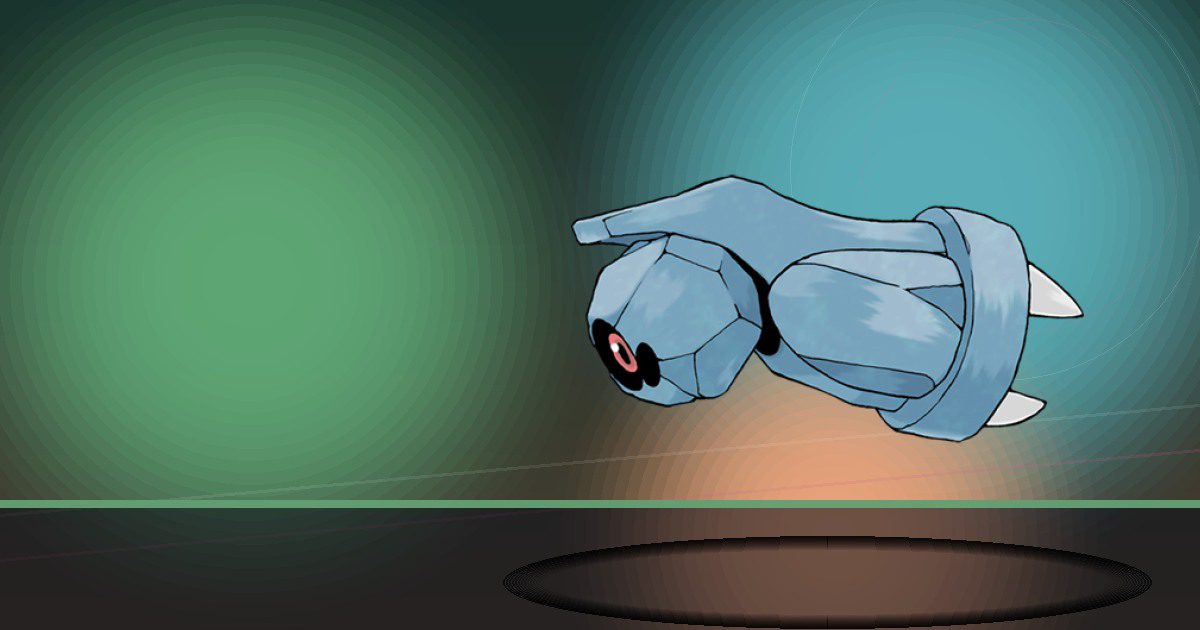
Beldum
Recycle
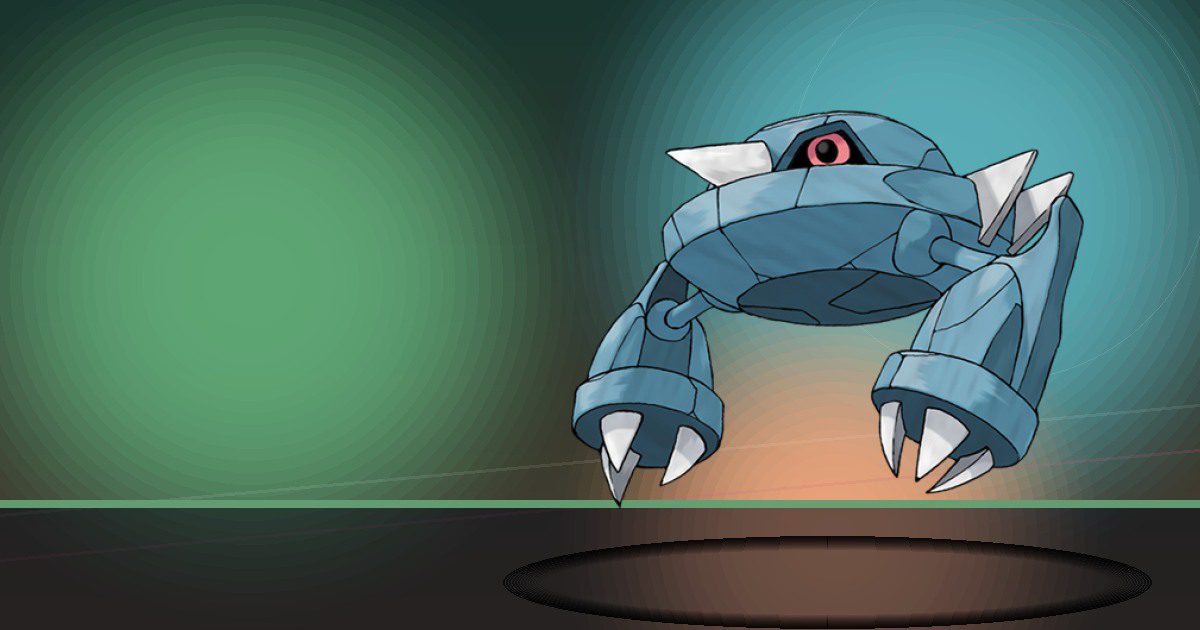
Metang
Recycle
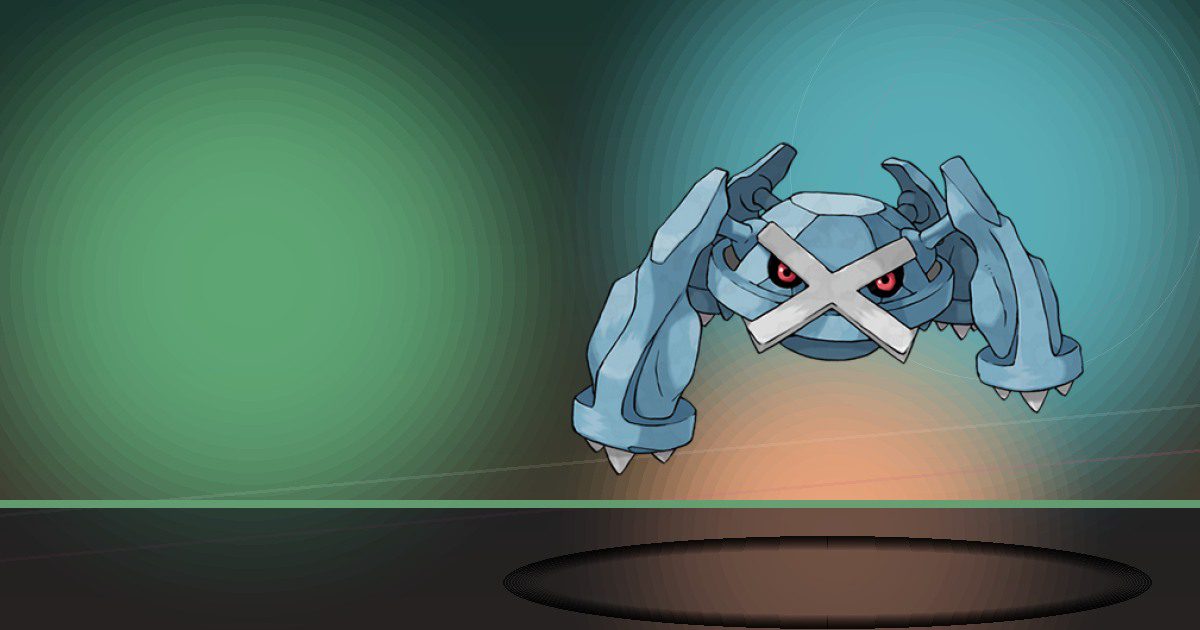
Metagross
Recycle and Crush
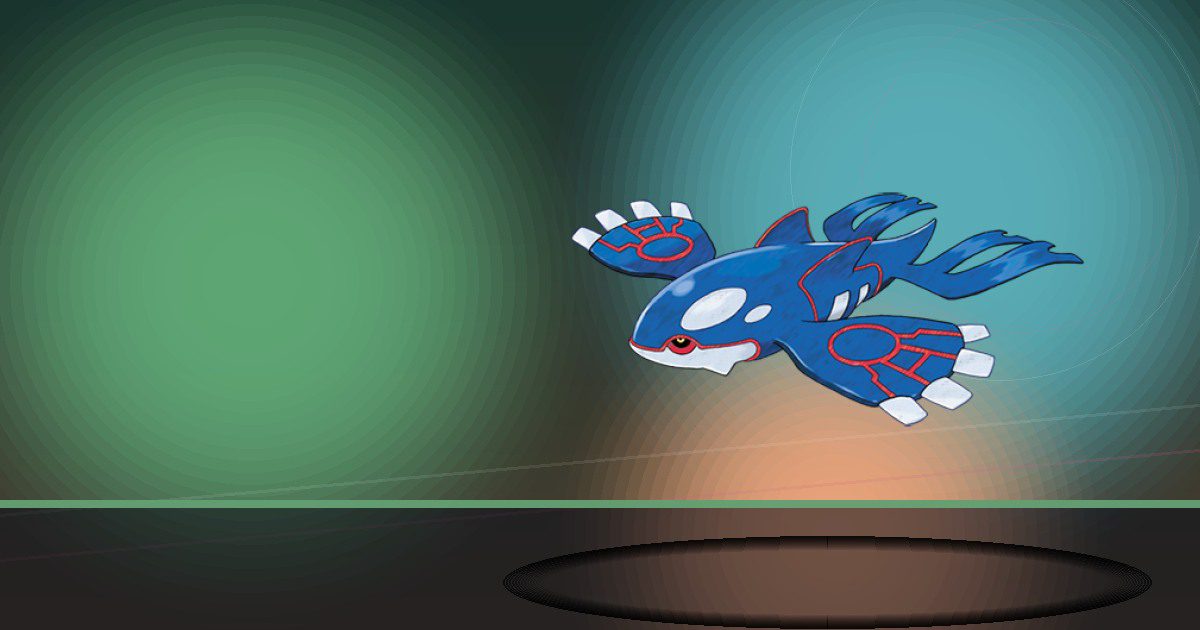
Kyogre
Special Pokopia resident

Jirachi
Litter

Piplup
Water
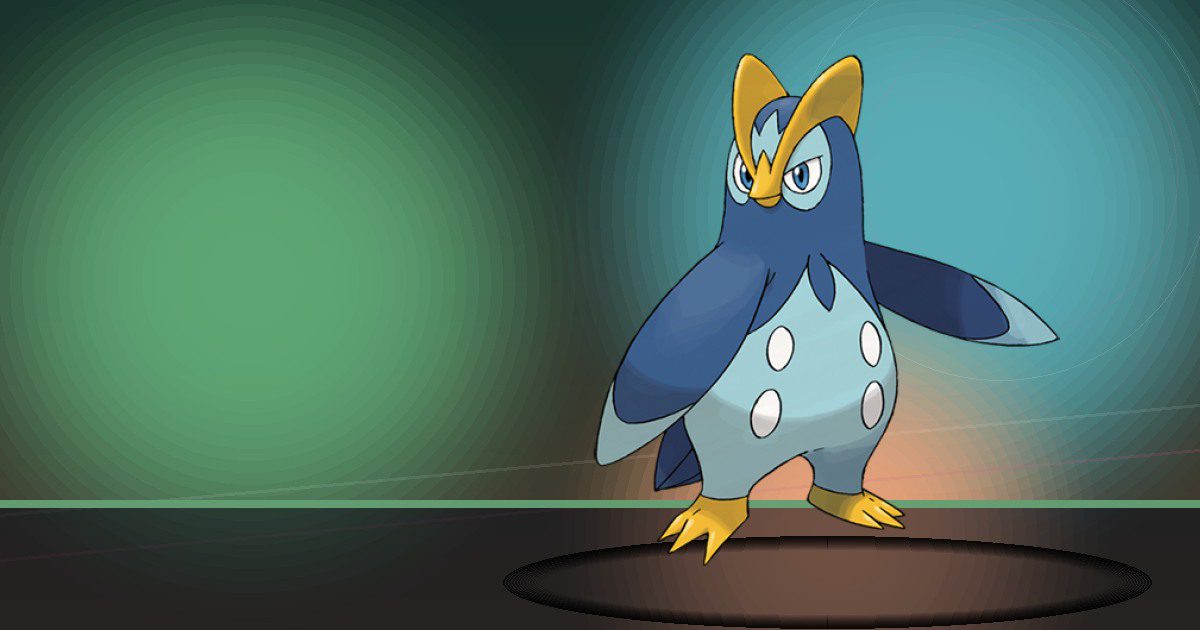
Prinplup
Water and Trade

Empoleon
Water and Trade
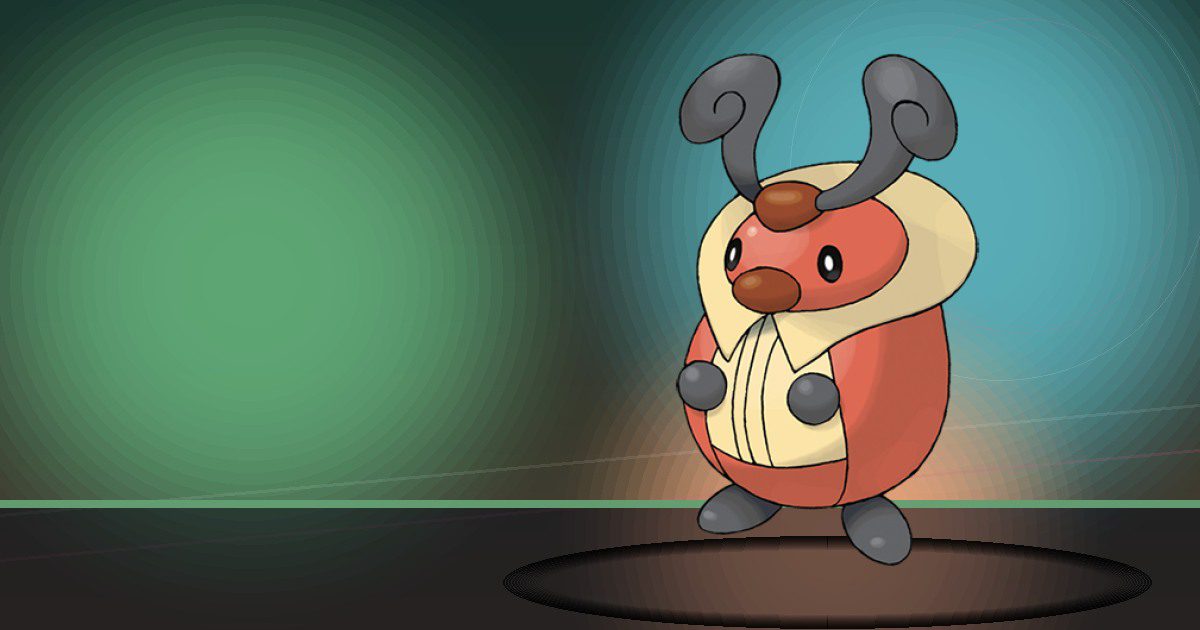
Kricketot
Hype
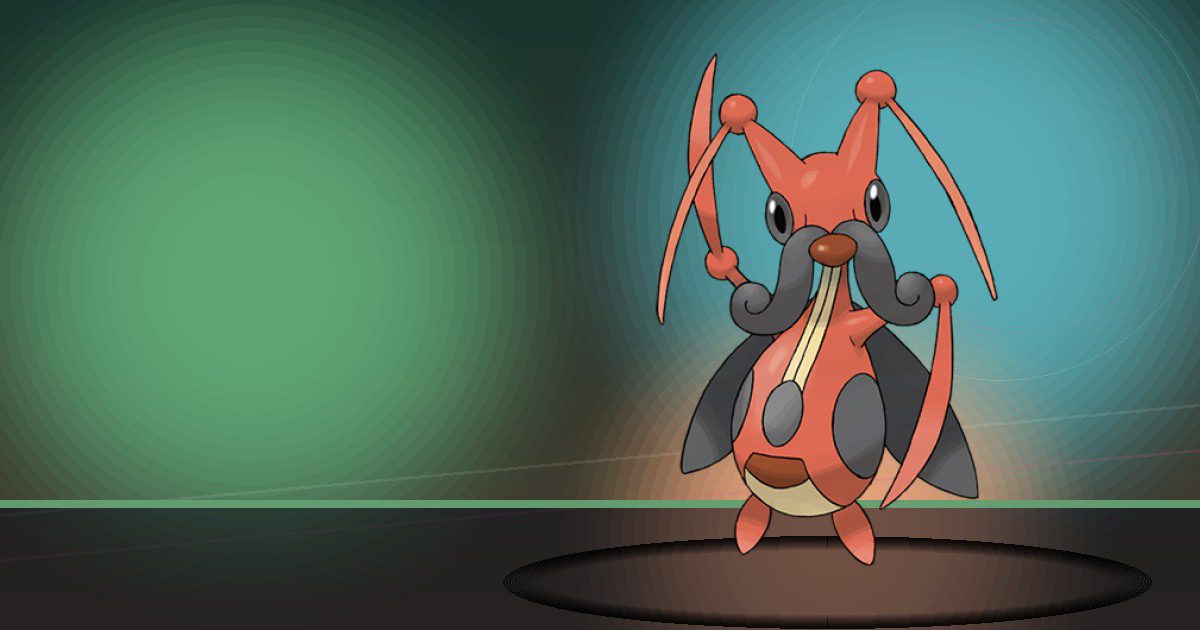
Kricketune
Hype
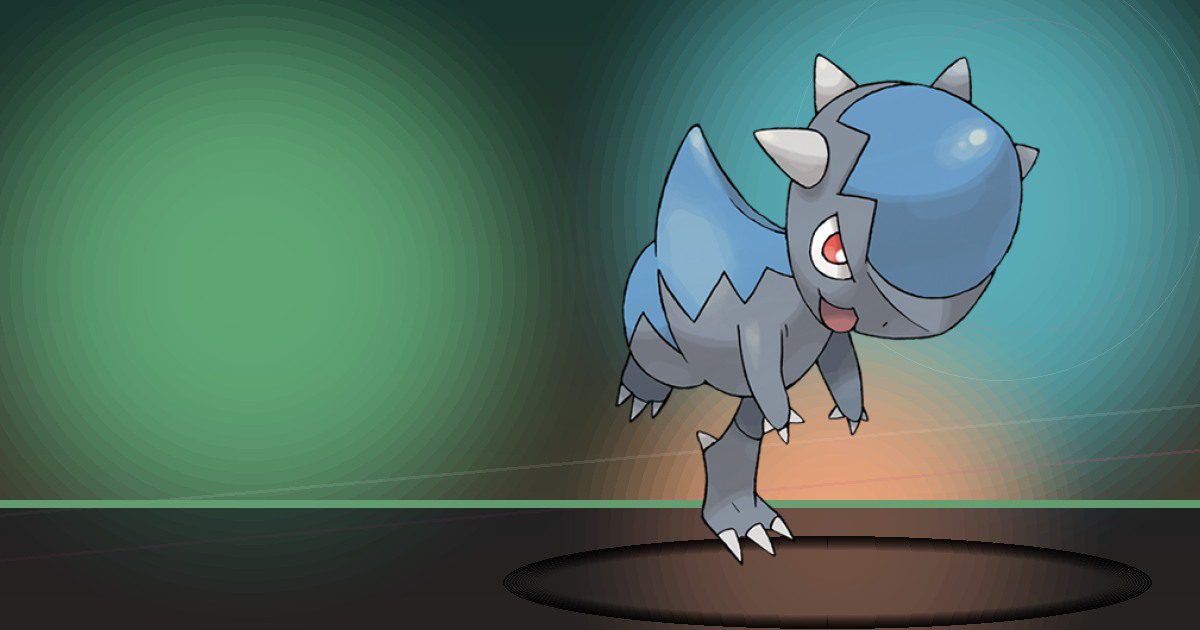
Cranidos
Crush
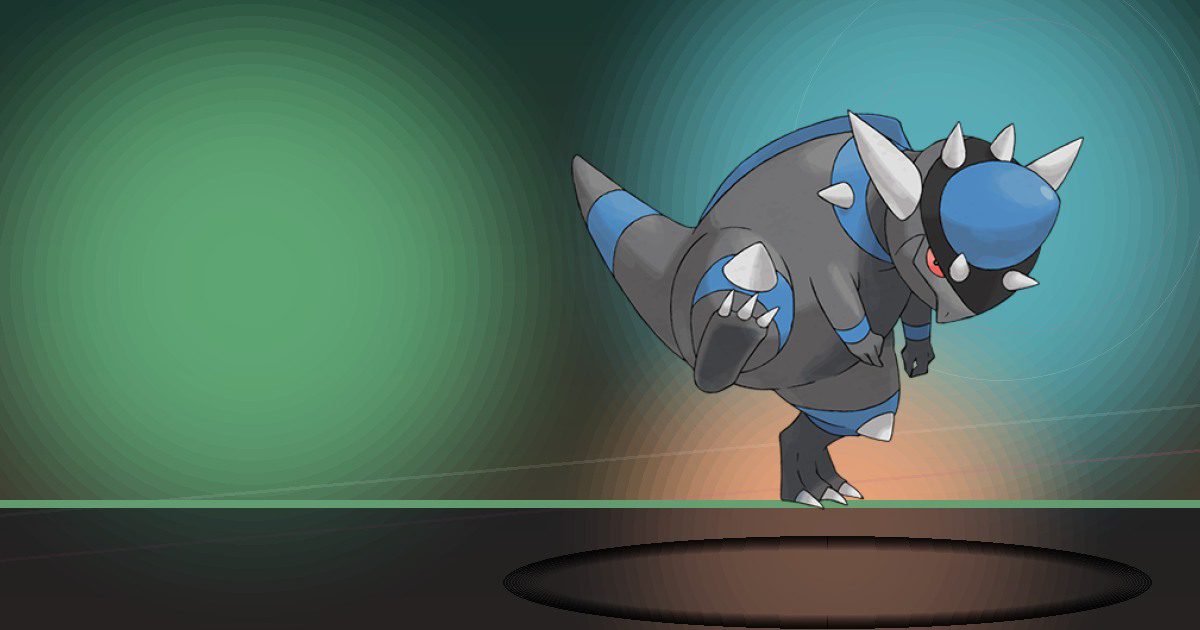
Rampardos
Crush and Litter
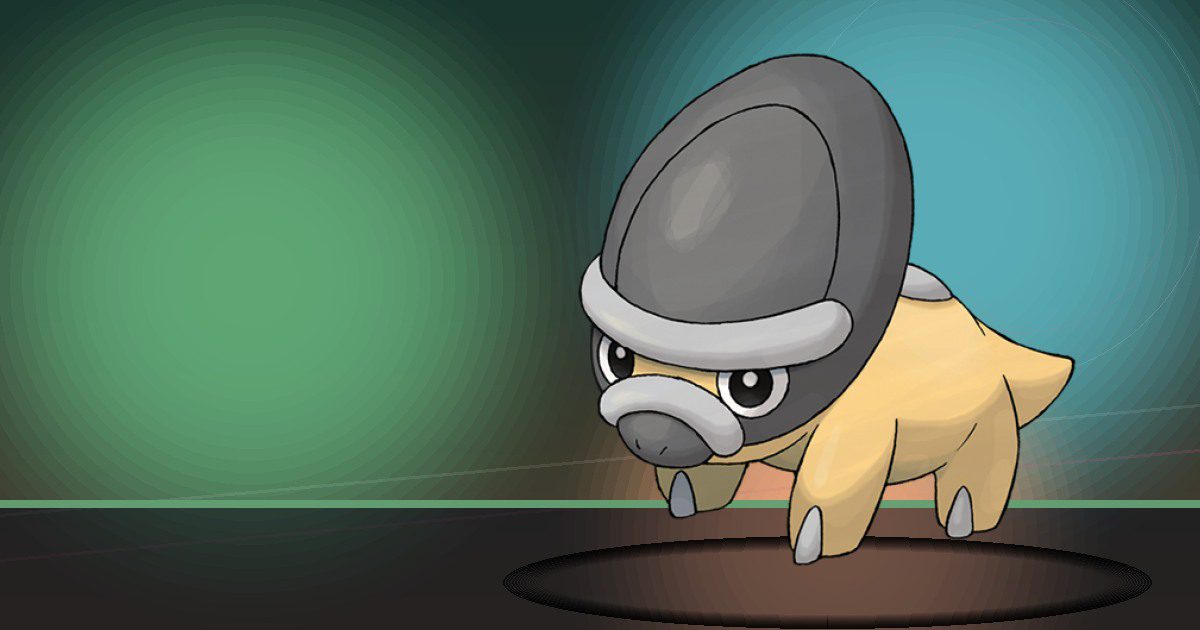
Shieldon
Crush
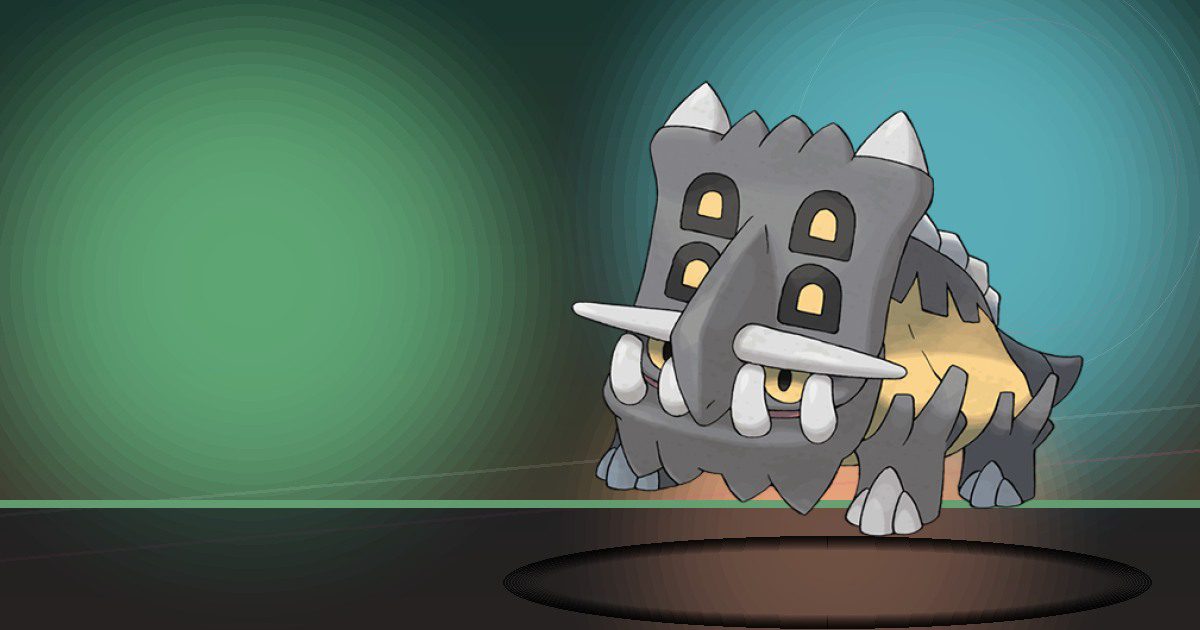
Bastiodon
Crush and Litter

Combee
Litter
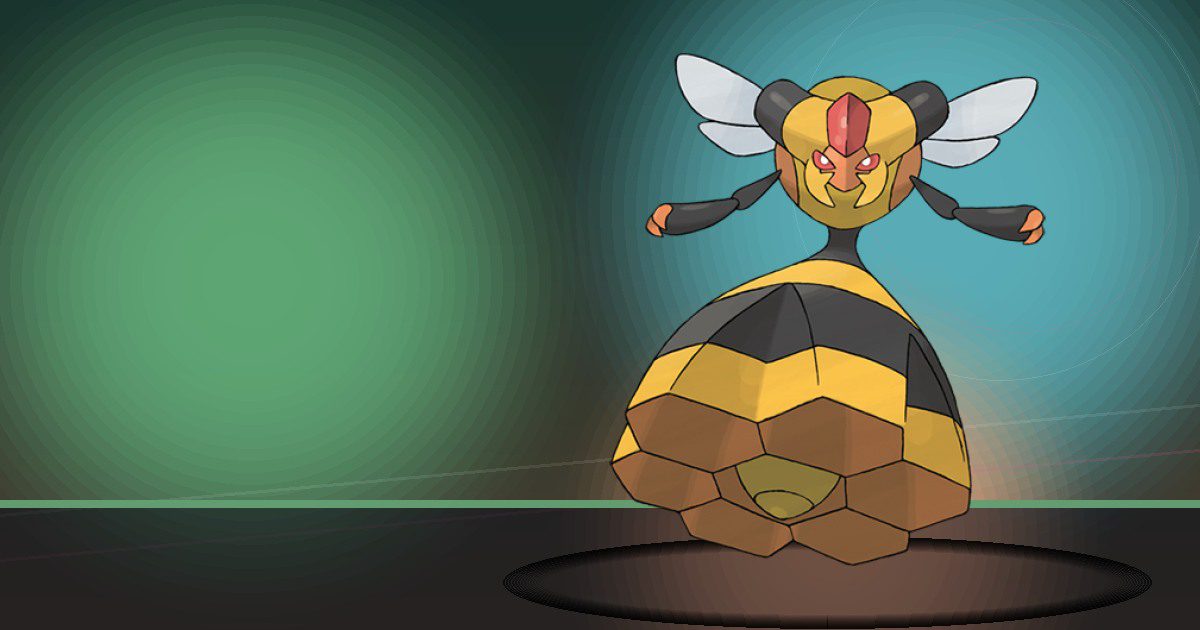
Vespiquen
Gather Honey and Search
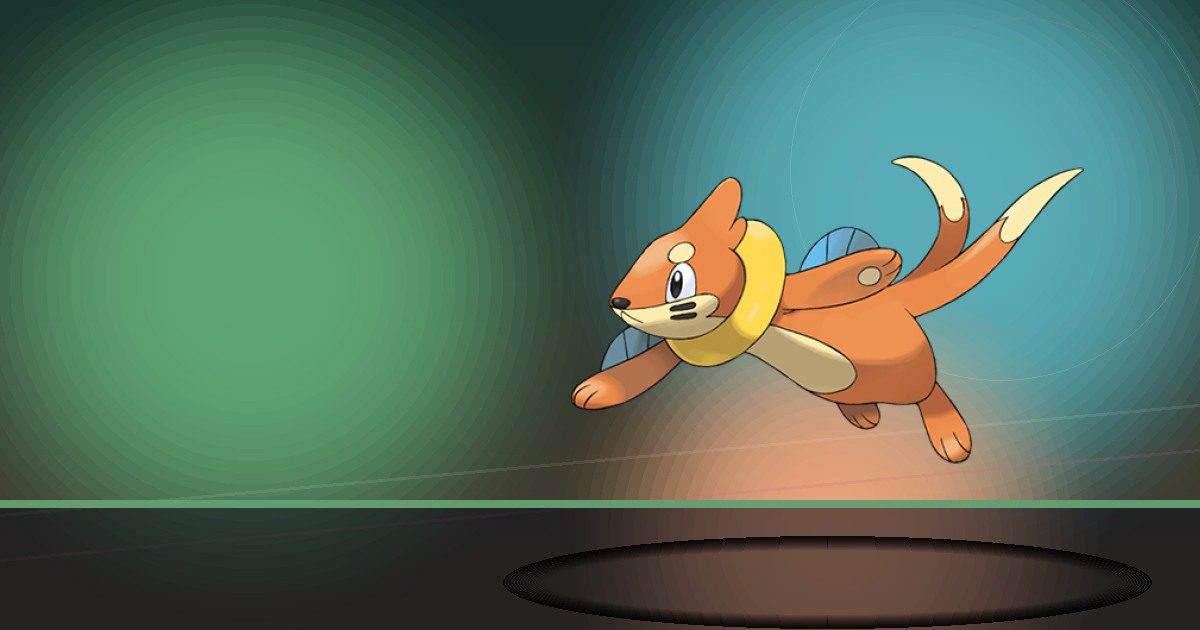
Buizel
Chop and Trade

Floatzel
Trade and Build
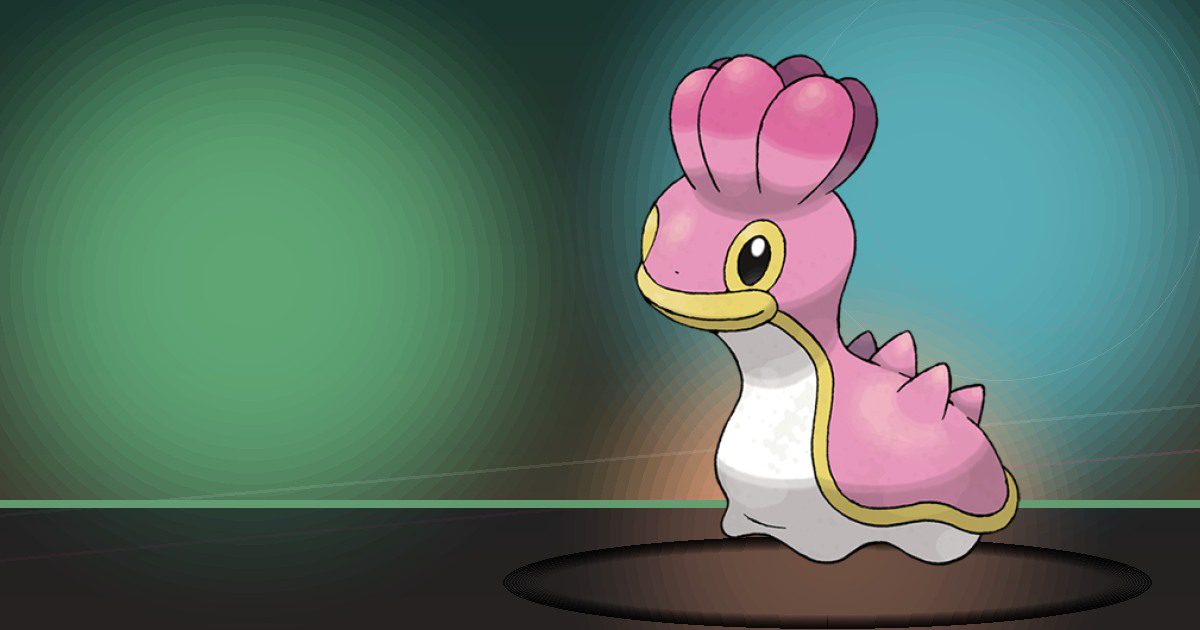
Shellos
Water
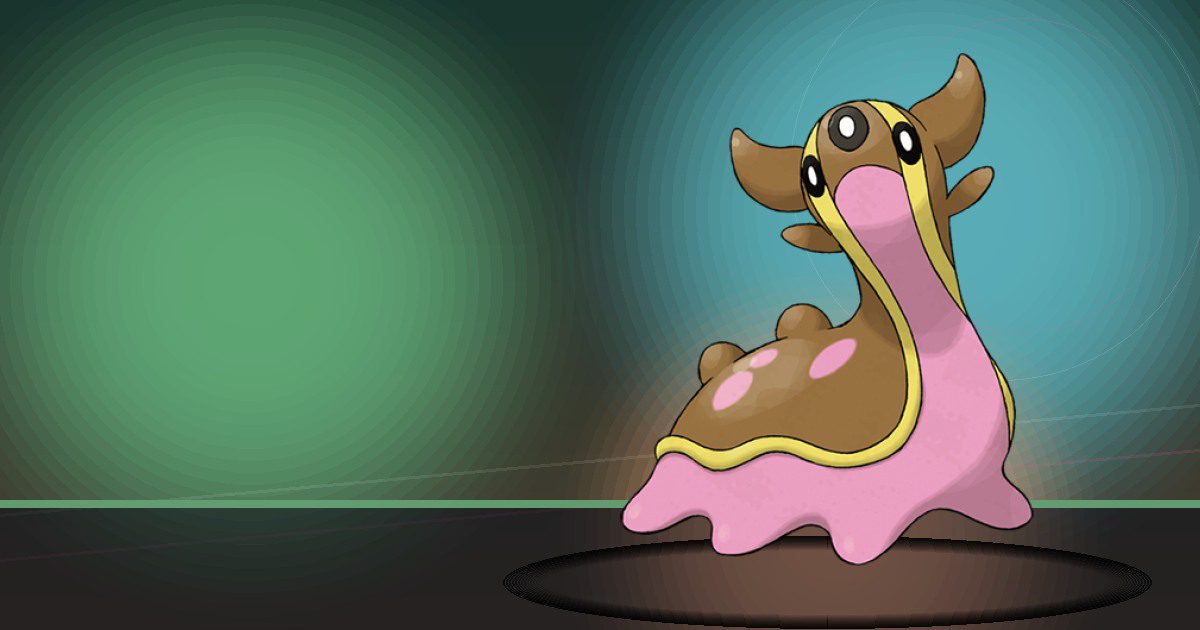
Gastrodon
Water and Trade

Drifloon
Dream Island
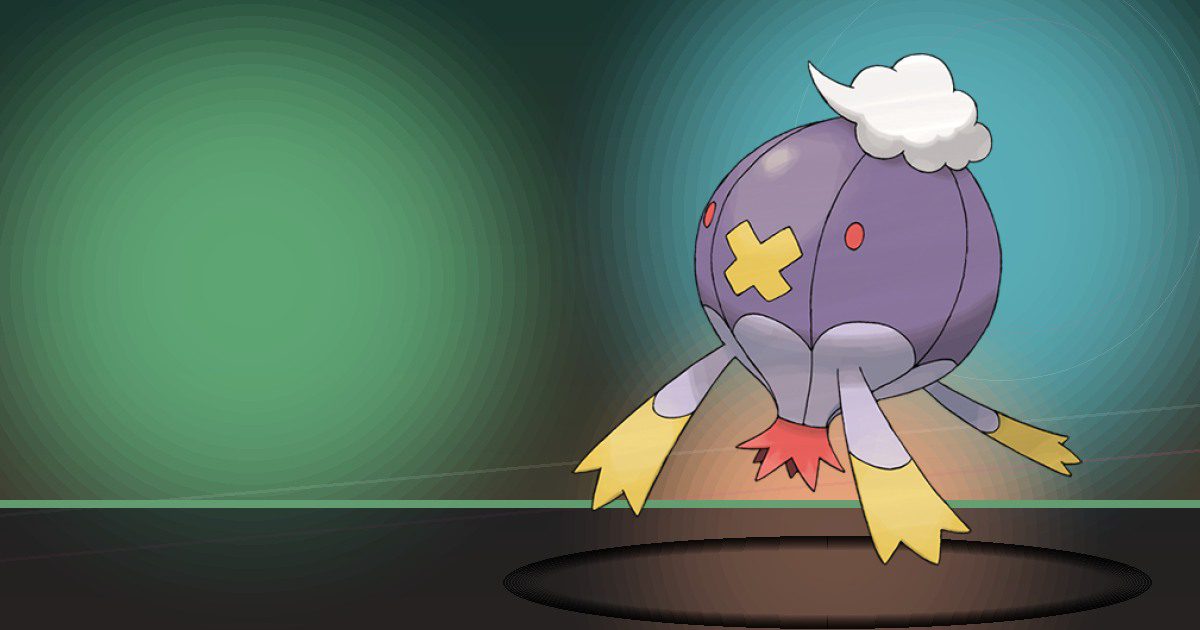
Drifblim
Fly and Gather
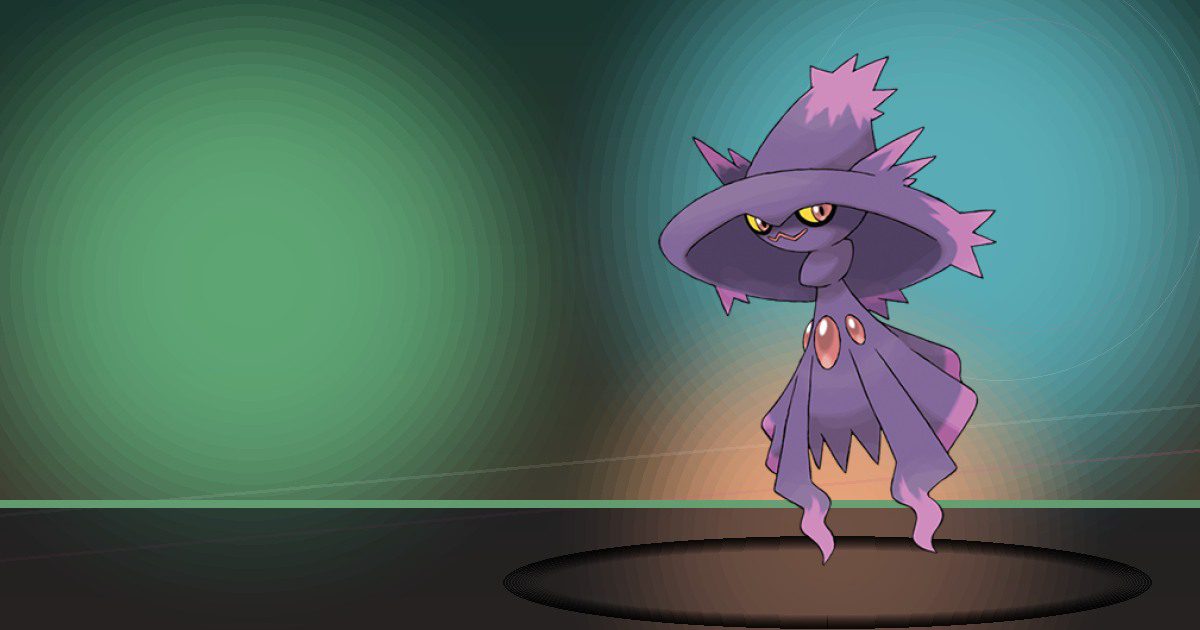
Mismagius
Gather and Trade
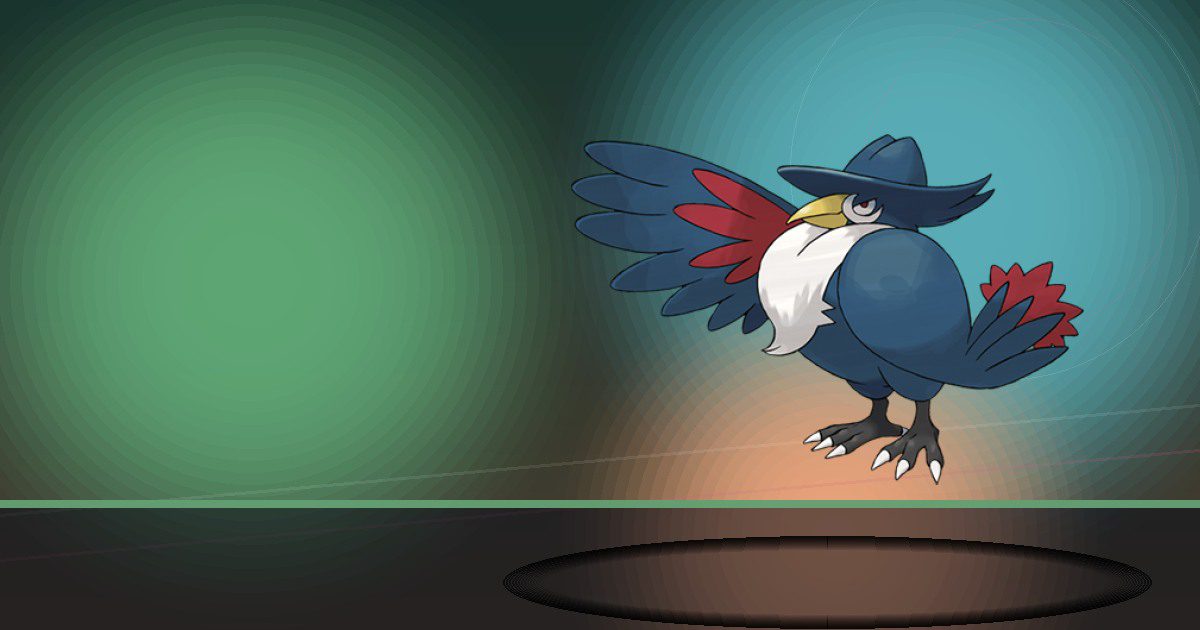
Honchkrow
Trade and Fly
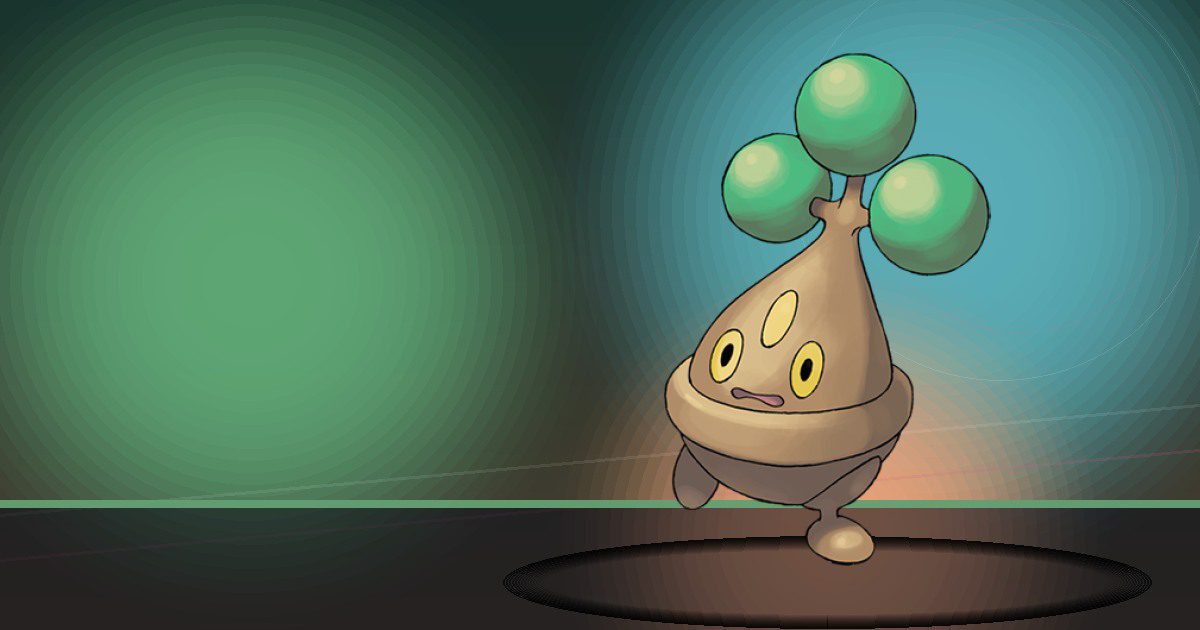
Bonsly
Bulldoze

Mime Jr
Gather and Build

Happiny
Trade
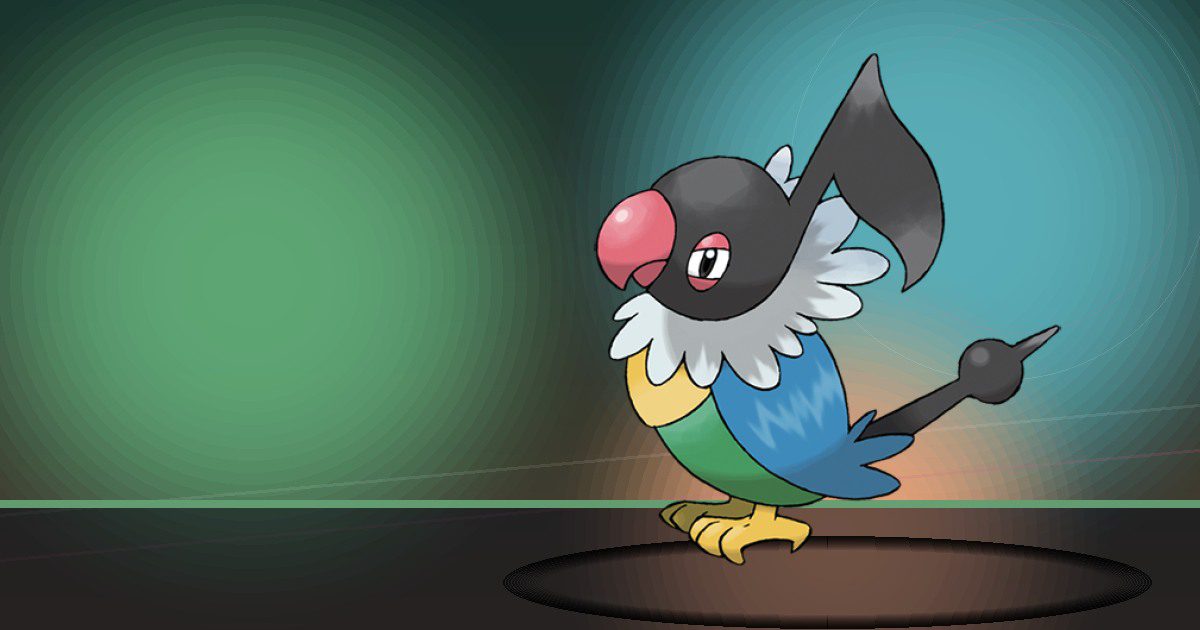
Chatot
Hype and Fly
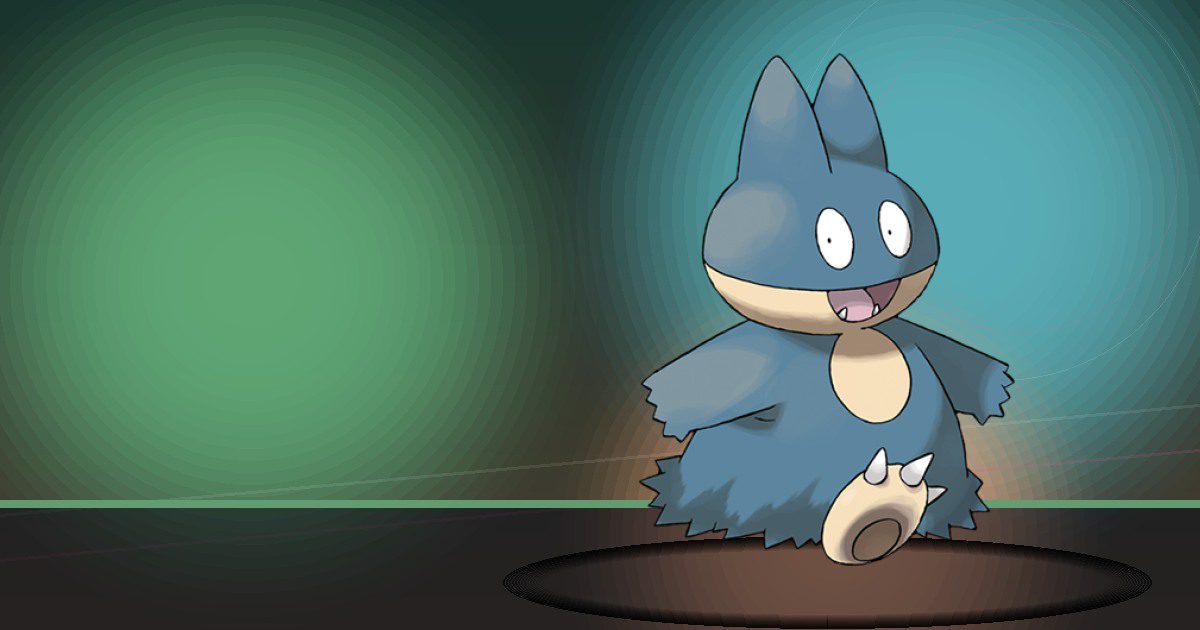
Munchlax
Bulldoze
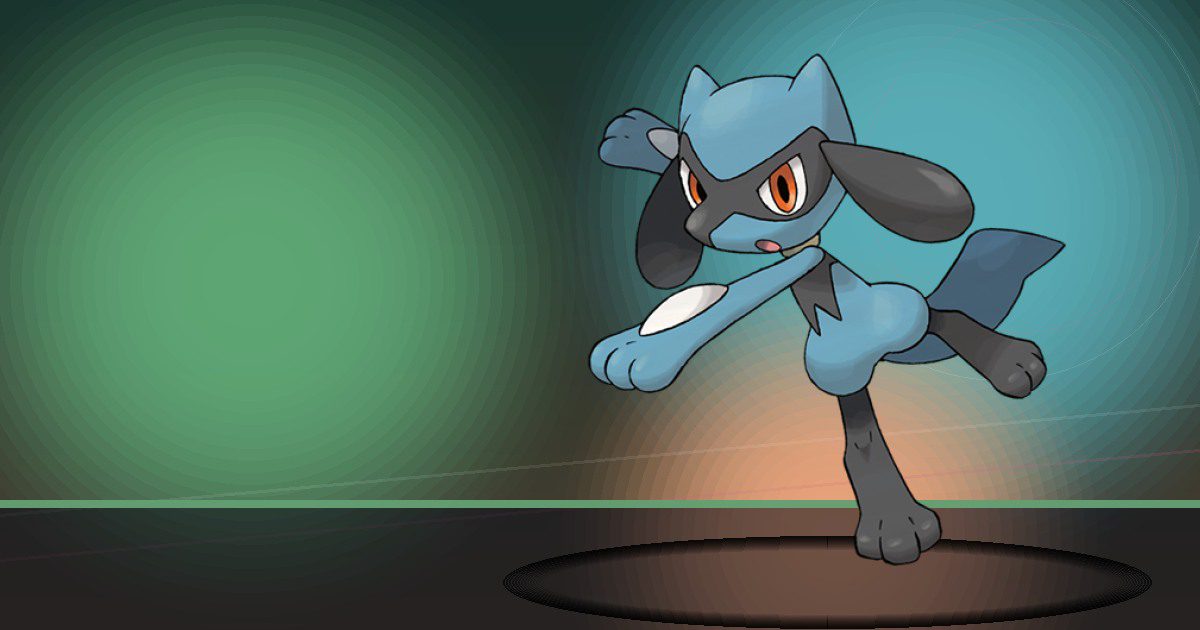
Riolu
Build
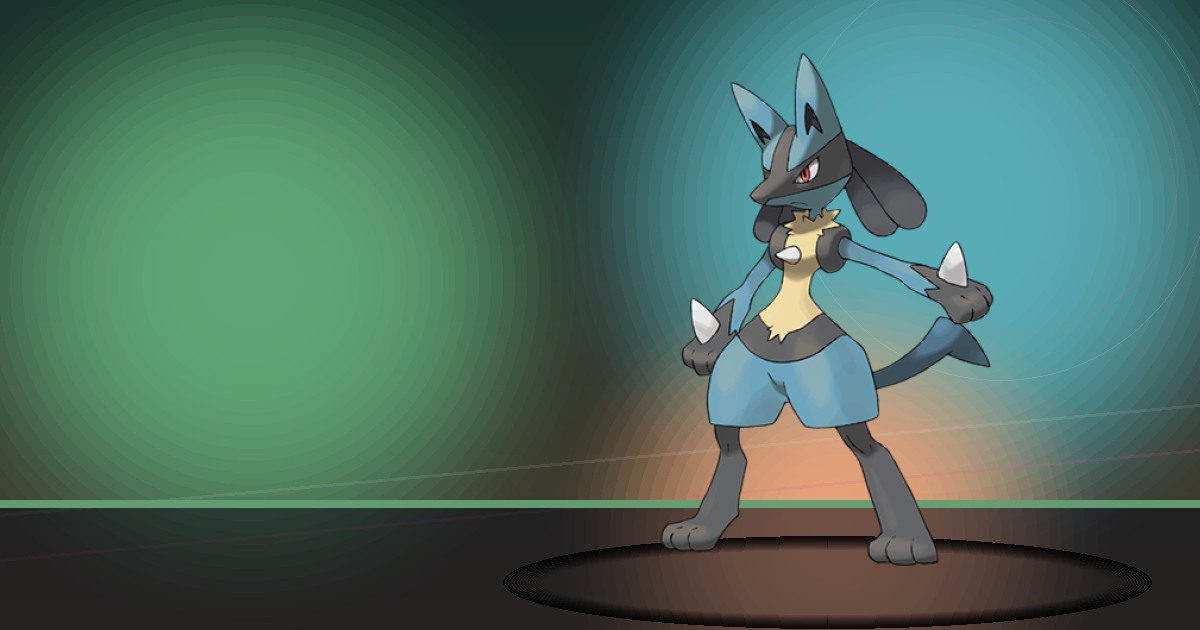
Lucario
Build
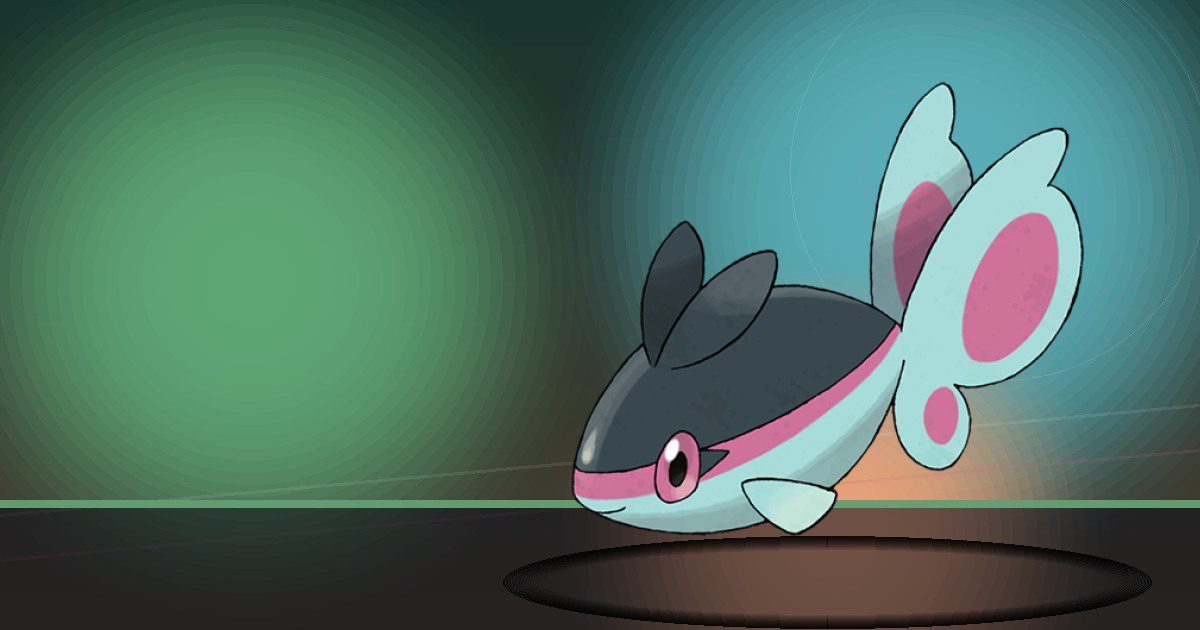
Finneon
Hype
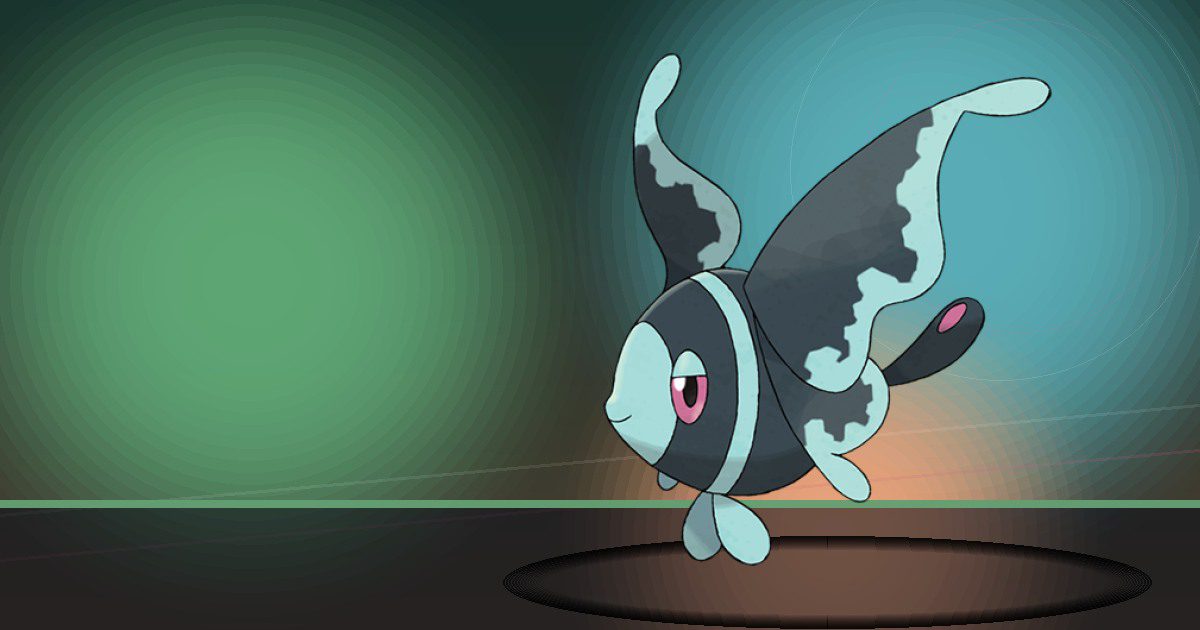
Lumineon
Hype and Water
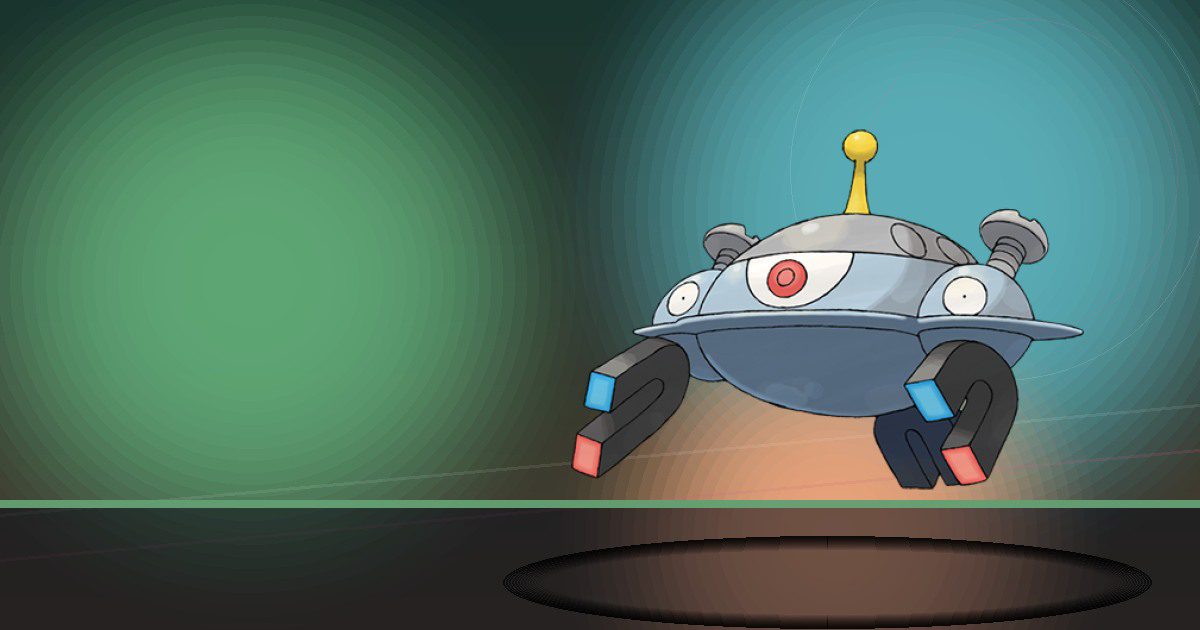
Magnezone
Generate and Recycle
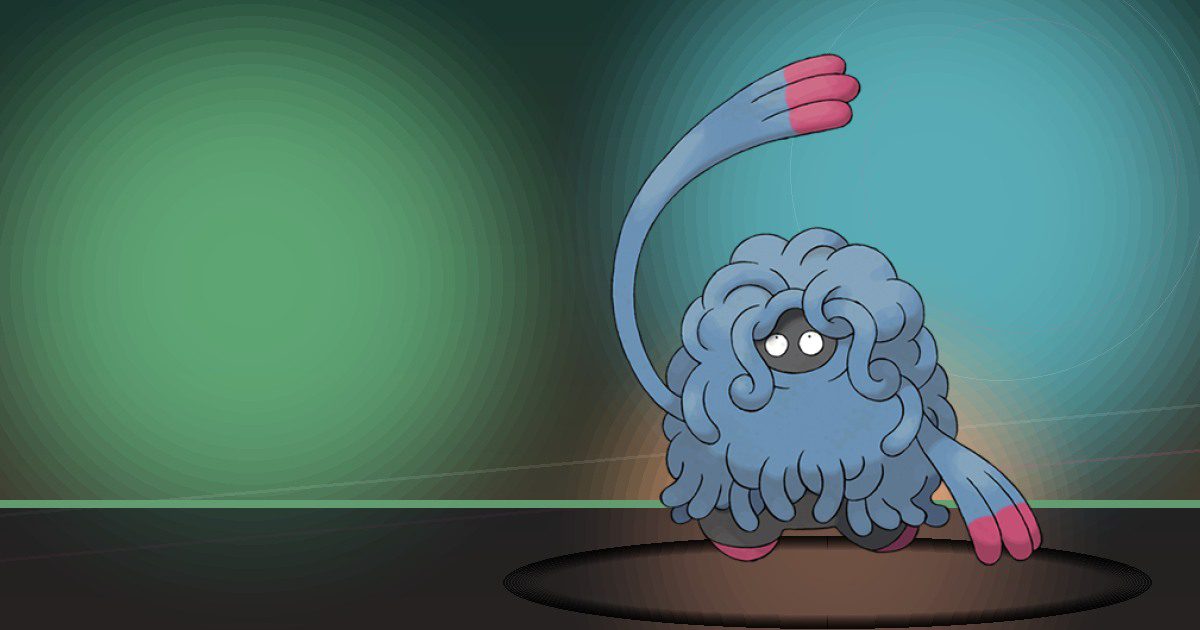
Tangrowth
Grow and Litter
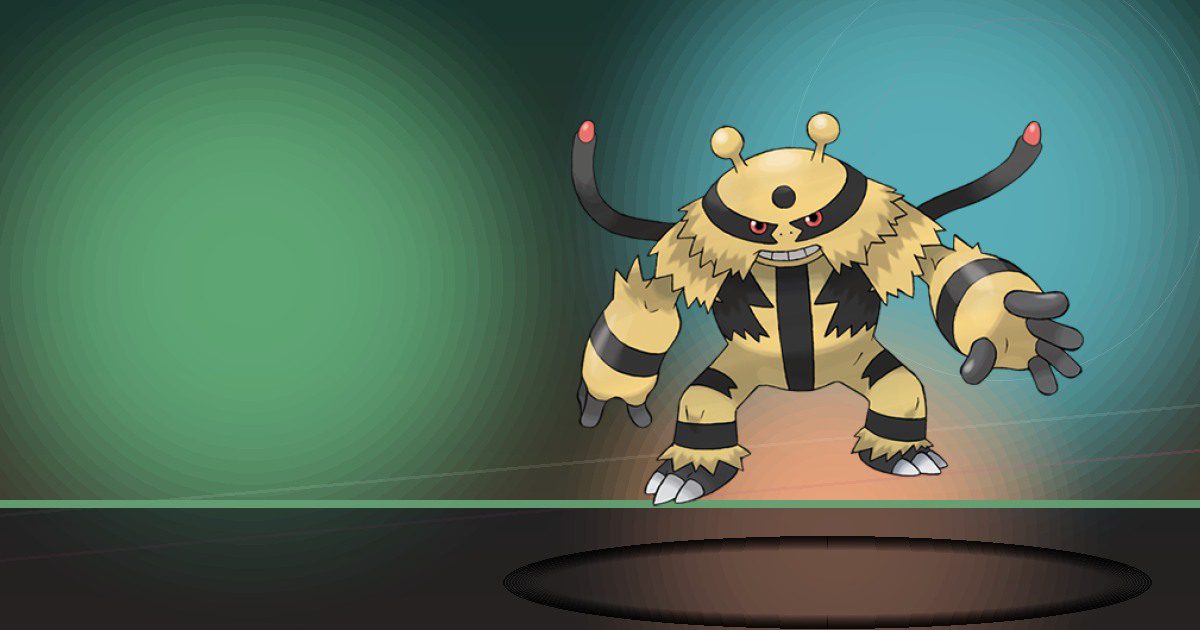
Electivire
Generate and Crush
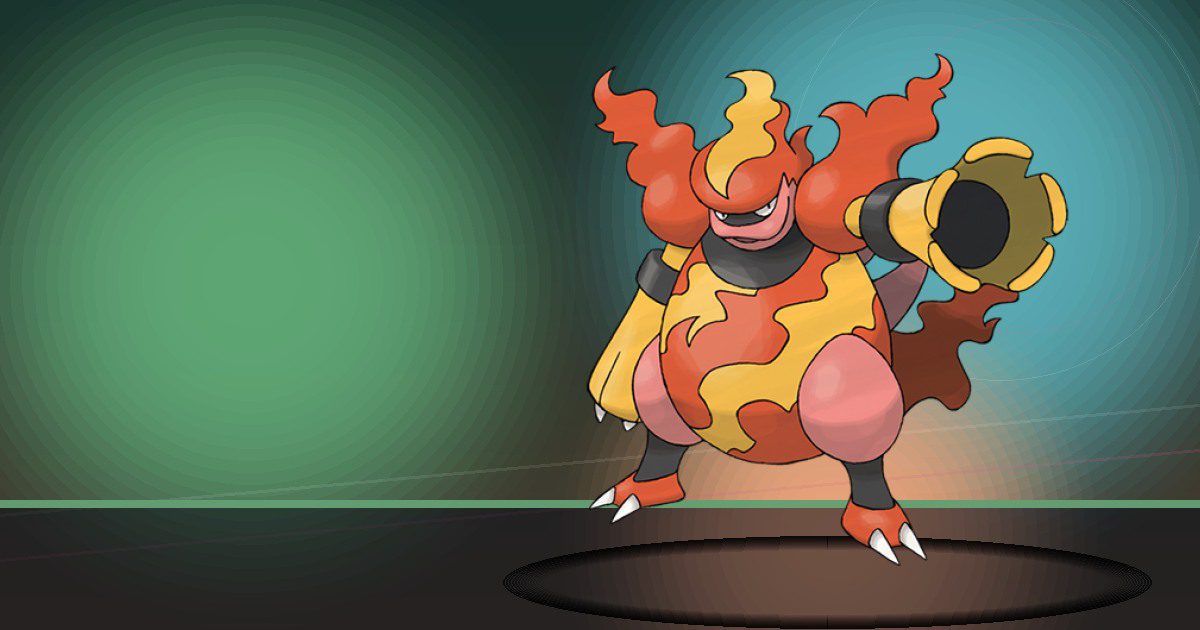
Magmortar
Burn and Crush
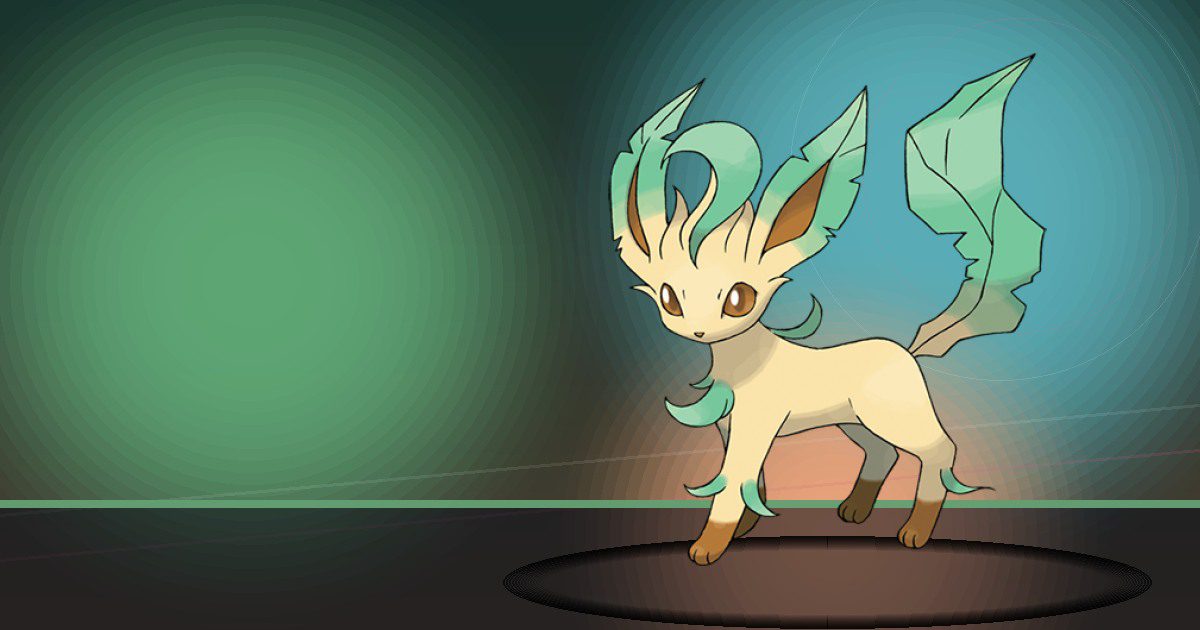
Leafeon
Grow
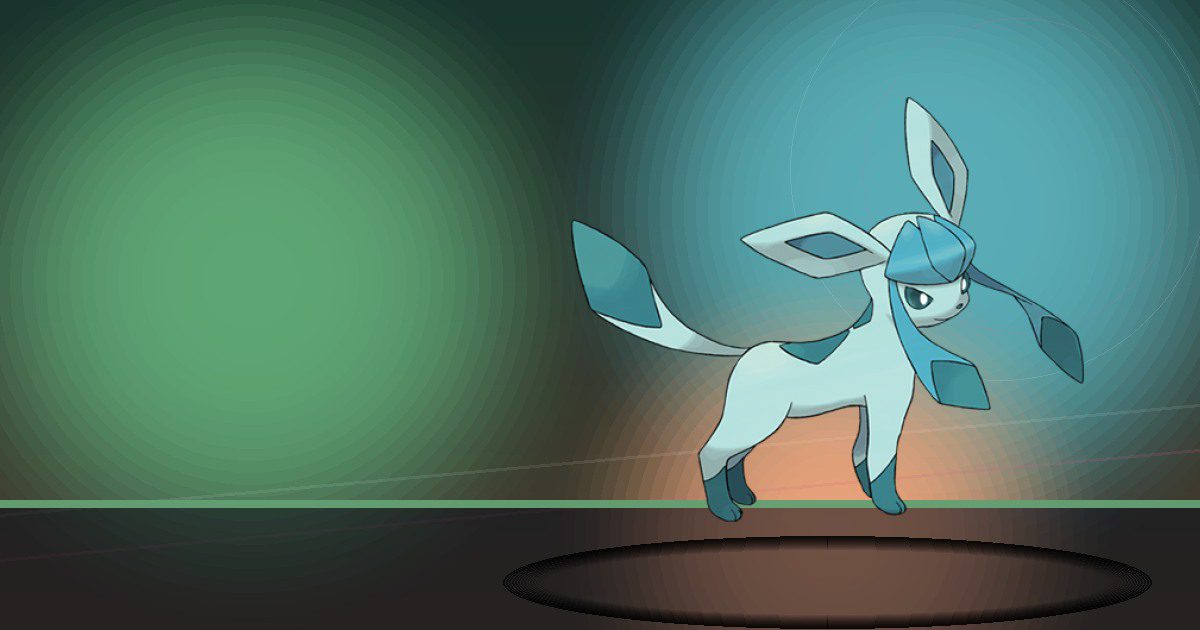
Glaceon
Trade

Porygon Z
Rarify
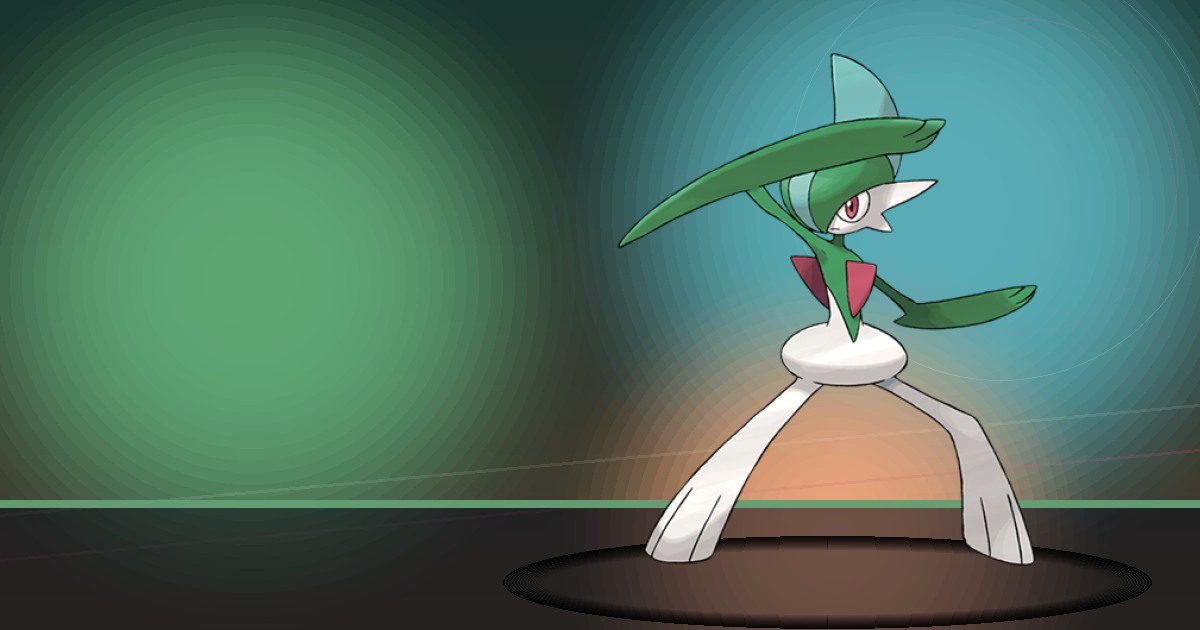
Gallade
Teleport and Build
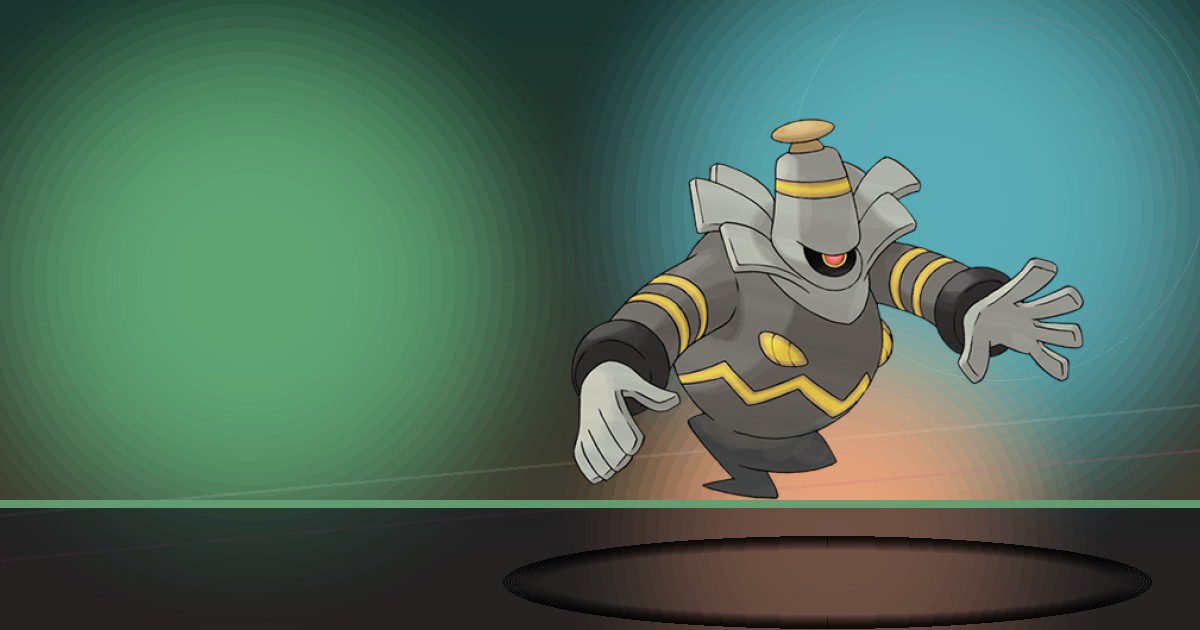
Dusknoir
Gather and Trade
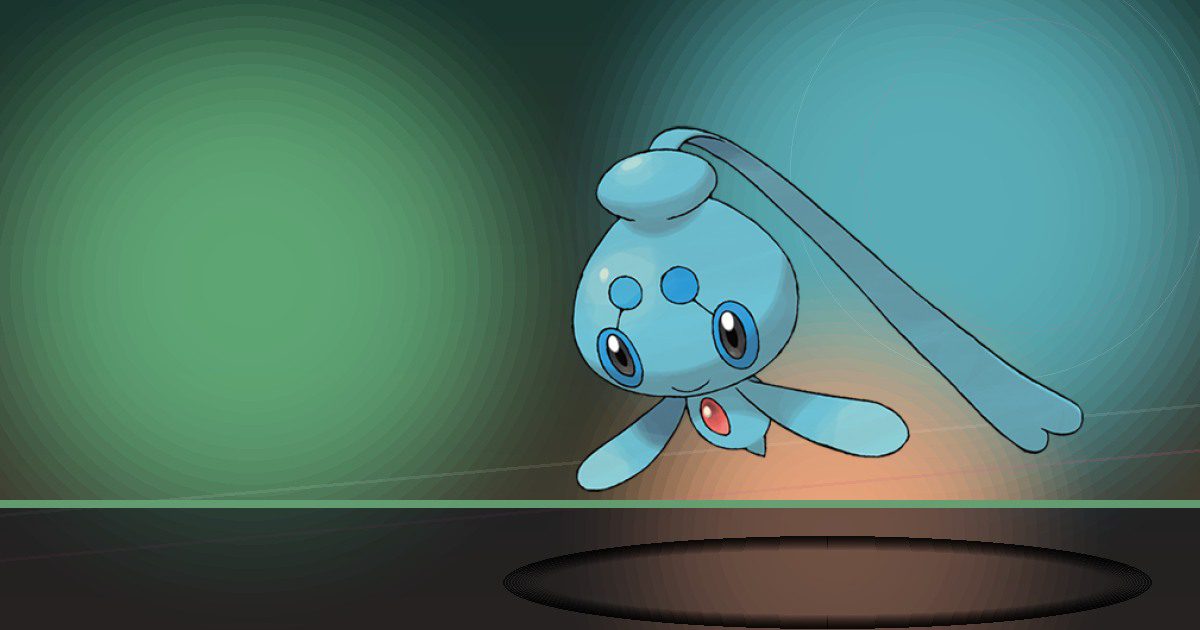
Phione
Trade

Manaphy
Trade and Hype
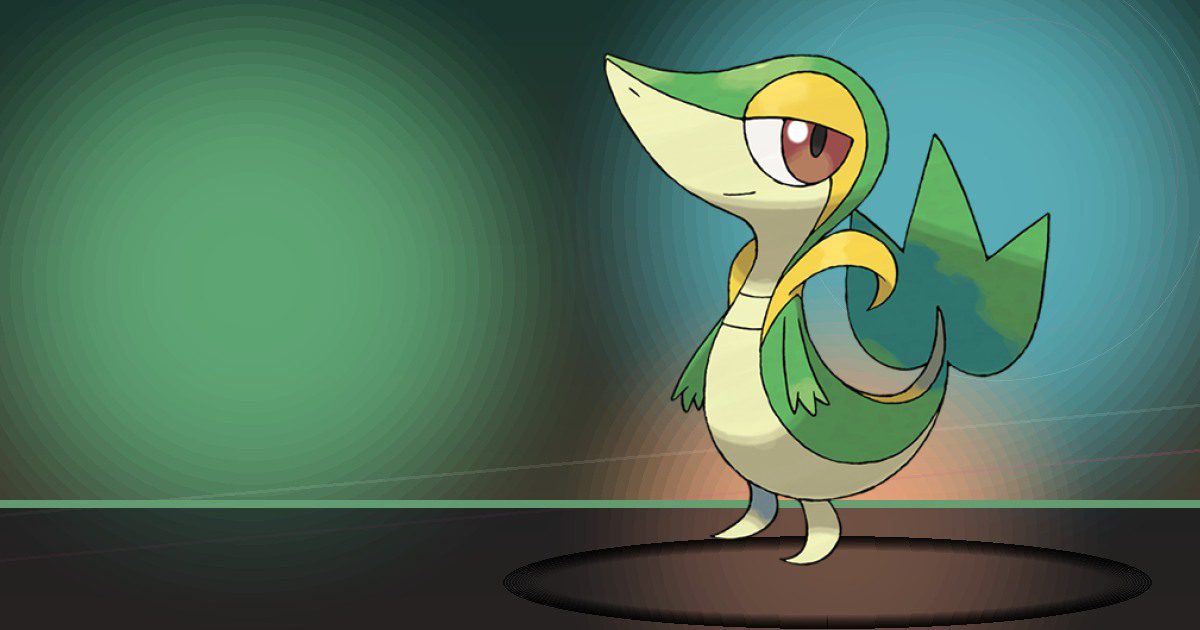
Snivy
Grow and Litter
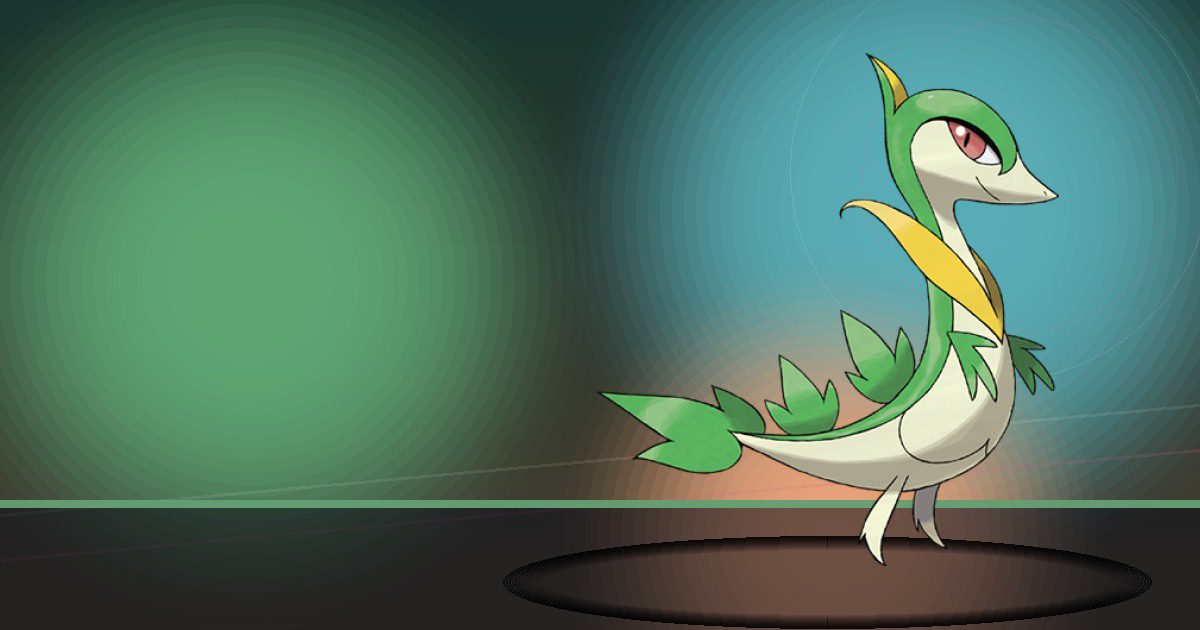
Servine
Grow and Litter

Serperior
Grow and Litter
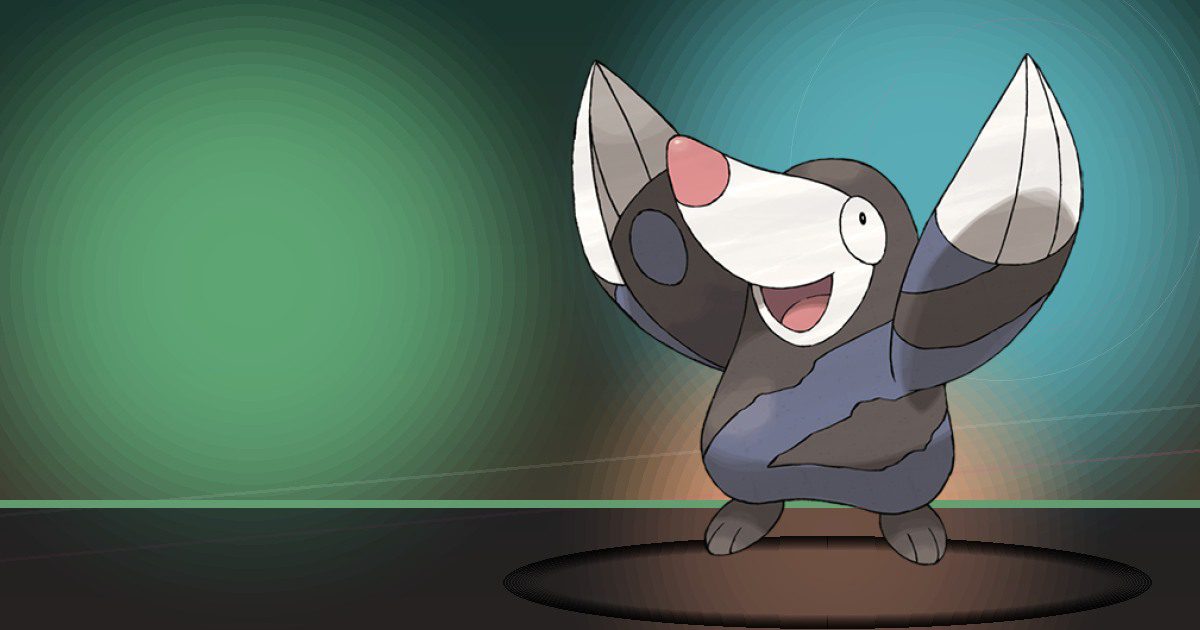
Drilbur
Search
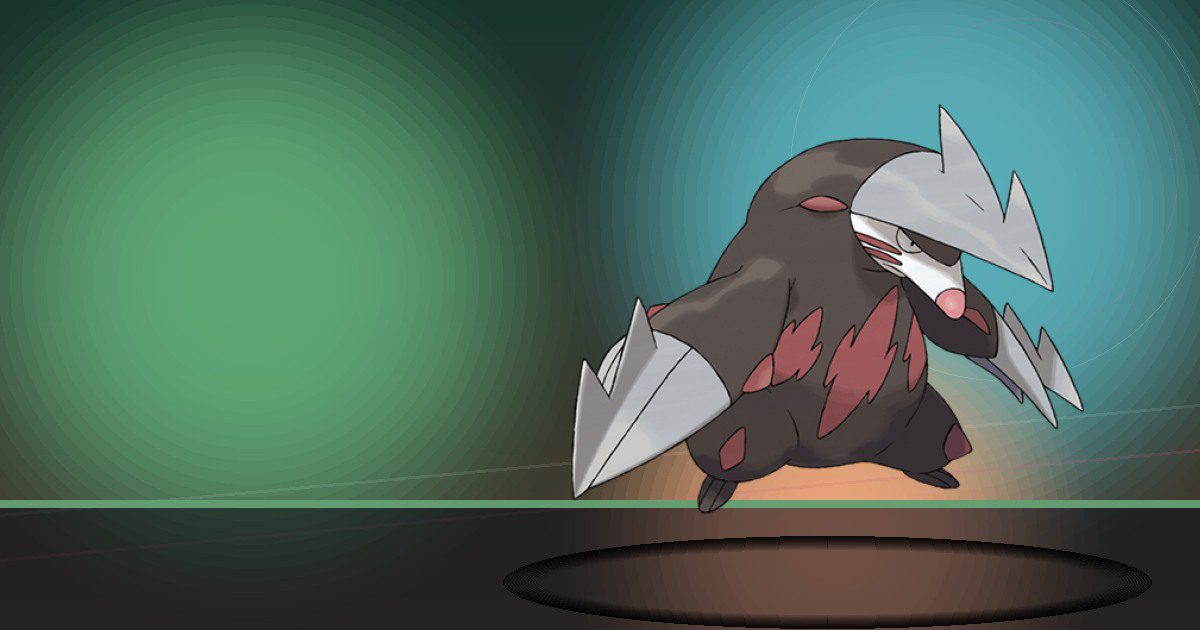
Excadrill
Search and Chop

Audino ♂ega
Trade
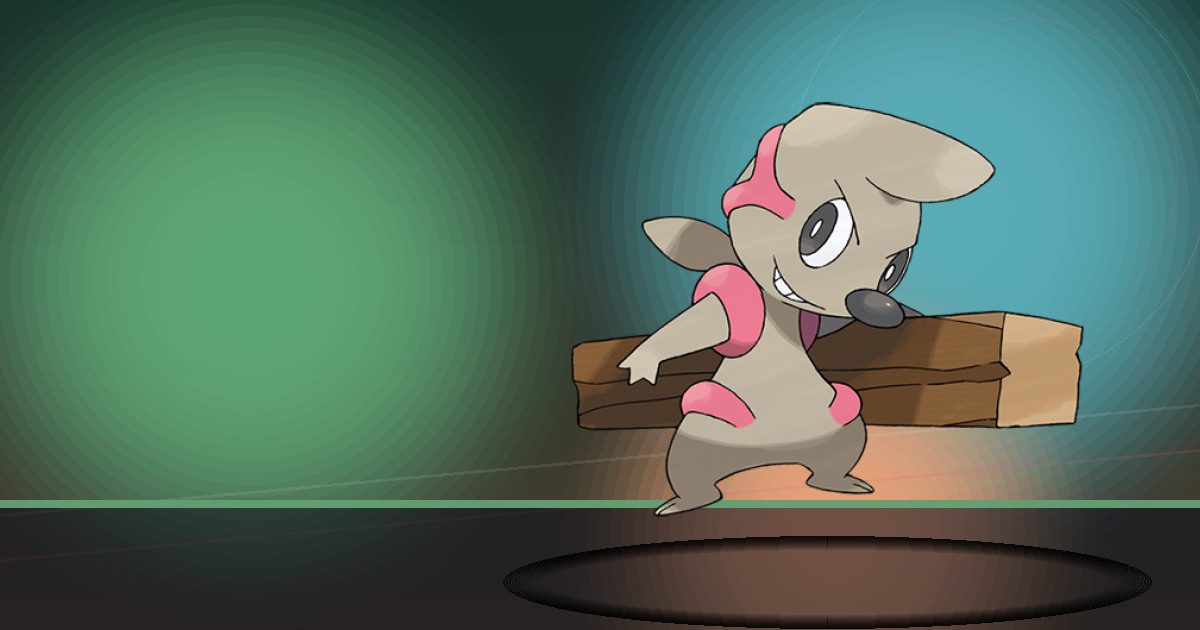
Timburr
Build
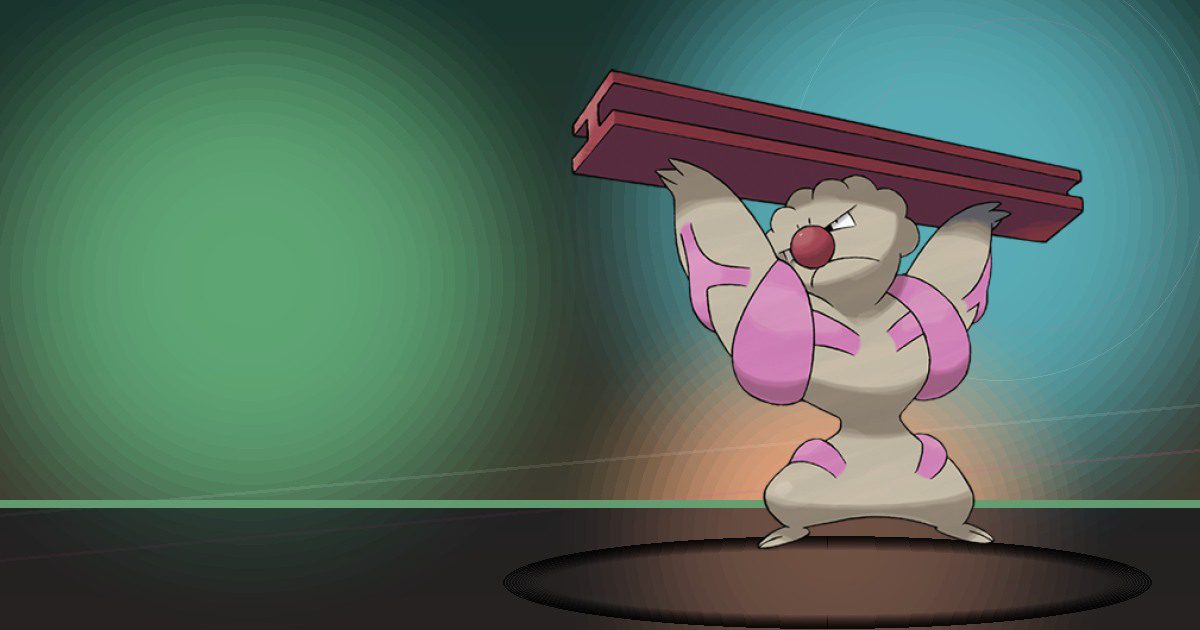
Gurdurr
Build
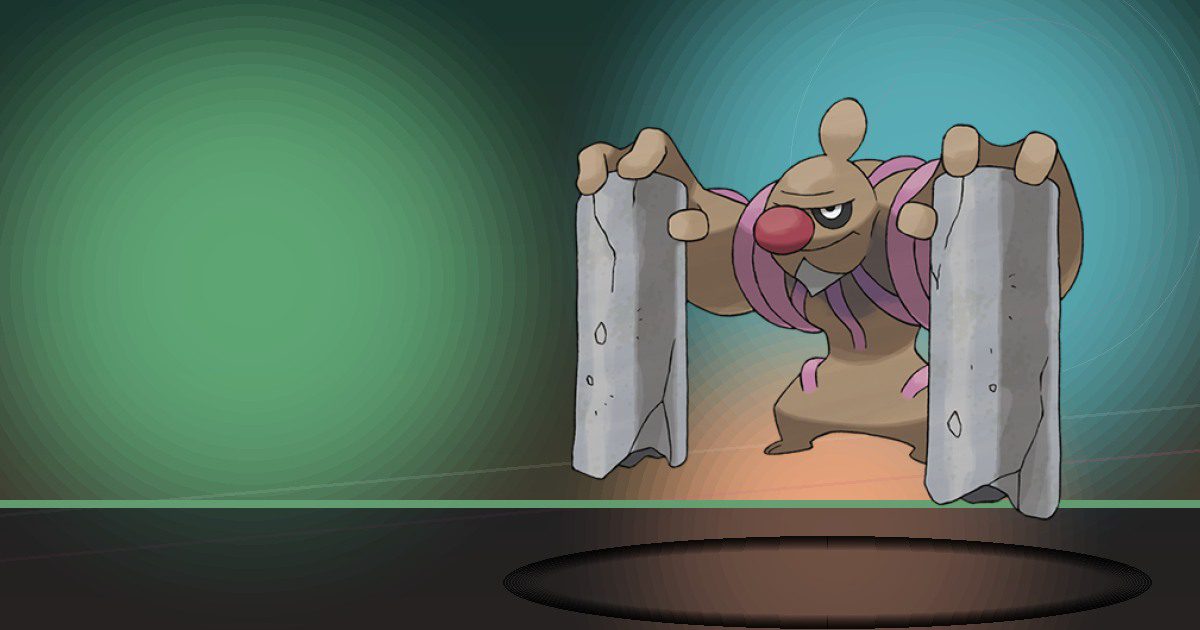
Conkeldurr
Build and Crush
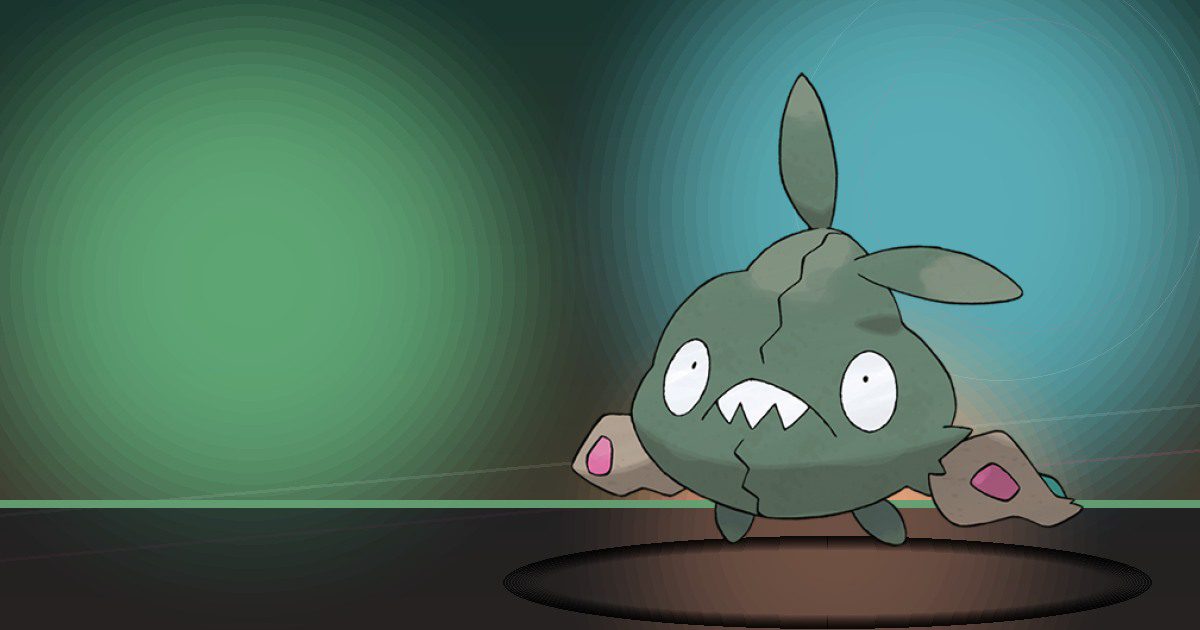
Trubbish
Recycle
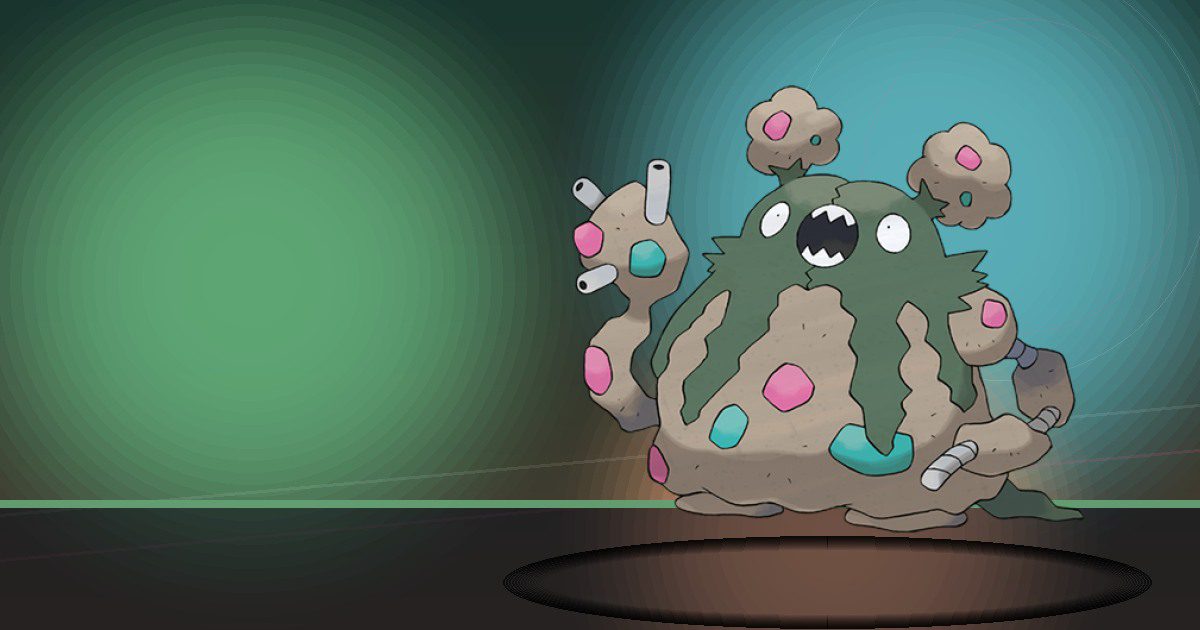
Garbodor
Recycle and Litter
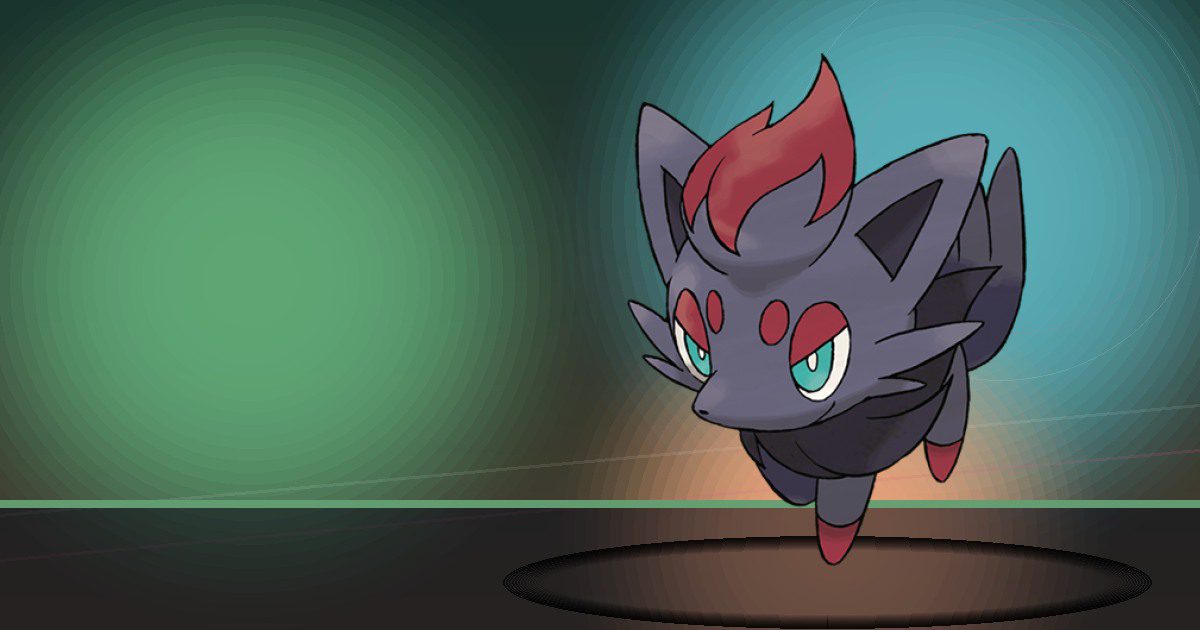
Zorua
Trade
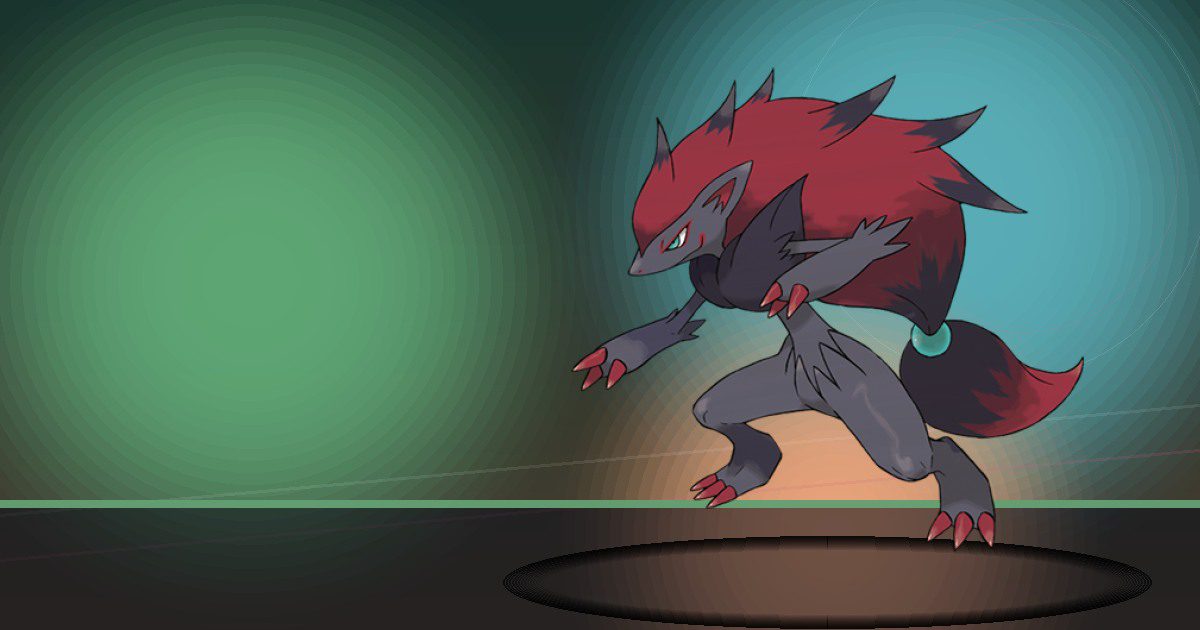
Zoroark
Trade and Chop
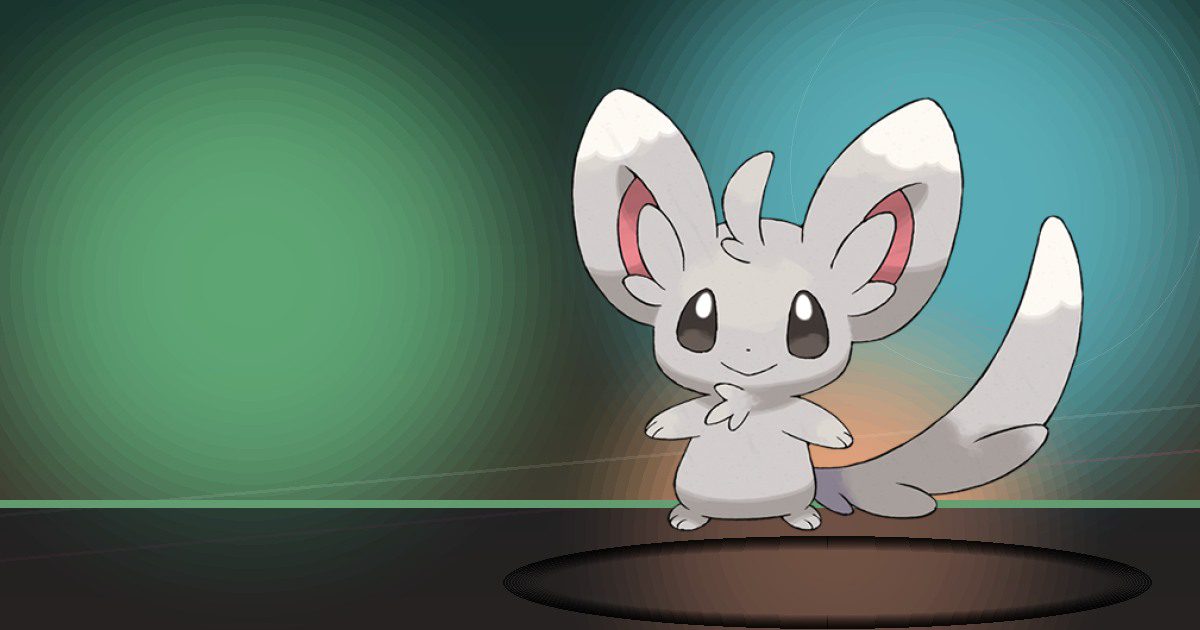
Minccino
Gather

Cinccino
Gather and Recycle
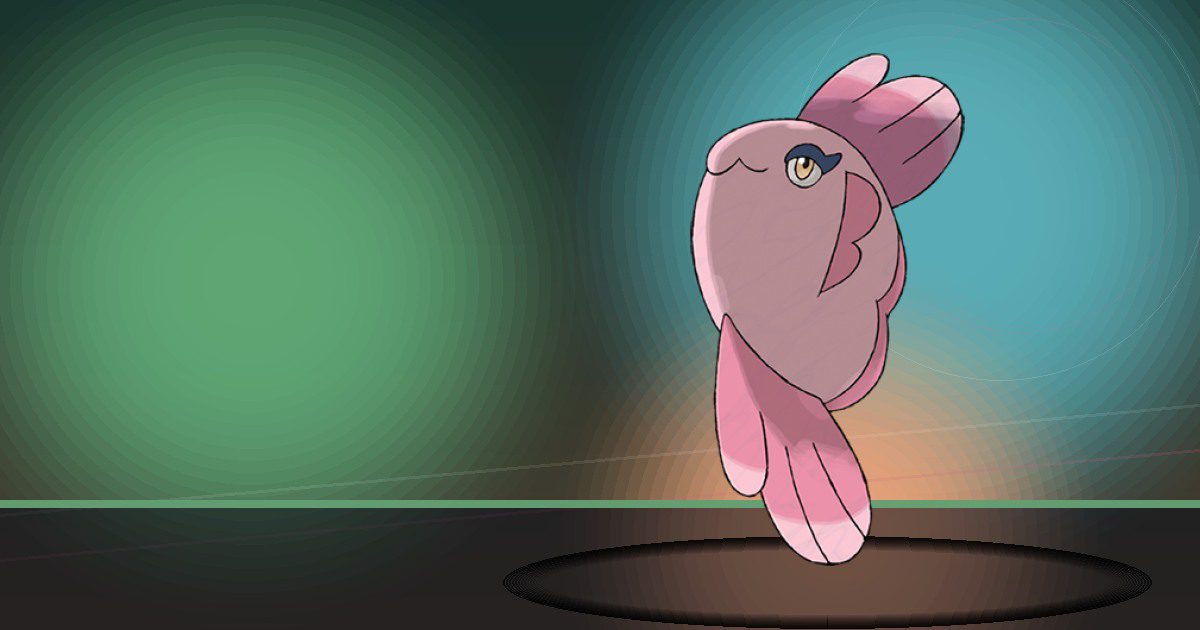
Alomomola
Water and Scrub

Litwick
Burn

Lampent
Burn
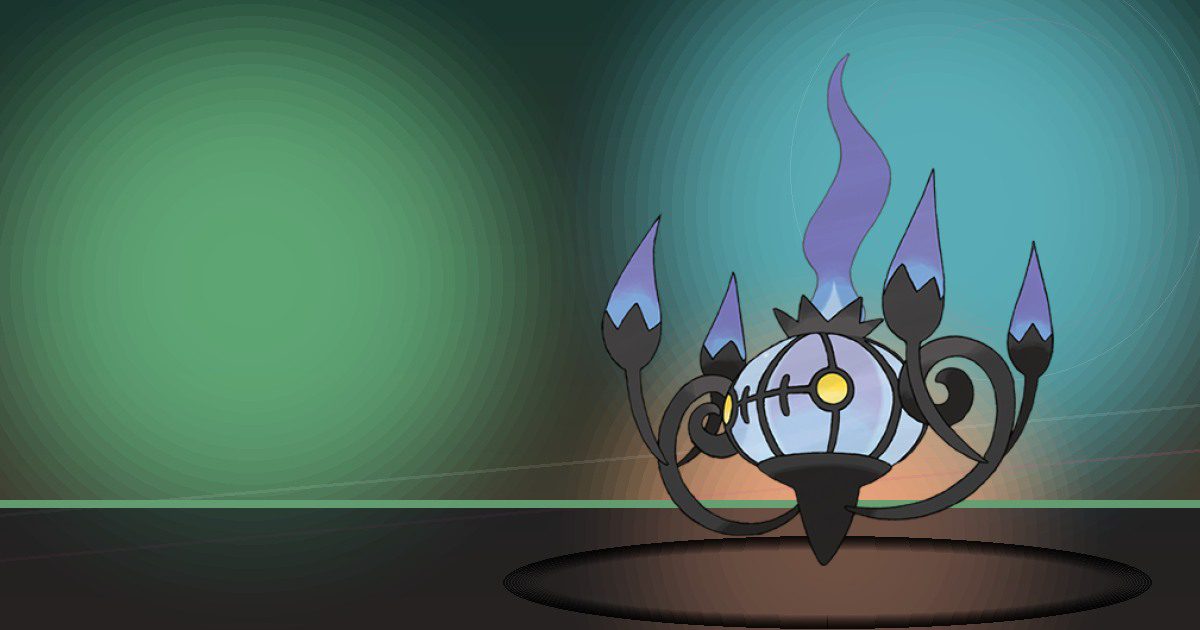
Chandelure
Burn
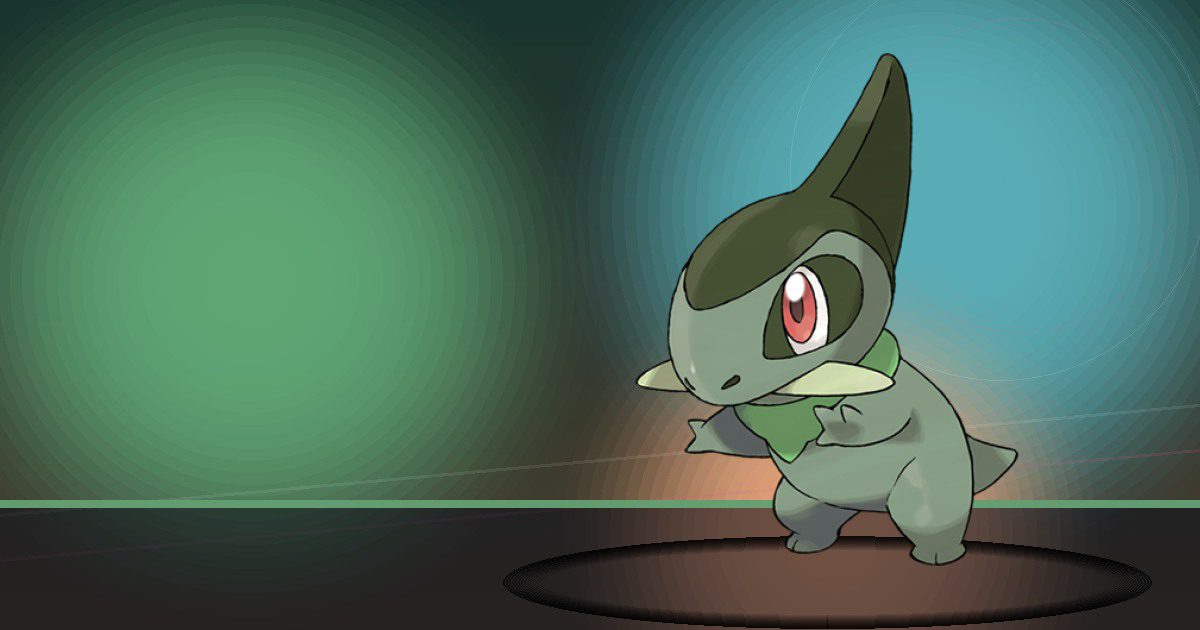
Axew
Chop
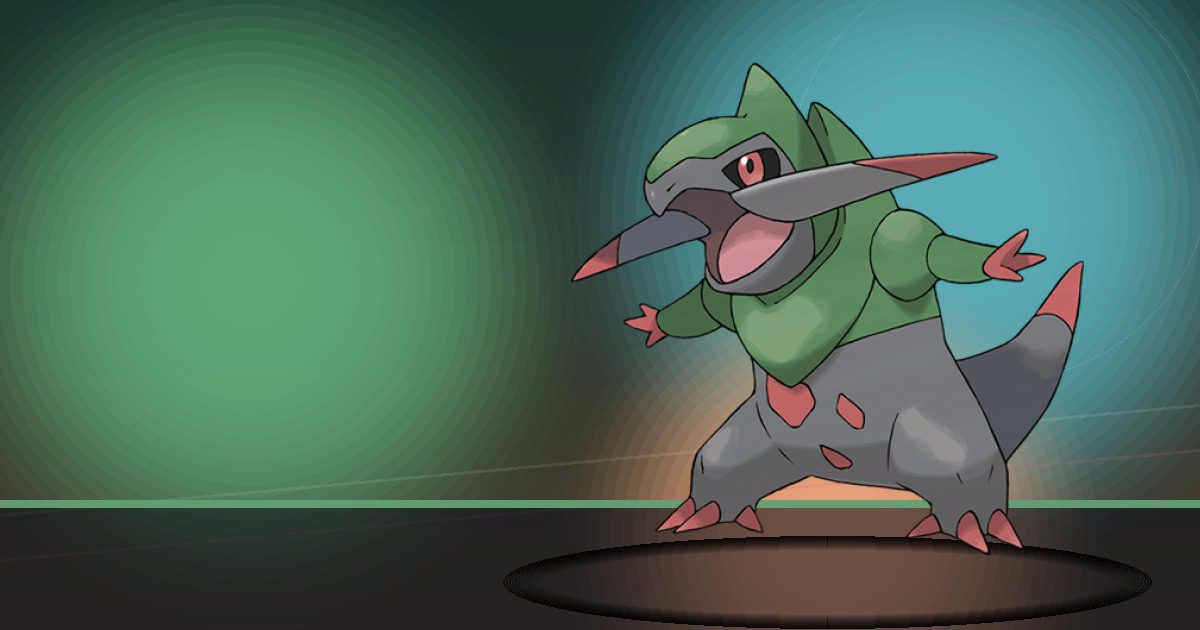
Fraxure
Chop
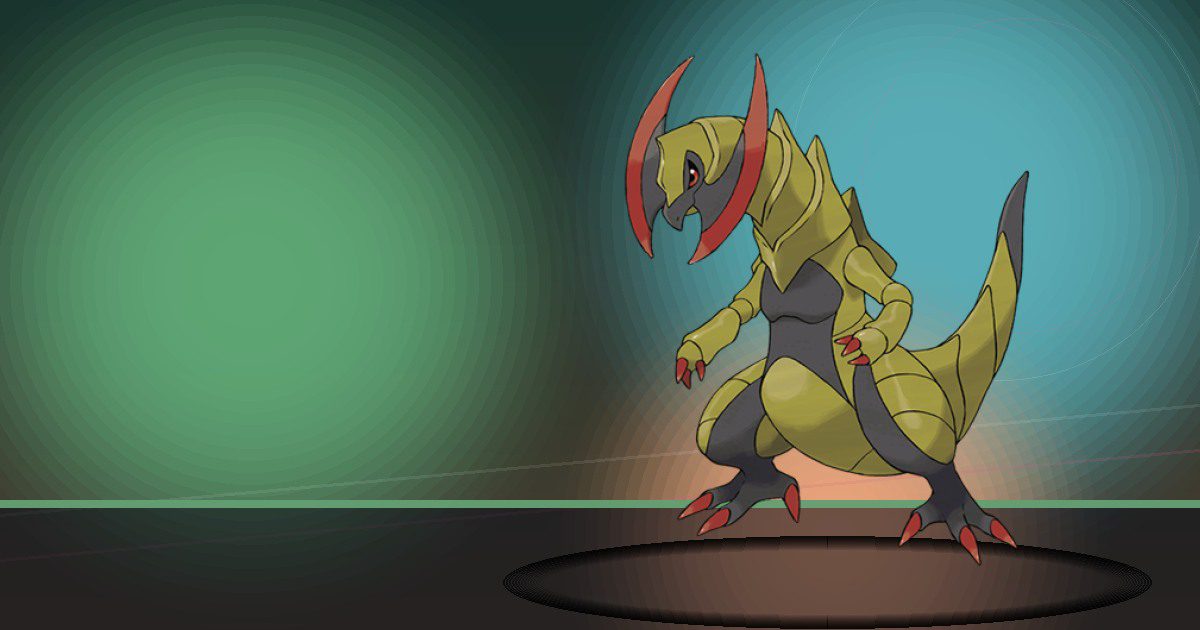
Haxorus
Chop and Litter
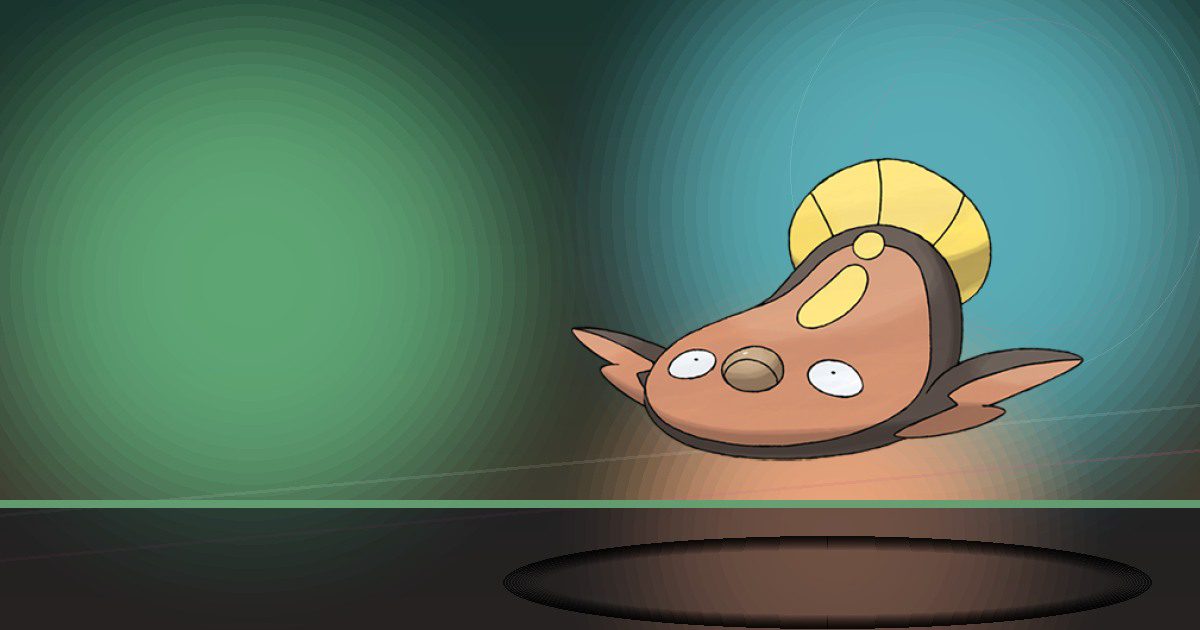
Stunfisk Galar
Generate and Bulldoze
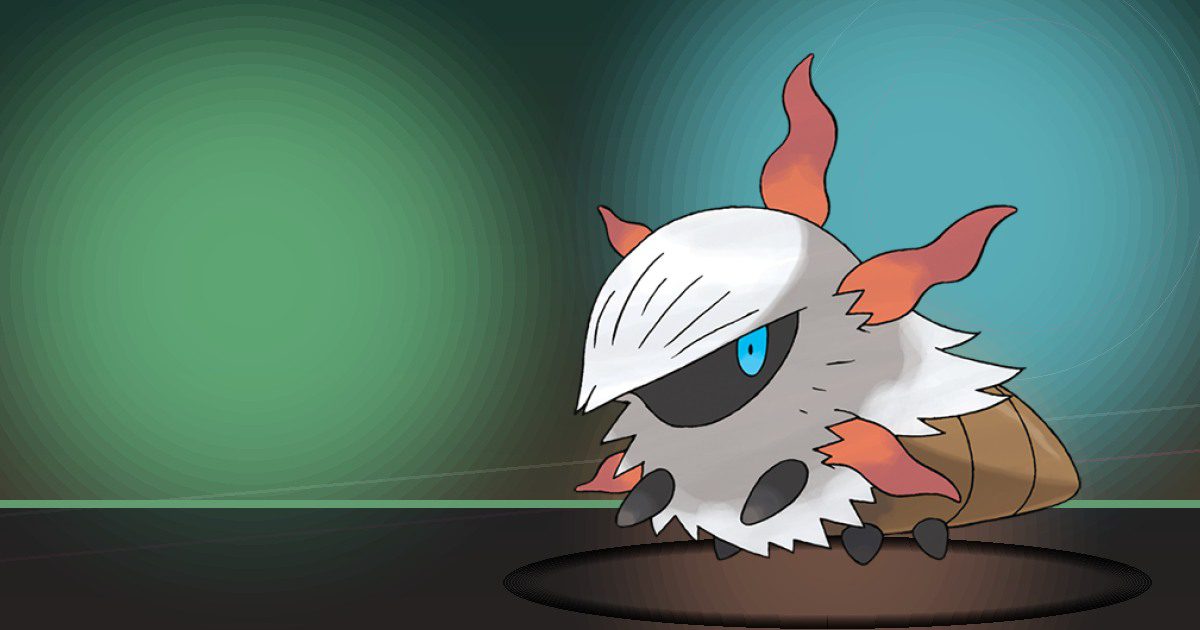
Larvesta
Burn and Litter
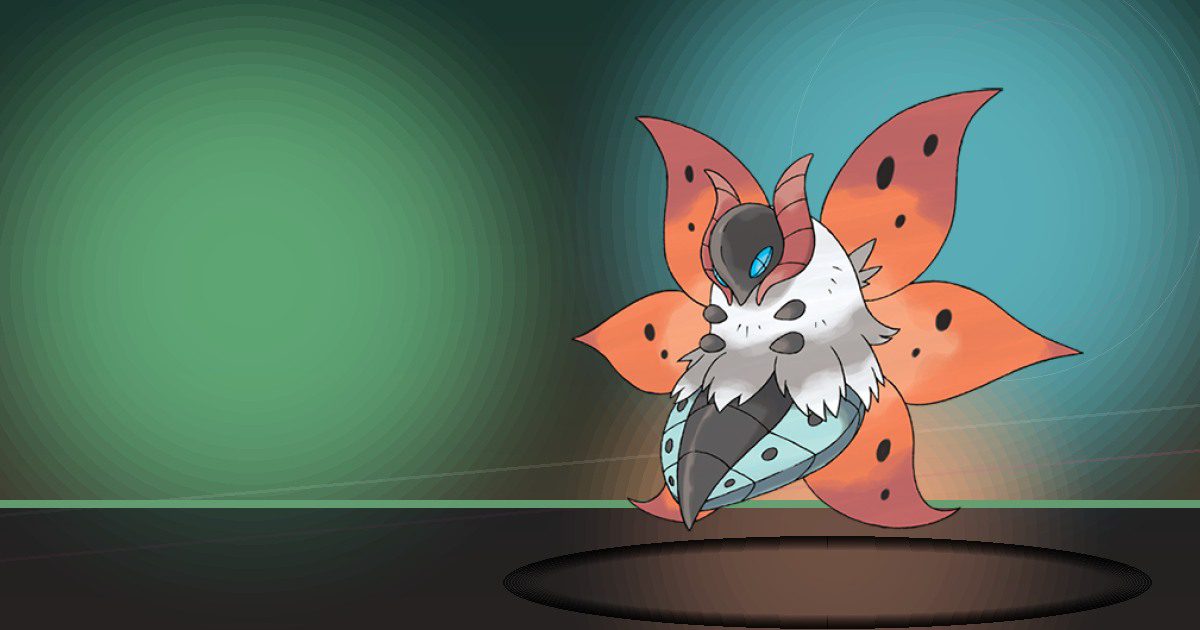
Volcarona
Burn and Litter

Froakie
Water
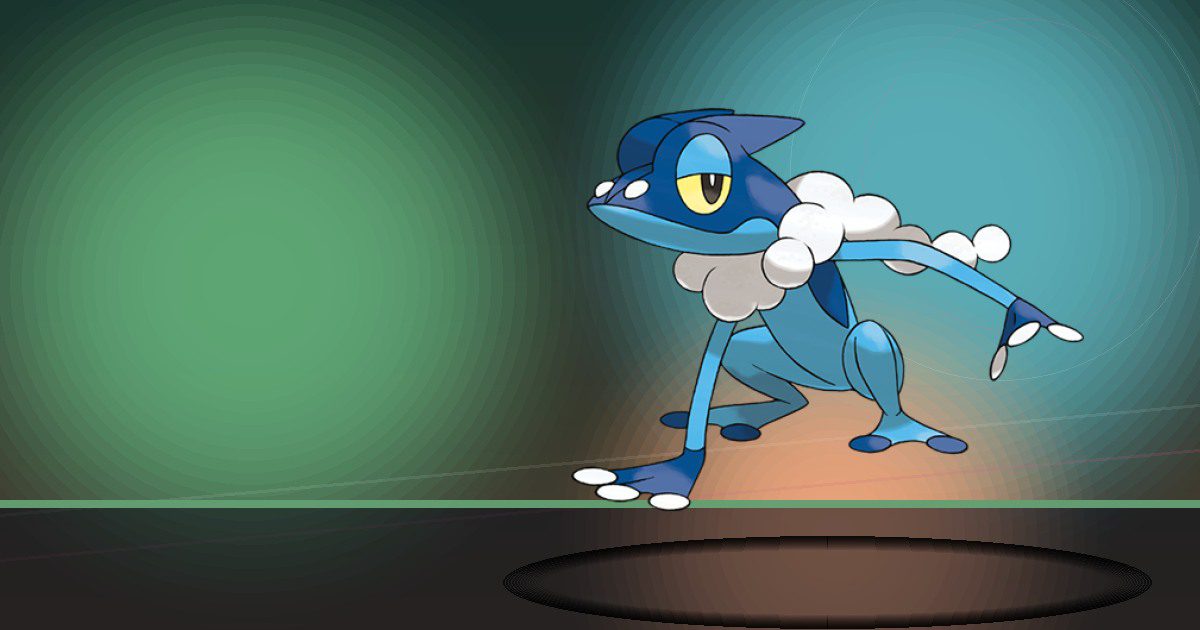
Frogadier
Water
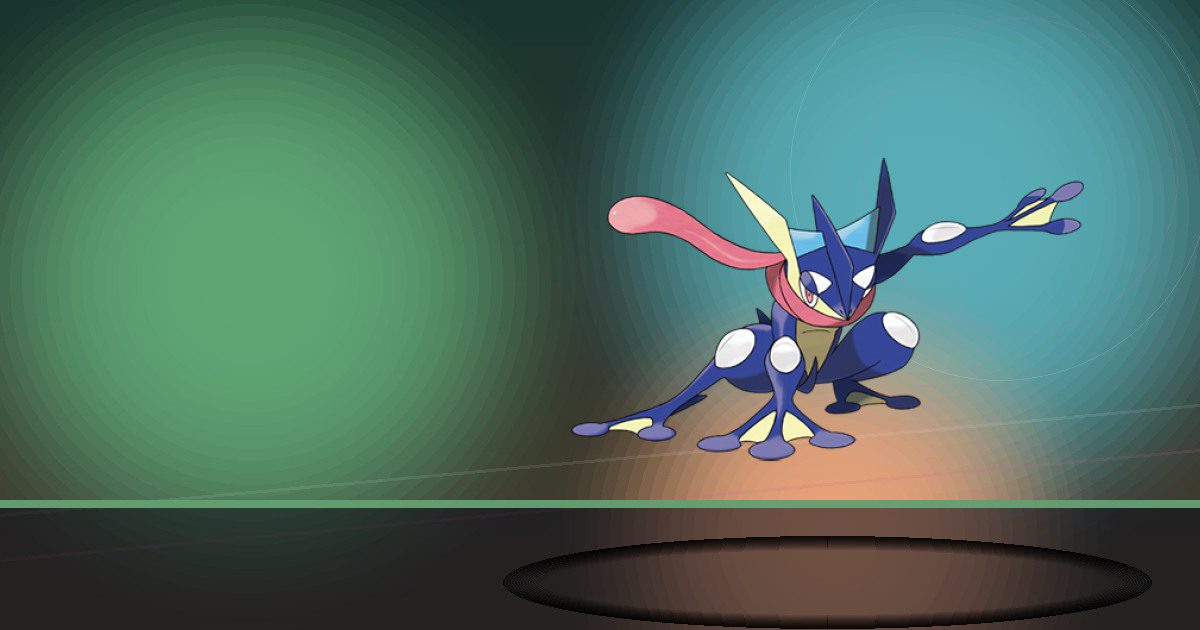
Greninja
Water and Chop

Inkay
Gather and Teleport

Malamar
Gather and Teleport
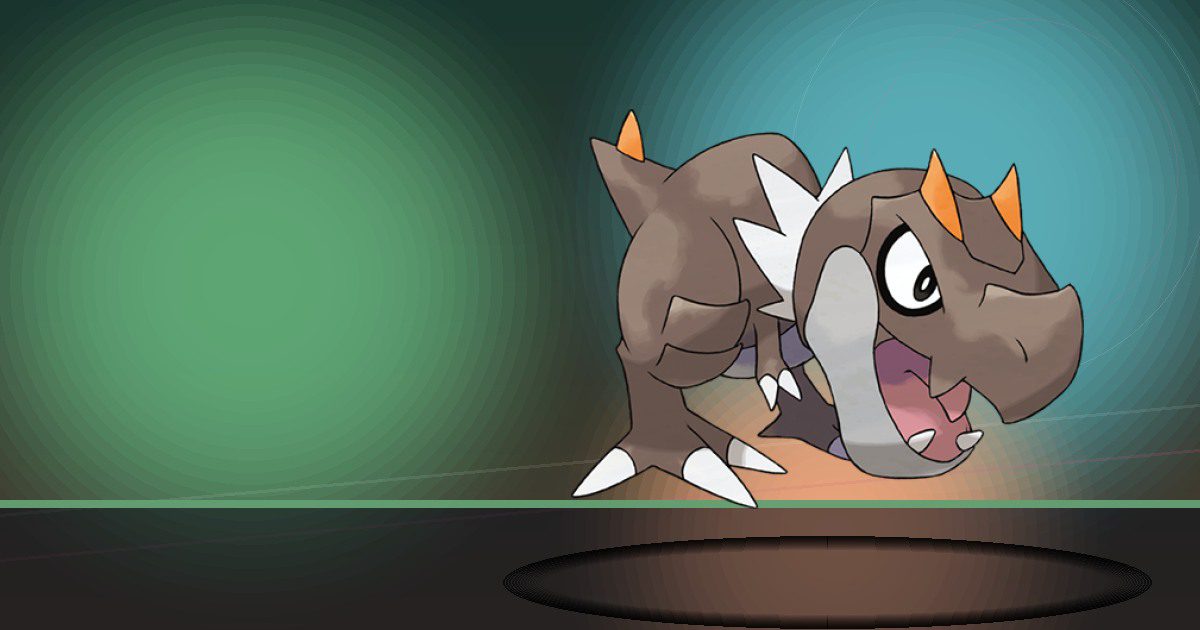
Tyrunt
Crush
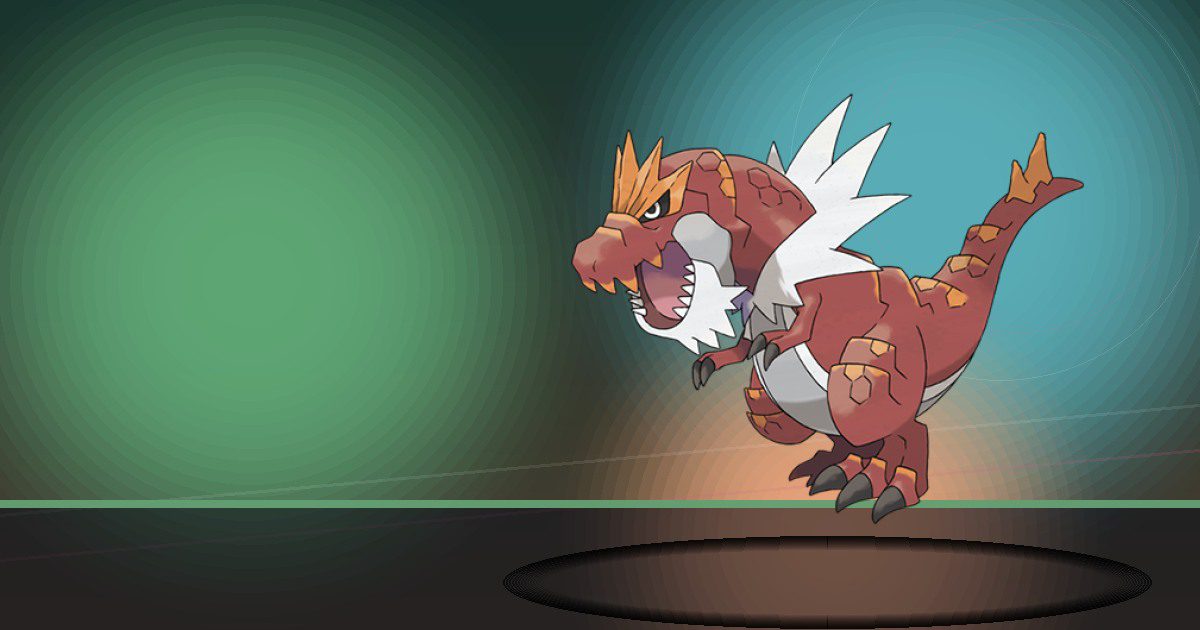
Tyrantrum
Crush and Litter

Amaura
Crush
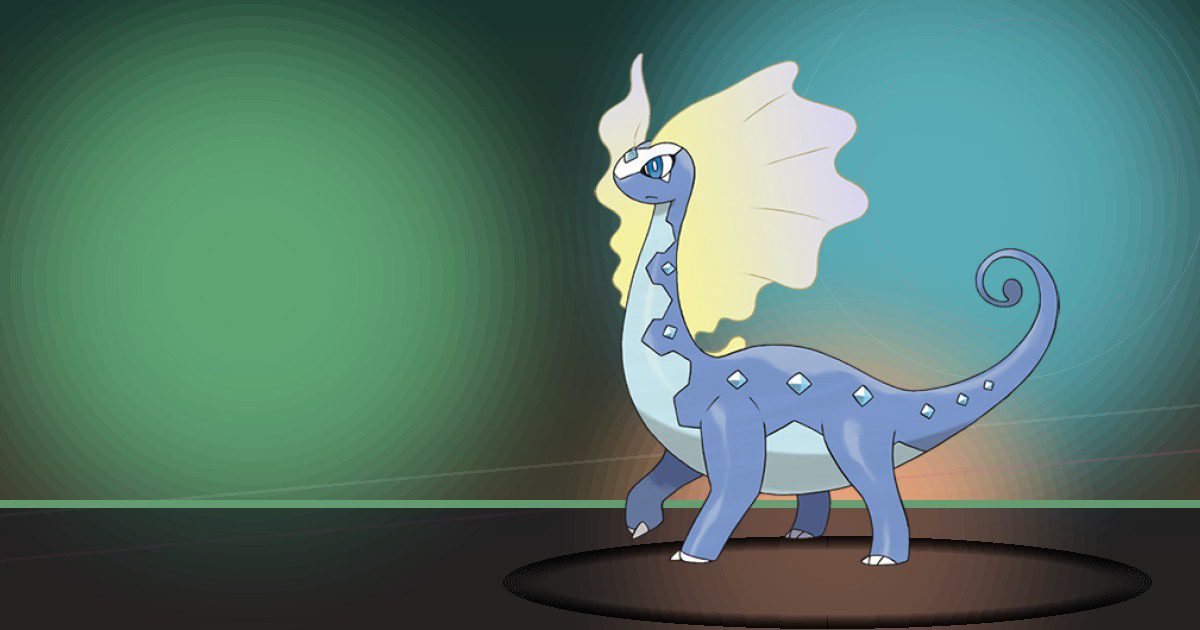
Aurorus
Crush and Litter

Sylveon
Hype
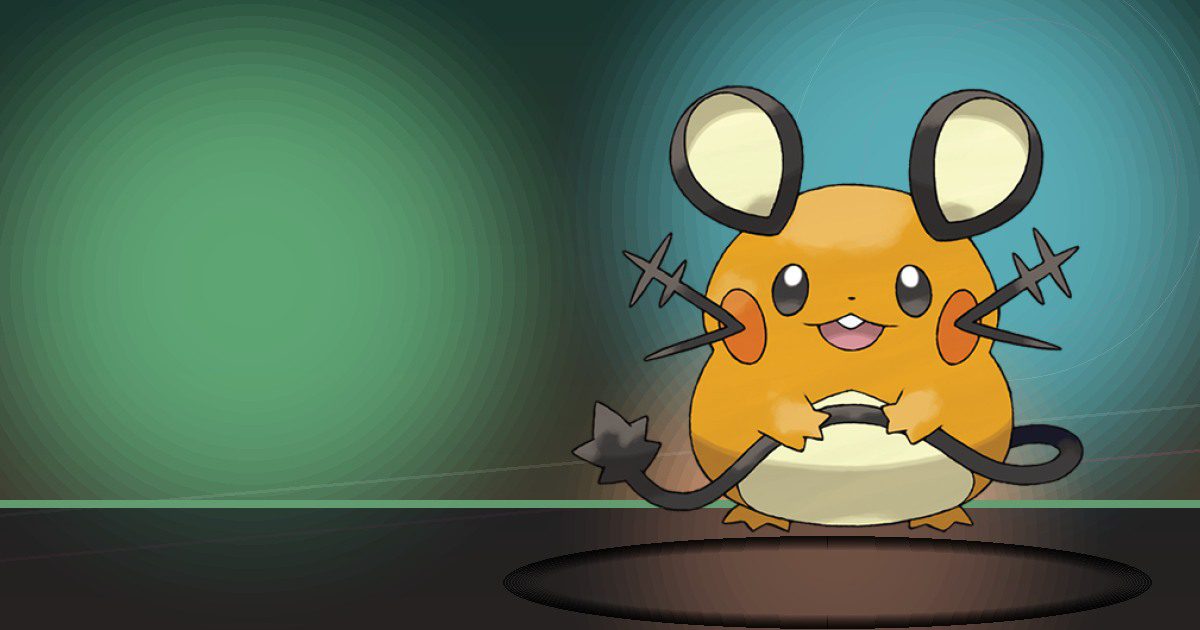
Dedenne
Search
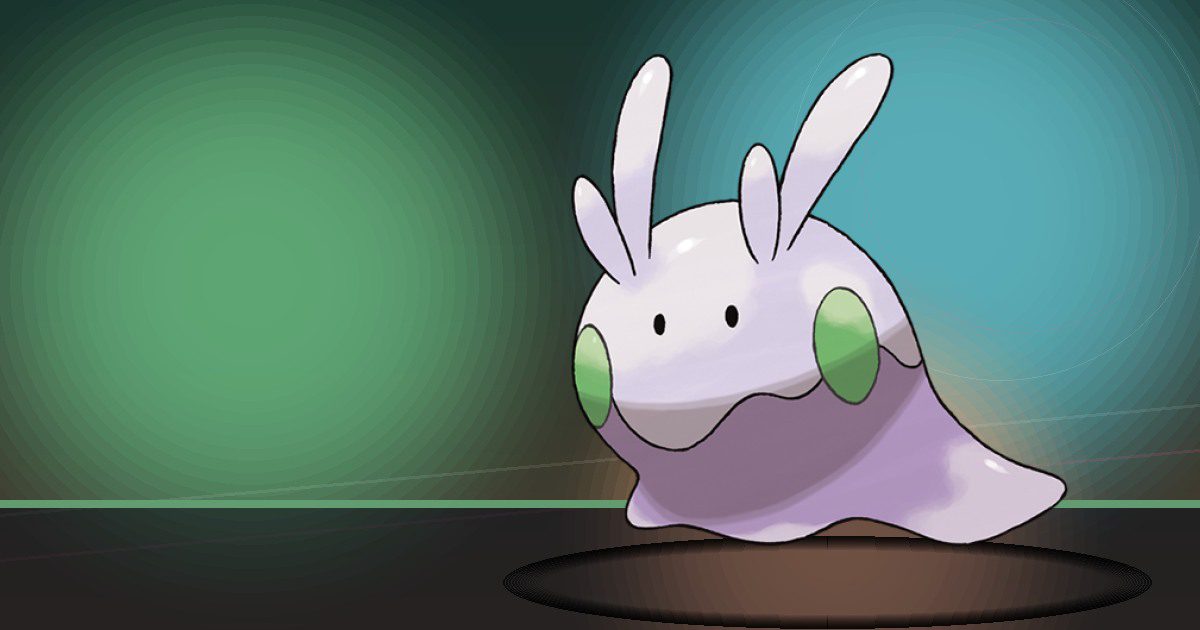
Goomy
Water

Sliggoo
Water
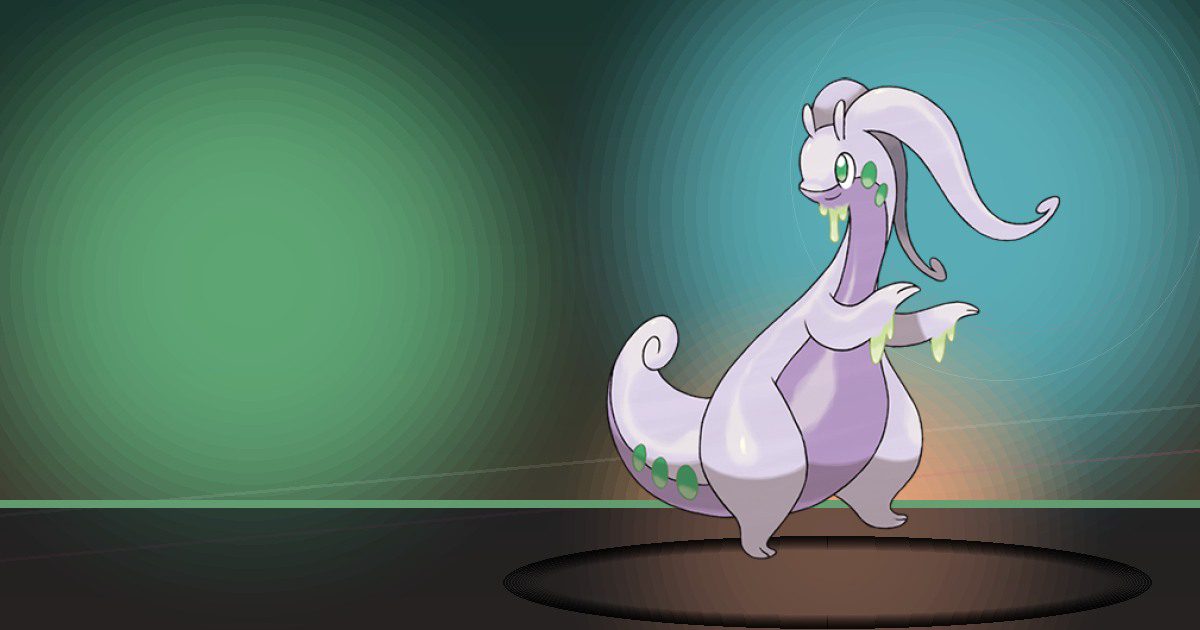
Goodra
Water

Noibat
Search
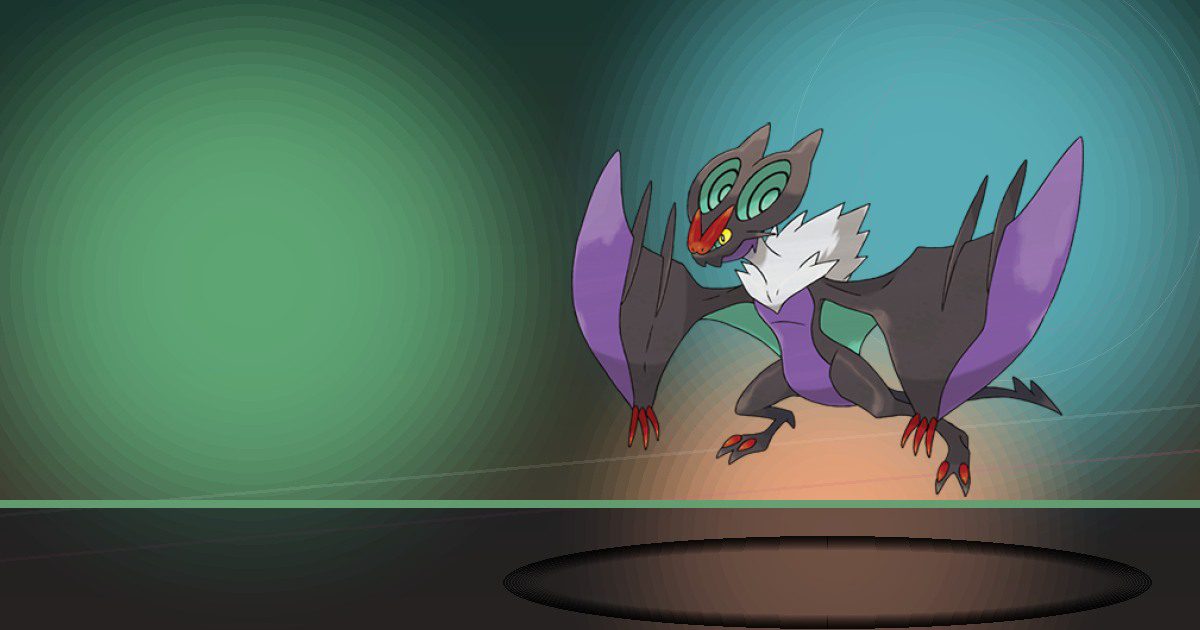
Noivern
Search and Fly
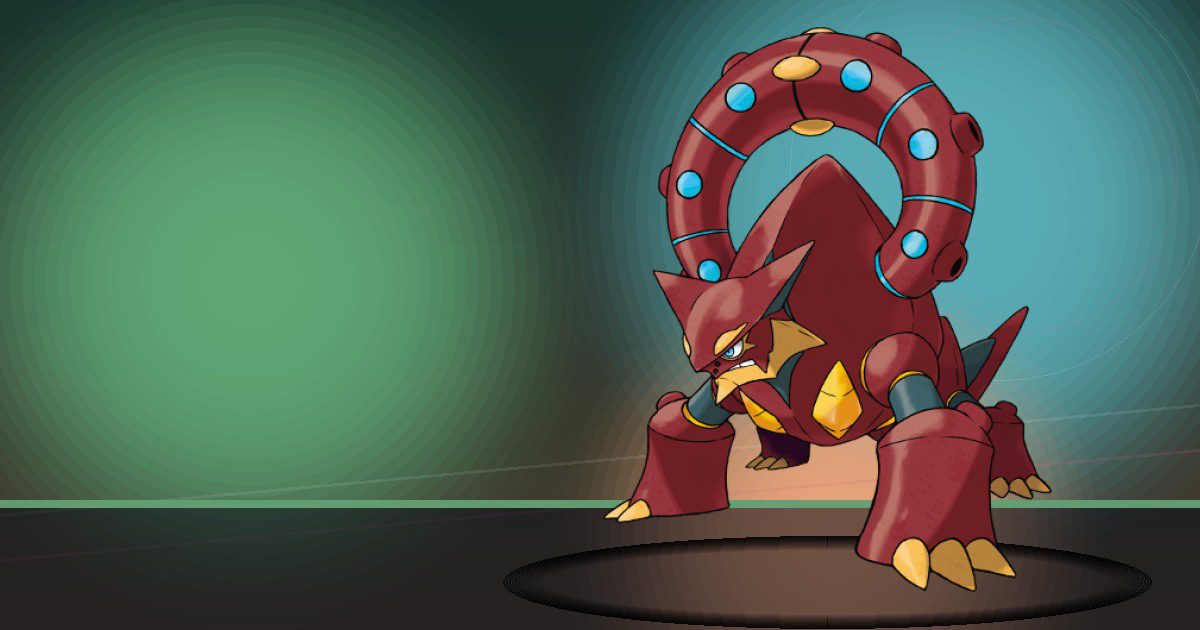
Volcanion
Burn

Rowlet
Grow

Dartrix
Grow and Chop
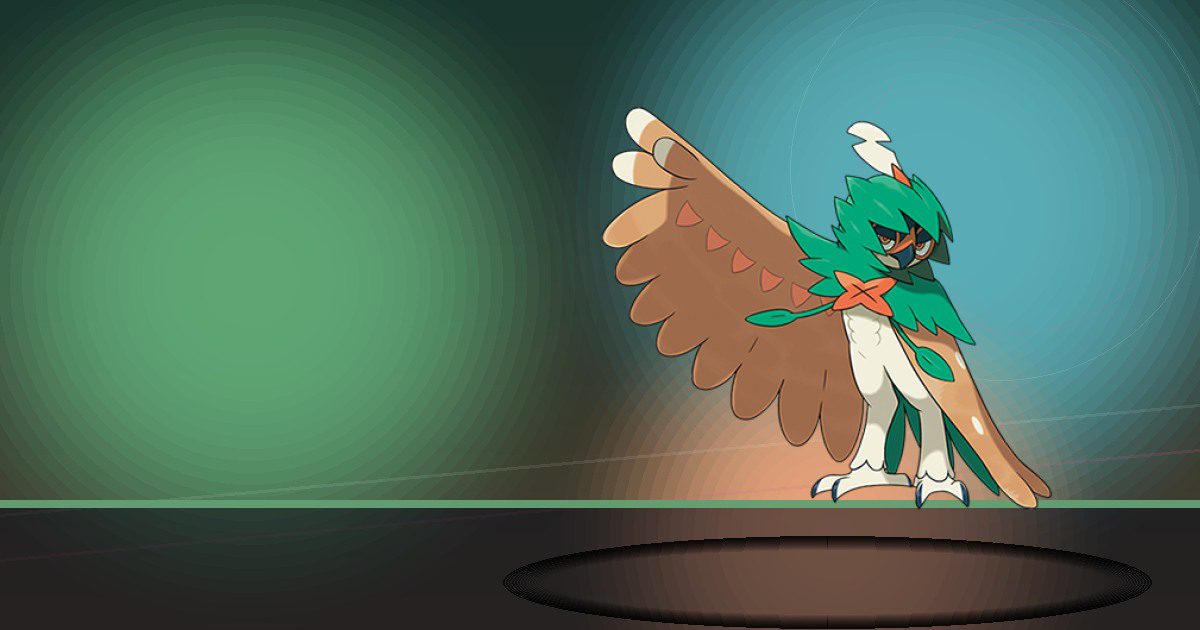
Decidueye
Grow and Chop

Popplio
Hype and Water

Brionne
Hype and Trade

Primarina
Hype and Scrub
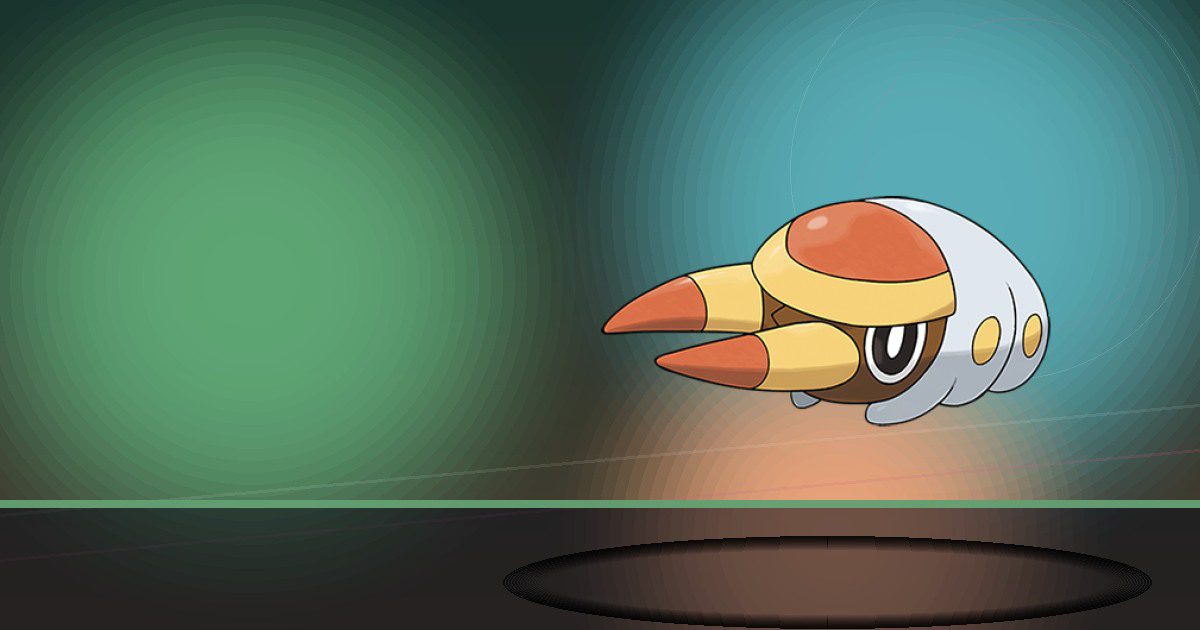
Grubbin
Chop
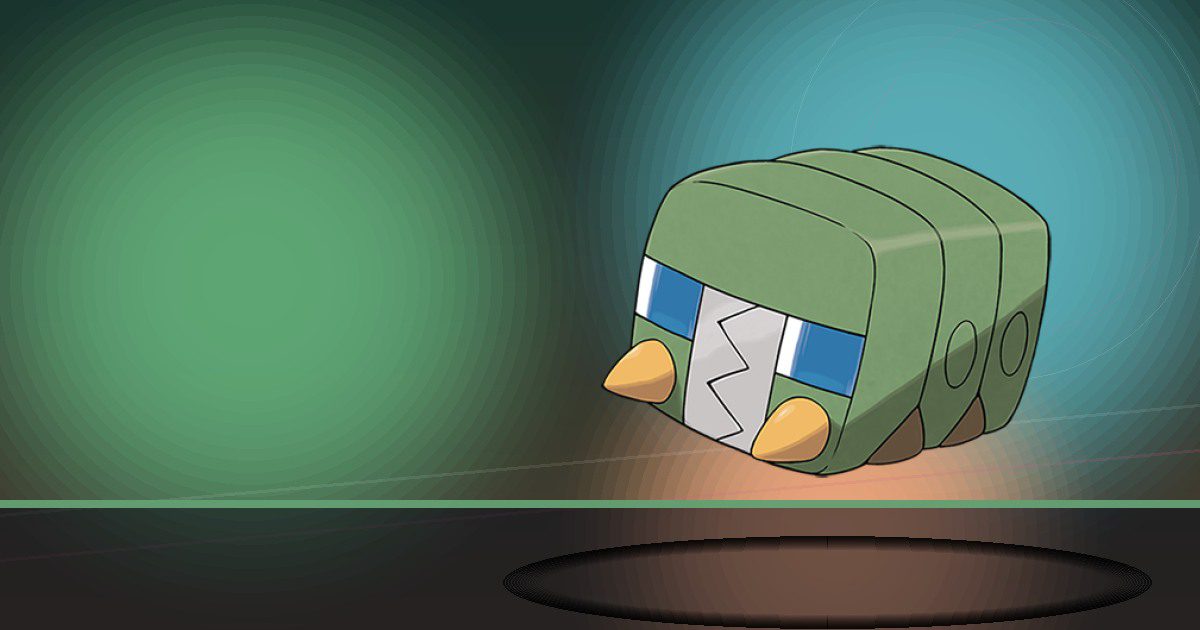
Charjabug
Generate and Chop
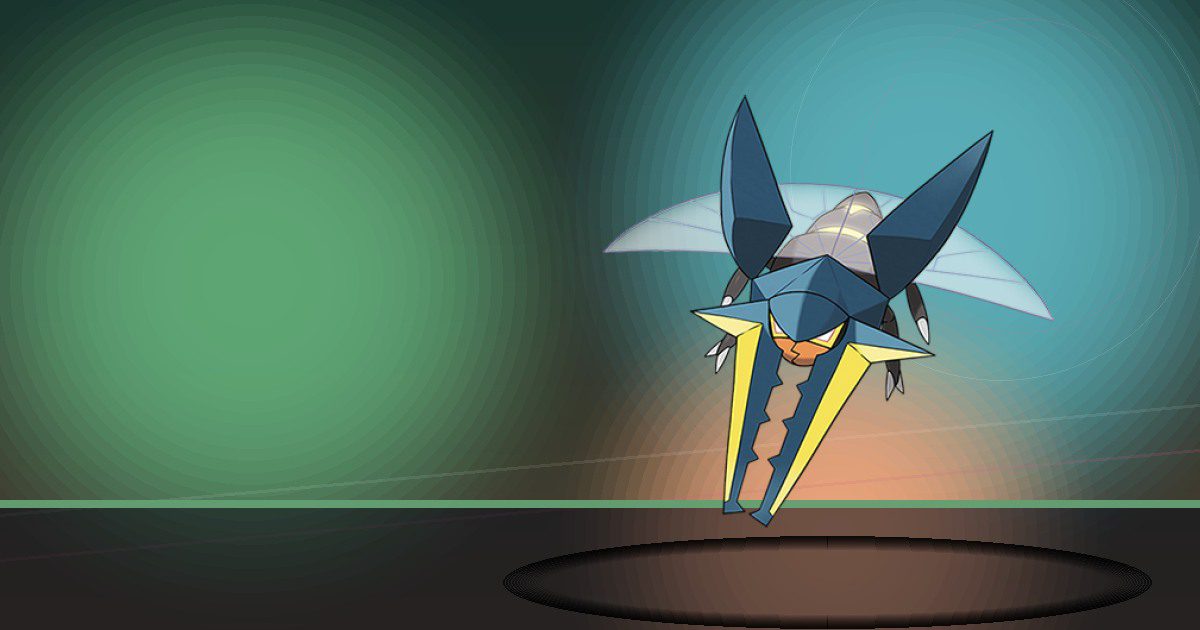
Vikavolt
Generate and Chop
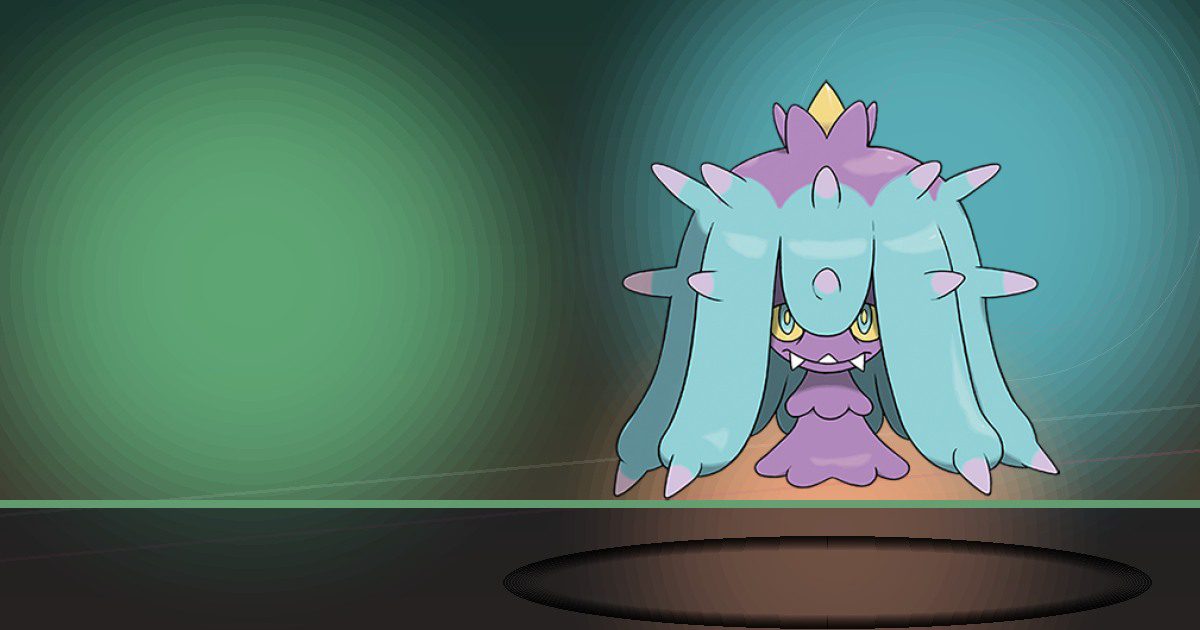
Mareanie
Recycle
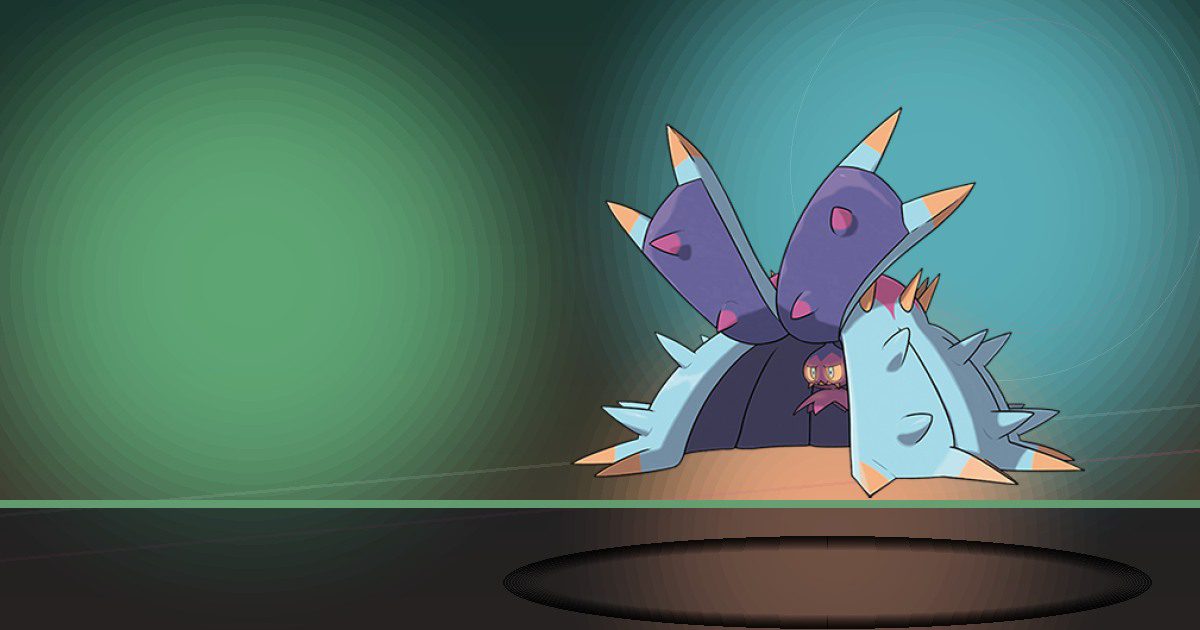
Toxapex
Recycle and Build
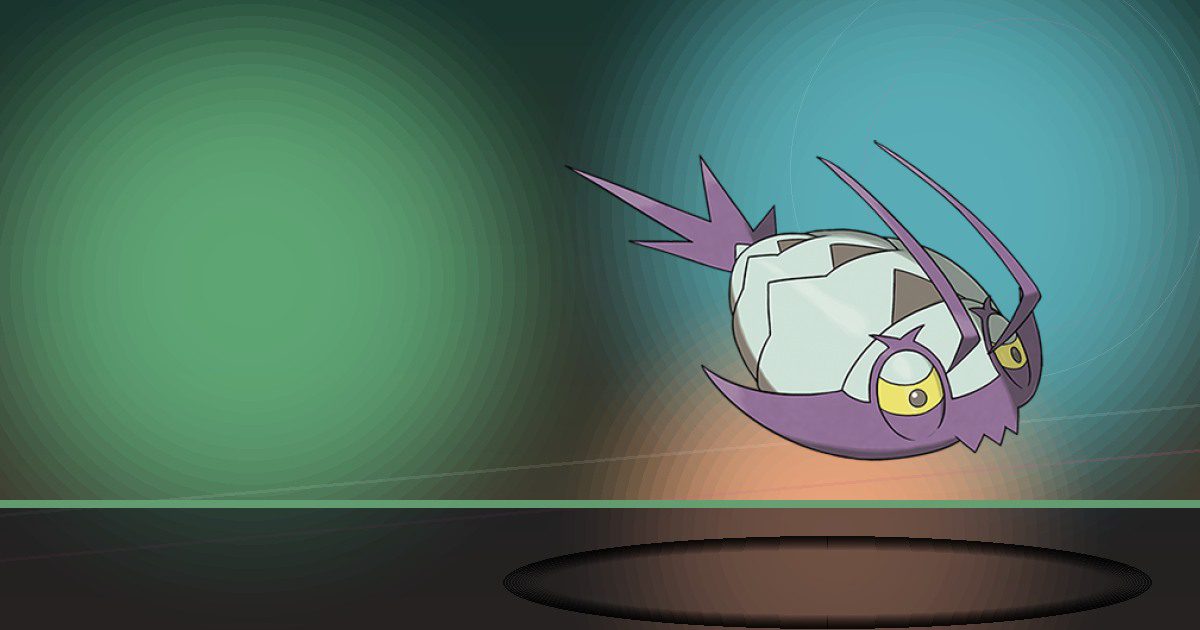
Wimpod
Recycle
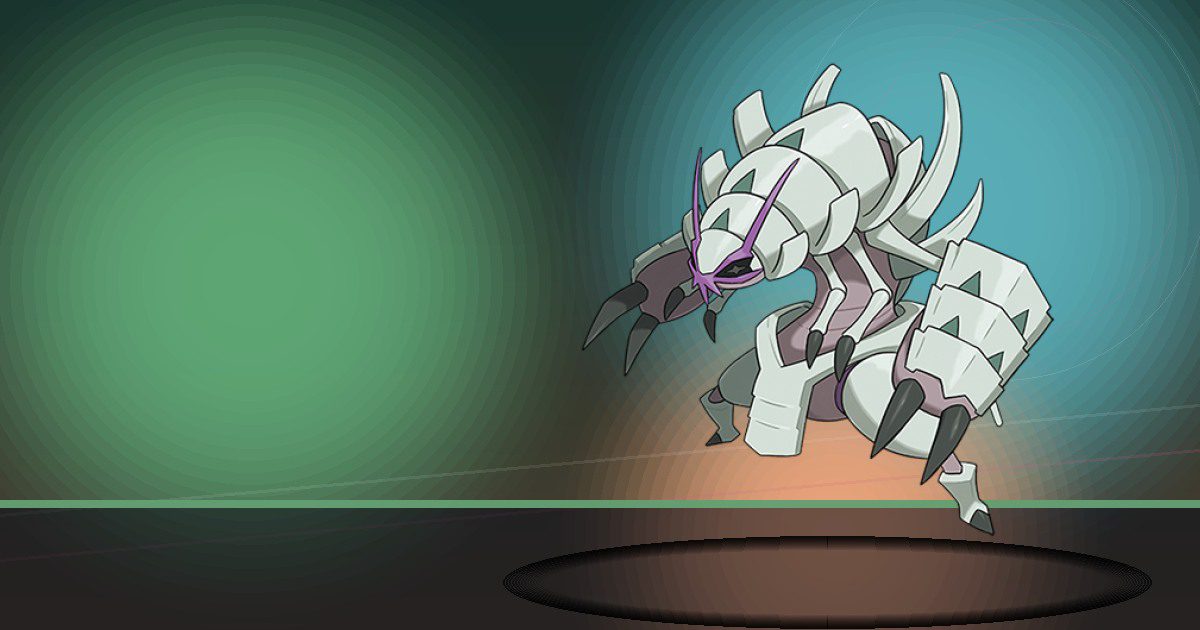
Golisopod
Recycle and Chop
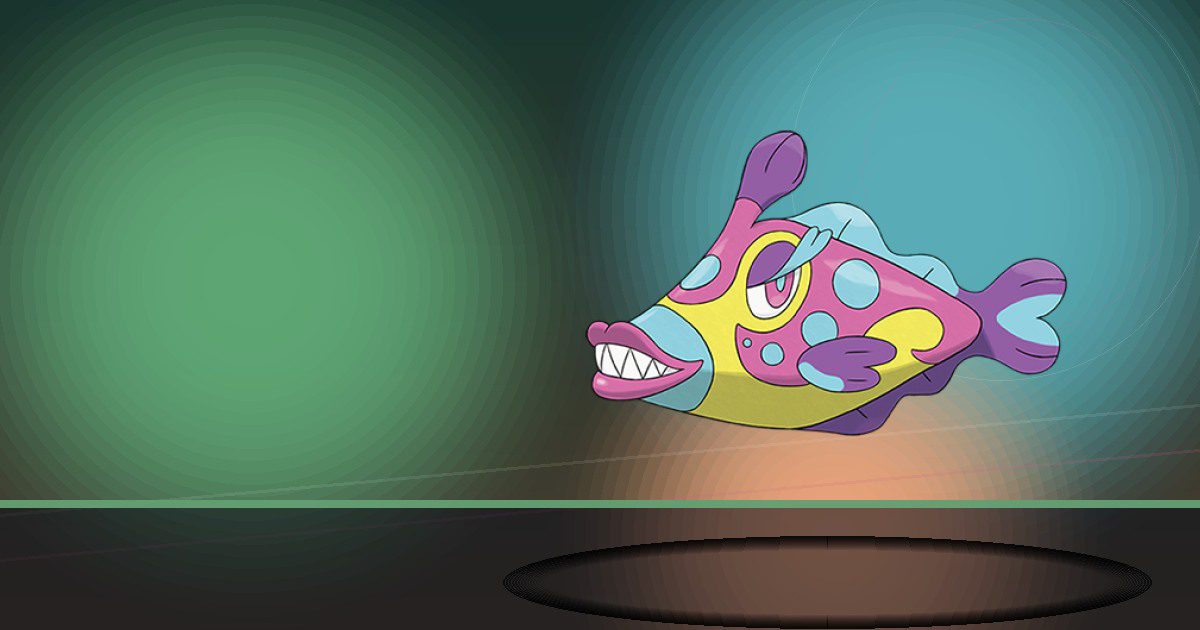
Bruxish
Gather and Teleport

Dhelmise
Grow and Litter

Scorbunny
Burn

Raboot
Burn

Cinderace
Burn and Hype

Skwovet
Search and Hype
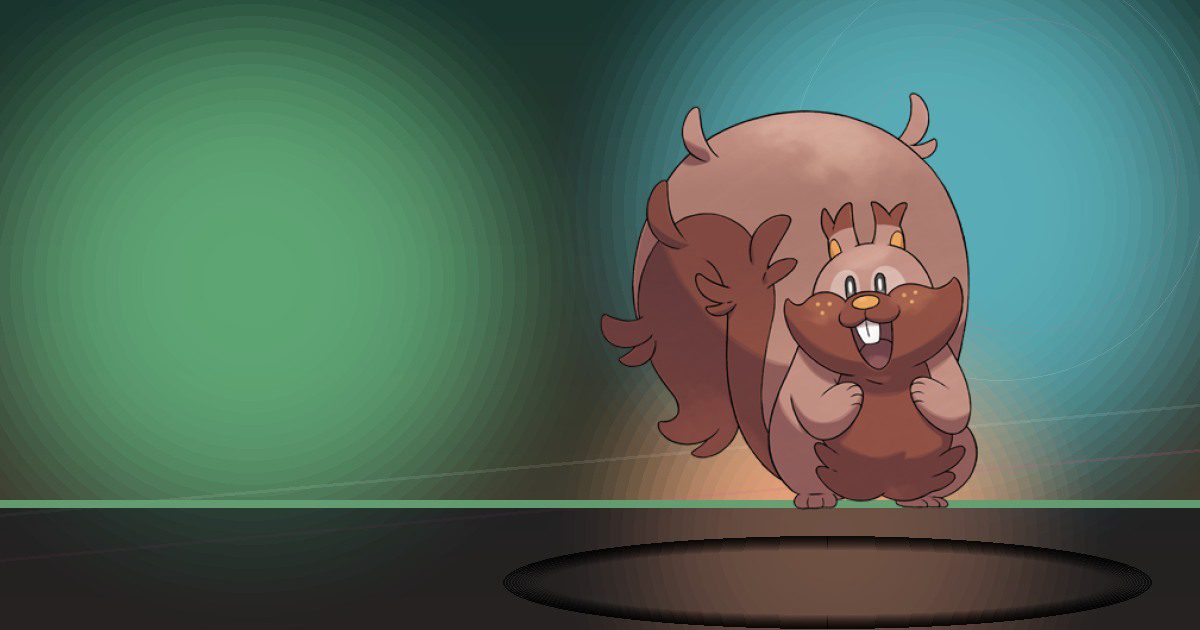
Greedent
Party

Rookidee
Chop
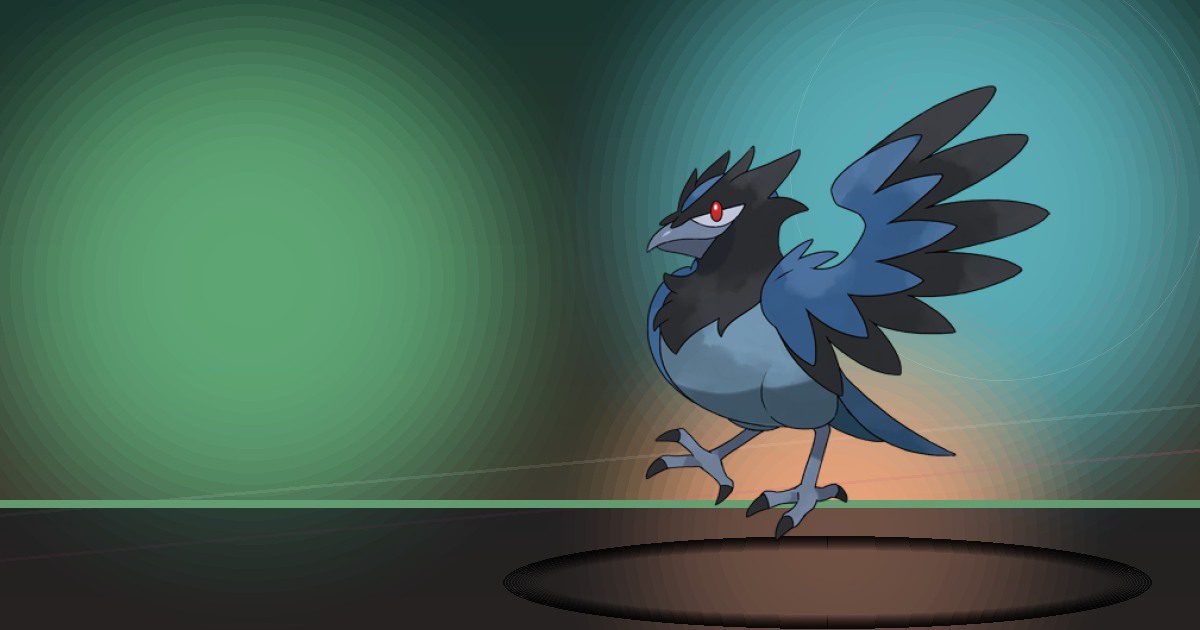
Corvisquire
Chop
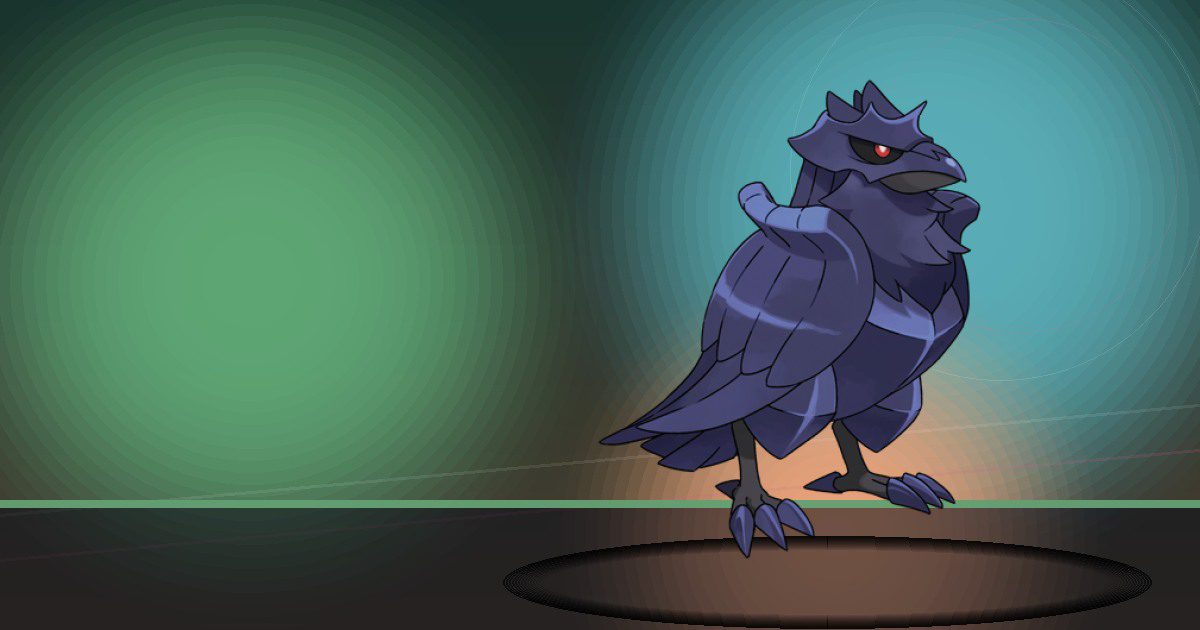
Corviknight
Chop and Fly
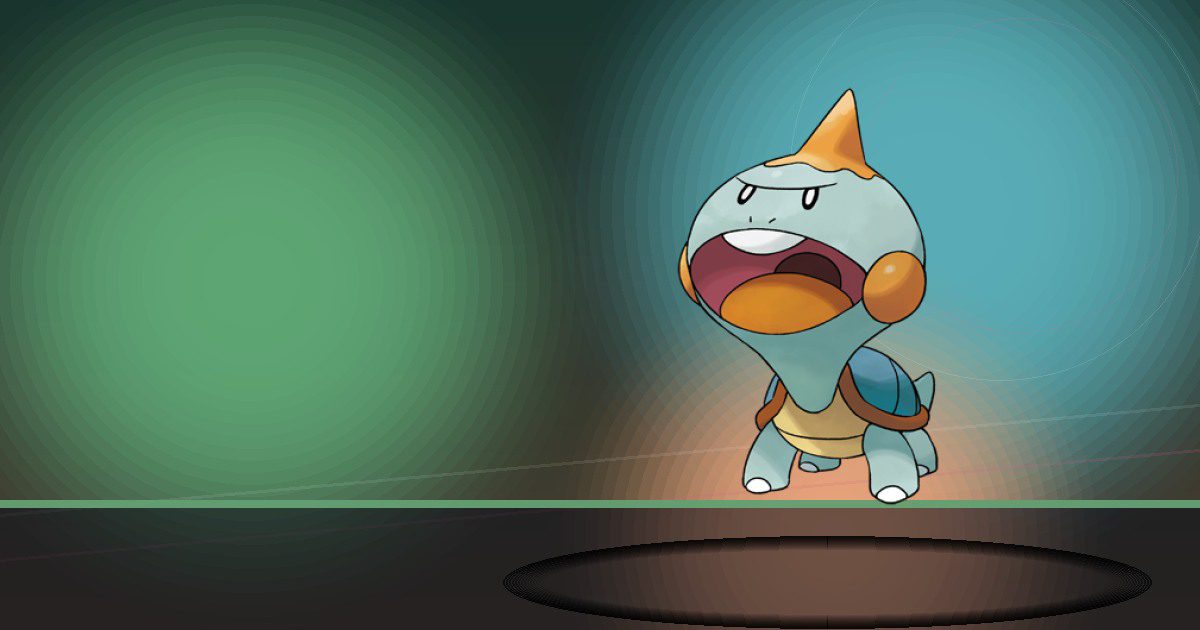
Chewtle
Chop
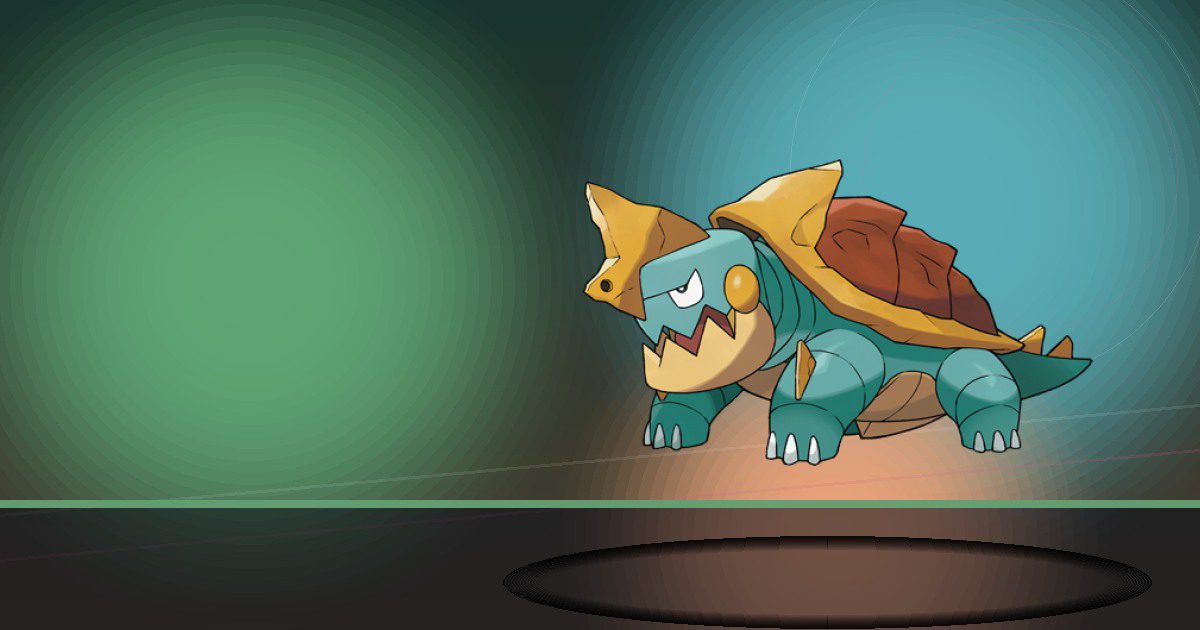
Drednaw
Crush and Bulldoze
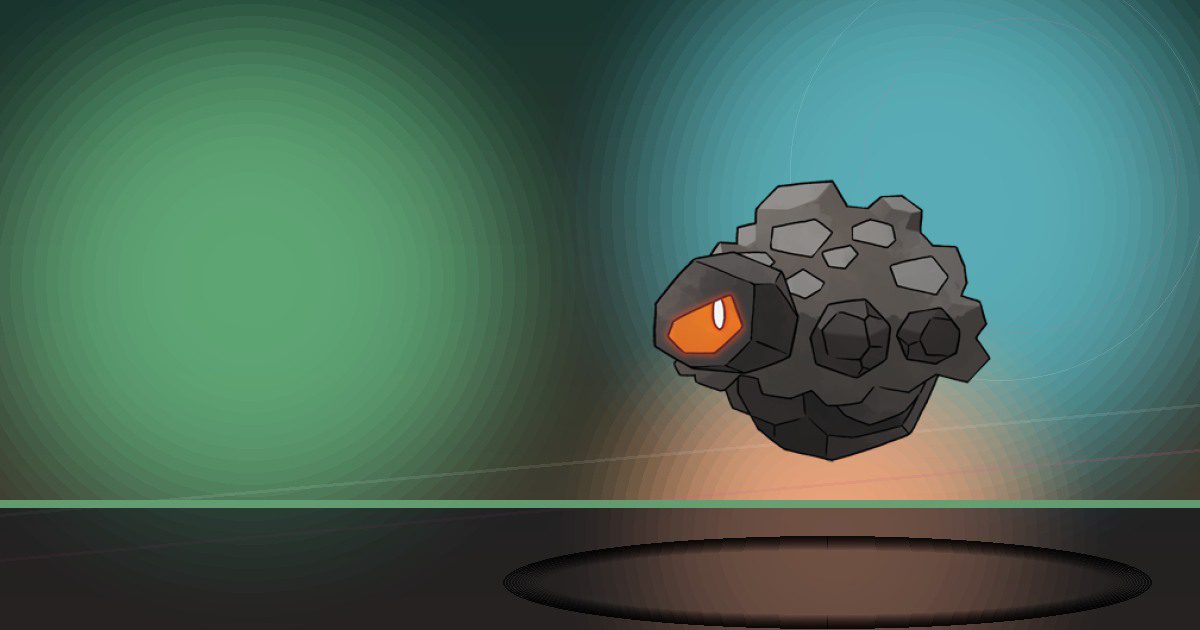
Rolycoly
Burn and Gather
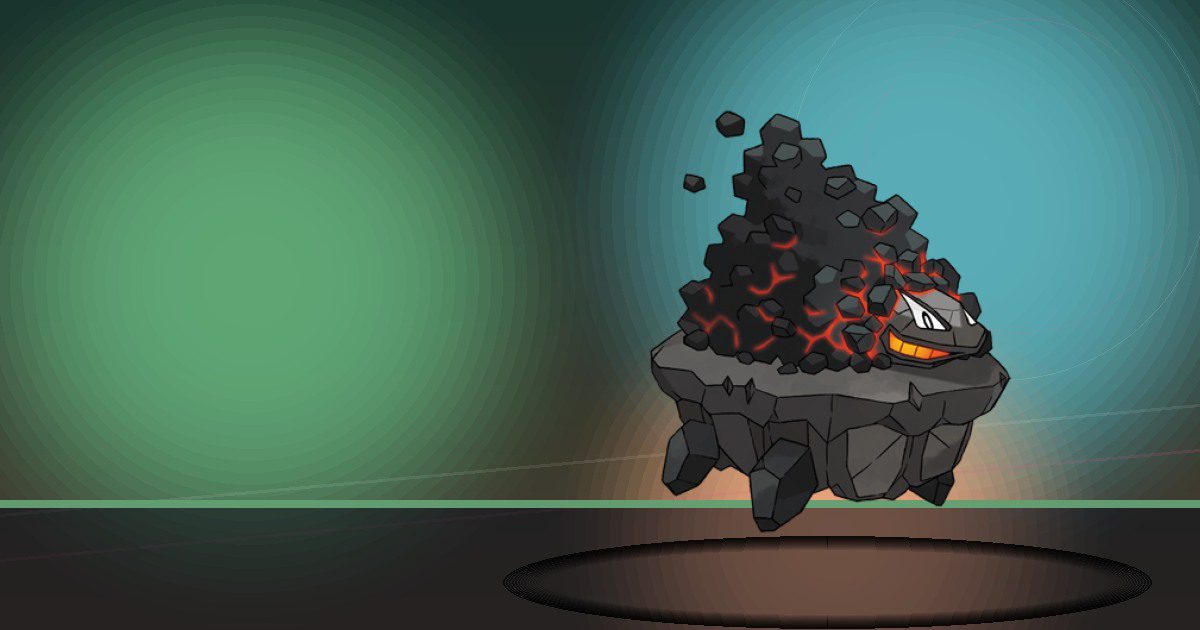
Carkol
Burn and Gather
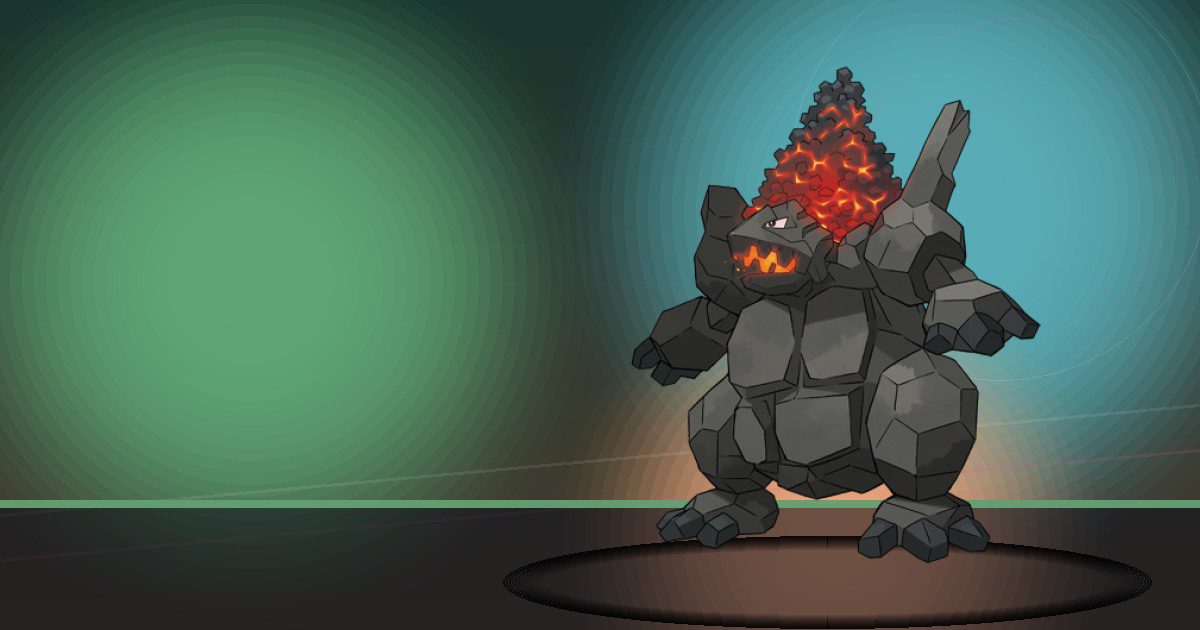
Coalossal
Burn and Gather

Cramorant Gorging
Fly and Water
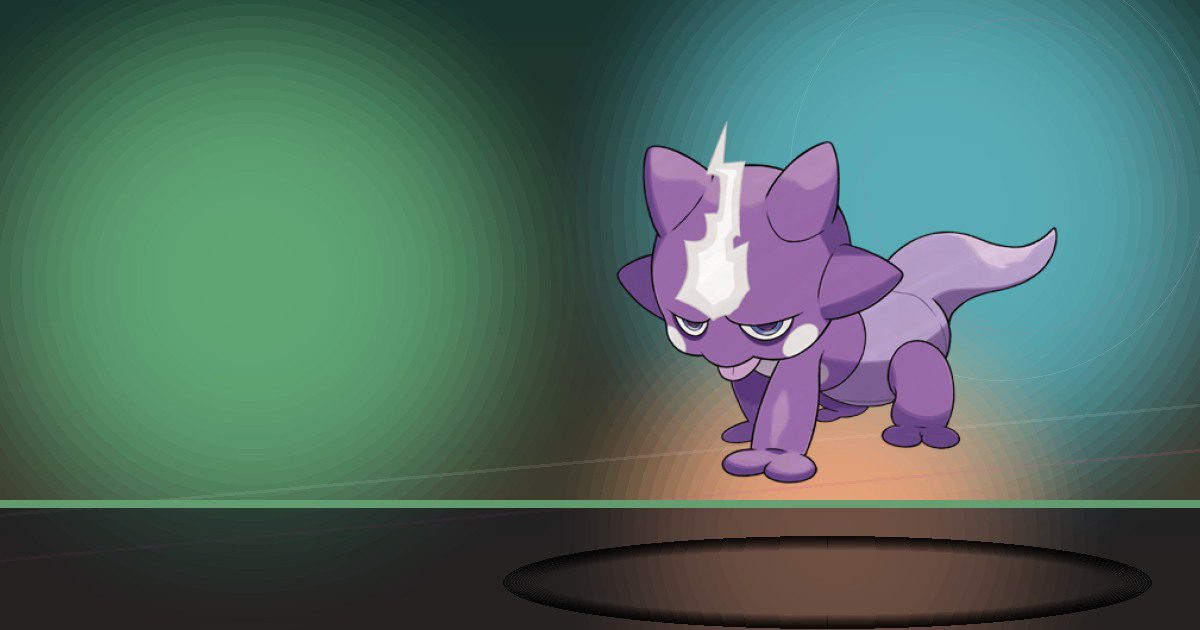
Toxel
Generate
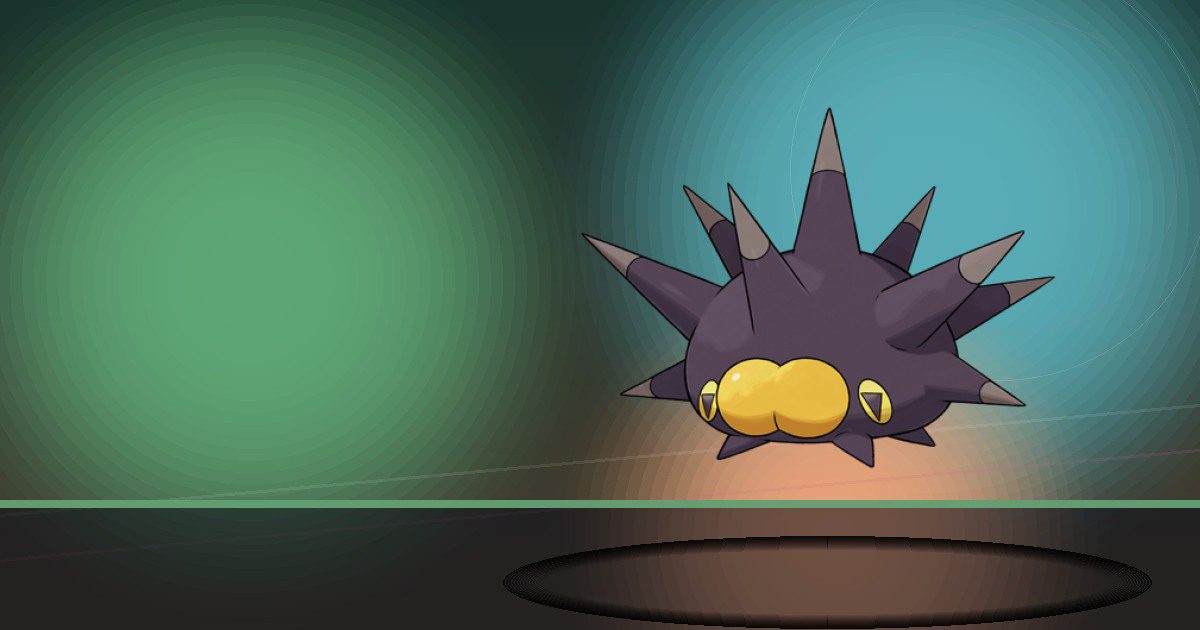
Pincurchin
Generate
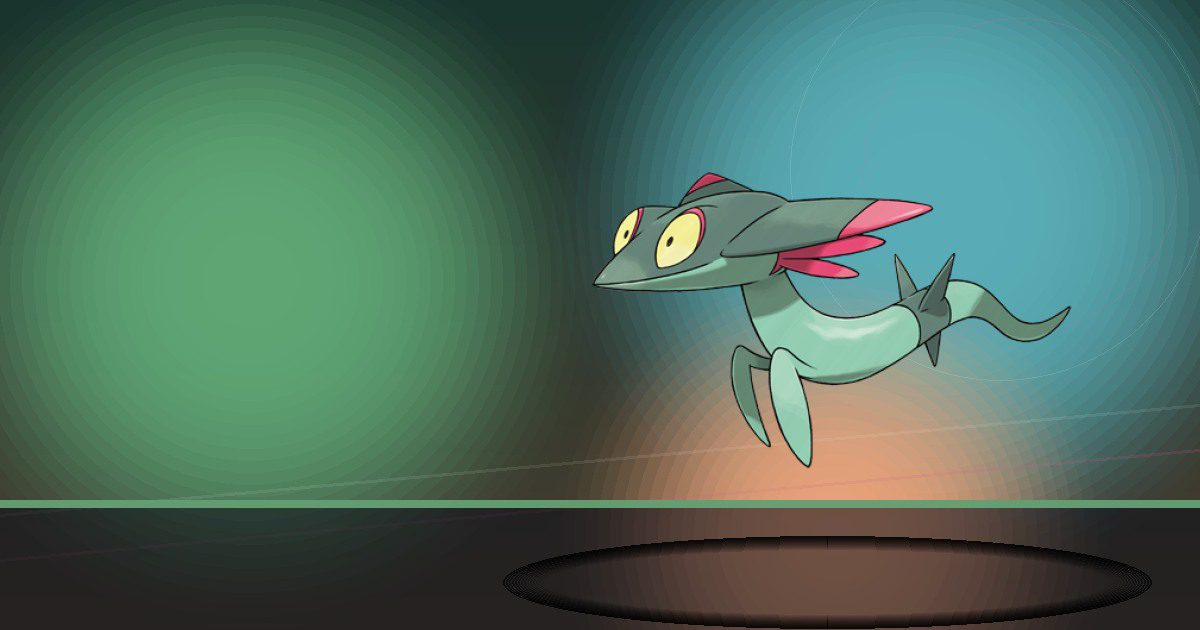
Dreepy
Gather and Search
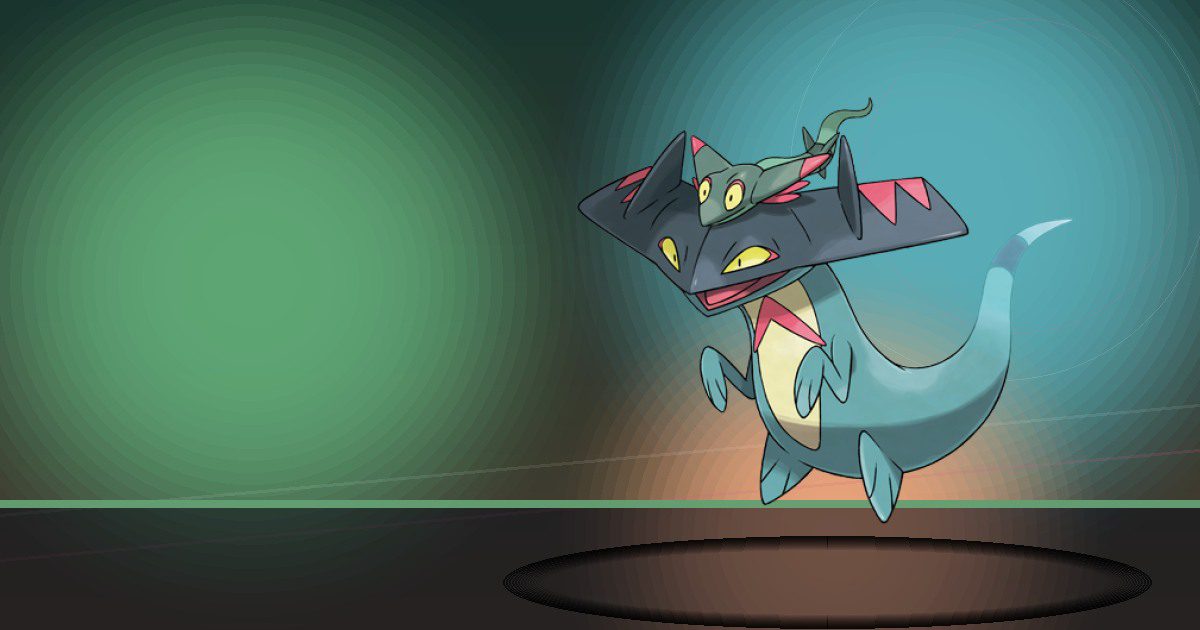
Drakloak
Gather and Search
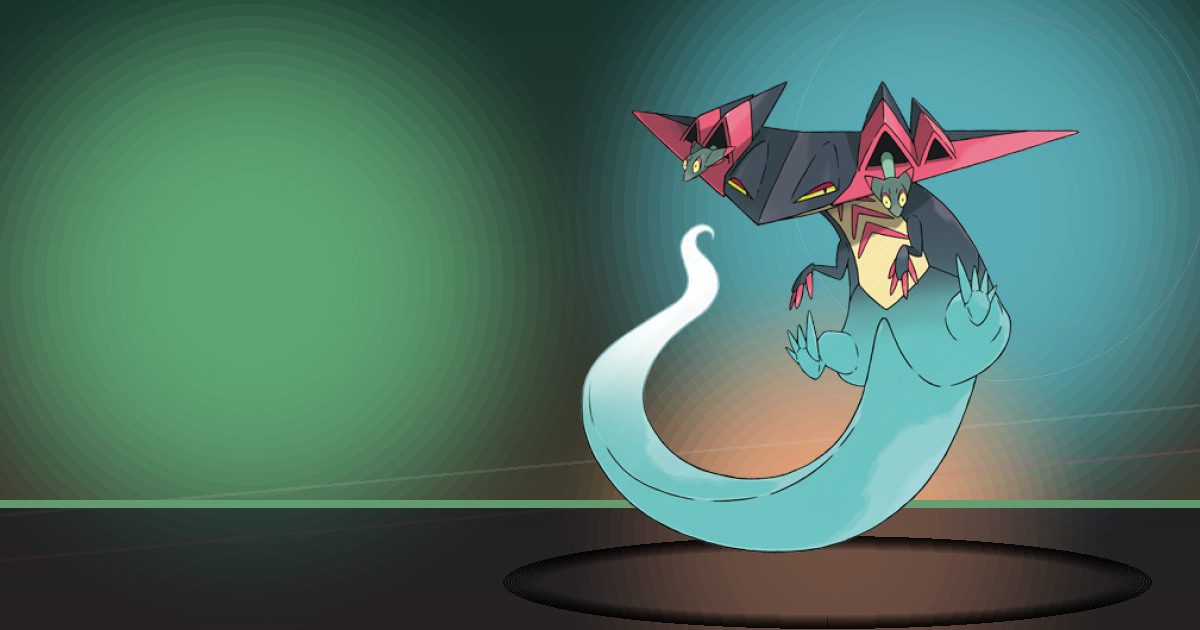
Dragapult
Gather and Trade
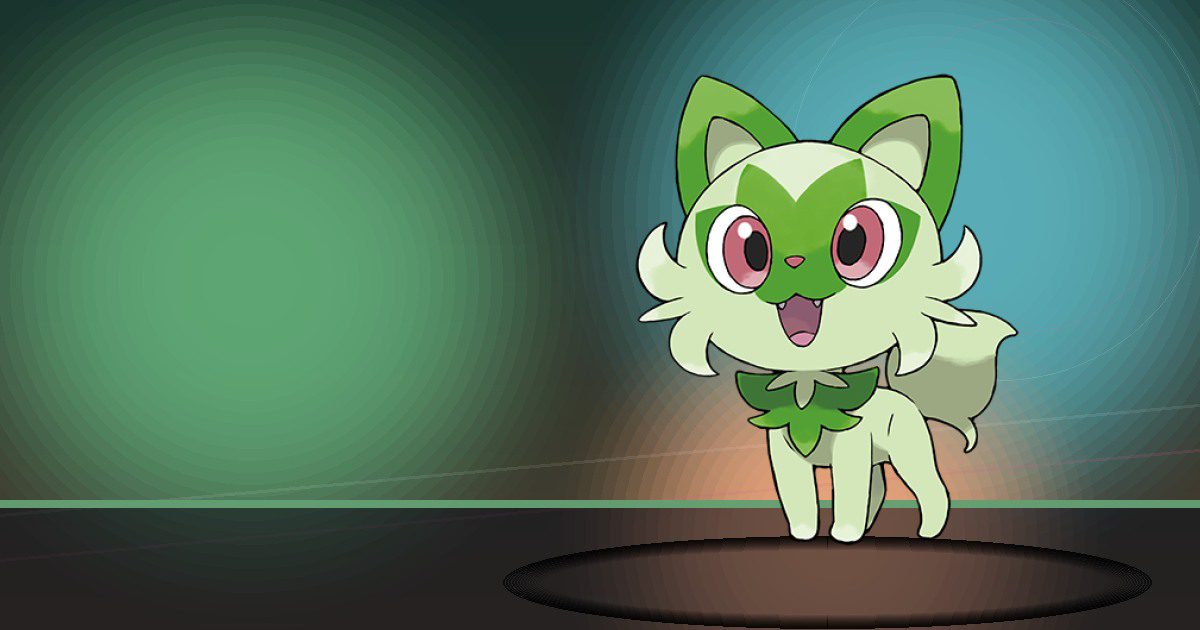
Sprigatito
Grow
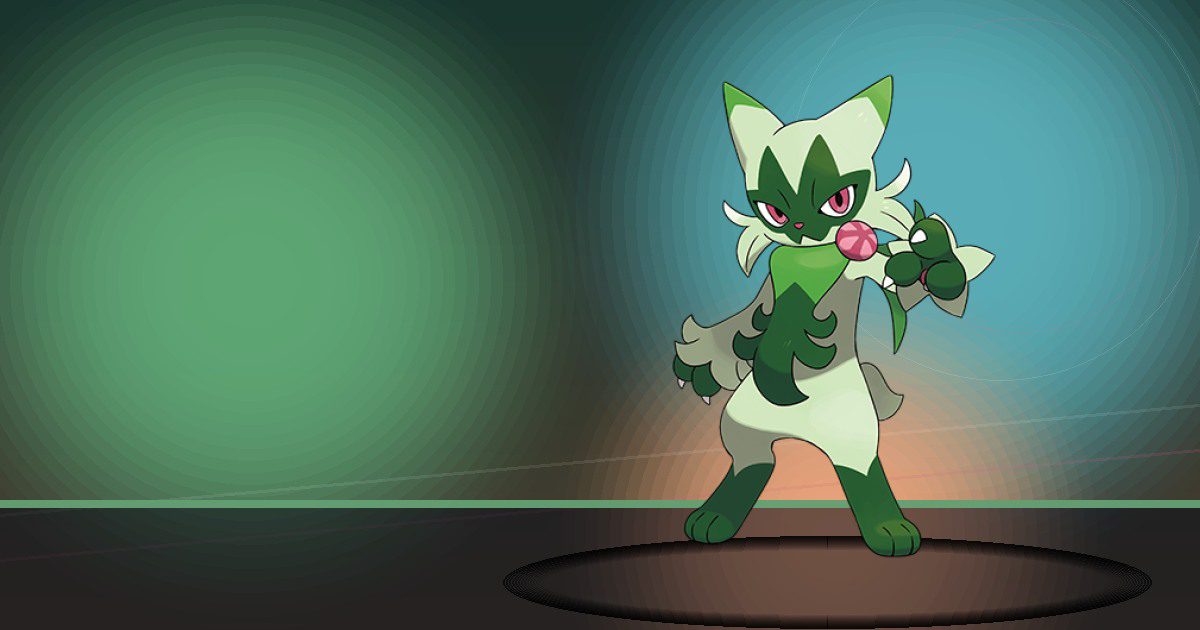
Floragato
Grow
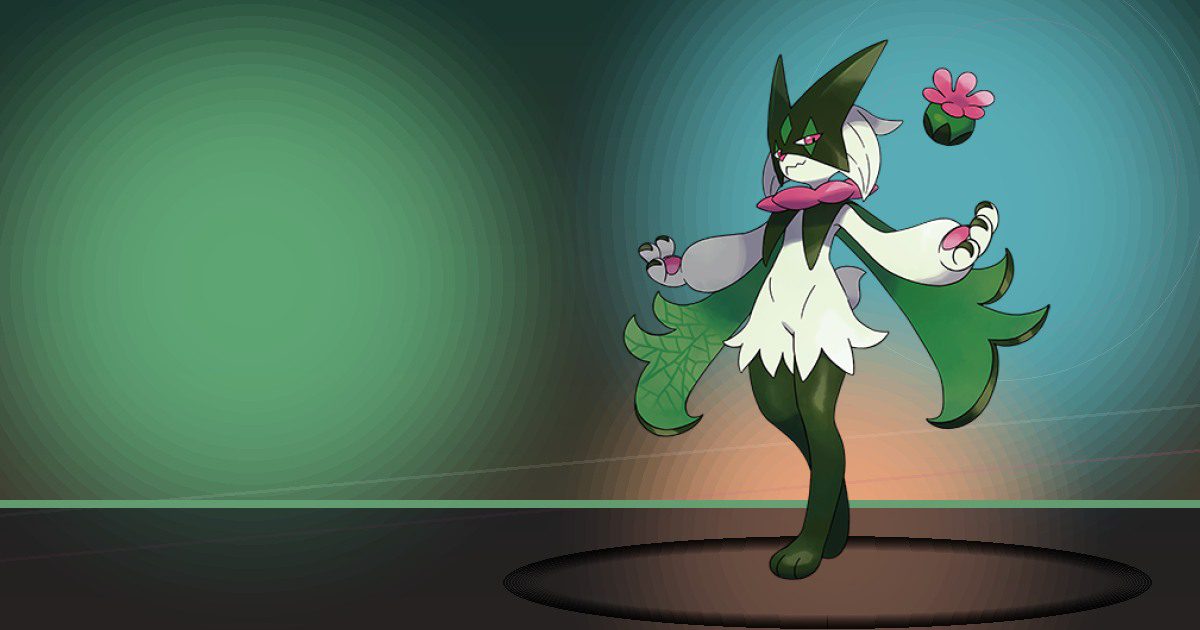
Meowscarada
Grow and Hype
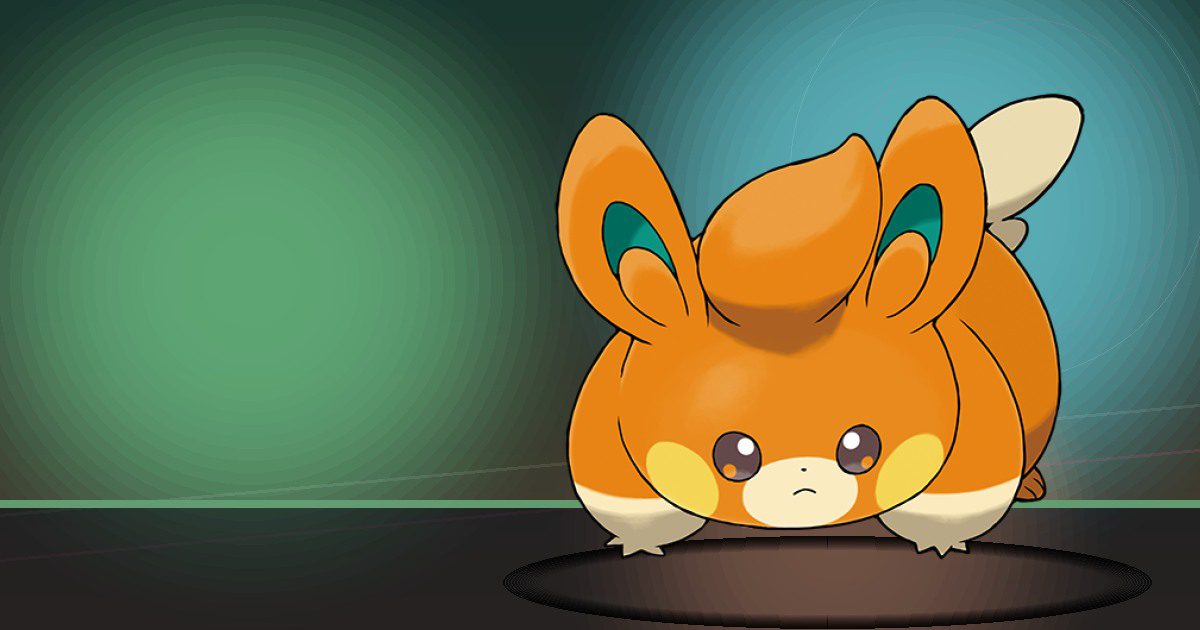
Pawmi
Generate

Pawmo
Generate and Crush

Pawmot
Generate and Crush

Fidough
Search
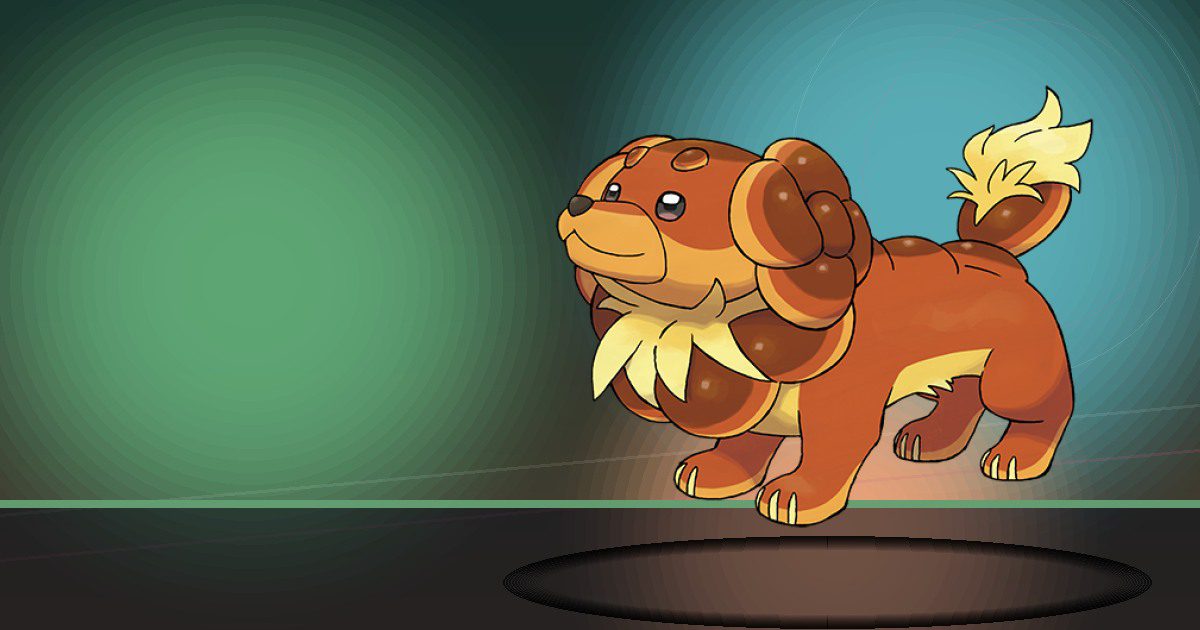
Dachsbun
Search and Trade

Charcadet
Burn
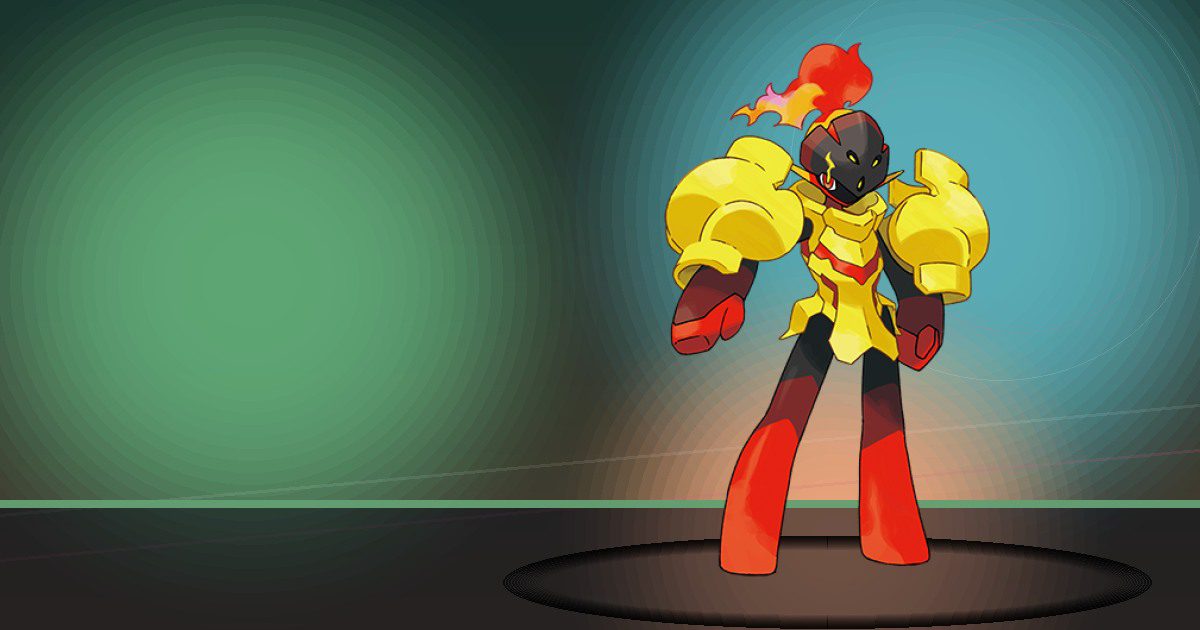
Armarouge
Burn
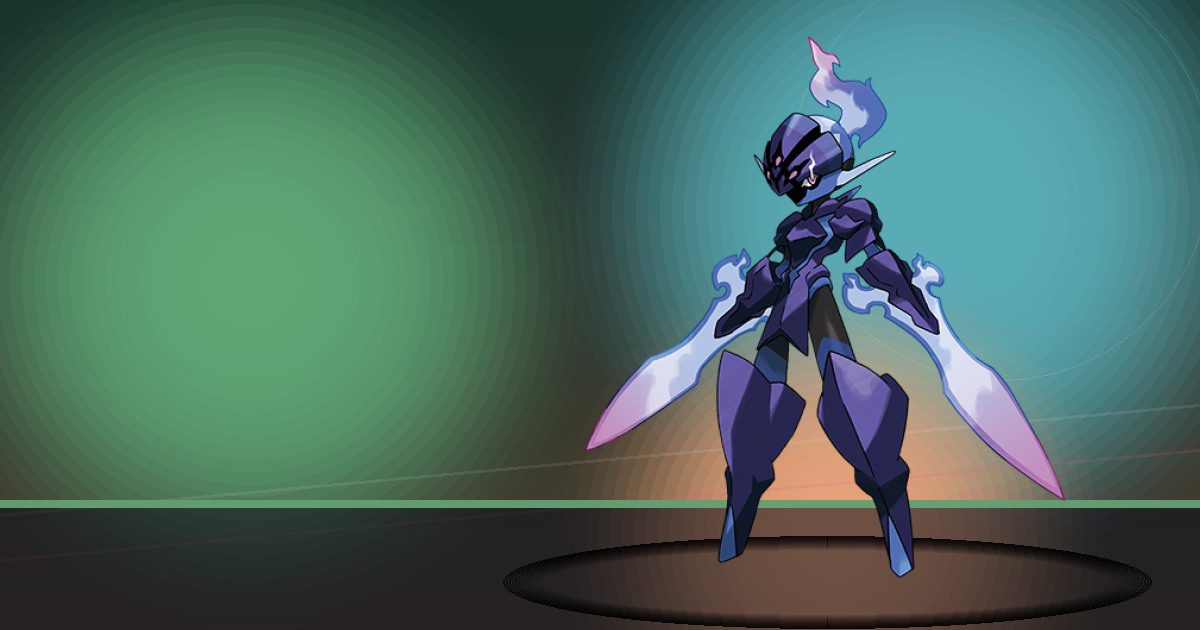
Ceruledge
Burn

Wattrel
Generate

Kilowattrel
Generate and Fly
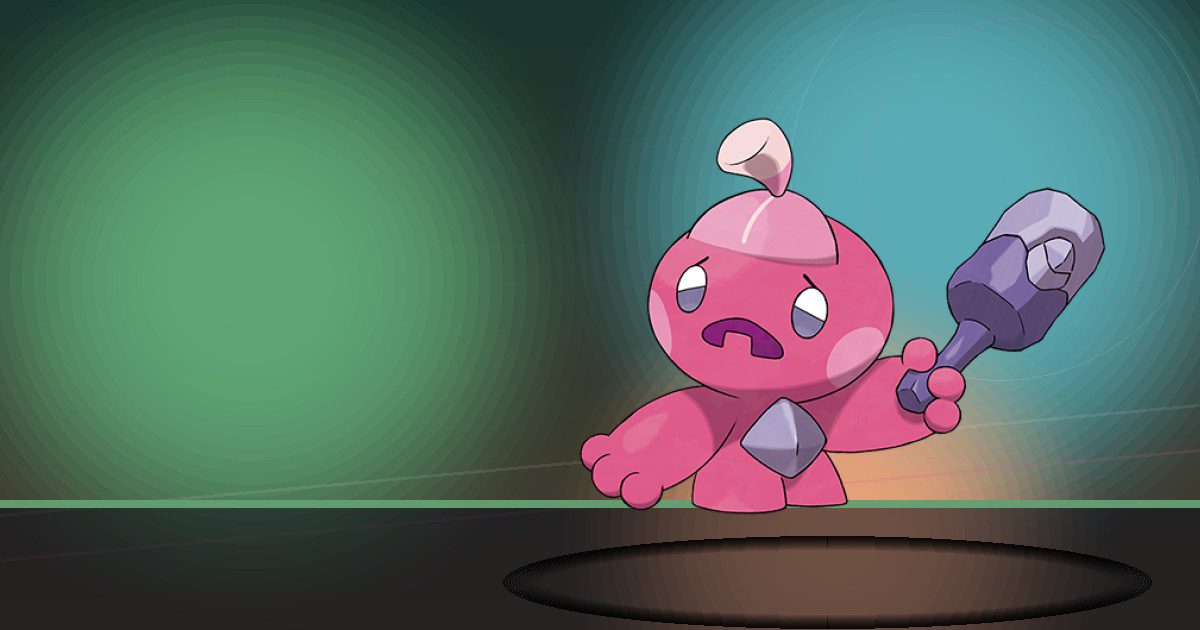
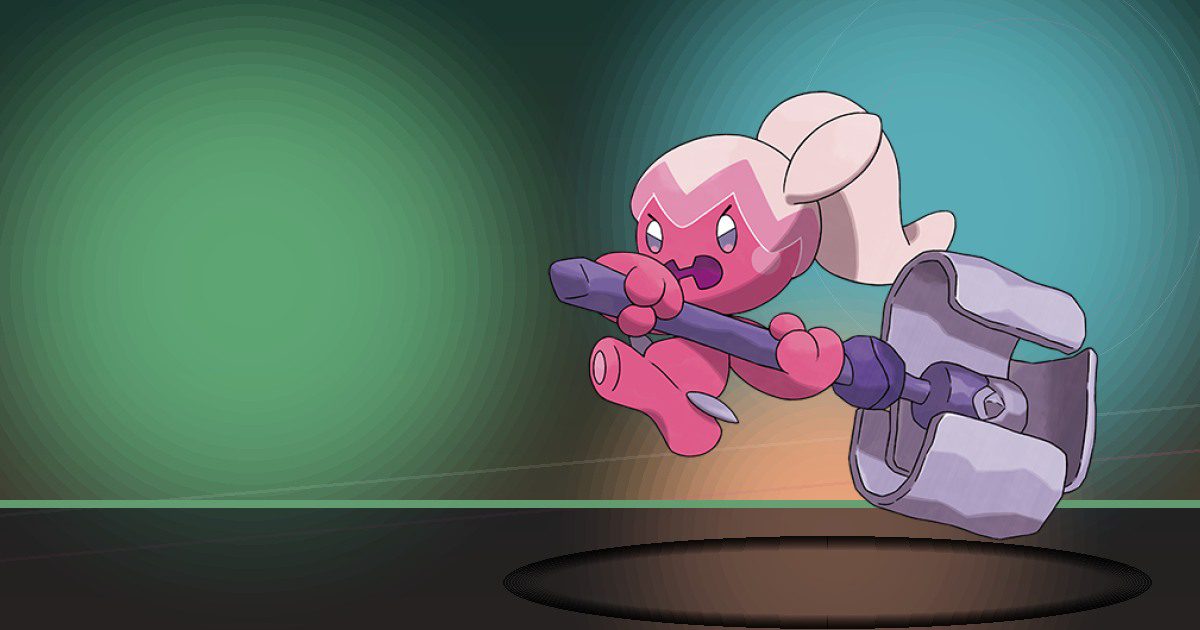
Tinkatink
Build
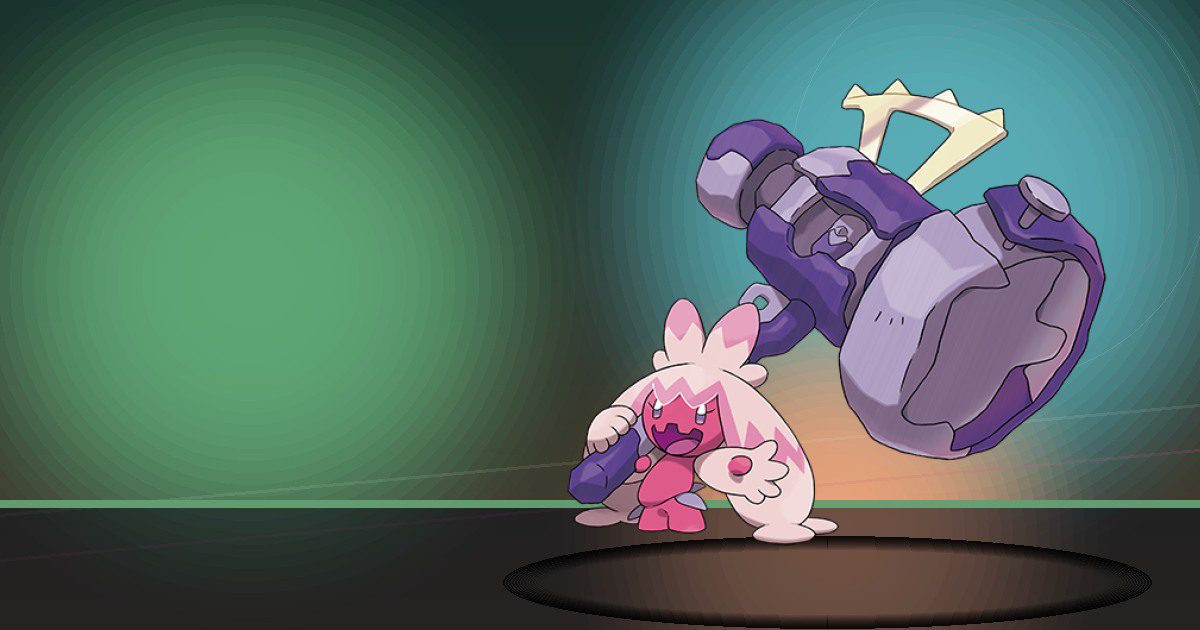
Tinkatuff
Build
Tinkaton
Engineer

Wiglett
Bulldoze

Wugtrio
Bulldoze and Search

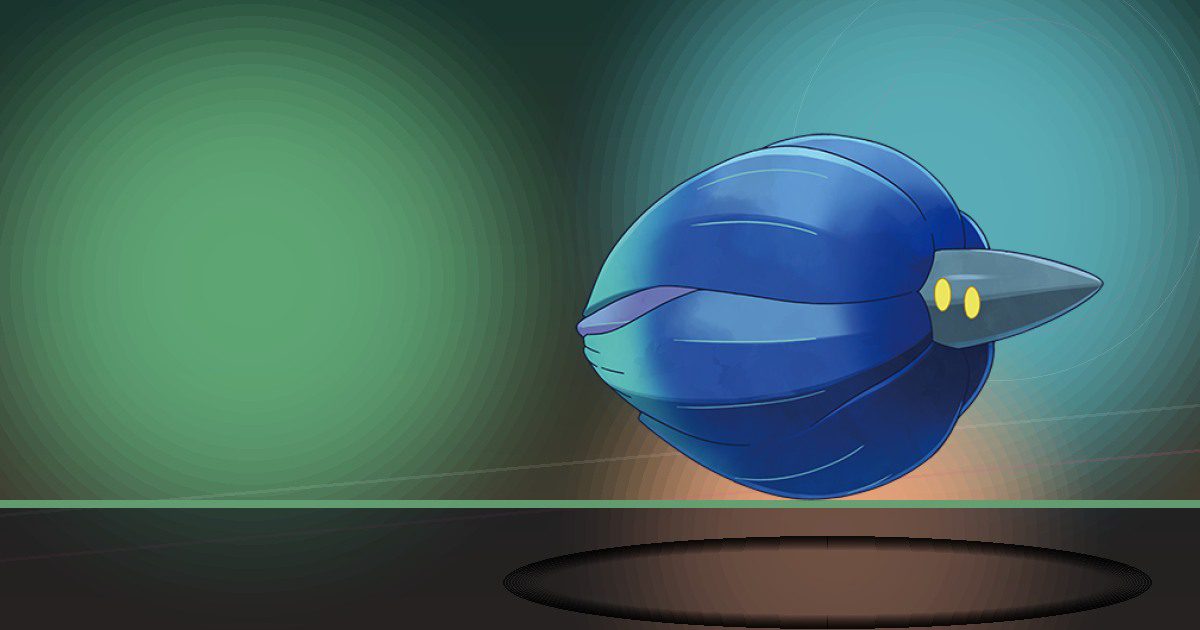
Glimmet
Litter
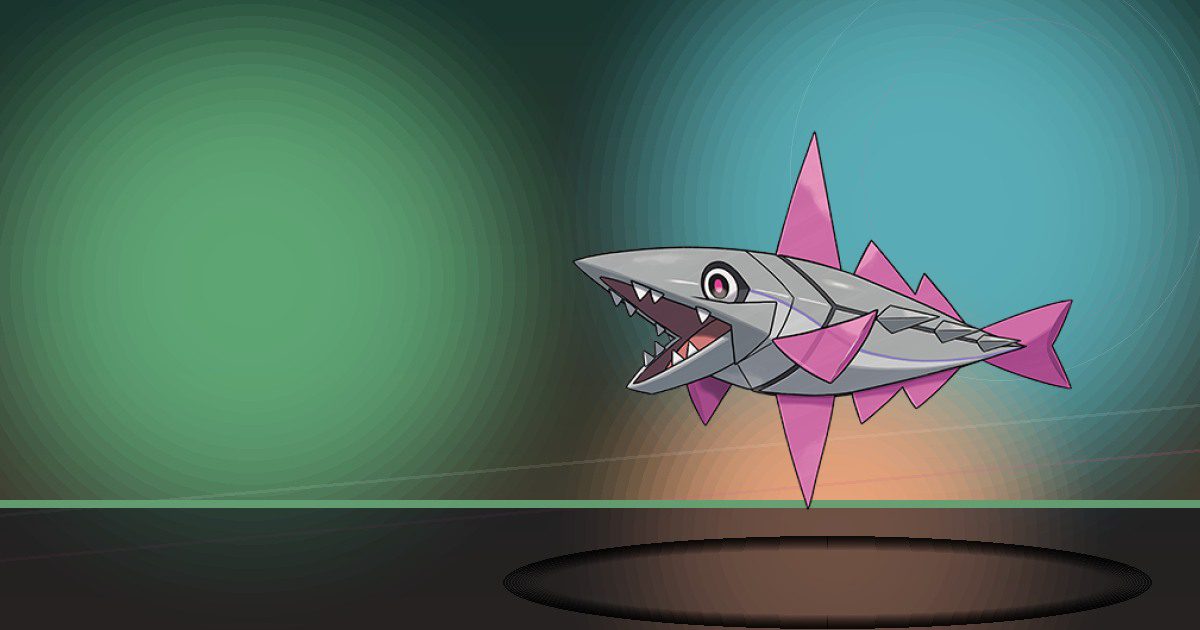
Glimmora
Litter
Veluza
Gather and Teleport
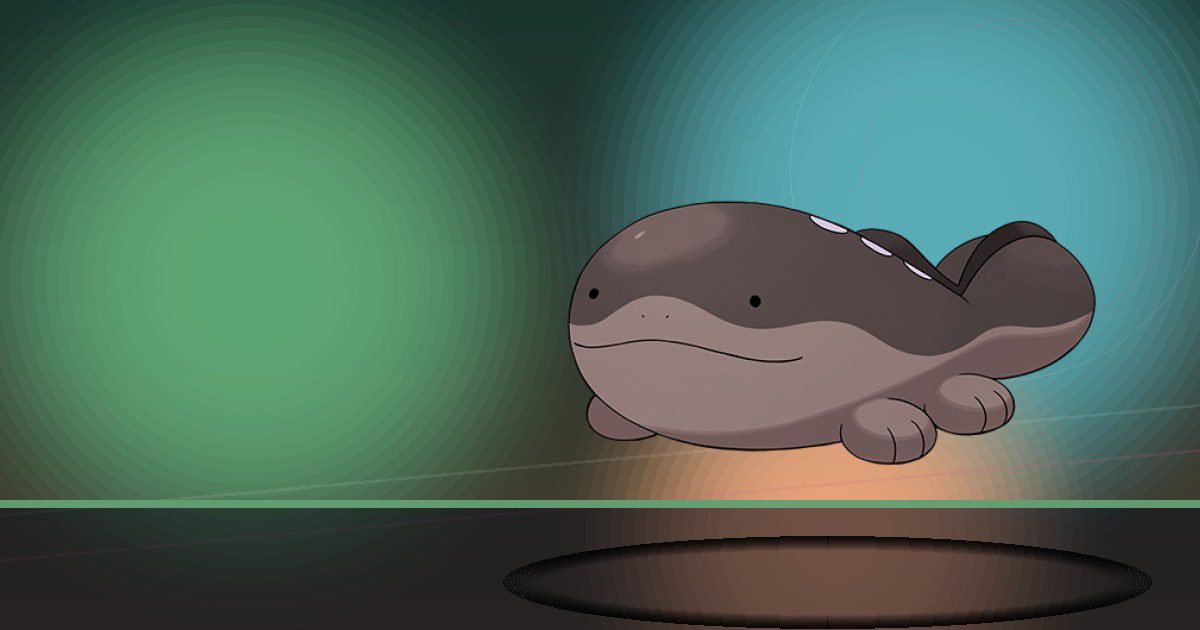
Clodsire
Litter and Bulldoze

Farigiraf
Gather and Search

Gimmighoul
Collect

Gholdengo
Collect
How to Use the Pokémon Pokopia Pokédex
Use the search box to jump straight to a Pokémon by name, or filter the directory between Main, Event and Bubbly Basin entries. Each card opens the full resident guide rather than another thin database record. That guide tells you where the Pokémon sits in the relevant Pokopia Pokédex, which Habitat recipes work, whether you need a particular time or weather condition, and which Specialty the resident brings to your settlement.
If a species appears in more than one Pokopia section, you will still see just one guide. The separate methods are collected on that page, which makes the directory easier to use and avoids having a Main guide and a Bubbly Basin guide competing for the same search. Named Pokopia variants are also attached to the permanent species record where appropriate.
How Pokémon Habitats Work in Pokopia
Most residents in the Pokémon Pokopia Pokédex are attracted by Habitats: small combinations of terrain, plants, furniture or other objects that register as a suitable environment. A Pokémon may accept more than one Habitat recipe, and you only need one valid option to attract it. Time and weather can matter as well, so a correct Habitat can appear empty until the right conditions arrive.
The individual guides keep the useful recipe information together. If a Pokémon uses a story item, party, puzzle, doll or another special unlock instead of a normal Habitat, the guide labels that as a special method so you do not waste time building unrelated setups. For normal recipes, start with the simplest valid Habitat and make sure every required item is placed close enough to register as part of the same area.
Pokopia Specialties Explained
The Pokémon Pokopia Pokédex is not only a checklist. Pokémon are residents as well as collection entries, and Specialties determine the jobs and interactions they can perform around the town. Those roles range from growing plants and watering fields to building, recycling, generating electricity, finding items, gathering materials, trading and helping with travel.
That makes Specialty information genuinely useful when deciding which Pokémon to prioritise. A resident that fills a missing production role can be worth attracting early, while another Pokémon may be more valuable simply because you need it for Pokédex completion. Some residents have more than one Specialty, so the full guide lists every role currently attached to that species rather than reducing it to a single label.
Main, Event and Bubbly Basin Pokémon
The Pokémon Pokopia Pokédex filters separate the standard roster from Event and Bubbly Basin appearances while still keeping duplicate species on one guide. Bubbly Basin is the underwater town introduced in Part 1 of the Pokémon Pokopia Expansion Pass. Event Pokédex residents can use event-specific availability, items and Habitat recipes, so their method may be very different from the same species’ permanent route.
Bubbly Basin has its own 50-entry Pokédex and new underwater Habitats. If a Basin Pokémon can also be attracted elsewhere, its guide keeps those options together. As later Expansion Pass parts and new events arrive, the Pokopia data can be refreshed so this directory grows without rebuilding the master 1,025-species Pokédex or creating a second species record.
Time, Weather and Special Unlocks
Not every Pokémon Pokopia Pokédex entry is available under the same conditions. Some residents can appear all day and in any weather, while others require a narrower window. The guide pages show the available time and weather next to each method so you can build the Habitat first and return when the conditions line up instead of repeatedly changing a setup that was already correct.
Late-game, Legendary, Mythical and other unusual residents can use bespoke unlocks instead of ordinary Habitat recipes. Where a verified special method is available, the generator presents that method clearly and treats it separately from standard building requirements. Incomplete source rows are held back rather than being turned into vague SEO pages.
Do Pokémon Evolve in Pokopia?
Pokopia does not use the traditional evolution system. If several members of the same evolutionary family are in the Pokémon Pokopia Pokédex, each species is befriended as its own resident through its own Habitat or unlock. That is why the directory treats Ivysaur, Venusaur and other evolved Pokémon as separate Pokopia targets rather than telling you to evolve the earlier stage.
Why The Click Uses One Pokopia Guide Per Species
The master Pokédex already gives The Click one permanent identity for every Pokémon, including its National Pokédex number, artwork and type. The Pokopia layer adds only the game-specific information players need. This keeps the Pokémon Pokopia Pokédex clean: one species, one Pokopia guide, every current Pokopia method on that guide. It also means future Event and Expansion Pass updates can refresh an existing article instead of creating another near-duplicate URL.
The result is a directory designed to be useful after the first visit. You can search for a missing resident, check which Habitat to build, see whether the weather is wrong, work out what the Pokémon will do after moving in, and return later when new Pokopia content adds another route or section.