
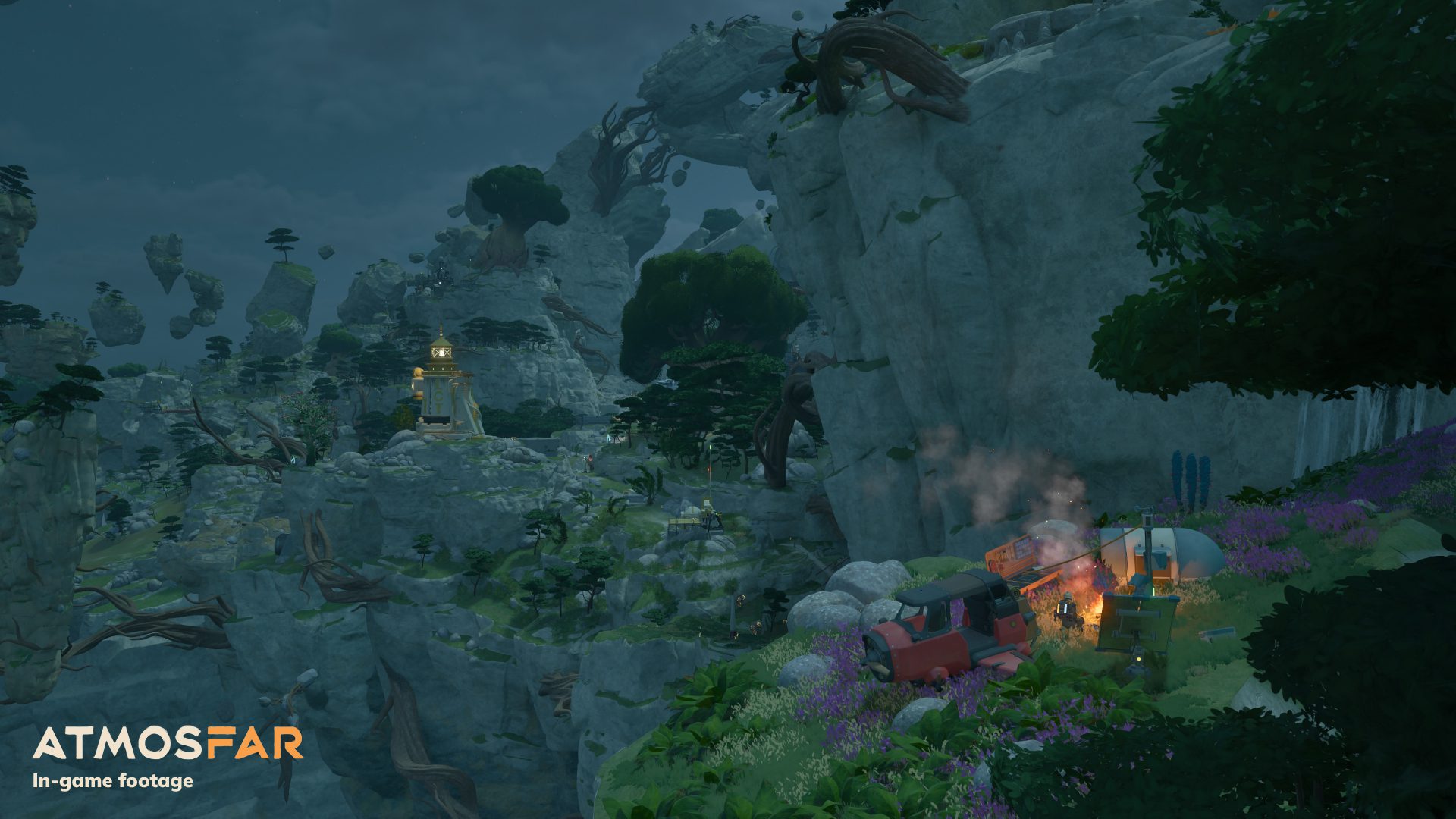
ATMOSFAR multiplayer supports online co-op for up to four players, letting a squad explore the floating islands of Tycos together. You can fly separate Wasps in formation, ride on a friend’s aircraft, deploy camps and work on a shared Cloud Cruiser instead of exploring alone.
The October 29 Early Access launch is available on Steam, with single-player and online co-op listed on the store page. Each player joins using their own copy of the game. Agreeing on where to meet and how to divide jobs makes shared construction and longer flights much easier to manage.
ATMOSFAR multiplayer player count and platform
The maximum online group has four players in the same cooperative adventure. Apog Labs and Shueisha Games confirmed this for the Early Access build, so the feature is available now. Steam is the launch platform, while the publisher has said its Epic Games Store version will follow later.
To get started, everyone should have the current Steam version installed and be signed in. Open ATMOSFAR’s online co-op session options, then use the game’s available joining controls or Steam’s Friends and invite features to bring the group together. Agree who is opening the shared session before travelling, and make sure there is a slot for each player.
How to start ATMOSFAR multiplayer with friends
Once everyone has joined the session, choose an island to explore and agree on a landing or meeting point. ATMOSFAR multiplayer is particularly well suited to flying in formation because players can travel in separate Wasps or ride together. Keeping everyone aware of the destination helps avoid leaving a teammate stranded on an unfamiliar island.
You can split roles while exploring: one player uses a Utility Wasp to establish a camp and maintain supplies, another takes a Hauler for heavy scrap, and another uses the fast Striker to handle more dangerous routes. The fourth can help search for artifacts, gather materials or operate equipment back at the base.
Building a shared Cloud Cruiser
The Cloud Cruiser becomes a shared home for ATMOSFAR multiplayer crews once they reach it through story progression. Friends can work together to build and operate it, adding space for Wasps, fuel tanks, crafting equipment, storage and living facilities. Having one common base makes it easier to prepare expeditions than scattering resources over several separate camps.
Use the Cruiser as a meeting point for your group. Bring back large salvage with the Hauler, transfer it through the cargo lift, and process resources for repairs and construction. Keep the shared fuel supply and electrical systems operating before moving the airship to a new group destination.
ATMOSFAR multiplayer: flying and gathering together
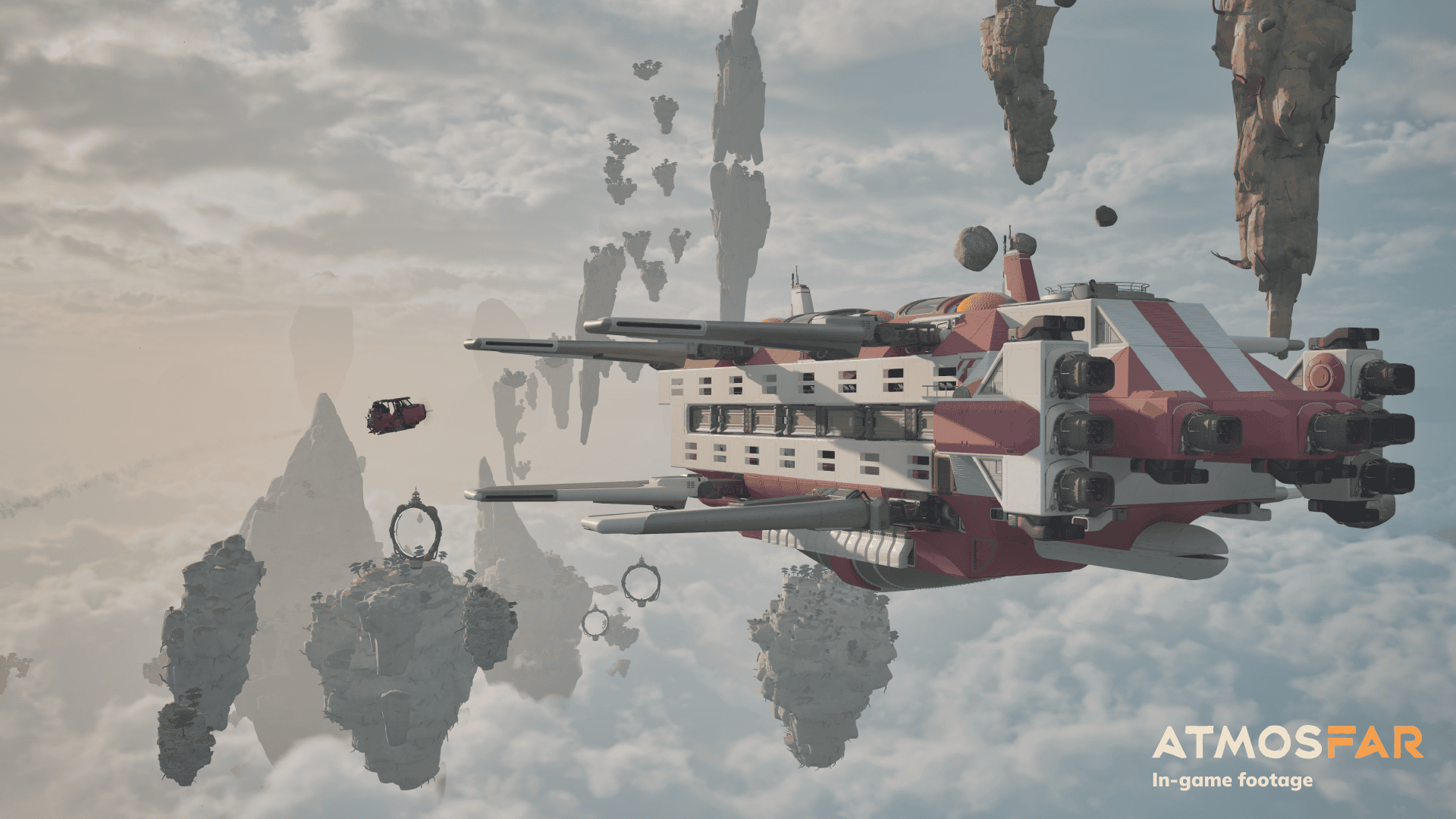
The Utility Wasp can deploy a portable camp on a visited island. That provides a place to craft, refine hydrogen, cook and rest. A player can prepare supplies while others explore the surroundings, then pack the camp when the group is ready to move. You can also ride aboard another player’s Wasp rather than all piloting separately.
Co-op is about sharing jobs, not just adding players to a fight. Different Wasps and jobs complement one another: a Hauler brings back bulk resources while a Utility camp turns raw materials into repairs or fuel, and the Striker offers speed and firepower when dealing with hostile creatures or hazards.
Co-op preparation and save planning
Before starting ATMOSFAR multiplayer, decide which player will host the world and how the group will coordinate its next session. Steam lists Steam Cloud for ATMOSFAR and the developers intend to preserve saves across Early Access updates. Those facts don’t replace checking the actual in-game session and save interface when planning who will continue hosting.
If ATMOSFAR multiplayer invitations fail, first check that everyone is signed in and running the same current Steam build. Try joining again after restarting Steam and the game, and check the usual Steam invitation and online-status controls. Apog Labs provides an in-game bug-report tool for reproducible problems. Four-player online co-op, shared building and group exploration are all part of the launch experience.
Related Guides
Official source: Shueisha Games ATMOSFAR launch announcement.





