
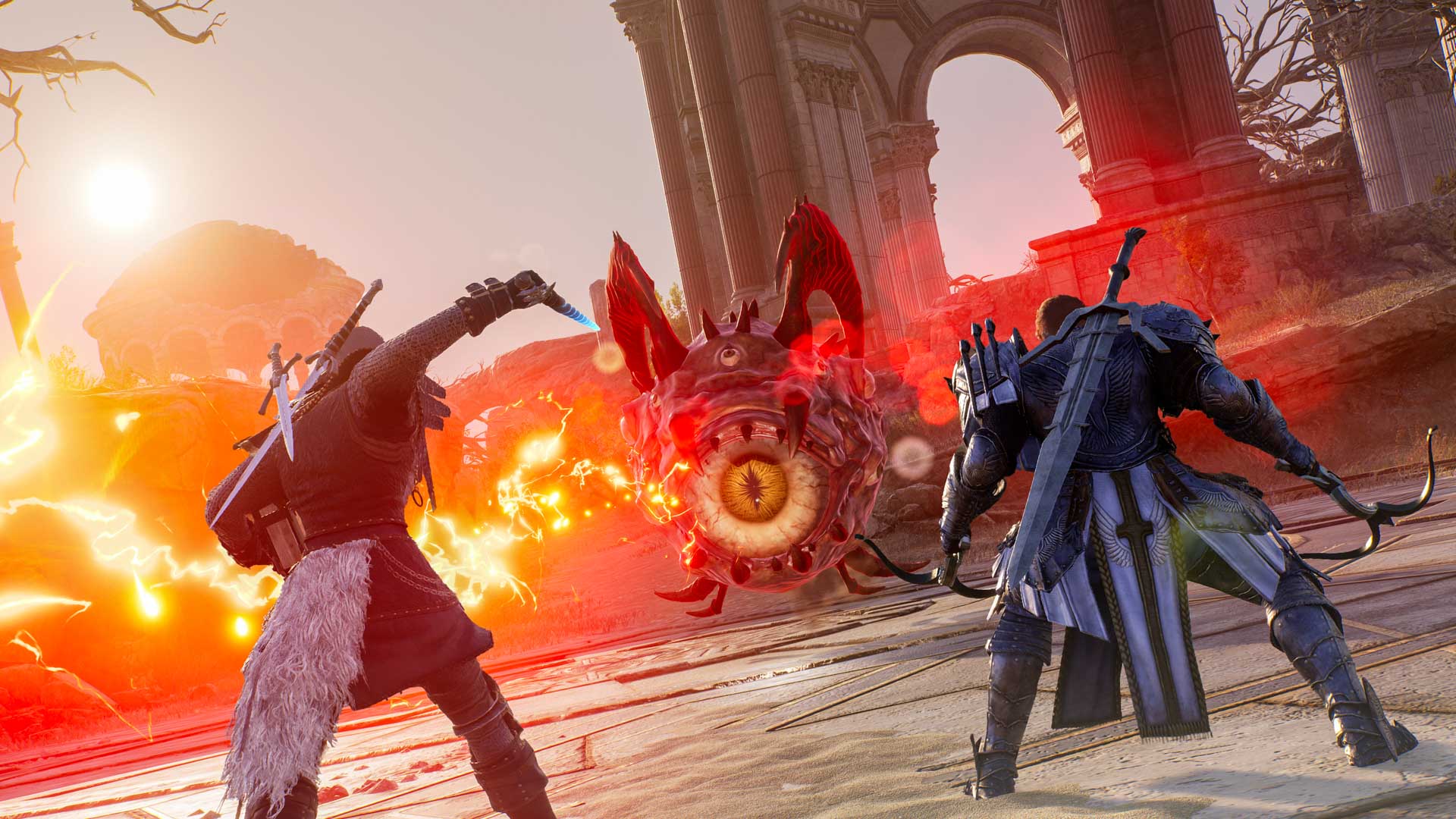
Throne and Liberty NC transfer begins with maintenance on November 10, 2026. Your characters, equipment, currency and account progress will move from Amazon Game Studios to NC automatically, provided you did not opt out of the transfer.
Steam and PlayStation players continue using their usual accounts and game updates. Xbox players need a new NC-published app after the handover. Here’s exactly what carries over and how to return to your existing character.
Throne and Liberty NC Transfer: Transfer Date
NC, through FirstSpark Games, will operate the Western service after the November 10 maintenance. The servers will be temporarily unavailable while player data moves across. The publisher has confirmed the date, but not the exact UK start hour or downtime duration.
NC is taking over publishing, customer support, the terms of service and day-to-day operations. You’ll still be able to play in Solisium. Current regions and realms remain; the Japan and Oceania region will be renamed Asia and Oceania.
Is the Account Migration Automatic?
Yes. Throne and Liberty NC transfer happens by default. If you did not opt out, there is no separate form to submit and no need to create a new character or register for a replacement account.
After maintenance, sign in through your existing platform account, accept NC’s Terms and Policies and complete any required activation. Xbox players also install a new app published by NC. You do not need an Amazon Games ID unless you deliberately want to request opt-out.
What Happens to Gear, Lucent and Guilds?
The Throne and Liberty NC Transfer preserves characters, items, inventory, progression, entitlements and currency. Lucent, Sollant, Ornate Coins and Loyalty Points remain yours. Guild progress and members carry over, except accounts that deliberately opt out.
Unclaimed mail and its attachments remain available. Storage Chest rewards that were not claimed before migration are automatically claimed and sent in-game by mail. Auction House listings were returned to NPC storage on October 26, and pending Lucent from completed sales was credited to your balance.
Throne and Liberty NC Transfer: October 30 Opt-Out Deadline
October 30 was the opt-out deadline, not a sign-up deadline for keeping progress. Players who submitted an opt-out request will not have their characters, equipment or inventory transferred to NC. Everyone else is included in the normal migration.
The opt-out date has passed. Players expecting their characters to carry over should use their normal platform login after NC’s service opens. Keep any opt-out confirmation if you requested that your data be excluded.
Throne and Liberty NC transfer on Steam, Xbox and PlayStation
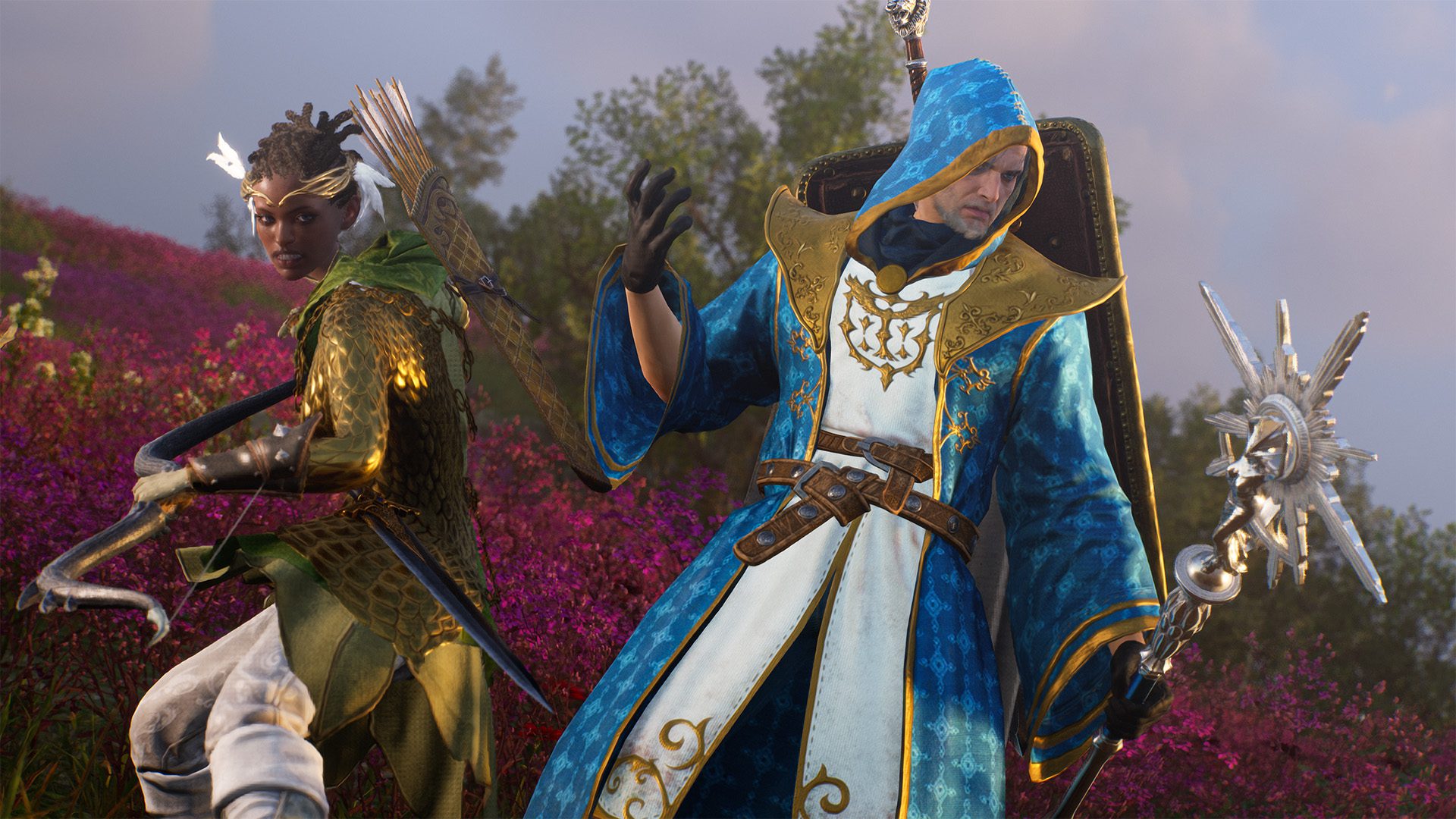
Steam and NC’s PURPLE PC launcher support cross-progression after migration. Xbox and PlayStation retain their own, separate character progression, even though crossplay continues across all four platforms. Joining friends on the same server does not merge console saves with a PC account.
On Xbox, the existing app is now called Throne and Liberty AGS. Once the Throne and Liberty NC Transfer is complete, download the new Throne and Liberty app published by NC. Steam and PlayStation players simply update their existing game.
Throne and Liberty NC Transfer: Settings, Names and Friends
Friends, Feuds and Interests lists remain, while the Blocked list resets. Guild information also stays intact except for members who opted out. If a character or guild name conflicts following global integration, follow NC’s renaming instructions in the game.
Settings changes after October 26, including HUD, chat tabs, ring menus, favourites and combat settings, may reset. Skill and Equipment Presets are not part of that reset. Make a note of recent preferences before maintenance rather than relying on a precise copy remaining.
Throne and Liberty NC transfer: November 10 checklist
Before the Throne and Liberty NC Transfer on November 10, collect any Storage Chest rewards you want, check returned listings at the NPC Storage Manager and take screenshots of customised HUD or control settings. You can leave your Lucent untouched.
After maintenance, download the update (or NC’s new Xbox app), sign in with your usual platform account and accept the new terms. Open your existing character and check inventory, mail, storage and Lucent.
Related Guides
- Throne and Liberty Opt-Out Deadline
- Throne and Liberty Xbox NC App
- Throne and Liberty Auction House Reopening
- Throne and Liberty Crossplay and Progression
- Throne and Liberty Skill Core Rework
- Throne and Liberty Scroll Compensation
- Throne and Liberty Settings Reset
- Throne and Liberty Missing Items
- Throne and Liberty Season Reset
Official source: Throne and Liberty service transition FAQ.





