

Throne and Liberty missing items after migration can usually be located by checking where each item was stored before the November 10, 2026 NC handover. Start with the NPC Storage Manager, in-game Mail or Lucent balance, depending on whether you had an auction listing, a reward or a completed sale.
NC’s normal transfer preserves characters, inventory, progression, entitlements and currencies. The important part is that different items move to different places. Follow the original source of your item first, then check the remaining locations if needed.
Throne and Liberty missing items after migration: Where Auction House Listings Go
The official migration plan separates items according to where they came from:
| Item before the transfer | Where to check |
|---|---|
| Unsold Auction House listing | NPC Storage Manager |
| Pending Lucent from a completed sale | Lucent currency balance |
| Unclaimed Storage Chest item | In-game Mail after automatic claim |
| Existing mail and attachments | In-game Mail |
| Skill Core or converted scroll reward | Mail for returned items or compensation |
The Auction House closed on October 26. Items that were still listed were returned to the NPC Storage Manager. The publisher says returns are delivered even if they exceed the normal storage capacity, so don’t assume a full storage inventory means the item has disappeared.
When checking Throne and Liberty missing items after migration, start with the NPC Storage Manager for anything you had listed for sale. Those items are not expected to remain on the inactive Auction House during the handover.
Where Pending Auction Lucent Goes
Lucent from already completed Auction House sales is credited to your currency balance. The official FAQ confirms this separately from returned unsold listings, so check the Lucent total as well as storage.
Unsold listings and completed sales go to different places. The item comes back through NPC storage; Lucent from a completed sale goes to your balance. Existing Lucent transfers automatically.
Unclaimed Storage Chest Rewards
Rewards left in the Storage Chest from completed store purchases, Twitch Drops, Xbox Game Pass or PlayStation Plus perks are automatically claimed during migration and sent to in-game Mail. You can claim them yourself before November 10 if you prefer.
After the transfer, if you’re investigating Throne and Liberty missing items after migration, open the mailbox as well as Storage Chest. An item no longer visible in the chest may simply have been moved to mail by the automatic claiming process.
Throne and Liberty missing items after migration: What Happens to Regular Unclaimed Mail?
The publisher confirms that unclaimed messages and attached items are preserved during migration. There is no instruction to empty the entire mailbox to protect its contents, although claiming important rewards beforehand can make your own inventory easier to audit.
The Throne and Liberty missing items after migration checklist should include any attachments you expected in Mail before the handover. Compare what is still unclaimed with newly delivered compensation or migrated Storage Chest rewards after NC’s service opens.
What Currency and Progression Carry Over?
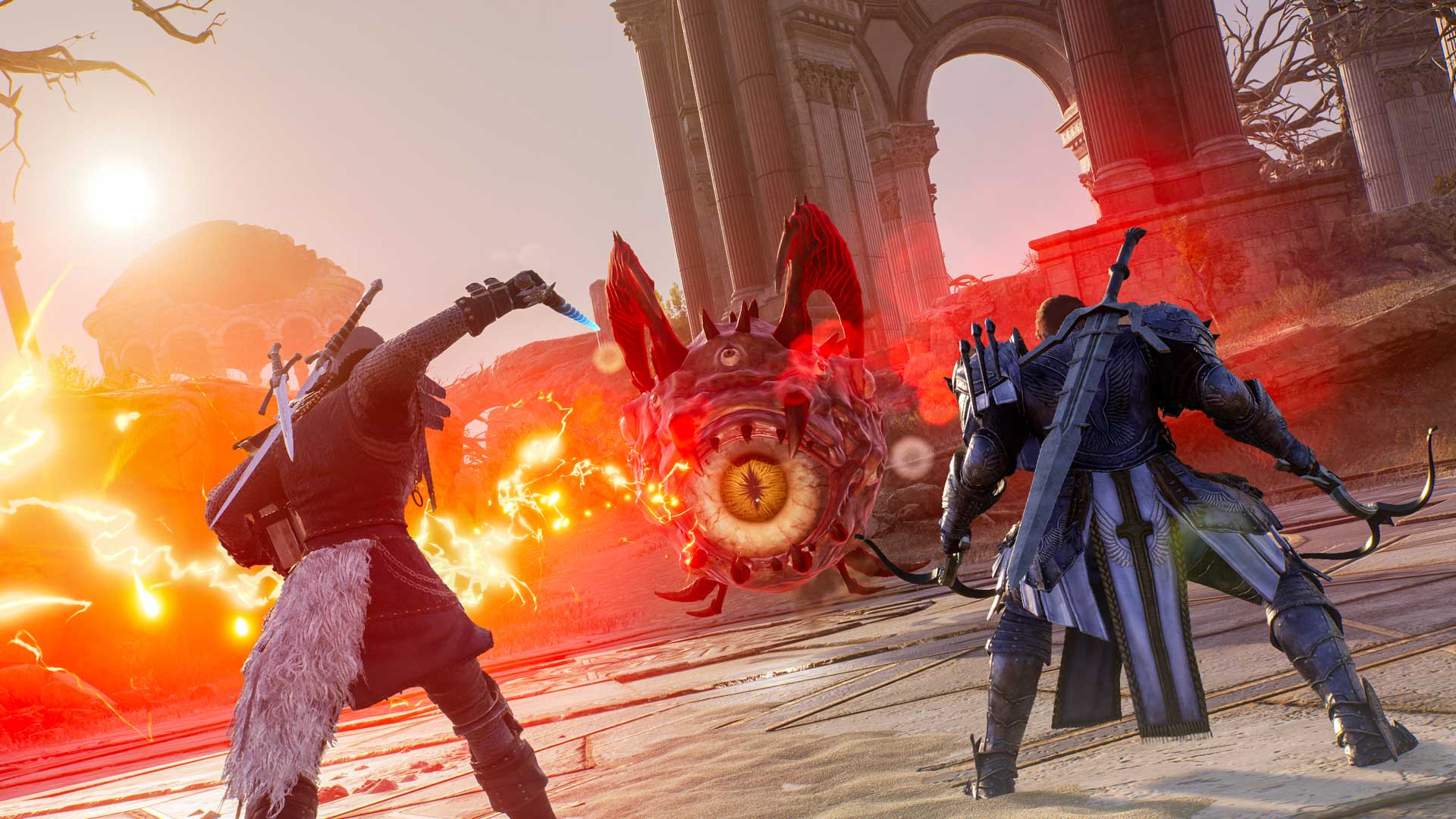
Characters, progression, inventory, equipment and entitlements transfer during the normal process. The publisher explicitly includes Lucent, Sollant, Loyalty Points and Ornate Coins among currencies that remain usable before and after migration.
Normal migration preserves items and progression. Opting out is different: it prevents your account data moving to NC, so you’d have to start again under the new service.
Throne and Liberty missing items after migration: Skill Cores and Scroll Compensation
November 10 also introduces new Skill Core slots and registration. Cores engraved on Heroic equipment are removed and returned through Mail. Archboss-family cores involve returning original equipment, which will be untradeable.
Skill Core Imprint Scrolls convert to 1,220,000 Sollant each, while Extraction Scrolls convert to materials plus Sollant. If those items are missing from your inventory after the update, check Mail for the conversion rewards rather than searching for old scrolls.
Throne and Liberty missing items after migration: final checklist
Wait until NC confirms that migration maintenance has completed, then sign into your usual platform account and accept any required terms. Check the correct character, NPC Storage Manager, Mail, Storage Chest and your currency totals before filing a report.
If something is still missing after checking those locations, gather its name, quantity and any auction or purchase details. Submit the issue to NC support after the handover; older AGS support tickets don’t transfer.
Related Guides
Official source: Throne and Liberty official service and patch notes.





