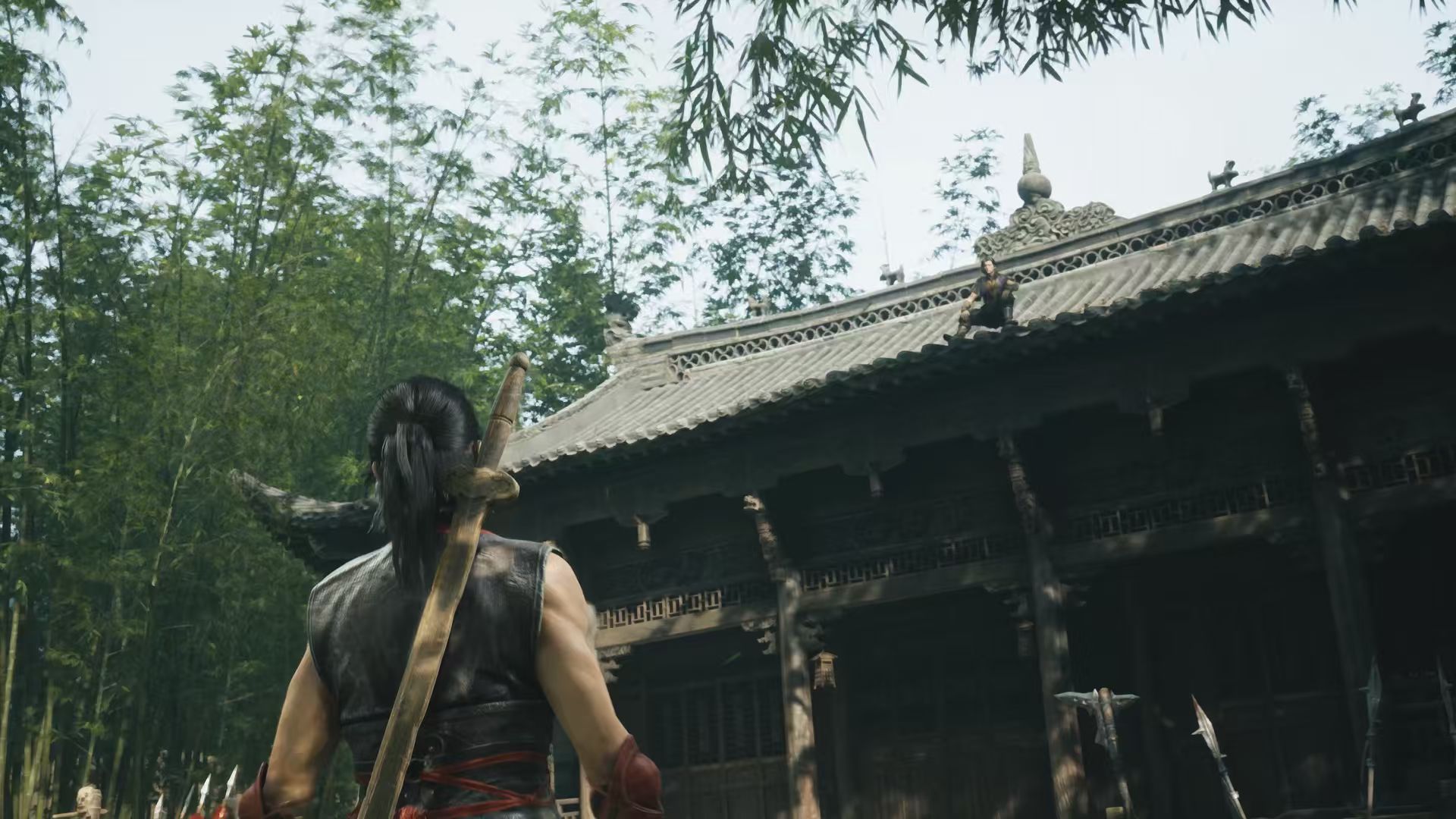
Phantom Blade Zero best graphics settings depend on your GPU, monitor resolution and whether you care more about image quality or steady combat performance. S-GAME has published four hardware targets, from a GTX 1660 at 1080p to an RTX 5080 using path tracing at 4K. Those are useful starting points, not measurements from our own test bench.
For most PC players, begin with the published GPU profile nearest your hardware. On a GTX 1660 or RX 5500 XT, start at 1080p with upscaling and standard lighting. An RTX 3060 Ti or RX 6700 XT is aimed at 1440p with upscaling and ray tracing off. Test an actual fight before raising the preset.
Phantom Blade Zero best graphics settings by GPU
| GPU | Starting target | Rendering mode |
|---|---|---|
| GTX 1660 6GB / RX 5500 XT 8GB | 1080p, 30 FPS with upscaling | Standard rasterized graphics |
| RTX 3060 Ti / RX 6700 XT | 1440p, 60 FPS with upscaling | Standard rasterized graphics |
| RTX 5060 8GB | 1080p, 60 FPS with upscaling | Ray tracing |
| RTX 5080 16GB | 2160p, 60 FPS with upscaling | Path tracing |
These are S-GAME’s published performance targets, not our independently benchmarked presets. The minimum and recommended profiles also require 16 GB RAM, an SSD and supported Windows 10/11 64-bit hardware. If your card falls between the listed models, start at the less demanding option and check performance before raising effects.
Best graphics settings for more FPS
- Set the display resolution to your monitor’s normal resolution, then enable an appropriate upscaling option if the game offers one for your GPU.
- Start with ray tracing and path tracing disabled.
- Try a moderate overall graphics preset rather than immediately maxing everything.
- Test movement, dodges and parries during a demanding fight, not only while standing in the starting area.
- Raise texture quality and other settings gradually only if you still have enough video memory and stable frame pacing.
The Phantom Blade Zero best graphics settings for combat prioritise smooth parries and dodges. Disable optional ray tracing or path tracing before reducing every other visual option. If attacks still feel uneven, lower the overall preset one step and check again. Keep texture settings within your available video memory.
If your PC has 8 GB VRAM, don’t assume high-resolution textures and path tracing can both be maxed without consequences. The official path-tracing recommendation is an RTX 5080 with 16 GB VRAM. Our ray tracing versus path tracing guide explains the different lighting workloads.
Should you enable DLSS and frame generation?
Supported GeForce RTX systems can use NVIDIA’s DLSS features, including advanced reconstruction and frame generation on compatible cards. Upscaling can ease the rendering load, while frame generation raises displayed frame output. It does not automatically make the underlying game simulation or input response as fast as the generated FPS number suggests.
For Phantom Blade Zero best graphics settings on NVIDIA hardware, first establish a playable baseline without depending on maximum frame generation. Then experiment with DLSS modes if available on your card and driver. S-GAME’s launch warning is important here: it recommends driver 617.42 after observing instability with 621.01. Our driver article explains that advice.
Does the day-one patch change the best graphics settings?
S-GAME’s roughly 5 GB launch patch improves ray tracing and path tracing performance. Install the update first, then test your chosen graphics preset on the current game build. Read our patch guide for the precise confirmed changes.
If you cannot even open the game, changing quality presets won’t help until the launch problem is resolved. Our PC crashing guide and hardware requirements cover the safe first checks, including the SSD installation requirement.
Phantom Blade Zero best graphics settings for Steam Deck
Steam Deck uses AMD graphics and calls for a lighter starting preset than an RTX desktop PC. Start from low standard rendering with optional upscaling if the released game supports it on the Deck. Don’t expect NVIDIA DLSS on Valve’s AMD hardware, and don’t treat a suggested preset as a tested 30 FPS guarantee. Our Steam Deck guide tracks the official status.
For Phantom Blade Zero best graphics settings, match your GPU to the official target and use the game’s supported upscaling option. Leave advanced lighting off until the basic experience feels smooth. S-GAME’s RTX 5060 ray-tracing and RTX 5080 path-tracing figures are performance targets with upscaling, not benchmark results measured by The Click.
Related Guides
Official source: S-GAME’s official PC and graphics requirements.