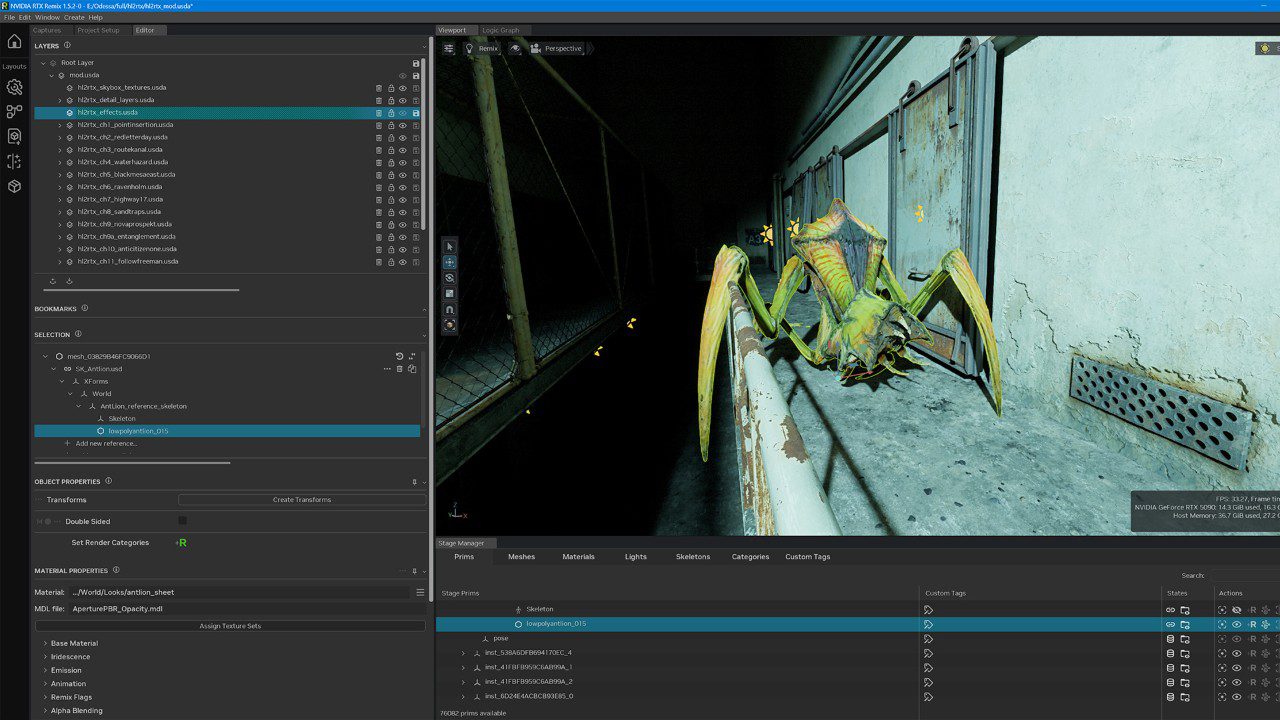
The RTX Remix 1.6 ComfyUI 2 update changes how modders create and manage game textures and meshes. Released in October 2026, it also comes alongside new RTX Remix rendering features, including DLSS 5, for supported PC game remasters.
There are two downloads to understand. The Toolkit is for people making mods; the runtime is for running them. Below, we’ll cover the new creator tools first, then the official steps for upgrading a mod without losing your original files.
What does RTX Remix 1.6 ComfyUI 2 change?
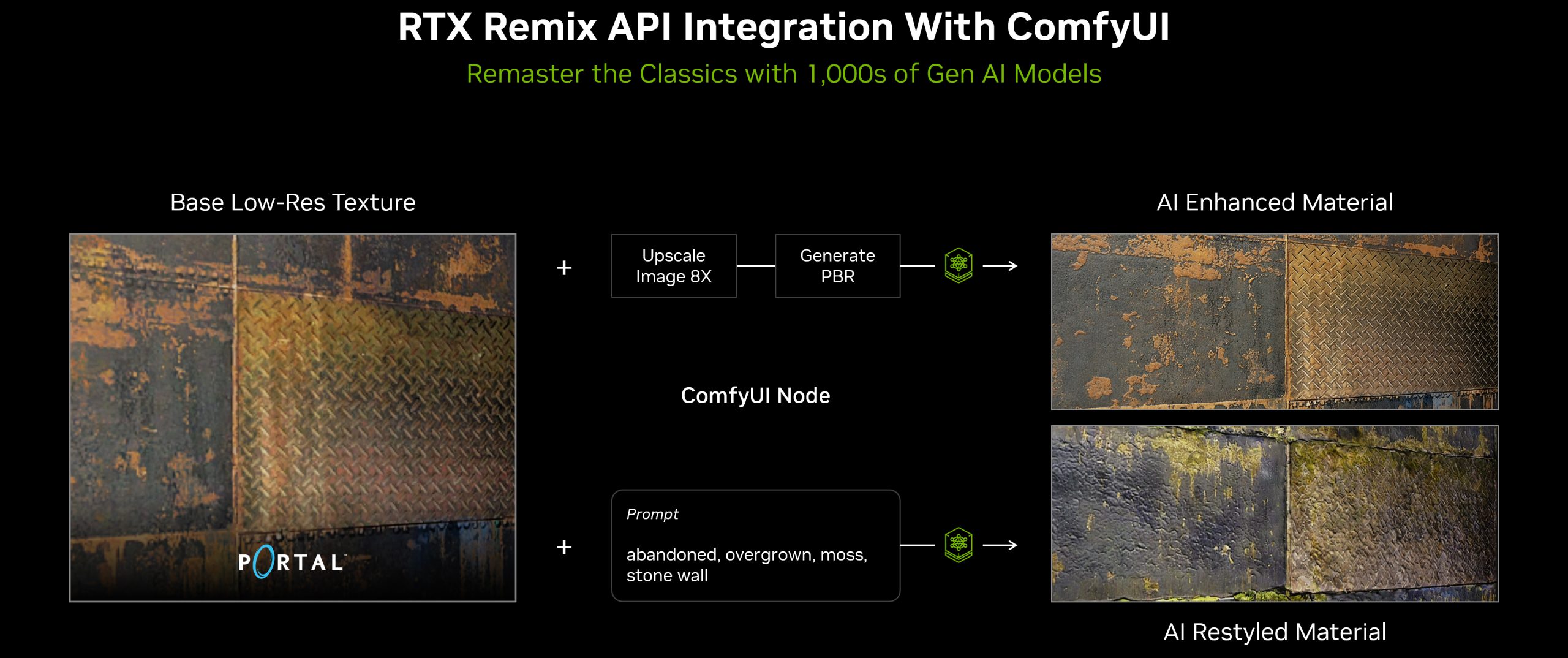
NVIDIA’s ComfyUI Integration Version 2.0 replaces the previous AI Tools implementation with dedicated texture and mesh workflows. They have clearer names, descriptions and filters, making it easier to find a task without browsing an undifferentiated list of processes.
New output controls let modders decide what happens to generated assets. NVIDIA’s documentation lists Replace or Do Nothing for texture output, while mesh output can Replace, Append or Do Nothing. A generated mesh therefore doesn’t always need to overwrite the original.
The RTX Remix 1.6 ComfyUI 2 workflows still need appropriate source assets and AI models, and the finished output needs checking in-game. Choosing ‘Replace’ determines what happens to the file, not whether the new texture looks good.
RTX Remix 1.6 ComfyUI 2 requirements and setup
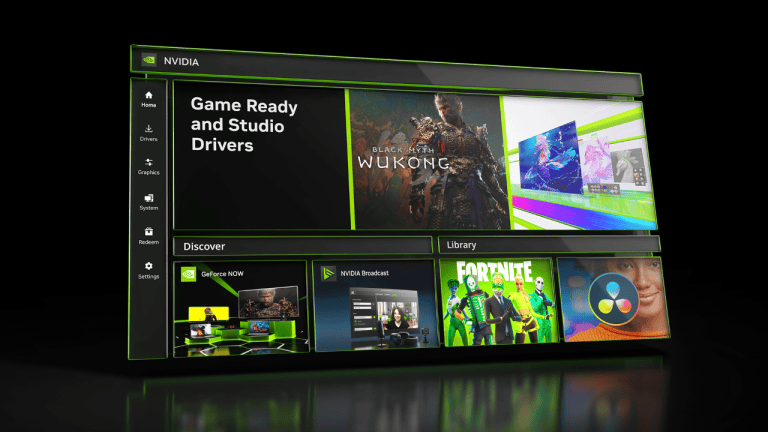
Install the RTX Remix Toolkit through the NVIDIA app or NVIDIA’s official GitHub installer, RTXRemixThinInstaller@1.6.1.0.exe. You’ll also need ComfyUI, ComfyUI Manager and the RTX Remix Node Pack. NVIDIA specifies ComfyUI v0.3.72 or newer for that node pack. ‘Integration Version 2.0’ is NVIDIA’s integration release, not the version number of the ComfyUI application.
NVIDIA’s toolkit guidance lists an NVIDIA GPU with at least 8GB VRAM, recommending 12GB or more for the ComfyUI workflows. These aren’t universal GPU requirements for simply playing an RTX Remix mod.
Open ComfyUI Manager, search for RTX Remix, install it and restart ComfyUI. Then open the Toolkit’s AI Tools layout and connect to your running ComfyUI service. The default address is http://127.0.0.1:8188; the Desktop App may show another port. Select a compatible workflow, fill in its inputs and submit the task. The RTX Remix 1.6 ComfyUI 2 integration lets you follow the job and review the output before applying it.
How to update an RTX Remix mod to version 1.6
For players, use the runtime files rather than the full Toolkit. NVIDIA supplies rtx-remix-for-x86-games-release-remix-1.6.1.zip for Windows x86/64 and rtx-remix-for-arm64-games-release-remix-1.6.1.zip for Windows on ARM. Both are available from NVIDIA’s official GitHub release linked through its announcement.
- Back up the existing mod, installed files and assets first.
- Download the archive that matches your Windows architecture and extract it.
- Check the extracted files include the .trex folder.
- Copy the contents beside the game executable, or into the mod’s existing .trex location, replacing old files when prompted.
- Start the game and press Alt+X.
- Open Developer or User Graphics Settings and look for DLSS 3D-Guided Neural Rendering.
- Adjust supported settings, select Save Settings and close the menu with Alt+X.
The RTX Remix 1.6 ComfyUI 2 release includes new runtime files, but these don’t automatically make every older mod compatible. NVIDIA warns that graphics quality and compatibility can vary until the mod author releases an update. Use the creator’s tested version when available.
Does RTX Remix 1.6 ComfyUI 2 include DLSS 5?
The ComfyUI tools create assets; the accompanying RTX Remix runtime provides the new graphics features. It supports DLSS 3D-Guided Neural Rendering, which enhances the appearance of lighting and materials. It also adds 5X and 6X Multi Frame Generation on supported RTX 50-series GPUs, plus the separate beta Frame Generation Preset C on RTX 40- and 50-series GPUs and supported RTX Spark laptops.
There are also Sparse Rendering and SHaRC options, improvements to jagged self-shadowing, and native Windows on ARM support. NVIDIA sets a minimum driver baseline of 616.92 for RTX Remix 1.6. Not every RTX card can use all of the new DLSS features.
Does this update change Minecraft RTX Remix?
Don’t copy the generic RTX Remix runtime archive over the separate Minecraft Java Edition pack unless its author specifically instructs you to. Minecraft has its own download, materials pack and troubleshooting steps.
If you want to see the technology working before building a mod, try Portal with RTX or the Half-Life 2 RTX demo. Both already have the updated rendering features. RTX Remix 1.6 ComfyUI 2 is for creators who want to work on their own assets.
Official source: NVIDIA’s RTX Remix 1.6 announcement.