GeForce NOW Dynamic Multi Frame Generation adds AI-generated frames to supported cloud games, so motion can look smoother without needing an RTX 50 Series graphics card in your own computer. NVIDIA added the controls on 15 October 2026, with an option of up to 4X for Ultimate members connected to RTX 5080-powered cloud rigs.
That 4X figure is easy to confuse with the 6X option you may have seen in guides for the desktop NVIDIA app. The two services have different controls. GeForce NOW renders the game on a remote rig, while the NVIDIA app changes settings on your local PC. You can’t follow a local 6X tutorial and expect the same option in the cloud.
GeForce NOW Dynamic Multi Frame Generation: what does 4X mean?
At 4X, there can be up to three AI-generated frames for every traditionally rendered frame. It can make movement look smoother, but it doesn’t mean your controls respond four times faster or that your game runs at a guaranteed FPS. Your display also has to be capable of showing the frames being delivered.
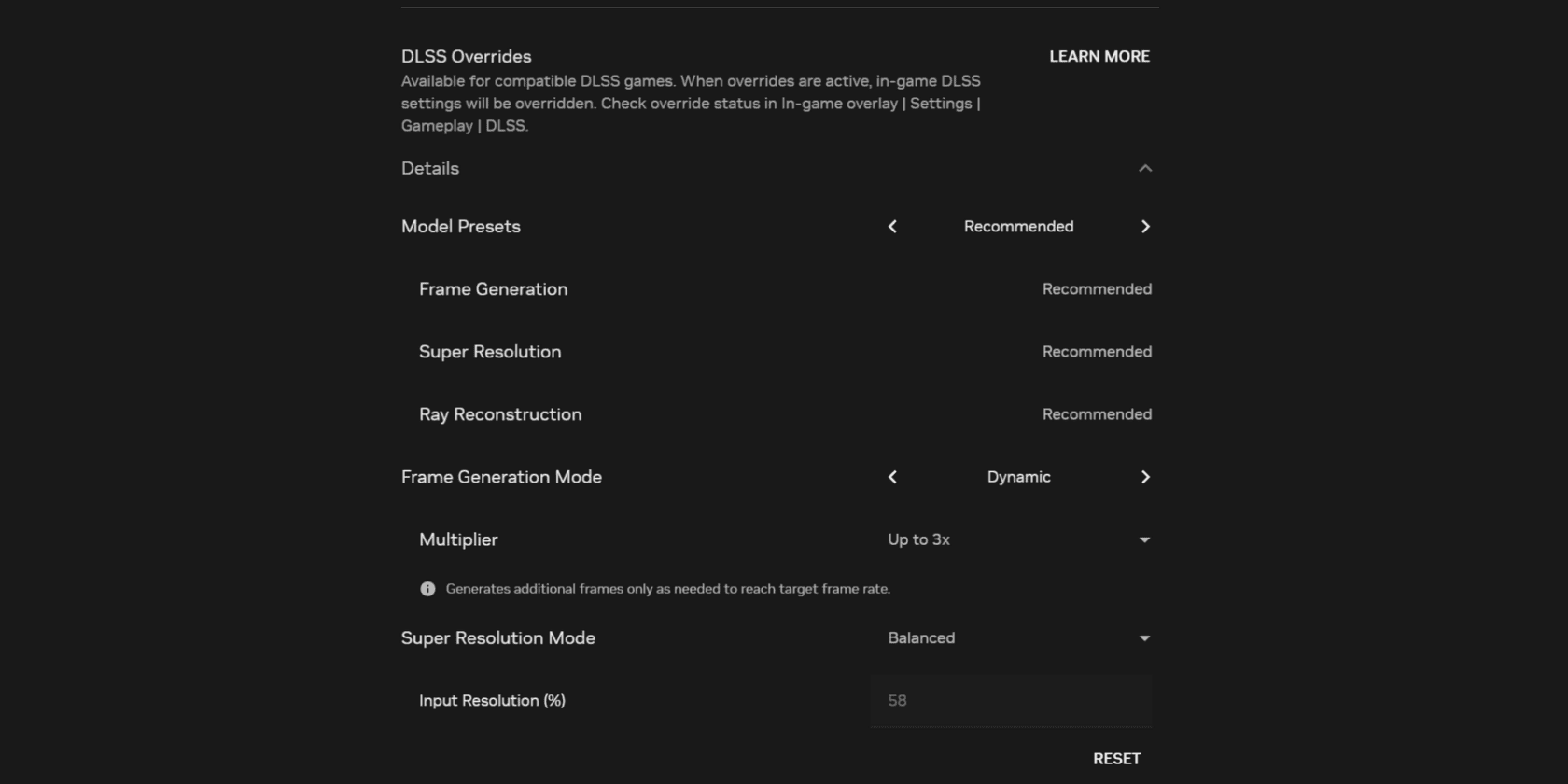
GeForce NOW Dynamic Multi Frame Generation adjusts the number of generated frames instead of staying at a fixed multiplier all the time. That helps the service balance smoothness with responsiveness in supported games. NVIDIA also describes reduced stutter as a benefit, although results will depend on the game and how well the stream runs.
When using GeForce NOW Dynamic Multi Frame Generation, your internet connection still sits between the cloud server and your screen. Network delay, packet loss, the device’s video-decoding capability and display refresh rate can all affect the result, even if the rendering rig is powerful enough to generate more frames.
Which GeForce NOW membership gets Dynamic Multi Frame Generation up to 4X?
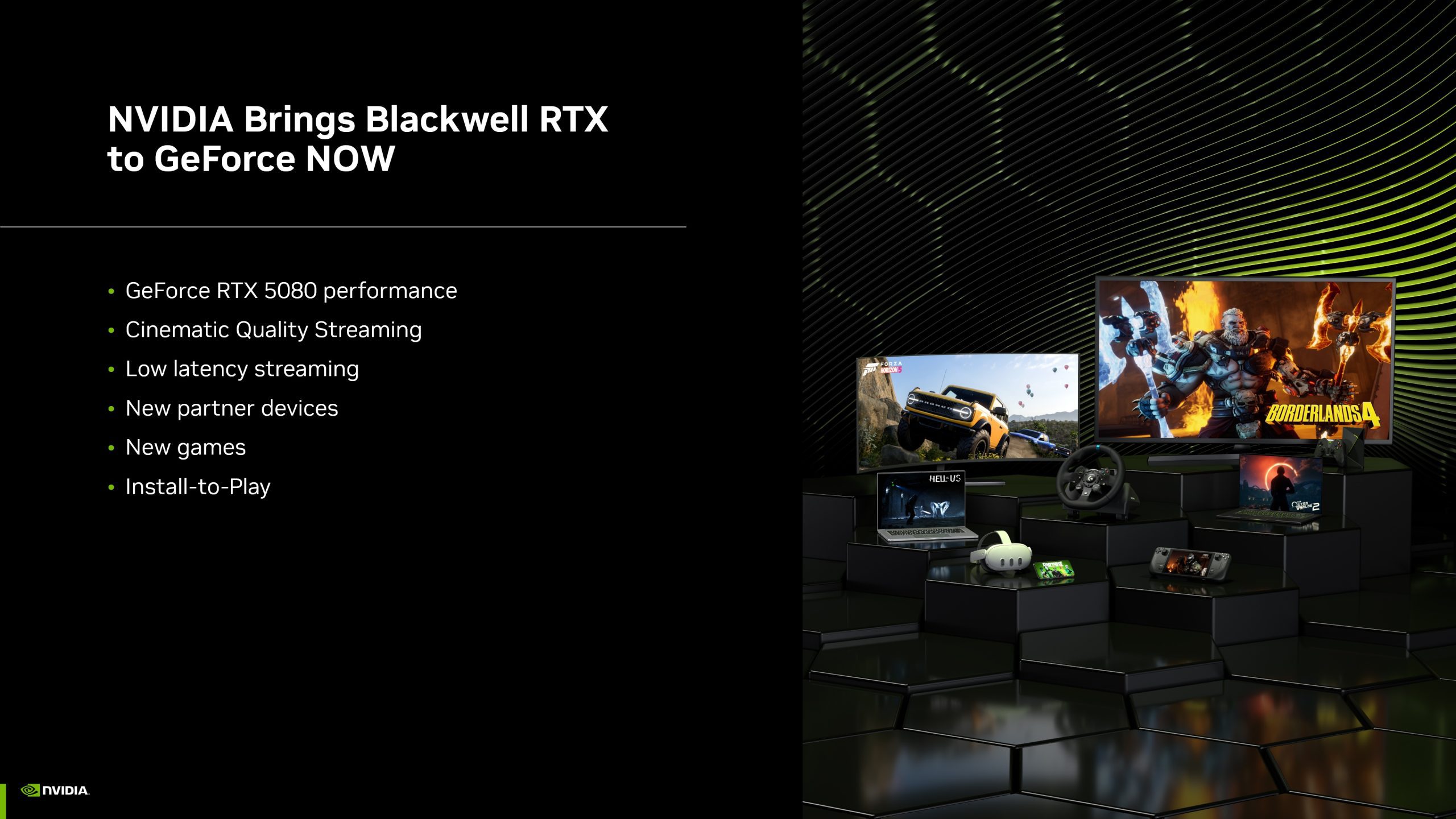
NVIDIA’s October announcement gives the maximum GeForce NOW Dynamic Multi Frame Generation options to Ultimate members streaming on GeForce RTX 5080-powered cloud rigs. It does not say every subscriber or every server can turn on the same 4X control. An Ultimate membership is one requirement; the actual session must also use the qualifying cloud hardware and a supported game.
An Ultimate subscription isn’t the only thing to check. NVIDIA explicitly links the maximum 4X option to RTX 5080-powered cloud rigs and compatible games. If your session uses a different rig or the game lacks the required support, the advertised maximum may not appear.
NVIDIA’s October announcement does not grant Free or Performance members the same 4X option. That maximum is specifically described for Ultimate sessions on RTX 5080-powered rigs. Other memberships may have more limited DLSS controls.
How to check GeForce NOW Dynamic Multi Frame Generation
- Launch the GeForce NOW app on a platform covered by NVIDIA’s DLSS controls announcement: Windows, macOS, Chrome OS or Steam OS.
- Sign in and check that your account has an active Ultimate membership if you want the maximum 4X cloud options.
- Open GeForce NOW Settings and inspect the DLSS controls available in your current app and membership.
- Choose a supported game and check that the relevant DLSS frame generation feature is enabled or supported in the game’s graphics options.
- Test movement and responsiveness in play. If the expected option is absent, check the session’s cloud rig and game support before changing settings on your local PC.
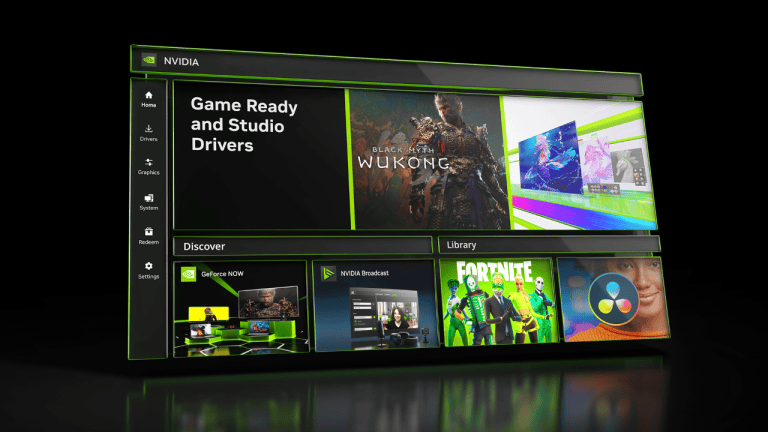
GeForce NOW Dynamic Multi Frame Generation is adjusted through the streaming app, not the Graphics > Program Settings screen of the separate NVIDIA desktop app. You don’t need to install an RTX 50 Series desktop driver to use NVIDIA’s cloud rendering hardware.
Why is GeForce NOW limited to 4X instead of 6X?
NVIDIA’s announcement is explicit about the 4X maximum for RTX 5080-powered Ultimate cloud rigs. By contrast, its separate desktop NVIDIA app supports other Dynamic Multi Frame Generation options for eligible local RTX 50 Series hardware, including 6X technology. GeForce NOW Dynamic Multi Frame Generation remains a distinct cloud feature; the presence of 6X in desktop instructions does not establish a 6X cloud-streaming mode.
GeForce NOW Dynamic Multi Frame Generation also should not be confused with DLSS Super Resolution or Ray Reconstruction. Super Resolution improves rendered image quality through upscaling, while Ray Reconstruction improves eligible ray-traced visuals. Frame generation is about creating intermediate frames for motion. These technologies work on different parts of the image and performance pipeline.
Supported games and devices
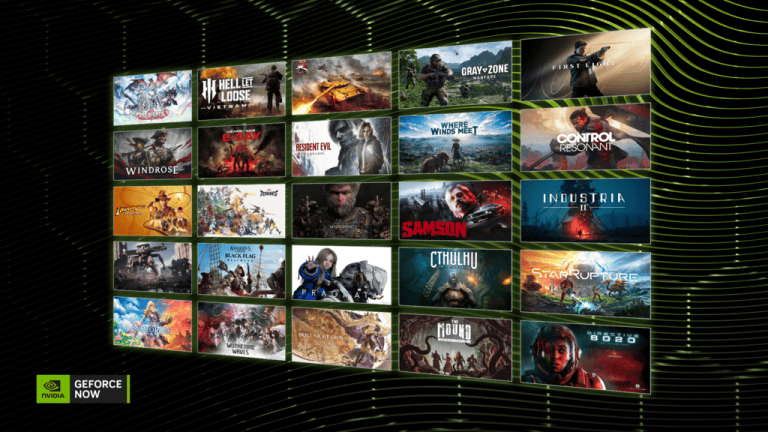
NVIDIA mentions 007 First Light, CONTROL Resonant and Resident Evil Requiem as examples of games that can benefit from its new DLSS 4.5 cloud controls. That’s not a promise that all three games have every feature. Check the individual title’s support before expecting frame generation or Ray Reconstruction.
For GeForce NOW Dynamic Multi Frame Generation, NVIDIA named Windows, macOS, Chrome OS and Steam OS in its October rollout. A phone or TV being able to stream GeForce NOW does not automatically confirm that this particular adjustment panel is available on its app. The 4X setting also does not override a device’s display or decoding limits.
What to do if the 4X option is missing
- Check your membership: the maximum cloud 4X option was announced for Ultimate, not as a universal setting.
- Check the cloud rig: GeForce NOW Dynamic Multi Frame Generation at 4X requires an RTX 5080-powered session.
- Check the game: it needs compatible frame generation support; the cloud service does not give the feature to every title.
- Check your app: use one of NVIDIA’s announced platforms and look in GeForce NOW Settings, not the separate local NVIDIA app.
- Check the stream: a limited display refresh rate or inconsistent network can prevent a smooth visual result even when the setting is supported.
If you want to change sharpness or ray-traced image quality rather than frame generation, our GeForce NOW DLSS 4.5 settings guide covers Super Resolution, Ray Reconstruction and where to find the overrides. Our Cyberpunk 2077 graphics guide is about local PC settings, which have different limits.
Official source: NVIDIA GeForce NOW DLSS 4.5 controls announcement (15 October 2026).