Minecraft RTX Remix Not Working can leave you staring at a black world, a frozen launcher or a game running without the promised lighting. The main checks are straightforward: the correct RTX profile, a compatible driver and NVIDIA’s renderer status command.
Start with the NVIDIA RTX Remix for Minecraft launcher profile, not Latest Release. The beta runs on Java 1.21.1 with Windows 10 or 11 and a GeForce RTX 30 Series or newer. Match your symptom to the fix below, and leave your saved worlds where they are.
Minecraft RTX Remix Not Working: Black Screen or Freeze
The first launch can look frozen before Minecraft opens. NVIDIA’s mod is unpacking the RTX runtime, which takes longer on a hard drive. Let that process finish rather than repeatedly starting another copy of the launcher.
If a world starts dark, flat or only partly drawn, the renderer is compiling shaders. Wait for the scene to finish loading. This is different from a crash: the game is still running, but the initial rendering work has not completed.
Minecraft RTX Remix Not Working: Check /rtx status
Open chat with T and enter /rtx status. Look for Renderer Initialized: true, SDK Available: true and the Enabled (master) setting. If rendering is off, press F8 or enter /rtx on. Use /rtx off to compare the same scene.
If the renderer reports false, open logs\latest.log in the active game folder. Search for Failed to initialize RTX Remix renderer and read the error directly below it. A broken RTX configuration can prevent initialization; the log identifies which file or component needs attention.
Minecraft RTX Remix Not Working: Driver and GPU Fixes
The GeForce minimum driver is 616.92 WHQL. An older driver can make Minecraft close immediately, accompanied by NVIDIA driver is below the minimum supported by RTX Remix; closing Minecraft in the log. Install a current driver using NVIDIA’s official tools and relaunch. RTX Spark instead requires 621.01.
Minecraft RTX Remix Not Working after selecting Latest Release is a profile problem. Choose the specially installed RTX 1.21.1 profile rather than ordinary vanilla Minecraft. The installer also configures Java 21 and Fabric; don’t use an unrelated Java profile.
On laptops, ordinary Minecraft graphics or very low FPS can mean javaw.exe is using integrated graphics. Open Windows Settings → Display → Graphics, assign that Java executable to High performance and restart. Select the Java binary used by your RTX launcher, not a different installation.
Minecraft RTX Remix Not Working with Texture Packs or Other Mods
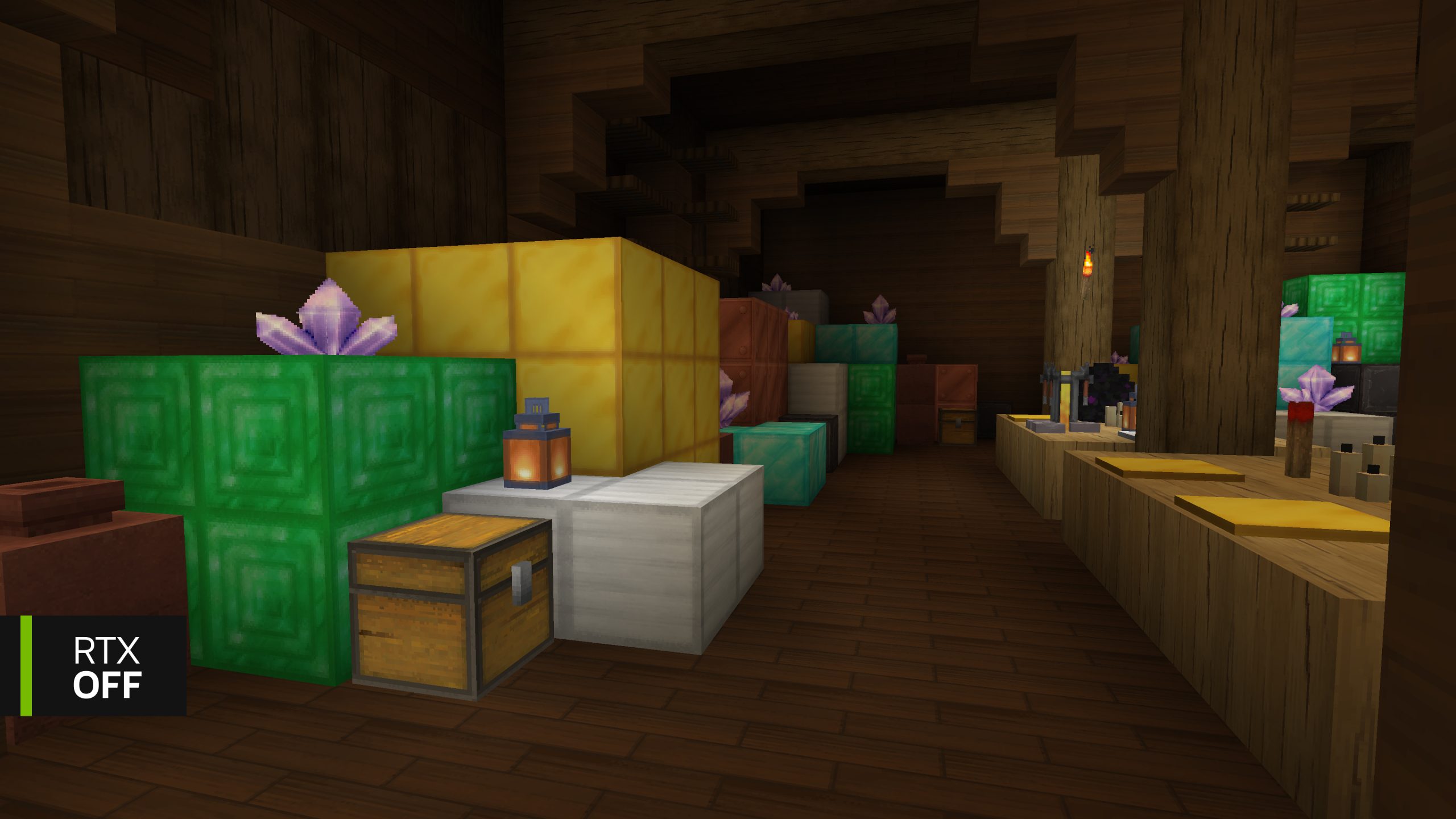
The mod includes basic physically based textures. If blocks look plastic or paper-thin, disable additional packs under Options → Resource Packs and inspect the same blocks again. Another pack can override the built-in material information.
For choppy performance, lower Minecraft render distance or select a less demanding option under Options → RTX Remix Settings → RTX Remix Graphics Settings. The BlockWorks showcase is NVIDIA’s most tested environment, and ordinary worlds may have heavier scenes.
If crashes began after adding Fabric mods, try the RTX instance without them. Rendering replacements and chunk-loading mods can conflict with this beta. Test Iris, Sodium and other graphics mods separately instead of stacking their features.
Minecraft RTX Remix Not Working: Find the Error Log
The official Microsoft Launcher stores the log at %APPDATA%\.minecraft\logs\latest.log. NVIDIA’s portable Prism install uses %LOCALAPPDATA%\RtxRemixMinecraft\PrismLauncher\instances\NVIDIA RTX Remix for Minecraft\.minecraft\logs\latest.log. The runtime also creates rtx-remix\logs\remix-dxvk.log in the game’s folder.
For an unresolved crash, record the exact message, GPU, driver, RTX status output and both relevant logs. Those details are much more useful than deleting a save or reinstalling all of Minecraft. The log usually points to the faulty component, so you can fix the problem without deleting your saves.
Official source: NVIDIA RTX Remix troubleshooting guide.