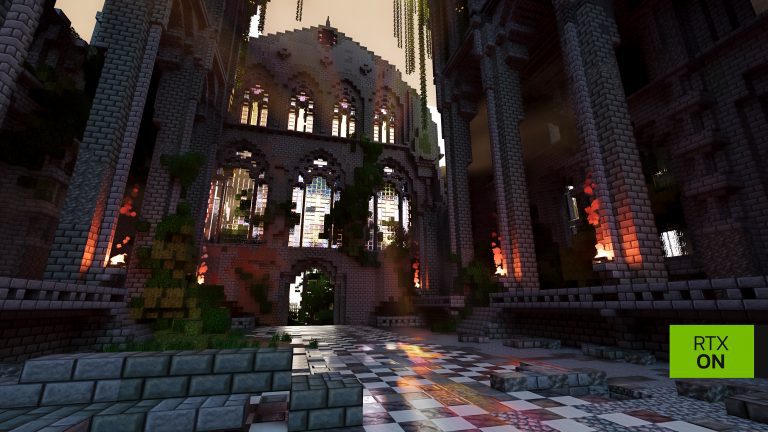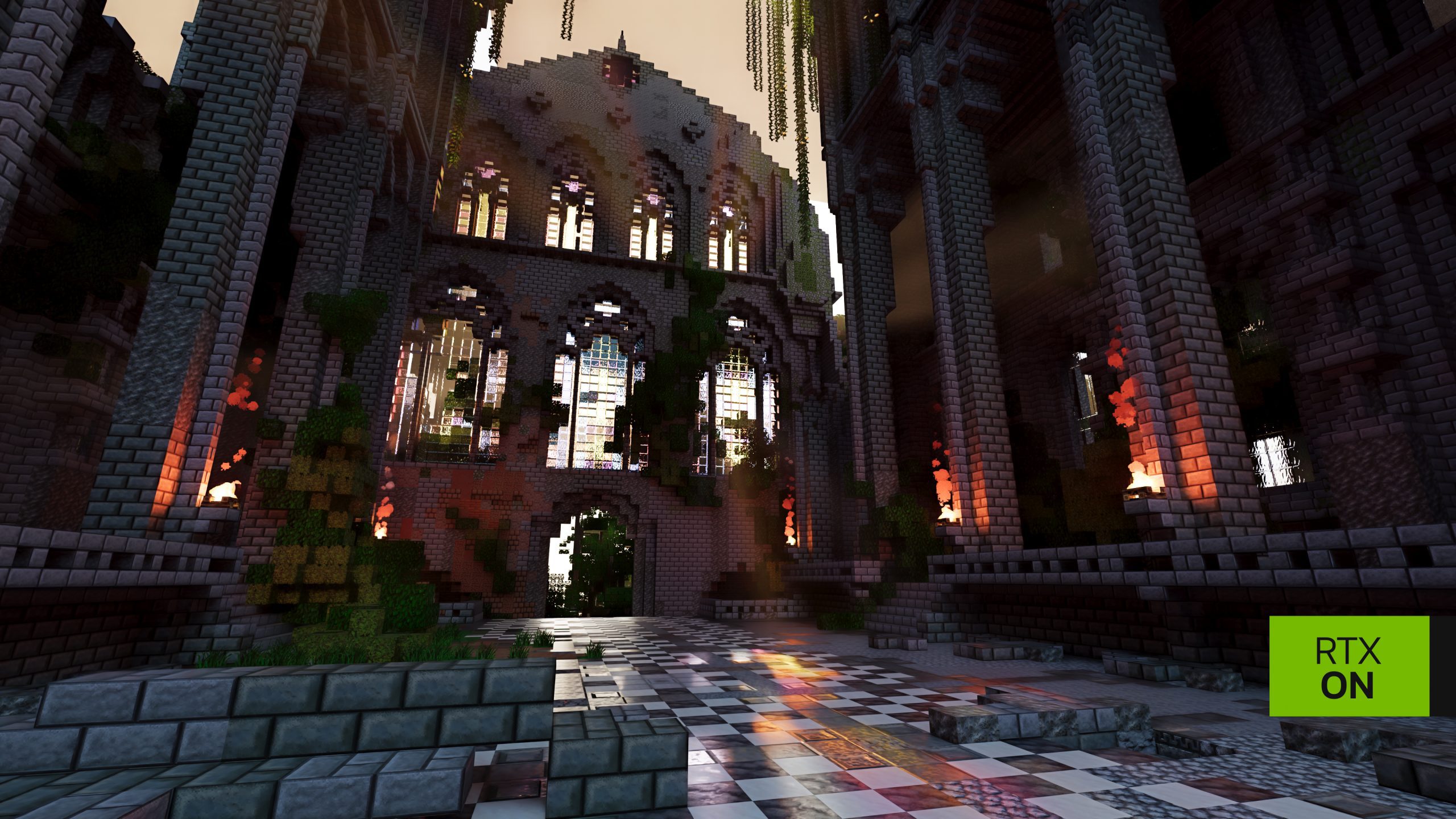
RTX Remix Materials Pack adds detailed high-resolution textures to NVIDIA’s path-tracing mod for Minecraft Java 1.21.1. Created by NVIDIA Lightspeed Studios, it gives blocks the surface information needed for realistic reflections, roughness and other lighting effects.
Download the NVIDIA-linked CurseForge ZIP, place it in the active resourcepacks folder and enable it from Minecraft’s Options menu. Prism and the official launcher have separate folders, so use the one belonging to the RTX profile you’re playing.
RTX Remix Materials Pack Download and Installation
The official NVIDIA announcement links to RTX Remix Materials on CurseForge. Download the ZIP there instead of choosing a similarly named pack from an unknown site. NVIDIA describes it as a high-resolution physically based rendering pack created by its Lightspeed Studios artists.
- Install the NVIDIA RTX Remix for Minecraft beta and launch the correct Java 1.21.1 profile.
- Download the RTX materials ZIP from NVIDIA’s official CurseForge link.
- For the Microsoft Launcher, open
%APPDATA%\.minecraft\resourcepacks\in File Explorer. - Copy the downloaded ZIP into the folder without extracting it.
- Start Minecraft’s RTX profile, open Options → Resource Packs and move the pack into the Selected list.
- Return to a world and allow the renderer to complete any first-use shader compilation.
In Prism, open the RTX instance’s own resourcepacks folder instead of the Microsoft Launcher’s shared directory. A pack left in the wrong folder won’t appear in your Resource Packs list.
Does RTX Remix Materials Pack Need Extracting?
No. Minecraft reads the resource pack as a ZIP. Extracting it into an extra folder can create an incorrect directory layout and make the pack invisible to the game. If it isn’t showing, check that the ZIP sits directly in the current instance’s resourcepacks folder and restart the Resource Packs screen.
The pack must be Selected to apply its textures. Simply downloading it doesn’t change the blocks in your world. Switch to Options, Resource Packs and activate the new entry, then look at a reflective surface under a light to compare the result.
RTX Remix Materials Pack vs Built-In PBR Textures
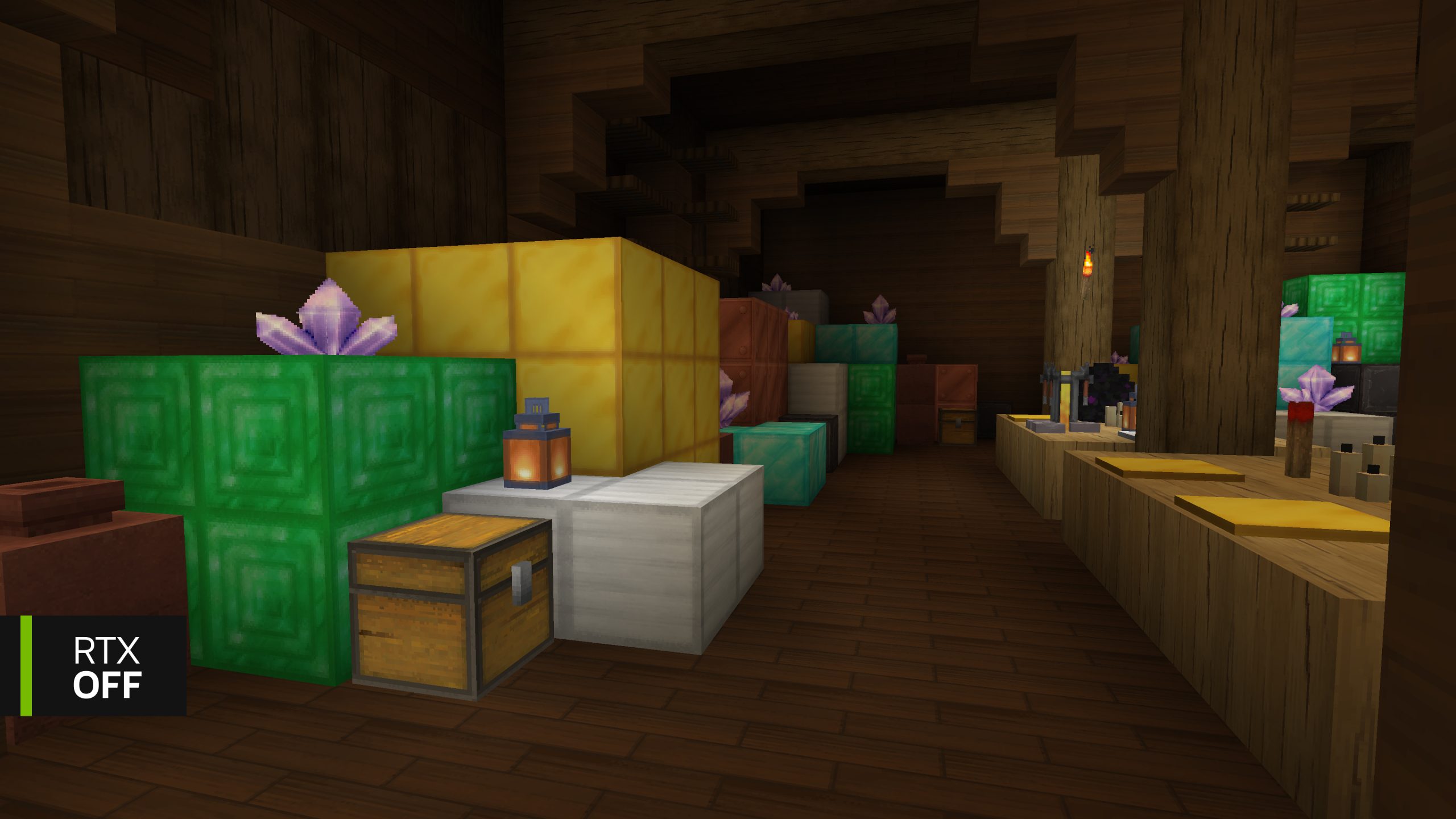
The RTX Remix Materials Pack is optional because the mod already has baseline PBR textures inside its JAR. Path tracing starts without installing any extra artwork.
NVIDIA’s renderer supports lighting effects such as reflections, refraction, more realistic shadows and global illumination. A suitable material pack adds data that lets the renderer distinguish rough, glossy and translucent surfaces. A plain resource pack without the expected PBR material conventions may look flat or produce odd results.
Installing the textures doesn’t change the mod’s requirements. You still need Java Edition 1.21.1, Windows 10/11 and a supported GeForce RTX 30 Series or newer. Bedrock’s ray-tracing resource packs use a different format.
Fix RTX Remix Materials Pack Not Showing or Looking Plastic
If the materials option isn’t on the Selected side, move it there. If the pack itself isn’t listed, check the ZIP location and make sure you used the correct launcher instance. Avoid installing the file into the global game folder when you’re running a separate Prism instance.
If blocks become plastic-looking after adding another resource pack, disable that other pack and compare the same location. Extra packs override the built-in baseline materials, sometimes without supplying the PBR information this renderer expects. Enable one pack at a time to identify which one changes the surfaces.
For the best demonstration, install the optional BlockWorks NVIDIA RTX Demo world too. It was tuned for these lighting and texture effects. The RTX Remix Materials Pack is useful there, but you can still use the RTX mod and compatible PBR packs in your own survival or creative worlds.
Can You Remove RTX Remix Materials Pack?
Yes. Open Options → Resource Packs and move the pack out of Selected. You can then remove its ZIP from the instance’s resourcepacks folder. Removing this optional artwork does not uninstall RTX Remix, delete a world or disable the renderer’s baseline PBR textures.
When comparing texture packs, change one at a time and revisit the same blocks. The renderer works with NVIDIA’s built-in materials even if you remove this optional high-resolution pack.
Official source: NVIDIA RTX Remix for Minecraft materials download guide.