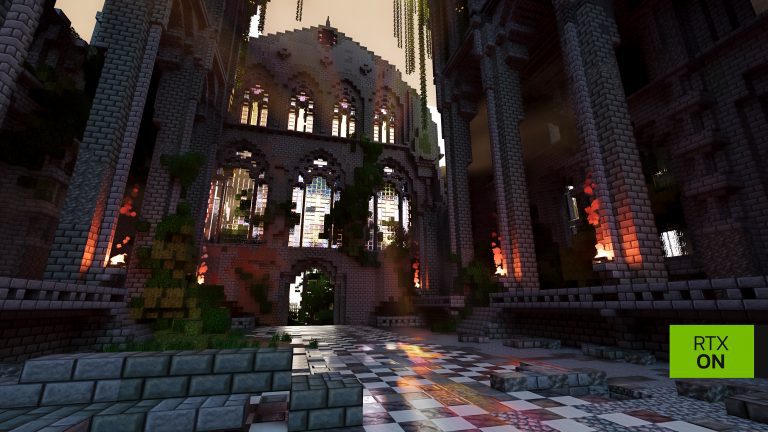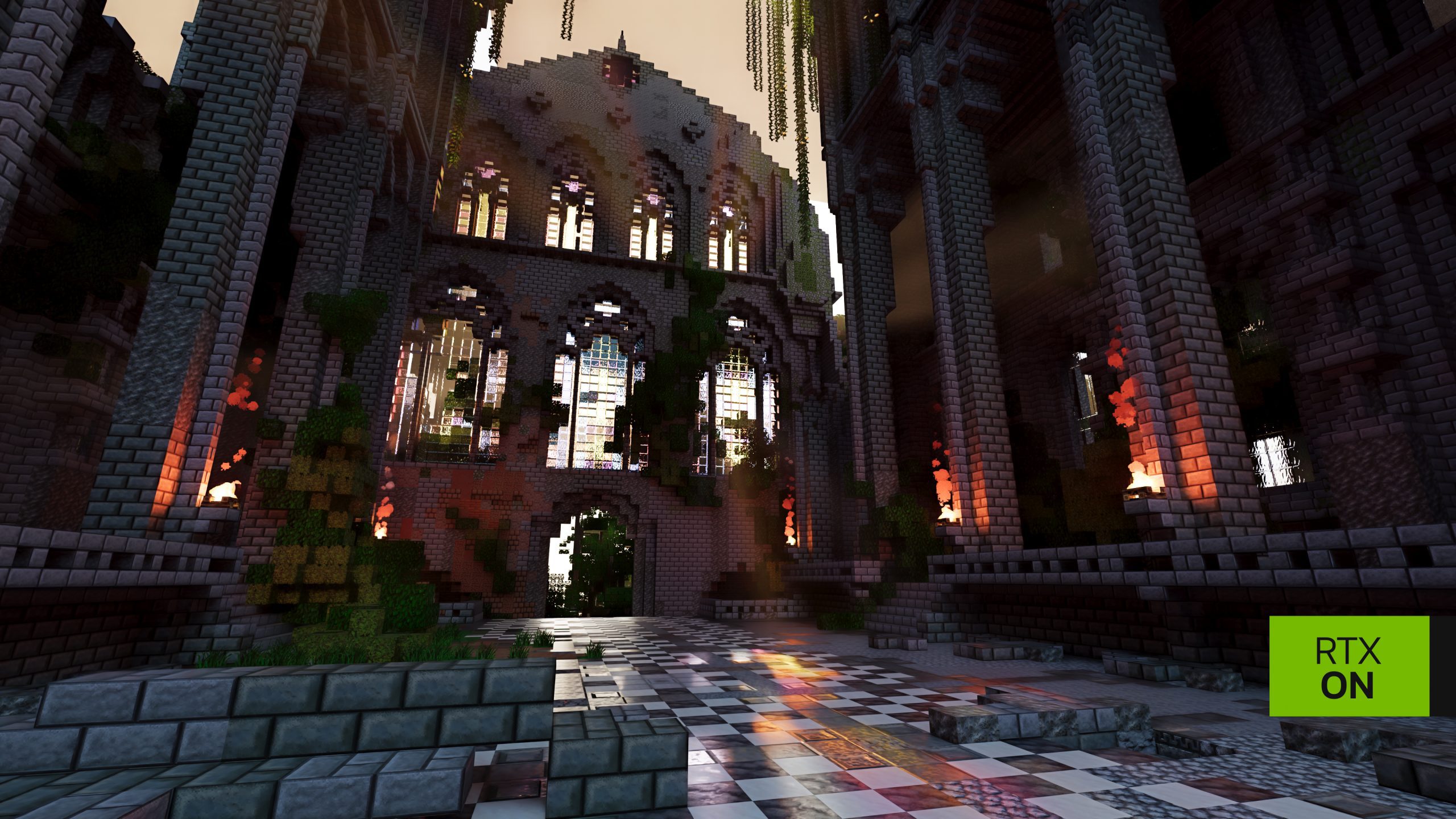
Minecraft RTX Remix is NVIDIA’s free path-tracing mod for Minecraft Java Edition 1.21.1. Its public beta arrived on 23 October 2026 and runs with RTX Remix 1.6, bringing realistic lighting, reflections and improved materials to the blocky world. You need a Windows PC, a supported NVIDIA GPU and a Microsoft account that owns Java Edition.
Start by choosing how you want to play. Prism keeps your RTX installation separate from your normal saves; the official Minecraft Launcher uses the regular game folder. Both work, but that difference matters before you open a favourite world.
Minecraft RTX Remix Download and System Requirements
Visit NVIDIA’s NVIDIAGameWorks/rtx-remix-minecraft GitHub repository and open its Releases page. Download the version 0.1.0 ZIP, named rtx-remix-renderer-0.1.0-202610230634-170197a.zip, and extract the complete contents. This is an open-source NVIDIA Fabric modification, not a graphics feature supplied by Mojang or Microsoft.
Your PC needs Windows 10 or Windows 11 on x64 or ARM64, a GeForce RTX 30 Series or newer and GeForce driver 616.92 WHQL or later. NVIDIA recommends 16 GB RAM, around 5 GB available during installation and an internet connection. Roughly 3 GB remains used afterwards. RTX Spark has its own minimum driver, 621.01.
How to Install Minecraft RTX Remix
- Extract the full release archive into a normal folder; do not run it from inside the ZIP.
- Double-click
install.batas your normal Windows user. Do not choose Run as administrator. - Select Install, then choose Prism Launcher or Microsoft Launcher.
- Allow the script to install Java 21, Fabric, Fabric API and the RTX Remix runtime automatically.
- Open the launcher and sign in with the Microsoft account that owns Minecraft Java Edition.
- Choose NVIDIA RTX Remix for Minecraft in the launcher and start that profile, not the ordinary vanilla one.
For Minecraft RTX Remix, NVIDIA recommends Prism Launcher because it keeps the modified game, settings and saves in their own instance. You can try the new lighting without changing your normal Java profile. If Prism was installed automatically, launch prismlauncher.exe from %LOCALAPPDATA%\RtxRemixMinecraft\PrismLauncher\; there may be no Start menu shortcut. An existing Prism installation can also be used.
The official Minecraft Launcher also works. Sign in to Java Edition, close the launcher, run NVIDIA’s installer and reopen it. Then select the new NVIDIA RTX Remix profile beside Play. This version shares %APPDATA%\.minecraft and the ordinary saves folder. Back up important worlds before opening them through the modified client.
First Launch and Check That RTX Is Enabled
The first Minecraft RTX Remix launch takes longer because it unpacks the renderer before the game window opens. After entering a world, shader compilation can leave the picture black or half-rendered until it finishes. Wait for the scene to settle before changing settings or troubleshooting a crash.
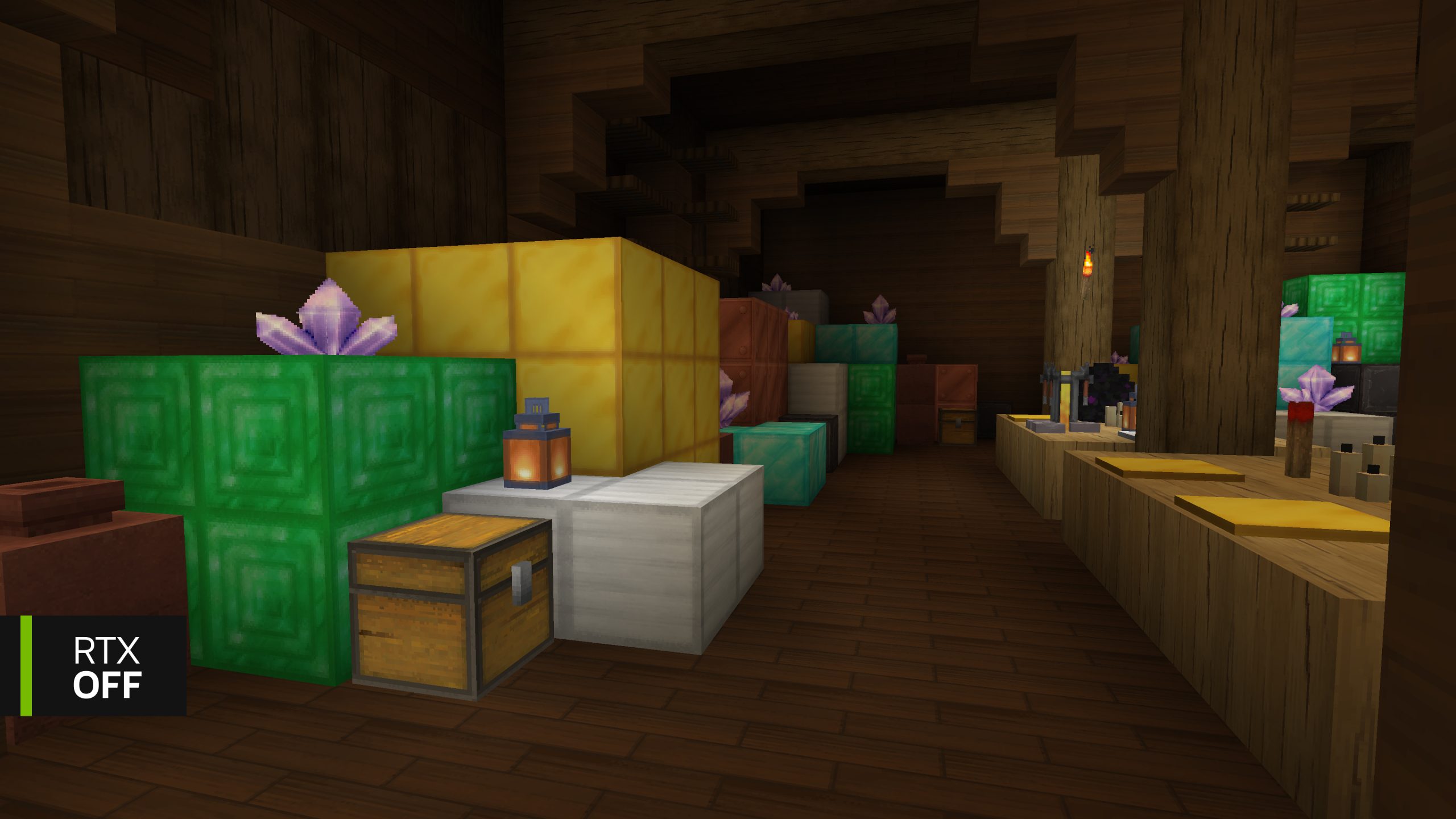
Open the chat box with T, type /rtx status and press Enter. You want Renderer Initialized: true and SDK Available: true. The same output includes Enabled (master). You can press F8 to toggle path tracing or enter /rtx off and /rtx on to compare.
Minecraft RTX Remix Showcase and Materials Pack
The optional BlockWorks NVIDIA RTX Demo world shows off the lighting. Download it from the CurseForge link in NVIDIA’s announcement and extract it into %APPDATA%\.minecraft\saves\NVIDIA RTX Demo for the Microsoft launcher. Then choose it from Singleplayer. Prism users should use their RTX instance’s own saves folder.
NVIDIA’s separate RTX Materials Pack adds high-resolution physically based textures. Put the downloaded ZIP, without unpacking it, into the active instance’s resourcepacks folder. Open Options → Resource Packs and move it to Selected. The mod already includes basic PBR materials, so the pack and showcase world are both optional.
Minecraft RTX Remix Graphics Settings and Fixes
Use Options → RTX Remix Settings to control render distance, lighting, materials and sky. The RTX Remix Graphics Settings button opens the runtime’s graphics quality choices. Alt+X opens the more technical runtime menu; it isn’t the standard Minecraft graphics screen.
If Minecraft RTX Remix fails to start, first check your driver, the selected RTX profile and whether Java 21 was installed by the setup. For Renderer Initialized: false, open the active game folder’s logs\latest.log and check the error. A laptop launching on integrated graphics can be fixed through Windows Settings → Display → Graphics by selecting High performance for javaw.exe.
Minecraft RTX Remix also works with compatible Java 1.21.1 worlds, not just NVIDIA’s showcase. Make a copy of a valuable save before opening it in the beta, especially when other rendering mods are installed. Bedrock ray tracing and Vibrant Visuals use different graphics systems.
Official source: NVIDIA RTX Remix for Minecraft playing guide.