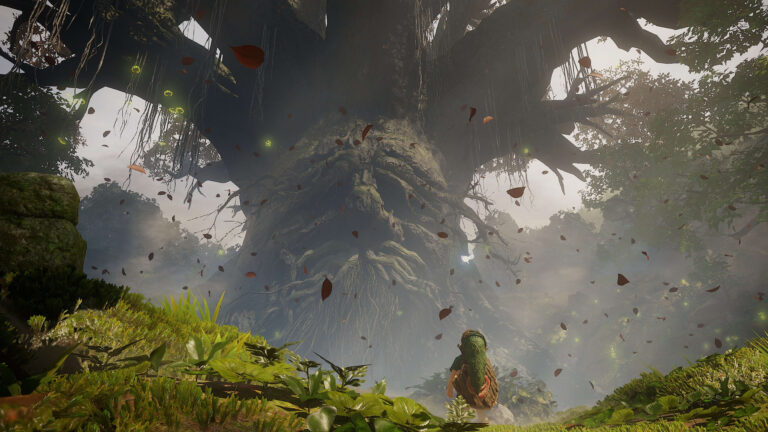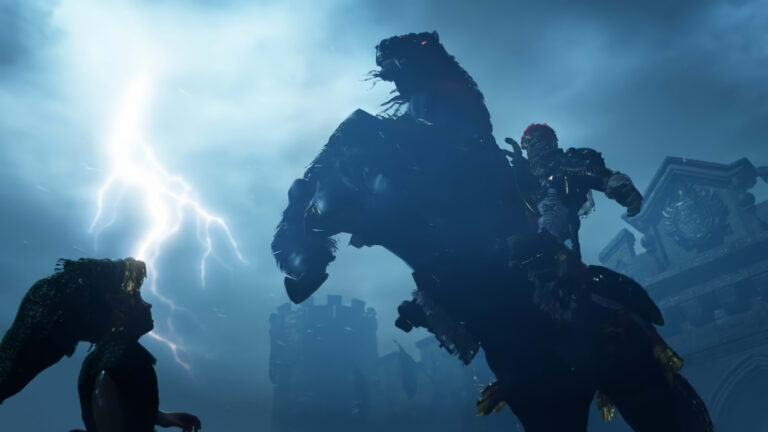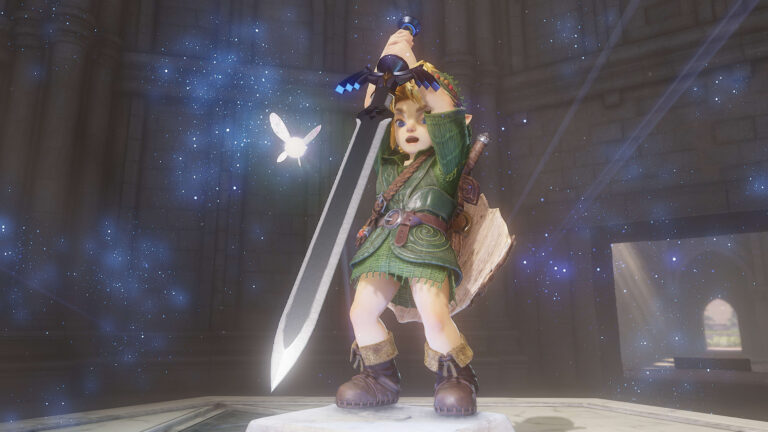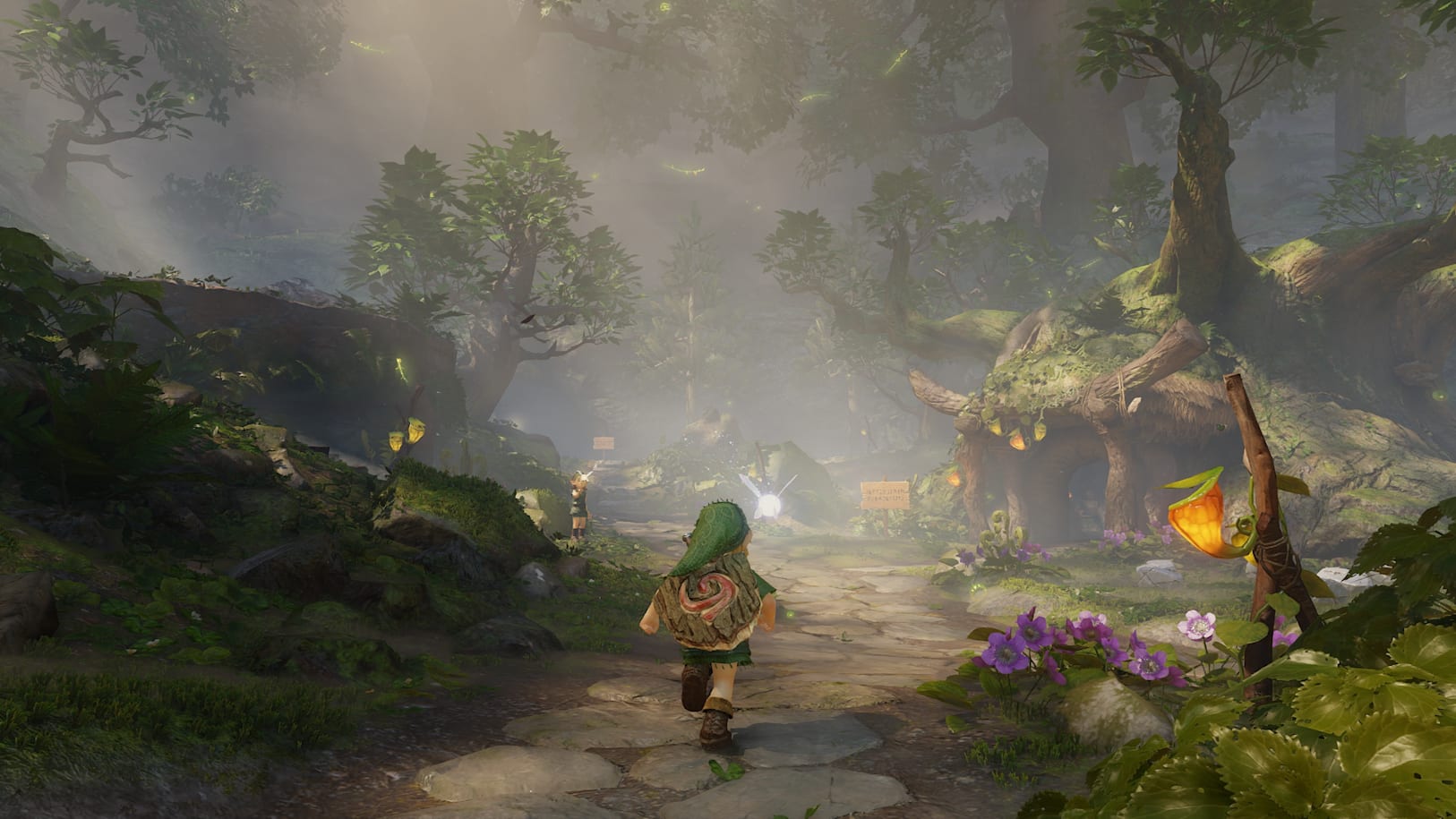
Ocarina of Time Switch 2 update 1.1.1 is Nintendo’s November 4, 2026 launch update for the standalone Ocarina of Time remake. It adds support for ZELDA NOTES through the Nintendo Switch App and includes unspecified gameplay fixes. Nintendo says the update is required to use the game’s internet features, so it’s worth installing before trying to connect the companion app.
Nintendo released the patch on 4 November, ahead of the game’s 5 November launch. It doesn’t name any individual bugs or promise better frame rates, so treat claims about specific performance fixes with caution. Installing Ocarina of Time Switch 2 update 1.1.1 also leaves your existing save data intact.
Ocarina of Time Switch 2 update 1.1.1: official changes
Nintendo’s official changelog has two points: ZELDA NOTES support is now included, and several unspecified issues were fixed to improve gameplay. That’s all Nintendo has confirmed for version 1.1.1.
- ZELDA NOTES support: the game can now connect to the companion features in the Nintendo Switch App after setup.
- General fixes: Nintendo says several gameplay issues were addressed, but does not identify affected quests, crashes or graphical bugs.
- Internet features: version 1.1.1 is required to use the game’s internet-connected functionality.
- Save data: updating leaves your existing saved progress available.
There is no official list of repaired dungeon puzzles, crashes or changes to combat. If you’ve seen a claim that this patch fixes a particular problem, it hasn’t been identified in Nintendo’s published notes.
How to download Ocarina of Time Switch 2 update 1.1.1
You can install the update manually using Nintendo’s own instructions. The console must be connected to the internet and have sufficient free storage to download and install the patch.
- On Nintendo Switch 2, return to the HOME Menu.
- Highlight the The Legend of Zelda: Ocarina of Time game icon without launching it.
- Press the + or – button on your controller to open the software options.
- Select Software Update.
- Choose Over the Internet and let the console finish installing the download.
- Check the version displayed beneath the software title in the options menu. Nintendo lists Ver. 1.1.1 for the November 4 update.
If your Switch 2 has automatic software updates enabled, the patch can download on its own when the console is online. You can check the installed version from the game’s HOME Menu options rather than guessing whether it has finished.
How to use ZELDA NOTES after Ocarina of Time Switch 2 update 1.1.1
After installing the Ocarina of Time Switch 2 update 1.1.1, start the game and follow the setup instructions Nintendo displays on launch. You’ll also need the Nintendo Switch App on a compatible smartphone, signed into the Nintendo Account associated with your Switch 2 user profile.
ZELDA NOTES is part of that phone app, not a separate paid game download. For the Ocarina remake, Nintendo has announced features such as Today’s Record, Gossip Quest, Play Ocarina and the Ocarina of Time Quiz. You won’t see the Breath of the Wild navigation map or Tears of the Kingdom Autobuild Sharing simply because both games use the ZELDA NOTES name.
The Ocarina of Time Switch 2 update 1.1.1 enables the game-side connection, but the phone and console still need the correct account and an internet connection for the online functionality. A paid Nintendo Switch Online membership is not required to use ZELDA NOTES itself.
Why isn’t Ocarina of Time Switch 2 update 1.1.1 appearing?
On the HOME Menu, highlight the game and press + or – to view its current version. If you see 1.1.1 or a later release, the November 4 update is included. Otherwise, confirm your internet connection, try Software Update then Over the Internet, and check that there’s enough free storage.
Don’t confuse this with an update for the Nintendo 64 game in Nintendo Switch Online + Expansion Pack. The Ocarina of Time Switch 2 update 1.1.1 is for the standalone Switch 2 remake, which launched on November 5. The Nintendo Classics release is a different product.
Will Ocarina of Time Switch 2 update 1.1.1 delete saves or require a subscription?
Nintendo explicitly says your save data remains available after installing this update. That means the patch doesn’t require you to start a new adventure. Your existing data still belongs to the Switch 2 user who created it, and the game normally saves its progress to the console’s internal storage.
The required software update and the smartphone service serve different purposes. You can play the single-player adventure without buying Nintendo Switch Online, while ZELDA NOTES requires connecting the game and app as instructed. The membership question is separate from whether you’ve installed the latest game software.
You can play the single-player adventure offline, but ZELDA NOTES needs the game update and its companion-app setup. If the phone app isn’t recognising the game, start by checking the installed software version and the Nintendo Account signed in on both devices.
Related Guides
Official source: Nintendo Support’s Ocarina of Time software update instructions and version 1.1.1 notes.