
Ocarina of Time Switch 2 controls give players direct camera movement with the Right Stick, replacing one of the biggest limitations of the Nintendo 64 original. You can look around remodeled locations more freely instead of relying almost entirely on fixed framing and targeting to orient the view.
That camera change is paired with revised movement so Link feels less constrained by a control scheme designed around a single analogue stick.
| Camera | Right Stick control |
|---|---|
| Movement | New dash ability |
| Jumping | Dedicated button command |
| Aiming | Motion controls supported for tools such as slingshot and bow |
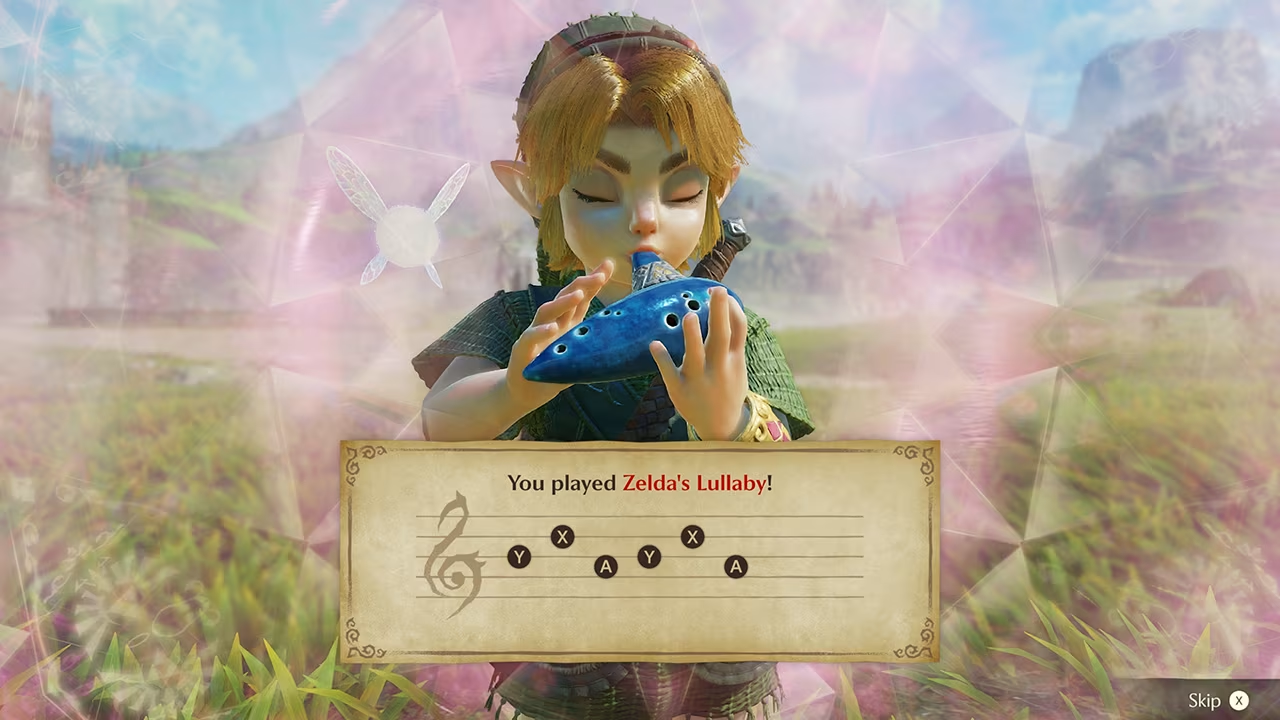
| Ocarina | Button notes or microphone humming |
Ocarina of Time Switch 2 controls: how movement and aiming changed
Dash and jump now have direct inputs
The Ocarina of Time Switch 2 controls include a new dash for covering long distances on foot and a button command that lets Link jump over gaps and obstacles. The original game famously used contextual jumping rather than a dedicated jump button.
These additions should make traversal more predictable for players coming from modern action-adventure games while still preserving the structure of Ocarina of Time’s world and puzzles.
Motion aiming is supported
Nintendo says slingshots, bows and other aiming tools can use motion controls for precision. That gives players a gyro-style option in addition to the remake’s revised stick controls.
Ocarina of Time Switch 2 controls therefore combine traditional buttons and sticks with motion input rather than forcing one method for every action. Nintendo has not said that all movement is motion controlled.
How do ocarina songs work?
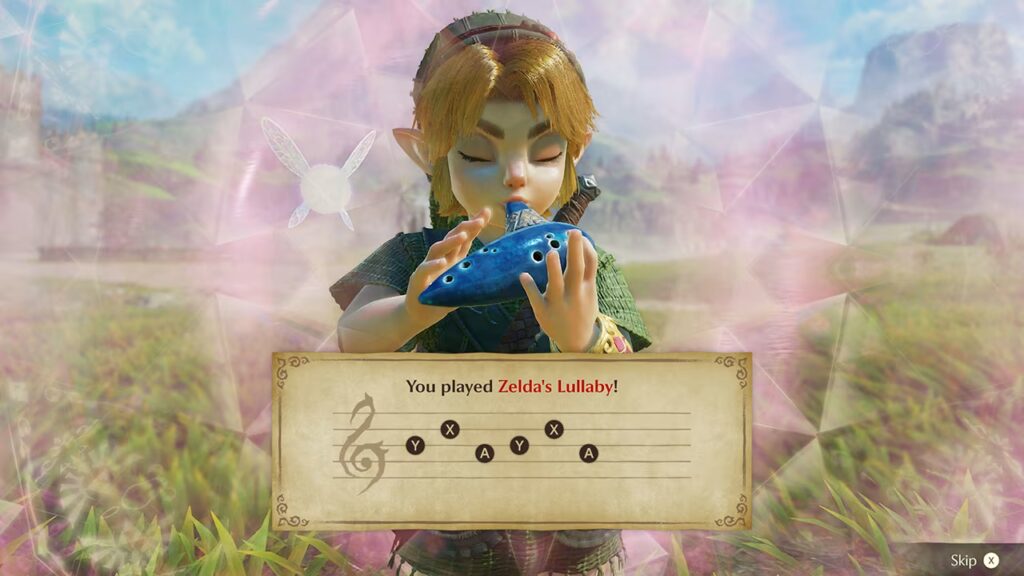
Learned melodies can still be played through button controls, so you do not need to sing or own a real instrument. The Switch 2 microphone adds an alternative: hum a song Link has learned and the game can recognise it and have him perform the melody.
The Ocarina of Time Switch 2 controls also respond to compatible real-world instruments, including Nintendo’s announced playable and HORI electric ocarinas. That is an input novelty, not a replacement for the normal controller method.
Why the control rebuild matters
The Nintendo 64 version was designed around its era’s controller, C buttons and Z-targeting. A simple button remap would leave many of those assumptions intact. Nintendo instead says movement and controls have been reworked for the remake.
With free camera movement, direct jumping, dashing and optional motion aiming, Ocarina of Time Switch 2 controls are one of the clearest signs that this is a genuine remake rather than a visual remaster.
Item handling has been designed around faster switching
Ocarina of Time Switch 2 controls also improve how weapons and items are handled. Nintendo says equipment can be swapped conveniently on the fly, which matters in dungeons that regularly ask Link to move between tools rather than stay with one combat loadout.
The Ocarina of Time Switch 2 controls keep the logic of the old adventure while making common actions more direct. Camera movement, traversal, ranged aiming and song input all have modern alternatives, so returning players should spend less time fighting 1998-era hardware assumptions.
The remake still keeps multiple input styles
The control overhaul is not forcing every modern feature at once. Button input remains available for ocarina melodies, stick control remains central to movement and camera handling, and motion is used where precision aiming benefits from it. That mix makes Ocarina of Time Switch 2 controls more flexible than a one-method redesign.
For returning players, the important point is choice: familiar actions survive, but Switch 2 gives Nintendo better ways to map them onto current hardware.
Nintendo also says actions feel snappier overall, which should make the revised inputs matter beyond a control diagram. A faster-feeling dodge, item swap or camera correction can change the rhythm of exploration and combat even when the underlying encounter is familiar. That is why the control work belongs beside the visual rebuild when describing what is genuinely new.
For the official product information behind these details, see Nintendo.





