
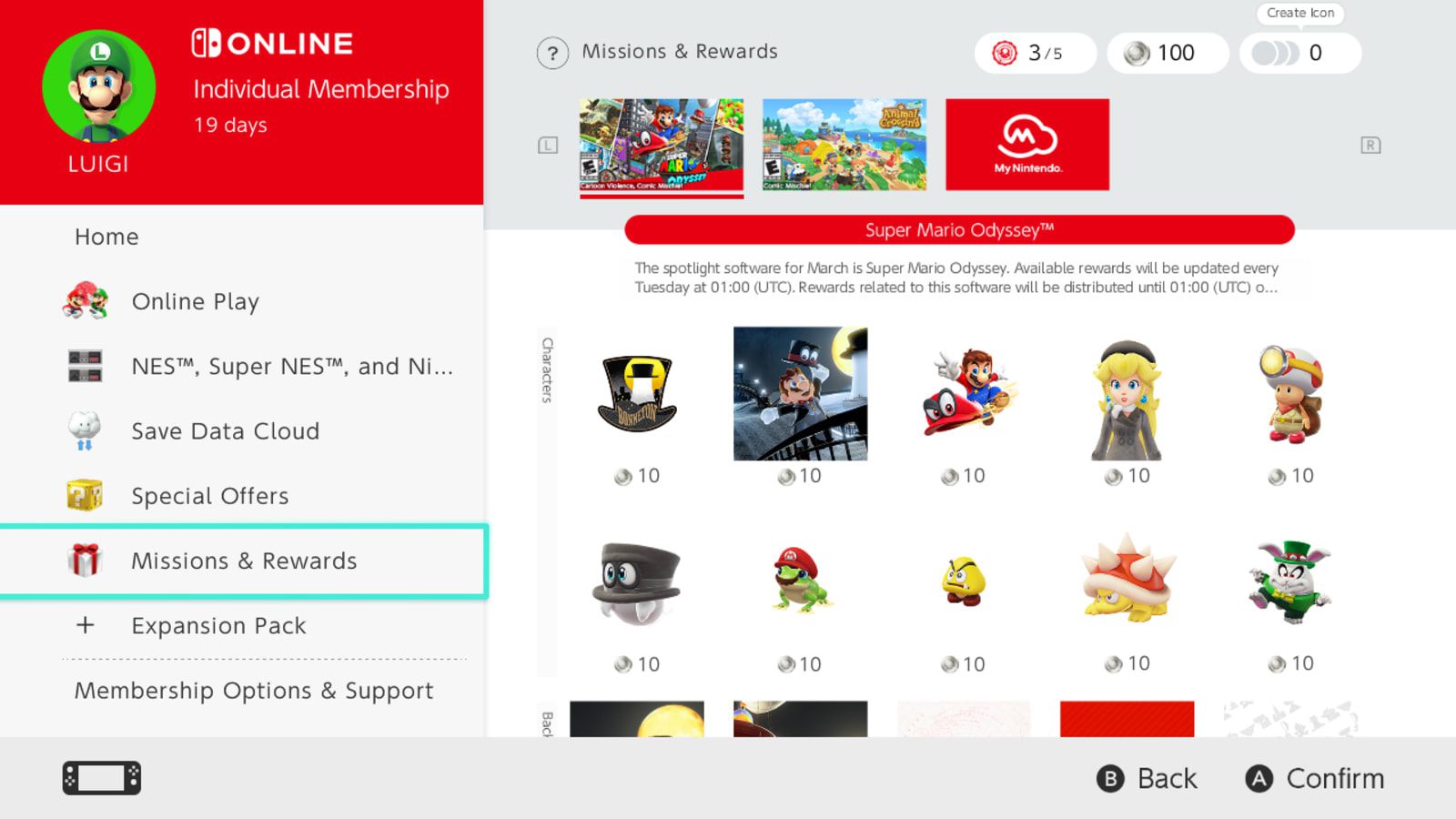
Nintendo Switch 2 bundle 90-day Online code is the included three-month Nintendo Switch Online Individual membership voucher in the October 2026 Mario Kart World and Sports Resort console packages. Redeem it in Nintendo eShop with the account that needs membership, then choose whether you want automatic renewal switched on.
This code is separate from the full-game download code. It adds 90 days of the standard Individual service, not an extra game or an Expansion Pack upgrade. If you already subscribe, check your current membership type before redeeming: an Individual, Family and Expansion Pack membership aren’t interchangeable.
How to redeem the Nintendo Switch 2 bundle 90-day Online code
- From the Switch 2 HOME Menu, open Nintendo eShop.
- Choose the Nintendo Account that should receive the membership.
- Select Nintendo Switch Online from the left menu, then Change Membership.
- Scroll to Redeem Code, choose Enter and type the 16-character membership code.
- Review the terms, confirm and choose whether to activate automatic renewal.
- If enabling renewal, select a payment method when Nintendo prompts you.
You can also enter the 16-character code through Nintendo eShop’s general Redeem Code option. Whichever route you choose, check the account selected before confirming. The Individual membership applies to that Nintendo Account, rather than automatically covering every profile on the console.
Your Nintendo Switch 2 bundle 90-day Online code is included in the console purchase. The game has its own download code, so check the inserts separately and keep them somewhere safe until you’ve used both. You don’t need to purchase another membership card to activate the included three months.
Does the Nintendo Switch 2 bundle 90-day Online code stack with an existing subscription?
Yes, if you already have the same standard Individual membership. Nintendo says another Individual code adds its duration to your remaining time, up to a maximum of three years. If you have time left on that plan, the extra 90 days extend the end date instead of starting a parallel Individual subscription.
Different plans don’t stack the same way. Nintendo says somebody already covered by a Family membership cannot redeem an Individual membership code on that account. With different types, including Expansion Pack, redemption can fail or memberships may run at the same time. Check your existing plan rather than assuming the 90 days will be added on top of it.
Both the new Mario Kart World console package and the Sports Resort package contain the standard individual code. The Nintendo Switch 2 bundle 90-day Online code doesn’t upgrade you to Expansion Pack, which provides additional benefits beyond the base membership.
Does the Nintendo Switch 2 bundle 90-day Online code renew automatically?
Automatic renewal is optional. Nintendo asks you to choose during the code redemption process. If you enable it, you’ll select a supported payment method, but Nintendo doesn’t charge you immediately just for turning on renewal with a prepaid code. Future renewal charges can apply once the prepaid membership ends.
If you don’t want ongoing charges after the prepaid period, leave automatic renewal off or manage the setting through your Nintendo Account. That is worth checking after redeeming the code, particularly when you have previously changed your membership plan.
Where can you check the membership expiry date?
To check that redemption worked, open the Nintendo Switch Online application on your console and look at the membership details for the account that used the code. You can also inspect Nintendo eShop Account Information. The important thing is that you’re viewing the same Nintendo Account that redeemed the voucher.
You can also sign into the Nintendo Account website and view your valid memberships there. Check that account rather than assuming the membership begins when the console was first purchased or that every user’s separate account now has a paid subscription.
Is the Nintendo Switch 2 bundle 90-day Online code the same as a Nintendo Switch Game Voucher?
No. The membership voucher isn’t a Nintendo Switch Game Voucher and doesn’t allow you to choose another free game. The Mario Kart World or Sports Resort download is a separate, full digital game. That entitlement doesn’t disappear when the 90-day membership ends.
Online multiplayer and other subscribed services need an active membership where Nintendo specifies one. The digital game you’ve registered to your account remains yours after the original 90-day period ends, although subscribed online modes may no longer work until you renew.
What if the Nintendo Switch 2 bundle 90-day Online code is missing or rejected?
If the voucher isn’t in the box, check the inserts, proof of purchase and retailer emails before contacting the seller. If the code is rejected, check for a typing mistake, a region mismatch or a conflict with your existing membership. Nintendo’s error message will help identify which of these applies.
If a code has already been used, check whether the account you’re signed into shows the membership. Otherwise, contact Nintendo Support or the retailer with the relevant proof of purchase. Keep the code private: posting a photo of it publicly risks somebody else redeeming it first.
Use the Nintendo Switch 2 bundle 90-day Online code on the account that will actually use the service, decide on automatic renewal and check the expiry date after redemption. That gives you the intended three months of individual Online benefits without confusing the membership with the separately included game.
Related Guides
Official source: Nintendo UK: Purchase or extend a Nintendo Switch Online membership.





