
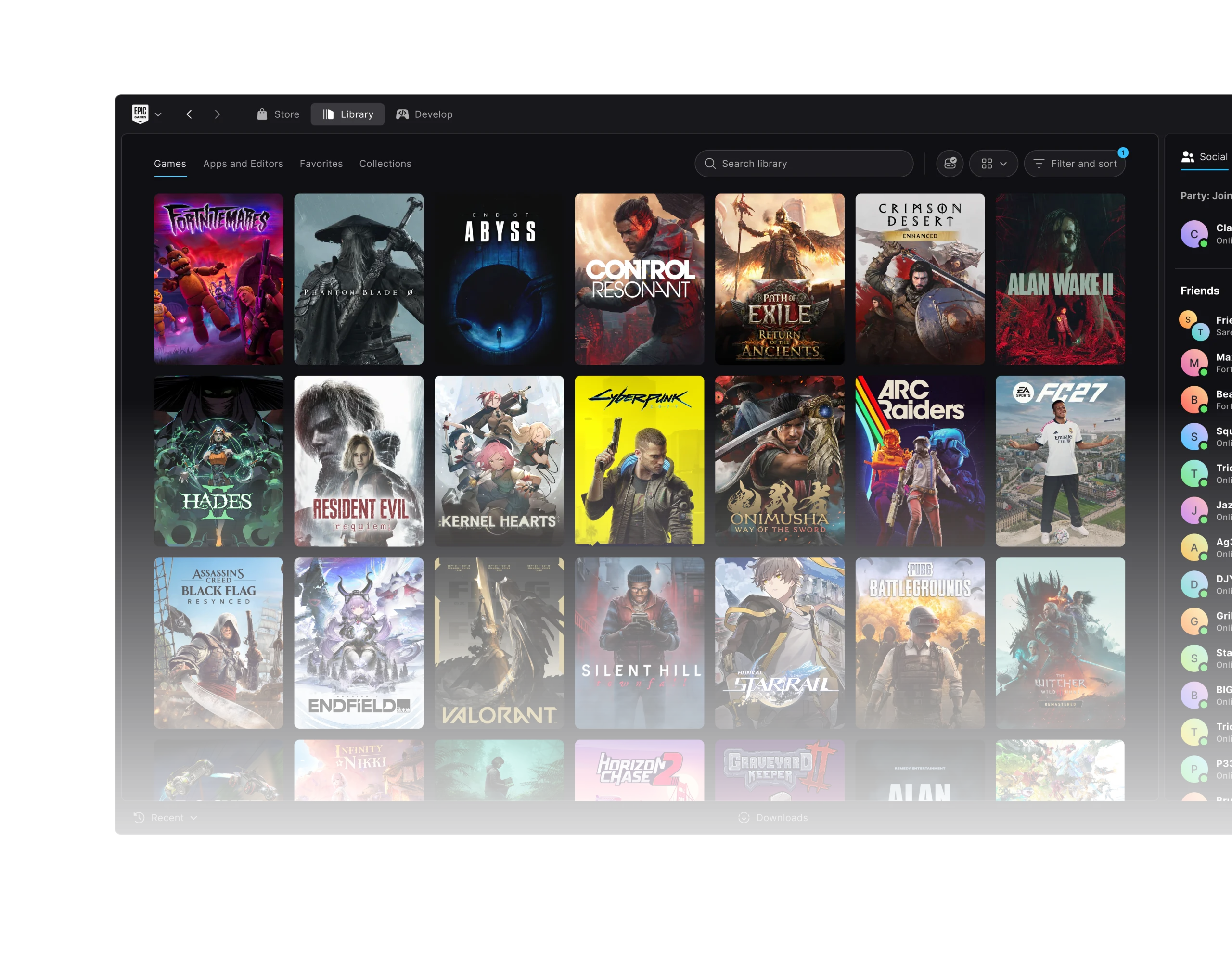
Epic Games Launcher Linux is available through Epic’s rebuilt Launcher Preview, which launched on 14 October 2026. Linux users can install the official x64 client as an AppImage or .deb package, sign into their existing Epic account and browse their games without running the Windows launcher through Wine.
The client is still in Preview, and Epic has been releasing fixes almost daily. Version 0.106.0 on 29 October addressed a locked-keyring problem that could prevent startup or sign users out. The launcher itself works natively on Linux, although individual games still have their own compatibility requirements.
How to download Epic Games Launcher Linux
Download the native Linux version from launcher.epicgames.com. Epic offers both an AppImage and a .deb package for x64 machines. The first is a standalone application; the second uses a compatible distribution’s package installer.
- Open Epic’s official Launcher Preview website on your Linux computer.
- Choose the Linux x64 installer in AppImage or .deb format.
- For AppImage, give the downloaded file executable permission using your file manager or your distribution’s standard procedure.
- For .deb, open the downloaded package with your distribution’s supported package installer.
- Launch the application, sign into your Epic Games account and open the Library.
For an AppImage, you may need to enable executable permission in your file manager before opening it. The wording varies between desktop environments. If you choose a .deb, install it using the supported package tool for your distribution.
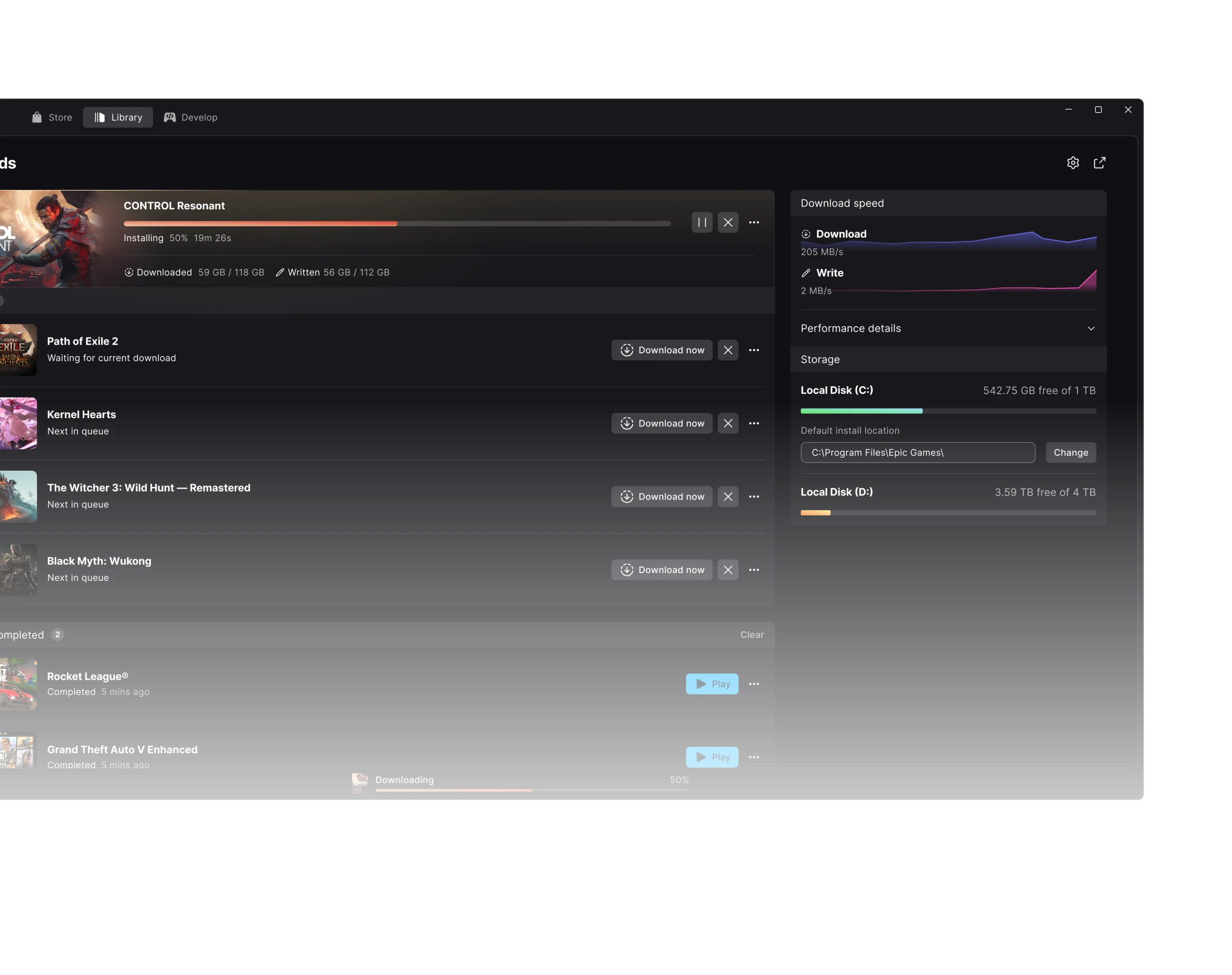
Once you’re signed in, the new Library and download manager let you browse your titles and manage installations. Some features from the old launcher haven’t been added yet, so the Send Feedback option is useful if you find a problem.
Epic Games Launcher Linux supported distros
Epic lists Ubuntu 22.04 LTS or newer, Fedora 43 or newer, and Debian 12 or newer as supported for the Linux Preview. Other distributions may run the application, but Epic hasn’t tested or officially supported them.
| Linux distribution | Epic’s officially supported version |
|---|---|
| Ubuntu | 22.04 LTS or newer |
| Fedora | 43 or newer |
| Debian | 12 or newer |
The distro list covers the Epic Games Launcher Linux application, not every game in your account. A game might only have a Windows version, or its anti-cheat may not support Linux even though the launcher opens correctly.
Epic Games Launcher Linux keyring error: Preview 0.106.0 fix
In Preview 0.106.0, Epic fixed a bug where a locked Linux system keyring could stop the client starting or unexpectedly sign a player out. Update to that build or newer before trying other sign-in troubleshooting.
The same release repaired an ignored Linux chat-notification setting. A day earlier, 0.105.0 allowed locally installed Unreal Engine versions to open from the Linux launcher. Our keyring guide has the related startup and login steps.
Don’t delete keyring files or disable their password protection to work around the old bug. Updating the launcher is the supported fix; Epic Support can investigate if the error continues.
Epic Games Launcher Linux requirements and AppImage permissions
Epic’s stated Linux minimums are a 64-bit x86-64 dual-core CPU at 2GHz or newer, 4GB RAM and 2GB free storage. Those are launcher requirements, not the hardware specifications needed for every game you install.
If the AppImage won’t start, confirm it’s the Linux x64 build and that the file has execute permission. Use your distribution’s own package guidance for any additional compatibility requirements rather than applying unrelated terminal commands.
Can you use Epic Games Launcher Linux for Fortnite?
Not yet. Epic says it is rebuilding Easy Anti-Cheat and working with Linux distribution maintainers before bringing Fortnite to the platform. The new launcher being available doesn’t mean Fortnite is playable on Linux or SteamOS today.
See our Fortnite Linux coverage for the separate anti-cheat plans. There’s no reason to weaken system security settings just because a game’s Linux support hasn’t arrived.
Unreal Engine projects and Epic Games Launcher Linux migration
If the legacy launcher is detected, Preview offers to migrate installed games, applications and Unreal Engine projects. Epic says correctly transferred games don’t need to be downloaded again, and it removes the legacy launcher after migration.
Read our migration guide before switching clients. Back up important local project files and saves separately so you don’t rely on the launcher transfer as your only copy.
What if your Epic library is empty on Linux?
The October releases fixed several Library issues. 0.105.0 corrected incomplete game lists after interrupted scans, 0.106.0 improved images loading on slow connections and 0.108.0 fixed arrow-key navigation making the Library unresponsive.
Preview can also scan the files already installed on your computer. Go to Epic Games icon → Settings → Library → Scan for installed games and let it finish. Our Library troubleshooting guide explains what to do if games are still absent.
Is the Linux Preview the final Epic launcher?
No. Epic is still adding features and fixing issues. The legacy client remains available, but changing back means uninstalling Preview. Epic’s FAQ warns that this can delete game installations; version 0.100.0 added an option to keep games. See our safe rollback guide before switching.
For now, the Epic Games Launcher Linux Preview is the official native client. Choose the right package, install current fixes and check each game for Linux support before downloading it.
Official source: Epic Games Launcher official release notes, including Linux versions 0.105.0 and 0.106.0.





