
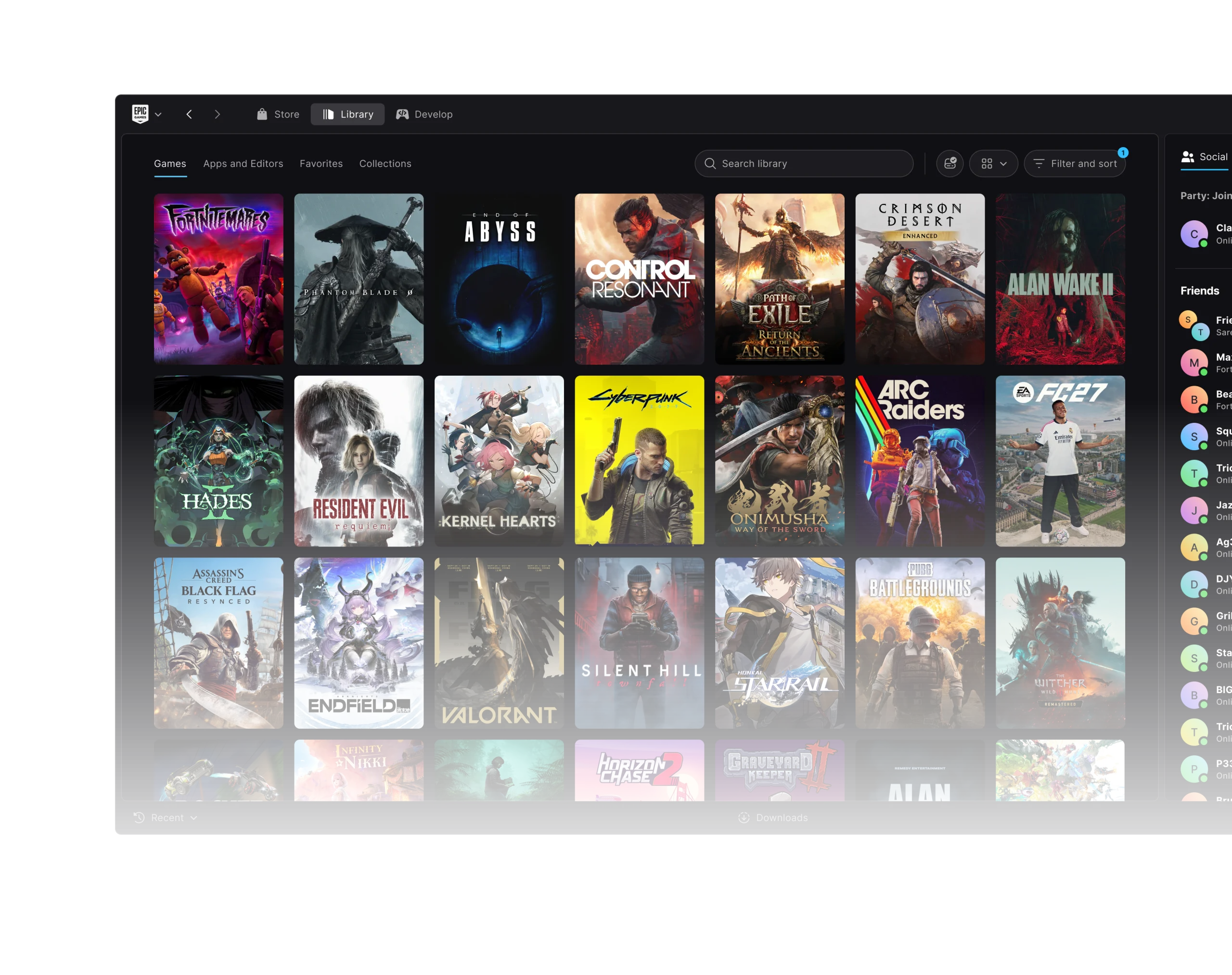
Epic Games Launcher Preview 0.108.0 was released on 30 October 2026 with four bug fixes. The update sorts out a Library filter overlay, restores a missing Social Panel, prevents duplicate installation attempts and fixes a Library list that could stop responding when an arrow key was held down.
If you’ve been trying Epic’s rebuilt launcher since its 14 October debut, these are useful fixes for everyday browsing and installing. The Preview remains a work in progress, with separate downloads for Windows, Apple Silicon Macs and Linux. Here’s what changed in this build and which improvements arrived earlier in the week.
Epic Games Launcher Preview 0.108.0: all four October 30 fixes
There are four changes in the official 0.108.0 notes. Two affect the Library’s layout and keyboard behaviour, one fixes a Social Panel problem and one stops a second installation being started by a rapid double-click.
| Issue | What Epic fixed in 0.108.0 |
|---|---|
| Library filters | An open filter panel did not cover the Library’s header row as intended |
| Social Panel | The panel could fail to return after being signed out of Epic Online Services |
| Duplicate installation | Clicking Install twice quickly could start a second install of the same game |
| Keyboard navigation | Holding an arrow key could make the Library’s list stop responding |
Holding an arrow key could previously make the Library list unresponsive. The Install fix tackles a different problem: two quick clicks could trigger two installations of one game. Neither issue means you bought a second copy.
Epic Games Launcher Preview 0.108.0 versus earlier October builds
The October 30 patch followed three rapid updates. Each had its own improvements, including Linux sign-in, Library scanning, game installations and Unreal Engine tools.
| Version | Date | Confirmed changes |
|---|---|---|
| 0.108.0 | 30 October | Four Library, Social Panel and install-click fixes described above |
| 0.106.0 | 29 October | Linux locked-keyring login/startup issue; Linux chat notifications; slower-network Library and cover images; Fab plugin search filters by engine version |
| 0.105.0 | 28 October | Base game and owned DLC install together; Linux can open local Unreal Engine installs; interrupted Library scan fix; shortcut and unavailable-state fixes |
| 0.104.0 | 27 October | Pending game update installs before launch; Plugins tab in Unreal Engine install and module management; What’s New popup fix |
The Linux keyring fix arrived in 0.106.0, on 29 October. The interrupted Library scan fix came one day earlier in 0.105.0. If your games aren’t appearing, our missing Library guide explains the checks.
What changed for installs, updates and Unreal Engine?
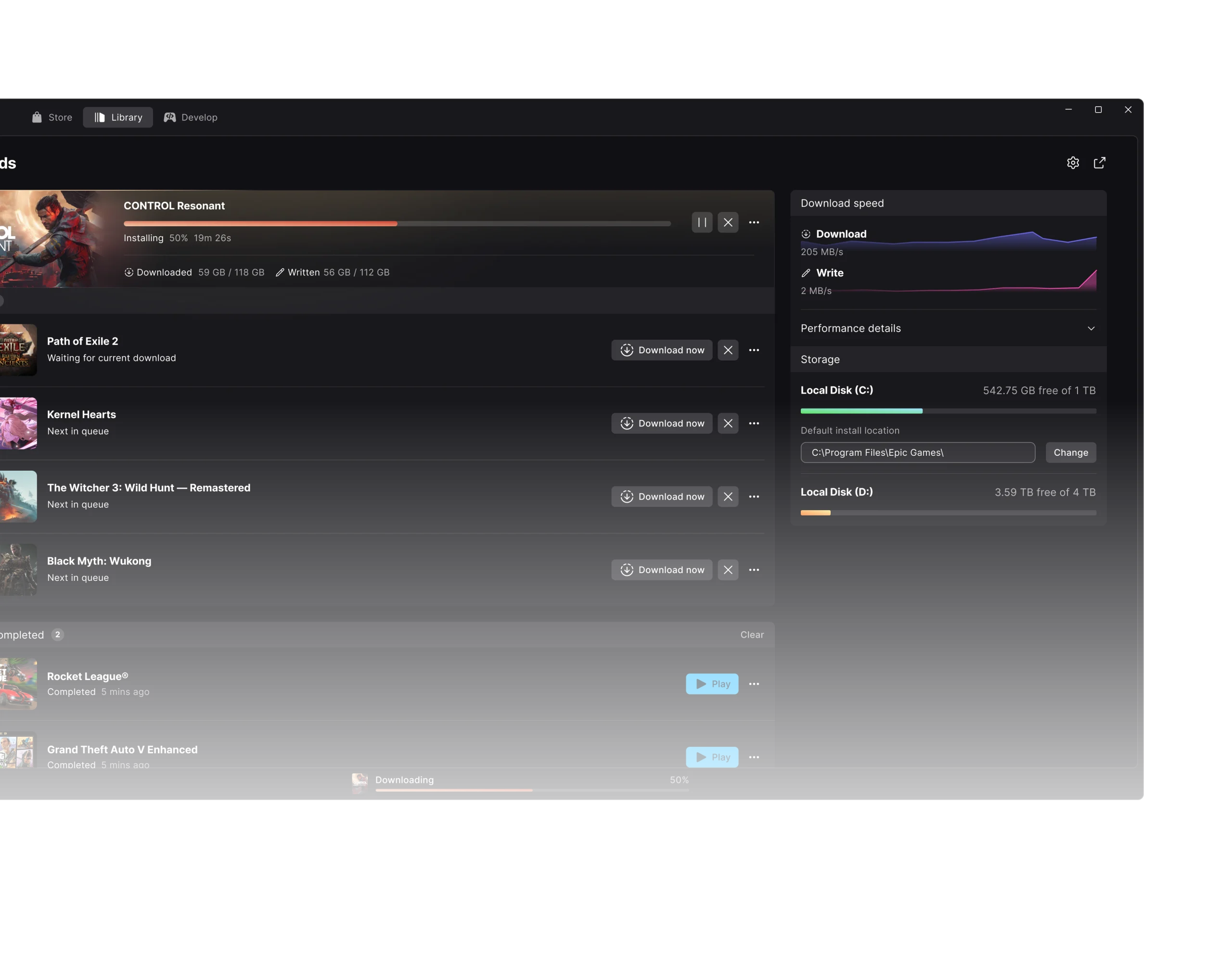
With 0.104.0, Epic made games install pending updates before launching. 0.105.0 then made the base game and any DLC you already own part of one installation operation. That doesn’t unlock DLC you haven’t purchased.
Unreal Engine users got a Plugins tab in the install and manage-modules dialogs in 0.104.0. Version 0.105.0 added launching local Unreal Engine installs on Linux, while 0.106.0 made Fab plugin searches respect the selected engine version.
How to check if Epic Games Launcher Preview 0.108.0 is installed
Check the Preview’s displayed version against Epic’s official release notes. As of 31 October, 0.108.0 is the newest listed build. If the launcher offers an update, let it finish before testing whether one of these bugs is still happening.
If an issue continues after updating, use Send Feedback and include your version number and what you were doing when it occurred. There’s no reason to remove installed game files to fix the Social Panel or a Library filter.
Does Epic Games Launcher Preview 0.108.0 support Windows, Mac and Linux?
Epic provides the Preview for Windows x64, Apple Silicon Macs and Linux x64. Linux users can choose an AppImage or .deb package. Intel Macs aren’t supported. The four 0.108.0 fixes are general launcher changes rather than separate platform-specific releases.
The new launcher is not yet feature-complete. If you use the older client and have games installed, read our migration guide before switching: Preview can move those files and then removes the legacy application.
Does Epic Games Launcher Preview 0.108.0 fix every download problem?
No. Epic lists four specific repairs in 0.108.0; it doesn’t claim to have solved every download failure, sign-in error or game compatibility issue. For Linux installation and supported distributions, see our Linux setup guide.
When reporting a problem, give the version that addressed it: Epic Games Launcher Preview 0.108.0 for the October 30 Library and Social fixes, 0.106.0 for the locked Linux keyring and 0.105.0 for an incomplete Library scan.
Official source: Epic Games Launcher Preview release notes, versions 0.104.0 to 0.108.0.





