
ZELDA NOTES Photo Studio lets you decorate the photographs Link takes in Breath of the Wild or Tears of the Kingdom. Send a picture from the game’s in-game Album to the Nintendo Switch App, then crop it, add stamps or frames and attach it to a QR code for Item Sharing or Autobuild Sharing.
This uses photographs stored in the Zelda game’s Album, not every screenshot saved through the Switch 2 Capture button. Photo Studio works with both games’ Nintendo Switch 2 Editions. Autobuild blueprint sharing, however, is only available in Tears of the Kingdom.
ZELDA NOTES Photo Studio: which photos can you edit?
Nintendo lets you send photos saved in either supported game’s in-game Album to ZELDA NOTES. These are the pictures Link takes while exploring Hyrule. They are different from your console’s general screenshot gallery.
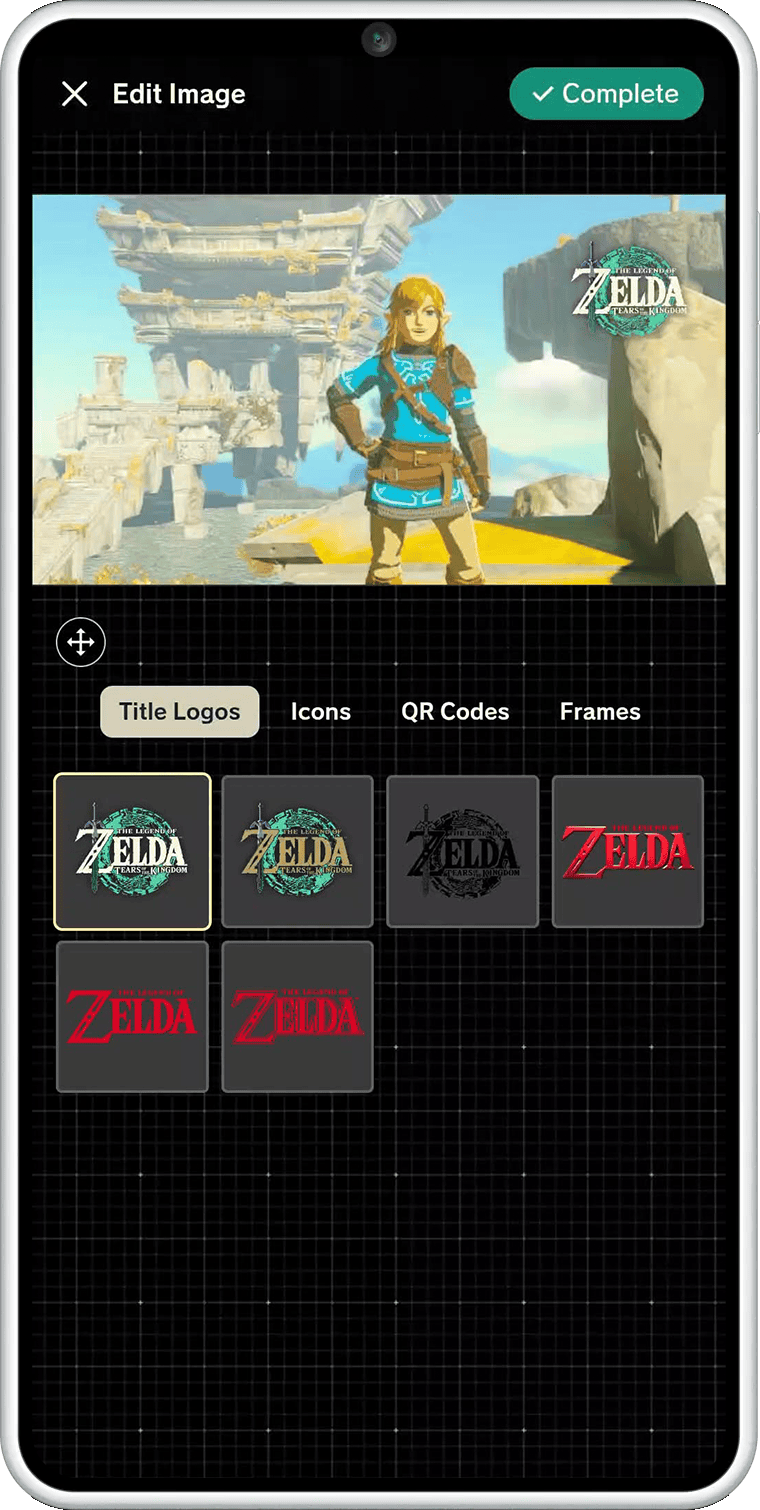
Choose a picture from the in-game Album, send it to ZELDA NOTES and open it in Photo Studio on your phone. You can edit it there before attaching it to a shared QR code. Nintendo’s official interface screenshot below shows the photo-editing tools.
If the picture you’re expecting isn’t available, check where it was saved. An image taken with the console’s Capture button is not the same as a photograph in Link’s Album, and Photo Studio’s documented source is the in-game Album.
How to crop photos and add frames in ZELDA NOTES Photo Studio
ZELDA NOTES Photo Studio includes cropping, stamps and decorative frames. Crop to bring the subject closer, then add whichever frame or stamp suits the image. These tools change how the picture looks, not anything in the game world.
You might use a plain landscape shot to show a location, or attach a picture of a contraption you’re sharing through Autobuild. The phone’s editing features let you present that photo before you attach it to the associated QR code.
Edits in Photo Studio affect the photograph only. For example, decorating a picture of a vehicle won’t change the machine’s actual parts or its Autobuild schematic. Other players need the blueprint QR code to import the design.
Can you add QR codes to edited Zelda pictures?
Yes. Nintendo confirms that decorated Album pictures can be attached to Item Sharing and Autobuild Sharing QR codes. The code contains the transferable item box or construction schematic; the picture is the visual accompaniment.
Both Switch 2 Zelda Editions support Item Sharing, so an Album picture can accompany an item-box QR code from either game. Only Tears of the Kingdom supports Autobuild Sharing for Ultrahand constructions.
Adding a picture doesn’t change the transfer rules. A Breath of the Wild player still can’t import a Tears of the Kingdom Autobuild schematic, and item transfers remain subject to the supported games’ compatibility rules.
Does Photo Studio work in both Zelda games?
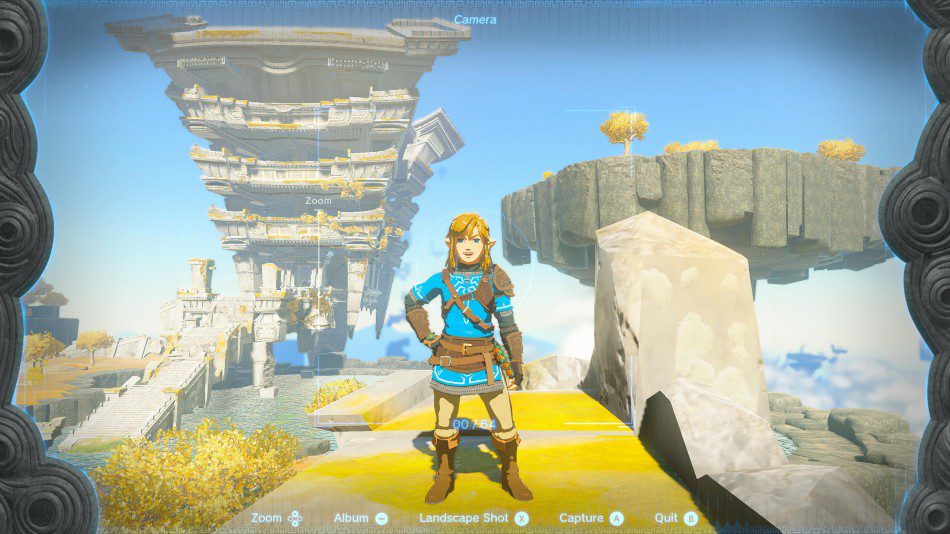
Yes. ZELDA NOTES Photo Studio supports Breath of the Wild (Nintendo Switch 2 Edition) and Tears of the Kingdom (Nintendo Switch 2 Edition). Both let you bring photographs from the in-game Album into the phone companion.
You won’t find this particular feature in the original Switch editions, even when they run on Switch 2. Check the edition branding if Photo Studio doesn’t appear, then make sure the phone app is signed into the right Nintendo Account.
Can Photo Studio pictures be shared without a QR code?
Nintendo’s documented sharing workflow connects a decorated Album picture to an Item Sharing or Autobuild QR code. That is the reliable way to show a friend the item box or creation that goes with the photo.
For an ordinary console screenshot, use the Switch 2’s separate Capture and sharing tools. Photo Studio is built around Link’s in-game Album and the companion’s QR-sharing features, not automatic backup of all your screenshots.
Do you need Nintendo Switch Online?
No Nintendo Switch Online membership is required for ZELDA NOTES. You need a compatible phone, the Nintendo Switch App and the Switch 2 Edition of Breath of the Wild or Tears of the Kingdom. The enhanced game must be accessible on the account you’re playing.
For ZELDA NOTES Photo Studio, start with a picture in Link’s Album and choose whether you want to crop it or add a frame or stamp. If you’re sharing an item box or Autobuild blueprint, attach the decorated photo to its QR code so the recipient can see what it’s for.
Official source: Nintendo’s ZELDA NOTES Photo Studio and QR sharing features.





