
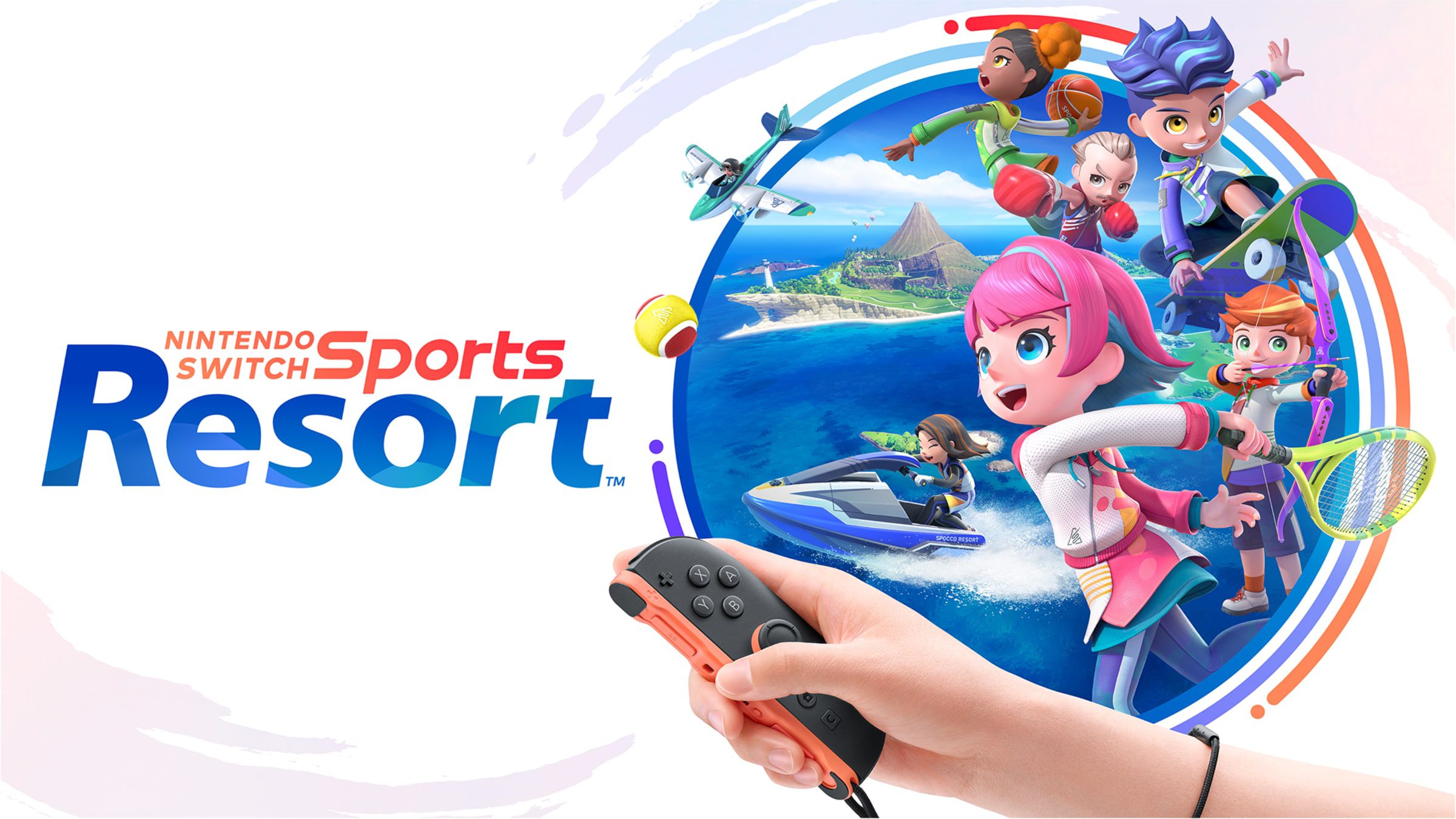
Nintendo Switch Sports Resort icons are being released in four weekly collections through Nintendo Switch Online. You can spend Platinum Points on character pictures, frames and backgrounds inspired by the new sports game, then use them to customise your Switch profile.
Wave 1 has already finished, Wave 2 is available according to Nintendo’s US schedule, and two more waves follow in November. The icons are separate from the paid Sports Resort game, so here’s when to look for each collection, how to claim the rewards and which points you’ll need.
Nintendo Switch Sports Resort icons: All four dates in the UK
Nintendo’s published schedule uses US Pacific Time. The UK conversions below take both countries’ autumn clock changes into account, but they aren’t a promise that Nintendo will use identical UK reward windows. Check the closing time displayed on your own console before leaving a wave until the last minute.
| Wave | UK conversion of Nintendo US schedule | As of 31 October |
|---|---|---|
| 1 | 22 Oct 2:00am BST to 29 Oct 12:59am GMT | Ended |
| 2 | 29 Oct 1:00am GMT to 5 Nov 12:59am GMT | Current US wave |
| 3 | 5 Nov 1:00am GMT to 12 Nov 12:59am GMT | Upcoming |
| 4 | 12 Nov 1:00am GMT to 19 Nov 12:59am GMT | Upcoming |
Each Nintendo Switch Sports Resort icons wave has its own deadline. If you missed the first collection, its parts won’t automatically appear in Wave 2. Nintendo hasn’t announced a return for those designs, so claim the characters and frames you like while their particular wave is running.
How to redeem Nintendo Switch Sports Resort icons
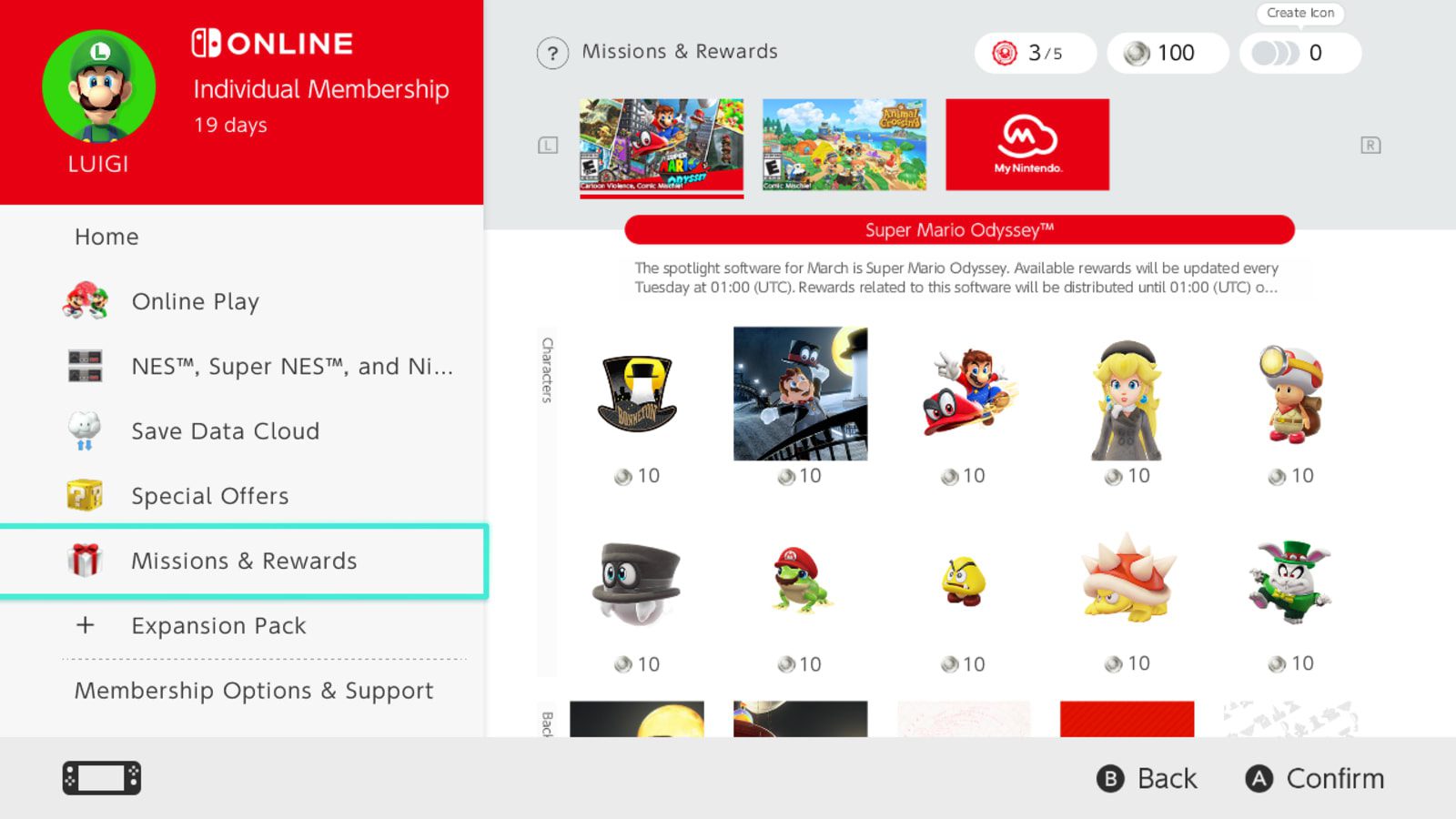
Open Nintendo Switch Online from your console’s HOME Menu, choose your member profile and go to Missions & Rewards. Press L or R to move through the collections until the current Sports Resort reward selection appears.
- Select the current Nintendo Switch Sports Resort icon collection.
- Choose a character, background or frame offered in that week’s wave.
- Check the displayed Platinum Point price.
- Select Redeem Points to add the part to your account.
- Repeat for the remaining pieces you want from the active wave.
- Open Icon Collection, choose your redeemed elements and make a custom icon.
Choose an icon part to see its Platinum Point price, then press Redeem Points. Repeat for any other designs you want. Nintendo’s announcement confirms the four waves, but doesn’t give a complete list of every icon or its individual cost. Those details are shown in the live menu.
Do you need the game or Switch 2?
You don’t have to buy the Sports Resort game just to use the standard icon maker. The general requirements are a Nintendo Account and an active Nintendo Switch Online membership. Nintendo hasn’t stated that the four collections require game ownership, although a particular icon can show extra play-history or membership conditions in the app.
There’s also a difference between playing the game and collecting its profile pictures. Nintendo Switch Sports Resort itself is a Switch 2 exclusive, while Missions & Rewards works on the original Switch family too. Check the requirement shown on an individual tile if you find a locked reward.
What changes each week?
Nintendo Switch Sports Resort icons change with the weekly waves. The event announcement lists their dates but not a complete picture-by-picture inventory, so the best way to choose a character or frame is to open that week’s gallery rather than rely on screenshots from the previous collection.
Once you’ve redeemed a design, it’s saved to your account’s Icon Collection. You can make a profile image now or come back to it later. Nintendo UK confirms that redeemed parts remain available after the wave ends, and even if your Nintendo Switch Online membership later expires.
Platinum Points are not Spocco Points
The points for Nintendo Switch Sports Resort icons come from My Nintendo Platinum Points. They’re not the same as Spocco Points, the currency earned while playing Sports Resort. In-game Item Center outfits and the profile icons inside Missions & Rewards are separate collections.
If you need more Platinum Points, look at the missions currently available through Nintendo Switch Online or My Nintendo. Their tasks and claim deadlines change, so check what you can complete before spending. Playing more Sports Resort matches isn’t itself the same thing as earning points for this icon shop.
Why Nintendo Switch Sports Resort icons might be missing
If the Nintendo Switch Sports Resort icons collection is missing, check that the right Nintendo Account is selected, its paid membership is active and the console is connected to the internet. Update the system if necessary, then browse every current collection with L and R.
Some items simply aren’t claimable yet. Wave 3 and Wave 4 will appear at their scheduled times, while an unclaimed Wave 1 item has already passed its original deadline. Parts you’ve redeemed earlier will still be waiting in Icon Collection.
You can collect the Nintendo Switch Sports Resort icons rewards without committing to the full game. They’re attached to your Nintendo Account profile, not to a save file inside Sports Resort. Once claimed, compatible parts can be used to make different user icons.
Quick answers
Are these free games? No, they’re profile icon parts redeemed with Platinum Points. Do you need a Switch 2? Not to use the standard icon maker, although Sports Resort itself needs Switch 2. Do claimed parts expire? No. Can you mix designs from different collections? Only compatible parts and Nintendo’s generic frames or backgrounds.
For Nintendo Switch Sports Resort icons, the easiest habit is to check Missions & Rewards each week and redeem favourites before the next wave replaces them. Your console’s regional countdown is the best guide to the exact cutoff.
Related Guides
- Nintendo Switch Sports Resort Online Requirements
- Nintendo Switch Sports Resort Item Center Cosmetics
- Nintendo Switch Sports Resort Spocco Points
- Nintendo Switch Sports Resort Overview
- Sports Resort on the Original Nintendo Switch?
- Sports Resort Online Multiplayer
- Nintendo Switch Online October 2026 Games
- Nintendo Switch Online Halloween Icons 2026: Claim Before November 2
- Plants vs Zombies Replanted Game Trial: UK Dates and Download
Official source: Nintendo Switch Sports Resort icon release schedule (US region).





