Xbox Update Not Showing after 28 October 2026? The public Xbox release has OS 10.0.26100.9647 and build xb_flt_2610ge.261021-2200. Check your installed version in Settings, System, Console info before assuming the October update has failed.
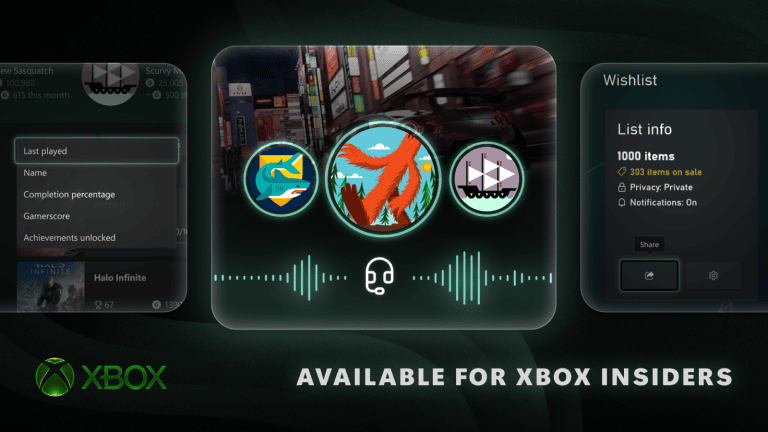
The release brings Mythic Achievements, improved Remote Play, new startup animations and other dashboard changes. The public rollout began October 28, although updates can reach individual consoles at different times. Missing a new menu item doesn’t automatically mean your internet connection or game data is damaged.
Xbox Update Not Showing: check for the October update
- Press the Xbox button to open Guide.
- Choose Profile & system, Settings.
- Select System, Updates.
- Install an available console update.
- After it finishes, open System, Console info.
- Compare the OS version against 10.0.26100.9647.
If the version matches the October release or is newer, the system software is installed. If yours is older and the Updates menu offers nothing, the console may still be waiting for the distribution. If you’re seeing Xbox Update Not Showing, use the installed OS number as your reference rather than the look of the dashboard.
October 28 OS version and build number
| Detail | October 2026 release |
|---|---|
| Release date | 28 October |
| OS | 10.0.26100.9647 |
| Build | xb_flt_2610ge.261021-2200 |
| Update menu | Settings, System, Updates |
| Version menu | Settings, System, Console info |
Xbox Insiders tried some of these features during August and September. Those preview channels can have different build numbers and distribution schedules. If your Xbox belongs to Alpha or Alpha Skip-Ahead, compare it with the release notes for the enrolled ring rather than assuming it should display exactly the same build as a public console.
Xbox Update Not Showing during the public rollout
An update being publicly available doesn’t necessarily mean every connected console receives the download at the same instant. Keep the Xbox connected to the network and check Settings, System, Updates. You can also restart using the normal power menu and check again if a download was already pending.
For Xbox Update Not Showing, use the normal Updates menu and leave the console’s saved settings intact. Resetting the console won’t make a staged release appear earlier. Likewise, deleting local saves or changing storage devices won’t make the system update appear in the Updates menu.
What if the new features are missing?
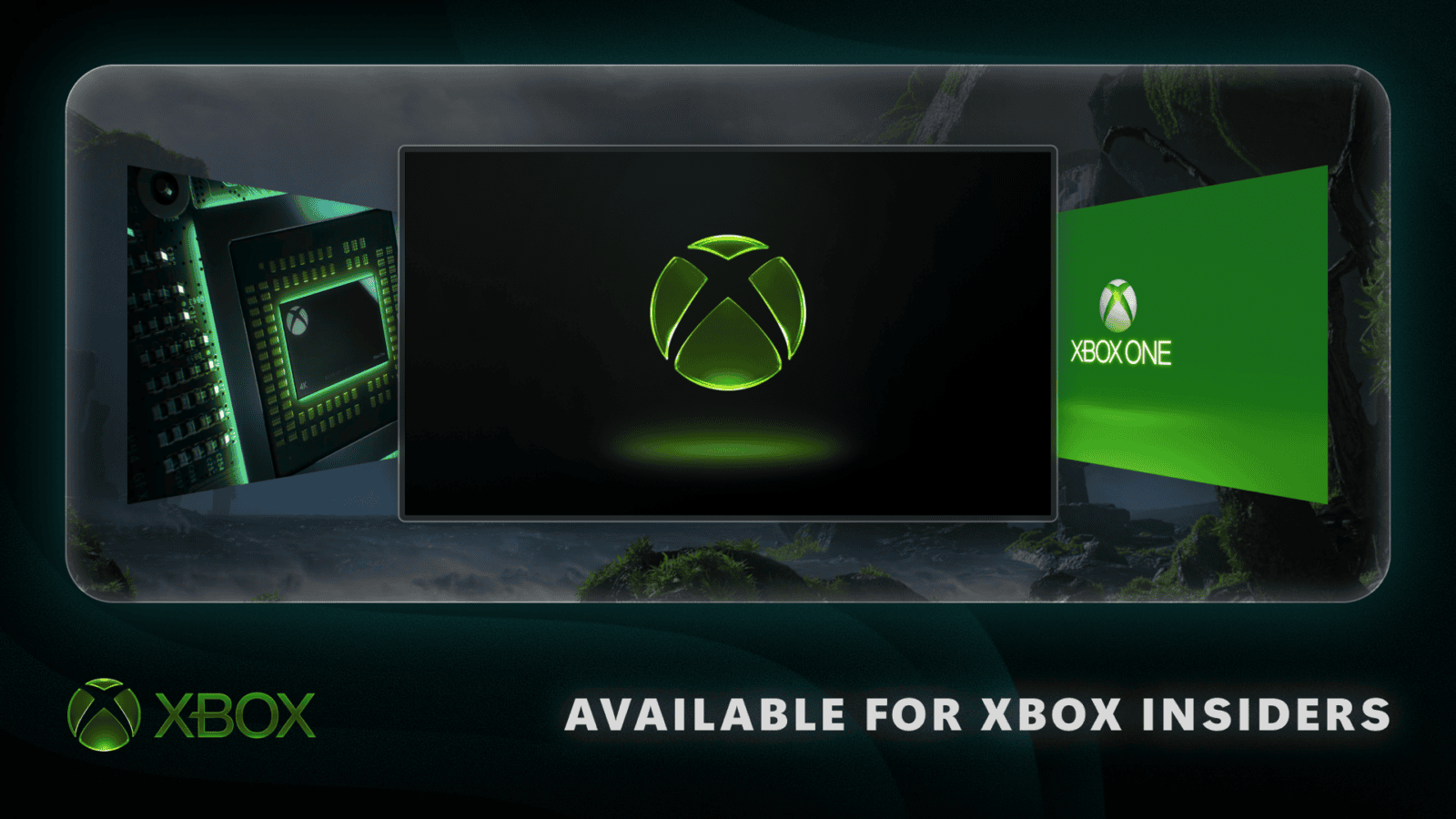
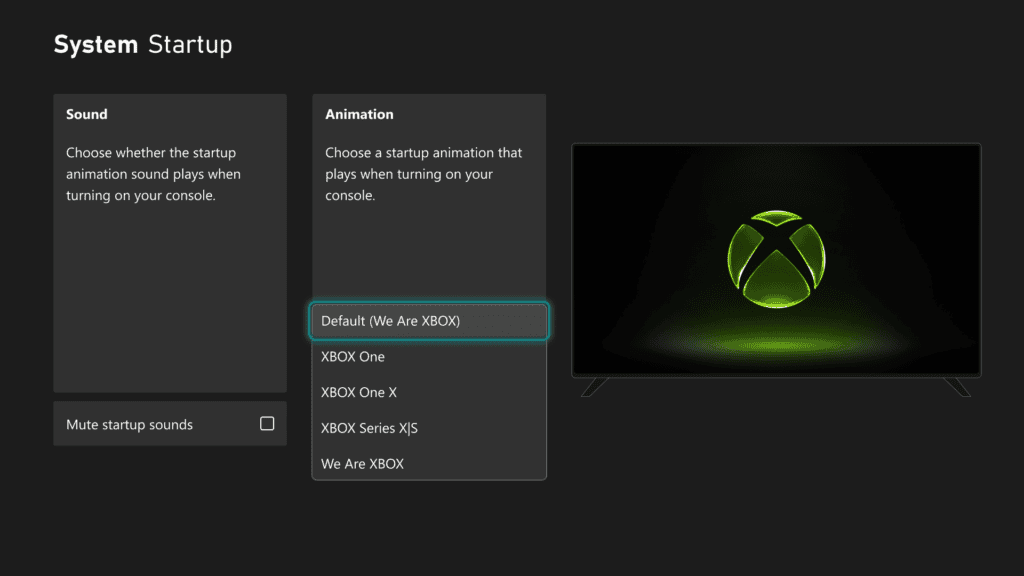
The October update adds the Gaming tab and Mythic Achievements to Xbox profiles. It also adds startup-animation choices under Settings, System, Startup. Once the OS is up to date, use those menus to look for the features instead of searching for a separate Mythic download in the Microsoft Store.
Remote Play’s new 1440p maximum applies to Xbox Series X and Series S. Xbox One consoles weren’t part of that enhancement. If an updated Series console still streams at 1080p, check its display output and receiving device in our Remote Play 1080p troubleshooting guide.
What to do when Xbox Update Not Showing continues
Record the Xbox model, installed OS version and what appears under Settings, System, Updates. Confirm that ordinary Xbox network services work, because a console without a reliable connection cannot check for new releases. If the public rollout has reached your device but the version remains older, send these details to Xbox Support.
If Xbox Update Not Showing is accompanied by an actual error code or a failed boot, note that code and use Xbox’s system-error recovery instructions. The normal Updates menu is for consoles that can start and connect successfully.
Our October 2026 Xbox update overview covers the full feature list and fixes, and the Mythic guide covers completion-history issues after the correct build has been installed.
Related Guides
Official source: Microsoft Xbox system update release history.