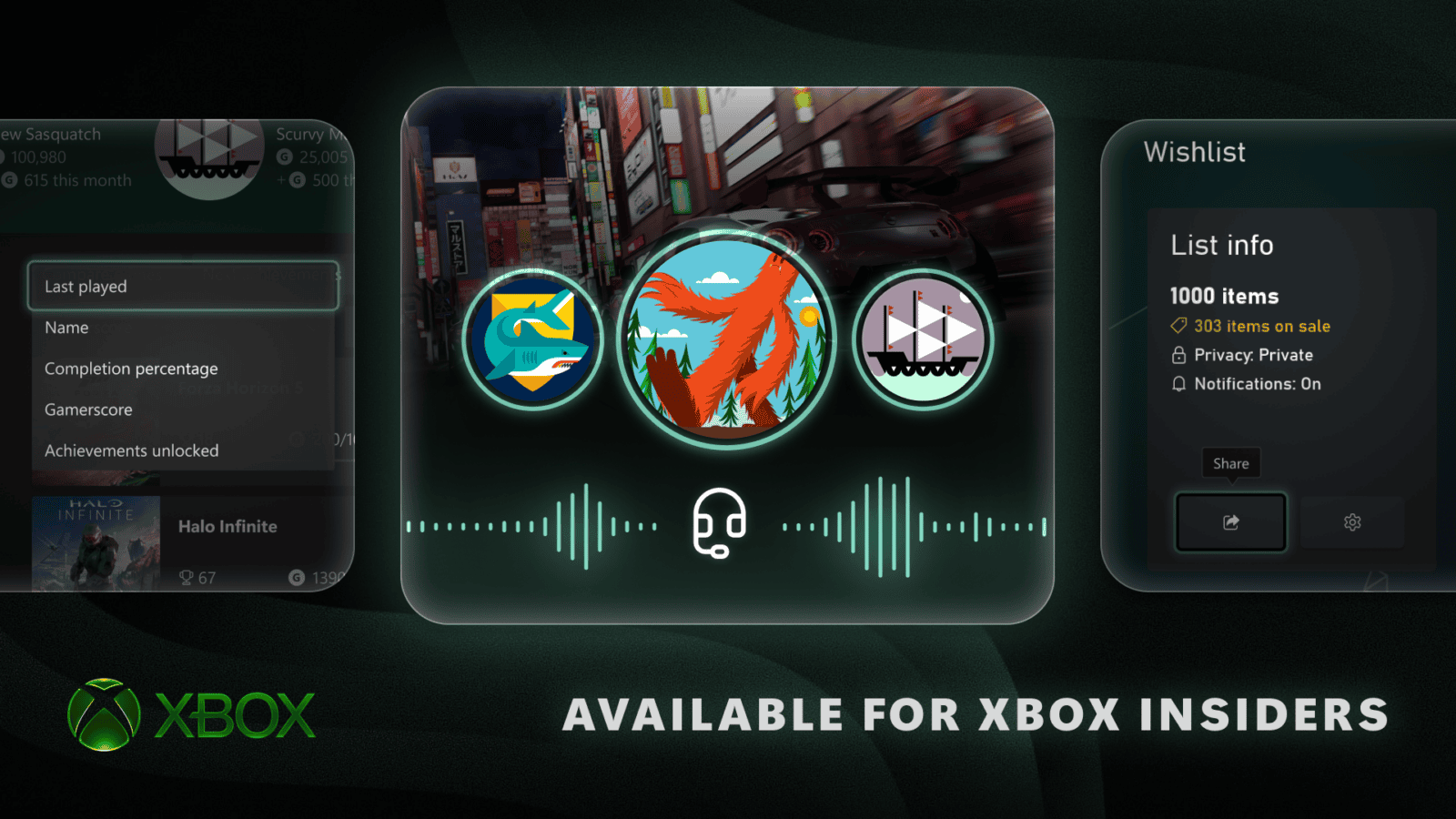
Xbox party chat audio captures can include your friends’ voices in gameplay clips, provided everyone agrees to be recorded. Xbox began testing the feature with Alpha Skip-Ahead Insiders in August 2026. It should be good news for anyone who’s saved a brilliant multiplayer moment and ended up with a clip that has the action but none of the conversation.
The consent part is what makes it work. You decide whether to capture the party conversation, while each friend decides whether their own voice can be heard. Simply joining an Xbox party does not grant permission to be recorded.
How Xbox party chat audio captures work
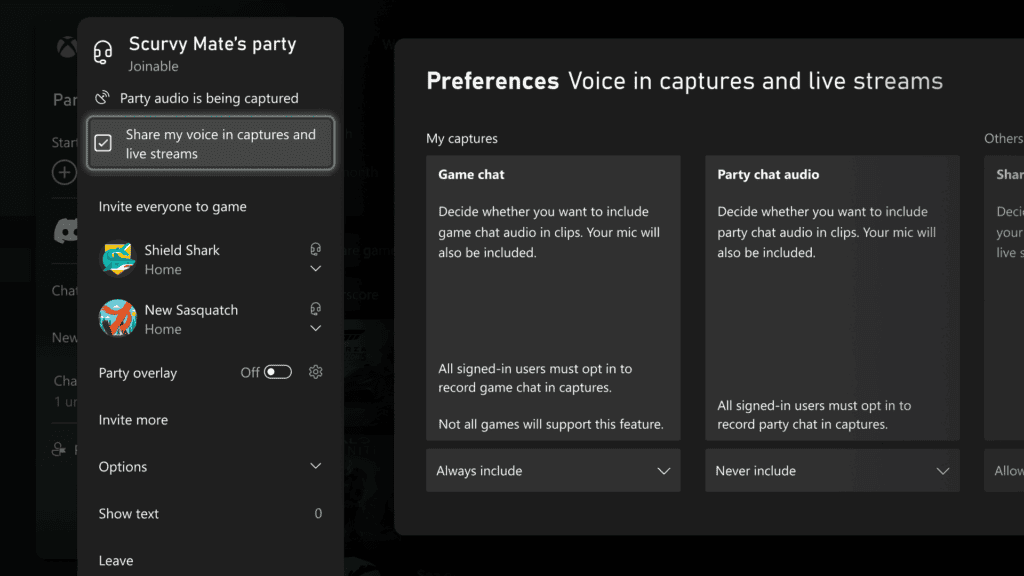
Xbox party chat audio captures involve two choices. The player making the clip selects whether party audio should be recorded. Everyone else can then opt in individually. Your recording might therefore include one friend but not another, even though they were both talking in the party.
Microsoft’s preview screenshot shows a Share my voice in captures and live streams checkbox in the party panel. That’s the participant’s choice. There are separate capture preferences for the player saving the clip. Xbox also supports adding in-game chat audio when you’re not in a party, which is a different audio source from a Discord call.
How to record Xbox party chat in gameplay clips
To use Xbox party chat audio captures, your console needs software that offers the option. The initial rollout was limited to Alpha Skip-Ahead Insiders, so the controls won’t necessarily appear on every Xbox or every Insider ring. Here’s what to check.
- Check that your Xbox software build includes the party-chat capture controls. If you’re an Insider, confirm your ring and install its available console update.
- Start or join an Xbox party, then use the capture preferences offered on your build to include party audio.
- Ask anyone who wants to be heard to tick Share my voice in captures and live streams in the party panel, if that control is available to them.
- Make a short test recording and play it back before saving or uploading a longer clip.
Microsoft has not provided one permanent menu route for every Xbox build. If the option is missing, check the console software and preview availability first. Don’t waste time hunting for a made-up toggle, or assume a headset setting can make a friend who opted out appear in a recording.
Do friends have to consent to Xbox party chat audio captures?
Yes. Xbox party chat audio captures require each participant to opt in. Your own choice to record party audio doesn’t override another player’s decision to keep their voice out of the clip. That’s why a recording may have the game audio and your own voice but not the full conversation.
If you’re putting the clip on YouTube or social media, tell the people involved. Consent to having a voice recorded isn’t necessarily the same as being happy for that clip to be posted publicly.
Why Xbox party chat audio captures might have no voices
If Xbox party chat audio captures have no voices, first check where you were actually chatting. An Xbox party and a game’s own voice channel aren’t the same thing. Microsoft’s announcement mentions both, but the in-game option is specifically described for times when you’re not in a party. It doesn’t promise that all Discord conversations or outside audio services will be recorded.
Next, make sure your console had the feature when you made the clip and that each friend opted in. A successful gameplay recording with missing voices doesn’t automatically mean your microphone is broken. A friend’s decision not to share their audio isn’t an error you can fix from your own console.
For broader console software checks, see our Xbox October 2026 update and Xbox update not showing articles. They cover public releases and rollout differences without assuming that every Insider experiment is already a standard feature.
Are Xbox party chat audio captures available to everyone?
The original August 2026 announcement named the Alpha Skip-Ahead ring, with broader rollouts planned for various Xbox features. It did not give a guaranteed public date for party-chat capture on every console. Check the controls your Xbox actually shows rather than assuming that a general system update automatically included this preview feature.
Xbox party chat audio captures are useful for team celebrations, multiplayer highlights and the moments that are much funnier with friends talking. Get everyone to choose whether they want to be heard, test the clip, and you’re ready to save the conversation along with the game.
Official source: Xbox Wire: More Control Over Captures, Saves, and Wishlists.