Xbox Mythic Achievements Not Showing on your profile after the October update? Check that your console is updated and that you have completed every original achievement in the game. Xbox awards Mythic for the original list, not for finishing the campaign, and DLC achievements added later aren’t required.
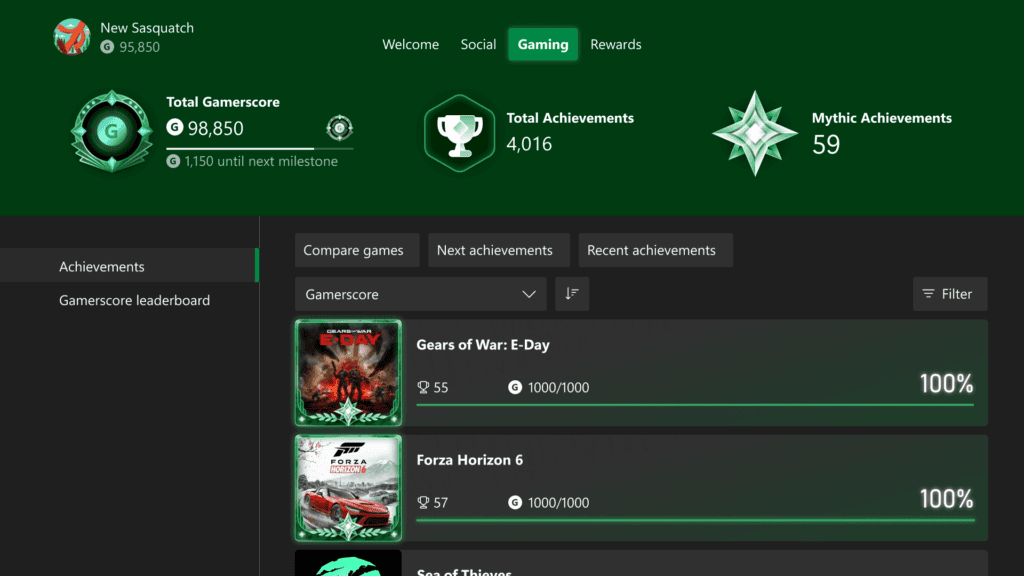
Mythic status appeared in the public Xbox update on 28 October 2026. Eligible Xbox 360 games and other previously completed titles can receive it automatically. The new Gaming tab on your profile displays your Mythic total and completed games, so you can check the account without launching every old title again.
Xbox Mythic Achievements Not Showing: first checks
- Open Settings, System, Console info.
- Confirm OS 10.0.26100.9647 or newer. If you’re on an older build, look in Settings, System, Updates.
- Open your own Xbox profile and select Gaming.
- Open the relevant game’s achievement history.
- Use the original-achievement view and check the Mythic progress bar.
- Confirm that every original achievement is unlocked on this gamertag.
Xbox Mythic Achievements Not Showing? You should be able to tell whether the game still needs an original achievement or whether the Gaming tab itself is missing. Either way, leave your saved games alone while you check.
Why Xbox Mythic Achievements Not Showing can happen with a completed story
Finishing the game’s main story is not necessarily the same as completing its original achievement list. Some games include base-game challenges for collectibles, difficulties, multiplayer or other tasks. Open the original-achievement filter to see precisely which entries haven’t unlocked yet.
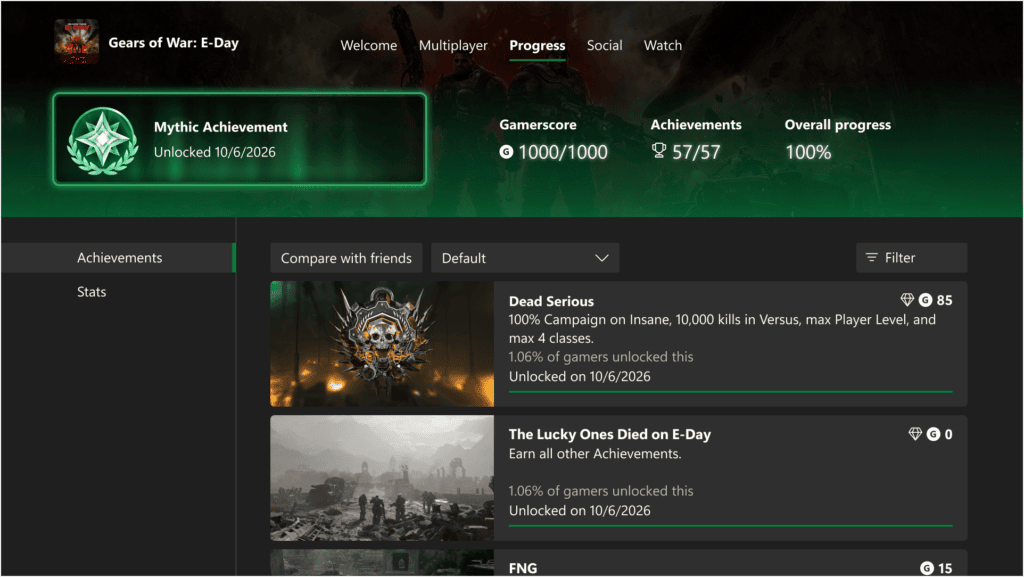
DLC requirements are different. Achievements introduced after launch through DLC or updates are shown as add-ons and don’t block Mythic. If your base list is complete, you can have the new completion frame even when the overall add-on percentage is lower. Microsoft also confirms that Mythic remains yours if more achievements are added later.
Old Xbox 360 Mythic achievements missing
Xbox says previously completed, eligible Xbox 360 titles qualify retrospectively. You don’t have to replay the game or unlock the original achievements a second time. Instead, check which gamertag earned the original completion. A different Xbox profile won’t automatically inherit another account’s achievement history.
Xbox Mythic Achievements Not Showing on an Xbox 360 completion? Open the Gaming tab and check that game’s original achievement list on the profile that earned it. If the original achievements were earned on the correct account, that’s the information to provide if you need Xbox Support to investigate a missing frame.
Where is the new Gaming tab?
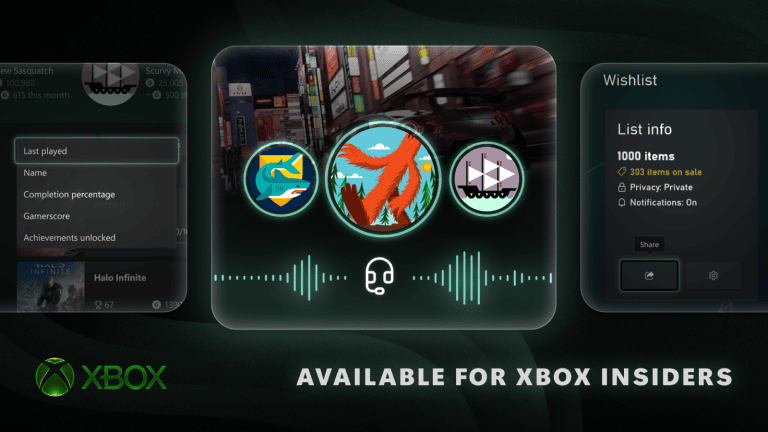
Go to your profile’s Gaming tab, which shows achievements, completed games and Gamerscore milestones. Games awarded Mythic carry a distinctive frame in the history. You can also view friends’ Gaming tabs and compare completions. Individual game achievement screens show the new progress bar and add-on filter.
If the tab itself hasn’t appeared, compare your installed console OS with the public October release. The rollout began on October 28, but each console must install the update. Our Xbox October 2026 update guide shows the build check and other new features.
Does Xbox Mythic Achievements Not Showing affect Gamerscore?
No. Mythic is a new recognition of completion, not a second reward of the game’s original Gamerscore. A missing Mythic frame does not mean the Gamerscore already earned from achievements has been removed.
If Xbox Mythic Achievements Not Showing persists on an updated Xbox after all original achievements are shown as unlocked, collect the game’s name, your Xbox gamertag, the OS version and an image of the original-achievement completion screen. Submit those details through Xbox Support. Those details show Xbox Support exactly which game and achievement history to investigate.
Related Guides
Official source: Microsoft’s Xbox Mythic Achievements announcement.