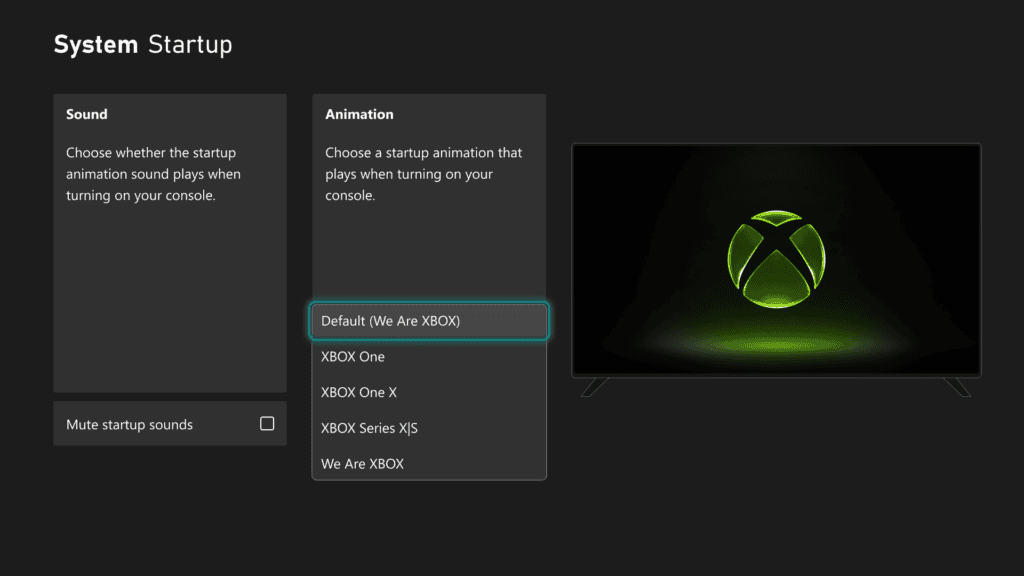
Xbox Startup Animations can now be changed from the console’s settings. The public October 2026 Xbox update adds a selection of startup sequences inspired by past Xbox generations, including Xbox One, Xbox One X and Series X|S. The controls are under Settings, System, Startup, alongside the option to mute startup sounds.
You don’t have to change your dashboard theme or install a separate app. Choose the animation from the built-in list, keep the default if you prefer, and use the same page to decide whether the console plays sound when it starts.
How to change Xbox Startup Animations on Xbox
- Press the Xbox button to open Guide.
- Go to Profile & system, Settings.
- Open System, then Startup.
- Select the Animation setting.
- Choose the startup sequence you want from the built-in options.
- Adjust Mute startup sounds on the same page if you want a silent boot.
- Restart or fully power on the console to see the selected startup sequence during normal boot.
The Xbox Startup Animations selector is part of the October public release. To confirm your build, check Settings, System, Console info for OS 10.0.26100.9647 or a later version. The rollout began on 28 October, so another console may already have the menu before yours does.
Available Xbox startup sequences
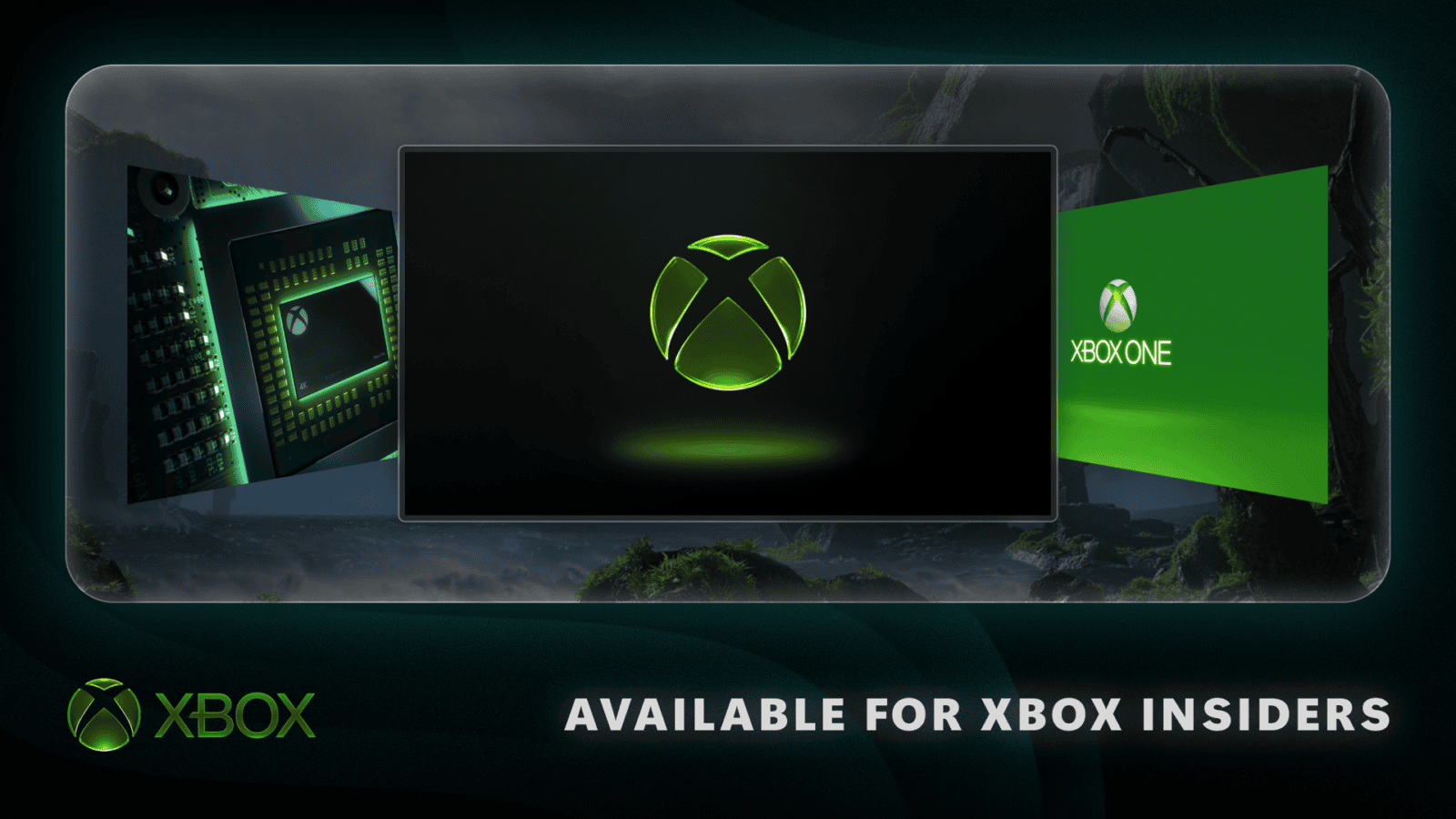
Microsoft’s official preview screenshot displays Default (We Are Xbox), Xbox One, Xbox One X, Xbox Series X|S and We Are Xbox. The animation selector shows the choice beside a preview of its appearance, making it easy to recognise the generation before switching.
The Xbox Startup Animations are built into the console, so you can switch between generations without downloading anything. It’s a quick way to bring back the opening sequence you remember from an older Xbox.
How to turn off the Xbox startup sound
Open Settings, System, Startup and use Mute startup sounds. Microsoft moved the existing startup sound option onto the new Startup page when it added the animation selector. You can leave an animation enabled while muting its audio, so there is no need to change your boot sequence just to silence the console.
Muting the startup sound leaves game audio, party chat and normal console volume unchanged. With Xbox Startup Animations, the visual sequence and boot sound can be set independently.
Why are the new Xbox Startup Animations missing?
Check whether the October 2026 system update has installed. The animation picker first appeared with Insider previews on September 9 and joined the public October 28 release. A console still running an earlier build may have the old startup sound control but not the new animation list.
Use Settings, System, Updates and install any offered system update. Don’t factory-reset the console to make a missing settings page appear. The Xbox update not showing guide covers build numbers, rollout timing and safe next steps.
Does this change your Home background?
No. The startup animation plays when the console boots, while your dashboard background is a separate Home setting. The October update also adds an immersive Home mode: press the right thumbstick from Home to fade the interface and show the background. Press any button to restore the interface.
Choosing Xbox Startup Animations doesn’t affect your saved games or the layout of My games & apps. Read our October console update guide for background, local search and profile changes in the same release.
Related Guides
Official source: Microsoft Xbox Wire: new startup animation settings.