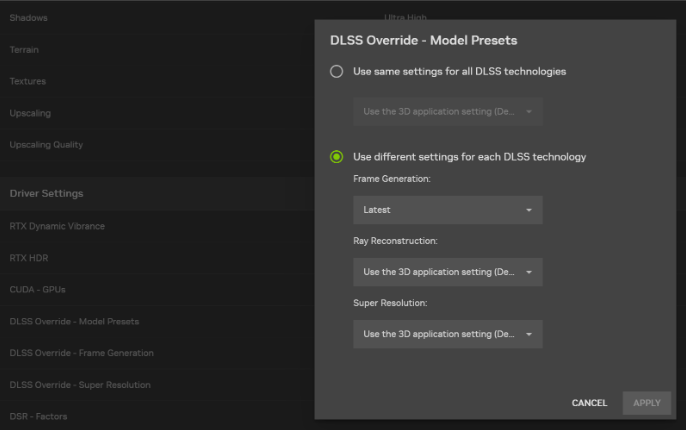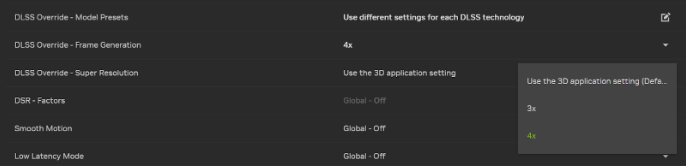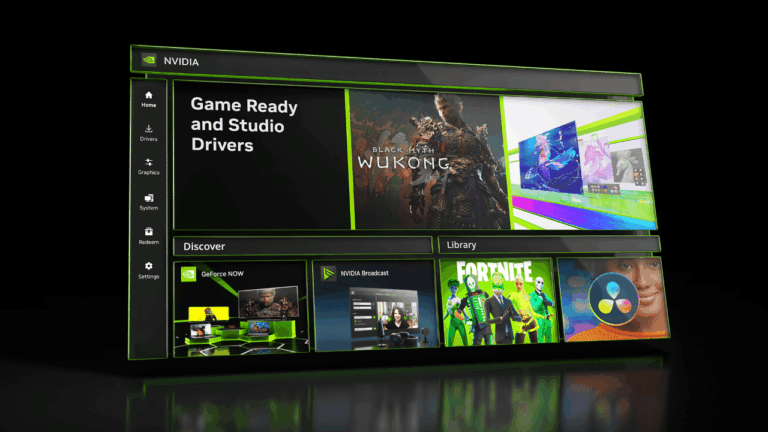
NVIDIA driver 621.24 is the GeForce Game Ready WHQL release dated 12 November 2026. It prepares supported Windows PCs for Warhammer 40,000: Dawn of War IV, the upcoming DLSS 5 update for Where Winds Meet, and DLSS 4.5 Dynamic Multi Frame Generation in Assetto Corsa Rally. It does not list any fixed gaming bugs.
If you already have 621.14 and everything runs well, the main reason to update is the new game support. The driver is listed for Windows 10 64-bit and Windows 11, but you still need to check your exact GPU. There is also a Studio release numbered 621.24, which is a different download.
NVIDIA driver 621.24 release date and confirmed changes
NVIDIA published the Windows Game Ready package on Thursday, 12 November. The official download page identifies it as a WHQL-certified driver and lists a package size of about 1.04 GB in the US download listing. You can download it through NVIDIA App or directly from NVIDIA’s website, where the graphics driver is provided with an option to install NVIDIA App as well.
Think of this as a Game Ready update, not a general PC repair package. The previous 621.14 release had its own fixes; those do not belong in the 621.24 changelog.
Games included in NVIDIA driver 621.24
Warhammer 40,000: Dawn of War IV is the first major game named in NVIDIA’s announcement. According to the official GeForce article, Commander Edition buyers have early access scheduled for 30 November, and the worldwide launch is set for 3 December 2026. The driver is released ahead of those dates so compatible PCs can be ready; it does not make the game playable earlier than the edition allows.
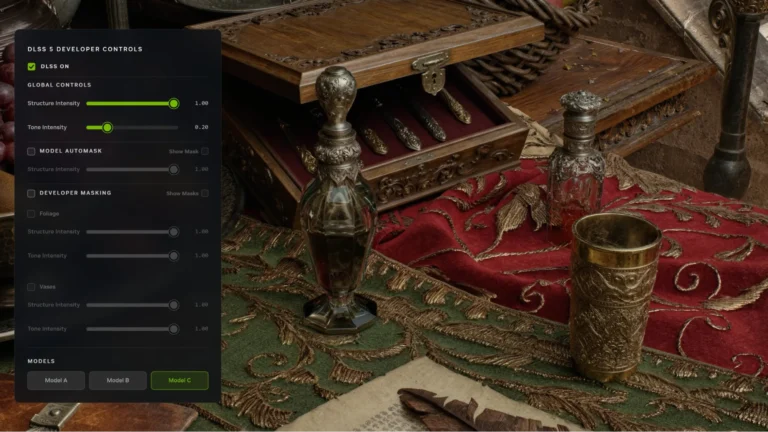
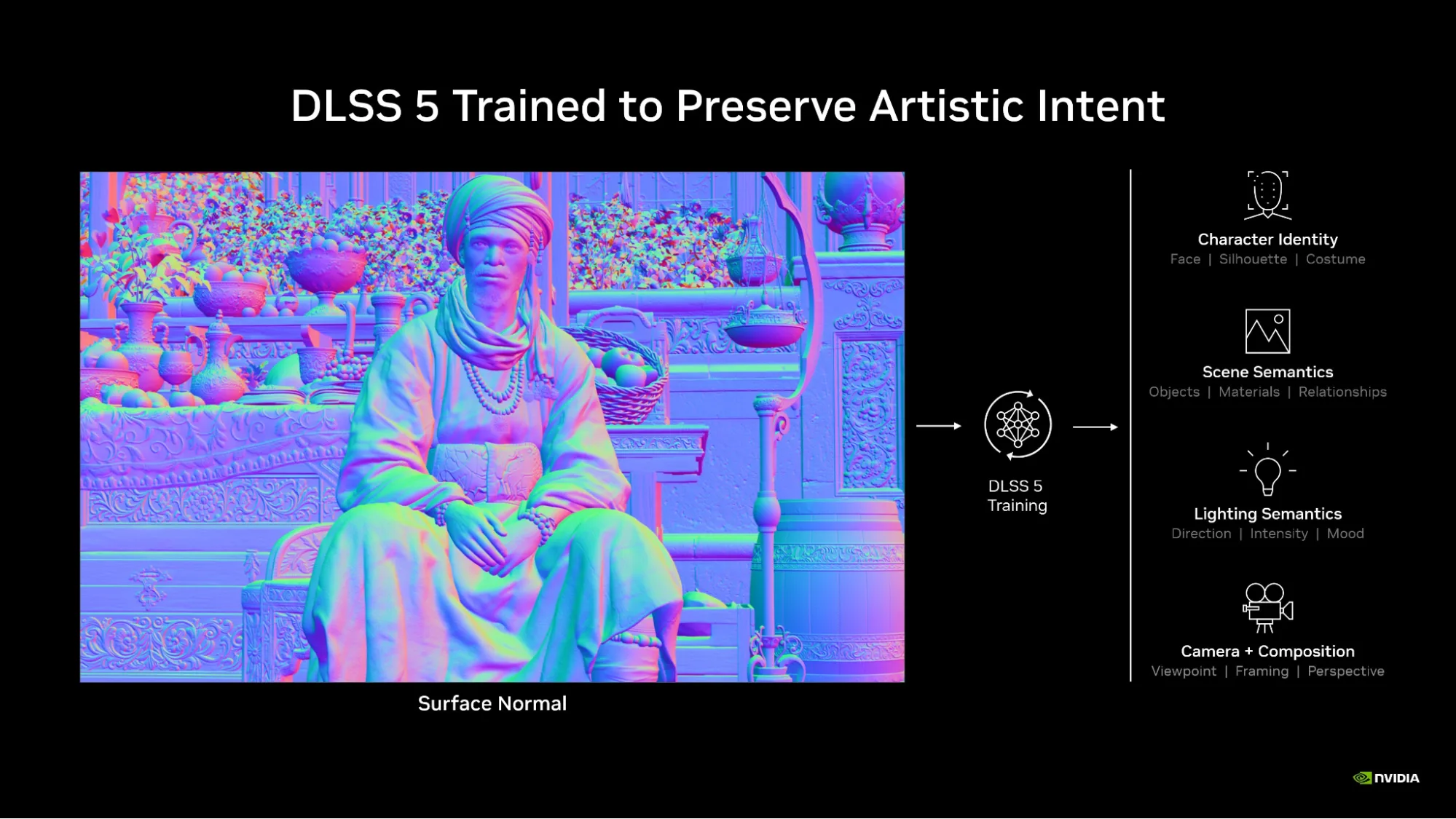
Where Winds Meet is scheduled to add DLSS 5 with 3D-Guided Neural Rendering on 23 November. The game already supports other DLSS features, but this new neural-rendering option is a separate game update. NVIDIA driver 621.24 helps support it on eligible hardware; installing the driver on 16 November does not unlock an update that has yet to go live.
Assetto Corsa Rally is set to receive DLSS 4.5 and Dynamic Multi Frame Generation in an upcoming update. NVIDIA’s release article says the game already supports earlier DLSS features. The precise date for this addition was not confirmed in that announcement, so treating the feature as already live would be misleading.
War Thunder received DLSS 5 with its Eagle’s Shadow update on 11 November, according to Gaijin’s changelog. Where Winds Meet is still waiting for its 23 November patch, so don’t expect both games to show the same options today.
Which bugs does NVIDIA driver 621.24 fix?
Under Fixed Gaming Bugs, NVIDIA simply lists N/A. In other words, this release does not name any fixed game-specific faults. It would be misleading to promise it fixes crashing, black screens or stuttering across the board.
NVIDIA names two general fixes. Issue 6953474 concerns Chaos Vantage, where the OptiX Denoiser could fail at high resolutions. Issue 6996250 concerns incorrect colour reproduction in Windows Photos or Media Player when playing DJI D-Log H.265 videos. Both are application-specific descriptions, not universal display-driver remedies.
If your PC is affected by one of those exact problems, NVIDIA driver 621.24 has a documented reason to be worth considering. If your problem occurs elsewhere, it is better to record the symptoms and find relevant evidence than to assume the same fix applies.
NVIDIA driver 621.24 supported GPUs and Windows versions
The desktop download listing includes GeForce RTX 50, 40, 30 and 20 Series families, selected GTX 16 Series models and TITAN RTX. NVIDIA offers a separate notebook listing, which also includes some older laptop models not shown on the desktop page. Check the full supported-products section for your exact name before downloading.
Supported for the graphics driver does not mean supported for every new DLSS technology. DLSS 5 with 3D-Guided Neural Rendering currently requires the relevant RTX 50 Series or RTX Spark local system, or the appropriate GeForce NOW Ultimate streaming environment. An older RTX card can install a compatible driver and use its own supported DLSS features without gaining this newer Neural Rendering effect.
NVIDIA also advises notebook owners to consult the laptop manufacturer’s certified drivers. That matters particularly when the laptop has a customised hybrid graphics setup. Make sure you choose the correct notebook package, not simply whichever driver appears first in a search result.
How to install NVIDIA driver 621.24 safely
In NVIDIA App, open the Drivers section, choose the intended Game Ready release, download and install it. Alternatively, visit the official NVIDIA driver page, check your GPU and Windows version, and use the direct installer. Save documents and close games before making system-wide driver changes.
If the install finishes, restart when prompted and confirm the new version in NVIDIA App or NVIDIA Control Panel. If it fails, NVIDIA’s official manual process uses Run as administrator, Custom (Advanced), and an optional clean installation. You do not need to download a driver from an unfamiliar mirror.
Should you update to NVIDIA driver 621.24?
For someone preparing for Dawn of War IV or the stated DLSS game updates on eligible hardware, installing 621.24 is a reasonable choice. The two general bug fixes provide another concrete reason. There is no official universal percentage FPS increase to promise across other games, so avoid judging the release from an invented benchmark.
If you are currently on 621.14 and your system is stable, read the notes and weigh whether you need the new game support. If you chiefly use creative software, NVIDIA also released a Studio Driver 621.24, so confirm which branch you are selecting. The version number by itself does not tell you that you have chosen Game Ready.
Related Guides
For the wider NVIDIA driver 621.24 picture, these guides cover the installation, GPU support and related DLSS updates.
Official source: NVIDIA GeForce Game Ready Driver 621.24 release notes and download.