The Sims 4 Sim Options menu is where you’ll find several settings that used to appear when you clicked your Sim. If Utensil Preference, Disable Attraction or Sim Physique has seemingly disappeared, it hasn’t been removed. EA moved those self-interactions into a new submenu in the October 27, 2026 update.
To find them, enter Live Mode, select the Sim whose settings you want to change, then click that same Sim and choose Sim Options…. You don’t need to buy a pack to access the menu itself, although some of the settings inside belong to expansions.
How to open The Sims 4 Sim Options menu
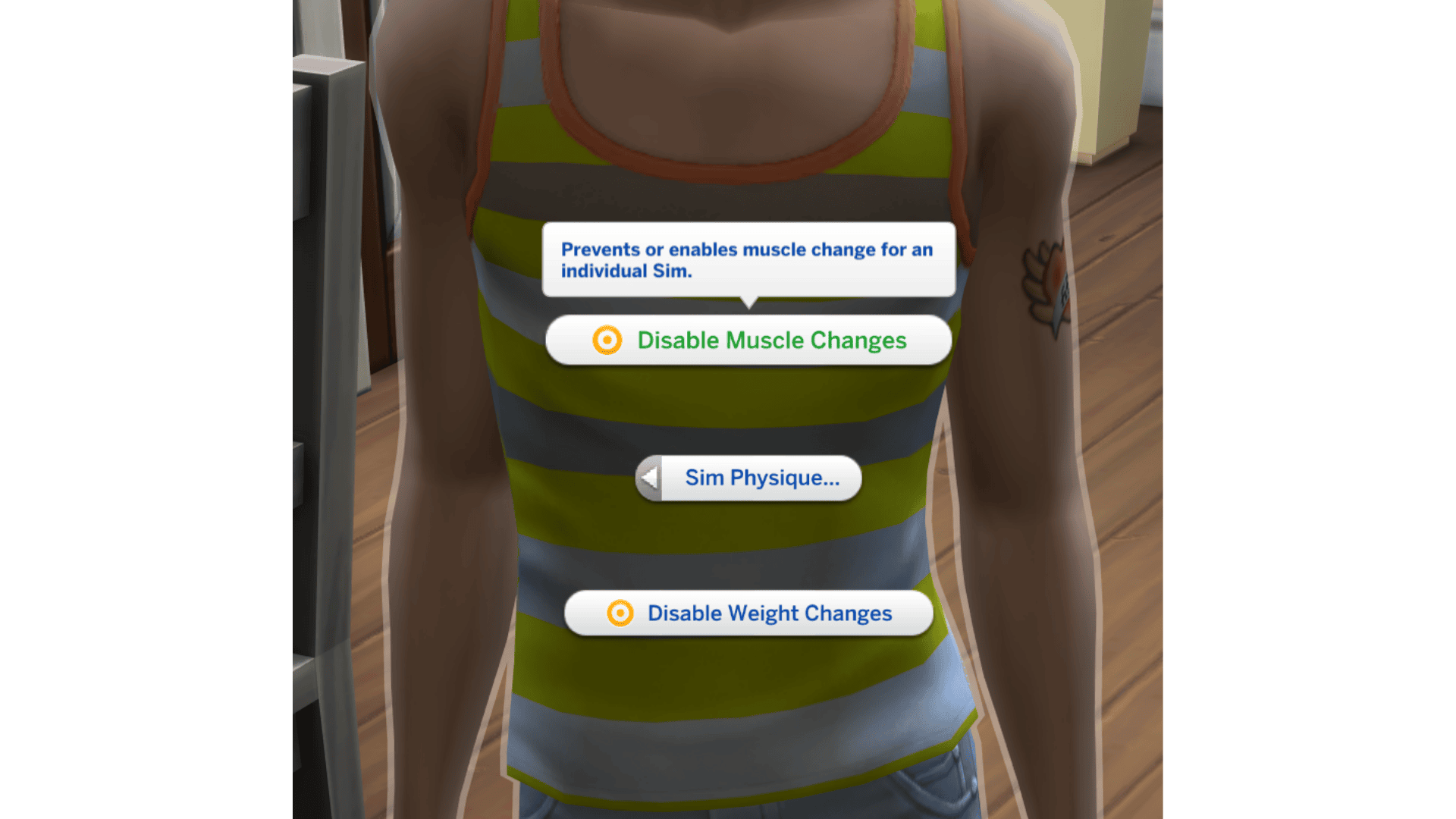
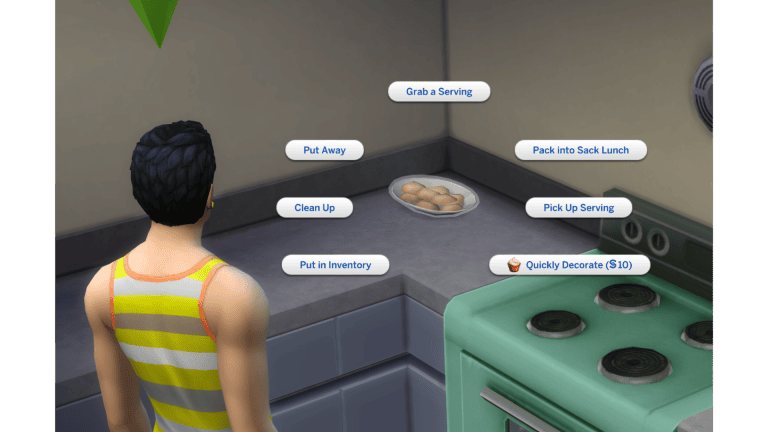
Here’s the bit that’s easy to miss: click the Sim you’re currently controlling. These settings are self-interactions. If you click another household member, you’ll see interactions with that character instead.
- Enter Live Mode in an updated save.
- Make the correct character your actively selected Sim.
- Click the same Sim in the world to open their pie menu.
- Select Sim Options…, then the setting you need.
If you’ve followed an older guide and can’t find the same buttons, that’s probably why. The October update tidied up the interaction menu by putting previously uncategorised self-interactions together. The settings still exist; you just reach them differently now.
What settings are in The Sims 4 Sim Options menu?
EA listed four settings that moved. Here’s where each one comes from, so you can tell whether you’re missing an option or simply don’t own the pack that adds it.
| Interaction | Required game content |
|---|---|
| Sim Physique | Base game |
| Disable Attraction | Lovestruck expansion |
| Utensil Preference | Snowy Escape expansion |
| Set Rock Paper Scissors Preference | Adventure Awaits expansion |
That’s not necessarily every option in the submenu. It’s the list EA confirmed in its patch notes. You won’t see Utensil Preference without Snowy Escape, for example. And if you’re looking for Disable Attraction, remember it’s a self-interaction from Lovestruck, not something to select on another Sim.
Where to find Sim Physique and muscle or weight controls
Sim Physique is available in the base game. To find it, click your active Sim, go to Sim Options… and open Sim Physique. The October update added Disable Muscle Changes and Disable Weight Changes, so you can turn off one type of change without turning off the other.
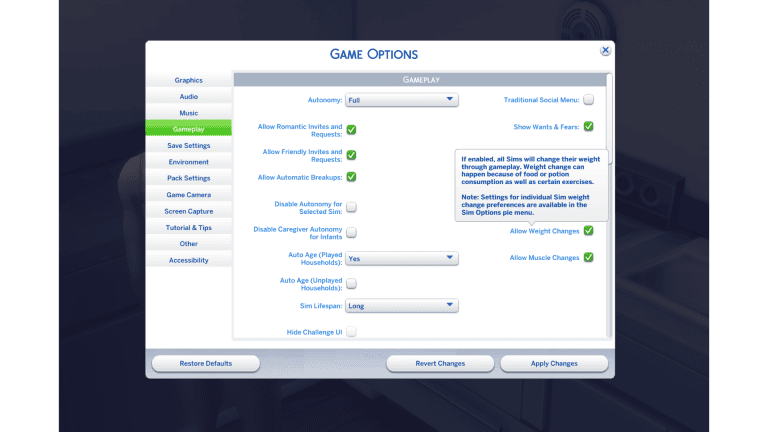
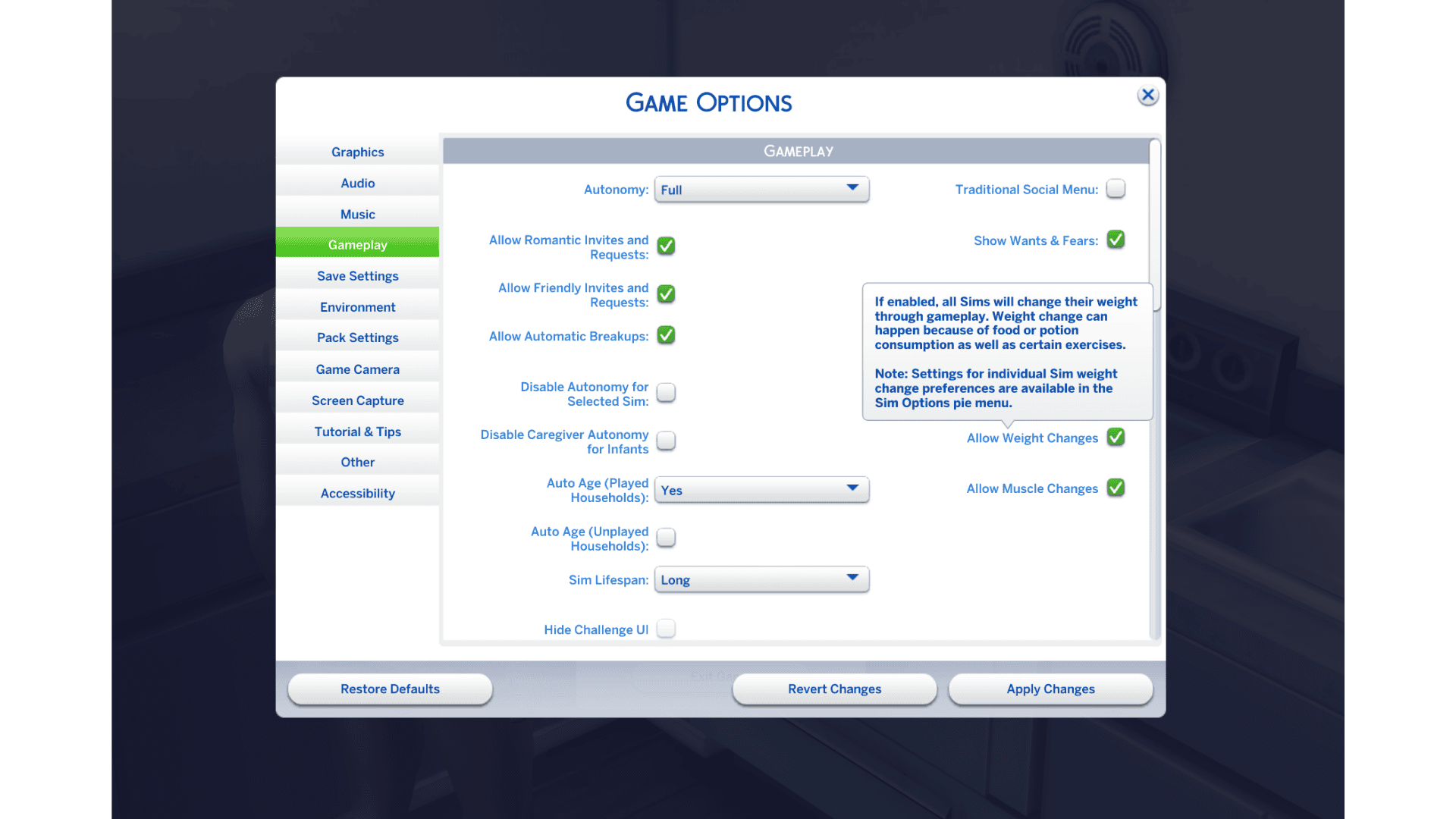
There’s a second set of controls in Game Options, but those apply across your save rather than to just one Sim. If you want to stop a particular character gaining weight or muscle, use their self-interaction instead. Our Sims 4 muscle and weight toggles guide explains both sets of controls.
Why is The Sims 4 Sim Options menu missing?
If you can’t find The Sims 4 Sim Options menu at all, check that your game has been updated and that you’re clicking the Sim you’re actively playing. EA introduced the menu on October 27 with versions 1.129.39.1030 (PC), 1.129.39.1230 (Mac) and 2.40 (console). Those numbers identify the October release; later updates may show a higher version.
Can you open the submenu but not see the option you want? Check the pack list above. The Sims 4 Sim Options menu won’t give you Lovestruck, Adventure Awaits or Snowy Escape interactions if you don’t own those expansions. Sim Physique is different: it’s a base-game setting.
If the menu is still missing and you use UI mods, check whether they’ve been updated for the patch. EA warns that outdated or conflicting mods can cause problems after updates. Our guide to testing without mods covers how to check safely. Don’t delete a save or reinstall the game just because one interaction isn’t showing up.
Is The Sims 4 Sim Options menu free?
Yes. The Sims 4 Sim Options menu came with a free base-game update. Lovestruck, Snowy Escape and Adventure Awaits add their own options, but none of them is required to open the submenu. If you’re trying to control who can use a TV, that’s a different setting: click the television itself and follow our TV locking guide.
For more on the same patch, see our October 27 update guide. If a self-interaction seems to have gone missing since then, click your active Sim and check Sim Options… before looking anywhere else.
Related Guides
Official source: EA’s October 27, 2026 patch notes.