
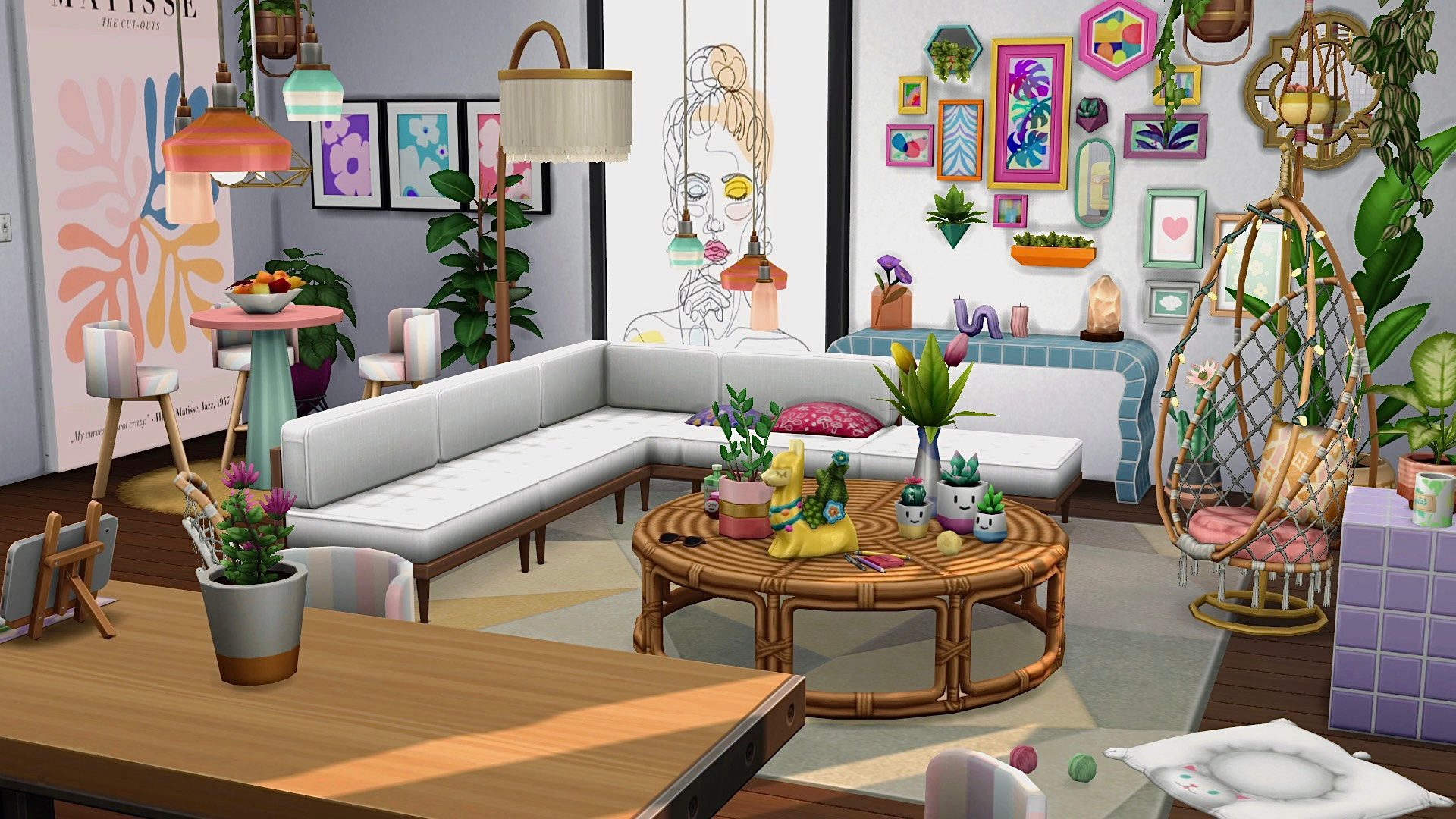
The Sims 4 October 27 Update is now available with more than 150 bug fixes, new muscle and weight controls, restaurant repairs and free Elder-themed items. EA’s released patch notes confirm over 25 Dine Out fixes alongside changes to the fridge, Family Recipes and loading bugs.
The Elder collection is part of the same free patch. Below are the new items, the biggest fixes, and the problems worth checking if your game still isn’t behaving after updating.
The Sims 4 October 27 Update date, versions and biggest fixes
The shipped versions are PC 1.129.39.1030, Mac 1.129.39.1230 and console 2.40. These are the shipped October 27 patch versions for PC, Mac, PlayStation and Xbox.
The October 27 release includes over 150 fixes, including more than 25 Dine Out repairs and 14 crash or stability repairs. The changes cover restaurants, rental saves, Gallery lots and everyday Sim behaviour. If you use script or UI mods, check for updates before opening an important save.
Free Elder furniture and clothing in The Sims 4 October 27 Update
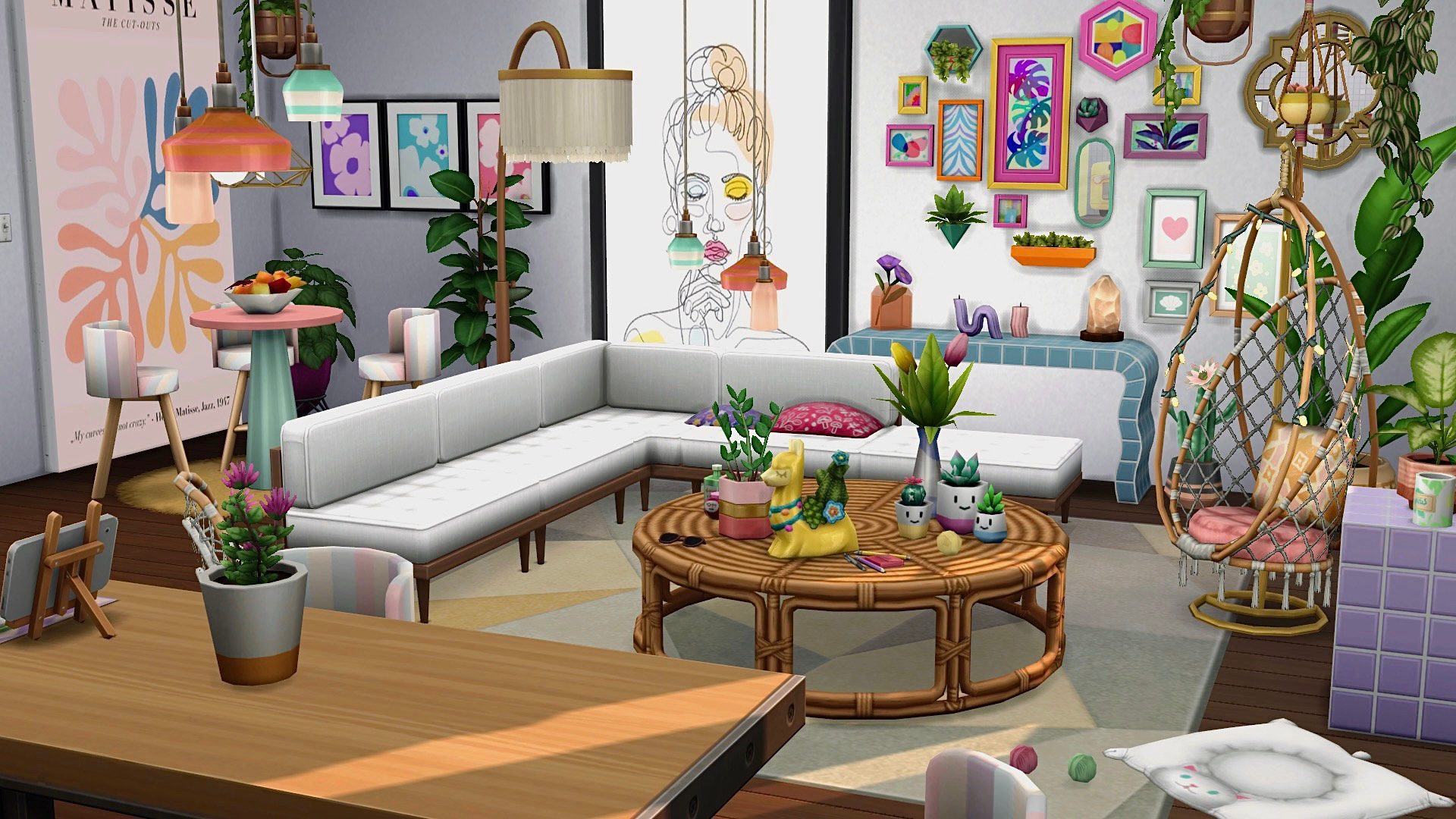
The free Elder collection is part of The Sims 4 October 27 Update, with two hairstyles, four new clothing pieces, five recolours, four Styled Looks, 11 Build/Buy objects and a Styled Room. EA also added a four-Sim Elder household to the Gallery: Raven Ballard, Elena Marquez, Daniel Kwon and Malik Nasir. The hairstyles are Quiff Side Part and Half-Down Waves, while the clothes include a Polo Shirt with Cardigan, Long Dress with Lace and Buttons, Sleeveless Blouse and Long Skirt with Pockets. The final item names, including every piece of furniture, are in our free Elder items guide. No paid expansion is needed.
Muscle and weight controls in The Sims 4 October 27 Update
The Sims 4 October 27 Update adds Allow Weight Changes and Allow Muscle Changes to Game Options. They work independently across the save, and a selected Sim gets individual controls through Sim Options → Sim Physique. That means one character can carry on working out without gradually changing their body shape.
The new controls apply to Sims, not animals such as cats, dogs and horses. EA also moved self-interactions into a Sim Options category when you click the active Sim. Our muscle and weight toggle guide explains the difference between whole-save and individual settings.
Food, fridge and Family Recipe changes
Hungry Sims now favour leftovers in the fridge or on the counter instead of cooking another meal. The fridge’s Open option now appears at the front of the menu. EA has also rebalanced food and drink pricing and calories throughout the base game and its packs.
EA added more than 375 dishes that already existed in the game to the Businesses & Hobbies Family Recipes feature. These are not hundreds of new cooking recipes, and using Family Recipes still requires the expansion. Our Family Recipes guide covers creating and passing on dishes.
Dine Out repairs in The Sims 4 October 27 Update
The restaurant fixes also cover error 123:6346675a when travelling to affected venues. EA added safeguards for a broken table state, but says it could not reproduce the original report, so it is not a guarantee for every save. Tables with lights in the middle have corrected footprints. Some tables in older restaurant builds may disappear after updating, especially if they were placed with bb.moveobjects. Back up the restaurant before you open it in the patched game.
In Dine Out, waiters affected by special-role conflicts from other packs should now show up for shifts. Customers should spend less time chatting instead of sitting, and no longer abandon unfinished food or drinks before paying. EA also fixed distractions that interrupted restaurant dining, such as jogging, viewing decorations and making paper aeroplanes.
EA fixed specific problems interrupting restaurant meals, including staff, seating and orders. It did not announce a full redesign of Dine Out. Our Dine Out fixes guide covers what the announced improvements specifically address.
Other restaurant changes include corrected chef recipe requirements, dishes cleared from waiter stations, Snowy Escape menu orders, new hot- and cold-weather dress-code options, improved uniform editing, blocked toilet pranks in restaurants and corrected business-fund transfers. The dedicated Dine Out fixes guide explains those changes and the table warning in more detail.
White screen and endless loading fixes
The Sims 4 October 27 Update addresses the endless-loading bug caused by placing some Gallery lots built with extensive Move Objects use. EA improved the navigation mesh used for Sim routing to prevent that particular freeze.
The second repair targets the white screen when loading worlds containing residential rental lots. EA says affected saves should open again, although some lot details may need rebuilding. This is the specific rental-world problem linked in its October 20 announcement, not a promise to fix every white screen. Our white-screen and loading guide explains how to protect your save before testing the patch.
The Sims 4 October 27 Update: all 14 crash and stability fixes
EA lists 14 crash and assertion fixes in the final patch. These target specific failures, rather than promising the game will never crash. The affected situations are:
- Windows crashes linked to signed files.
- PC and Mac lot-loading crashes involving cursor and interface handling.
- Errors when certain mod-related Sim interactions were unloaded.
- Crashes when Sims with incompatible Traits failed to load.
- Crashes while starting the game through the EA app.
- A routing and navigation-mesh crash.
- A crash when a romance story progressed from romantic interest or lovebirds to lovers.
- Crashes when large families were uploaded to the Gallery from Create a Sim.
- A PlayStation main-menu crash tied to simultaneous store-data responses.
- A mod-related retail-lot crash involving a male uniform (Get to Work).
- An assertion when placing Eco Lifestyle windows on walls.
- A Social Bunny reactions crash (High School Years).
- A loading-screen assertion after reloading a save with an infant in a back carrier (Growing Together).
- A Dynasty household-move assertion (Royalty & Legacy).
EA says crashes tied to outdated or conflicting mods remain an issue for some players. Keep an untouched save backup, update script mods and test without them if the game still crashes. The earlier September crash fixes also reduced crash rates, according to EA’s own tracking.
PlayStation and console fixes in The Sims 4 October 27 Update
The Sims 4 October 27 Update also fixes PlayStation crashes while the Main Menu is loading, caused by overlapping store-data requests. EA addressed slow transitions from Live Mode to Build Mode on PlayStation and the Something Went Wrong pop-up that could not be dismissed using a controller.
On consoles, opening another player’s Gallery Catalog could also freeze the game for more than 20 seconds. EA lists a fix for this in console patch 2.40. These changes are separate from the white-screen and Gallery lot-placement repairs.
More changes in The Sims 4 October 27 Update
Click any television and look for Lock Television for… to choose who can use it, just as you can restrict a computer. EA has also moved previously uncategorised self-interactions into Sim Options…, reached by clicking the actively selected Sim, improved save-backup tracking, fixed a routing-related freeze and adjusted infant sleep so infants do not need to be almost exhausted to fall asleep.
Before installing The Sims 4 October 27 Update, back up saves and the Mods folder. After updating, launch with mods disabled, then check the creators’ compatibility notices before restoring them. Our broken-mods guide covers the safe checks. Do not overwrite your main save while its required mods are missing.
Check that The Sims 4 October 27 Update is installed before testing an old problem. Match your version with the numbers above, then test a backed-up save. Similar symptoms caused by outdated mods or a different broken lot may need separate troubleshooting.
Related Guides
Official source: EA’s final October 27, 2026 patch notes.





