
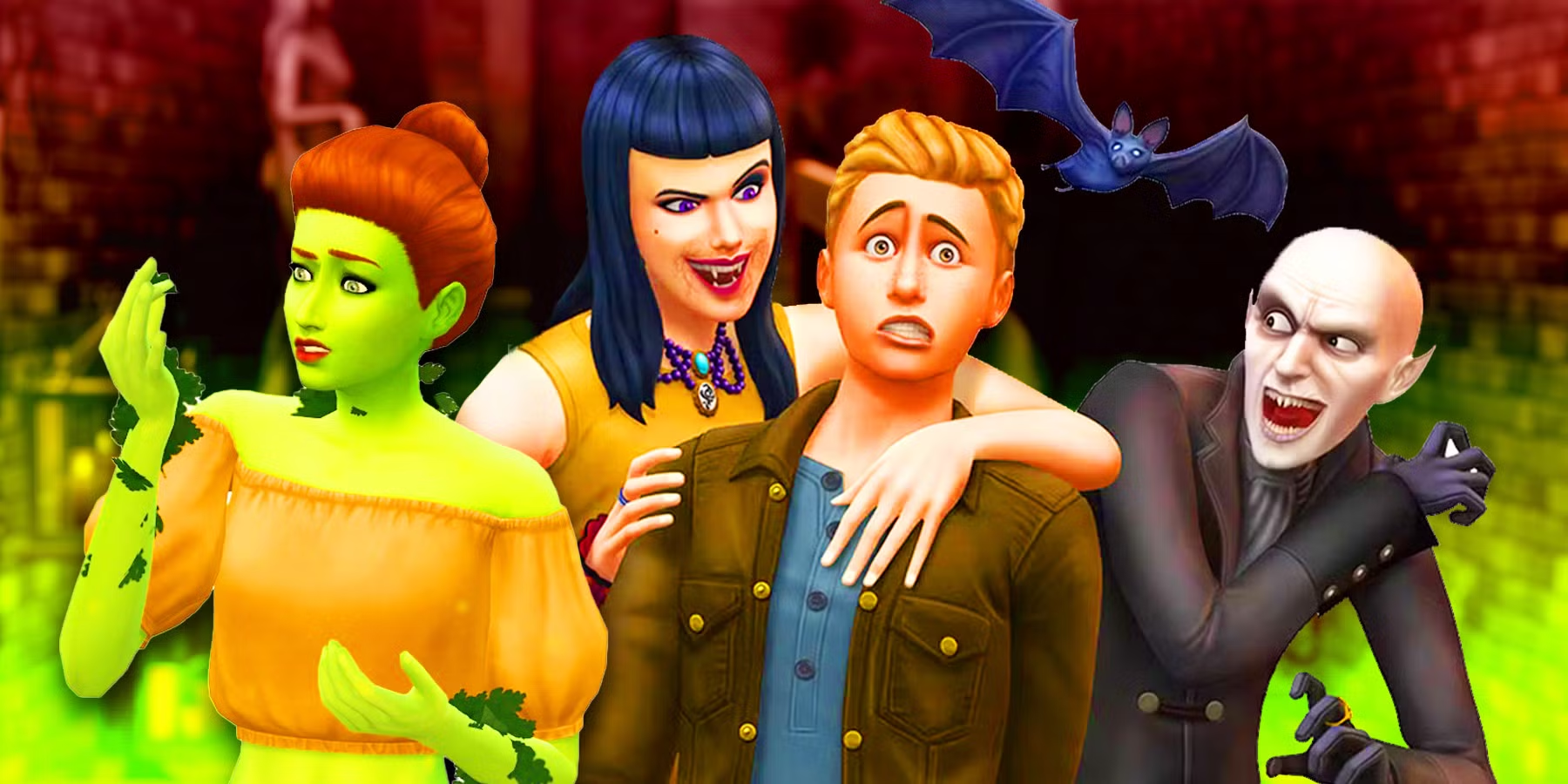
Sims 4 werewolf black texture problems caused by werewolf bites were addressed in the October 27, 2026 patch. EA fixed two distinct transformation bugs: Fairy Sims changing into werewolves could develop black visual corruption, while another bug distorted the active Sim’s eyes, ears or face after a bite.
If your werewolf suddenly looks black or their facial features are distorted, check the game version first. Both fixes are specifically for bite-related transformations; unrelated broken custom-content textures may need a different solution.
What caused the Sims 4 werewolf black texture bug?
EA identified one problem affecting Fairy Sims bitten by werewolves. The transformation could leave a black visual corruption instead of properly completing the change to a werewolf. This happens when a fairy changes occult type after a werewolf bite, not when a Sim changes outfits.
A second Sims 4 werewolf black texture issue affected a Sim you were actively playing. After being bitten by another werewolf, their transformation could produce visual corruption around the eyes, ears and face. EA lists this separately, so you do not need the fairy pack for the second bug to be relevant.
How to fix Sims 4 werewolf black texture after a bite
- Install the October 27 update and restart The Sims 4.
- Back up the save containing the affected werewolf before experimenting.
- Load a copy of that save and inspect the werewolf form as well as the Sim’s ordinary appearance.
- If you’re testing a new bite, do so in a separate save rather than permanently changing a favourite household.
- Check whether the corruption occurs only during transformation or remains in Create a Sim and normal play.
- If it persists, compare against a clean mod-free save before changing or deleting custom content.
The Sims 4 werewolf black texture fixes apply to the two transformation problems EA named. The notes don’t promise that every Sim already affected before October 27 will automatically look normal. Keep a backup of the pre-update household so you can safely test what the patch changed.
Is the Sims 4 werewolf black texture problem only affecting Fairy Sims?

No. EA described a specific case with Fairies becoming werewolves, but also confirmed the separate visual bug when the active Sim transformed after a werewolf bite. The fairy case involves Enchanted by Nature alongside Werewolves; the other confirmed problem concerns the Werewolves pack on its own.
Even without Enchanted by Nature, the second transformation bug could affect an active werewolf. Don’t assume you need to buy the fairy pack to resolve facial corruption. Equally, a black screen, black photograph or missing CC texture is not automatically this bug.
What if Sims 4 werewolf black texture remains after the October patch?
First see whether it happens in a new, unmodded save. On PC or Mac, temporarily remove outdated skin overlays, werewolf form custom content, default replacements and script mods from the active game folder. Back up the Mods and Saves folders first; do not overwrite the affected household while its CC is unavailable.
Try a fresh werewolf transformation with ordinary game assets and compare it with the original corrupted Sim. If the new test looks normal, the remaining issue may be linked to that save or the custom content it uses. If both fail, report the precise pack combination, current game version and transformation steps to EA’s bug-report forum.
Don’t delete a favourite Sim’s werewolf form just to see whether it helps. EA’s patch notes establish that particular bite-to-transformation corruption was fixed, but don’t provide a guaranteed repair button for every character created before the update.
Did the October 27 patch fully fix Sims 4 werewolf black texture?
It fixed the two reported transformation cases EA identified. That is narrower than saying every black or missing texture in The Sims 4 is gone. The patch should prevent the affected fairy and active-werewolf transformations from producing those particular visual errors, but unrelated CC, graphic and save problems still need separate checks.
If your werewolf looks normal after updating, there’s no need to recreate them. If the Sims 4 werewolf black texture effect remains in a copied save, keep a note of whether the eyes, ears, face or entire werewolf form is affected. That will help distinguish the reported bug from an ordinary CC texture problem.
Related Guides
Official source: EA’s October 27 Sims 4 patch notes.




