
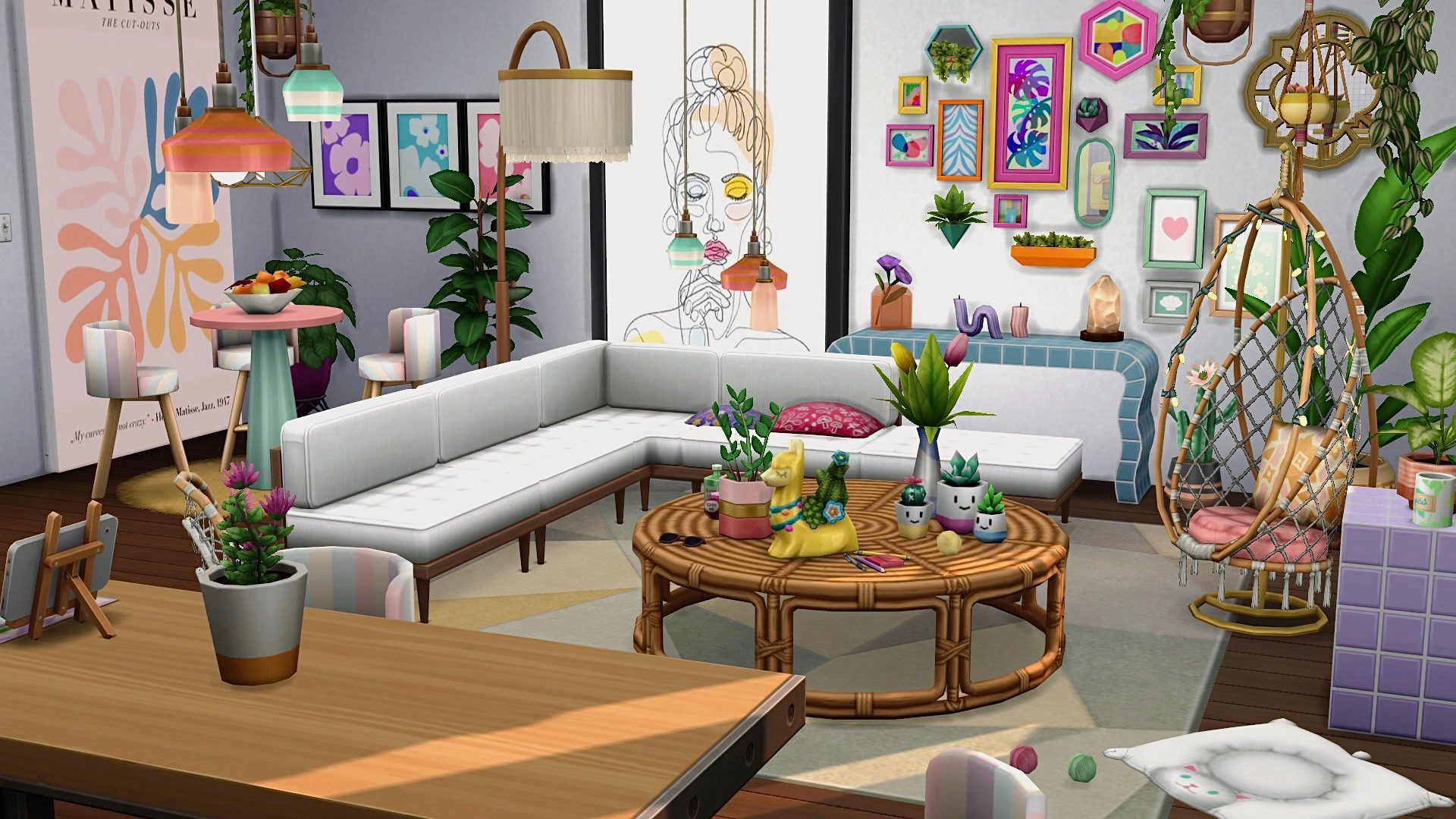
Sims 4 dining received a seating fix in the October 27, 2026 update. EA changed the way eating and social interactions work together, after players reported Sims standing up in the middle of meals just to have a conversation. The patch also tackles restaurant customers who spend too long talking before finding their seats.
This doesn’t force every Sim to sit through an entire meal. They can still get up for other tasks. If dinner keeps turning into a tour of the house, though, there are a few things to check before blaming the chairs.
What changed for Sims 4 dining in October?
EA found that multitasking during meals could make Sims stand when they tried to socialise. The October update improves that behaviour. In Dine Out, the developers also reduced excessive socialising before seating and addressed other activities that pulled customers out of the normal restaurant experience.
There are two versions of this Sims 4 dining problem: Sims who stand up halfway through dinner, and restaurant customers who never sit down in the first place. The first relates to eating and conversation multitasking; the second can also involve restaurant service.
How to stop Sims standing during Sims 4 dining
- Install the October 27 patch and restart the game.
- In a copied save, choose a usable dining table with an accessible chair.
- Direct your Sim to sit and eat a serving of food.
- Don’t queue any other instructions while they eat.
- If they stand, inspect their action queue for a conversation, object interaction or other need.
- Repeat with an ordinary base-game table and chair to rule out a blocked or unusual seat.
For Sims 4 dining, watch the action queue when someone stands up. If you asked them to do something else, that is expected; if an automatic conversation keeps interrupting the meal, that’s closer to the bug EA targeted. Test one Sim first so you can see what triggered it.
Why Sims won’t stay seated in Dine Out
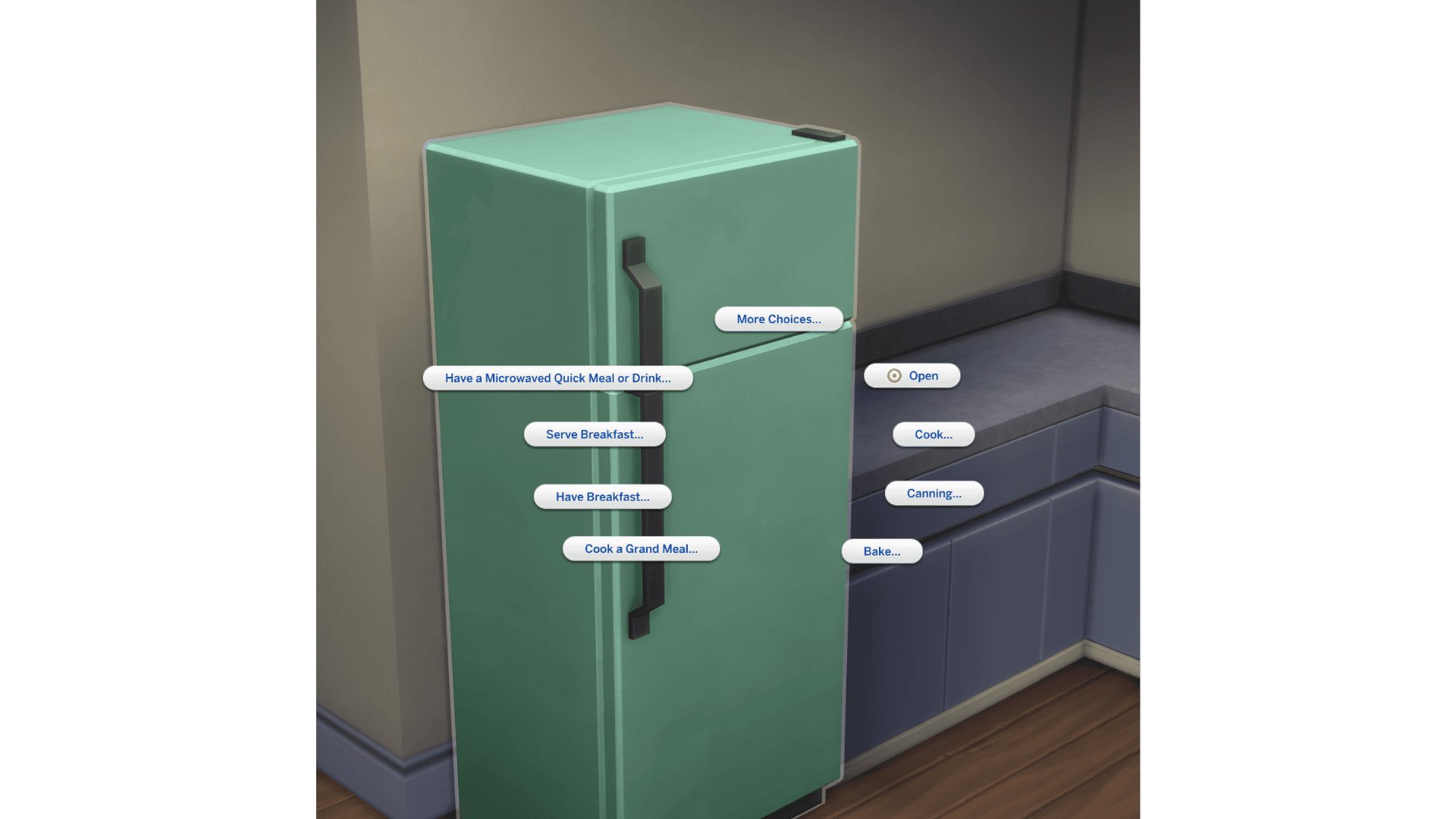
At a restaurant, customers may be waiting for a host or a waiter rather than struggling with the chair itself. EA fixed cases where special roles from other packs interfered with employees, and reduced the conversations that kept diners standing before service. If nobody gets seated, check that the host is working and can reach tables.
EA’s final patch notes name specific Dine Out interruptions: energetic guests leaving to jog, diners getting up to admire decorations, rummage in bins, hug someone or do university homework instead of finishing their meal. Those actions were among the behaviours fixed, not just a general adjustment to how long guests sit. Our Dine Out guide covers those restaurant issues, including unfinished meals and service interruptions.
Can furniture and mods disrupt Sims 4 dining?
A blocked chair can make it difficult for a Sim to sit or stay at the table. Check the spacing around furniture, then try a simpler layout in a separate test save. If the Sim eats normally at another table, you have a reason to examine the original lot rather than blaming every dining interaction.
Mods that affect autonomy, food, social interactions or restaurant service can change Sims 4 dining behaviour. On PC and Mac, back up your Saves and Mods folders and compare a fresh mod-free test. Avoid saving over your main household while its custom furniture or script mods are disabled. A mod-free comparison is more useful than deleting content blindly.
Did the update fix Sims 4 dining completely?
No. EA says Sims are now more likely to remain seated while eating and talking. They may still get up for a different interaction or need. The Dine Out patch also fixed multiple interruptions, but EA has not claimed that every possible restaurant problem is gone.
If a Sim repeatedly gets out of an accessible chair just to talk, even in an updated game without mods, record the interaction that interrupted eating and the packs installed. For Sims 4 dining bug reports, those details make it easier to separate the old multitasking issue from a new routing or autonomy failure.
If it happens again, cancel the interruption and direct the Sim to finish eating. That is still the quickest workaround while you test whether the issue happens on a simple, mod-free lot.
Related Guides
Official source: EA’s final October 27 dining and Dine Out patch notes.




