
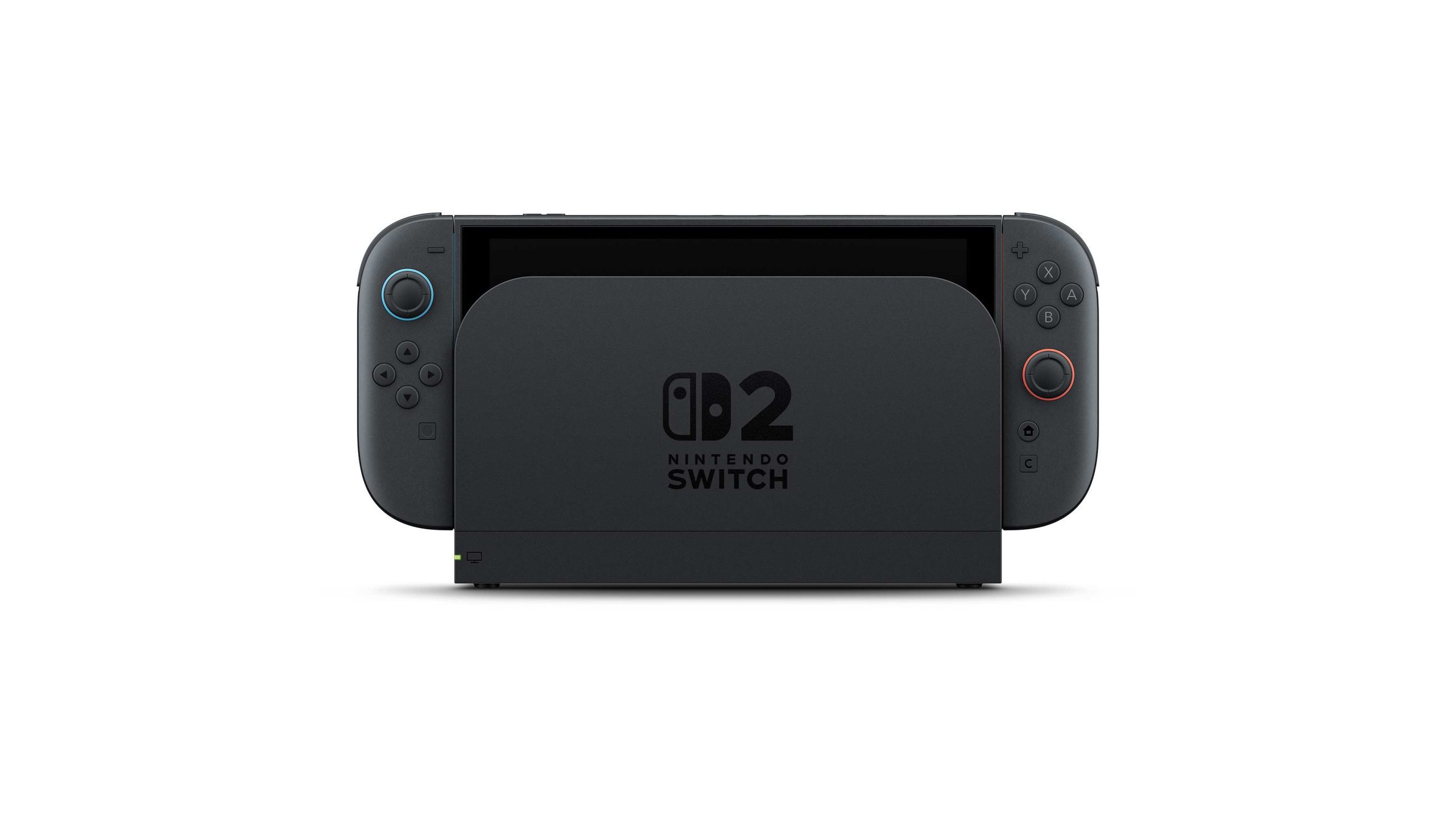
Switch 2 replaceable battery model checks are worth doing before you buy a battery kit, because the two consoles look almost identical. The revised BEE-001(-01) lets an adult replace its battery; the original BEE-001 is serviced by Nintendo instead.
You won’t spot the battery revision by looking at the screen. Both consoles look much the same and play the same games, so use the hardware markings rather than a seller’s description of ‘new stock’.
Switch 2 replaceable battery model: BEE-001 or BEE-001(-01)?

BEE-001 is the original Switch 2; BEE-001(-01) is Nintendo’s revised, user-replaceable version. That extra suffix is vital. The newer console is designed for battery kit BEE-003(-01), while the original requires Nintendo’s paid service.
The Switch 2 replaceable battery model has the same software compatibility and features as the original. You aren’t buying a faster machine or a new game library, just a different battery design for future servicing.
Look under the kickstand and in System Settings
Open the kickstand and locate the console’s serial-number sticker underneath it. You can also check the number onscreen: from HOME, open System Settings, choose System, then Serial Numbers. The console’s own serial is listed separately from connected controllers.
The first two letters are enough for this check, so there’s no need to share your full serial number online. An HL prefix points to the Switch 2 replaceable battery model; HA identifies the original battery design.
If a seller can only say ‘latest batch’, ask for the model marking. The date a retailer received stock isn’t enough to prove which Switch 2 revision is inside the box.
Switch 2 replaceable battery model: screws and box markings
Detach both Joy-Con 2 controllers and inspect the magnetic connectors on the console. On BEE-001(-01), two black screws are visible on each side. On the original BEE-001, no screws are visible at those connector points. You don’t need to unscrew anything to check.
A Switch 2 replaceable battery model may be offered beside older stock while Nintendo changes over supplies. Confirm the actual model on the box or console instead of relying on a generic retailer image.
Don’t assume a special-edition bundle contains the new design. Nintendo explicitly says its October Mario Kart World, Nintendo Switch Sports Resort and Zelda 40th Anniversary bundles include consoles without user-replaceable batteries.
What about Joy-Con 2 model numbers?
Switch 2 replaceable battery model identification is separate from identifying the two controllers. Revised left Joy-Con 2 units use BEE-012(-01), while revised right units use BEE-014(-01). Their serial prefixes are HM and HN respectively. The older controller prefixes are HB and HC.
The console and its Joy-Con 2 controllers have separate model and serial numbers. Revised Joy-Con 2 use different left and right battery kits. Our Joy-Con 2 battery model guide shows which codes to check.
If you own the older model, what happens?
If yours is BEE-001, there’s no need to trade it in. Nintendo says European battery-rule changes don’t affect devices already sold. Your games still work, and a worn-out original battery can be replaced through Nintendo Customer Support.
Nintendo’s illustrated owner-replacement procedure applies to BEE-001(-01), using the matching BEE-003(-01) kit. That kit has no confirmed UK price in the current guidance and is planned for sale later. Don’t attempt the new opening procedure on an earlier BEE-001.
If the model marking is unclear, contact Nintendo with the console’s serial number before buying parts. Guessing isn’t worth risking damage to a lithium-ion battery.
A quick final check before repair
Before you buy parts, check the hardware revision and read Nintendo’s illustrated safety instructions. The Switch 2 replaceable battery model is intended for adult replacement with the correct compatible battery, not for improvising with the older design.
Once the model is confirmed, follow our Switch 2 battery replacement guide for the correct hardware. The new procedure is not an invitation to open the original BEE-001.
Official manufacturer source: Nintendo Support.





