
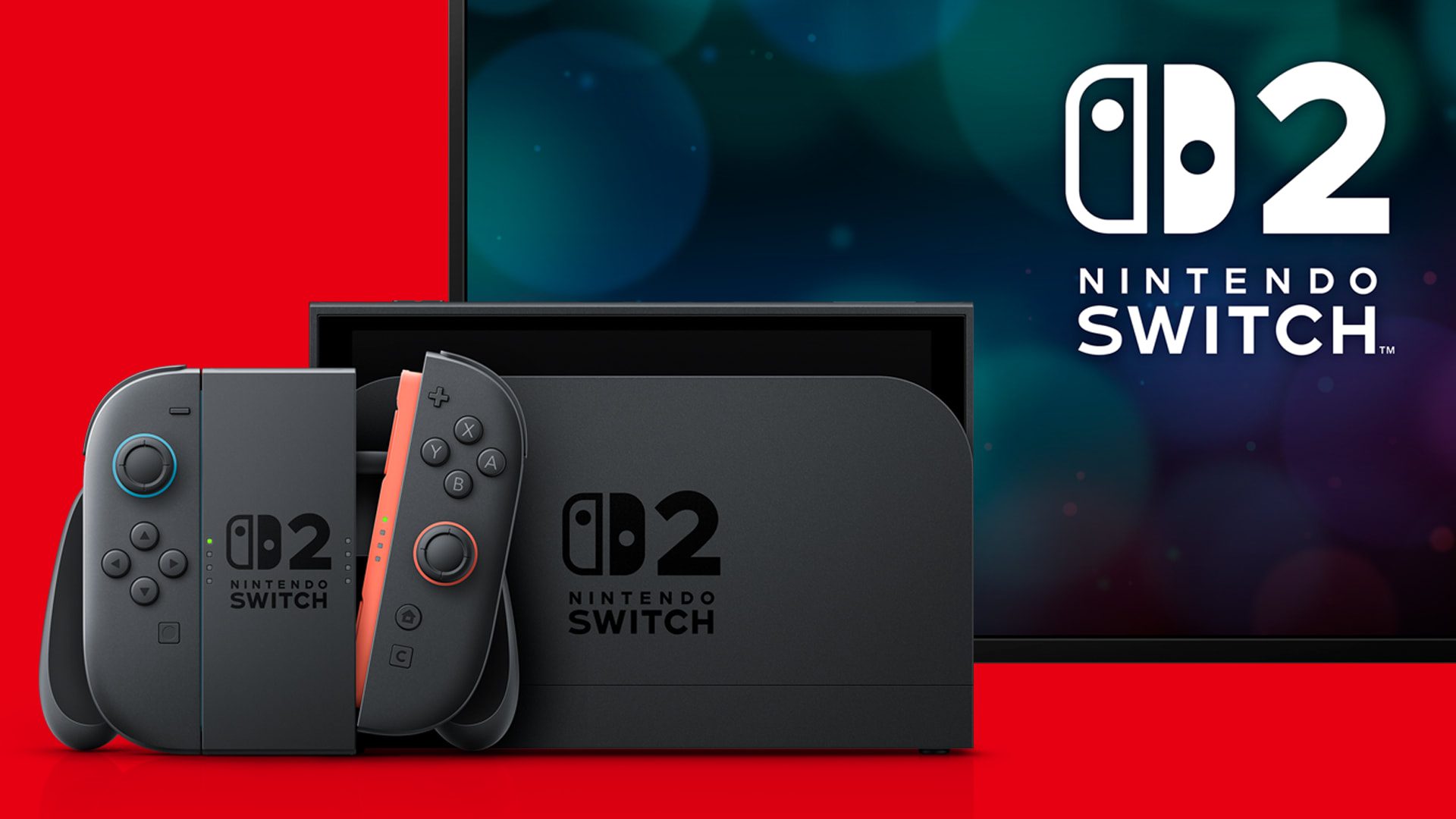
Switch 2 Dock Update is handled from the console’s System Settings rather than through Nintendo eShop or a separate download. Nintendo requires the Switch 2 console to be placed in the dock, connected to the internet and running current system software before the dock firmware can be updated.
The step matters more after system version 23.0.0 because Nintendo added VRR support in TV mode and specifically says the dock must be updated to enable it. If a new display feature is missing even though the console itself is current, checking the dock version is now an obvious place to start.
How to perform a Switch 2 Dock Update
The Switch 2 Dock Update menu is under System Settings. Dock the console first, confirm the console is online, then update the system software before checking the dock.
- Place the Nintendo Switch 2 console in the Nintendo Switch 2 dock.
- Open System Settings from the HOME Menu.
- Scroll to System.
- Select System Update and install any console update that is waiting.
- Return to System.
- Select Dock Update.
- Choose Begin Update.
- Leave the console docked until the process finishes.
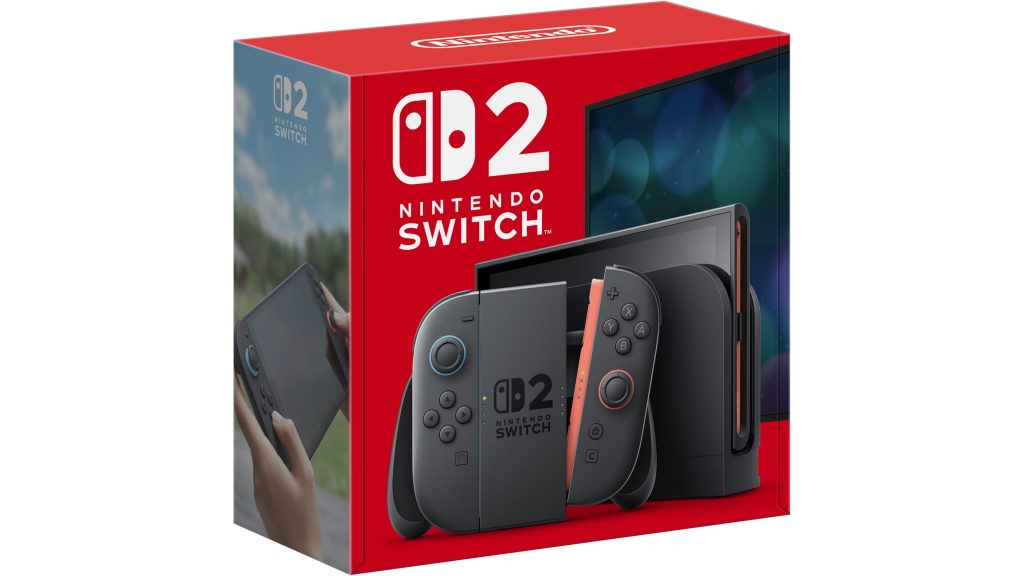
Why the Switch 2 Dock Update option can say the dock is already current
If the Switch 2 Dock Update screen says the dock is up to date, there is nothing else to install through that menu. Select OK and return to the setting you were troubleshooting. For VRR, that means checking the television, HDMI input and the software you are using rather than repeatedly reopening Dock Update.
Nintendo does not provide a separate public version number for the dock in the same way it lists console system software versions. The built-in updater is therefore the practical way to confirm whether the attached dock has anything newer available.
What to do if the Switch 2 Dock Update stops
Nintendo’s support guidance for a Switch 2 Dock Update that stops before completion is simple: try the update again. Before retrying, keep the console firmly seated, leave the dock powered, and make sure the internet connection is stable.
If the update repeatedly stops, restart the Switch 2 and router, then return to System Settings and try again. Avoid unplugging the dock while firmware is actively being installed unless the console has already failed out of the process and Nintendo support instructs you to do so.
Do you need a Switch 2 Dock Update for VRR?
Yes. System version 23.0.0 adds Variable Refresh Rate support in TV mode, and Nintendo explicitly says a Switch 2 Dock Update is required to enable the feature. Updating only the console is not enough if the connected dock is still on older firmware.
If VRR is the reason you found this guide, use our Nintendo Switch 2 VRR Not Showing troubleshooting page after the Switch 2 Dock Update. It covers the TV, HDMI and software checks that come next once the dock is current.
Is the Switch 2 Dock Update the same on the original Switch dock?
No. This guide is for the Nintendo Switch 2 dock. Nintendo also provides firmware updates for the original Nintendo Switch OLED dock with a LAN port, model HEG-007, but the menu wording and hardware requirements belong to that system. A standard original Switch dock without the supported update hardware does not use this process in the same way.
Switch 2 Dock Update: what you need before starting
- A Nintendo Switch 2 console.
- A Nintendo Switch 2 dock connected to power.
- An internet connection.
- The Switch 2 placed in the dock.
- Current Switch 2 system software.
The Switch 2 Dock Update does not require a Nintendo Switch Online subscription. It is system maintenance, not a membership feature. You also do not need to download a file manually to a USB drive or microSD Express card.
- Nintendo Switch 2 VRR Not Showing After Update 23.0.0
- Switch 2 System Transfer: Move Data to Another Switch 2
- Nintendo Digital Content Missing: Restore Games and DLC
- Pokémon Champions Update Not Working: How to Update on Switch
- How to Play Star Fox Adventures on Nintendo Switch 2
- Destroy All Humans 2 Switch 2: Release, DLC, Size and What Changed
Official Switch 2 Dock Update instructions
Nintendo’s official Nintendo Switch 2 dock firmware guide confirms the required console, dock and internet connection and gives the System Settings, System, Dock Update route. That is the first-party process to use whenever the dock needs new firmware.





