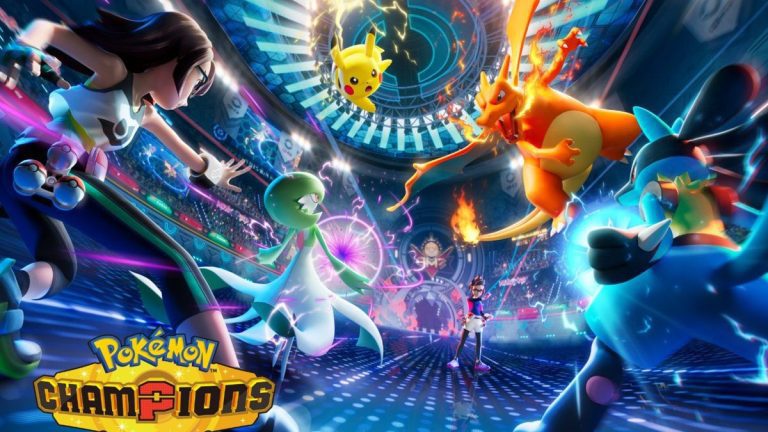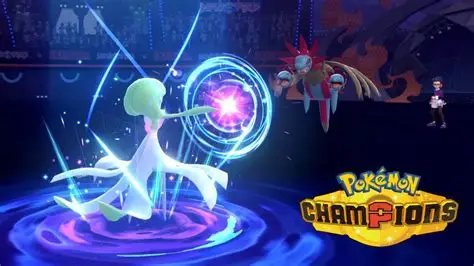
Pokémon Champions Update Not Working on September 9 usually means your Switch has not downloaded Version 1.2.0 yet, the console is offline, or the update has not completed installing. Version 1.2.0 is required for online play after the Regulation M-C maintenance.
The safest fix for Pokémon Champions Update Not Working is to use Nintendo’s manual software-update route rather than repeatedly launching the game and hoping the patch appears. Your existing save data remains available after installing the update.
How to Fix Pokémon Champions Update Not Working on Switch
- Connect Nintendo Switch or Switch 2 to the internet.
- Return to the HOME Menu.
- Highlight Pokémon Champions without launching it.
- Press the + Button or – Button.
- Choose Software Update.
- Select Via the Internet.
- Wait for Version 1.2.0 to download and install before reopening the game.
This manual route is the first thing to try when Pokémon Champions Update Not Working appears after maintenance. Automatic Software Updates can normally handle patches in the background, but a manual check forces the console to look for the current update.
Check the Version Number
If Pokémon Champions Update Not Working keeps appearing, check the version shown for Pokémon Champions. The September 9 patch is Version 1.2.0.
Do not use Pokémon HOME’s version number as the comparison. Pokémon HOME is separate software with its own update history.
Make Sure the Console Is Online
A Pokémon Champions Update Not Working problem cannot be solved through Via the Internet if the console itself has no working connection. Open System Settings and test the current network before trying the update again.
If the connection is unstable, move closer to the router or try another network. Pokémon Support also recommends trying Wi-Fi, LAN or a mobile hotspot when Pokémon Champions has connection trouble.
Check Free Storage Space
Insufficient free space can also stop a software update from completing. If Pokémon Champions Update Not Working fails during download or installation, check the console’s available storage and free space if necessary.
Nintendo’s update guidance specifically notes that enough storage must be available to download update data. The exact patch download size can vary, so do not rely on an invented fixed file-size figure.
Restart After the Update Finishes
Once the manual download completes, reopen the game and check whether the Pokémon Champions Update Not Working message has cleared. If the update installed correctly but online features still fail, move on to connection troubleshooting rather than reinstalling immediately.
The September 9 scheduled maintenance is already finished, so a post-maintenance failure should be separated into two questions: is Version 1.2.0 installed, and can the console connect normally?
Will Updating Delete Save Data?
No. Nintendo’s update guidance says save data remains available after downloading the update, so Pokémon Champions Update Not Working does not require deleting your Pokémon Champions progress.
That is why clearing cache or checking the network is safer than deleting data when the game still refuses to connect after updating.
Why Version 1.2.0 Is Required
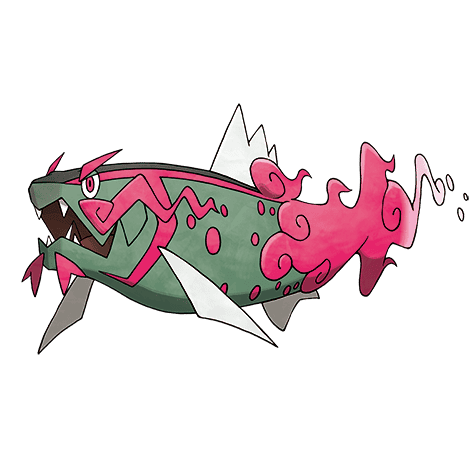
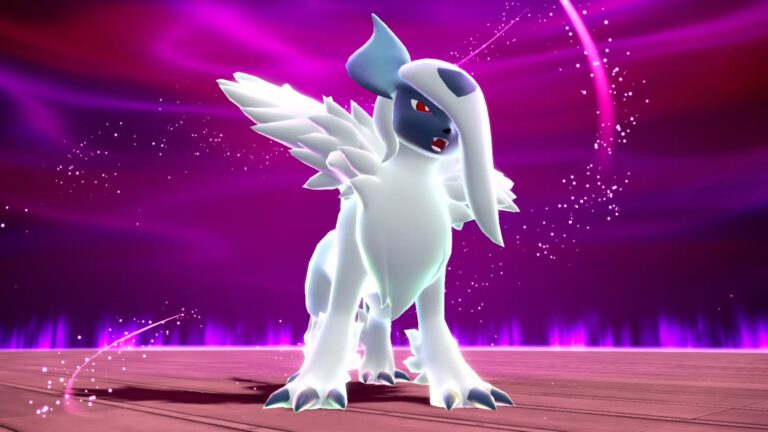
The current Pokémon Champions Update Not Working problem matters because Version 1.2.0 changes the live competitive environment. It adds Regulation M-C Pokémon and items, six new Mega Evolutions, Battle Log, Selection Support and move-balance changes.
The official Nintendo support page provides the manual software-update steps used to fix Pokémon Champions Update Not Working on Nintendo Switch and Switch 2.