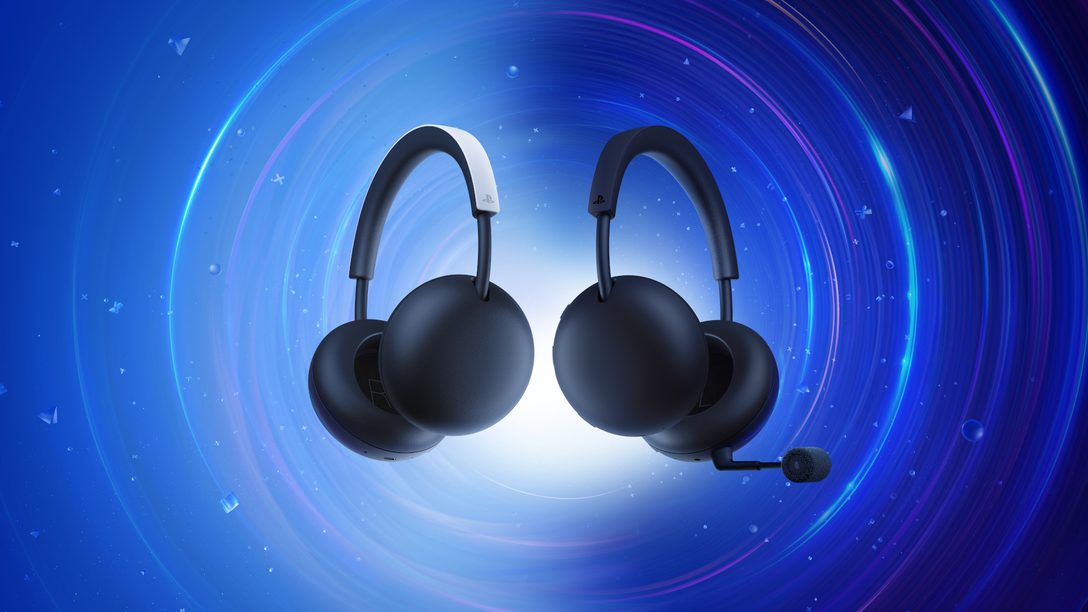
PlayStation PULSE Bluetooth lets you hear your phone and PS5 together. PlayStation Link carries game sound, while Bluetooth brings in music or calls from a compatible phone. Neither connection has to interrupt the other.
It’s useful when you’re gaming and a call comes in. The trick is choosing the right connection for each device, rather than trying to use Bluetooth for everything.
PlayStation PULSE Bluetooth versus PlayStation Link
PlayStation Link is Sony’s low-latency wireless audio technology for gaming on PS5, PlayStation Portal, PC and Mac. It carries lossless audio from supported hardware to your headset. The new PULSE comes with a USB-C PlayStation Link adapter for connecting to PS5 or a computer.
Bluetooth is the other connection, used with compatible phones and other mobile devices. You can use Bluetooth by itself for music or calls, or keep it running while PlayStation Link carries your game. PlayStation PULSE Bluetooth isn’t simply another name for PlayStation Link. They’re separate wireless systems doing different jobs.
Which devices work with PlayStation PULSE Bluetooth?
| Device | Connection | Adapter |
|---|---|---|
| PS5 | PlayStation Link | Included USB-C adapter |
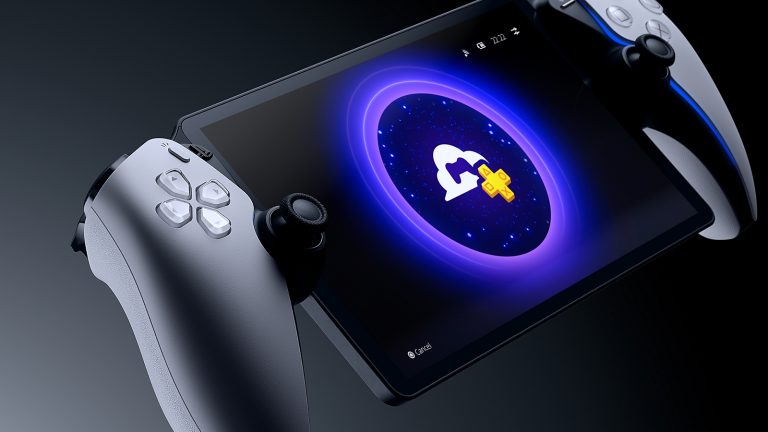
| PlayStation Portal | PlayStation Link | Built into the handheld |
| PC or Mac | PlayStation Link | Included USB-C adapter |
| Compatible mobile phone | Bluetooth | No adapter required |
On PS5, the included USB-C adapter provides the PlayStation Link connection. On PlayStation Portal, Link is built into the handheld, so there’s no need for the separate adapter. Compatible PCs and Macs use the included adapter as well.
How to use PlayStation PULSE Bluetooth with PS5 and a phone
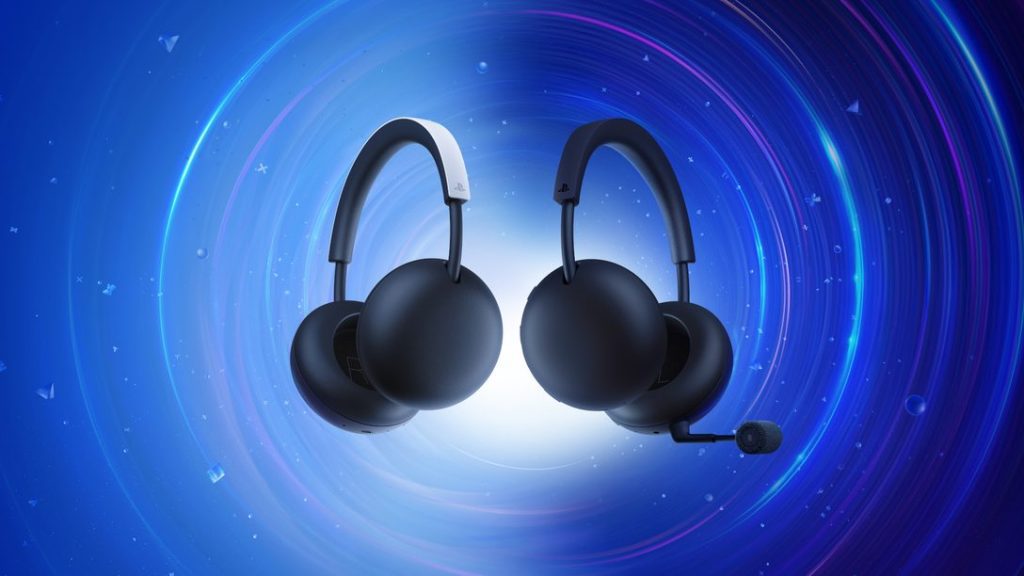
Set up your game audio first, then add the phone. You only need to establish the PlayStation Link and Bluetooth connections as you would for each device individually.
- Plug the supplied PlayStation Link USB-C adapter into your PS5. Turn on and connect the headset using the instructions included in its box.
- Turn on Bluetooth on your phone, put the headset in Bluetooth pairing mode and select it in your phone’s list of available devices.
- Leave both connections active. Start your game, then play music or answer a call on the phone to hear that audio alongside the game.
You can take a call mid-game without disconnecting your PS5. PlayStation PULSE Bluetooth handles the phone while PlayStation Link continues carrying game sound.
Can PlayStation PULSE connect directly to PS5 over Bluetooth?
No. PS5 doesn’t offer ordinary Bluetooth headphone pairing for game audio, so the headset connects to the console through PlayStation Link. Plug in the supplied USB-C adapter and use the Link connection for gaming.
PlayStation PULSE Bluetooth is for the second device, such as a phone. You can still use Bluetooth by itself when you’re away from your PS5. You just won’t be using that Bluetooth connection as a substitute for the console’s PlayStation Link adapter.
What comes in the box?
Sony includes the PULSE wireless headset, a USB-C PlayStation Link adapter and a user manual. The headset costs £89.99 in the UK and launches on 19 November 2026. One adapter is enough to connect it to a supported PS5 or computer.
What if only one audio source is working?
Check the connections separately. If PS5 game sound disappears, make sure the PlayStation Link adapter is plugged in and the console is sending audio to the headset. If the phone goes quiet, check that Bluetooth is enabled and the phone still shows the headset as connected.
Volume matters too. A muted phone call or paused music app will stay silent even when the Bluetooth connection is working. Check phone volume and the PS5’s audio settings before trying to pair everything again.
Battery life and other headset options
Sony rates the standard PULSE for up to 30 hours of wireless listening. As with any rechargeable headset, actual battery life changes with volume, settings and how you use it.
PlayStation PULSE Bluetooth isn’t a feature reserved for the newest model. PULSE Elite already supports simultaneous Bluetooth and PlayStation Link, and PULSE Edge will support both when it launches. Edge’s main extras include active noise cancellation and a detachable microphone.
If you’re buying mainly to hear PS5 game sound and phone audio together, the standard PlayStation PULSE already does that. There’s no need to pay for the higher-end headset just to use those two connections.
Related Guides
PlayStation PULSE UK Price and Release Date
PlayStation PULSE vs PULSE Elite
PlayStation PULSE vs PULSE Edge
Does PlayStation PULSE Work on PC?
PlayStation PULSE and PlayStation Portal
PlayStation PULSE Edge Features
PlayStation PULSE Edge PC and Mac Support
Sony confirms the dual-audio feature and compatible devices on the official PlayStation PULSE product page.