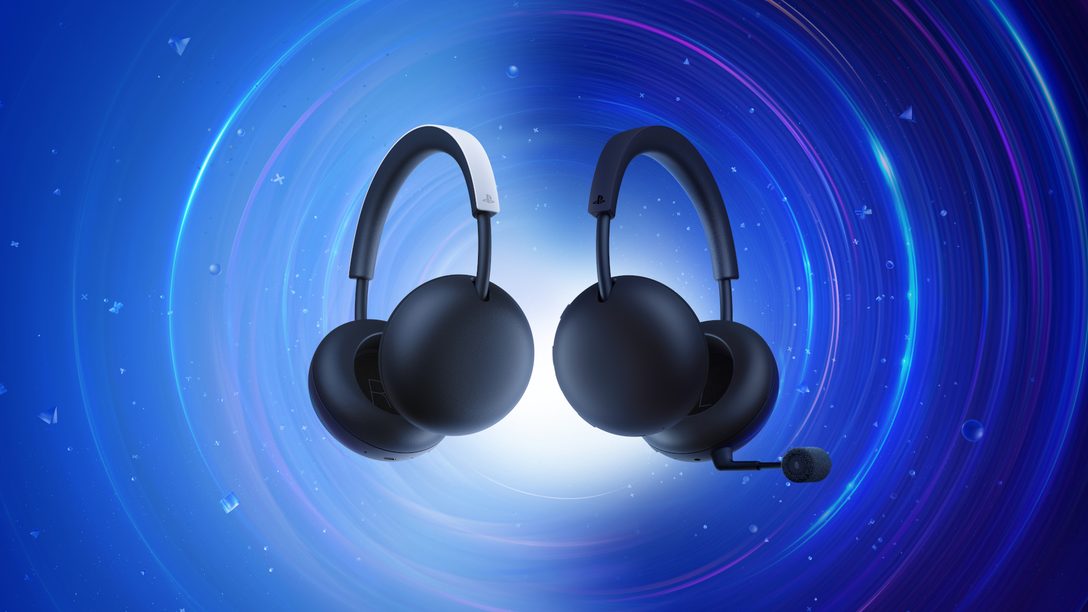
PlayStation PULSE Edge Work on PC and Mac is officially confirmed through PlayStation Link, with Sony including both computer platforms in the supported-device list.
Edge can also keep a Bluetooth device connected simultaneously, giving computer users the same dual-device flexibility Sony is building into the rest of the new PULSE lineup.
How does PlayStation PULSE Edge Work on PC and Mac?
Use the included USB-C PlayStation Link adapter as the primary wireless connection. PlayStation Link is Sony’s low-latency, lossless audio system, so PC and Mac support is a first-party feature rather than an unsupported workaround.
Does the Edge microphone work on computers?
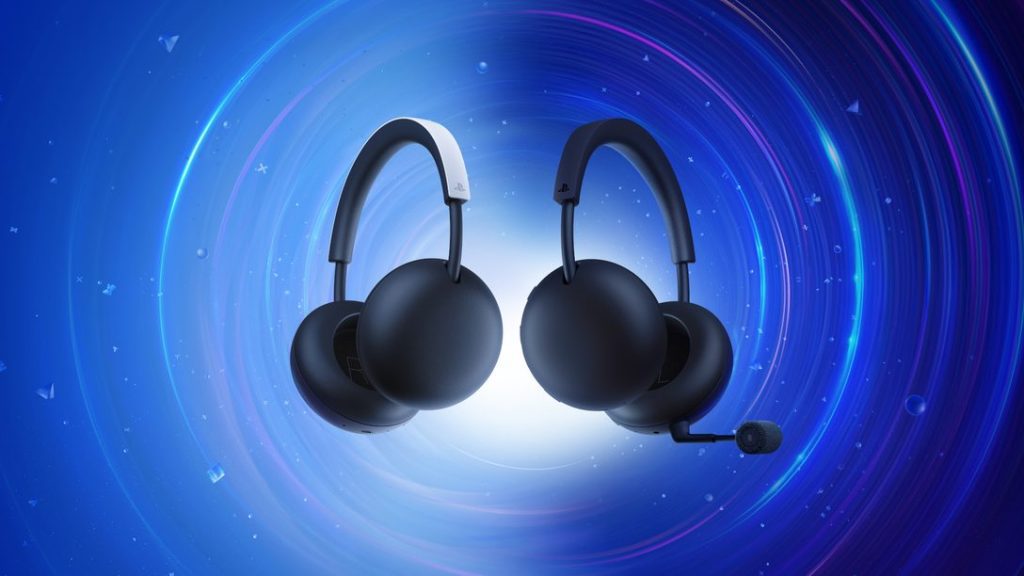
PULSE Edge includes a detachable boom mic with AI-enhanced noise rejection and a hidden mic that remains available when the boom is removed. Because PC and Mac are listed as supported PlayStation Link platforms, the microphone design is intended to travel with the headset across those devices.
Can ANC work away from PS5?
Sony describes ANC as a PULSE Edge hardware feature rather than a PS5-exclusive effect. PlayStation PULSE Edge Work on PC and Mac therefore includes the headset itself, although detailed computer-side ANC controls have not yet been documented.
Can Bluetooth run at the same time?
Yes. Edge supports simultaneous PlayStation Link and Bluetooth. A PC or Mac can use the Link adapter for game audio while a separate supported device remains paired over Bluetooth.
What about game/chat balance?
Sony specifically labels Edge’s built-in game audio and chat balance control as a PS5 feature. Do not assume the same hardware control behaves identically on Windows or macOS until the final support documentation explains it.
Does Edge have a wired option?
Yes. The official comparison table lists an audio/microphone jack on PULSE Edge. Sony has not yet published every supported wired-device combination, but the jack gives Edge an option the standard PULSE does not list.
What PC and Mac details are still missing?
PlayStation PULSE Edge Work on PC and Mac is confirmed, but the full driver software, EQ options, firmware-update process, battery reporting and platform-specific shortcuts remain to be detailed closer to the early-2027 launch.
PlayStation PULSE Edge Work on PC and Mac for creators
The detachable boom and hidden microphone also make Edge easier to switch between gaming and general computer use. Remove the boom for music or editing, then reconnect it when voice clarity matters more than the cleaner silhouette.
PlayStation PULSE Edge Work on PC and Mac support is therefore relevant beyond games, although Sony has not yet positioned the headset as a studio-monitoring product.
Why computer buyers may care about the audio jack
Edge’s audio/microphone jack gives PC and Mac users another fallback that the standard PULSE does not list. Sony has not yet published every supported wired scenario, but the presence of the jack can matter in setups where wireless adapters are inconvenient or restricted.
The detachable boom is another computer-friendly feature. It can be removed for media or travel and reattached when voice clarity matters, while the hidden mic prevents the headset from becoming completely voiceless without the boom.
PlayStation PULSE Edge Work on PC and Mac setup tips
On a computer, start with the included USB-C PlayStation Link adapter and select Edge as the active output and input device. PlayStation PULSE Edge Work on PC and Mac is a first-party supported use case, so there is no need to rely on unofficial Bluetooth-only workarounds for the main game connection.
Mac users should also check microphone permissions if voice capture does not appear immediately. PlayStation PULSE Edge Work on PC and Mac support includes the headset microphone hardware, but operating-system privacy settings can still block an otherwise working input.
For official hardware information, visit the PlayStation website.