
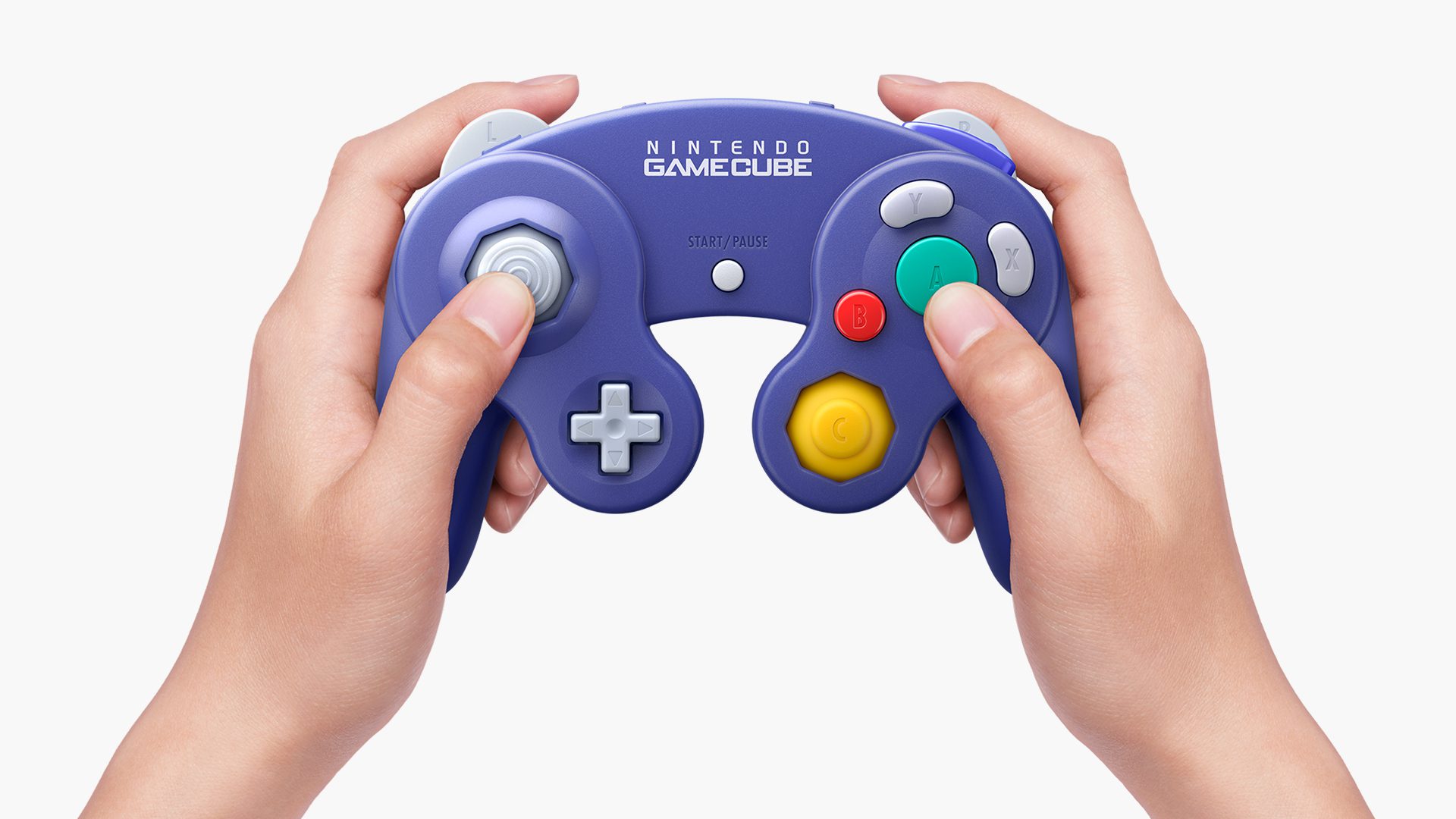
Nintendo Classics controllers on Switch 2 include the official wireless NES, SNES and Nintendo 64 pads, the SEGA Mega Drive controller, and the newer wireless GameCube controller made for Switch 2. Most work wirelessly, but they do not all charge the same way.
That matters if you’re digging out a controller bought for the original Switch or planning to pick one up for the Nintendo Classics game libraries. Some accessories need a separate charger, and several older HOME Buttons cannot wake Switch 2 from sleep. Here’s what Nintendo actually confirms.
Which Nintendo Classics controllers on Switch 2 work?
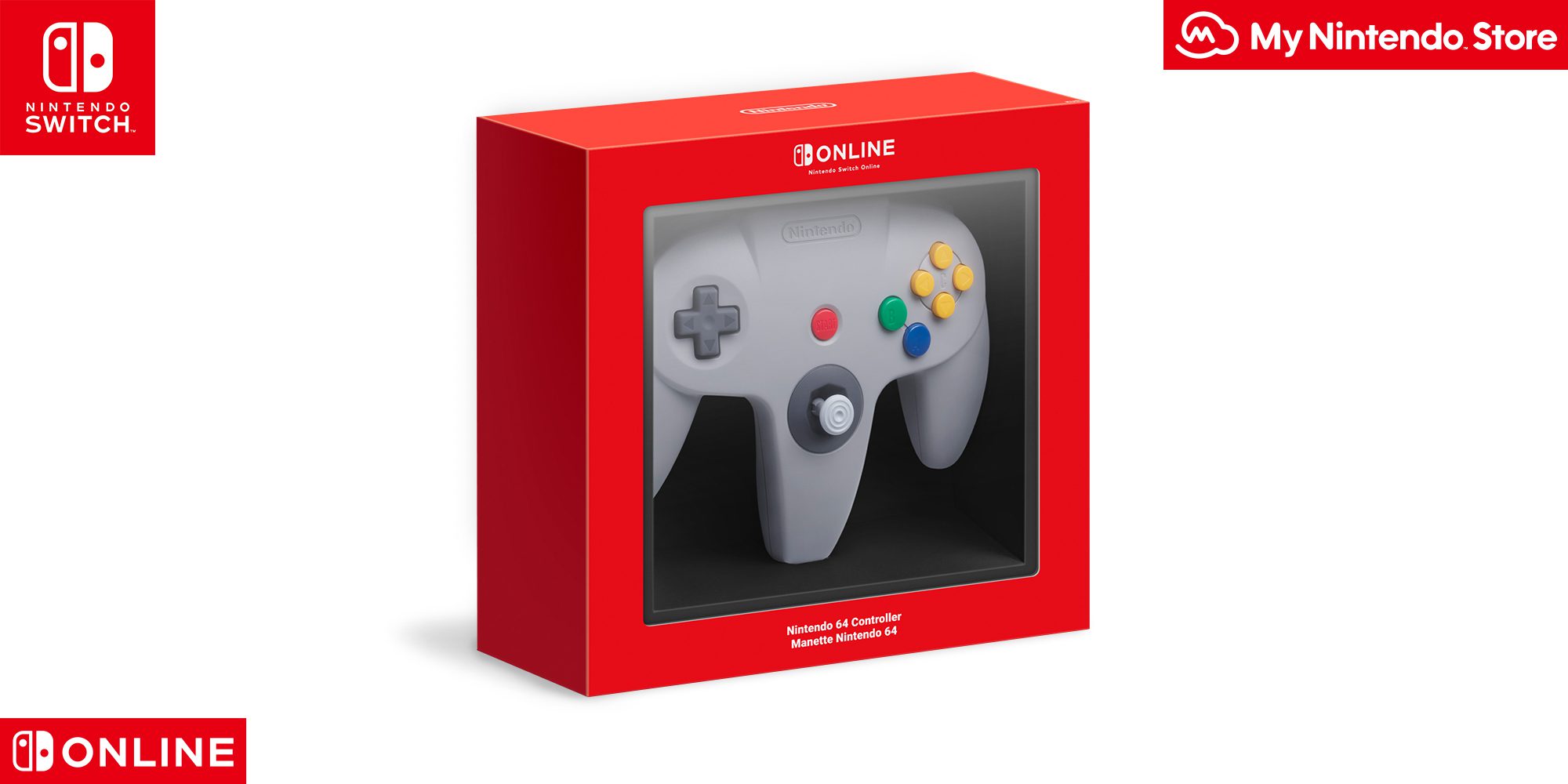
Image: Nintendo. The Nintendo 64 pad is one of the Nintendo Classics controllers on Switch 2. It charges through a USB cable connected to the dock.
Nintendo’s official Switch 2 accessory compatibility list confirms wireless support for NES, Super NES, Nintendo 64 and SEGA Mega Drive controllers originally released for Nintendo Switch. The original wired GameCube Controller Adapter also works, but only when it is connected through the Switch 2 dock in TV mode.
| Controller or accessory | Works on Switch 2? | Charging or connection detail |
|---|---|---|
| Nintendo 64 wireless controller | Yes | Wireless; charges via USB cable at Switch 2 dock |
| Super NES wireless controller | Yes | Wireless; charges via USB cable at Switch 2 dock |
| SEGA Mega Drive Control Pad | Yes | Wireless; charges via USB cable at Switch 2 dock |
| NES wireless controllers | Yes | Wireless; need original Switch or compatible charging accessory |
| Wireless GameCube controller for Switch 2 | Yes | Designed specifically for Switch 2 and GameCube Classics |
| Original wired GameCube pad and Nintendo adapter | Yes, with restrictions | Connect adapter to dock USB; TV mode only |
This list covers genuine Nintendo accessories. Compatibility with third-party replica controllers, unusual USB hubs or aftermarket adapters depends on their makers and is not established by Nintendo’s official accessory table.
How to charge Nintendo Classics controllers on Switch 2
To charge Nintendo Classics controllers on Switch 2 such as the N64 and SNES pads, connect a USB charging cable between the controller and the Nintendo Switch 2 dock. Nintendo says their wireless connections remain supported on Switch 2, with no need to keep an original Switch just for charging these particular pads.
There is one inconvenience: the HOME Button on the older Nintendo Switch accessories can’t wake a Switch 2 console from sleep. That doesn’t mean the controllers have disconnected or broken. Wake the console using its own Power Button or another suitable controller, then play as normal.
Why are NES controllers different?
The two classic NES controllers attach to the sides of the original Nintendo Switch for charging. They connect to Nintendo Switch 2 wirelessly but cannot attach to the newer console in the same way, so you will need an original Switch or an appropriate standalone charging grip or stand.
If your NES pads are running flat, don’t try to force them onto the Switch 2’s side rails. Nintendo specifically lists the Joy-Con charging grip or Joy-Con charging stand (two-way), or an original Switch console, as charging options. The NES controllers are designed for Nintendo Entertainment System – Nintendo Classics rather than general-purpose use in every game.
Which GameCube controller works with GameCube Classics?
The easiest mistake with Nintendo Classics controllers on Switch 2 is mixing up the modern wireless GameCube pad and the original wired one. Nintendo sells a modern wireless GameCube controller for Nintendo Switch 2, styled after the original purple pad and featuring a C Button for GameChat. It is aimed at Nintendo GameCube – Nintendo Classics on Switch 2.
An original wired GameCube controller is a different accessory. It connects through Nintendo’s GameCube Controller Adapter at the dock, in TV mode, and its buttons might not map correctly to every game. If the wired pad registers but its control sticks fail, use our GameCube controller stick troubleshooting guide rather than the wireless controller’s battery advice.
Are any retro controllers getting new batteries?
Some Nintendo Classics controllers on Switch 2 are getting battery revisions in early 2027. Nintendo has announced European revisions for the Nintendo 64 wireless controller and the Switch 2 wireless GameCube controller. Both will be redesigned to make the battery replaceable by the owner, although the N64 battery capacity stays the same and the GameCube version rises to 525mAh.
Nintendo will also stop offering the NES, Super NES and SEGA Mega Drive Classics controllers in Nintendo Store after mid-February 2027. Those are separate products and are not on Nintendo’s list of upcoming user-replaceable battery revisions. Existing accessories do not suddenly stop working when Nintendo ends store sales.
Do Nintendo Classics controllers on Switch 2 include Switch Online?
No. All Nintendo Classics controllers on Switch 2 are separate accessories; buying one does not provide a Nintendo Switch Online subscription or any games. To buy Nintendo’s exclusive retro wireless controllers, you generally need an eligible paid Nintendo Switch Online membership. A free trial alone does not qualify for the Nintendo 64 controller offer.
The game libraries have different subscription rules. NES and Super NES – Nintendo Classics are included with the regular Nintendo Switch Online membership. Nintendo 64 and GameCube Classics require Nintendo Switch Online + Expansion Pack. GameCube Classics is exclusive to Switch 2; Nintendo 64 Classics runs on both Switch 2 and the original Switch family.
Nintendo Classics controllers on Switch 2 are optional rather than a requirement for playing the matching game libraries. Compatible standard controllers will work too, and Nintendo warns that the retro pads are designed around their matching game collections rather than every unrelated game. For example, the N64 layout was made for N64 software, not guaranteed full control of modern Switch releases.
Which controller should you pick?
Choosing between Nintendo Classics controllers on Switch 2 comes down to which games you play. If you’ve already got a working Switch Pro Controller or Joy-Con 2, you can begin with that. Buy a retro controller when you particularly want the original button layout. For The Wind Waker and other Switch 2 GameCube Classics, the dedicated wireless GameCube pad is the closest modern match; for Majora’s Mask or Mario Kart 64, the wireless N64 controller has the familiar three-pronged design.
Before buying Nintendo Classics controllers on Switch 2, check Nintendo’s latest product page for availability and whether the particular controller is a current or revised model. That is particularly useful while battery-replaceable editions are gradually replacing older stock.
Related Guides
Official source: Nintendo’s Switch 2 accessory compatibility list.





