
GameCube controller sticks not working on Switch 2? Nintendo has a specific troubleshooting process for the original wired GameCube controller and its USB adapter. If your character drifts across the screen or the C Stick stops responding, start by checking the console, dock and connection rather than opening the controller.
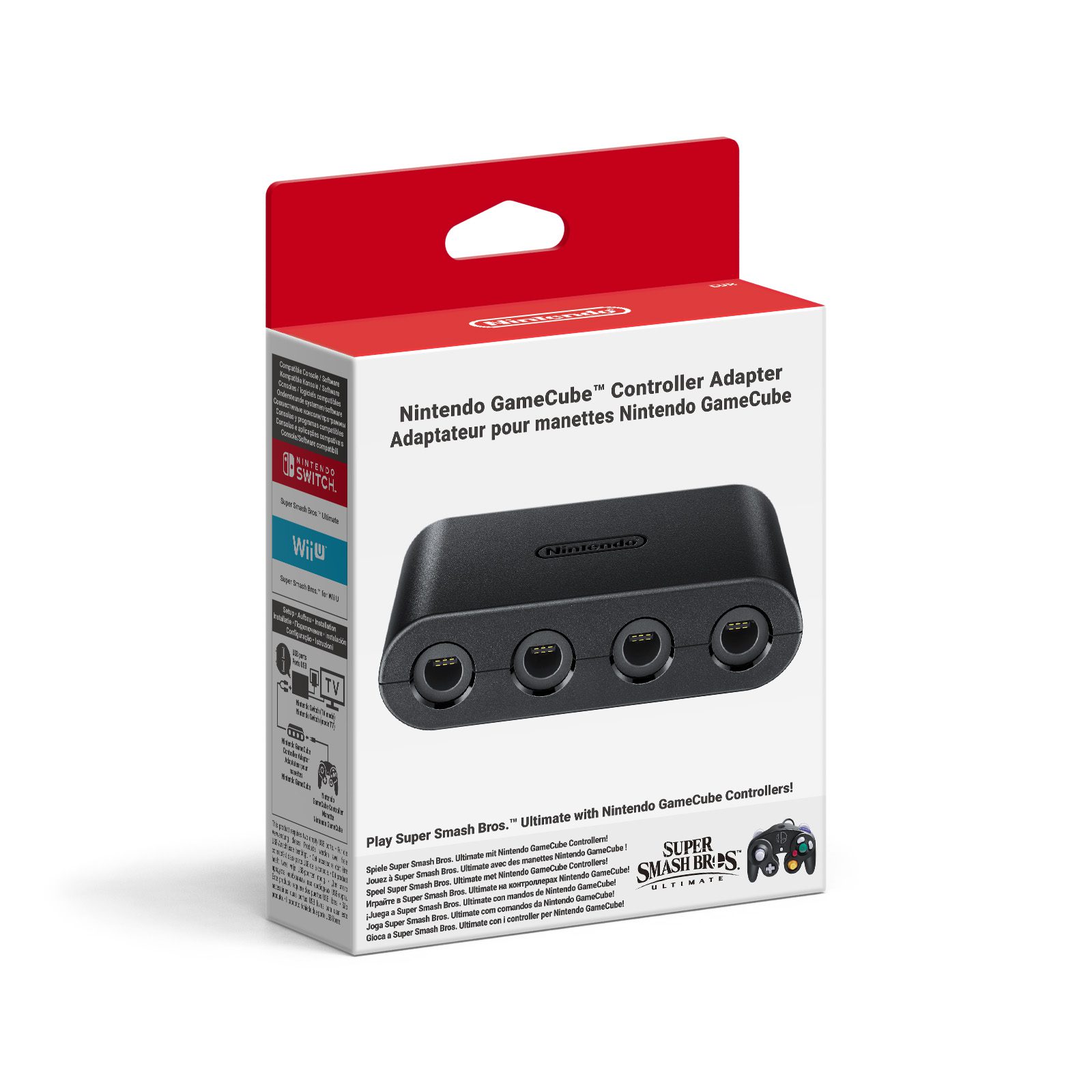
The advice below applies to the wired GameCube pad plugged into a GameCube Controller Adapter, not Nintendo’s separate purple wireless GameCube controller for Nintendo Classics. They look similar, but they’re different accessories with different troubleshooting steps.
How to fix GameCube controller sticks not working on Switch 2
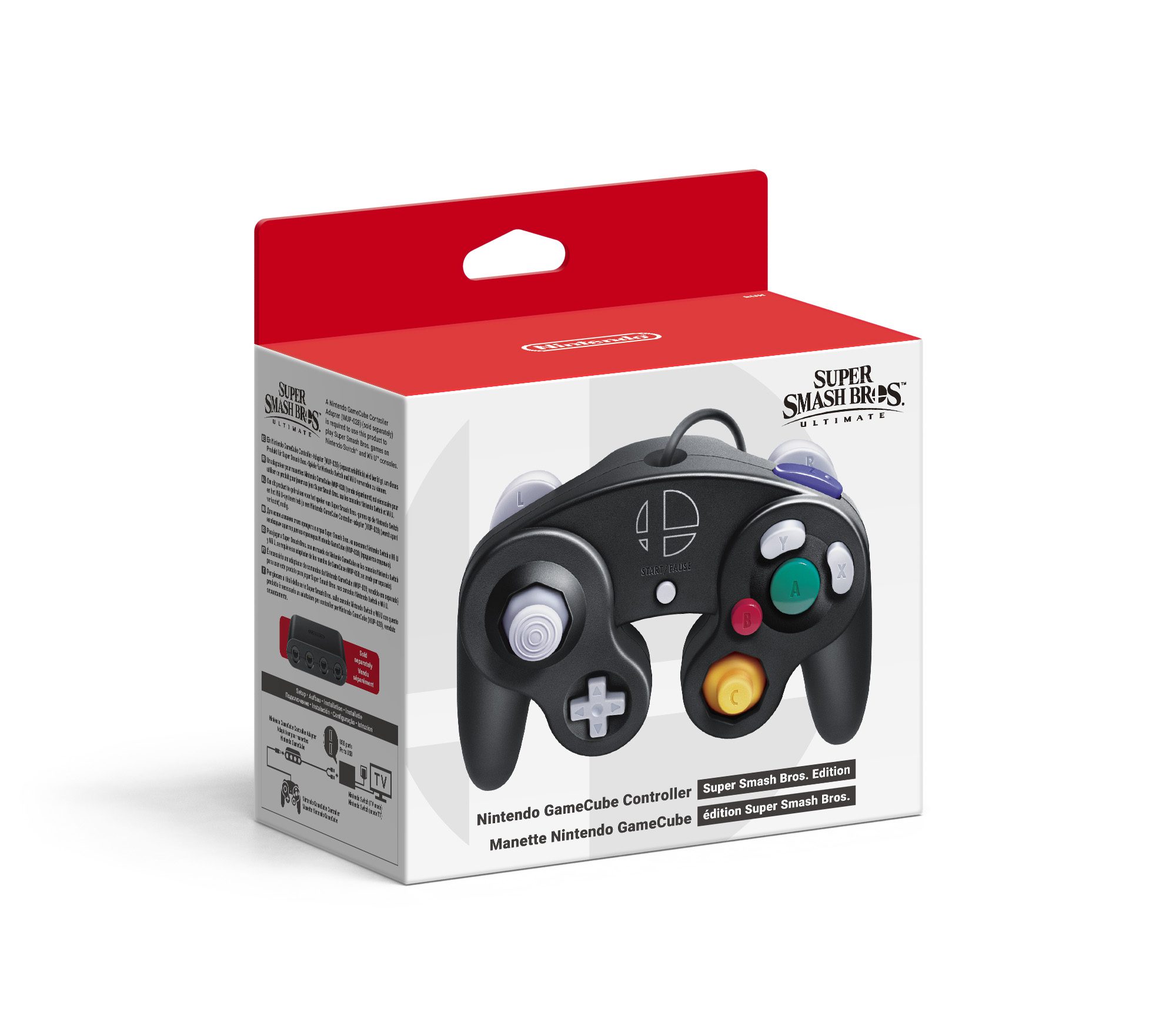
Image: Nintendo. This diagram shows a wired GameCube pad and adapter with the original Switch. GameCube controller sticks not working on Switch 2? Connect the adapter directly to the Switch 2 dock in TV mode.
First, make sure the Switch 2 console has the latest system software. If it is already up to date, hold the console’s Power Button for at least three seconds, then choose Power Options > Restart. This is a proper restart, not simply putting the console into sleep mode.
Next, update the Nintendo Switch 2 dock’s firmware. Nintendo specifically includes this step in its support instructions for GameCube control sticks, because the wired controller communicates through the adapter connected to that dock.
Unplug the GameCube controller and adapter from the dock, then reconnect them. If you’ve plugged the adapter into a USB hub, take the hub out of the equation and connect the adapter directly to a dock USB port. Nintendo’s Switch 2 compatibility guidance lists the GameCube Controller Adapter as supported through the dock in TV mode.
Finally, check for a software update to the game in which the problem happens. If you have a second wired GameCube controller, try it with the same adapter and game. That comparison can help separate a fault in one pad from a system, adapter or software problem.
GameCube controller sticks not working on Switch 2: common symptoms
For anyone dealing with GameCube controller sticks not working on Switch 2, these are the symptoms Nintendo’s guide addresses and the checks that fit them. Do the steps in order rather than skipping straight to buying a replacement.
| What happens | First check |
|---|---|
| Left stick does not move the character | Update and restart the console, then reconnect adapter and controller |
| C Stick stops responding | Make sure the game is updated and test a second wired pad |
| Character moves on its own or drifts | Remove USB hubs, reconnect directly and compare another pad |
| One game is affected | Check that game’s update and supported controls |
| Every wired GameCube controller fails | Review the dock and adapter setup before contacting support |
Can you calibrate a wired GameCube controller on Switch 2?
No. Nintendo says the Switch 2 control-stick calibration feature is not available for wired Nintendo GameCube controllers. That’s a useful detail to know when searching for GameCube controller sticks not working on Switch 2, because many generic stick-drift guides start by telling you to recalibrate the controller.
Don’t waste time hunting through the calibration screen for an unsupported option. Nintendo’s official steps are to update the system and dock, reconnect the pad and adapter, update the game and try another wired GameCube controller if possible. Nor should you open the controller or attempt an unapproved stick repair based on a guide written for Joy-Con 2.
Does the GameCube Controller Adapter work on Switch 2?
Yes. Nintendo explicitly lists its GameCube Controller Adapter as compatible with Switch 2 in TV mode via USB on the Switch 2 dock. This is not the same as plugging a GameCube controller directly into the Switch 2 console; the original wired pad needs its adapter.
If GameCube controller sticks not working on Switch 2 while you’re using a hub, remember that the official troubleshooting process asks you to remove the hub temporarily. A direct dock connection provides a cleaner test. Don’t confuse an adapter recognition problem with a button-mapping limitation in a game that wasn’t designed for a GameCube pad.
GameCube controller sticks not working on Switch 2 after updates?
Still seeing GameCube controller sticks not working on Switch 2 after the updates? If one wired controller works but another doesn’t, Nintendo’s instructions say the faulty controller needs replacing. The support page also provides a route to book repair service. If you cannot test a second pad, Nintendo still directs owners towards replacement or repair support rather than unsupported calibration.
There isn’t a universal combination of buttons that will repair a failing physical stick. If a game recognises the controller but does not support a particular input, a different supported controller may be the better option. Check the game’s controls before assuming a faulty stick.
Is the wireless GameCube Classics controller different?
Yes. Reports of GameCube controller sticks not working on Switch 2 often refer to the older wired model used with the USB adapter. Nintendo also sells a Switch 2-specific wireless GameCube controller for its GameCube Classics library, and that one has a separate replaceable-battery revision planned for 2027.
For the wider accessory picture, see Nintendo Classics controllers on Switch 2 and the separate Nintendo 64 wireless controller battery changes. Those guides help with choosing a controller, while the steps above focus on fixing a wired GameCube setup that isn’t behaving.
Related Guides
Official source: Nintendo’s wired GameCube stick troubleshooting instructions.





