
Monster Hunter Outlanders How to Play With Friends starts with the game’s four-player hunting squads. The official mobile listing confirms that you can explore Aesoland solo or rally up to three friends, making a full party of four human players.
First install the authorised regional version, finish your account and character setup, then use the game’s social or party controls to invite your friends into a hunt. Here is how to prepare a group, troubleshoot failed invitations and use Adventurers and Buddies together.
Monster Hunter Outlanders How to Play With Friends: How many friends can join a hunt?
A full co-op squad contains four players: you and up to three friends. That is the advertised party cap, not an MMO-sized raid. You can also hunt solo, so waiting for a full team is unnecessary to begin exploring.
Each player controls their chosen hunter. Named Adventurers and companions called Buddies do not replace the four human player slots advertised in the launch description.
Monster Hunter Outlanders How to Play With Friends: Set up your party
To add a friend, open the menu at the top-right of the main screen and choose Friends. Search for their in-game name, send a friend request, and have them accept it through their requests list. Monster Hunter Outlanders How to Play With Friends begins with both accounts appearing in each other’s Friends menu.
Next open Menu → Party Lobby, pick a quest and choose Create Party. In the party screen, tap the recruitment or + control, select Invite Friends and choose the person you’ve added. Once they join and everyone is ready, launch the quest.
Monster Hunter Outlanders How to Play With Friends: Friends not showing up or invitations failing
If an invitation fails, confirm that both accounts use a compatible regional service and that the request was accepted. The Garena and global publishing versions can operate separately. Try a fresh invite from the Party Lobby before changing any account settings.
If the friend cannot sign in at all, follow login troubleshooting before looking for a party fix. An account problem is not resolved by trying a different hunt.
Monster Hunter Outlanders How to Play With Friends: Can you hunt together on Android and iPhone?
The game is officially released on both iOS and Android and advertises online four-player hunting. Choose the same compatible service and server, then check whether the current party invitation works between the players’ accounts.
Do not assume all regional servers or future platforms are interchangeable. An Android and iPhone player in different publisher ecosystems may be blocked by regional separation rather than the phone brand itself.
Monster Hunter Outlanders How to Play With Friends: What roles should a group use?
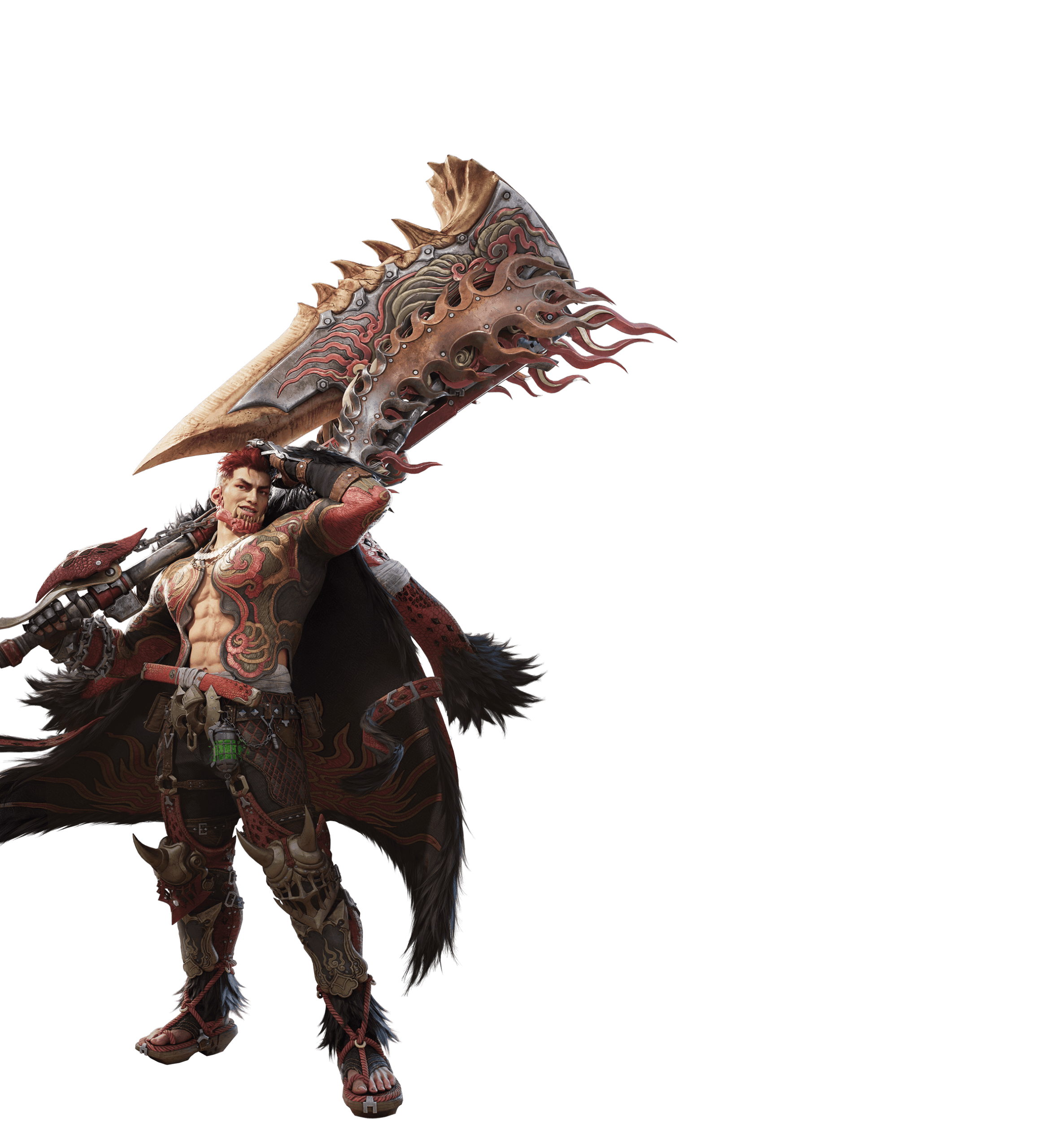
The Adventurer roster includes Assault, Disruptor and Support classes. Pyro brings heavy Great Sword burst attacks, Arkaya brings shield-oriented Lance support, while Luka and Madelyn have different Bow approaches. A balanced team can offer damage, control and support.
You do not need to prescribe an unverified mandatory composition. Let each player choose a familiar weapon and use your team’s strengths to cover movement, guarding and attack openings. Our weapon index explains the launch selection.
Can you play solo with Buddies instead?
Yes, solo exploration is part of the official design. Buddies including Palico, Rutaco and Trillan can assist during adventures, but they are not human players you invite through the social list.
The steps are Friends → search player → accept request → Party Lobby → choose quest → Create Party → Invite Friends. Our multiplayer guide covers the four-player cap, while the connection guide covers account and server issues.
Official source: Monster Hunter Outlanders Official Launch FAQ.





