
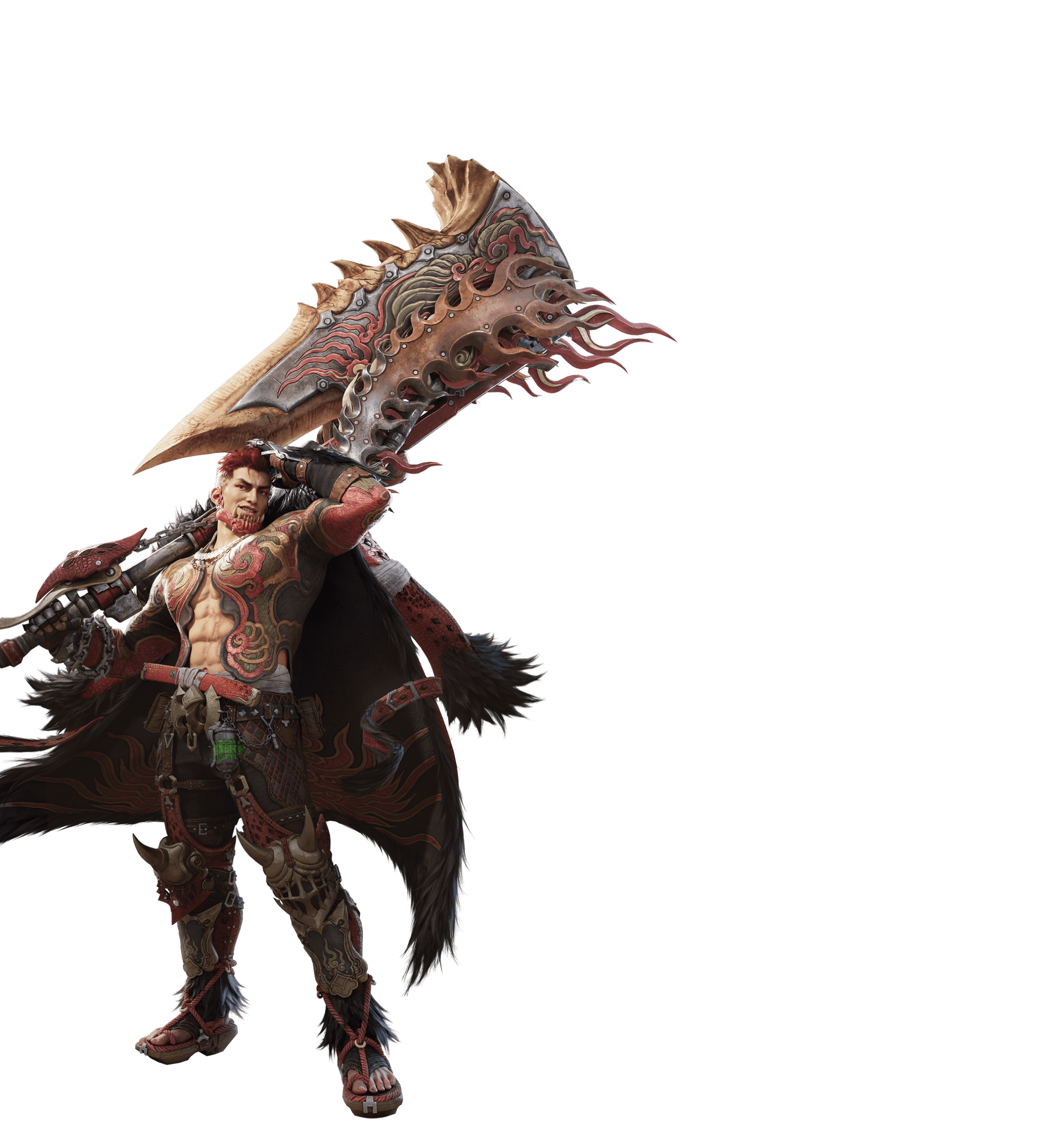
Monster Hunter Outlanders Controller Support is confirmed for launch on iOS and Android. The developer identifies hunting, quests and field exploration as activities compatible with gamepads, alongside the touchscreen controls designed for mobile.
Pair a gamepad that your phone recognises, then test it during field exploration. Try moving, turning the camera, attacking and evading. Those checks tell you whether combat controls are responding instead of judging the pad by a touch-only login or shop screen.
Monster Hunter Outlanders Controller Support: Pairing a controller with an iPhone or iPad
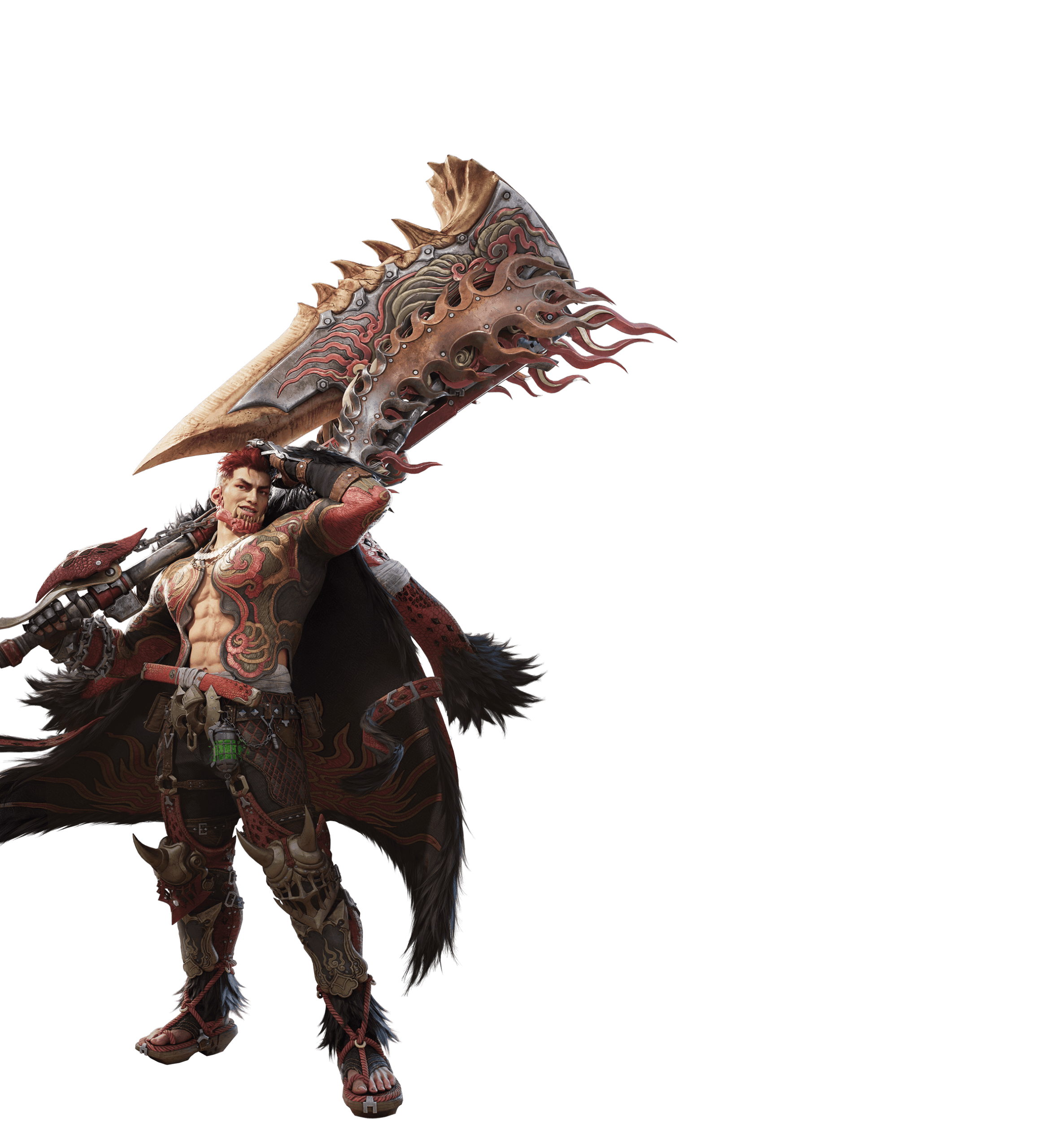
Open Settings, Bluetooth, then put your gamepad into pairing mode. Select it from the devices shown on your phone, and wait for the Connected state. Bluetooth controllers use different button combinations to enter pairing mode, so follow the instructions supplied with your own model.
Once paired, open Outlanders and try walking, camera control and basic attacks in a safe area. If you can navigate iOS but not a game screen, test a hunt before assuming that all controller features are unavailable.
Monster Hunter Outlanders Controller Support: Pairing a controller with Android
Open Settings and choose Connected devices or Bluetooth. Start Pair new device, enable pairing mode on the controller and select it from the list. Your handset manufacturer may use different menu names.
A Bluetooth connection alone doesn’t prove full gamepad support. If the controller works in another supported Android game but not Outlanders, close the app completely, check for a mobile game update and reconnect before trying again.
Monster Hunter Outlanders Controller Support: Which in-game controls work?
Controller play is supported for hunting, quests and field exploration. Test those activities first. You may need the touchscreen for account forms, shop screens or other menus while TiMi expands its controller support.
Test movement, targeting, attacks and evasion during a hunt. If a menu requires tapping the screen, use touch controls for that step and return to gameplay. A partial menu limitation is different from a controller not working during combat.
Monster Hunter Outlanders Controller Support: Adventure and Classic control modes
Adventure offers a simpler mobile control style built around Attack, Evade and Burst actions. Classic aims for a more traditional Monster Hunter feel. Open the current control settings, choose a mode and practise its prompts with the weapon you’re carrying.
Different weapon types have different gauges and follow-up attacks. Don’t use a button guide for a different Monster Hunter game as if it were an official Outlanders key map. Our weapon guide helps choose a first style.
Monster Hunter Outlanders Controller Support: Controller connected but not responding
Test the controller in another compatible app, then in your phone’s Bluetooth settings. If neither responds, pair again. If the controller responds elsewhere, fully exit Outlanders and reopen after verifying the app is updated.
If the gamepad works in a hunt but not a menu, use touch input for that menu. If it doesn’t respond during hunting, close and reopen the updated game with the pad paired. Disconnect unused controllers to rule out conflicting inputs.
Best settings for a first hunt
For an initial test, move past a stationary landmark, circle it while keeping the camera trained on it, then try tracking a moving monster. Change sensitivity or inversion only if those options appear in your current settings, and adjust one at a time.
Monster Hunter Outlanders Controller Support is a mobile feature, not a Windows or PlayStation release. The mobile system requirements and beginner guide cover the device and first hunts.
Official source: Monster Hunter Outlanders Official Launch FAQ.





