
Half-Life Alyx Workshop crashes were among the problems Valve targeted in its October 26, 2026 update. The patch fixed several rendering crashes that commonly occurred in Workshop content, alongside new desktop foveated rendering and a correction for the Gnome Alone achievement. If custom maps started crashing, update Half-Life: Alyx before removing mods or changing VR drivers.
The game can still crash for reasons specific to a particular Workshop item, so isolate the offending addon rather than uninstalling the whole game. You can disable subscribed content from the game’s Addons menu, then test the same map or launch the base campaign to narrow down where the problem occurs.
Half-Life Alyx Workshop crashes fixed in October 2026
Valve’s October 26 patch fixed several rendering crashes in Workshop content. If custom maps were closing unexpectedly, update the game first and let Steam finish any pending Workshop downloads before reopening the affected level.
If Half-Life Alyx Workshop crashes affect several maps, install the current game update, including Valve’s October 28 graphics corrections. Test the same maps again before changing your VR renderer. If only one addon still fails, isolate that subscription next.
Update Alyx and find the problem addon
To update Half-Life: Alyx, close the game and open Steam’s Downloads area. Allow any pending game and Workshop downloads to finish. Start Alyx normally, then try the same custom map again. A Workshop item can also receive its own author update, separate from Valve’s game patch, so check for pending addon downloads too.
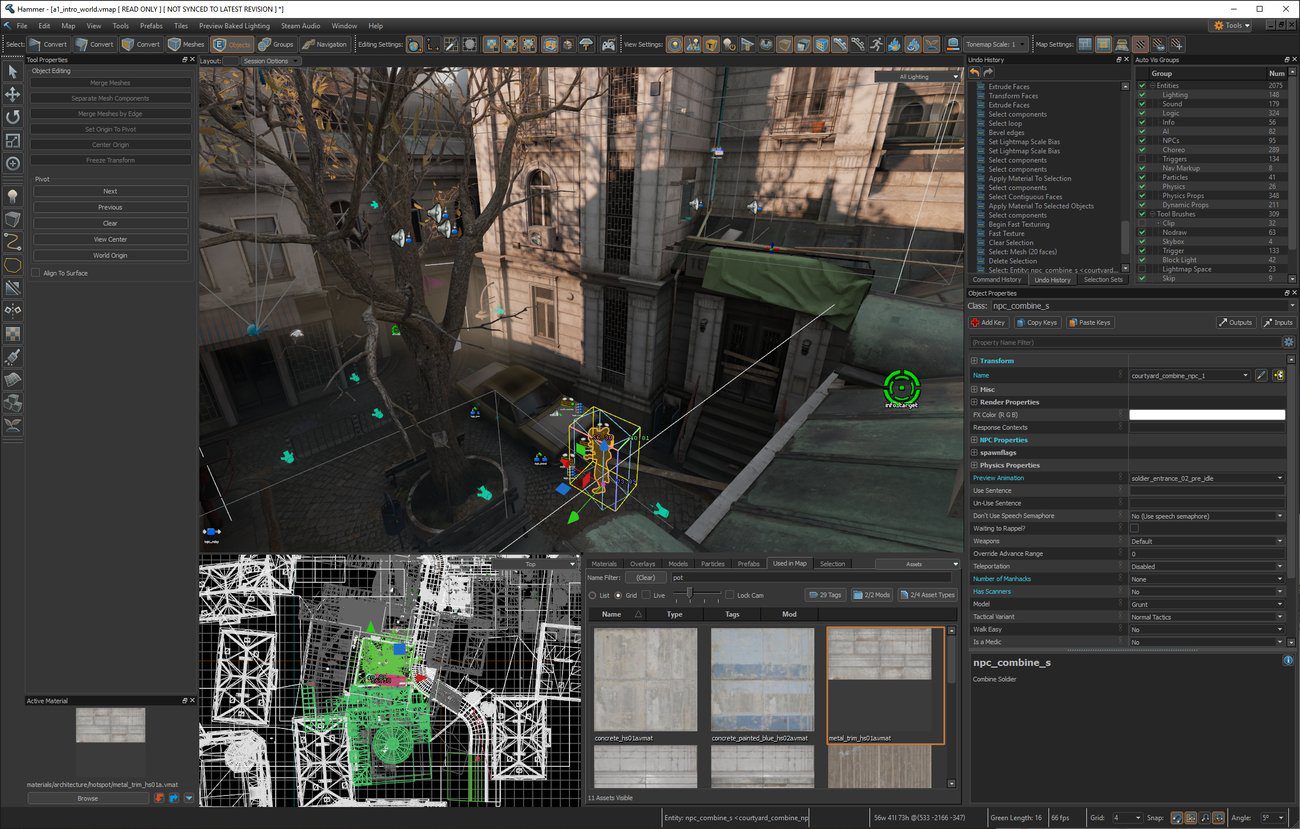
If a single map still crashes, test with only that addon enabled. Disable other campaign modifications, reskins and helper tools temporarily from the Addons menu to find out whether two items conflict. The Workshop installation guide shows where those toggles are and how to launch custom content.
How to disable individual Workshop items
When a custom map crashes at startup, open Alyx’s Addons menu and disable other mods temporarily. Load the ordinary campaign to check the base game, then re-enable one addon at a time. This shows whether one map or a combination of addons is causing trouble.
Remember that some Workshop content modifies the main campaign, while custom maps require starting a new game and selecting the subscribed map. Loading a save that depended on an addon you disabled can create a separate missing-content problem. Use a fresh custom-map save when comparing two different subscriptions.
Verify Steam files after a Workshop crash
If Half-Life Alyx Workshop crashes persist after updating, Steam’s built-in file verification can check for missing game files. Right-click Half-Life: Alyx in your Library, choose Properties > Installed Files > Verify integrity of game files, and let Steam finish its check. This doesn’t remove every possible mod conflict; it simply restores any game files Steam identifies as damaged.
Valve’s earlier Workshop updates also added checks for saves that reference missing addons, and error messages when a custom map cannot be found. If Steam reports a missing map, return to the Workshop subscription and let it download completely before trying the save again.
When to report a broken addon
For Half-Life Alyx Workshop crashes affecting only one map, record the subscribed item’s title, whether it crashes at startup or a level transition, and your headset and graphics-card details. Report the issue on that Workshop item’s discussion page so its creator can reproduce it. A crash affecting every map after the official update can also be reported through Valve’s game support.
If the problem appears only with foveated rendering enabled, compare the same Workshop map with that feature off and ensure you’ve applied the October 28 decal fix. Our foveated rendering guide explains where Valve placed the new toggle and how the AMD Vulkan path works.
Related Guides
Official source: Valve’s October 2026 update notes.




