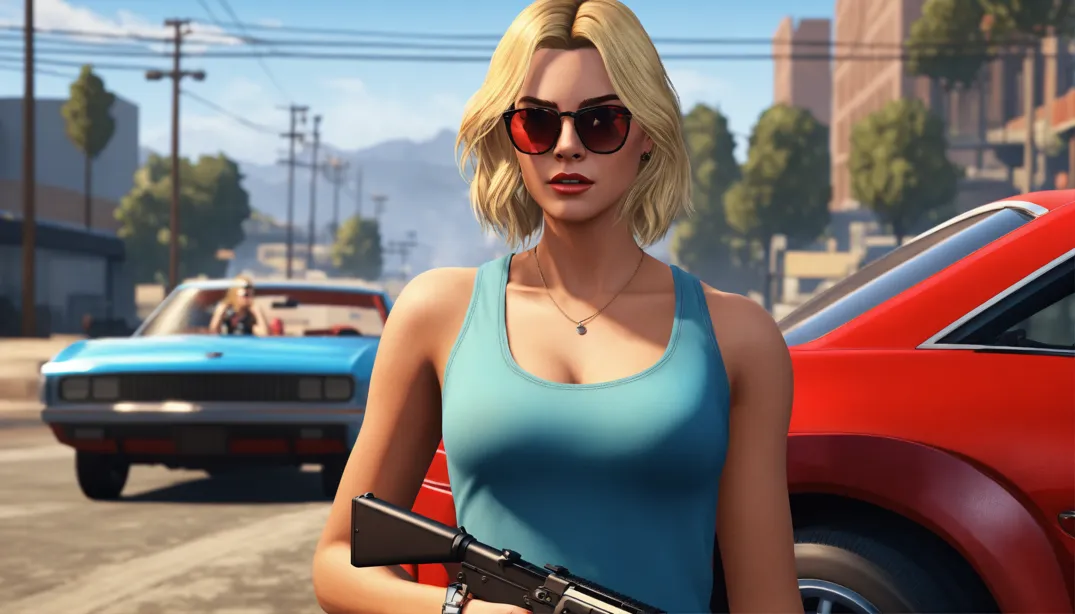
GTA V Enhanced Crashing on Launch was addressed by Rockstar on October 27, 2026. The latest Title Update 1.73 notes confirm a fix for a bug that caused the PC Enhanced edition to crash while starting.
If GTA V closes before you reach the menu, check for an update to PC Enhanced first. Rockstar didn’t announce an equivalent October 27 fix for Legacy, PlayStation or Xbox. Here’s how to install the right update and what to try if the crash continues.
GTA V Enhanced Crashing on Launch: What did the update fix?
The October 27 entry lists a single change under PC (Enhanced): a fix for the game crashing upon launch. Although the wider Title Update 1.73 page also covers other platforms, Rockstar hasn’t identified the technical cause of this particular crash or named affected graphics cards.
The GTA V Enhanced Crashing on Launch fix covers one identified startup problem, not every reason the game might fail to load. A crash after joining GTA Online or an error during account sign-in may need different troubleshooting.
| Game edition | October 27 crash fix |
|---|---|
| GTA V Enhanced on PC | Confirmed |
| GTA V Legacy on PC | Not announced in this entry |
| PS5 / Xbox Series X|S | Not announced in this entry |
| PS4 / Xbox One | Not announced in this entry |
GTA V Enhanced Crashing on Launch: How to install the update
Start with the launcher where you own Enhanced. Connect to the internet and allow any pending download to finish. Rockstar says game patches are applied when you launch online, so you don’t need a separate file from an unofficial download site.
Rockstar Games Launcher: Close the game, open the launcher and choose Grand Theft Auto V Enhanced. Let any queued update finish before pressing Play.
Steam: Select Grand Theft Auto V Enhanced from your Library. If Steam shows Update or a queued download, complete that before trying to play.
Epic Games Launcher: Find Enhanced in Library and finish any pending update. If nothing appears, restart Epic and check the game’s Manage settings.
Enhanced and Legacy are separate installations. If you’re dealing with GTA V Enhanced Crashing on Launch, updating Legacy won’t install the October 27 Enhanced fix. Check which edition you’re opening.
GTA V Enhanced Crashing on Launch: Verify your game files
If the game is up to date but still closes immediately, verify its installation. Rockstar recommends this to check for missing or damaged files, which your launcher can redownload without a full reinstall.
| Launcher | How to verify |
|---|---|
| Rockstar Games Launcher | Settings → My installed games → GTA V Enhanced → Verify Integrity |
| Steam | Library → GTA V Enhanced → Properties → Installed Files → Verify integrity of game files |
| Epic Games Launcher | Library → three dots beside GTA V Enhanced → Manage → Verify |
Let verification finish, download any replacement files and then launch the game again. If the crash continues, the cause might be a driver, launcher or hardware problem rather than a missing game file.
GTA V Enhanced Crashing on Launch: What if the patch doesn’t work?
If updating and verifying don’t help, work through the following checks. Take note of any error message before reinstalling the game, removing files or changing Windows settings.
Graphics drivers: Install a compatible current driver for your NVIDIA, AMD or Intel GPU and restart Windows. Our NVIDIA 621.12 Hotfix guide deals with a separate video playback bug, not a confirmed GTA V crash repair.
Launcher or account errors: Check that Rockstar Games Launcher is updated and can sign you in. A connection or activation error isn’t the same thing as the game executable crashing.
DirectX or Visual C++ errors: If an error message names DirectX, Direct3D or Visual C++, Rockstar points to the corresponding installers in the game’s Redistributables folder. There’s no need to reinstall these components without a relevant error.
PC requirements: GTA V Enhanced needs more capable hardware than Legacy, including 105 GB of available SSD space at minimum. If Enhanced has never started successfully, compare your CPU, GPU, RAM and storage with Rockstar’s requirements.
Still stuck? The phrase GTA V Enhanced Crashing on Launch describes a symptom, not a specific error code. Note whether it closes before the Rockstar logo, during loading or after the menu appears. Rockstar’s PC support guide also points to launcher.log and Windows DxDiag/MSInfo reports for investigating crashes.
Does the October 27 fix apply to GTA Online, Legacy or consoles?
Both Story Mode and GTA Online are part of Enhanced on PC, but Rockstar’s October 27 note refers only to crashing upon launch. It does not announce fixes for crashes during an online session, matchmaking errors or missing rewards.
If Enhanced starts but you’re missing event items, our GTA Online Halloween rewards guide covers that issue. The Halloween event overview explains the current seasonal activities.
The GTA V Enhanced Crashing on Launch fix is confirmed only for PC Enhanced in the October 27 notes. Legacy and consoles are mentioned elsewhere on the 1.73 page, but not in this dated fix.
Is GTA V Enhanced Crashing on Launch fixed for everyone?
Rockstar confirms a fix for one startup crash, but other problems can still prevent the game from opening. Install the update, verify the files if needed and pay attention to the exact error message if the problem remains.
The GTA V Enhanced Crashing on Launch update is a targeted repair, not a reason to reinstall everything as your first step. Try the official patch, test Enhanced and only continue troubleshooting if it still closes.
Official Rockstar Games: GTA V Title Update 1.73 Notes, October 27 PC Enhanced Fix