Learning how to swap weapons on PC sounds basic until your inventory grows large enough that the wrong pistol, rifle or throwable keeps appearing at exactly the wrong moment. GTA V and GTA Online both give keyboard-and-mouse players several ways to manage a loadout, but a large inventory can make the controls feel less obvious than they did during the opening missions.
This April guide had the right general idea but did not explain the part that becomes annoying for long-term players: categories can hold several weapons, preferred defaults can affect what appears first, and Rockstar has patched mouse-and-keyboard switching behaviour in recent updates. That makes the old URL worth turning into a proper evergreen controls reference rather than leaving it as a few basic lines.
How to Swap Weapons on PC in GTA V
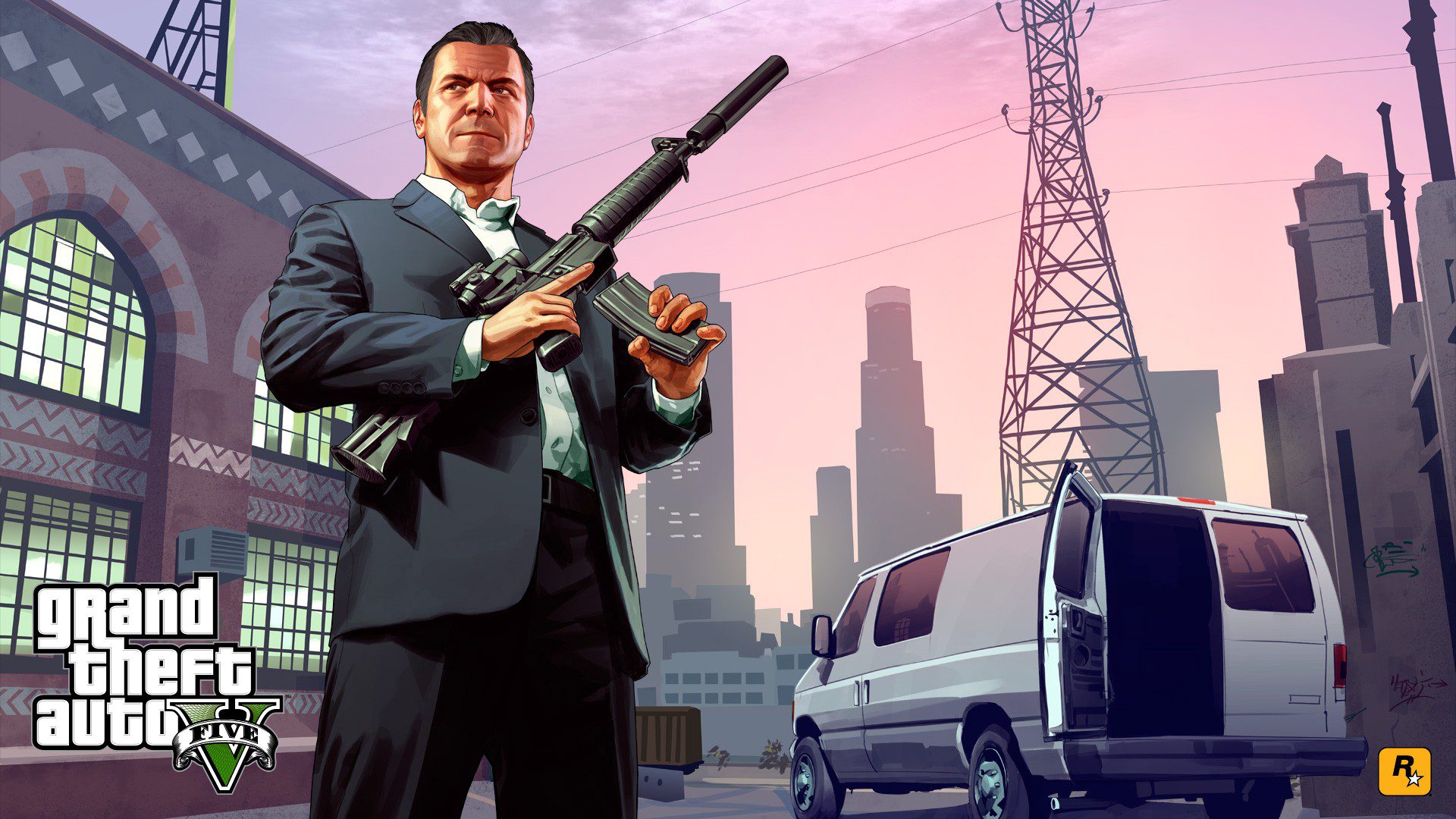
Image credit: Rockstar Games
To swap weapons on PC with the default GTA V controls, hold Tab to open the weapon wheel, move the mouse toward the weapon category you want, select the weapon within that slot and release Tab to equip it. If you only need to move quickly through available weapons, the mouse wheel can also be used to cycle rather than opening the full wheel every time.
The exact feel of the controls depends on your own key bindings and whether you are playing GTAV Legacy or Enhanced, but the weapon wheel remains the core system. If Tab does nothing, check Settings and your keyboard bindings before assuming the save is broken. Rockstar allows PC controls to be changed, so a custom layout can replace the defaults described here.
How Weapon Categories Work
When you swap weapons on PC, the wheel groups equipment into categories instead of giving every gun its own permanent screen position. Pistols, shotguns, rifles, sniper weapons, melee gear, explosives and other types share slots. If a category contains several owned weapons, you need to choose the specific item inside that category rather than only pointing at the broad slice of the wheel.
That is why a large GTA Online inventory can feel slower than a fresh Story Mode save. You may own multiple variants that occupy the same slot. Spend a minute organising what you actually want to reach quickly, especially before a heist or mission where opening menus in the middle of combat is a bad plan. When you regularly swap weapons on PC, this category structure is the part worth learning rather than trying to memorise every individual gun position.
Set Default Weapons for GTA Online
Rockstar provides an official workaround for players who want the weapon wheel to favour specific guns in GTA Online. Enter Story Mode, open the weapon wheel and choose the weapon you want as the default in each of its eight categories. Then use the in-game phone to Quick Save the Story Mode game.
Rockstar says those Story Mode defaults are then reflected in GTA Online. That makes it much easier to swap weapons on PC without repeatedly landing on an unwanted gun after joining a new session. It does not remove purchased weapons from your account, but it improves which item the category initially presents. For players who swap weapons on PC throughout long GTA Online sessions, that saved default can remove a surprising amount of repeated wheel navigation.
Mouse and Keyboard Switching Fixes
Rockstar specifically fixed an issue in GTAV Title Update 1.71 where PC players were not switching weapons as quickly as intended through the Weapon Wheel when using mouse and keyboard. If you still experience unusually slow input when you swap weapons on PC, make sure the game is fully updated before spending time rebuilding bindings or blaming your mouse. That update is especially relevant if you swap weapons on PC with a mouse rather than a controller.
Also check whether an overlay, mouse utility or accessibility setting is intercepting scroll input. Test the default controls in a quiet Story Mode area first. If weapon switching works normally there but not during one specific GTA Online activity, the activity or current equipment restrictions may be the more useful clue. If you swap weapons on PC normally after updating but one mission still behaves differently, test that activity’s restrictions before changing your whole control scheme.
Weapon Wheel Tips for GTA Online
GTA Online has added more functions around the weapon wheel over time. Rockstar allows Snacks and Body Armor to be used through the wheel in supported contexts, so learning the interface is about more than changing guns. A clean wheel and sensible defaults reduce the amount of menu work you need when a mission suddenly turns hostile.
If you are practising before larger jobs, the Cayo Perico Heist is a good example of where fast equipment selection helps. The heist has stealth, weapon loadouts and preparation choices that punish frantic input more than simply owning another expensive gun. The more often you swap weapons on PC during heists and contact missions, the more useful those clean defaults become.
What to Check If Weapons Will Not Switch
If you cannot swap weapons on PC at all, first confirm you are not inside a cutscene, scripted animation or activity state that temporarily locks the wheel. Then test Tab and the mouse wheel in ordinary Story Mode or Freemode. Check the control bindings, update the game, and reconnect the mouse or controller if the input itself looks inconsistent. If you can swap weapons on PC in Freemode but not in one job, that difference is a strong sign that the activity is controlling your loadout.
For GTA Online, remember that some jobs define or restrict the weapons available to you. A limited loadout is not necessarily a broken weapon wheel. Once those edge cases are removed, the basic controls are still simple: open the wheel, choose the category and weapon, then release the wheel to return to play.
The reason this older guide still deserves a place in the current Grand Theft Auto hub is that controls searches do not expire with an event week. Players arriving through newer GTA Online updates or returning ahead of Grand Theft Auto VI still need dependable answers to the same foundational GTA V questions. A reliable way to swap weapons on PC is still useful whether you are playing Story Mode, grinding GTA Online or simply relearning the game after a long break.
Official source: Rockstar Games weapon wheel support