
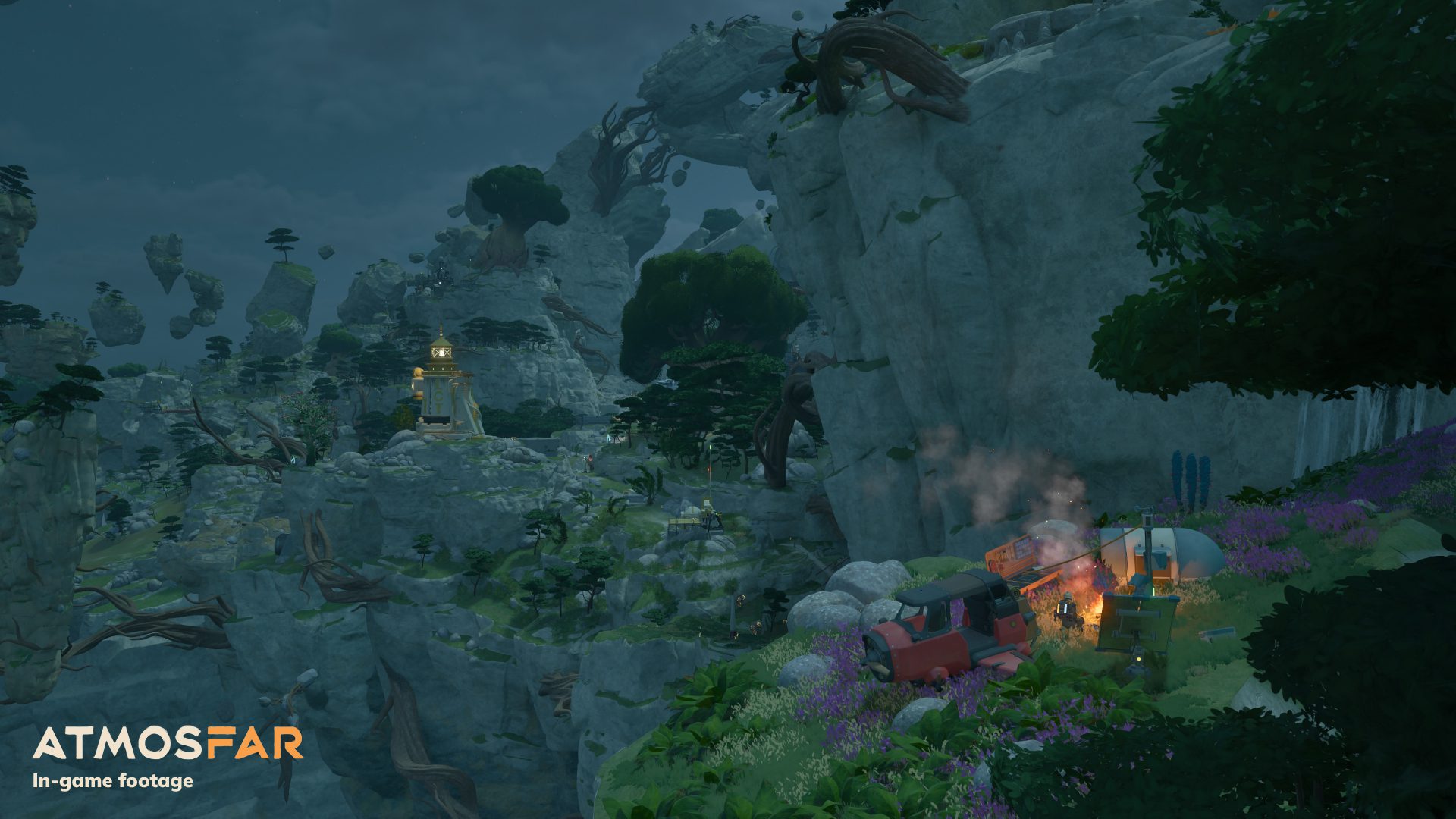
This ATMOSFAR beginner guide begins with the Utility Wasp, the small aircraft you’ll use to explore the floating islands of Tycos. Follow the opening objectives, gather supplies for repairs, and learn to use a portable camp before attempting longer flights across the planet.
Three systems matter immediately. Your backpack supplies power to your tools, the Wasp uses liquid hydrogen as fuel, and the Camp Hub supplies a mobile place to craft and process materials.
ATMOSFAR beginner guide: what to do first
Start on Pearl Island and follow the quest objectives in order. If a repair task needs a manufactured part, loose scrap will not substitute for that component. Check the requirement in the game interface, obtain the resources, use the crafting equipment when needed, and return to the damaged machinery with the correct part.
If you’re playing alongside this ATMOSFAR beginner guide, start by practising engine controls, hovering and landing gear using the in-game flight manual. Practice close to a wide, clear landing area. ATMOSFAR uses physics-based flying, and a rough landing can damage your hull, engine or hover equipment.
ATMOSFAR beginner guide: fuel and backpack power
Your backpack’s electrical supply runs your exploration tools. The aircraft’s engines require liquid hydrogen, stored in a different tank. A full Wasp tank does not recharge your extractor, and a charged backpack does not provide the fuel for another flight. Check both before leaving a secure landing spot.
ATMOSFAR beginner guide fuel tip: collect hydrogen crystals near geysers, process them in a refinery and transfer the liquid hydrogen to your Wasp before taking off. Deploying a Camp Hub does not create a refinery automatically; build and connect that machine first.
ATMOSFAR beginner guide: setting up your portable camp
Land on an island with enough space to set up equipment beside the Wasp. Deploy the foldable Camp Hub carried by the Utility class, then use a crafting table and other connected facilities to prepare what you need. The hub distributes power to connected machines, letting you process fuel, craft components, cook food or rest while away from your main base.
You can store a camp layout as a template and redeploy it as you travel. Finish crafting, collect your processed resources and pack the camp before leaving. This keeps your workshop mobile and stops you wasting another journey to an earlier island simply because you forgot to pack a useful machine.
Repair the aircraft before longer flights
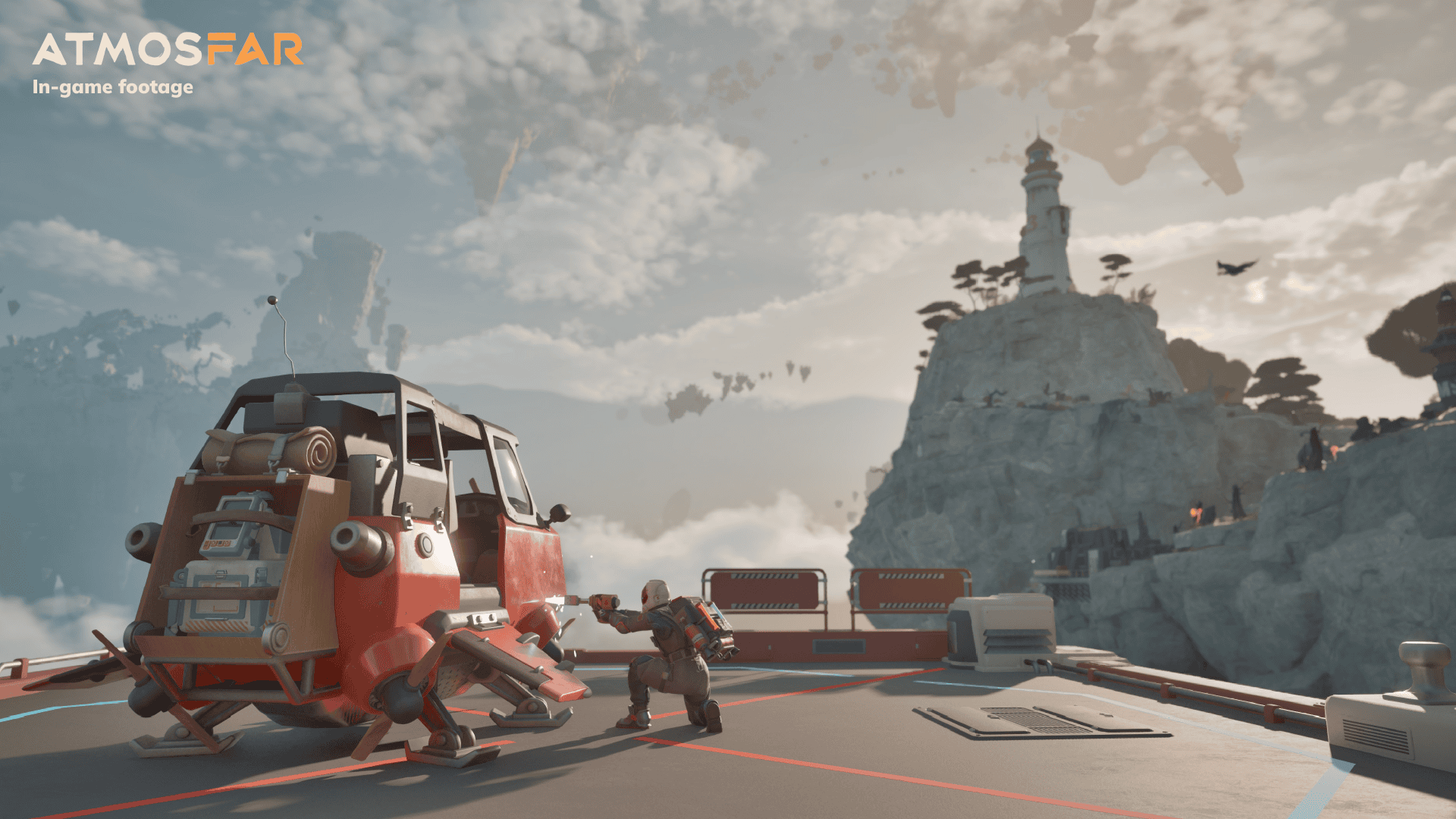
Every Wasp has a hull, engine and hover system. Impacts and poor landings can damage these parts, which may affect speed, steering or fuel efficiency. Inspect the damaged component, look at the repair requirements and apply the necessary material with your welder. Carrying a repair reserve is especially useful when you are flying into unexplored territory.
As you travel further, watch the weather and check the landing terrain before committing to your approach. Tycos has strong winds, rainstorms and hostile creatures. Pick a landing spot before approaching and keep enough fuel for the return trip, especially when flying to a place you have never visited.
When to use the Cloud Cruiser
The Cloud Cruiser becomes your larger moving base once you progress far enough to recover and operate it. It can store Wasps and supplies, accommodate a crew and house modules for fuel, electricity, research and resource processing. The Utility Wasp remains the right tool for short trips where you want to deploy a small camp without moving the whole airship.
ATMOSFAR beginner guide checklist: check your objective, recharge the backpack, repair the Wasp, top up its hydrogen tank, pack camp equipment and choose a safe landing area. Doing those jobs before take-off beats running out of fuel halfway home. The Scout Wasp and final Rime region are scheduled for a later update, so focus on learning the Utility first.
Related Guides
Official source: Shueisha Games ATMOSFAR launch announcement.





