
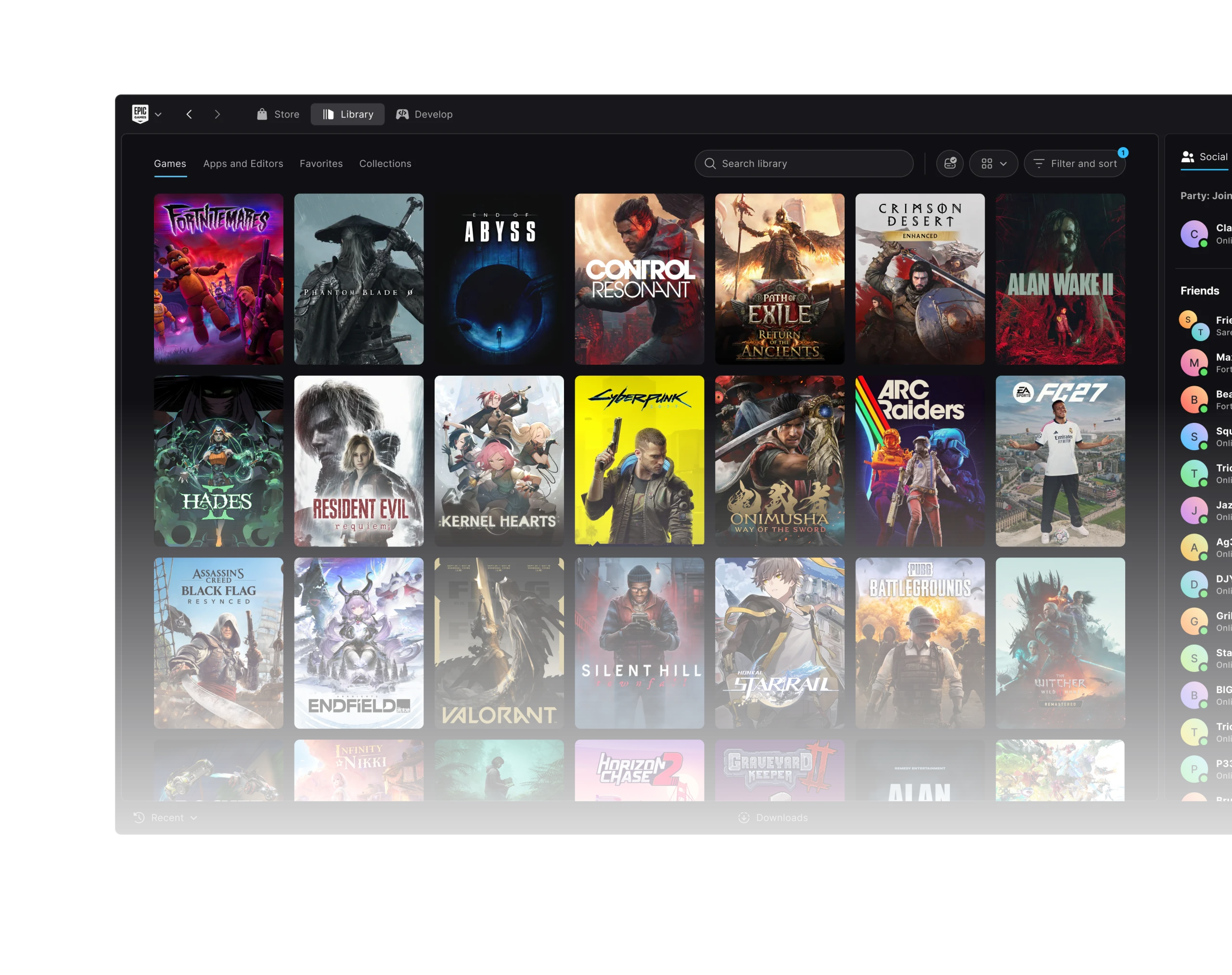
If you have Epic Games Launcher Preview games missing from library, the 0.105.0 update from 28 October 2026 is worth checking first. Epic fixed a bug where an interrupted scan left the Library showing only part of a player’s game collection.
The fix doesn’t require buying games again or deleting their installations. Update the launcher, check you’re using the right Epic account, clear the Library filters and use Preview’s built-in scan for installed games.
Epic Games Launcher Preview games missing from library: which version fixed the bug?
Epic’s 0.105.0 notes specifically mention incomplete Library listings after an interrupted scan. The fix addresses what the launcher displays, not whether a purchased game belongs to an account.
Other October changes tackled different problems. Version 0.106.0 improved game and cover images loading on slower connections, while 0.108.0 fixed a Library list that could stop responding when an arrow key was held down.
If the game is still on your drive, the missing entry may be a detection problem. Check the current Preview build and let the scan finish before assuming the files have gone.
How to fix Epic Games Launcher Preview games missing from library
- Confirm you’re signed into the Epic Games account that owns the games.
- Update the Preview to a version including the 0.105.0 fix or newer.
- Open Library and clear filters that may hide a title.
- Allow any active library scan to finish rather than closing Preview halfway through.
- Open the Epic Games icon at the upper left and select Settings > Library > Scan for installed games.
- Return to Library and check whether the missing installations have been detected.
Epic documents the Scan for installed games option specifically for Preview. It can find files that are already on your computer, so you don’t have to start a new download just because their Library tiles are missing.
If the Epic Games Launcher Preview games missing from library issue continues after updating and scanning, record the launcher version and any error message. Send those details through Send Feedback or Epic Support.
Can Epic Preview find games already installed?
Yes. In Preview, go to the Epic Games icon → Settings → Library → Scan for installed games. Let the scan finish, then look for the titles again. Epic says this detection feature isn’t available in the legacy launcher.
It’s particularly helpful after moving from legacy to Preview. A successful migration should register your installed games without making you download them again.
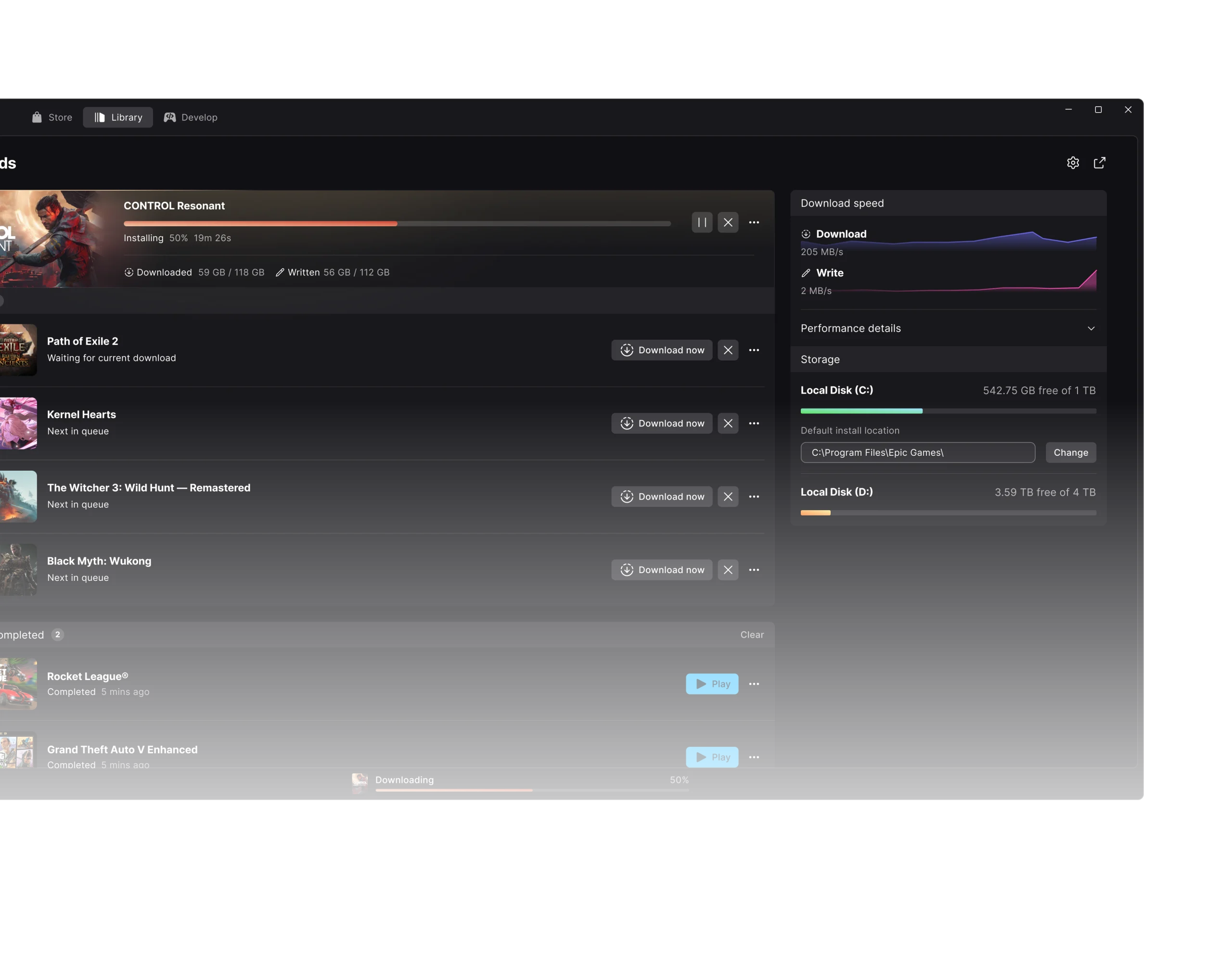
What if a free Epic game isn’t in your Library?
If you claimed a free game from the Store, check the account that completed the claim. A title missing from your account history is a different problem from a Preview scan failing to detect an already installed game.
Our free-game claim guide covers ownership and redemption checks. This guide focuses on the Preview’s October 28 interrupted-scan issue.
Will you lose your purchased games?
Not because of this bug. Epic describes an incomplete Library list, not cancelled purchases or deleted game licences. Keep the existing files and check the account, filters and scan before changing installations.
If the item still isn’t there, use Epic Support to check the account or installation. Don’t buy another copy because an older Preview build isn’t displaying the game.
Does Preview 0.108.0 include the missing Library fix?
Version 0.108.0 came after the 0.105.0 fix. Its new repairs address Library filters, the Social Panel, duplicate installs and keyboard navigation. Our October 30 patch guide separates these changes by version.
On Linux, the client failing to open or signing you out can be a different issue: Epic fixed a locked-keyring problem in 0.106.0. See our Linux sign-in guide if that’s happening.
When to contact Epic support
For an ongoing Epic Games Launcher Preview games missing from library problem, tell Epic which version you’re using, whether the game is still installed, and what happens when the scan runs. Those details make it easier to investigate.
Start with an update and a completed scan. The supported checks are safer than deleting game folders or reinstalling everything to fix a Library display problem.
Official source: Epic Games Launcher Preview release notes, October 28 to 30, 2026.





