
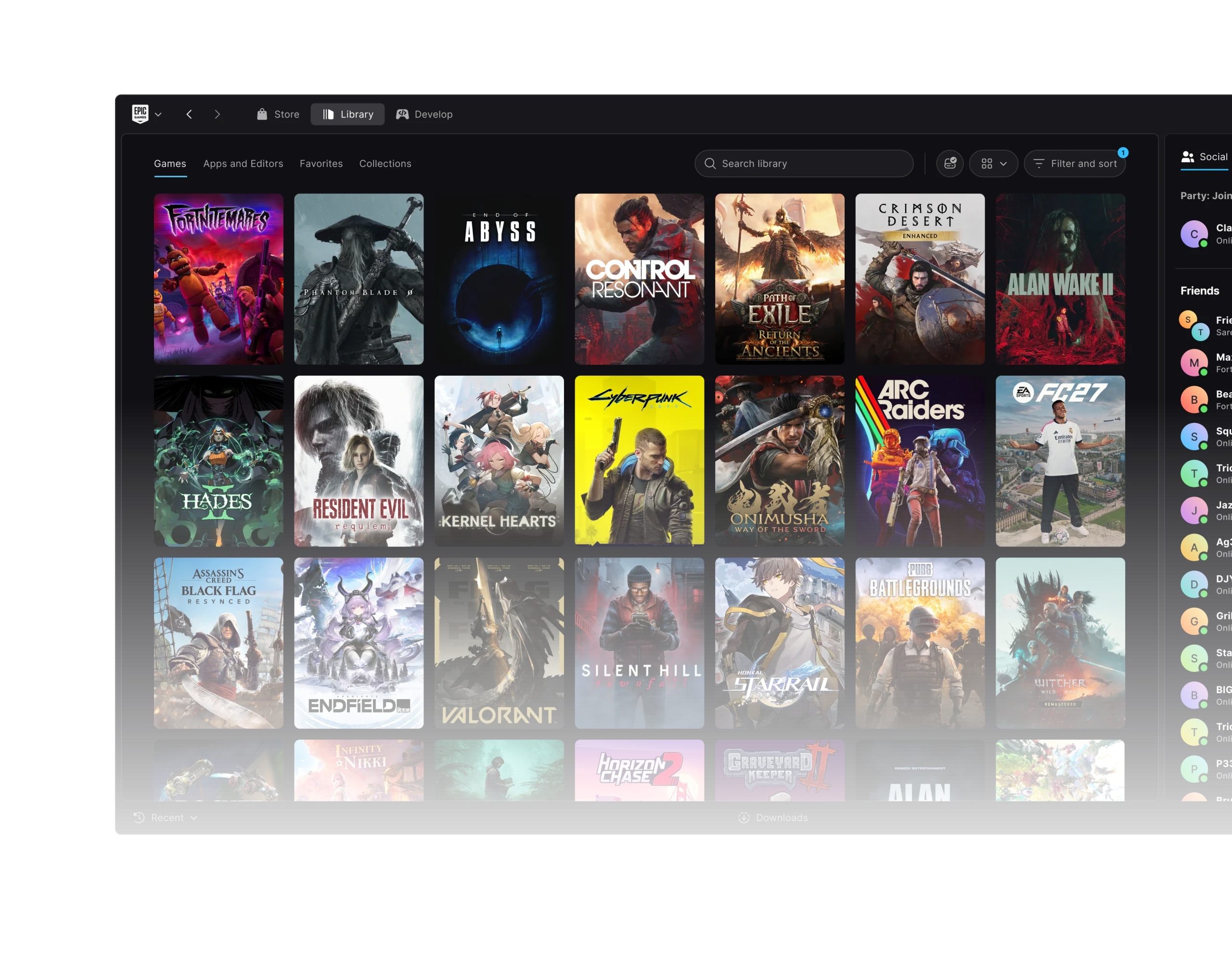
Epic Games Launcher Preview Linux keyring error was fixed in version 0.106.0 on 29 October 2026. Epic identified a bug where a locked Linux system keyring could stop the launcher opening or unexpectedly sign you out. The first fix to try is updating the Preview.
The patch also corrected a Linux chat-notification setting and artwork that sometimes failed to load on slow connections. Those are separate issues, so identify whether you’re dealing with startup, account sign-in or missing images before trying anything more disruptive.
Epic Games Launcher Preview Linux keyring error: what Epic fixed in 0.106.0
Epic’s notes point to the Linux system keyring, which stores credentials securely. When the keyring was locked, the Preview could fail to launch or lose its signed-in session. Version 0.106.0 addresses that interaction.
You shouldn’t have to turn off keyring protection to install the fix. Update the launcher through Epic’s supported installer or an offered update, then restart it and sign in as normal.
A wrong password or another account issue can look similar once the launcher opens. The Epic Games Launcher Preview Linux keyring error refers specifically to the locked-keyring behaviour in Epic’s October 29 notes.
How to fix Epic Games Launcher Preview Linux keyring error
- Open the official Epic Games Launcher Preview release notes and confirm that build 0.106.0 includes the locked-keyring fix.
- Compare that version with your currently installed Preview build if the app opens far enough to show its version information.
- Install the latest Preview update offered by Epic. Linux supports the official x64 AppImage or .deb package.
- Close and reopen the launcher, then sign in with your normal Epic Games account.
- If it still fails, collect the exact error and your distribution/version and send feedback or contact Epic support.
If the app won’t open far enough to update itself, use the current official Linux installer from Epic. Choose the x64 AppImage or .deb package that suits your system. There’s no need to remove saved credentials or installed games to update the launcher.
Avoid suggested fixes that delete secret-storage files or disable the keyring. Those changes affect more than Epic’s app, whereas the confirmed repair is in the Preview itself. If the problem persists, note the exact symptom and your Linux distribution for Epic Support.
What else changed on Linux in Preview 0.106.0?
Version 0.106.0 also fixed a Linux setting that ignored the chat notification preference. If you’ve been turning notifications off only to have them continue, check which Preview version you’re using.
Another fix improved Library and cover images on slower connections. An empty thumbnail isn’t necessarily a missing purchase. If the entire game list is incomplete, our missing-games guide covers the earlier 0.105.0 scan fix.
Which Linux distributions does Epic support?
Epic officially supports the Preview on Ubuntu 22.04 LTS or newer, Fedora 43 or newer, and Debian 12 or newer. Its Linux installers are for x64 computers. The .deb is intended for compatible Debian-based setups.
Other distributions may run the launcher but aren’t on Epic’s tested list. For install steps and hardware requirements, see our Linux setup guide. Include the distribution when reporting a problem that happens only on your machine.
Is the Linux keyring problem fixed in Preview 0.108.0?
The 0.108.0 build released a day later follows the 0.106.0 keyring repair. Its new changes are for Library filters, Social Panel restoration, duplicate install clicks and arrow-key navigation, not a second keyring fix.
The patch history is in our 0.108.0 breakdown. For the Epic Games Launcher Preview Linux keyring error, 0.106.0 is the release that matters.
Does this fix make Fortnite run on Linux?
No. A working Linux launcher doesn’t automatically make Fortnite compatible. Epic is rebuilding Easy Anti-Cheat and working with Linux distribution maintainers before bringing the game to the platform. That rollout has not been announced as complete.
If you’re still being signed out, record the error and update version before contacting Epic. Uninstalling games won’t fix a system keyring problem, and the Epic Games Launcher Preview Linux keyring error doesn’t require replacing your whole Library.
Official source: Epic Games Launcher Preview release notes for version 0.106.0.





