
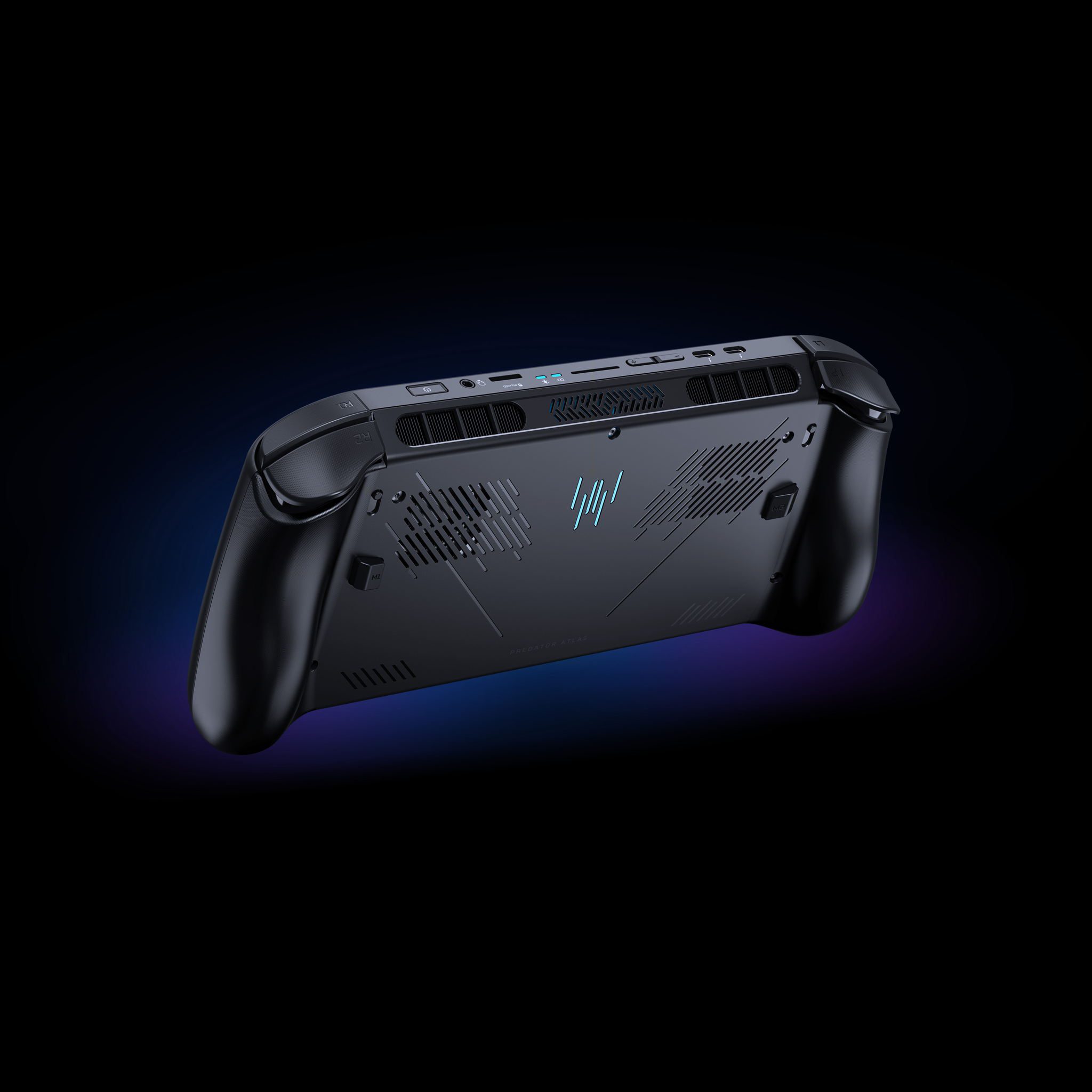
Predator Atlas 8 battery capacity is 60Wh on the Intel Arc G3 models and 80Wh on the G3 Extreme. Those capacities follow the processor tier, not the amount of RAM: both standard G3 configurations use 60Wh, while the 24GB and 32GB Extreme versions use 80Wh.
The extra 20Wh gives the Extreme more stored energy, but the stronger Arc B390 graphics can also draw more power during demanding games. That’s why the useful buying comparison is the battery capacity, weight and performance profile together, rather than a single advertised number of gaming hours.
Predator Atlas 8 battery sizes: 60Wh vs 80Wh
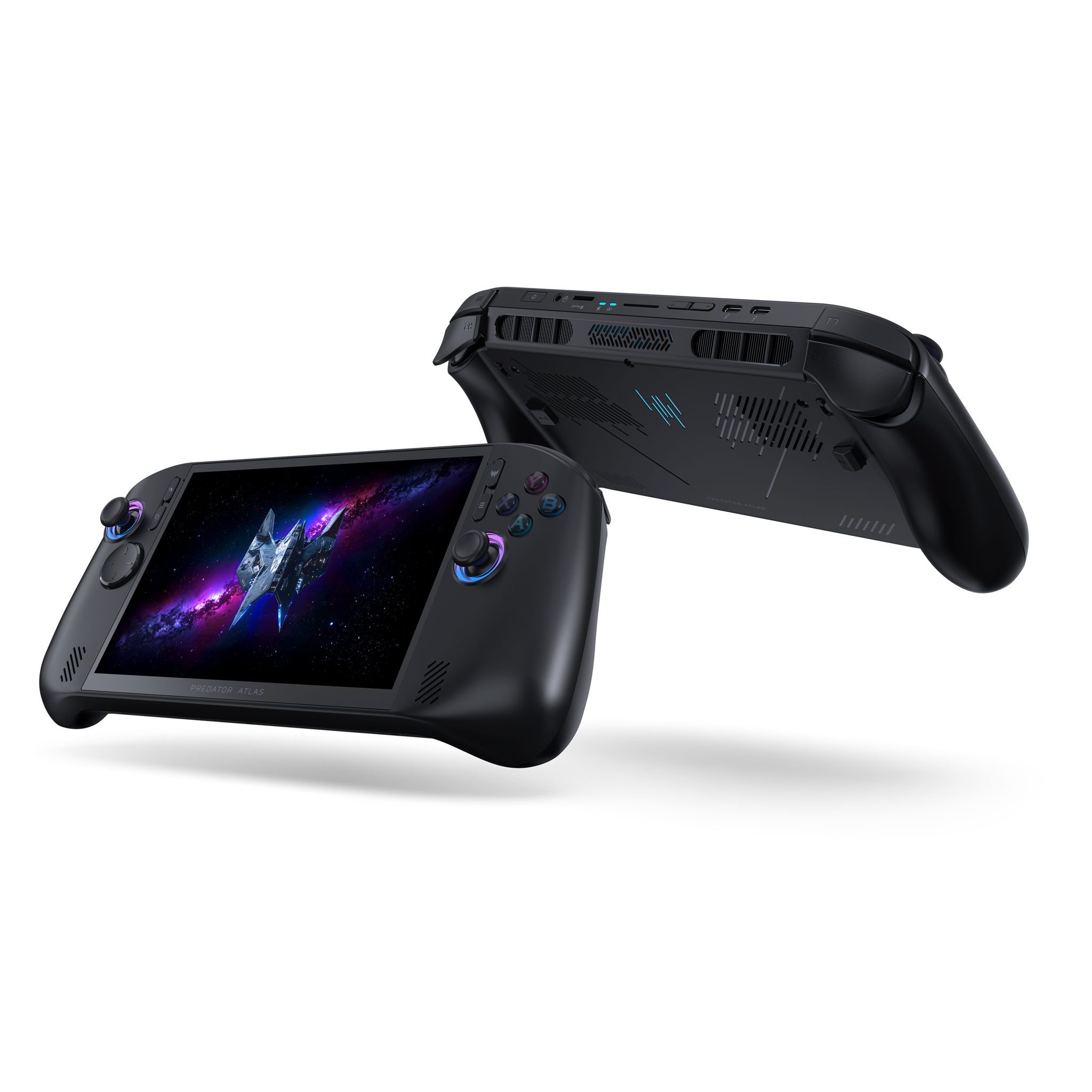
| UK model | Graphics | Battery | Weight from Acer |
|---|---|---|---|
| G3, 16GB RAM, 512GB SSD | Arc B370 | 60Wh | Under 770g |
| G3, 24GB RAM, 512GB SSD | Arc B370 | 60Wh | Under 770g |
| G3 Extreme, 24GB RAM, 1TB SSD | Arc B390 | 80Wh | Under 810g |
| G3 Extreme, 32GB RAM, 1TB SSD | Arc B390 | 80Wh | Under 810g |
At Acer’s announced UK prices, the G3 starts at £999.99 with 16GB RAM or £1,099.99 with 24GB. The 24GB G3 Extreme is £1,299.99 and the 32GB version £1,499.99. Choosing the higher memory option within either processor tier leaves the listed battery capacity unchanged.
Predator Atlas 8 battery life: 60Wh versus 80Wh
An 80Wh battery stores one-third more energy than a 60Wh battery. That is a meaningful capacity increase. Runtime is determined by how quickly the processor, display, fans and other components use that energy, so a larger capacity is most useful alongside a well-chosen power profile.
For the Predator Atlas 8 battery, the best comparison is a matched test using the same game, screen brightness, graphics settings and power limit. A demanding game targeting 120 FPS drains a handheld very differently from a lighter title limited to 60 FPS.
Choose the 80Wh model if a larger battery and Arc B390 graphics matter to you. The 60Wh G3 is less expensive and has a lower published weight limit. For lighter games or shorter sessions, the cheaper model can offer the features you want without paying for the Extreme hardware.
Predator Atlas 8 battery charging and USB-C
Acer’s launch specifications name a 65W USB-C power adapter. The Atlas 8 has two Thunderbolt 4 ports, and a suitable USB-C charger can power the handheld during play. If using a dock, make sure the power arriving at the handheld is sufficient after the dock’s own requirements.
The Acer Store displays charger and packaging information by retail SKU, so check what is included with your exact purchase. A 65W adapter specified in the press release does not mean every third-party dock or low-power USB-C charger will deliver the same amount.
Predator Atlas 8 battery settings and performance modes
Open PredatorSense with its dedicated button to monitor the battery and adjust performance settings. Acer provides selectable modes, fan controls and power-related limits in the app. Use a less demanding mode for lighter games and step up when a title needs more performance.
Lowering brightness and limiting a game to a steady frame rate are two of the easiest ways to reduce battery use. A game running smoothly at 60 FPS usually asks less from the GPU than the same game targeting 120 FPS. Turn down unnecessary graphics options before increasing the handheld’s power profile.
The Predator Atlas 8 battery can also be managed through Windows Settings > System > Power & battery. Use Windows for battery level and general energy settings, then use PredatorSense for Acer’s handheld performance and monitoring controls.
Predator Atlas 8 battery use with the 120Hz display
The 8-inch WUXGA touchscreen supports 120Hz and variable refresh rate. Higher frame-rate targets may increase rendering work and battery draw. For a slower adventure or strategy game, a lower target can still look smooth while keeping the system in a gentler power range.
VRR helps reduce visible tearing and judder when the frame rate changes. It improves the viewing experience, but it is not a battery-life mode on its own. Combine it with the graphics and power settings that suit the game.
Predator Atlas 8 battery versus ROG Xbox Ally X20
The ROG Xbox Ally X20 also has an 80Wh battery, matching the Atlas 8 G3 Extreme on rated capacity. ASUS lists its unit at 756g, while Acer’s 80Wh Atlas specification is under 810g. Battery size alone doesn’t tell you which processor and screen combination will last longer.
If you’re choosing between those two handhelds at £1,299.99, think about the overall package. Acer has an 8-inch IPS-level 1920 x 1200 screen; ASUS offers a 7.4-inch OLED 1080p panel. The battery capacity is the same, so display and controls may settle the decision.
Which Predator Atlas 8 battery configuration should you buy?
Choose the G3 Extreme 24GB/1TB if you want Acer’s 80Wh capacity without paying the extra £200 for the 32GB version. Both Extreme configurations use the same announced 80Wh battery, processor and SSD capacity. The higher-priced Extreme is a memory upgrade, not a bigger battery model.
Choose the cheaper G3 if you want the lighter, lower-cost 60Wh configuration. Choose the Extreme 24GB/1TB if you want the 80Wh Predator Atlas 8 battery and Arc B390 graphics together. Paying extra for Extreme 32GB increases RAM, not battery capacity.
Official source: Acer UK Predator Atlas 8 battery and hardware specifications.




