
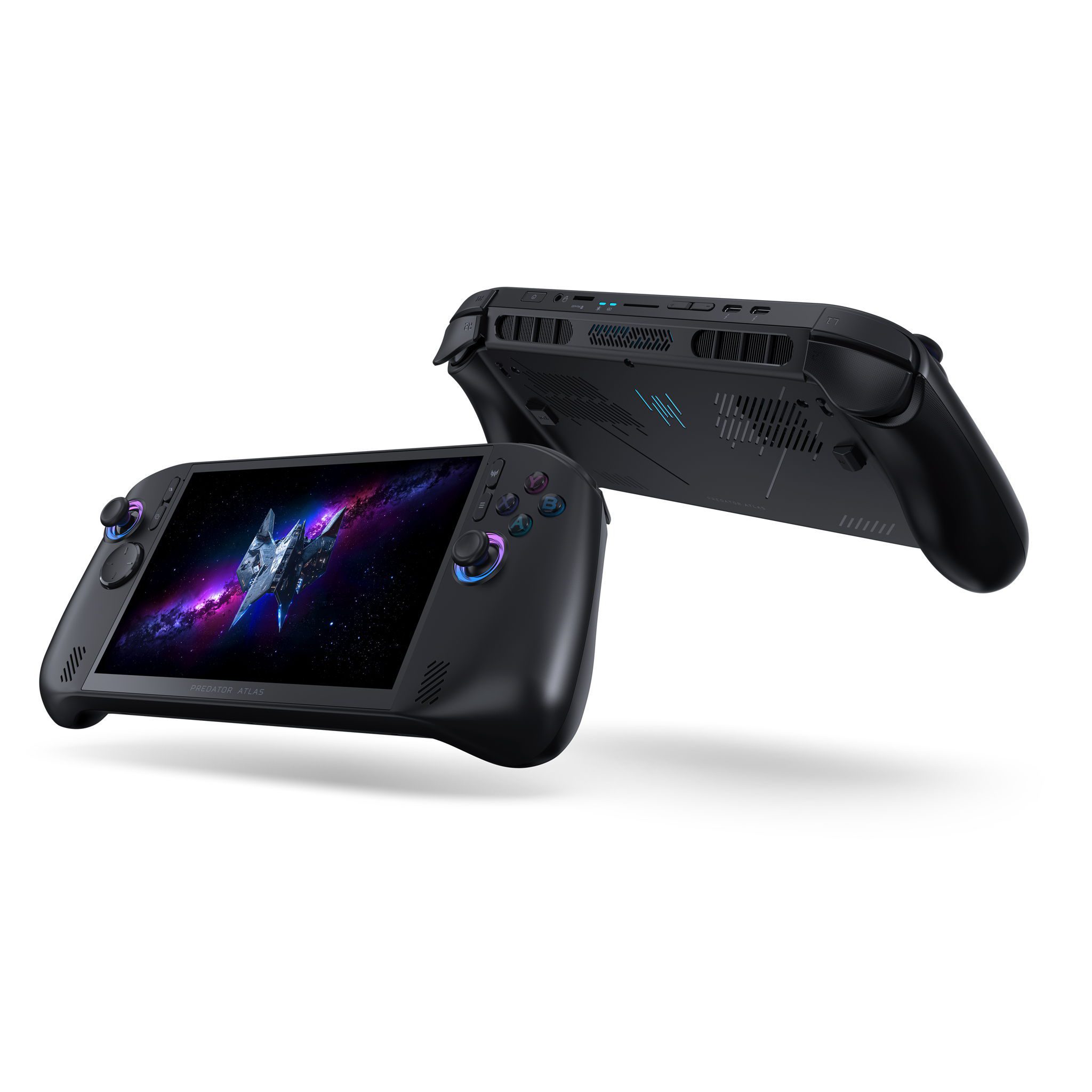
Predator Atlas 8 Xbox Mode gives Acer’s Windows 11 handheld a full-screen game library navigated with sticks and buttons. It places PC games and the Xbox app at the centre of the experience without taking away access to the Windows desktop.
The Atlas 8 has an Xbox Game Bar/Home button and a separate PredatorSense button. It is still a Windows PC, so compatible Steam and Epic Games Store titles work alongside games from the Xbox app. You can return to the desktop for installers, a browser and Windows settings.
Predator Atlas 8 Xbox Mode: How to enable it
- Open Start > Settings > Gaming > Xbox mode in Windows 11.
- Under Choose home app, select the Xbox gaming home app installed on your handheld.
- If you want the controller interface every time you start the machine, enable Enter Xbox mode on startup.
- Use the Xbox app or supported game library to browse titles and launch them using the handheld controls.
Predator Atlas 8 Xbox Mode uses the Windows 11 feature available in version 24H2 or later, in supported markets. Once a gaming home app is selected, Game Bar and Task View offer shortcuts back to the controller-friendly interface.
Predator Atlas 8 Xbox Mode: Return to the Windows desktop
Press Windows + F11 with a connected keyboard to switch between Xbox Mode and the normal desktop. You can also use Task View or Game Bar settings to return to Windows.
On the touchscreen, swipe up from the bottom to open Task View. Choose Windows desktop to handle your files or launchers, then use Task View to return to the gaming home app when you’re ready to play.
To stop starting directly in Xbox Mode, open Settings > Gaming > Xbox mode and turn off Enter Xbox mode on startup. Selecting None under Choose home app disables Xbox Mode itself. You can therefore keep it installed without opening it at every sign-in.
How to start Predator Atlas 8 Xbox Mode at boot
Open the same Windows Gaming settings and enable Enter Xbox mode on startup. The handheld will start the chosen gaming home app when you sign in instead of leaving you at the ordinary desktop. Windows can also limit background activity in this startup mode to prioritise games.
When returning from the desktop, Windows can offer a restart to restore its gaming-focused background-process optimisations if Xbox Mode starts at sign-in. You can restart or continue into the gaming home app.
Predator Atlas 8 Xbox Mode and Game Pass compatibility
The Predator Atlas 8 Xbox Mode experience works with the Windows Xbox app. Sign in with the account holding your Game Pass plan, choose a PC game included in the subscription and install it. Cloud gaming is also available to qualifying plans and supported titles.
Your active Game Pass plan determines the PC catalogue you can install. Purchased Windows games work independently of the promotional subscription.
Free Game Pass Premium offer and activation
Acer’s current UK product page advertises two months of Game Pass Premium. Its initial announcement also described a three-month PC Game Pass promotion. Use the offer attached to your actual retail bundle and account; neither is lifetime access.
If a qualifying offer appears during device setup or inside the Xbox or Microsoft Store experience, sign in with the intended account and follow the claim instructions. Check the renewal terms before accepting, since a subscription can continue at its normal price after the promotional period.
Predator Atlas 8 Xbox Mode with Steam and Epic games
Xbox Mode is part of Windows 11, not another operating system. Install compatible games through Steam, Epic or Xbox as you normally would, then open supported installed titles from the controller-friendly library.
To install a game, switch to the desktop as needed, open the relevant store client, sign in and install the Windows version you own. Return to Xbox Mode for controller-friendly launching where the game has been recognised. Compatibility still depends on the game’s PC requirements, controls, anti-cheat and graphics driver support.
Xbox Game Bar button versus PredatorSense button
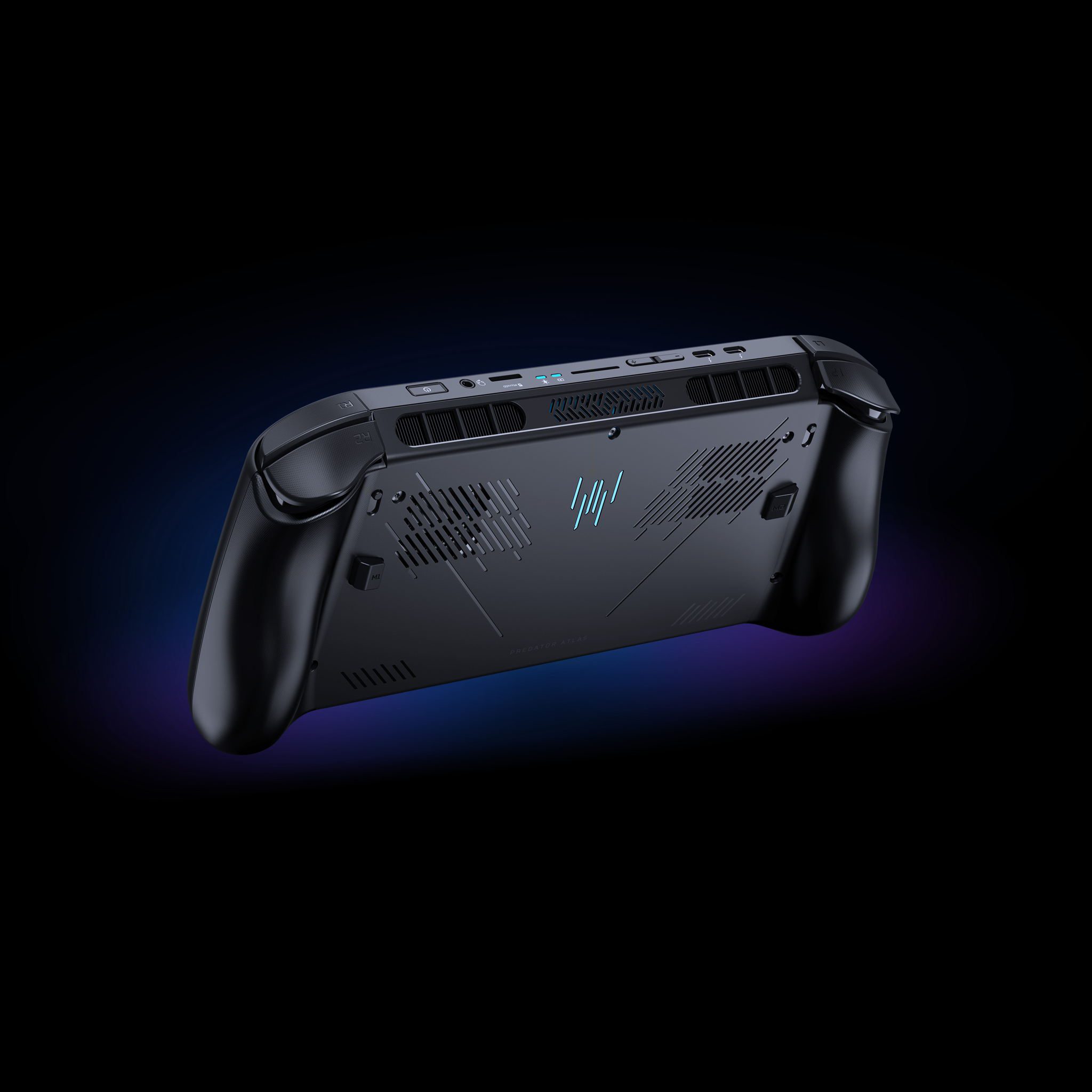
The Xbox Game Bar/Home button handles Microsoft gaming features. PredatorSense opens Acer’s controls for system monitoring, performance, fans and lighting. They serve different purposes.
These buttons serve different purposes. Open Game Bar or Xbox Mode to get to your game library and Windows gaming controls. Use PredatorSense when you want to change how the handheld behaves under load, without having to abandon the game you’re playing.
How to fix Xbox Mode not opening
If Predator Atlas 8 Xbox Mode doesn’t appear, update Windows and the Xbox app. Then open Settings > Gaming > Xbox mode, choose an installed gaming home app and launch it through Game Bar or Task View.
The Predator Atlas 8 Xbox Mode experience runs on the handheld’s Windows installation, so you can always return to desktop apps to manage accounts, game files or other launchers. The device remains a normal Windows gaming PC whether Xbox Mode starts automatically or you launch it only when you want the full-screen library.
Official source: Acer Predator Atlas 8 UK Xbox Mode and Game Pass features.




