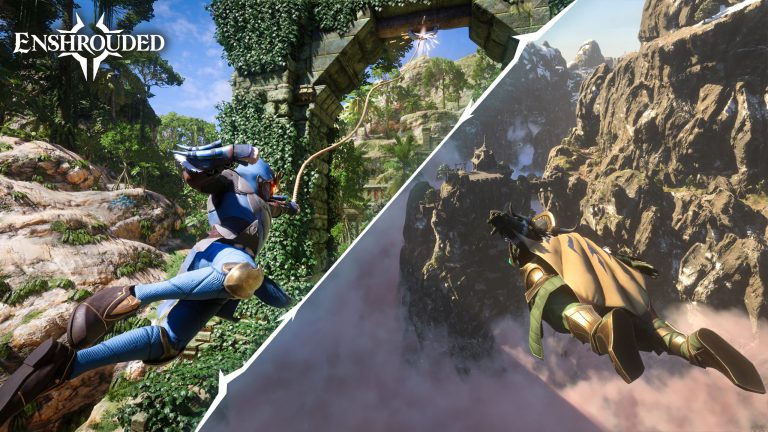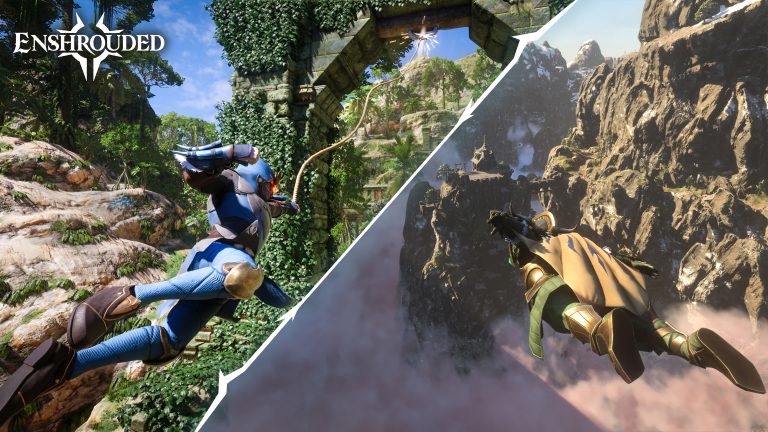
The Enshrouded Airborne Architect skill unlocks free-flying construction in version 1.0. Find the node in the centre of the skill tree, unlock it and use the building mode to work on roofs, towers and tall walls without repeatedly making scaffolding.
You can stay beside high sections of a structure while placing blocks, then move around to inspect the result. The ability works during construction; it won’t let you fly around Embervale during ordinary exploration or combat.
What the Enshrouded Airborne Architect skill unlocks
Once unlocked, Airborne Architect lets you move through the air as you work on a build. Use it for high roofs, upper floors and decorations that would otherwise require temporary stairs or scaffolding.
Where to find Airborne Architect in the skill tree
Open the updated character skill tree after installing version 1.0. Look at its central section for Airborne Architect, rather than hunting for the skill at the edge of a combat class branch. Unlock it using the skill tree’s current requirements shown in-game. The announcement names its location and effect but doesn’t publish a universal skill-point cost.
Enshrouded Airborne Architect skill: how to build while flying
Once the ability is unlocked, use the game’s building controls to enter the supported free-flying construction mode. This allows you to position building pieces from viewpoints that would be awkward on foot. Follow the on-screen controls for entering and leaving the mode, which can differ between input devices.
Enshrouded Airborne Architect skill: building above ground level
The ability is particularly valuable for roofs, towers, high walls and suspended-looking architectural details. You can view a structure from above without building a stairway to every work area. Check placement and support restrictions in the current build, because free camera movement doesn’t mean every structure piece can be placed anywhere.

Enshrouded Airborne Architect skill: does it work as normal flight?
Airborne Architect is described as free-flying while building. It is not announced as unrestricted travel, flight in combat or a replacement for normal movement throughout the world. Treat it as a construction ability, not a general exploration power.
Why the Airborne Architect skill is unavailable
If Airborne Architect isn’t visible, verify that the 1.0 update is installed and inspect the middle of the updated skill tree. Prior skill allocations may have been reset or changed in the full release. If you don’t have enough points, follow the actual unlock requirements displayed instead of assuming a specific level from early-access videos.
Enshrouded Airborne Architect skill: how to unlock and use it step by step
- Update Enshrouded to version 1.0 and load your character.
- Open the skill tree. If you’re updating an earlier character, the skill points have been reset and must be allocated again.
- Look in the centre of the skill tree for Airborne Architect.
- Select its node and read the current skill-point requirement, then unlock it.
- Go to an area where you can build and open the normal construction interface.
- Use the on-screen command for free-flying building, position yourself near a high wall or roof and place blocks using the normal building tools.
You can use this to reach the upper floor of a tower or build roof sections without erecting temporary stairways. Work on one part of the structure, move your view to inspect the result, then continue with the adjacent pieces. It doesn’t remove normal build-area limits and isn’t a substitute for travel or gliding outside construction.
The skill tree displays the point cost and the building interface shows the command for your input device. The Enshrouded Airborne Architect skill is confirmed in the patch notes, but controls can depend on whether you’re using a keyboard or controller. Read the active interface rather than following an outdated pre-1.0 shortcut.
Related Guides
Official source: Keen Games official announcement.