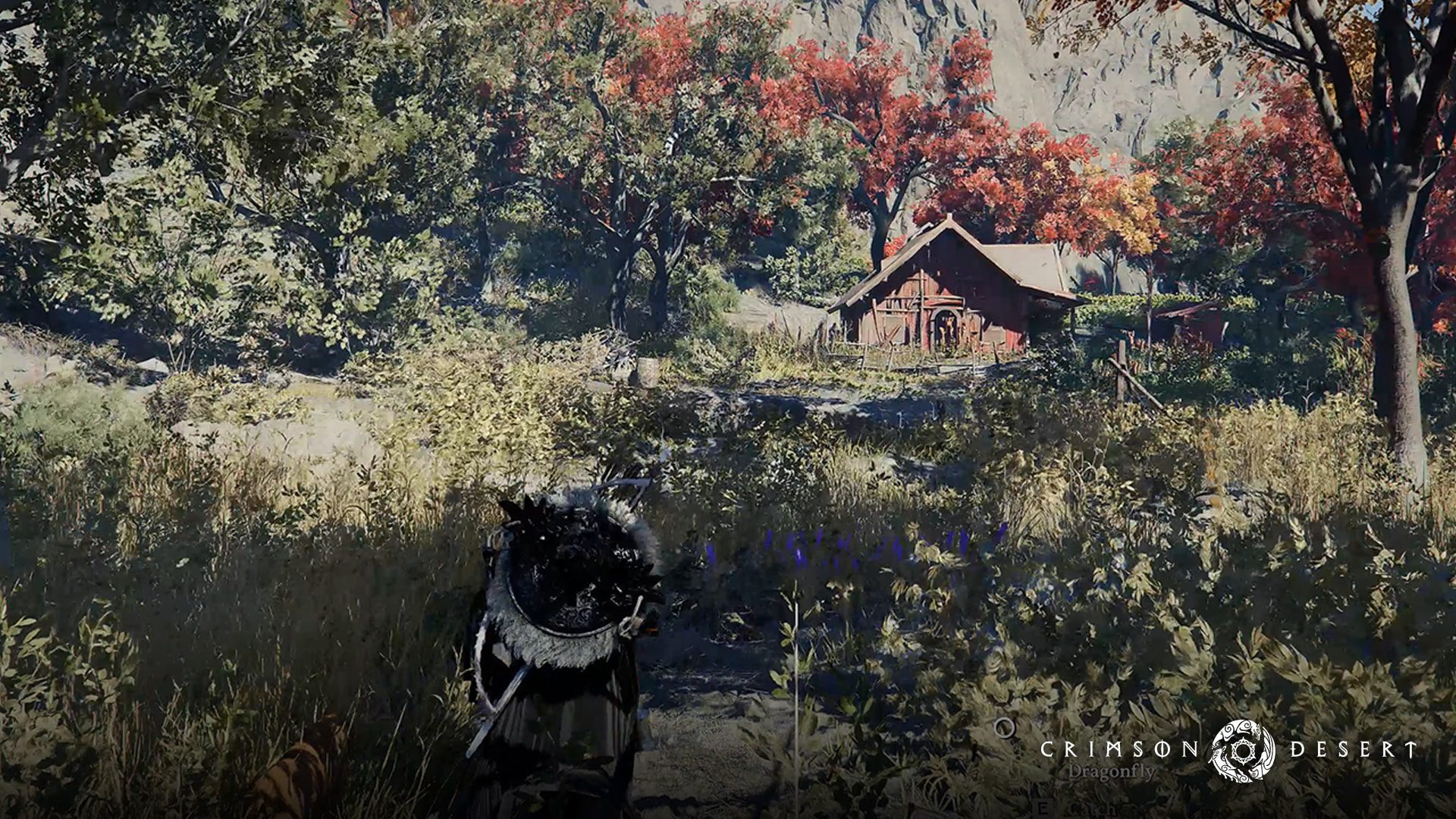
AMD Adrenalin 26.11.2 was released on 18 November 2026, fixing War Thunder timeouts on RX 5000 cards, OBS streaming crashes on RX 9000, a Radeon memory leak and excessive idle SSD writes on some Windows 10 systems. It also brings support for Phantom Blade Zero and Crimson Desert Enhanced: Charting the Unknown DLC.
AMD Adrenalin 26.11.2 isn’t a clean sweep of every Radeon problem, though. Several games still have known issues, and AMD advises RX 6000 owners whose copy of Crimson Desert won’t launch to use 26.11.1 instead.
What does AMD Adrenalin 26.11.2 fix?
The driver notes are quite specific about affected cards. War Thunder’s RX 5000 driver timeout has moved from an earlier known-issues list to the fixes. AMD also lists a fix for OBS Studio crashes and driver timeouts while streaming on RX 9000 cards.
AMD says a memory leak affecting RX 5000 cards and newer could make applications progressively slower to launch. The 26.11.2 notes list that behaviour as fixed. On Windows 10, the driver also addresses excessive writes to the system drive while a PC with an RX 5000 or RX 6000 card is idle.
There are fixes for Smart Access Memory unexpectedly switching off after a Windows 10 driver installation, Resident Evil Requiem crashing on first launch after a shader-cache reset with RX 7000 or newer, and corrupted character hair in Phantom Blade Zero on RX 9000. AMD Adrenalin 26.11.2 also adds support for ROCm 10.2.
AMD’s remaining fixes cover some game crashes after using Cleanup Utility on Windows 10 RX 9000 systems, applications launched from unusually long file paths on RX 7000, and PETAFAB: Bot Invasion failing to start on RX 6000.
Known issues that remain in AMD Adrenalin 26.11.2
The Cyberpunk 2077 timeout is still listed as unresolved. AMD names a specific combination on some RX 9000 cards: FSR Upscaling, Radeon Anti-Lag and in-game frame generation enabled while a video plays on a second display. If you’re seeing that crash, AMD recommends turning off in-game frame generation.
AMD also lists intermittent timeouts in Assassin’s Creed Black Flag Resynced on RX 7000. Call of Duty: Modern Warfare Remastered has separate issues involving Alt+Tab on Ryzen AI Max PRO 400 processors and black corruption on RX 9000 graphics.
For Gears of War: Reloaded launching to a black screen on Ryzen AI 9 400 processors, AMD suggests switching the in-game display mode to Windowed and then back to Fullscreen. Crimson Desert can fail to launch on RX 6000, with AMD specifically recommending Adrenalin 26.11.1 for affected players.
Some Adrenalin tabs may also appear blank, and the AI Bundle can fail to install in regions with limited access to HuggingFace or GitHub. These are known issues, not confirmed fixes in AMD Adrenalin 26.11.2.
Which graphics cards support AMD Adrenalin 26.11.2?
AMD lists RX 9000, RX 7000, RX 6000 and RX 5000 desktop families among supported Radeon graphics. The release also lists several Radeon PRO and mobile Radeon families. Individual card and operating-system compatibility still matters, especially for laptops.
Windows 11 version 21H2 and later and 64-bit Windows 10 version 21H2 and later are included in AMD’s operating-system list, subject to product support. Laptop and all-in-one users should check their manufacturer’s driver first: AMD warns that its reference package may not include device-specific optimisations. AMD also says the standard Adrenalin package is not intended for handheld gaming devices.
How to download and install AMD Adrenalin 26.11.2
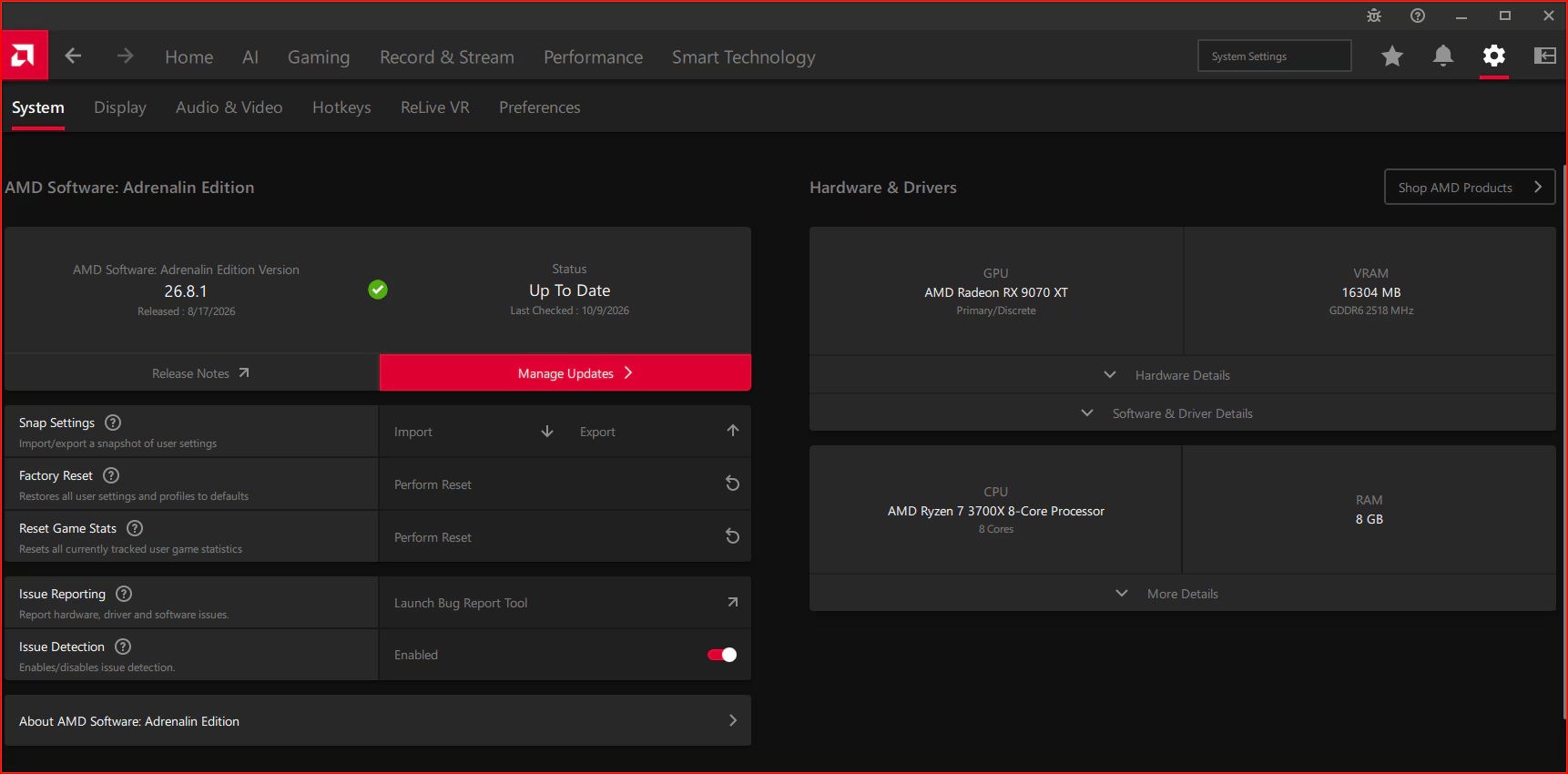
Open AMD Software from the Windows Start menu, search for System Settings and check the installed software and driver information. Select Manage Updates to open AMD Install Manager and review what is available for your card. Recommended drivers appear by default; Recommended + Optional can be enabled in update preferences if you want to see both branches.
Before installing AMD Adrenalin 26.11.2, save your work and check the official compatibility and known-issues sections for your GPU. You can also download the package directly through AMD’s support site. Restart if prompted, then return to System Settings to confirm the installed software version.
If you need to downgrade after an installation problem, AMD recommends its Cleanup Utility. That’s particularly relevant to Crimson Desert on RX 6000, where the official workaround is 26.11.1, not an arbitrary older package.
Should you install AMD Adrenalin 26.11.2?
If War Thunder keeps triggering a driver timeout on RX 5000 or OBS crashes while streaming on RX 9000, AMD Adrenalin 26.11.2 directly addresses those complaints. It’s also worth considering if you’re affected by the documented memory leak or Windows 10 SSD-write problem.
If everything is running well, check the known-issues list for your card before updating. The fixes are model-specific, so a problem listed for RX 9000 isn’t automatically a fix for every Radeon GPU.
Official source: AMD Software: Adrenalin Edition 26.11.2 release notes.