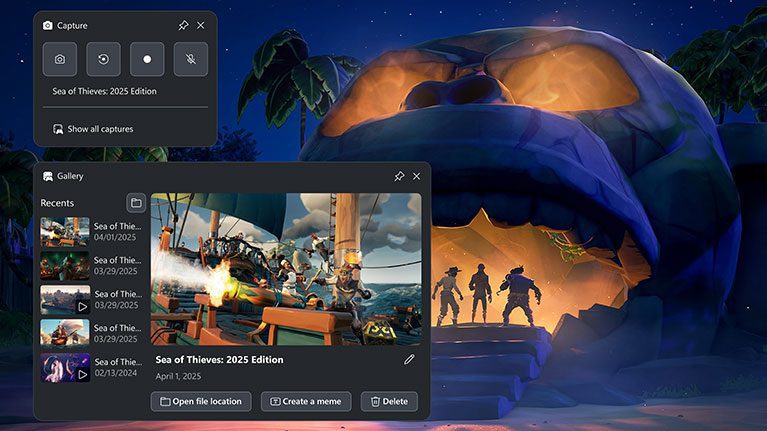
AMD Radeon Xbox Game Bar crash is a driver problem listed as fixed in Adrenalin 26.10.2, released on 30 October 2026. AMD identifies crashes or driver timeouts when opening or closing another overlay such as Xbox Game Bar while the Radeon Performance Metrics Overlay is enabled.
The timing is a useful clue: does the game fail when you bring up Game Bar or close it while AMD’s own metrics are visible? That’s the combination AMD describes. Crashes at other times need separate investigation.
AMD Radeon Xbox Game Bar crash: the confirmed trigger
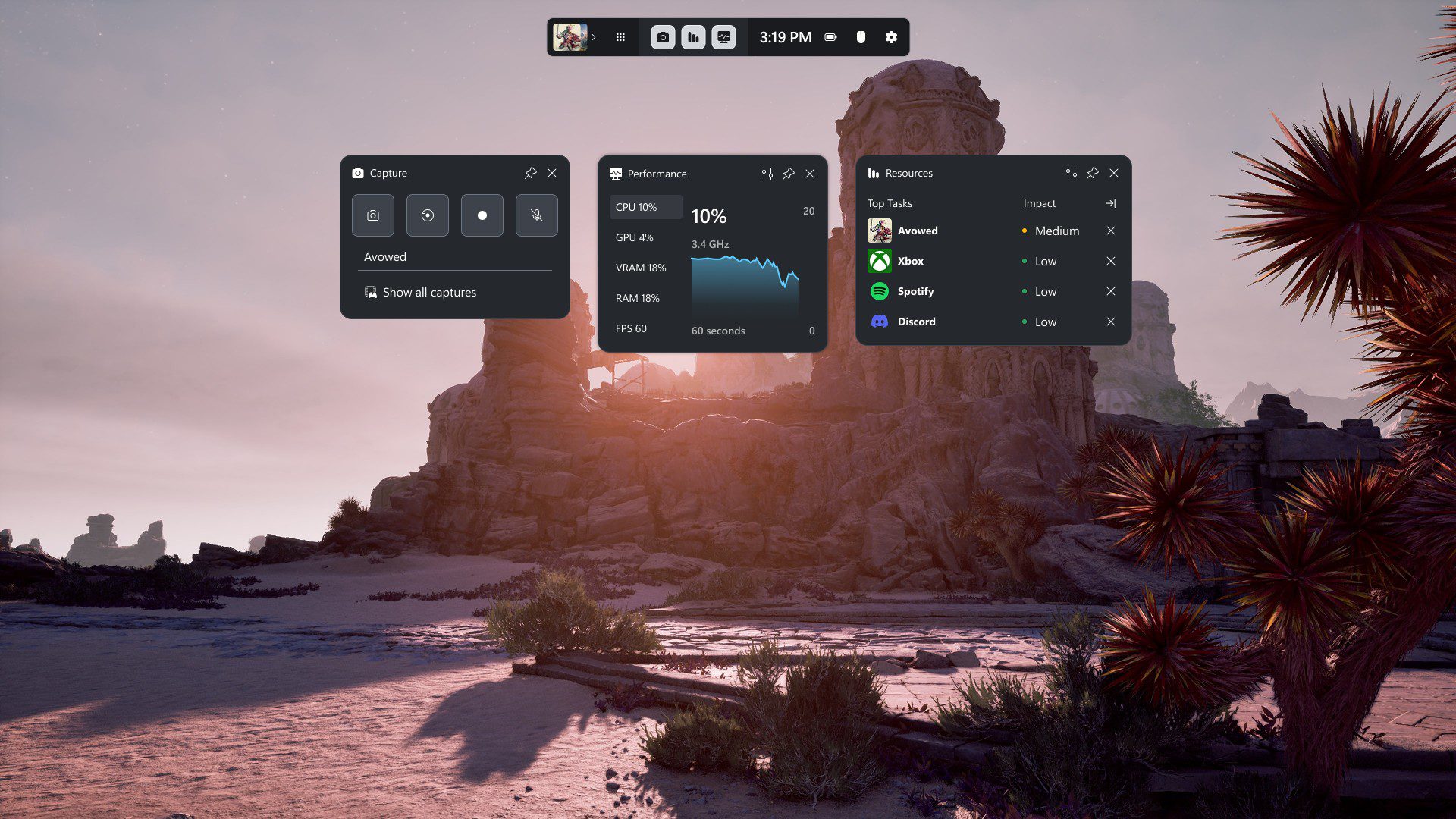
In AMD’s release notes, the problem concerns opening or closing overlays while the AMD Software Performance Metrics Overlay is already running. The result can be an application crash or a Radeon driver timeout. Xbox Game Bar is AMD’s example of another overlay, not the only possible one.
AMD Radeon Xbox Game Bar crash appears in the Fixed Issues section of 26.10.2. If this matches the fault you’ve seen, install a compatible package and compare the result.
How to turn off the AMD Metrics Overlay
AMD’s default keyboard shortcut to toggle the Performance Metrics Overlay is Ctrl + Shift + O. If you can still use the desktop, press it to hide the statistics display. In AMD Software, you can also locate Performance Metrics and switch off Show Metrics Overlay.
With AMD’s display hidden, open and close Xbox Game Bar using Windows + G while in the game that previously crashed. If the problem no longer appears, that helps isolate the overlay interaction. It does not prove that a different crash is caused by the same setting.
You don’t need to uninstall Game Bar or edit the Windows registry. Switching off AMD’s metrics display is a quick way to test the interaction while you prepare the driver update.
How to install the 26.10.2 fix
Open AMD Software and use System Settings to find your GPU model and current driver version. Choose Manage Updates and enable Recommended + Optional in the updater preferences. Install Adrenalin 26.10.2 if AMD lists it for your graphics hardware.
After updating, switch AMD’s metrics back on and open Game Bar in the same game. The AMD Radeon Xbox Game Bar crash test is most useful with the same overlay combination, before you change other graphics settings.
AMD recommends system-maker graphics drivers on laptops with specialised controls and explicitly excludes gaming handhelds from this generic driver package. Confirm compatibility before downloading.
What if the Radeon timeout continues?
If the fault remains, note exactly what happened. Did the game close, did the screen briefly go black, or did Windows report a driver timeout? Record which overlays were open at the time.
The AMD Radeon Xbox Game Bar crash is separate from the RX 9000 FSR Frame Generation hang that happened during app switching. That other fault is also marked fixed, but Cyberpunk 2077 still has its own known issue involving several graphics settings and video on a second monitor.
Give AMD the Radeon model, driver version, game and steps needed to reproduce the failure. Those details are more useful than an assortment of unrelated registry tweaks.
For an AMD Radeon Xbox Game Bar crash that matches AMD’s description, 26.10.2 is the documented fix. Use the metrics toggle as a diagnostic, apply a compatible driver, then test the exact overlay interaction again.
Official AMD source: AMD Adrenalin 26.10.2 release notes.