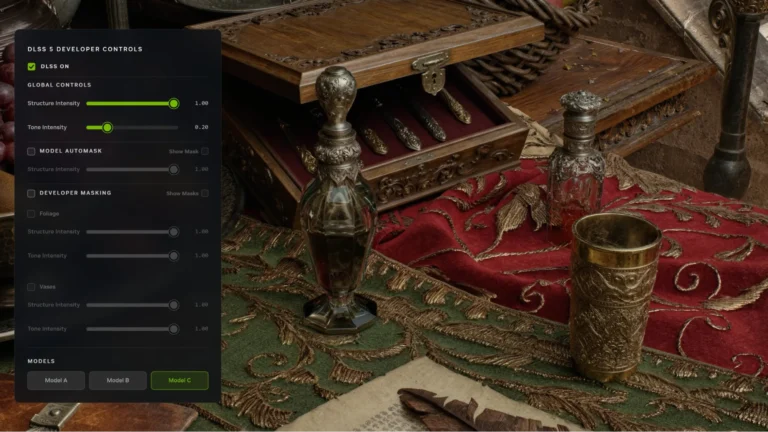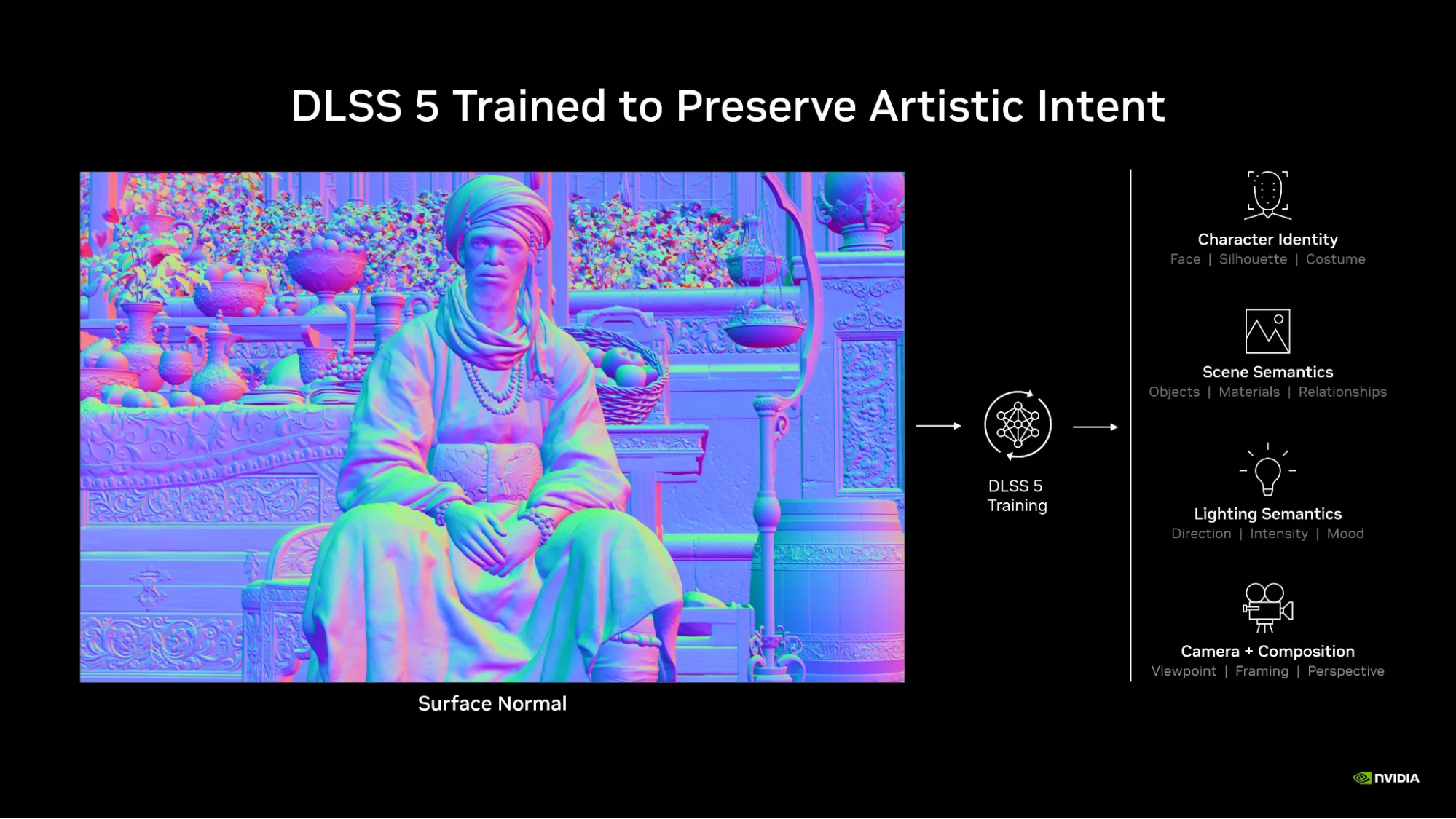
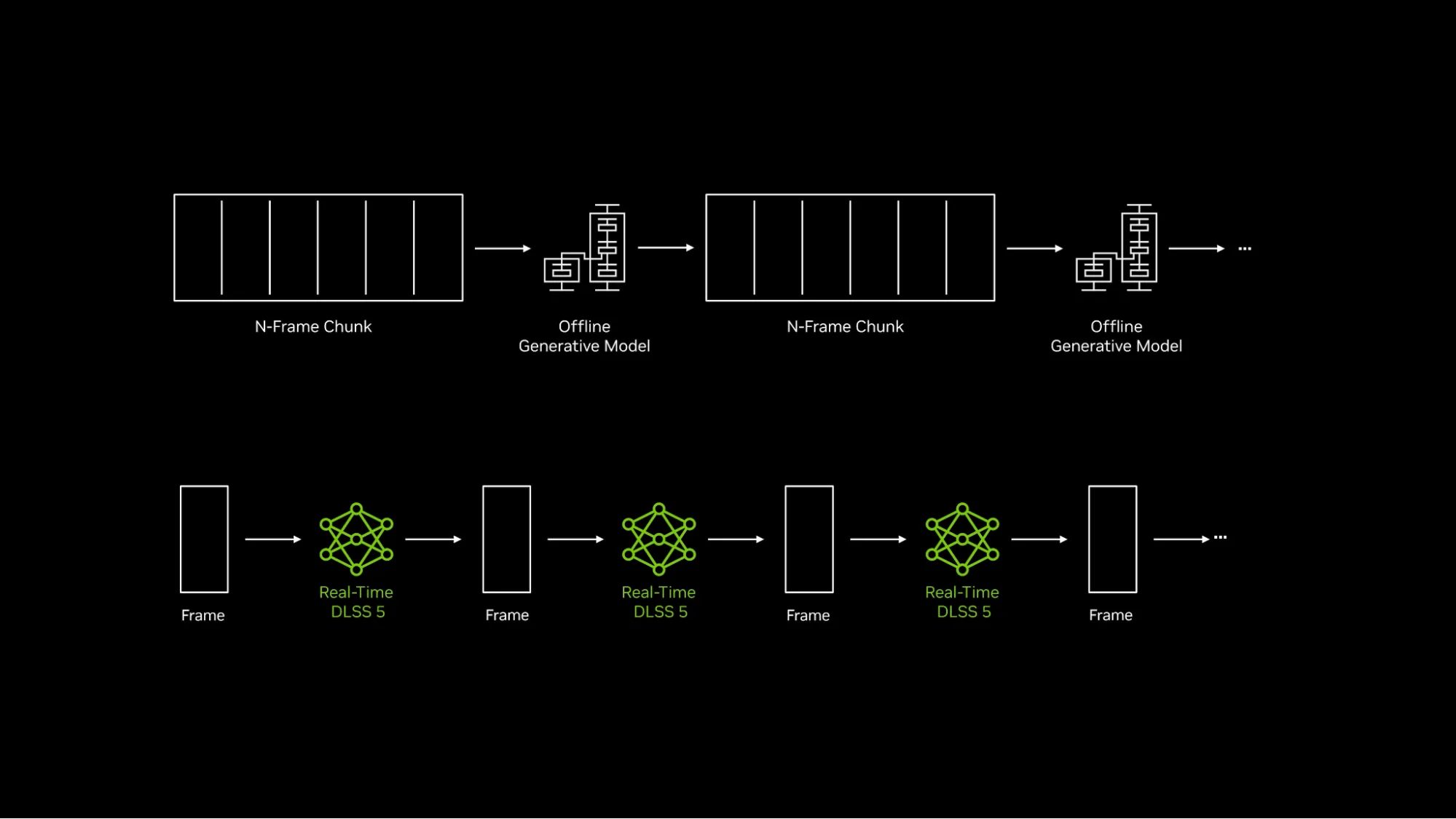
NVIDIA DLSS 5 not showing in your game’s graphics settings usually comes down to hardware support, a missing game update or the game not offering the feature yet. DLSS 5 3D-Guided Neural Rendering is not the same as DLSS Super Resolution, and NVIDIA App’s normal DLSS model override cannot switch it on in an unsupported title.
As of 16 November 2026, the local feature is available on supported GeForce RTX 50 Series and RTX Spark systems, with GeForce NOW Ultimate as the cloud option. The game’s developer must also have shipped the DLSS 5 update, so make sure it has actually been released.
NVIDIA DLSS 5 not showing: check GPU compatibility first
NVIDIA’s announced local support covers GeForce RTX 50 Series desktop and laptop GPUs and RTX Spark devices. A GeForce RTX 4090, 4080, 3090 or 3080 cannot access the new local 3D-Guided Neural Rendering feature just by updating NVIDIA App or installing driver 621.24. Those cards can still use their own supported earlier DLSS features in suitable games.
If you’re on an RTX 40 or RTX 30 card, the missing Neural Rendering option is expected. Those cards can still run their supported earlier DLSS features, including Super Resolution in eligible titles.
GeForce NOW Ultimate is a separate route for eligible supported cloud games. It uses remote hardware, so the local PC does not need a physical RTX 50 card in that case. A different GeForce NOW tier or a locally installed copy of the game does not automatically offer the same rendering option.
Check whether your game’s DLSS 5 update is live
A graphics driver cannot add a feature before the game developer releases its own patch. War Thunder gained DLSS 5 through the Eagle’s Shadow update on 11 November 2026. Hogwarts Legacy received its announced update earlier in November. Where Winds Meet, however, is scheduled to add Neural Rendering on 23 November.
If you’re checking Where Winds Meet on 16 November, NVIDIA DLSS 5 not showing is expected because the scheduled update date has not arrived. Keep the distinction between a future announcement and a live feature clear. The game may already contain DLSS Super Resolution or other options, but those are not proof its Neural Rendering upgrade has launched.
For War Thunder or another title whose update is already live, check that your game client has installed the correct patch. Restart the game after updating, and read that game’s own graphics menu rather than hunting for a universal DLSS 5 switch on your Windows desktop.
NVIDIA DLSS 5 not showing: does NVIDIA App Override help?
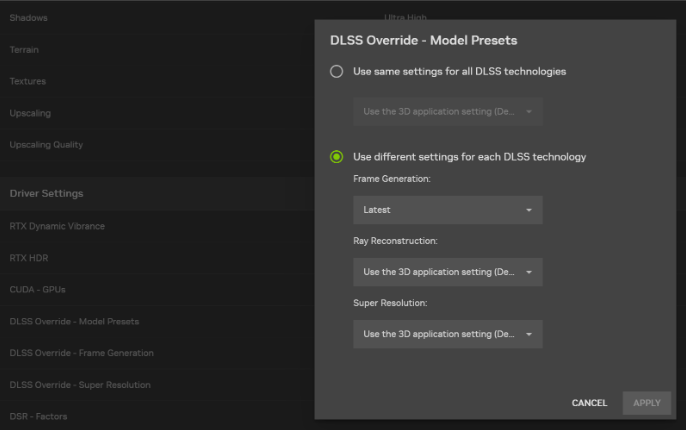
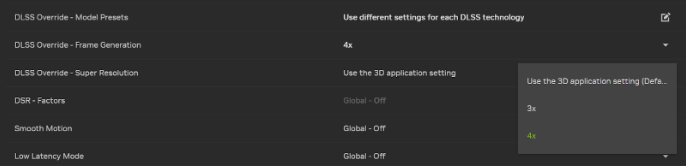
No. NVIDIA App includes DLSS Override controls for supported Super Resolution models, Frame Generation and other features. Choosing Recommended in Model Presets can select a DLSS 4.5 Super Resolution model, but it is not a way to force 3D-Guided Neural Rendering into games that do not include it.
Changing DLAA, Frame Generation or Resizable BAR won’t unlock Neural Rendering. Those are different graphics options, and NVIDIA App’s model override is designed for other DLSS features.
How to troubleshoot NVIDIA DLSS 5 not showing on RTX 50
- Confirm the actual GPU under Device Manager > Display adapters, or in NVIDIA Control Panel’s System Information.
- Check NVIDIA’s support list for the new Neural Rendering feature, not just the supported products for an ordinary Game Ready driver.
- Check the developer’s patch notes or update screen to make sure the specific game has already received its DLSS 5 integration.
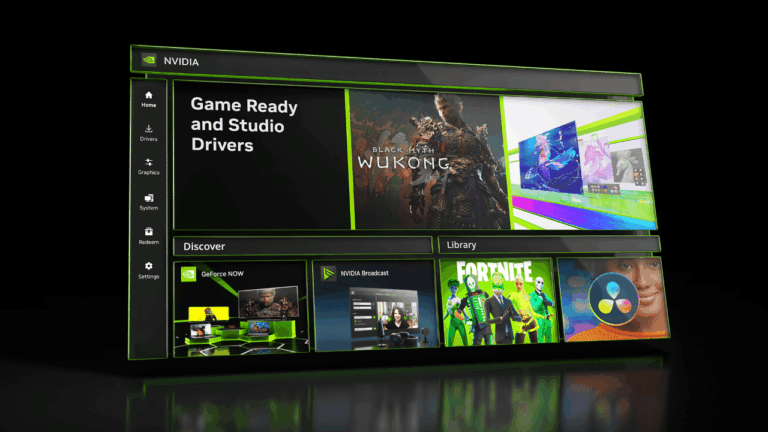
- Download and install a compatible NVIDIA graphics driver through the official app or NVIDIA driver website; follow any game-specific driver recommendation.
- Update the game and restart it so the new graphics settings are loaded. Inspect the title’s own graphics options for Neural Rendering.
- If the title is confirmed supported, the hardware is eligible and the setting remains absent, record the game version, driver version and exact GPU before reporting the issue to the developer or NVIDIA support.
NVIDIA DLSS 5 not showing in GeForce NOW Ultimate
For cloud gaming, check that you’re using the Ultimate tier and that the individual game and cloud environment support the new rendering option. GeForce NOW’s virtual hardware is separate from your local graphics card, so changing the driver on an older laptop is not what enables a cloud-rendered DLSS 5 game.
If the game runs locally rather than through the supported Ultimate cloud session, the normal local hardware restrictions apply. Likewise, merely having an Ultimate subscription does not make every game in the GeForce NOW library support Neural Rendering.
NVIDIA DLSS 5 not showing on older RTX cards: what still works?
DLSS 4.5 Super Resolution models are available for eligible titles across multiple GeForce RTX generations. NVIDIA’s Recommended Model Presets option selects Model M for Performance, L for Ultra Performance at 4K, and K for other quality modes. That feature is separate from DLSS 5.
NVIDIA DLSS 5 not showing: when to report it
If you have a supported RTX 50 or RTX Spark system, the relevant game update has already been released, and you’ve installed compatible software but the feature is still absent, collect the precise model numbers and versions. Report the problem with those details rather than saying only that DLSS is missing.
Related Guides
Searching for NVIDIA DLSS 5 not showing in a particular game? Start with the relevant compatibility and game-update guides.
Official source: NVIDIA: DLSS 5 Neural Rendering availability, hardware and game updates.