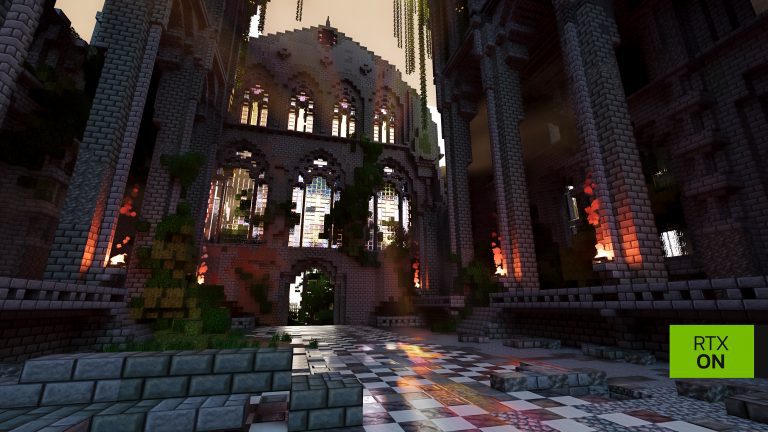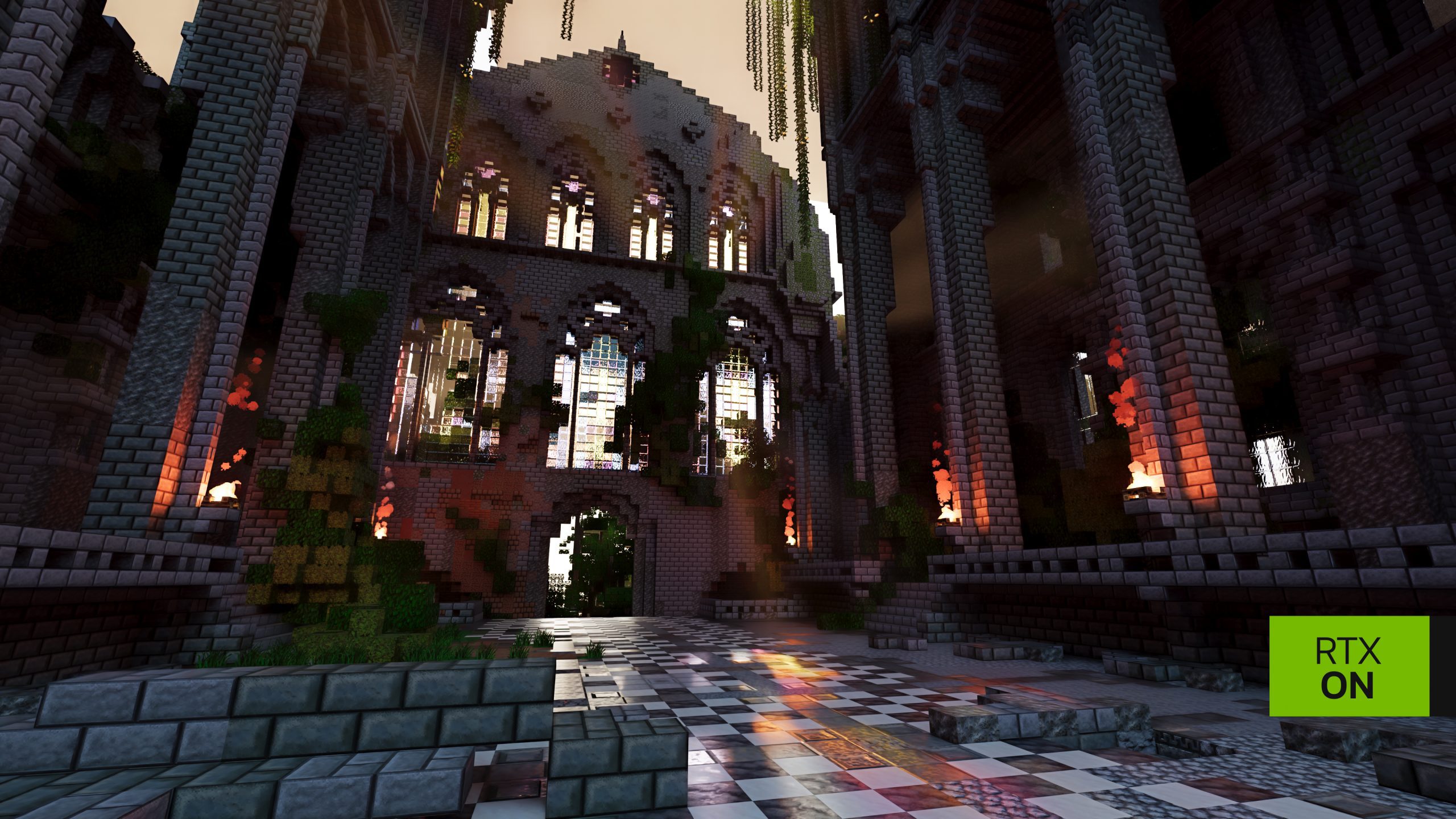
RTX Remix Showcase World is a free map built by BlockWorks to demonstrate NVIDIA’s path tracing in Minecraft Java 1.21.1. It appears as NVIDIA RTX Demo in Singleplayer, with Creative Mode enabled so you can explore the lighting, reflections and materials.
NVIDIA tested the beta extensively in this world, making it a good place to start after installation. Download the map through NVIDIA’s linked CurseForge page and put it in the saves folder for your launcher. Prism uses a separate folder; the official Minecraft Launcher shares your usual Java directory.
RTX Remix Showcase World Download
NVIDIA’s October 28 RTX Remix article links to the RTX Remix Showcase World on CurseForge. Download that ZIP rather than a reupload from an unrelated site. The environment was made by BlockWorks for the Java RTX beta; it isn’t a Mojang world or a Bedrock RTX map.
Install NVIDIA’s RTX Remix beta first, using Minecraft Java Edition 1.21.1, Windows 10/11 and a supported RTX 30 Series or newer GPU. The mod adds the path tracing. Simply opening this world in ordinary Java Minecraft will not install NVIDIA’s renderer.
How to Install the RTX Remix Showcase World
- Download the BlockWorks showcase ZIP from NVIDIA’s linked CurseForge page.
- For the Microsoft Launcher, open
%APPDATA%\.minecraft\saves\in File Explorer. - Extract the world into that directory so you end up with
.minecraft\saves\NVIDIA RTX Demo. - Check the folder isn’t nested twice inside another folder of the same name.
- Launch the NVIDIA RTX Remix for Minecraft profile, select Singleplayer and open NVIDIA RTX Demo.
If you installed through Prism Launcher, open the NVIDIA RTX Remix for Minecraft instance folder and use its own saves directory. A Prism instance keeps its saves apart from the Microsoft launcher’s standard folder. This is a common reason the map is missing from Singleplayer despite a successful download.
Minecraft needs an extracted world folder, not the unopened ZIP. If the map isn’t listed in Singleplayer, check for a second nested directory and move the folder containing level.dat directly into saves.
RTX Remix Showcase World Controls and Path Tracing
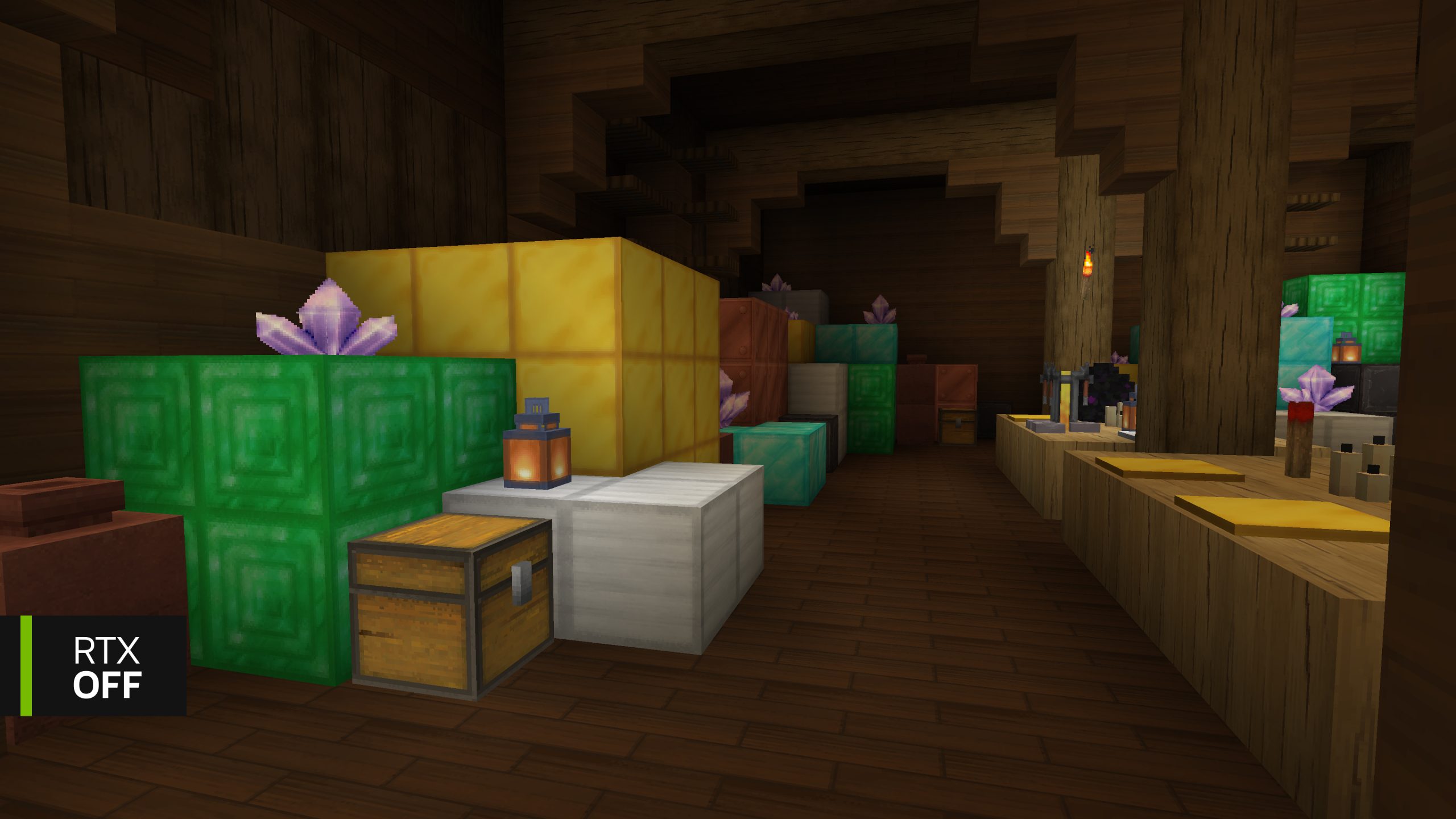
Fly through the buildings and tunnels, then compare reflections, indoor lighting and shadows. NVIDIA designed its comparisons around this environment, making it ideal for checking the renderer before trying it in a survival world.
Press T, type /rtx status and check Renderer Initialized: true and SDK Available: true. You can press F8 to toggle path tracing, or enter /rtx off then /rtx on to compare the exact same position.
The first launch can look dark while shaders compile. Give the scene time to finish rendering. If the status command reports a failed renderer, check the graphics driver and Minecraft’s logs\latest.log rather than deleting the world or starting over.
RTX Remix Showcase World Materials Pack
NVIDIA also links a separate RTX Materials Pack through CurseForge. Put its ZIP, still compressed, in the active game’s resourcepacks folder. Open Options → Resource Packs and move the pack to Selected. Its detailed PBR materials complement the BlockWorks lighting effects.
The mod already includes baseline PBR materials. You can turn on path tracing in compatible Java 1.21.1 worlds without downloading the showcase map or high-resolution textures. Both are optional ways to explore the renderer.
When you’re finished exploring, switch back to your own world from Singleplayer. Copy important survival saves before opening them with the beta, particularly when the Microsoft Launcher shares your usual saves folder. The RTX Remix Showcase World stays available as a useful reference when comparing new graphics settings.
Official source: NVIDIA RTX Remix showcase download instructions.