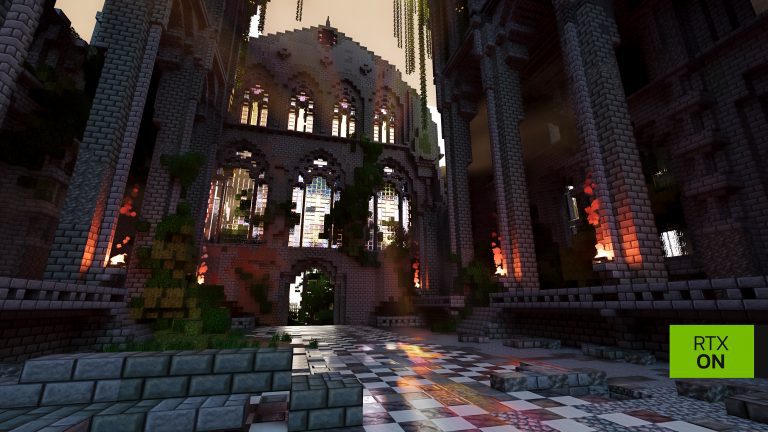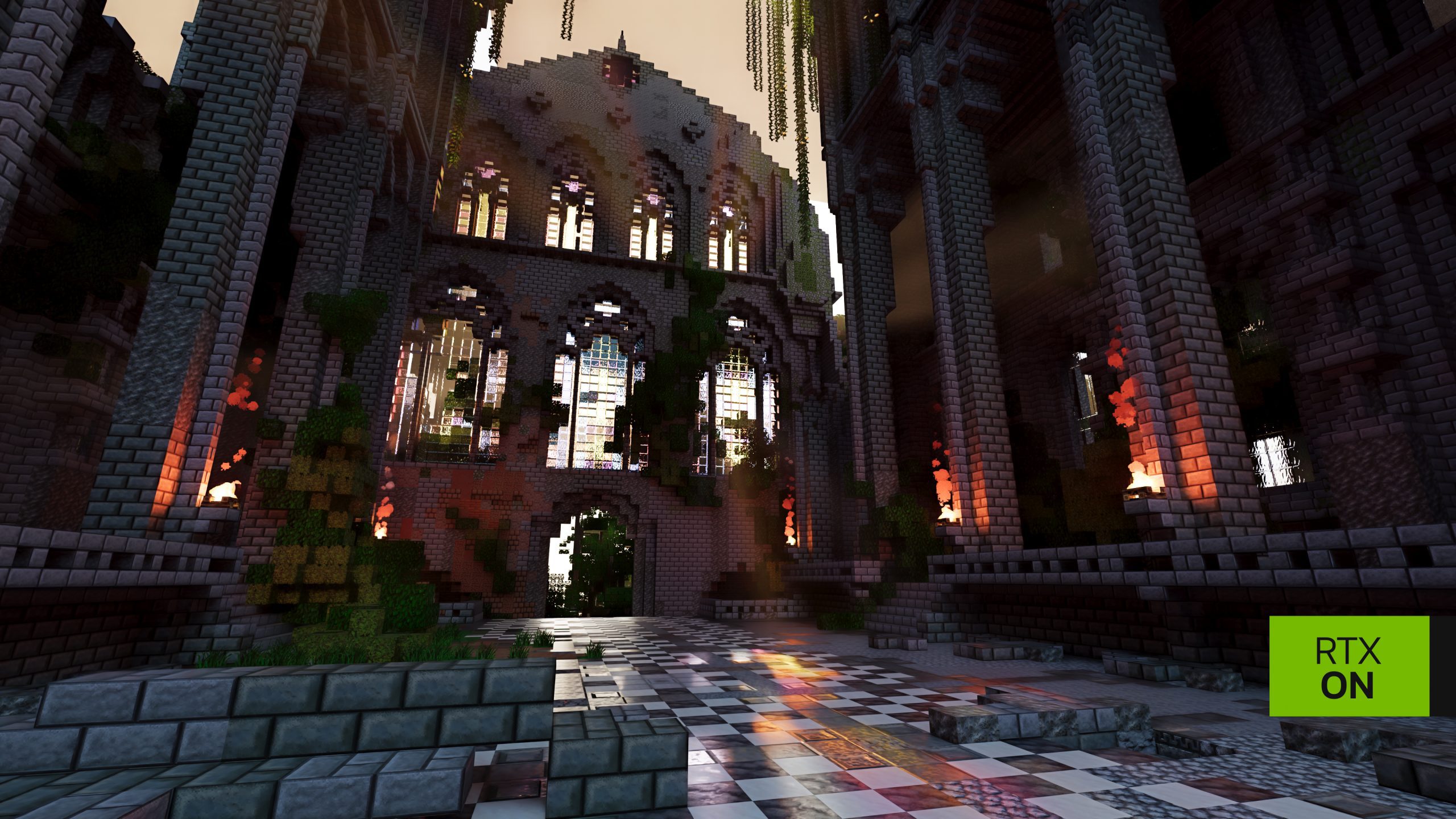
Minecraft RTX Remix Existing Worlds can be loaded with NVIDIA’s path-tracing beta as long as they are compatible Minecraft Java Edition 1.21.1 saves. You do not have to use the separate BlockWorks demonstration map. Your own houses, farms and survival bases can benefit from the RTX lighting too.
Your launcher determines where the RTX version finds saves. Prism creates a separate instance, while the official Minecraft Launcher shares the usual .minecraft directory. Back up any world you care about before testing rendering mods.
Minecraft RTX Remix Existing Worlds: Which Saves Work?
The mod targets Java Edition 1.21.1. A regular unmodified world saved for that version is the best starting point. Minecraft RTX Remix does not convert Bedrock worlds and is not a general solution for Java 1.22 or every newer 1.21.x build.
If a world was last played on a newer Minecraft version, don’t force it back into 1.21.1. Minecraft saves can contain data that older game versions do not understand. Work from a backup made on a compatible version, and leave the original save untouched.
How to Copy Minecraft RTX Remix Existing Worlds to Prism
- Back up the world folder from
%APPDATA%\.minecraft\saves\before opening it with any modified client. - Open Prism Launcher and select your NVIDIA RTX Remix for Minecraft instance.
- Open that instance’s Minecraft folder, then open
saves. If necessary, create the saves directory. - Copy the entire world folder, including its
level.datand region data, into the Prism instance’s saves folder. - Launch the RTX instance, open Singleplayer and choose the copied world.
- Once inside, type
/rtx statusand check that Renderer Initialized and SDK Available both say true.
NVIDIA’s automatically downloaded portable Prism lives under %LOCALAPPDATA%\RtxRemixMinecraft\PrismLauncher\, with the RTX game instance in its instances folder. Existing Prism installs use their own data location, often %APPDATA%\PrismLauncher\instances\. Open the instance folder from Prism to avoid guessing the exact path.
The Minecraft RTX Remix Existing Worlds setup in Prism keeps the original saves separate, which is ideal for tests. If you change settings, experiment with resource packs or try other mods, the ordinary Minecraft save remains in its original folder.
Minecraft RTX Remix Existing Worlds in Microsoft Launcher
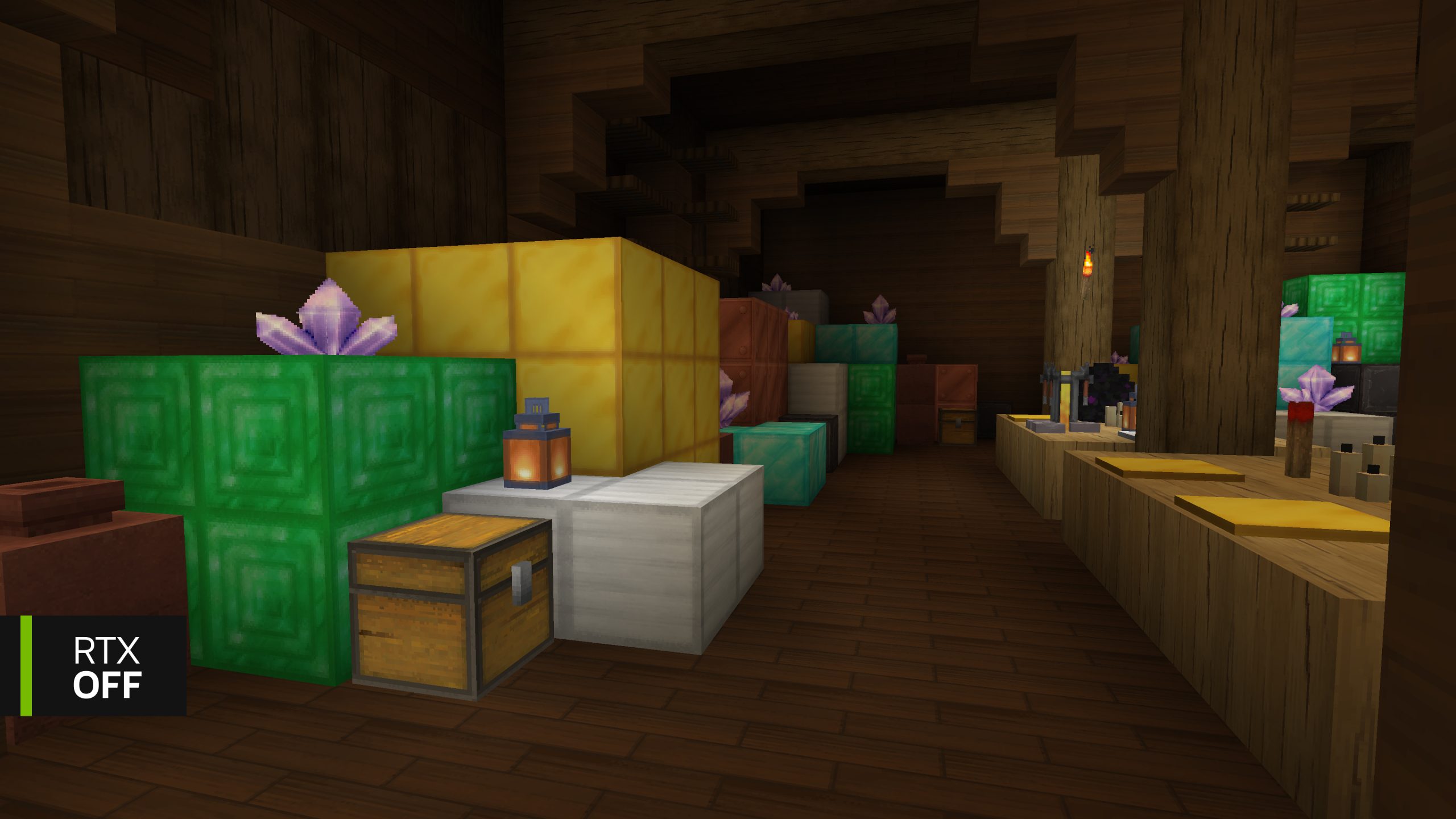
The Microsoft Minecraft Launcher installation adds an RTX profile in the normal Java Edition launcher, and NVIDIA says it shares your existing %APPDATA%\.minecraft folder. Existing compatible worlds are therefore visible on its Singleplayer screen without manually importing them.
That convenience has a tradeoff: opening the same world through different profiles can change save data. Before using the RTX profile, make a backup copy in a different folder or use Minecraft’s own world backup option. Avoid treating the original world as a disposable graphics test.
Minecraft RTX Remix Existing Worlds with Other Mods
NVIDIA says other mods have had limited compatibility testing, especially those changing chunk loading or the rendering pipeline. For an established Fabric modpack, test RTX Remix in a separate instance without Iris, Sodium or other render replacements first. That keeps any incompatibility away from the original modded save.
Keep modded worlds in a separate backup before experimenting. Removing mods that supply blocks or items can change a saved world, even when RTX itself only changes the lighting. Test a copy with its required gameplay mods in place.
Minecraft RTX Remix Existing Worlds on Multiplayer Servers
The path tracer runs on your own computer. Its /rtx visual commands and graphics settings change your display, not every other player’s game. Multiplayer is supported in principle but has received less testing than single-player, so frame times can be less consistent while a server loads chunks.
There is one important server-side exception: the mod’s Copper Beacon is a real added block. A server needs the mod installed to support placing it. The ordinary client-side lighting controls do not require everyone on the server to share your graphics settings.
For a safe start, use Minecraft RTX Remix Existing Worlds that you know work in Java 1.21.1, make a backup and keep the RTX profile isolated. You can use your own map without the optional BlockWorks showcase, although NVIDIA says the demo has received the most rendering and performance tuning.
Official source: NVIDIA RTX Remix world, launcher and multiplayer guide.